Let Me Sleep Mod (26.2, 1.21.11) – Better Safe When Sleep
Java mod listed for Minecraft 1.21. Downloads from the MC Java Mods app on Android.
⬇ Download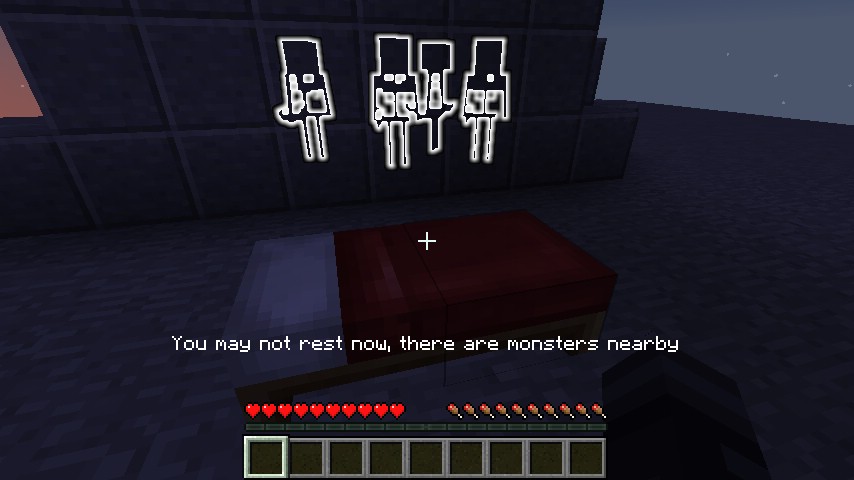
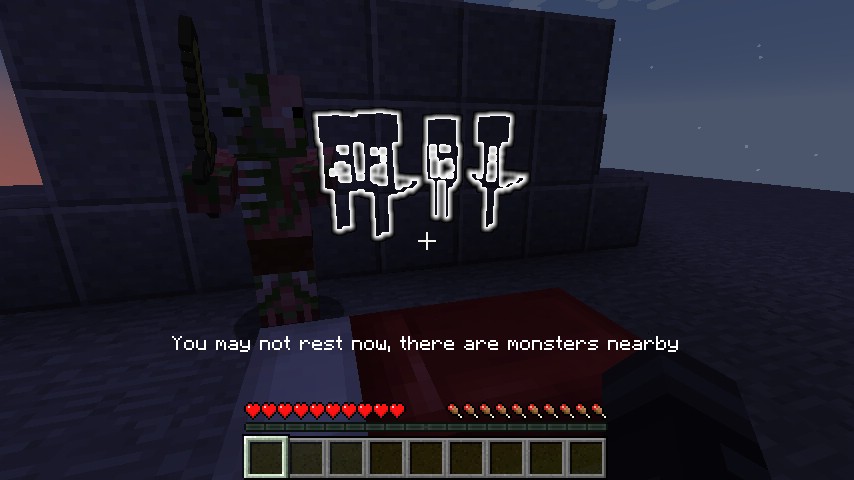
Let Me Sleep Mod adds a possibility to configurate certain properties of sleeping system in the server, like effects after sleep, setting a spawn point etc. A monster is preventing you from sleeping, but you can’t find it? This mod makes it glow. You’re constantly being swarmed by phantoms and are fearing for your life? This mod can disable them. You would like to be healed when waking up after a refilling rest? This mod can do that as well. And that’s still not all, there is much more possible, go check it out.
Screenshots:
Nearby skeletons being highlighted as they prevent the player from sleeping
Mobs that don’t prevent sleeping aren’t highlighted (there’s a zombie pigman standing in the dark)
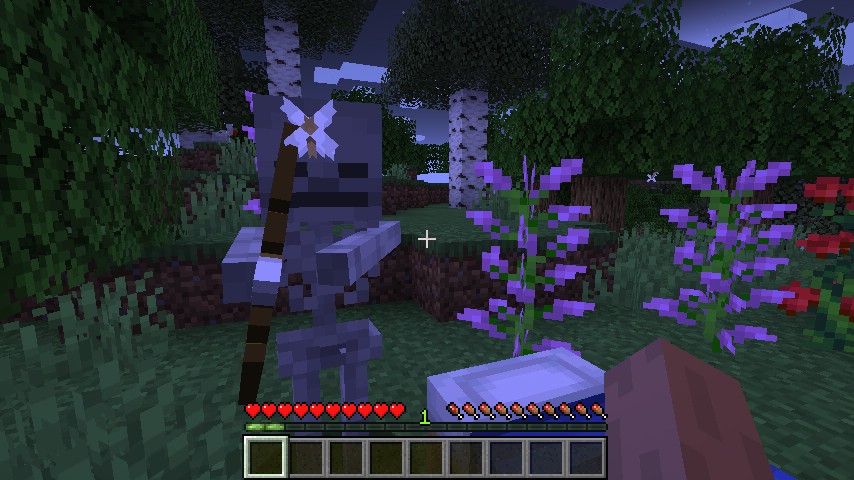
A player trying to sleep in a dark area is surprised by a skeleton
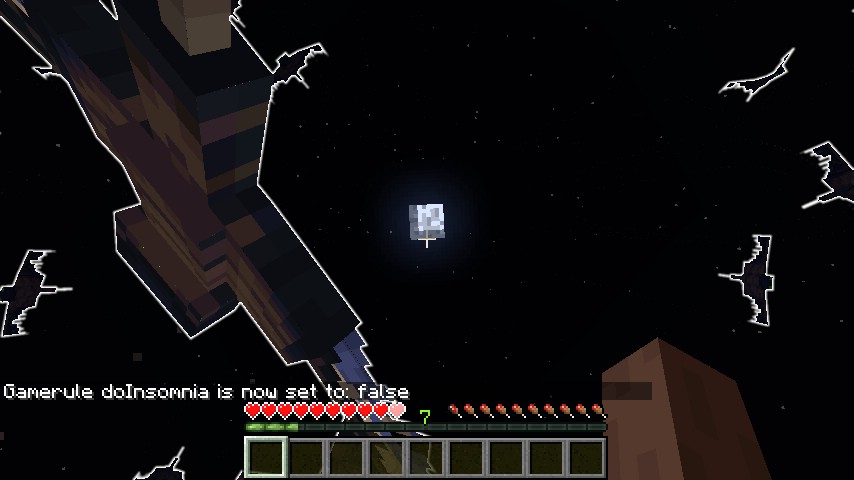
Phantoms swarming the player; this is where the new doInsomnia game rule comes in handy
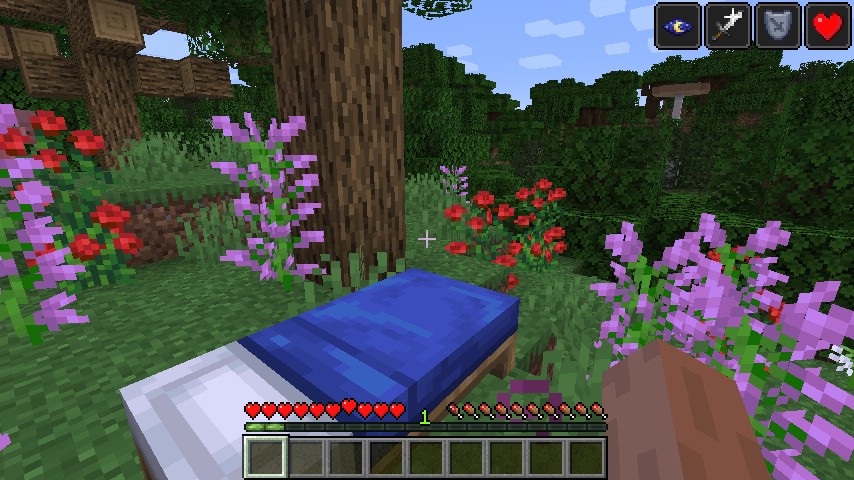
Multiple potion effects being given to the player after waking up
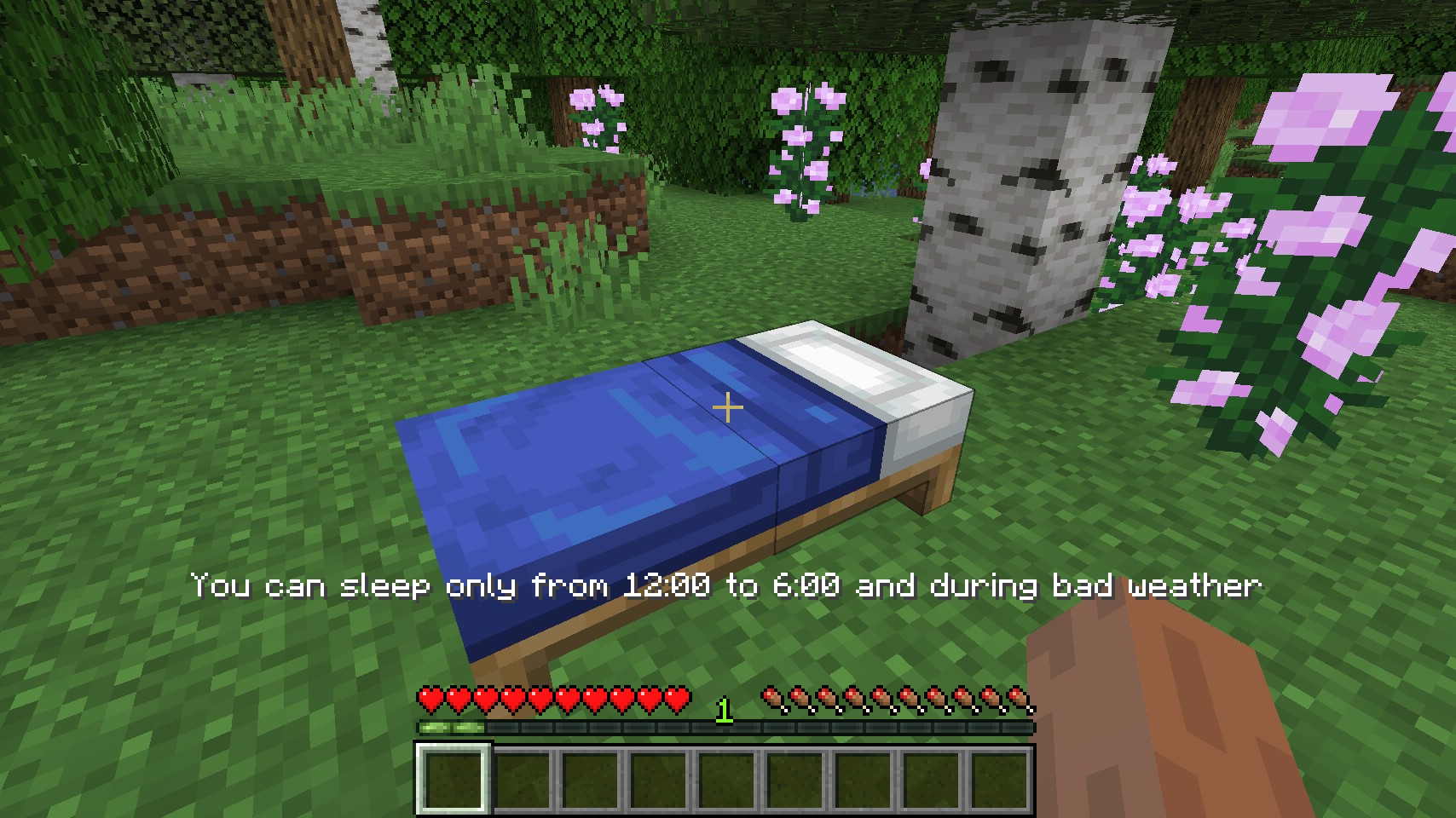
A custom message being shown when sleeping is not possible
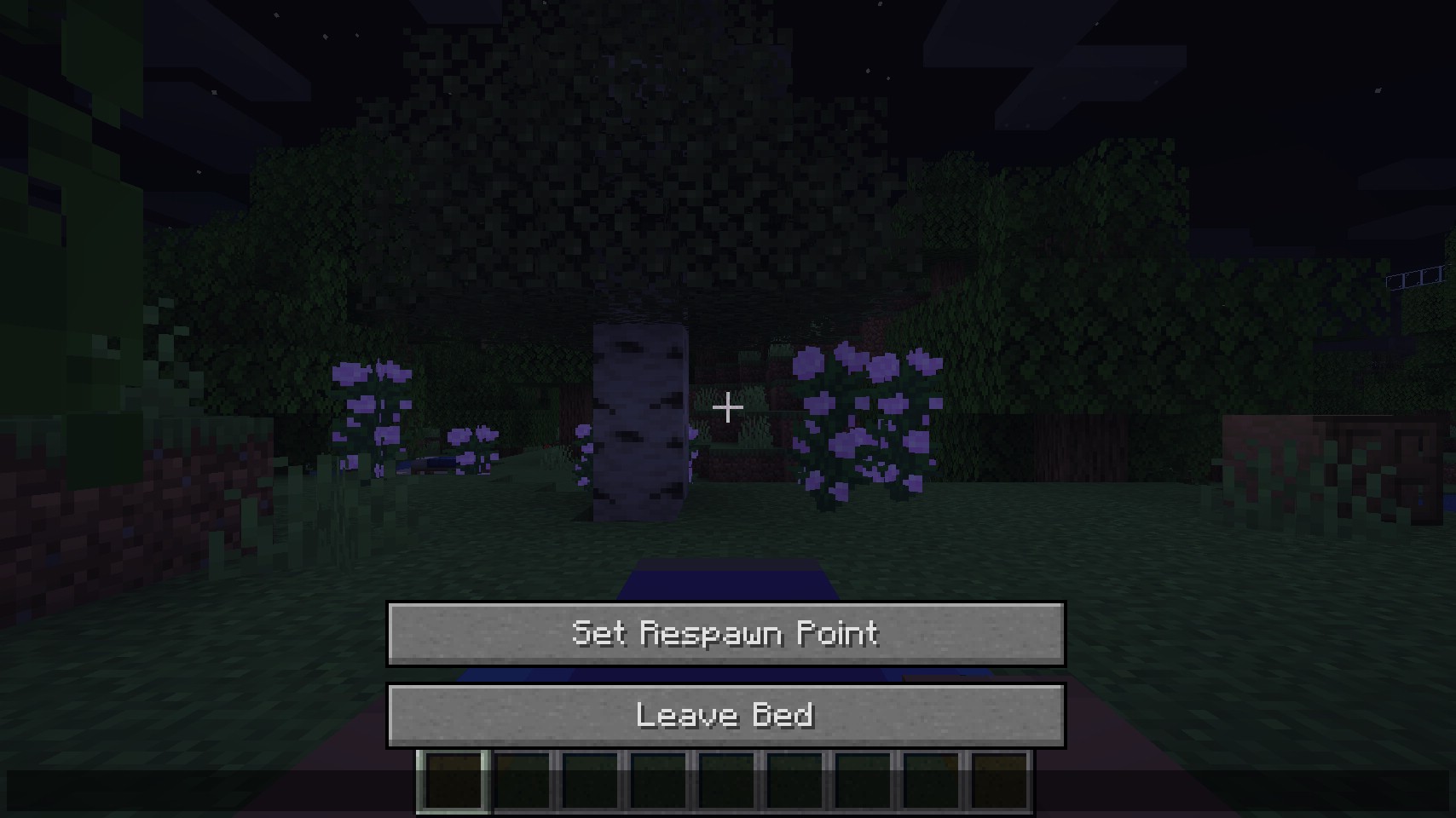
One of the options for setting the player respawn point at a bed
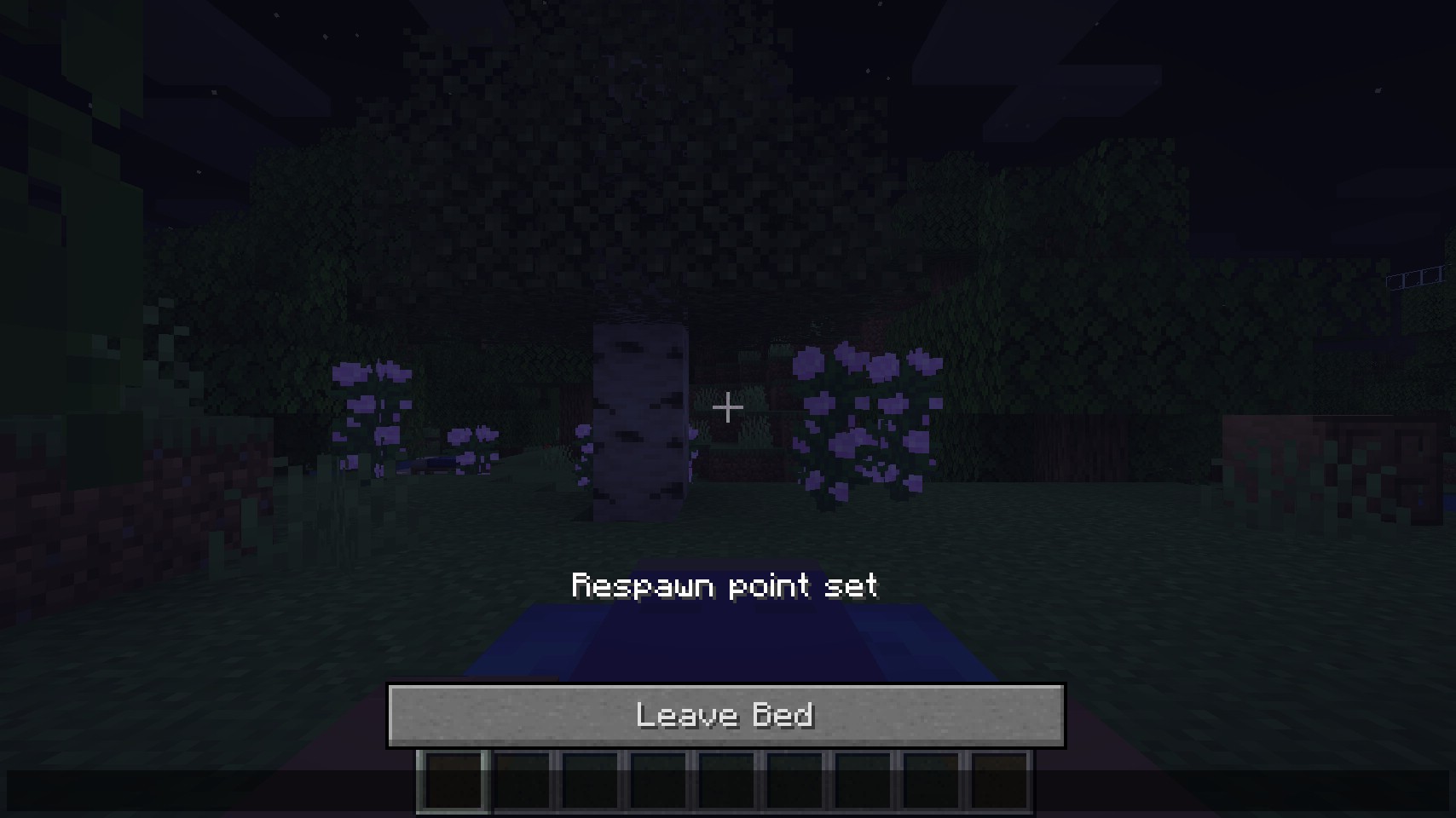
Status message after successfully setting the player respawn point
Let Me Sleep Mod Download Links
- Edition: Minecraft Java
- File type: .jar
- Minecraft version listed: 1.21.11
- How to install: Install the matching mod loader (Forge, Fabric or NeoForge) for your Minecraft version. → Download the .jar. → Put it in the .minecraft/mods folder and launch that loader profile.
- Where to get it: In MC Java Mods, or directly above on this page.
Install steps are the general flow for this file type — How to install Minecraft Java mods & modpacks walks through it step by step.
- Downloads as 25494.mcaddon
- Download size: 71 KB
- Download link checked 25 Sept 2026 — working
- Mirrored on our own servers — the download does not depend on the original host
These come from our own check of the pack file, not from the source page.