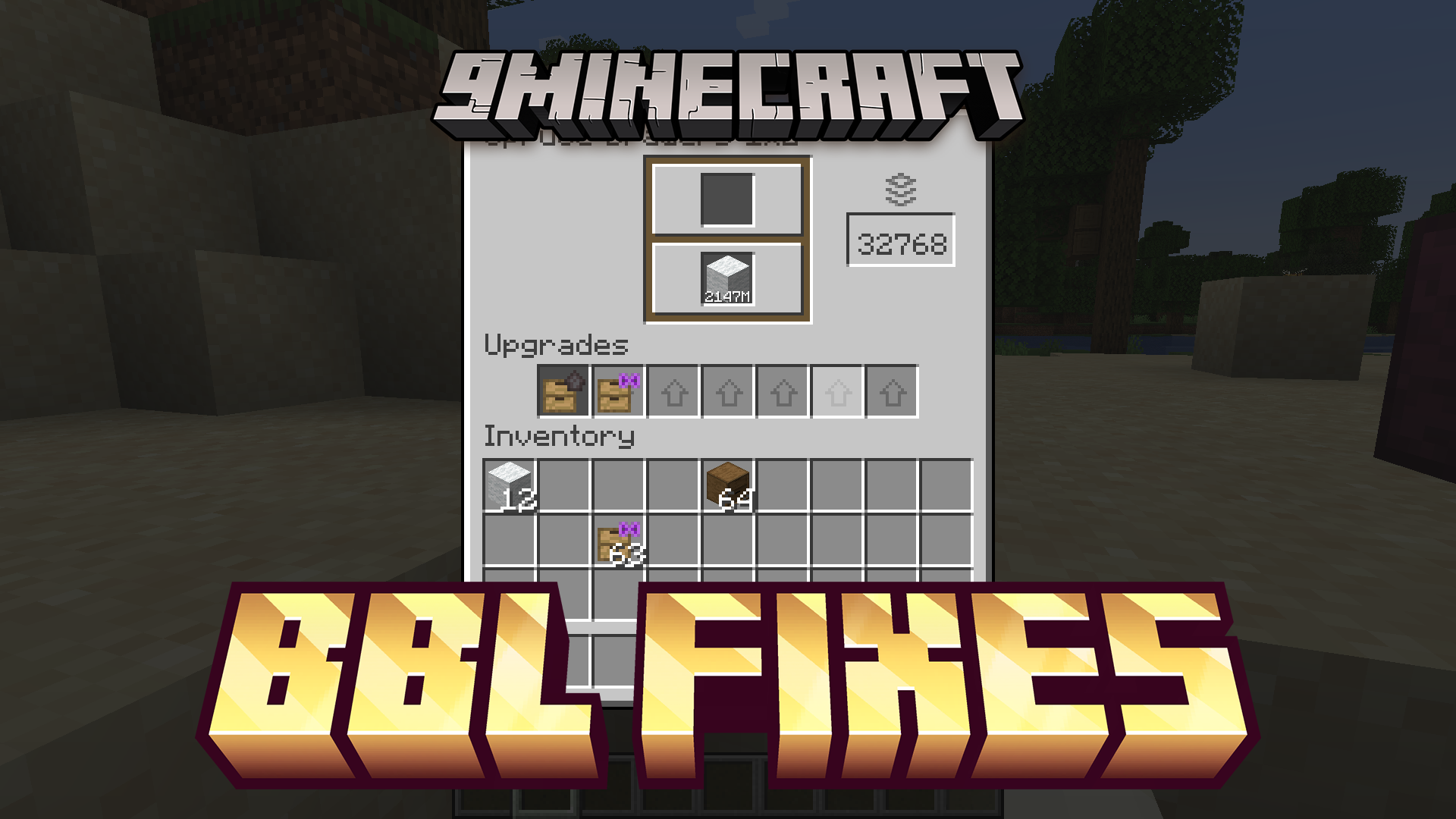
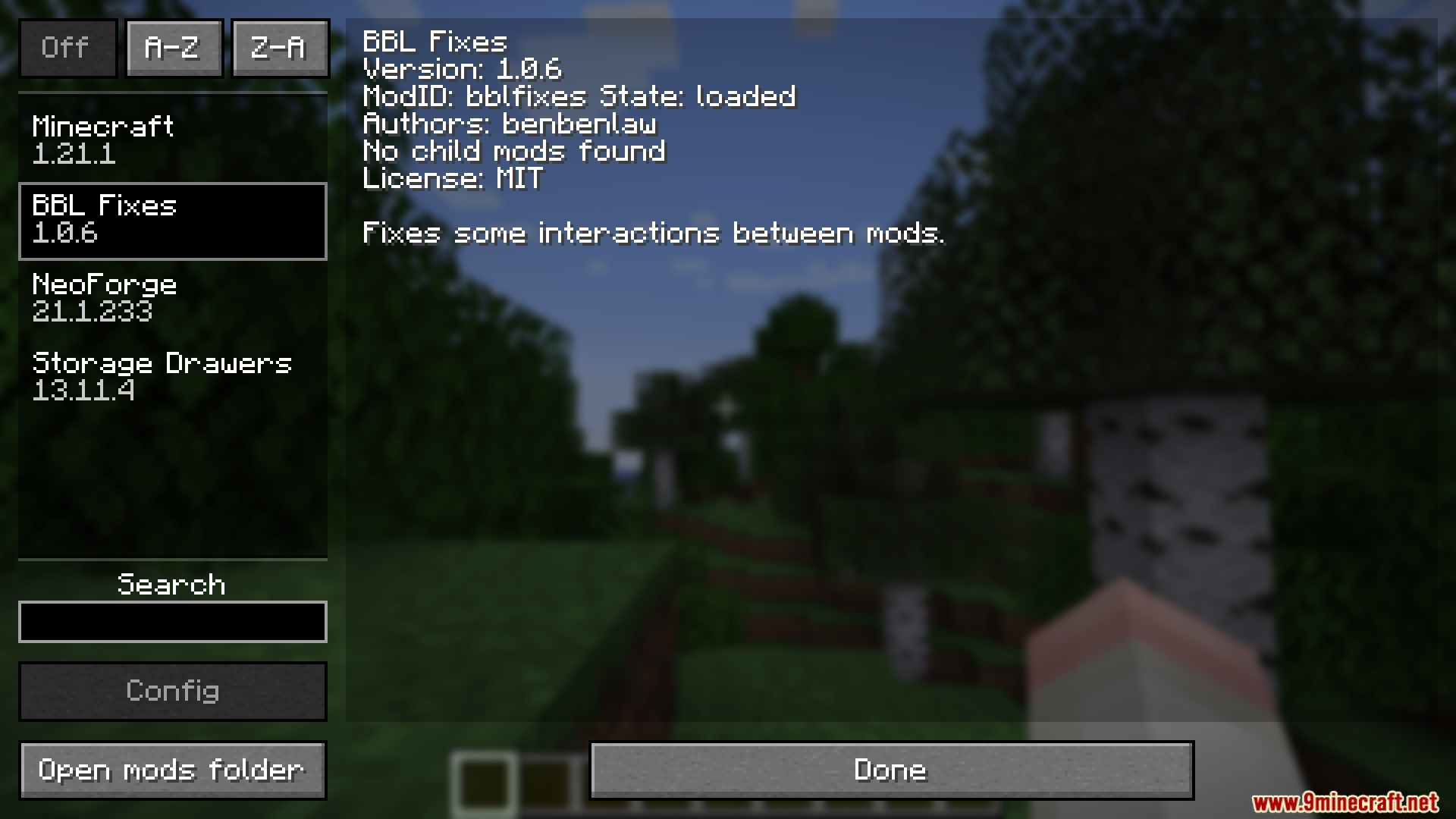
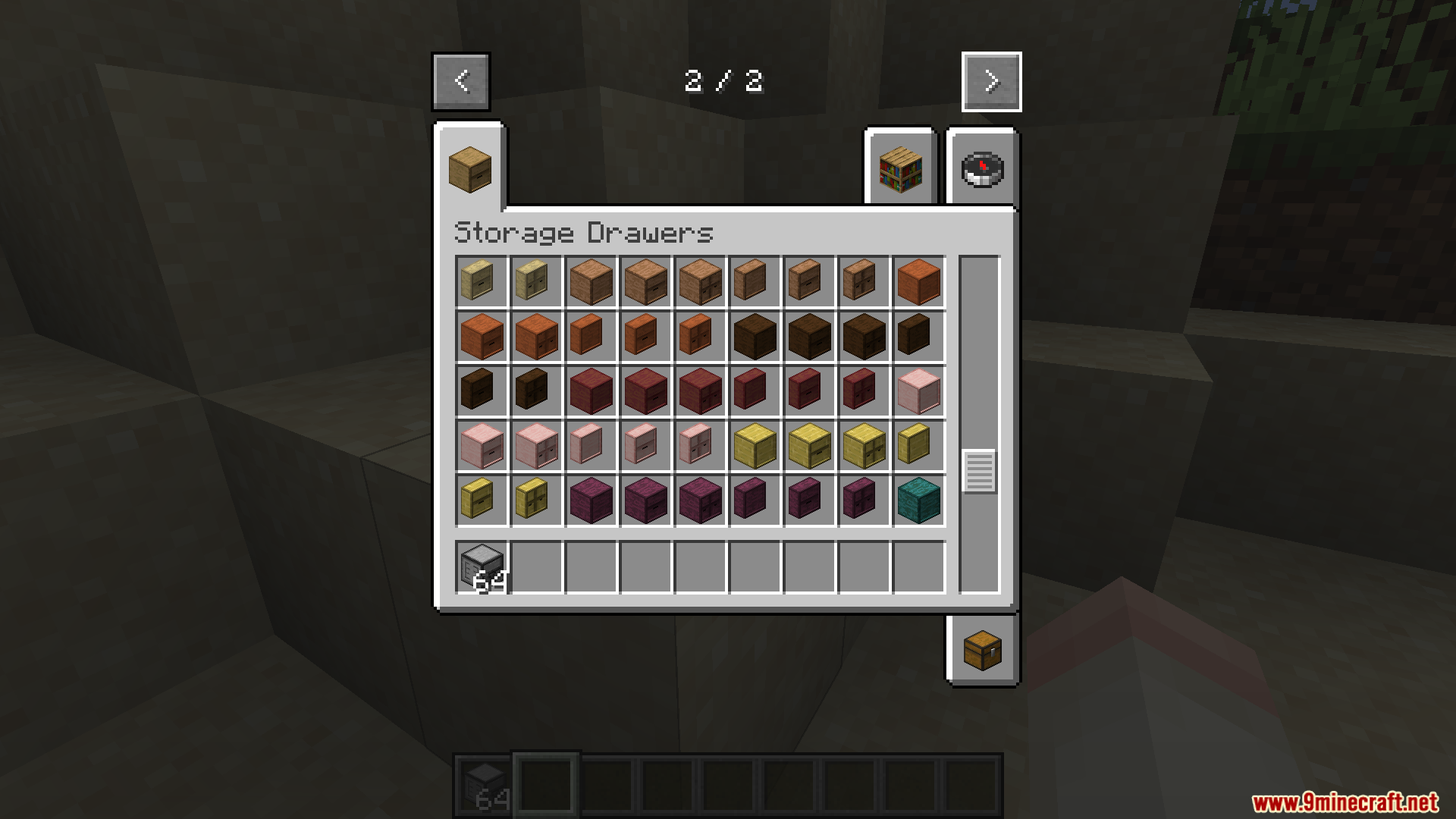
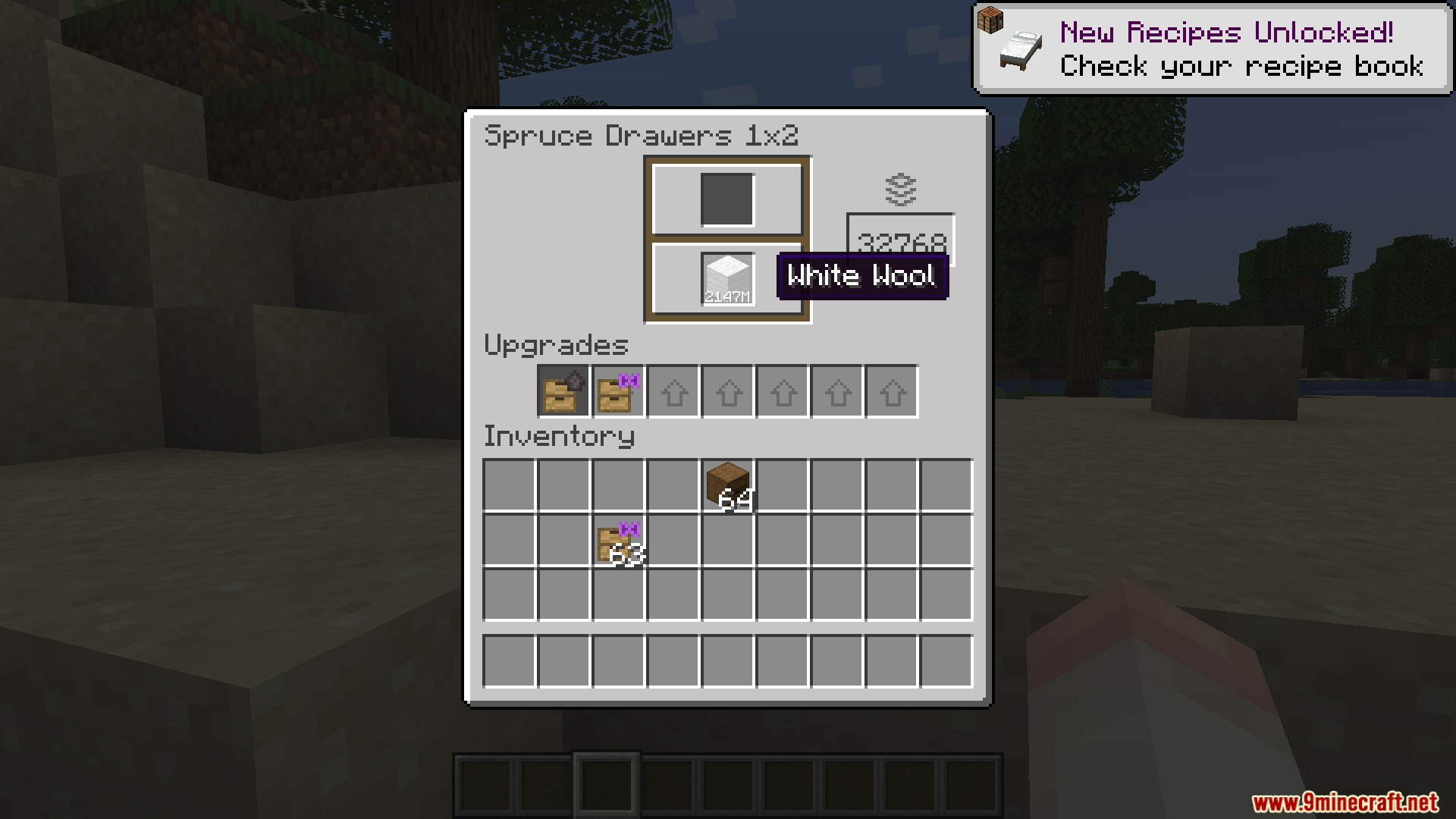
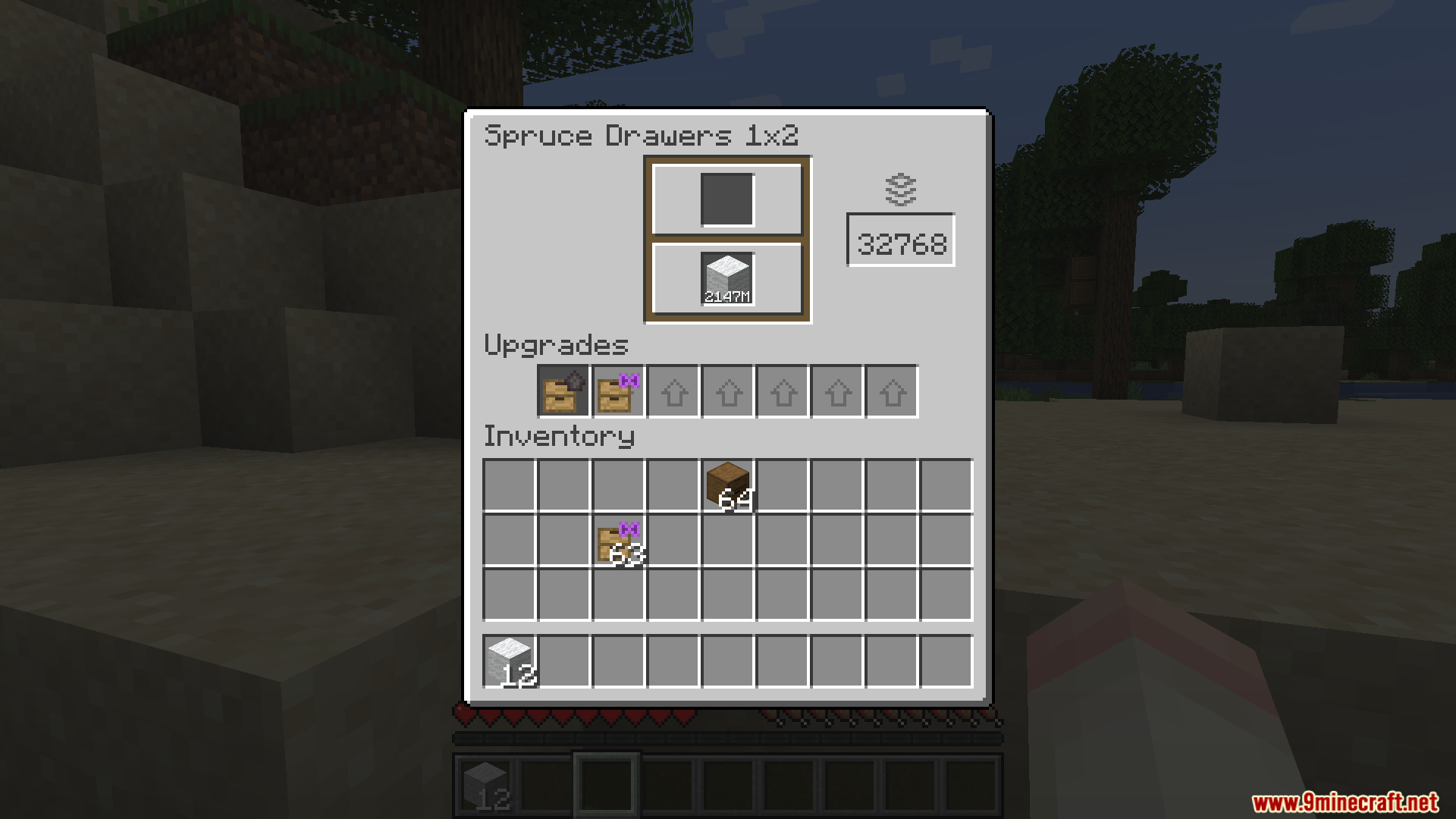
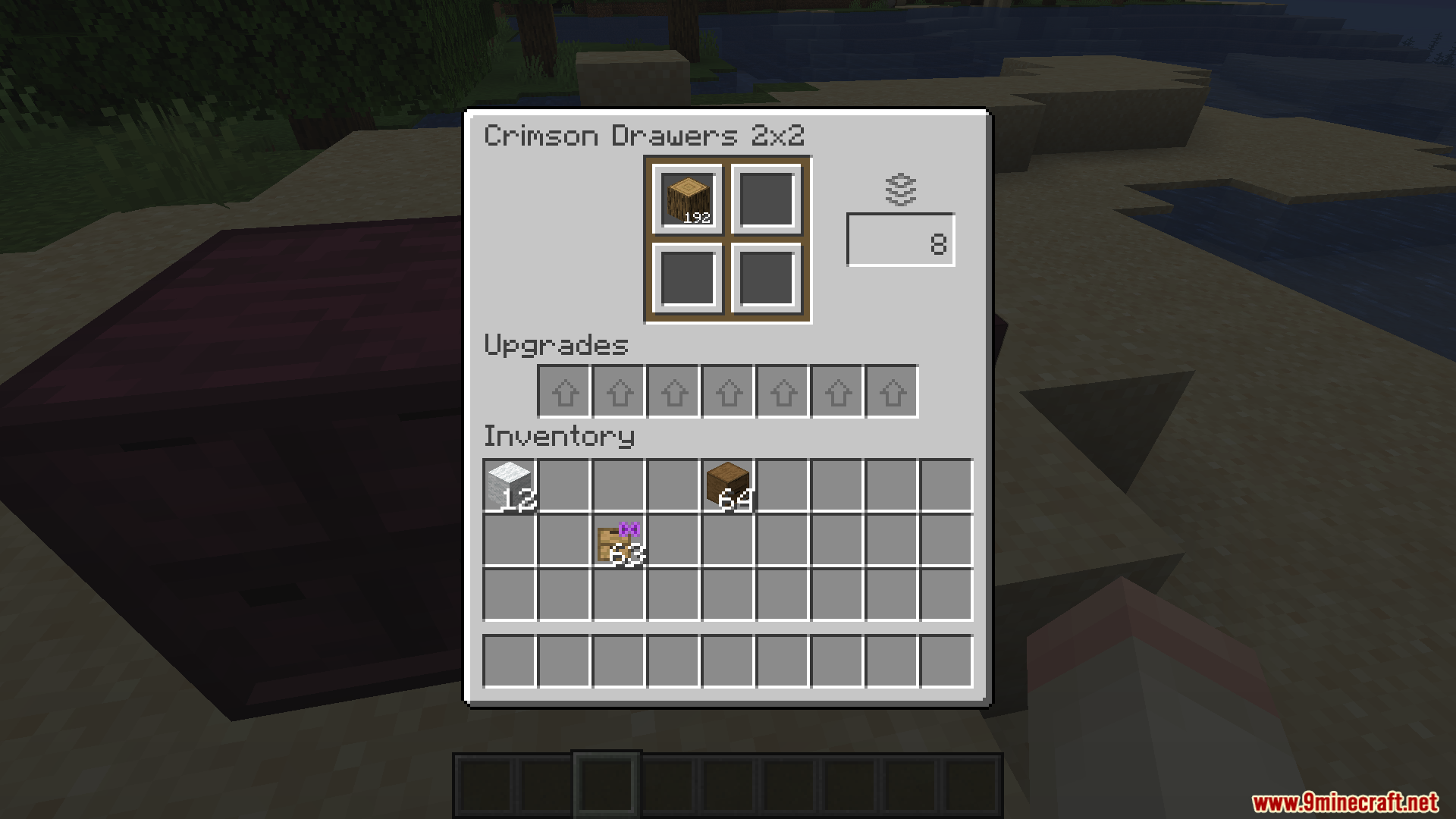
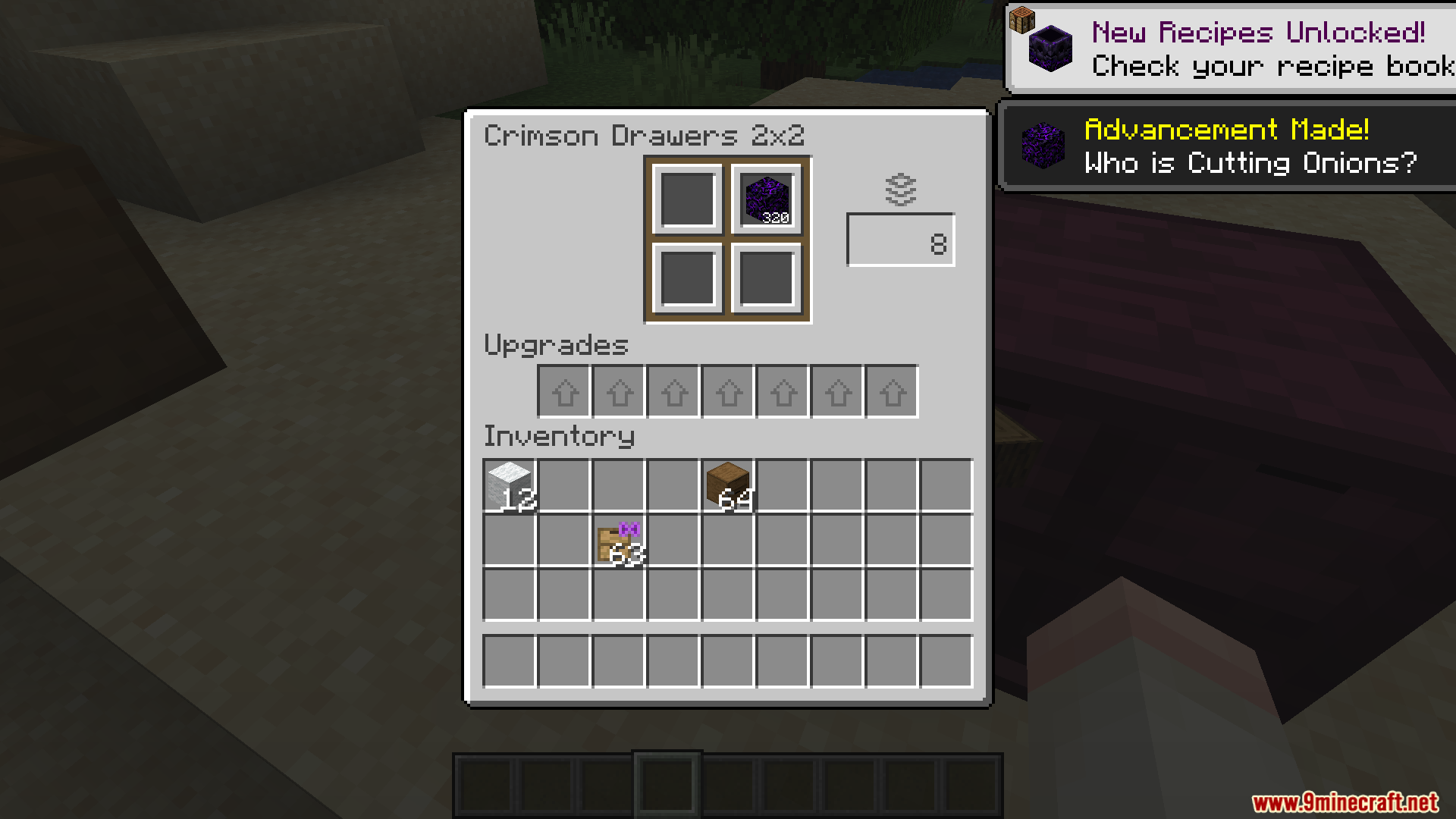
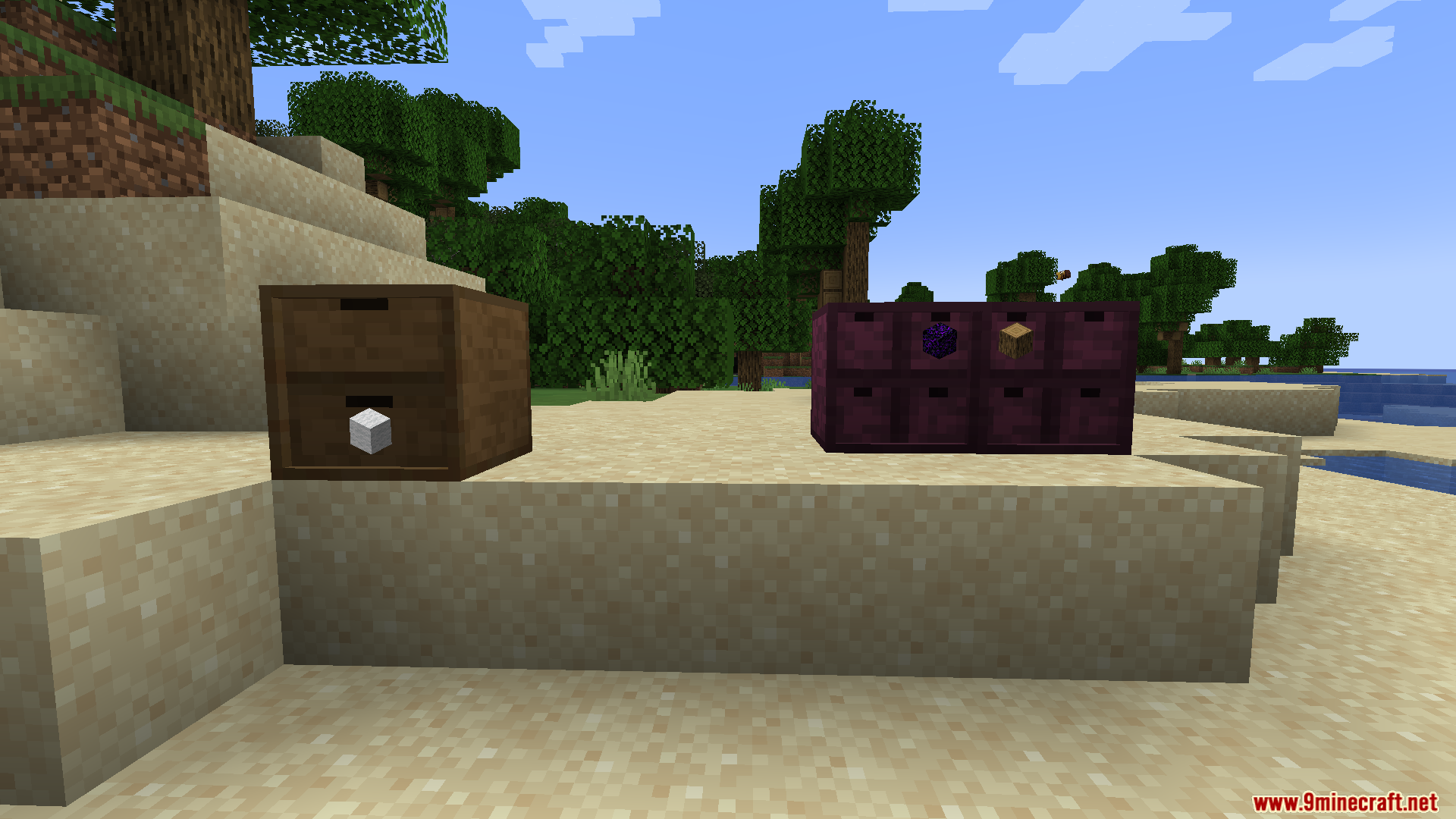
BBL Fixes Mod patches annoying bugs and broken interactions between different mods in your game. It helps your modpacks run better by stopping weird glitches from happening. You get full control over which fixes are active through a simple settings menu. Right now, it solves a specific problem with item storage blocks, and it grows to cover more issues over time.
Features:
- Patches bugs that happen when two different mods do not work well together.
- Lets you turn specific fixes on or off so you only use what your modpack needs.
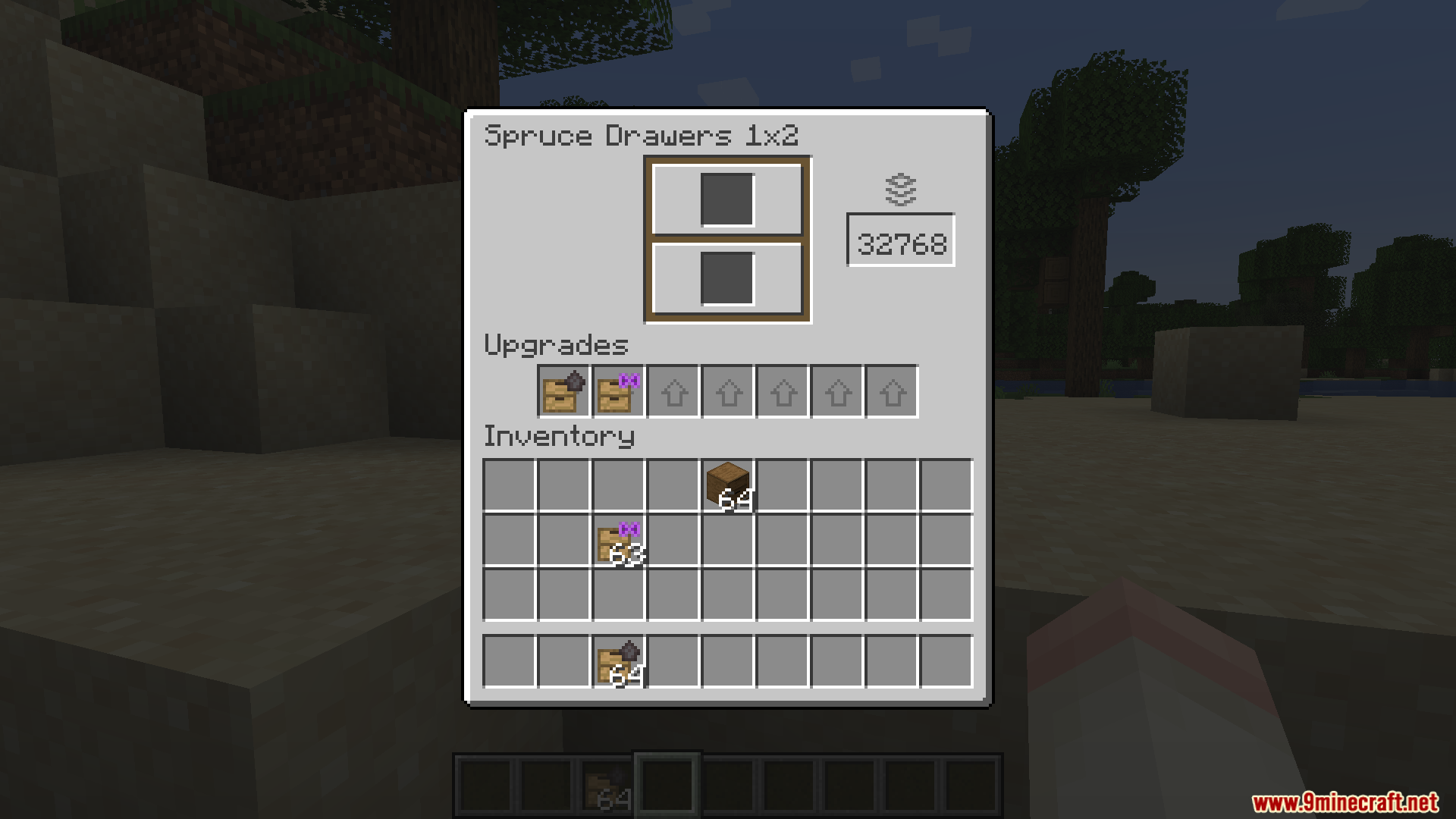
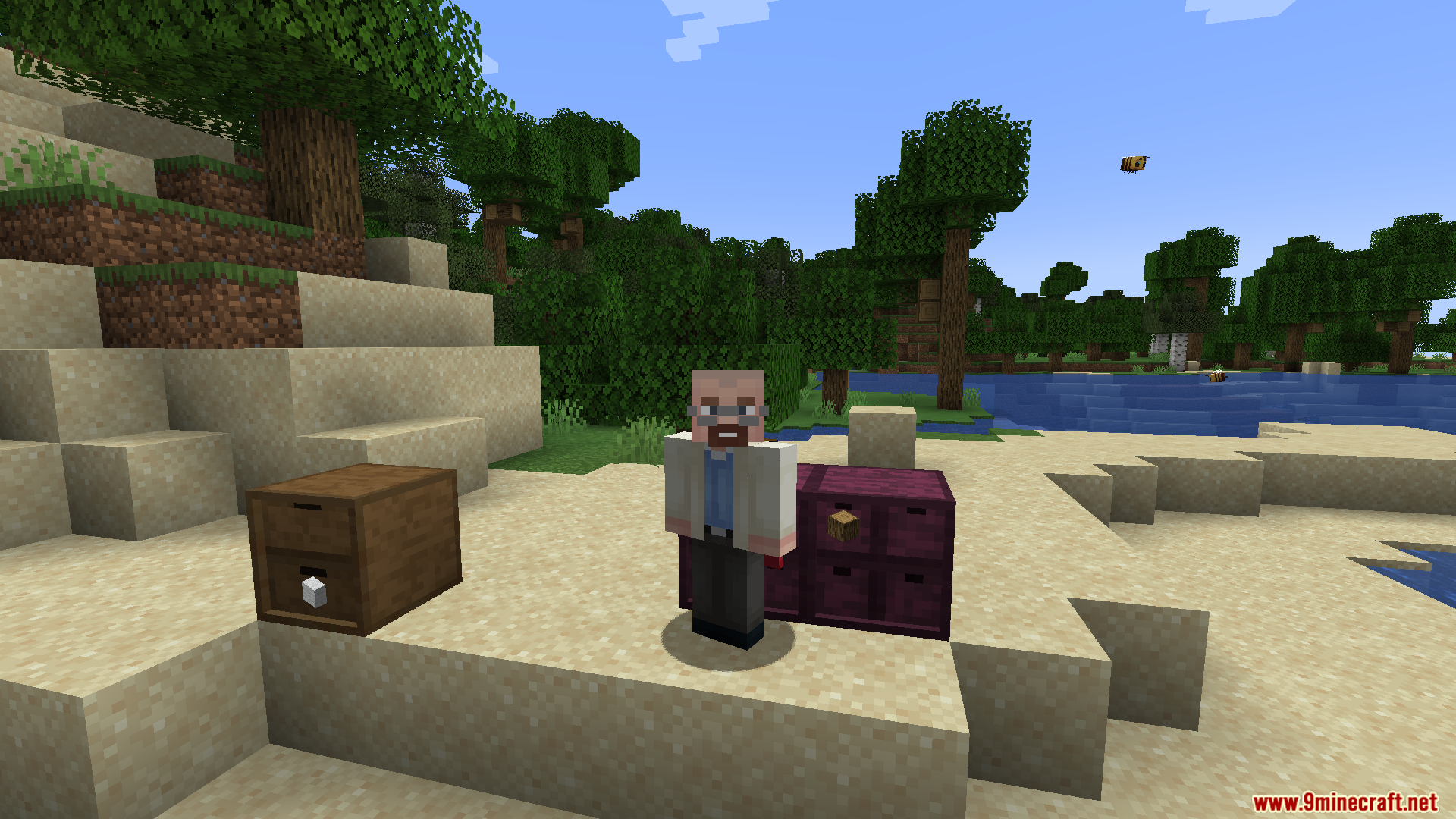
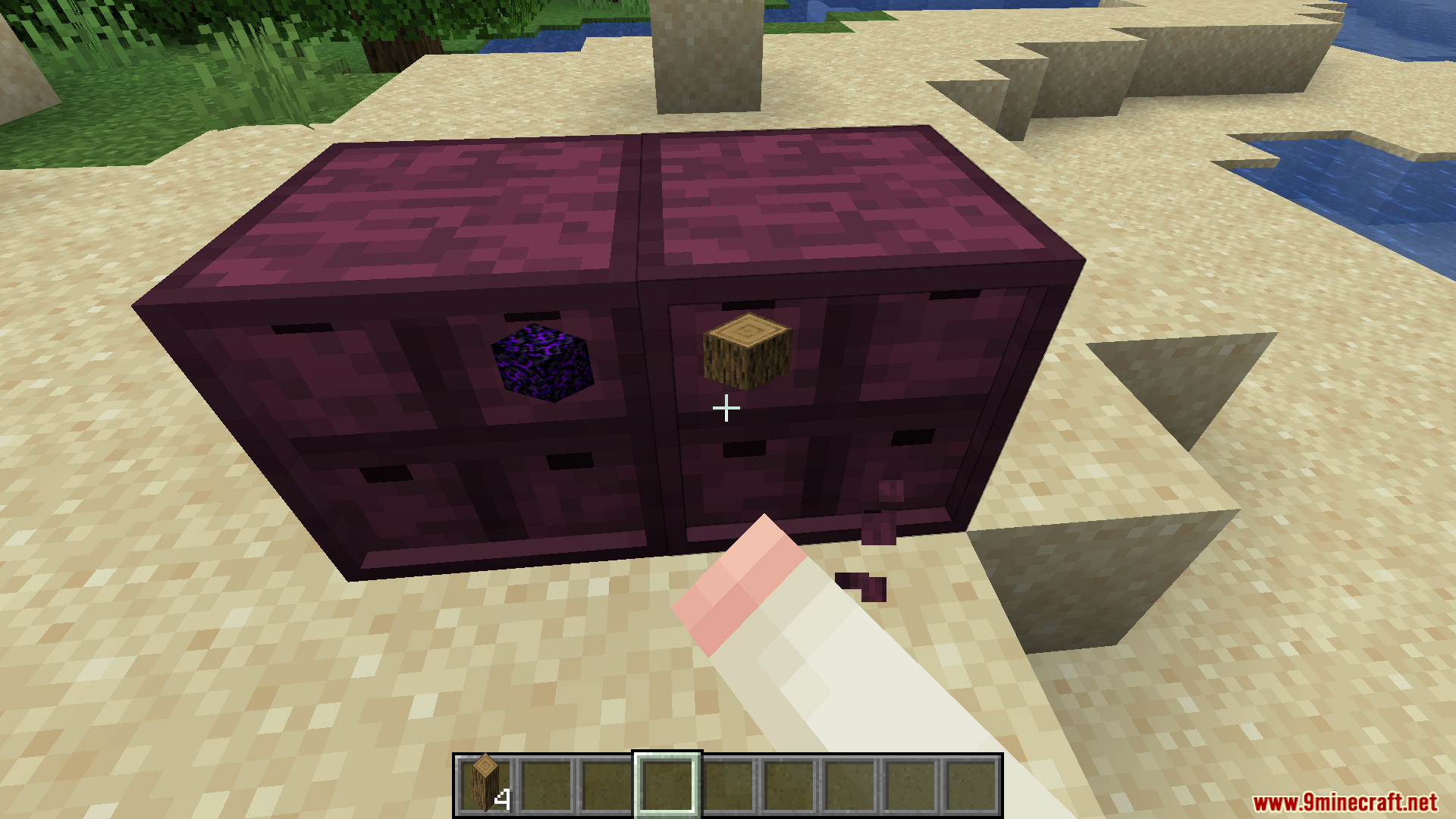
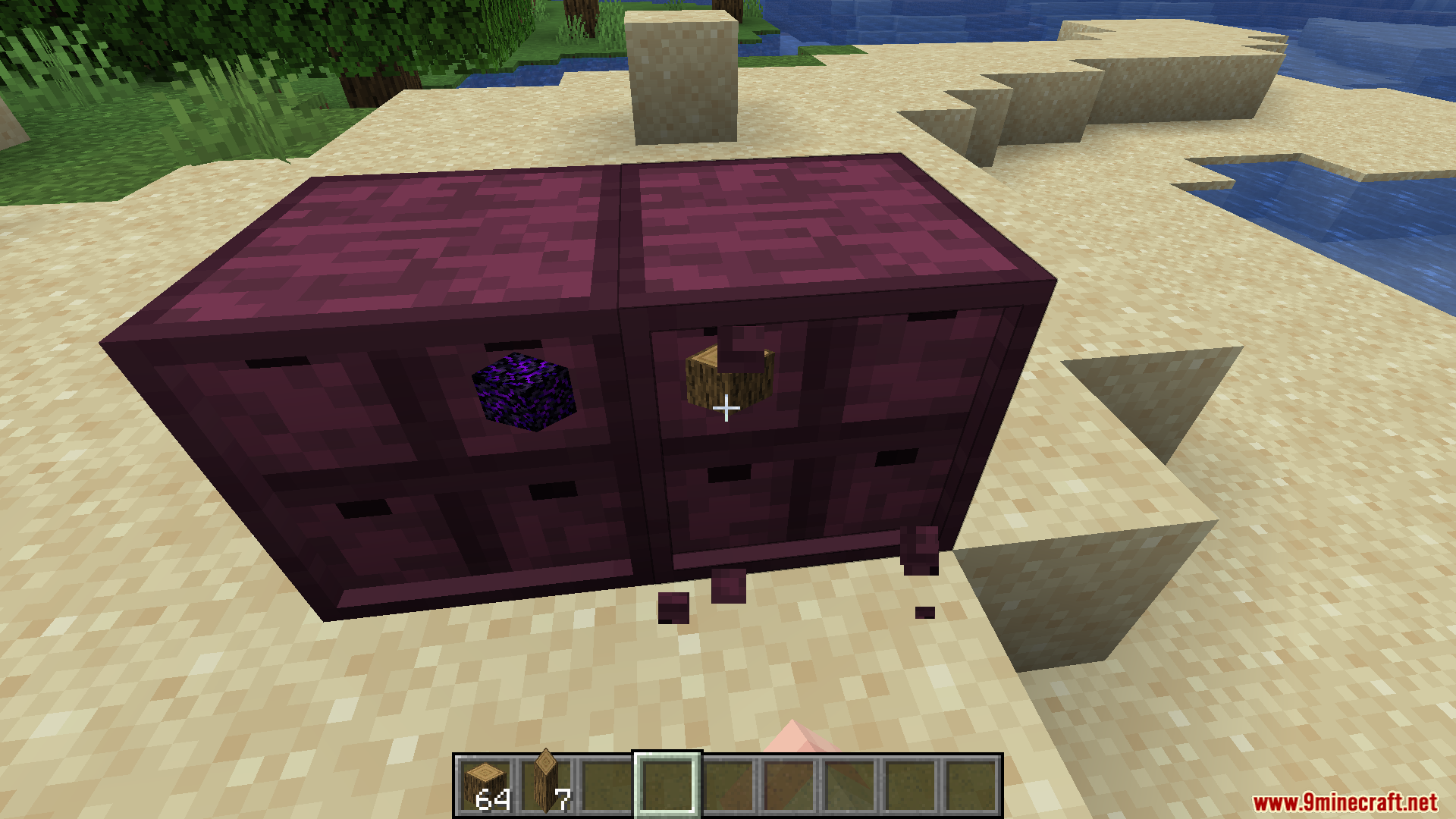
- Fixes a specific bug with Storage Drawers where inserting more than 99 items at once causes problems.
- Grows over time to include more patches for popular modpacks.
How to Use:
- Open your game files and find the config folder.
- Look for the configuration file for this mod.
- Change the settings to turn on the exact fixes you want to use.
- Restart your game to apply the changes to your world.
Screenshots:
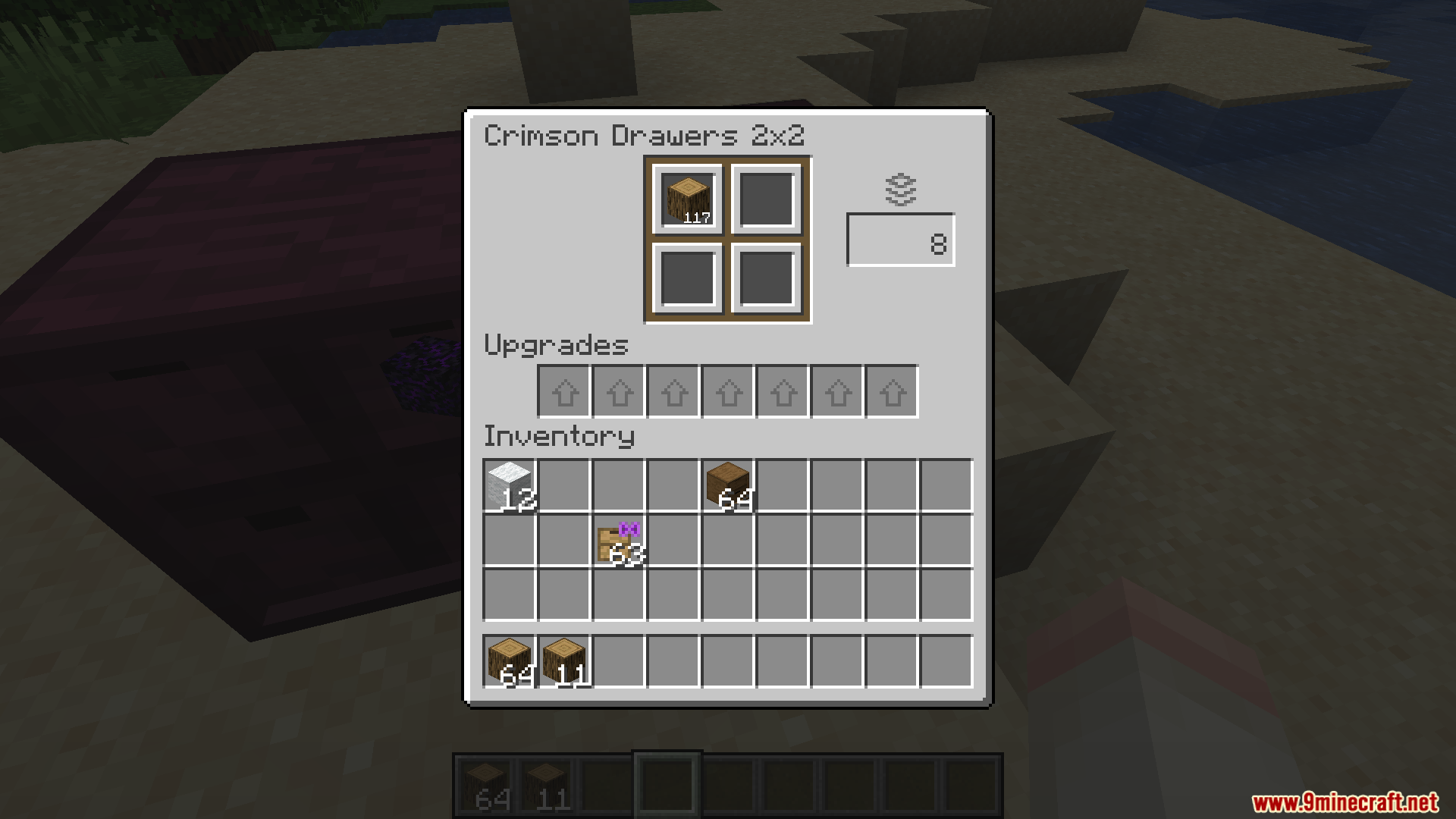
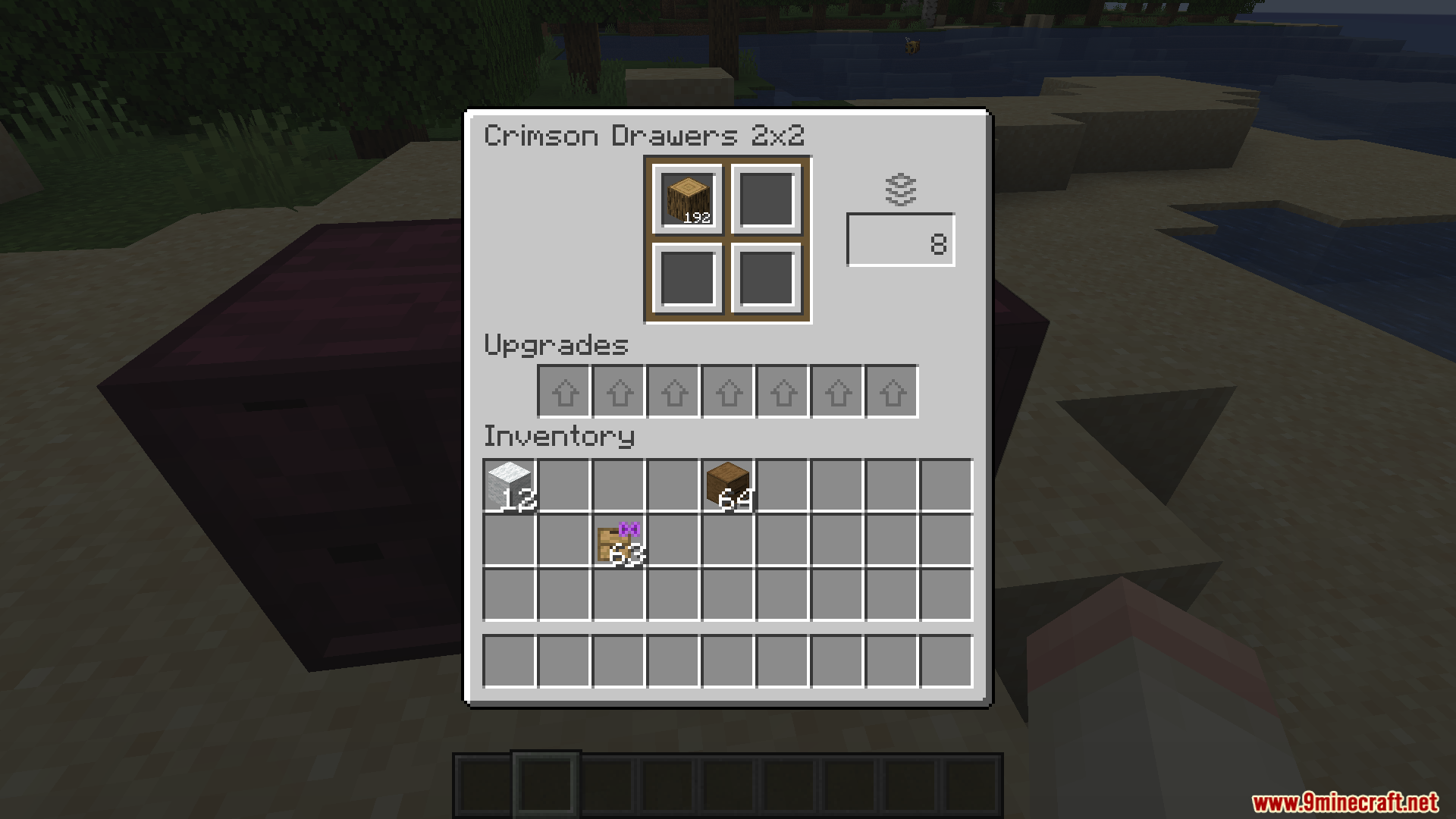
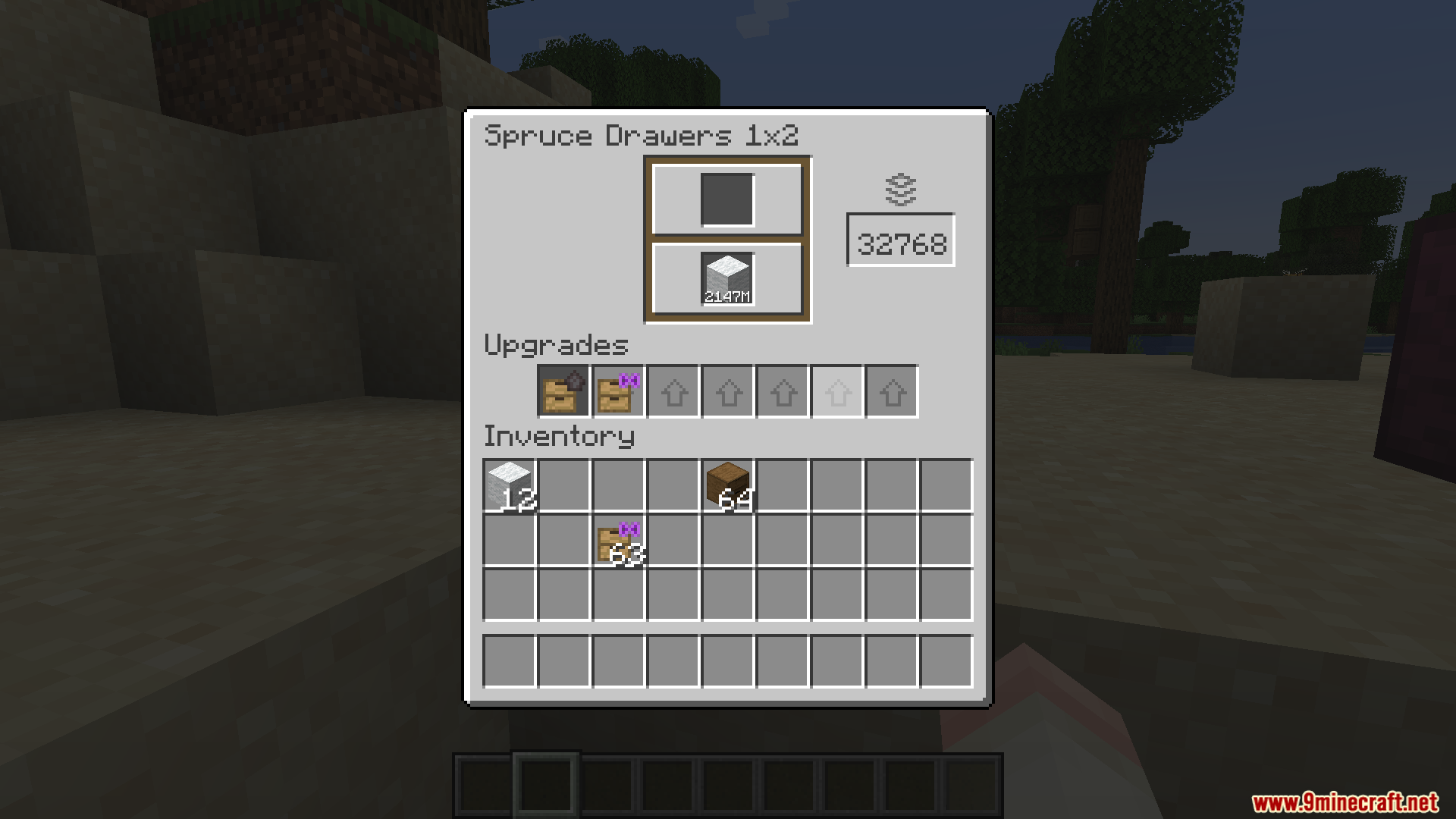
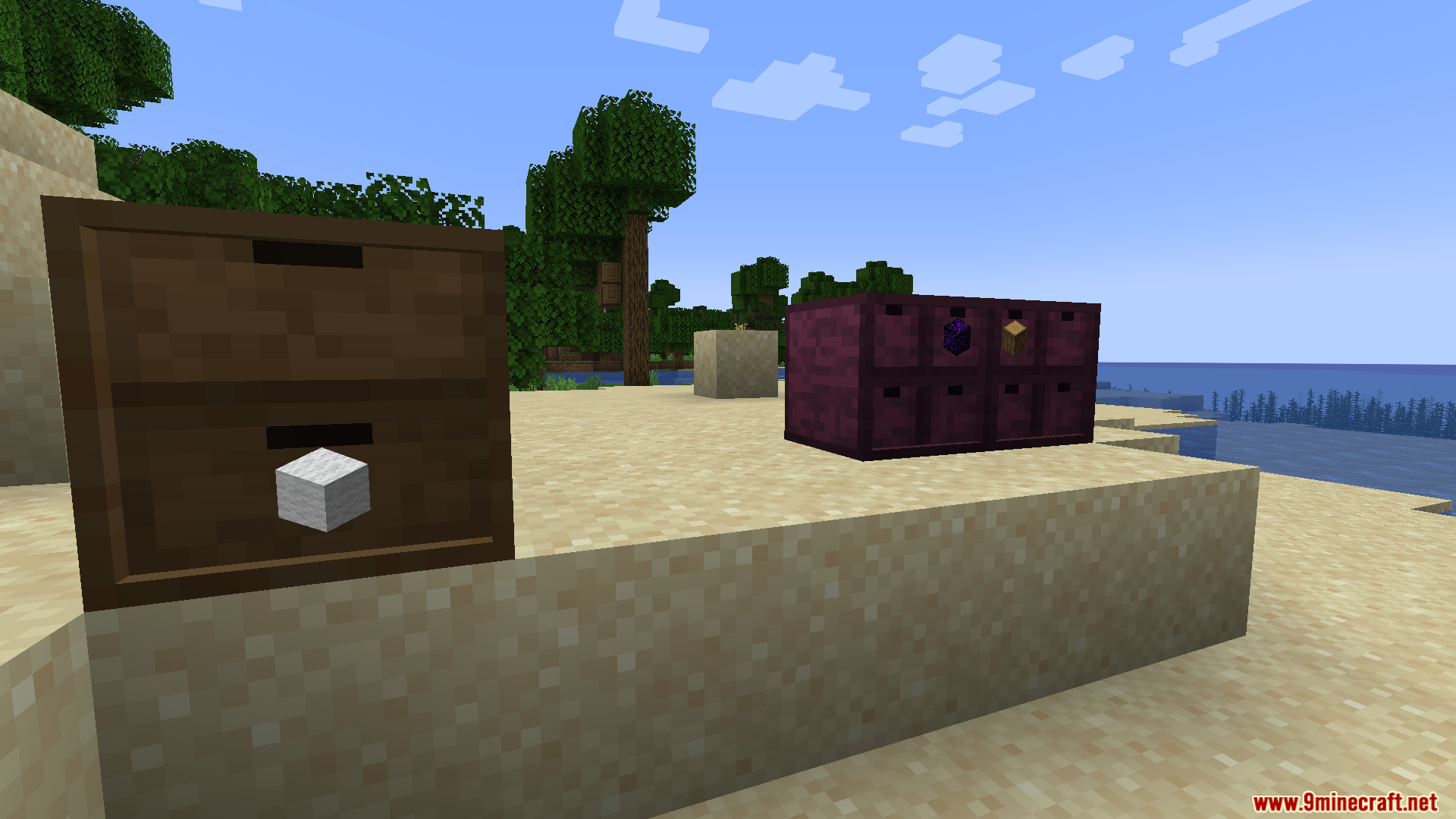
BBL Fixes Mod Download Links
Quick facts
- Edition: Minecraft Java
- File type: .jar
- Minecraft version listed: 1.21.1
- How to install: Install the matching mod loader (Forge, Fabric or NeoForge) for your Minecraft version. → Download the .jar. → Put it in the .minecraft/mods folder and launch that loader profile.
- Where to get it: In MC Java Mods, or directly above on this page.
Install steps are the general flow for this file type — How to install Minecraft Java mods & modpacks walks through it step by step.
Verified by MCModsHub
- Downloads as 25499.mcaddon
- Download size: 14 KB
- Download link checked 25 Sept 2026 — working
- Mirrored on our own servers — the download does not depend on the original host
These come from our own check of the pack file, not from the source page.