ModsJava
HMI Pose Editor Mod (1.21.11) – Change How Your Character Holds Any Item
Java mod listed for Minecraft 1.21. File opened and checked on 24 Oct 2026; downloads from the MC Java Mods app on Android.
⬇ Download
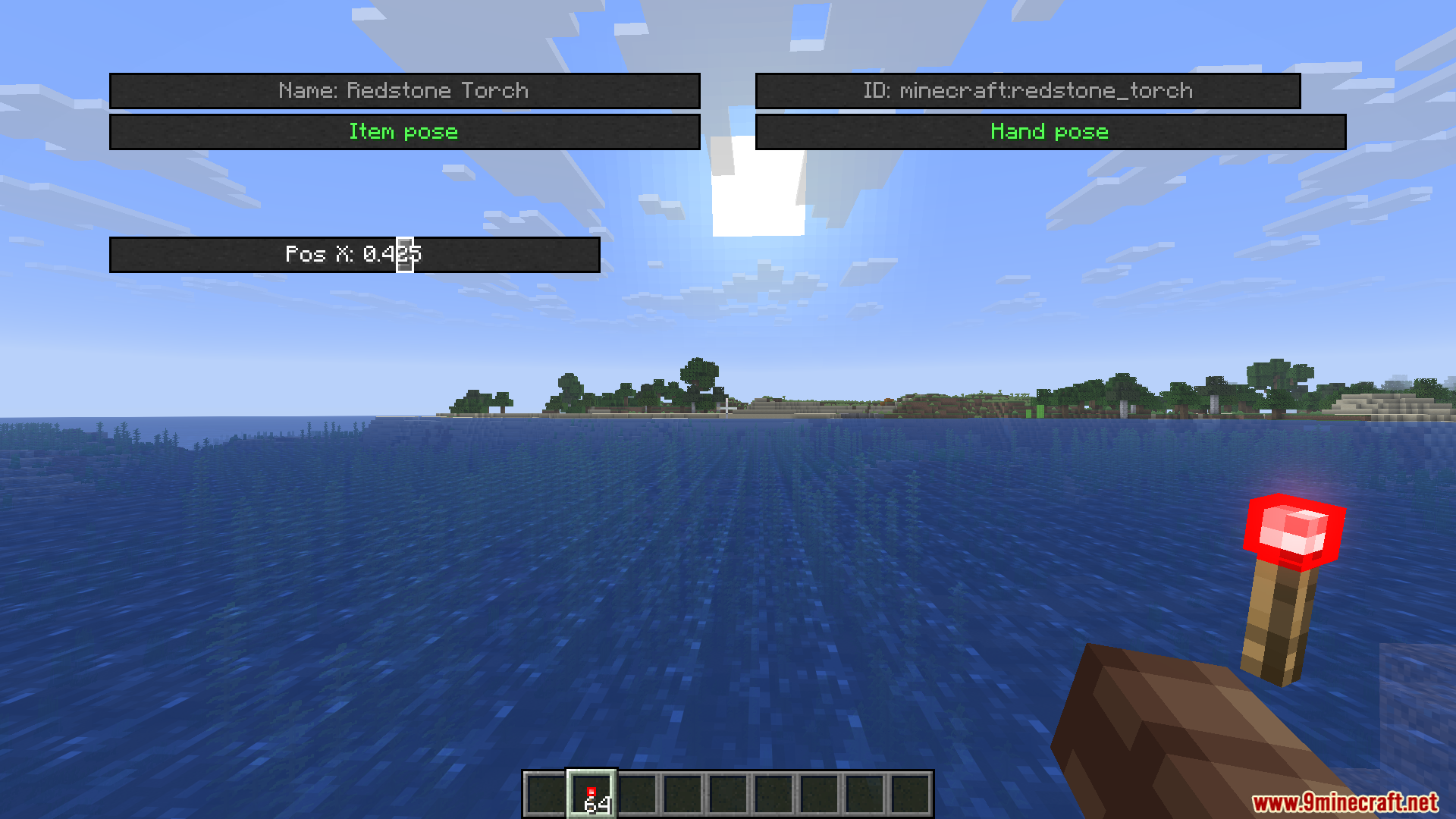
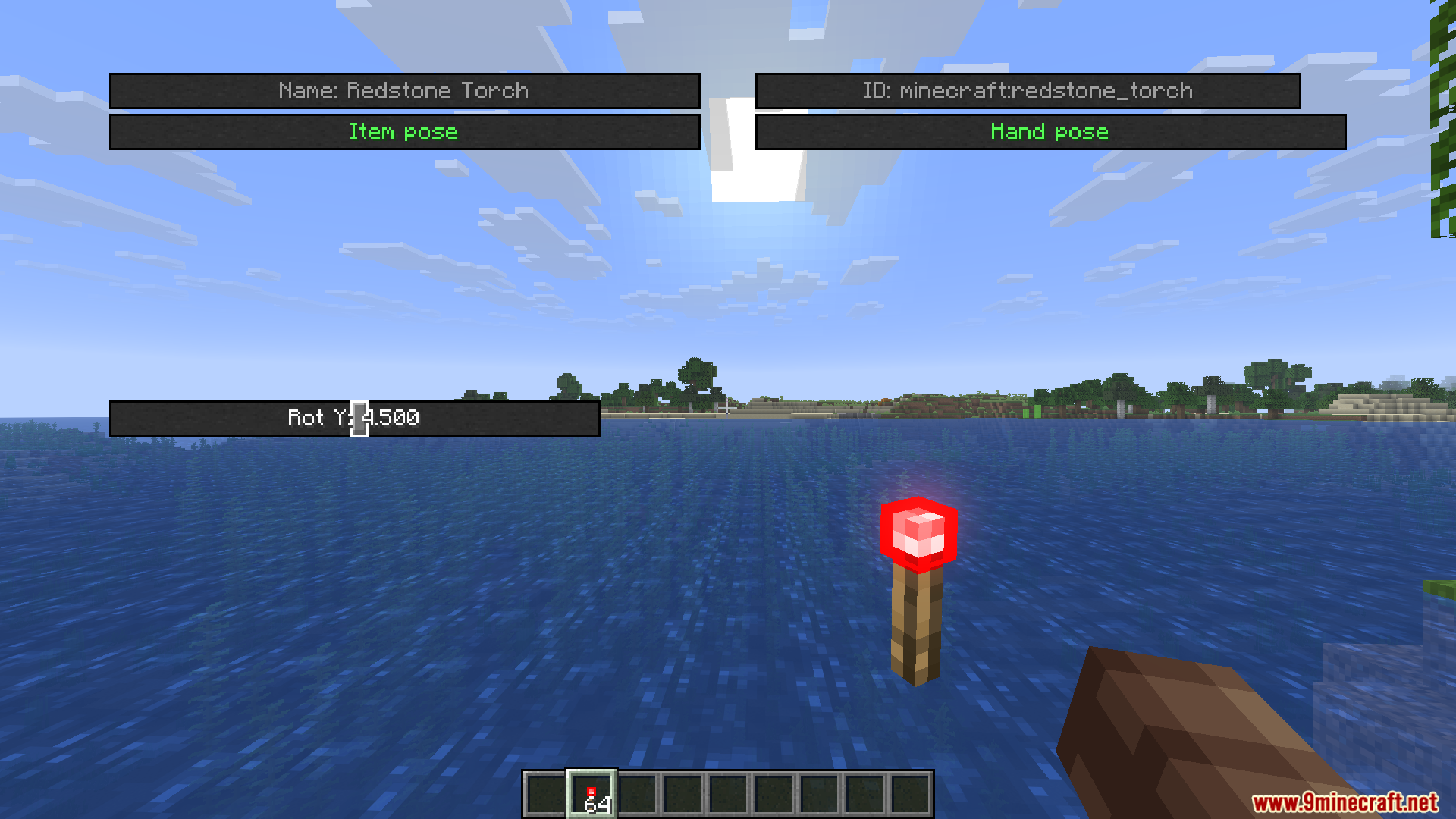
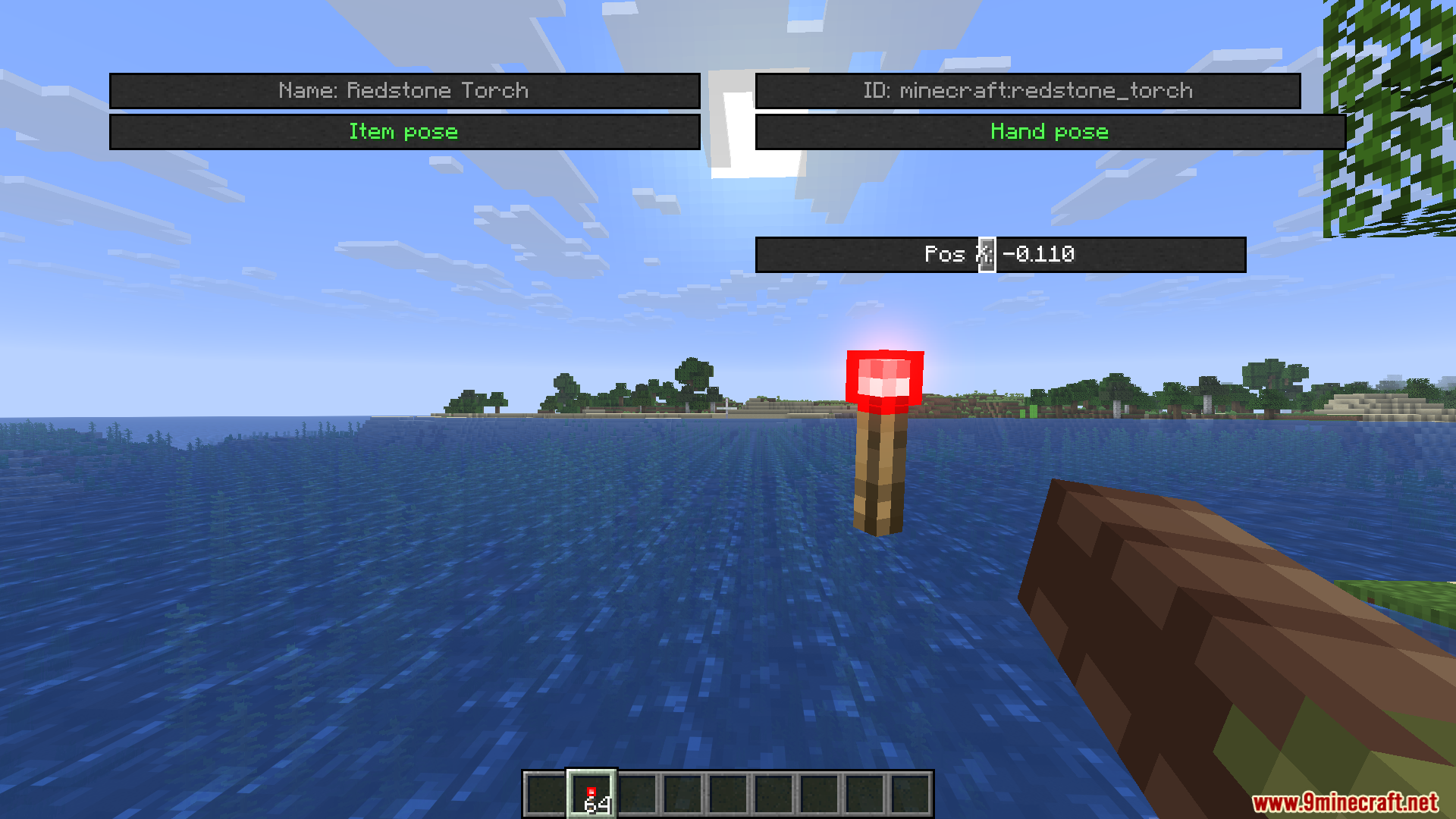
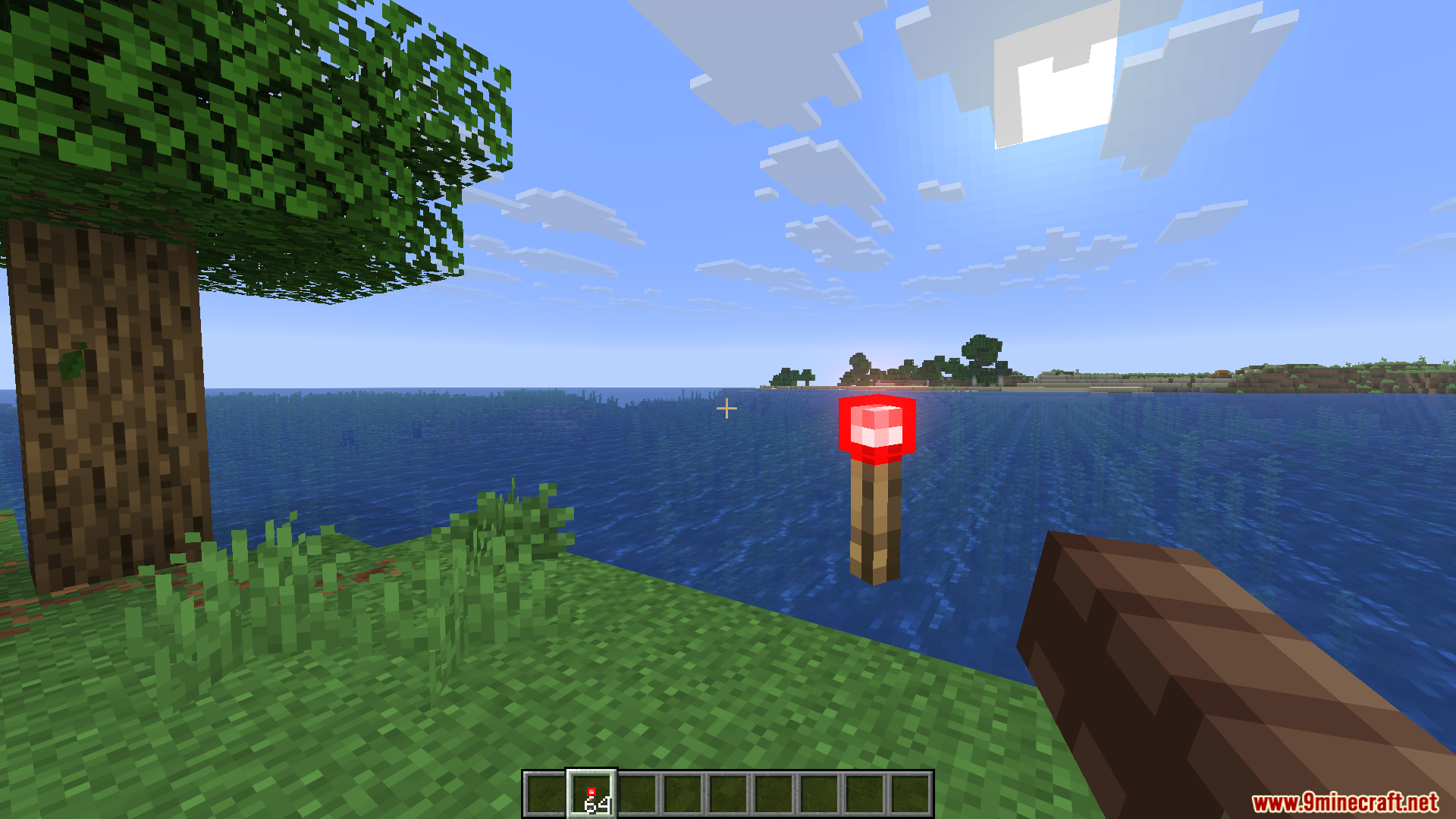
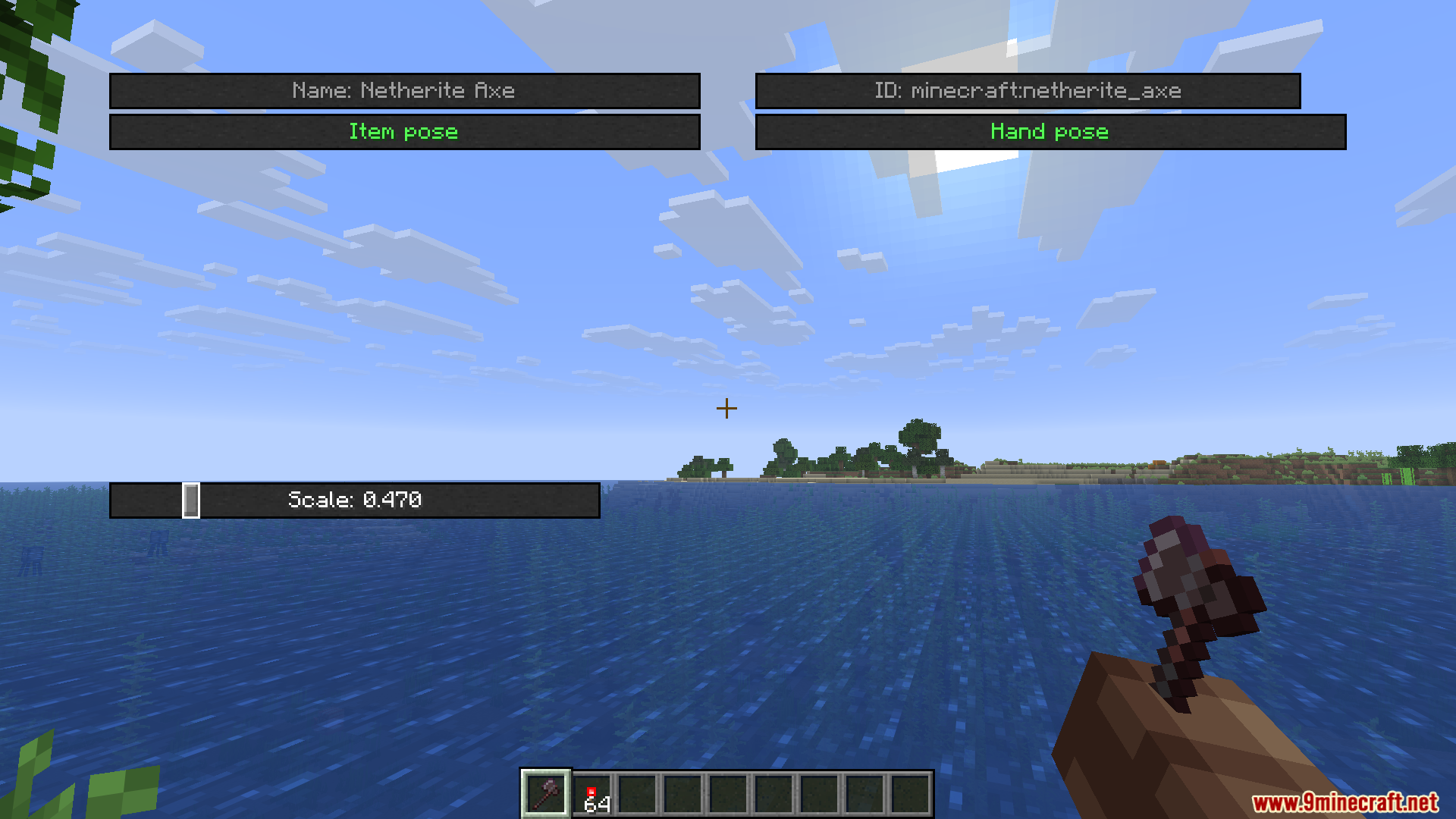
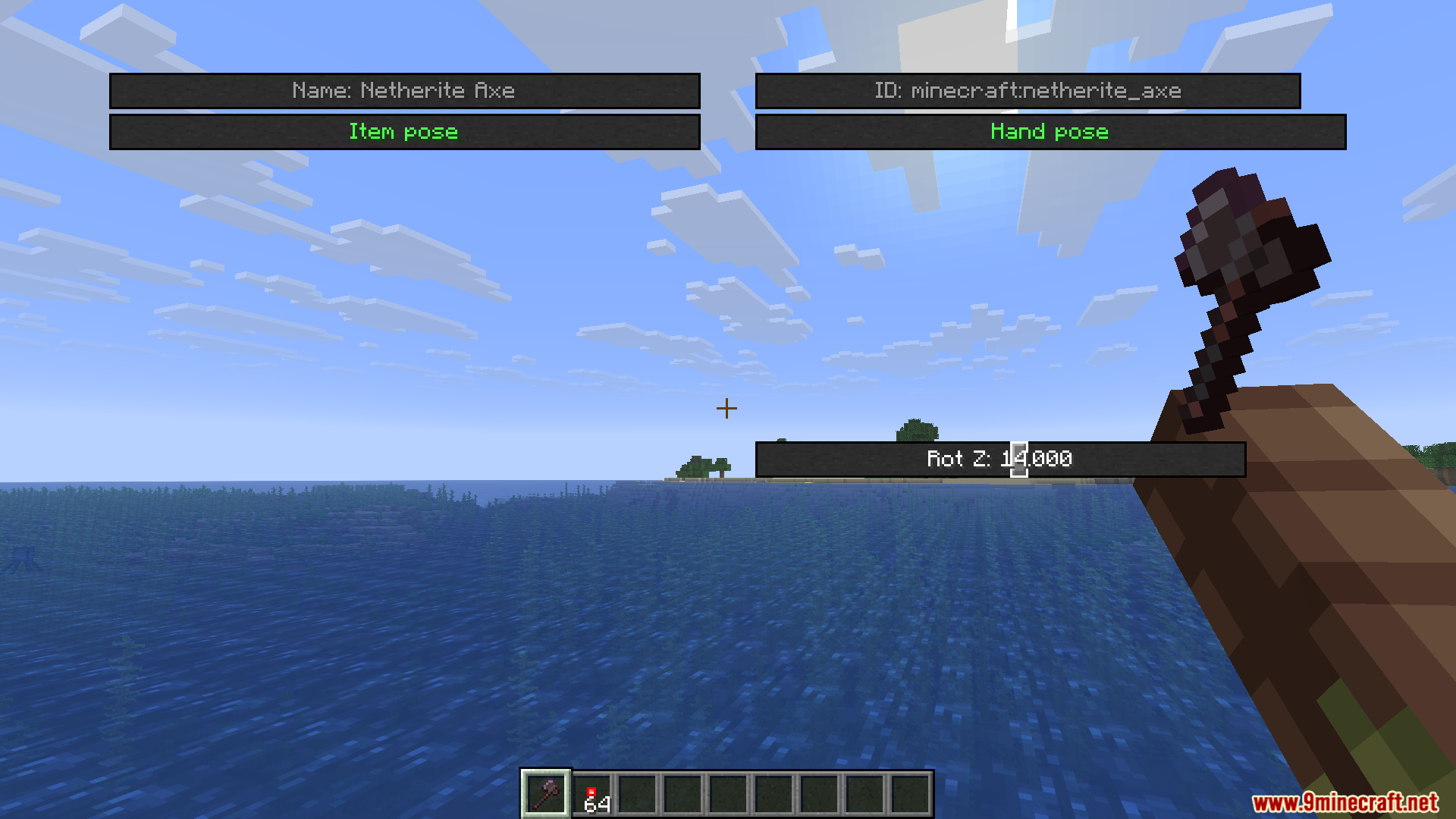
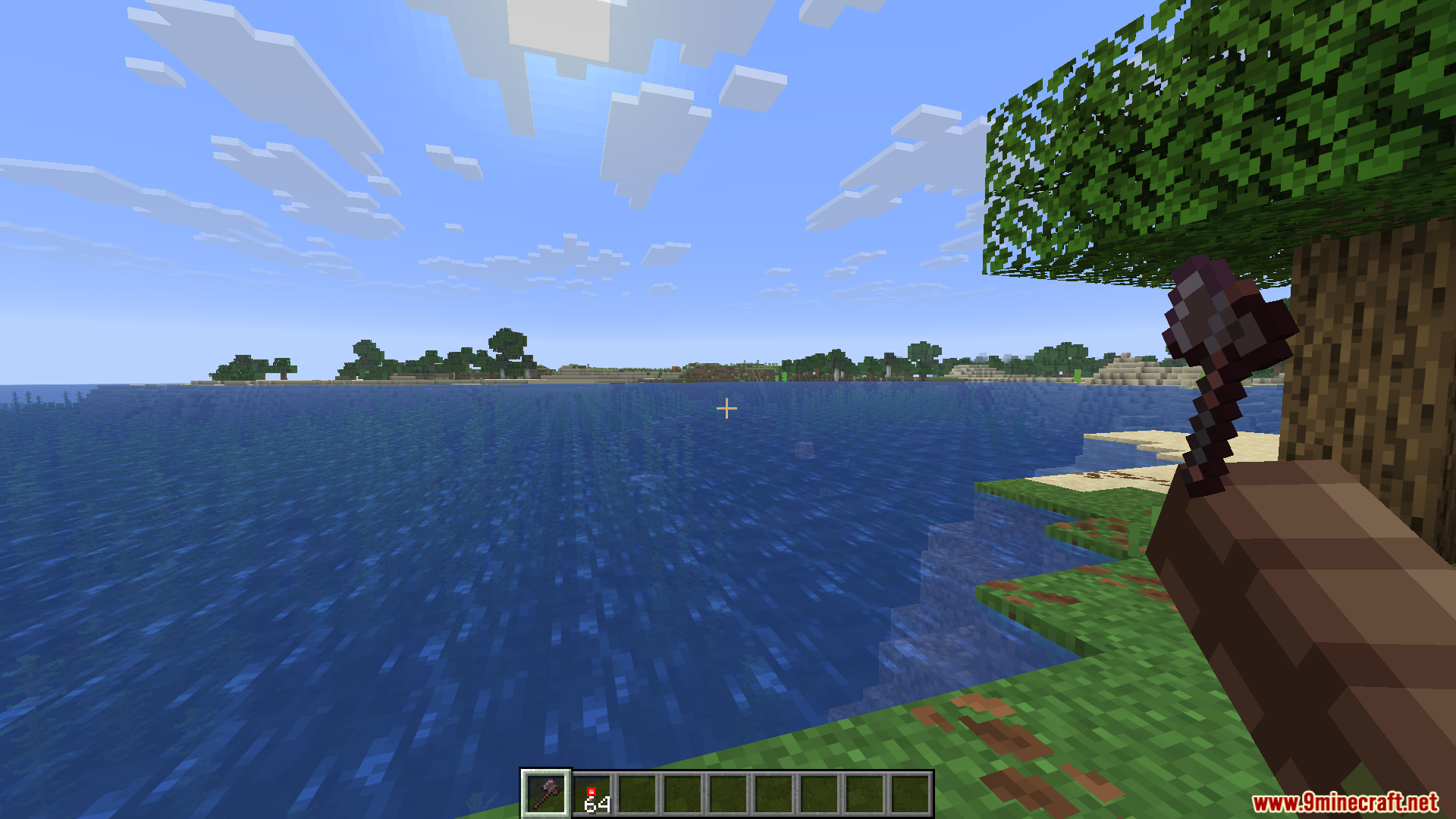
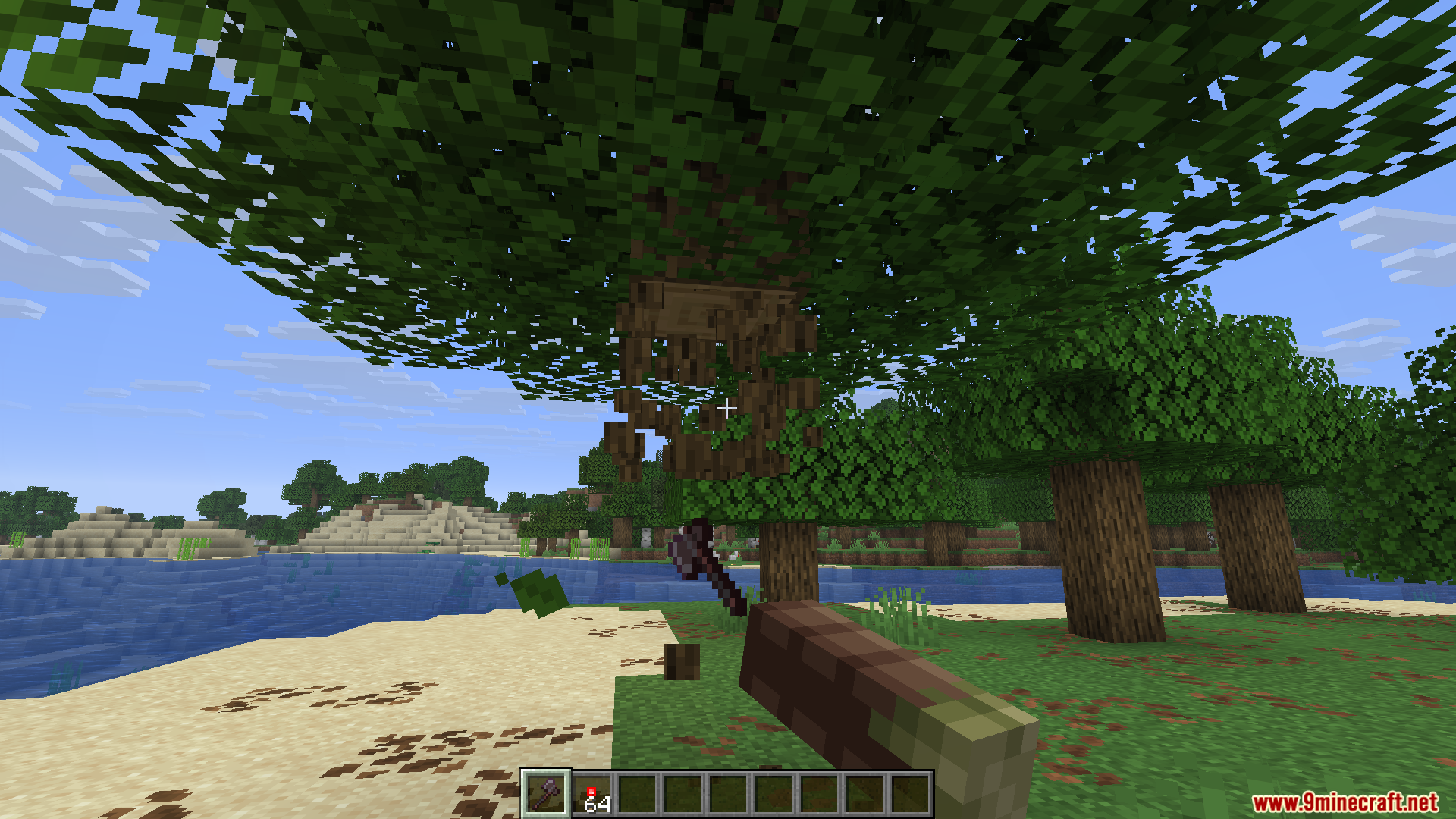
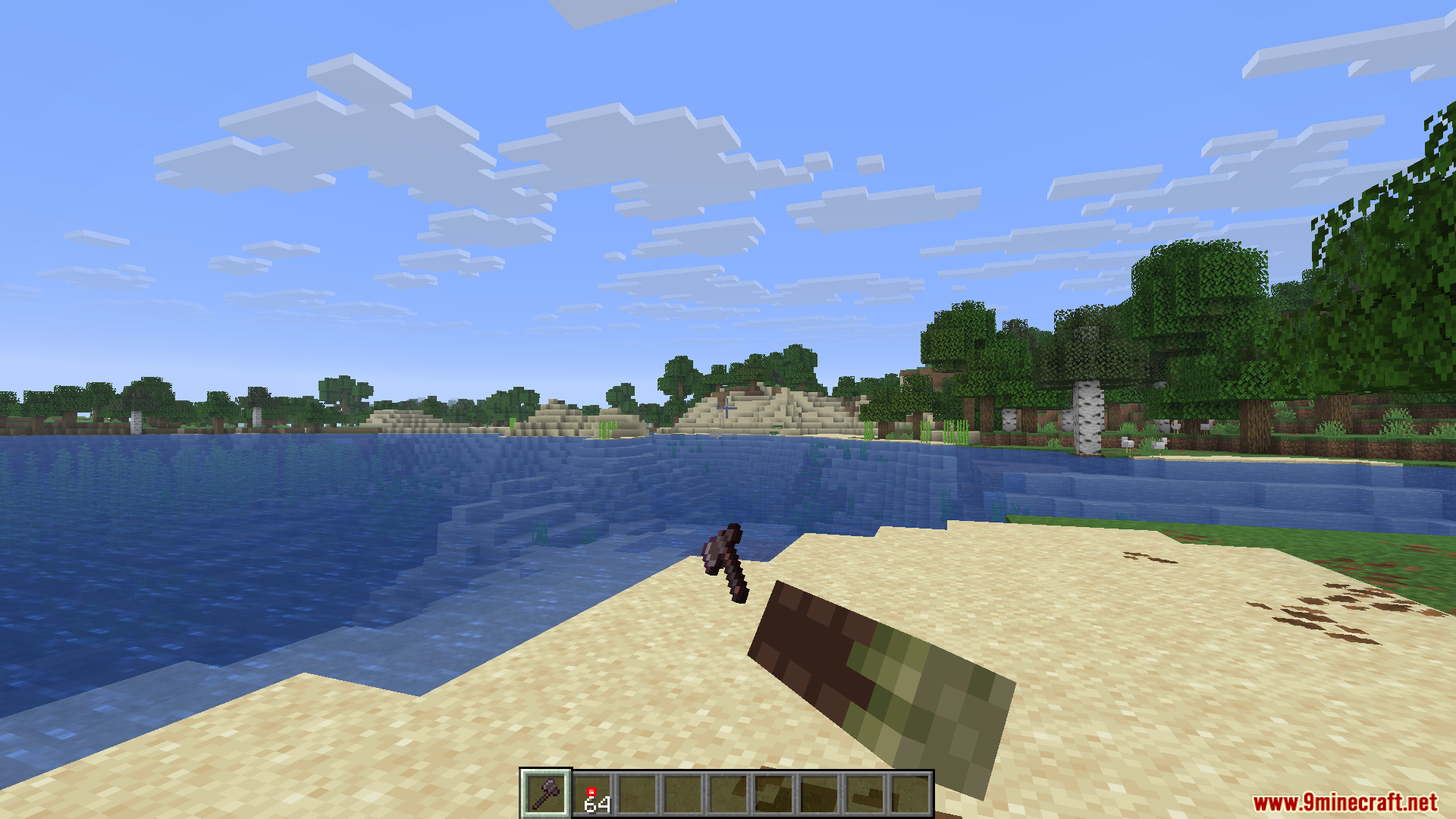
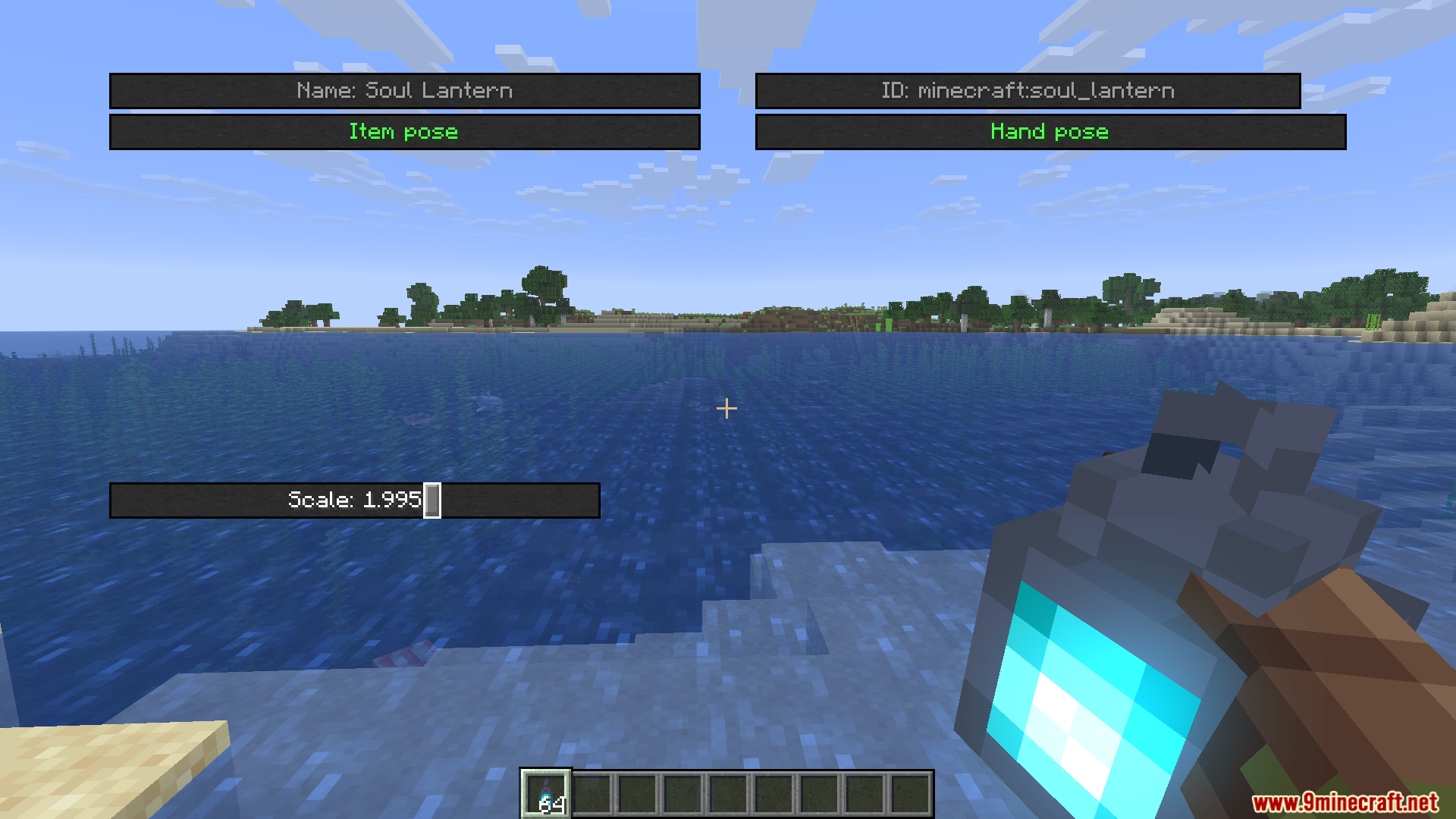
HMI Pose Editor Mod adds a custom pose menu for Hold My Items. It lets you change exactly how your character holds blocks, weapons, and tools in the game. You get full control to move, rotate, and resize whatever is currently in your hands.
Features:
- Custom Poses: Lets you adjust the exact position of the item you are holding using simple sliders.
- Rotation and Scale: Gives you tools to spin items around or make them bigger and smaller on your screen.
- Works for both your main hand and your off-hand so you can pose dual-wielded items.
- Includes a separate editor just for changing your empty hand poses.
- Lets you create, name, apply, and delete your own custom pose templates.
- Saves all your custom positions automatically to a config file in your game folder.
How to Use:
- Press the N key on your keyboard to open the main editor menu (you can change this key in the game settings).
- Hold an item or block in your hand that you want to edit.
- Use the sliders on the screen to move, rotate, or change the size of the item.
- Switch between your main hand and second hand in the menu to adjust both sides.
- Save your final look as a template so you can load it again later.
Screenshots:
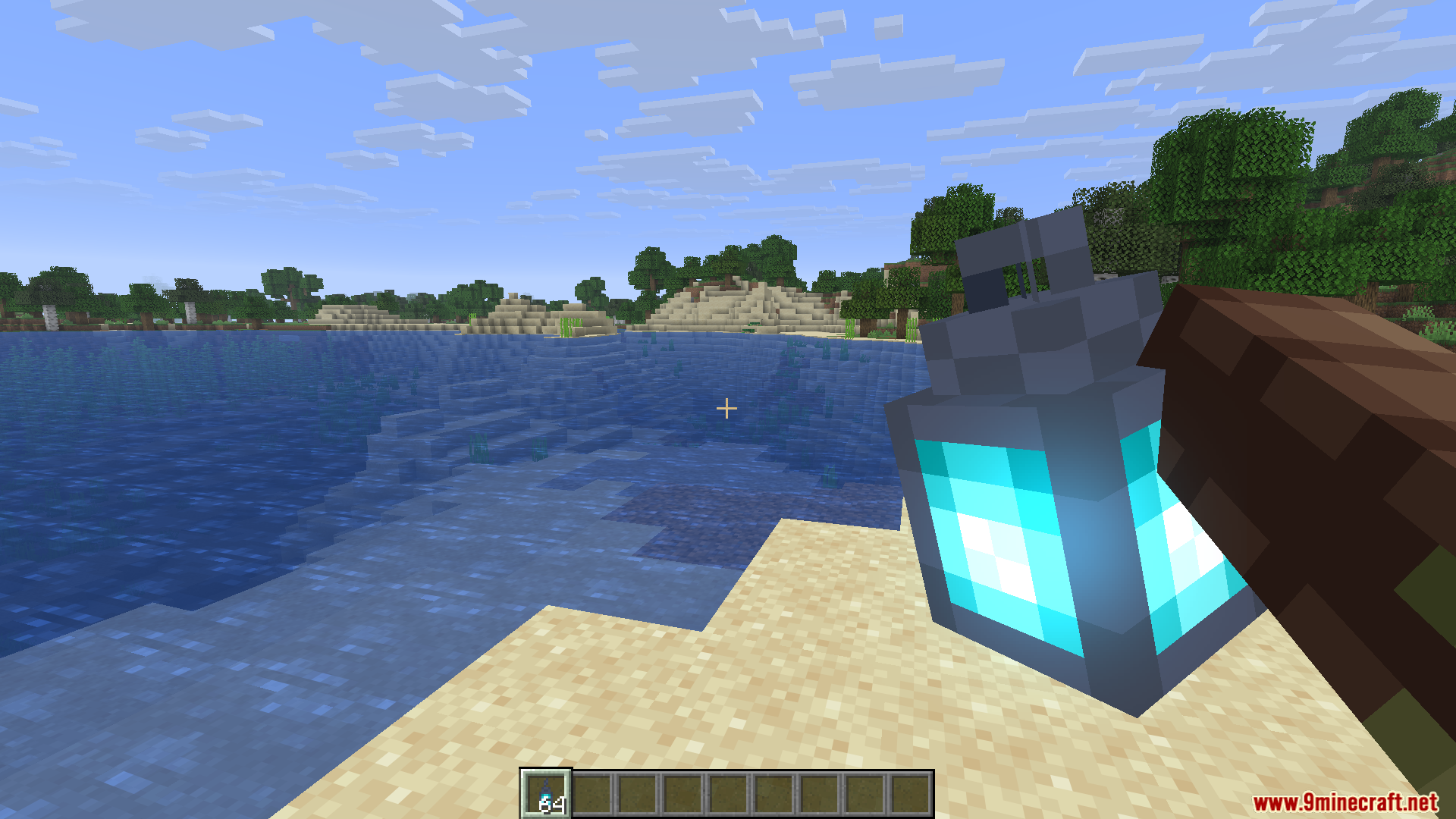
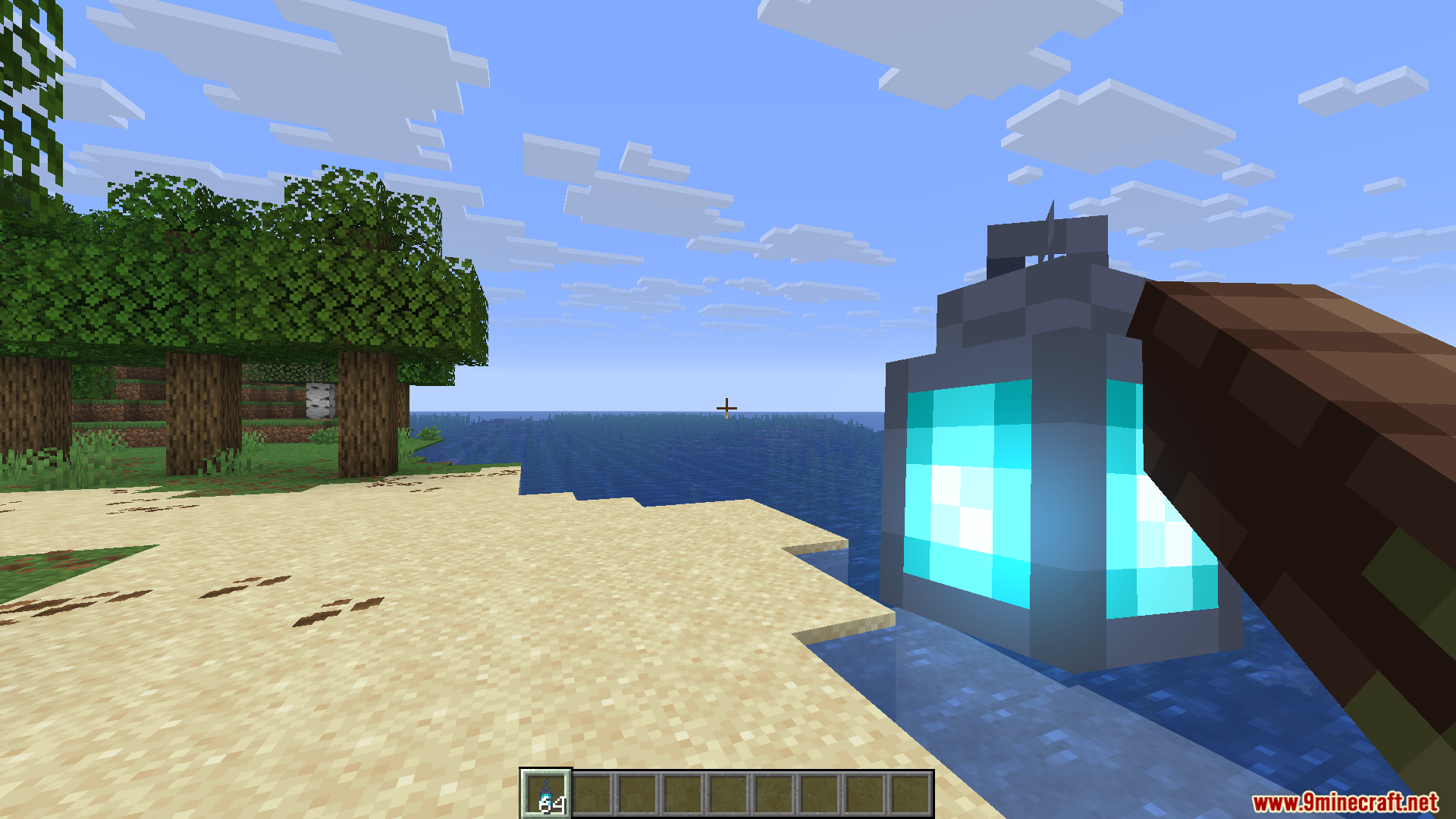
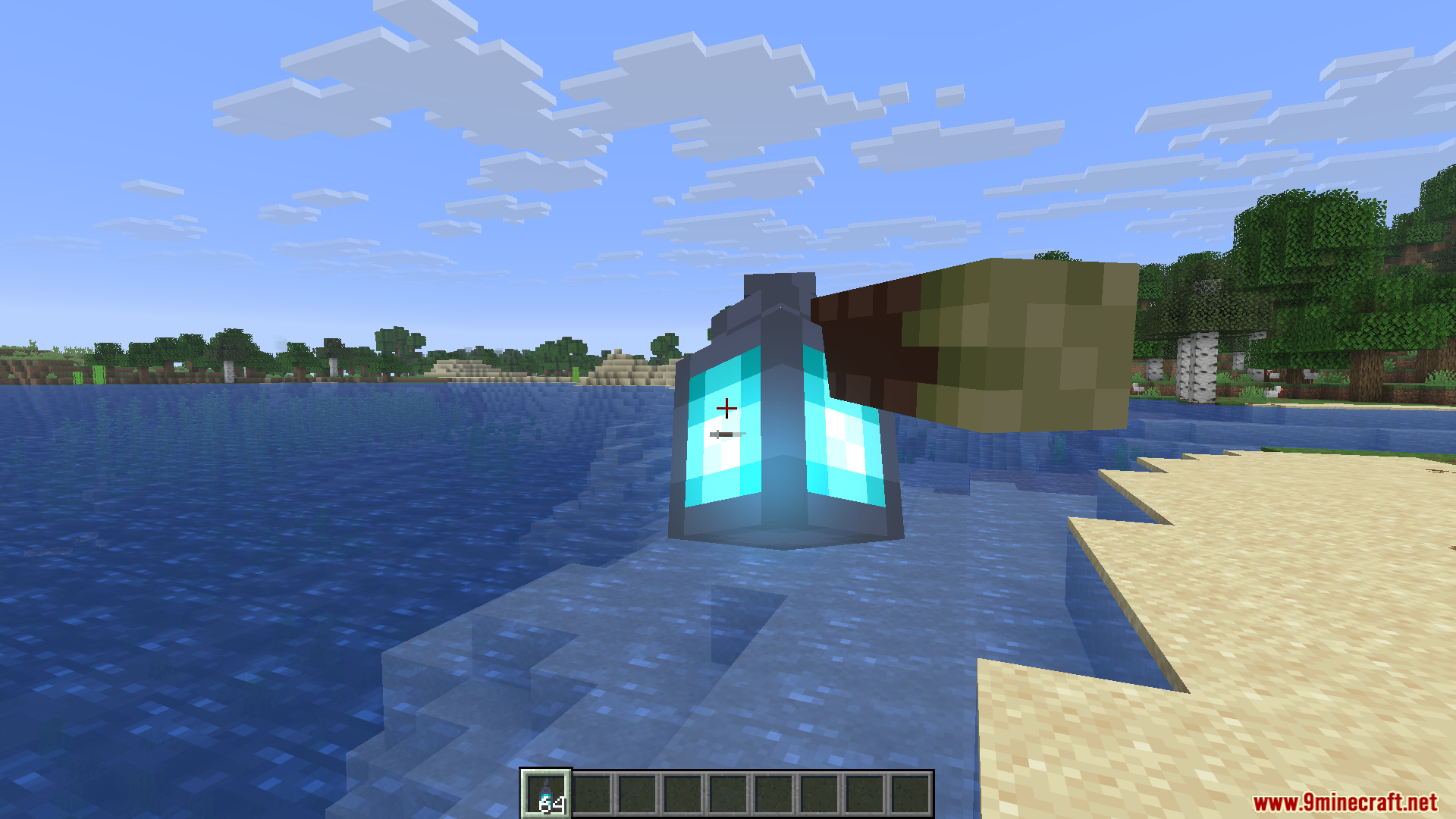
HMI Pose Editor Mod Download Links
Quick facts
- Edition: Minecraft Java
- File type: .jar
- Minecraft version listed: 1.21.11
- How to install: Install the matching mod loader (Forge, Fabric or NeoForge) for your Minecraft version. → Download the .jar. → Put it in the .minecraft/mods folder and launch that loader profile.
- Where to get it: In MC Java Mods, or directly above on this page.
Install steps are the general flow for this file type — How to install Minecraft Java mods & modpacks walks through it step by step.
File checked by MCModsHub
- Downloads as 25502.mcaddon
- Download size: 149 KB
- Download link checked 23 Sept 2026 — working
- Mirrored on our own servers — the download does not depend on the original host
These come from our own check of the pack file, not from the source page.