ModsJava
Cobblemon Quick Battle Mod (1.21.1) – Fight Wild Monsters Without Battle Screens
Java mod listed for Minecraft 1.21. File opened and checked on 18 Oct 2026; downloads from the MC Java Mods app on Android.
⬇ Download
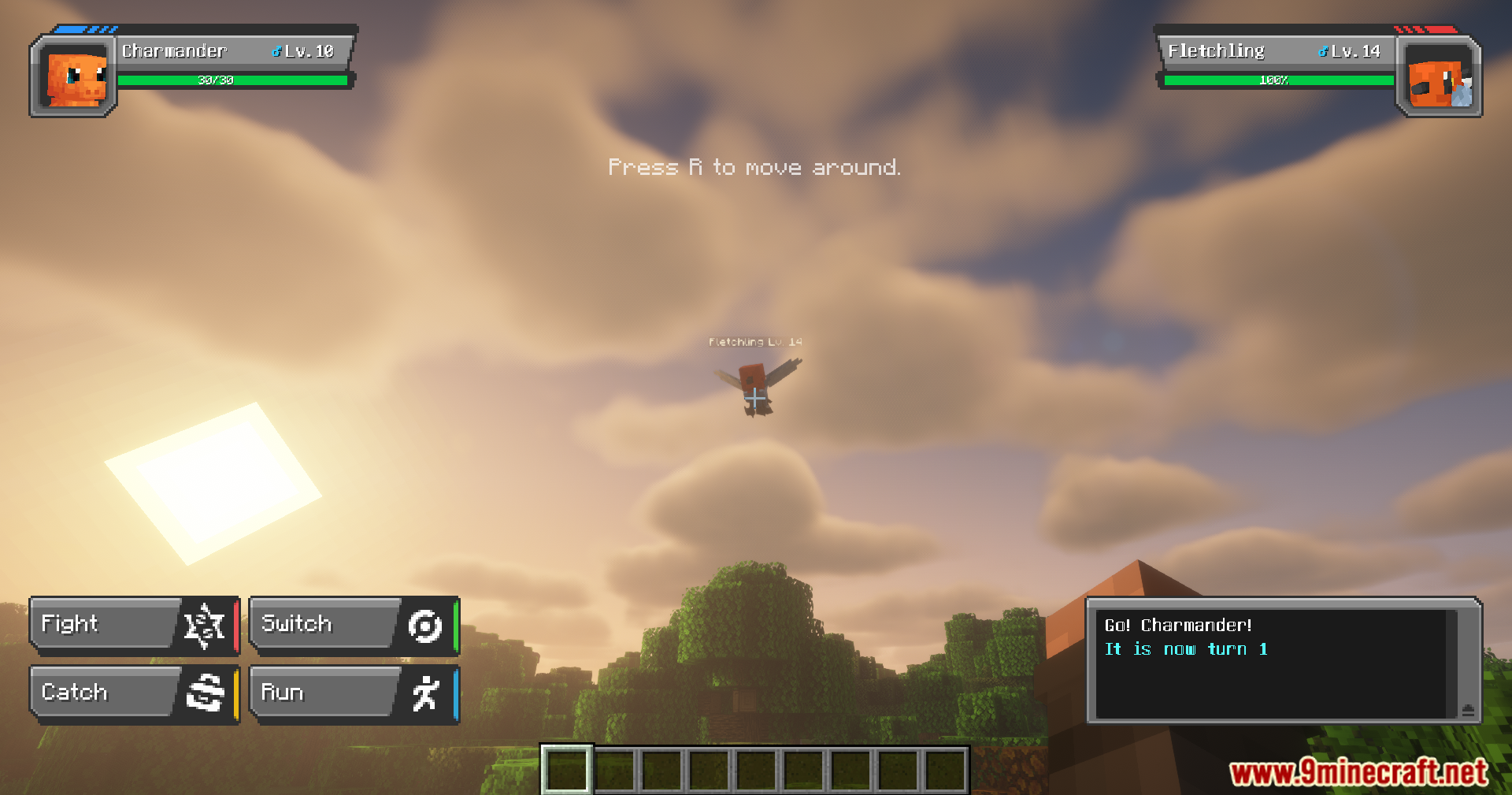
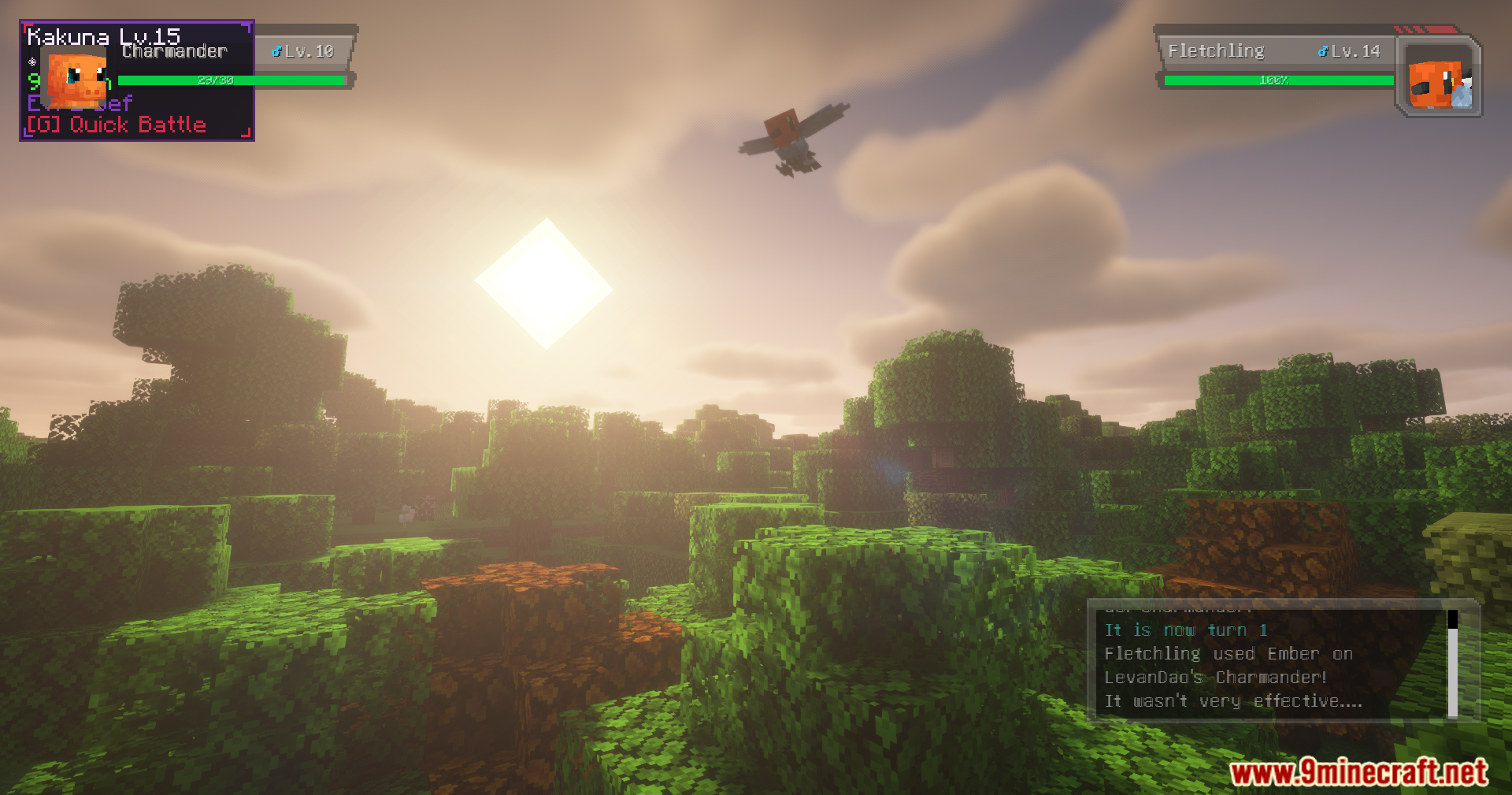
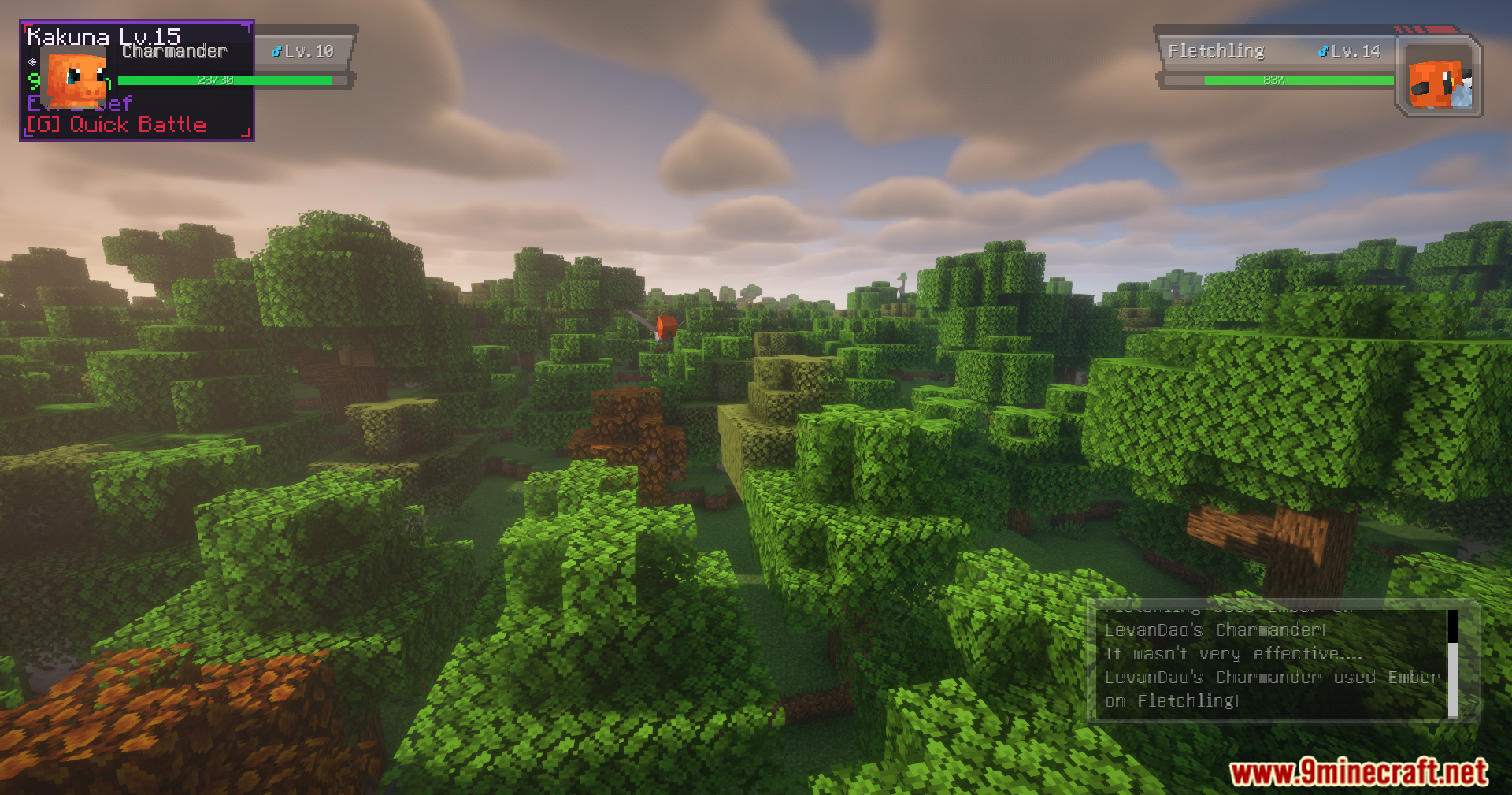
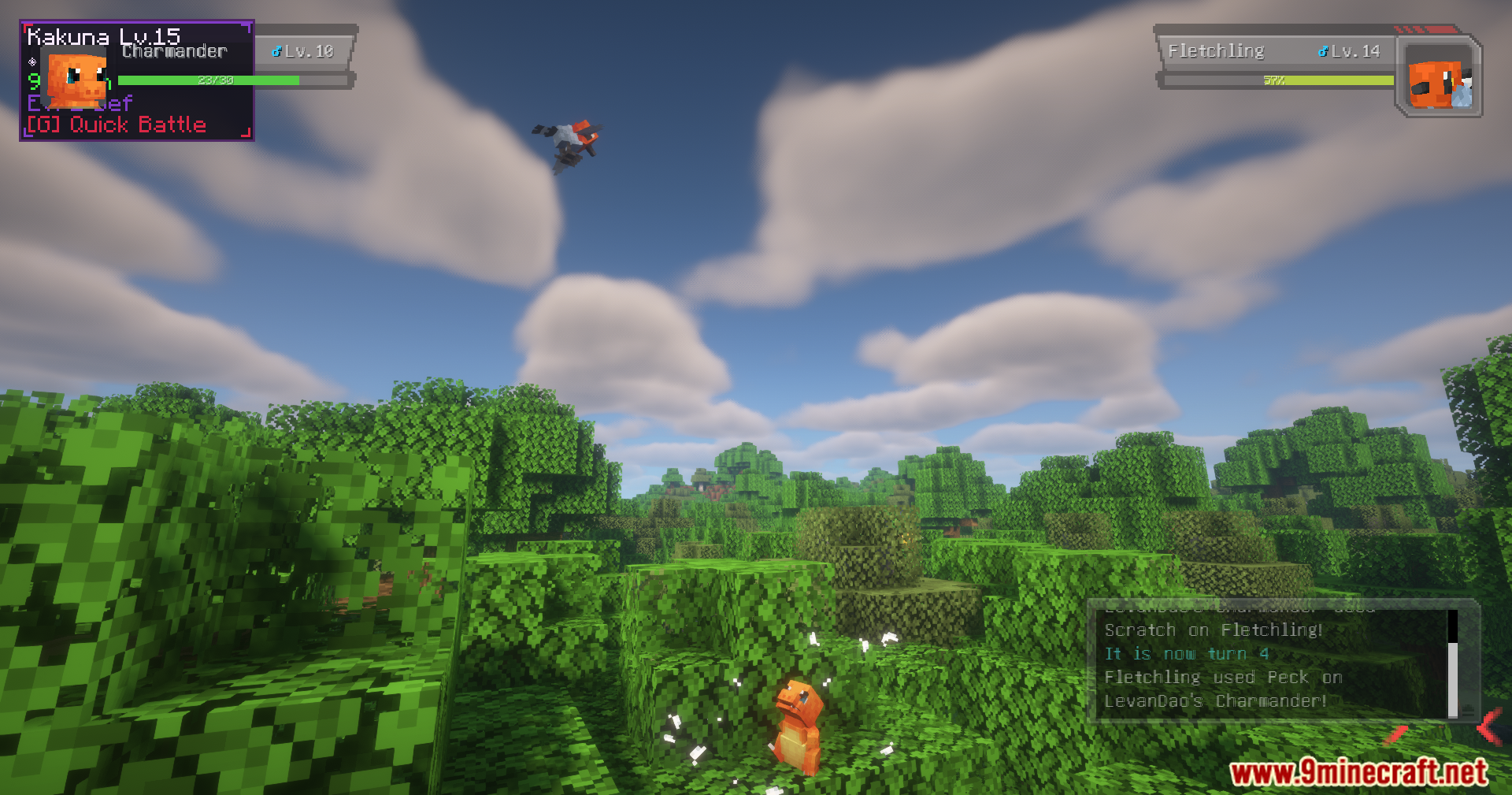
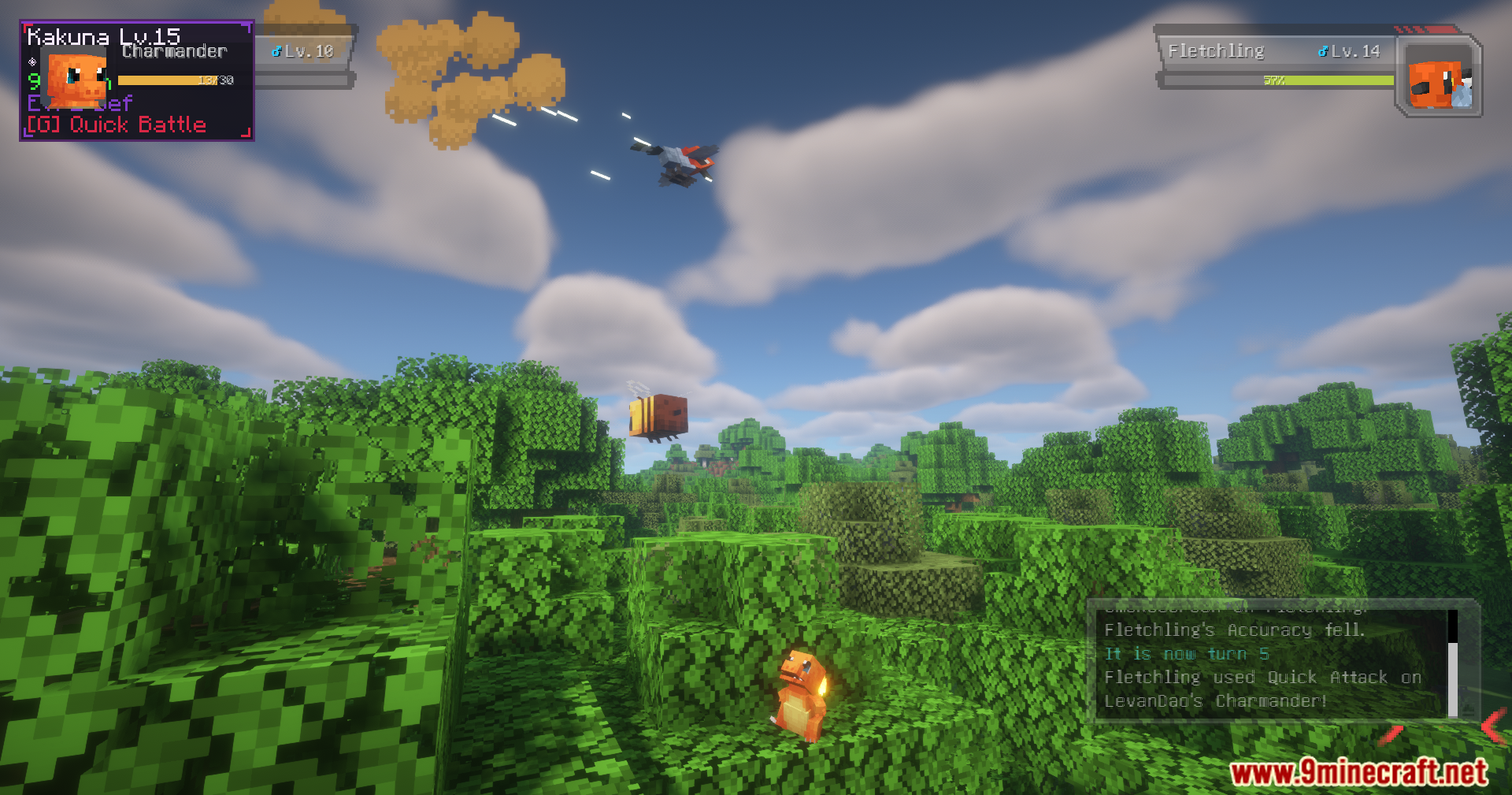
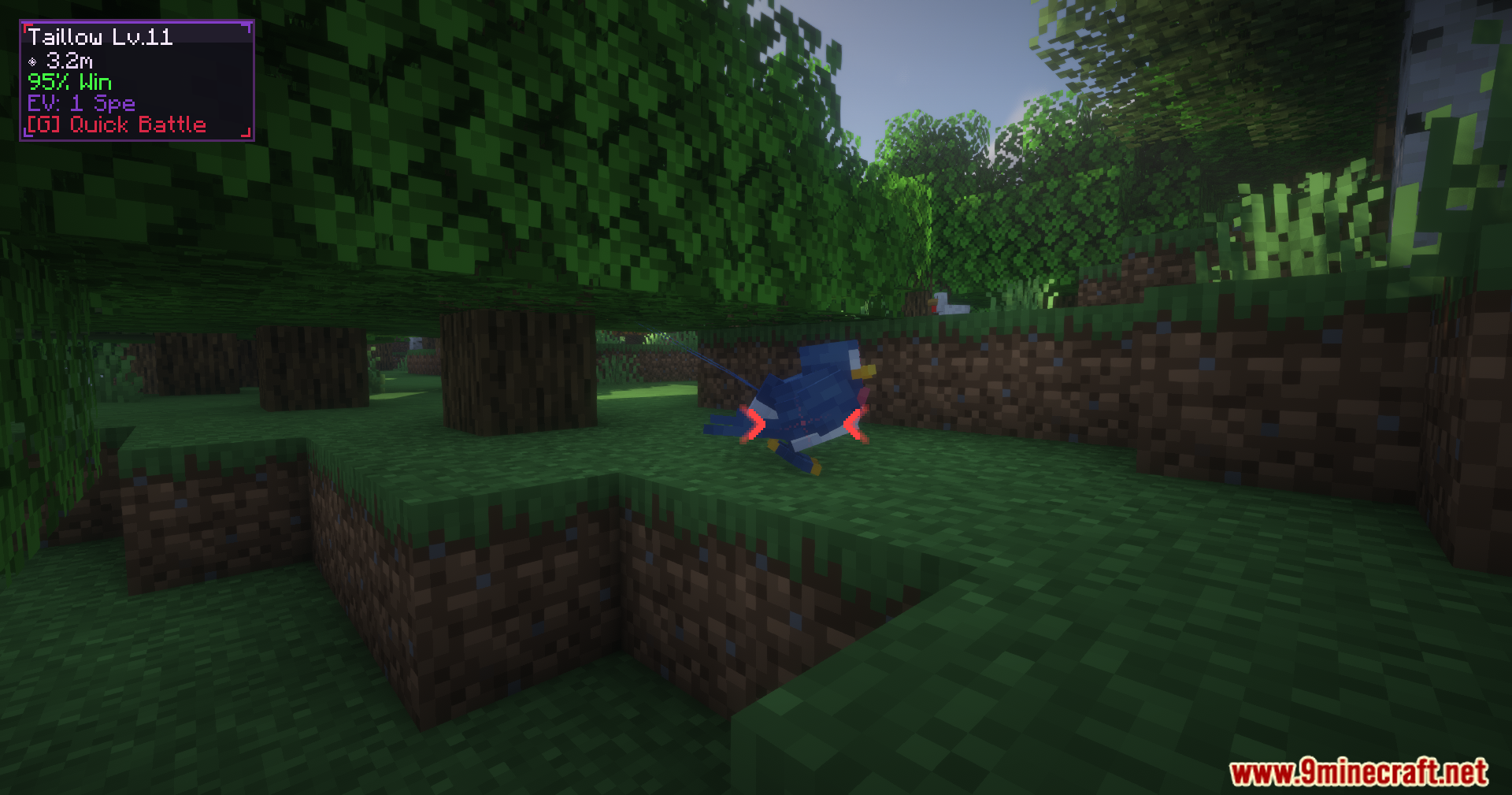
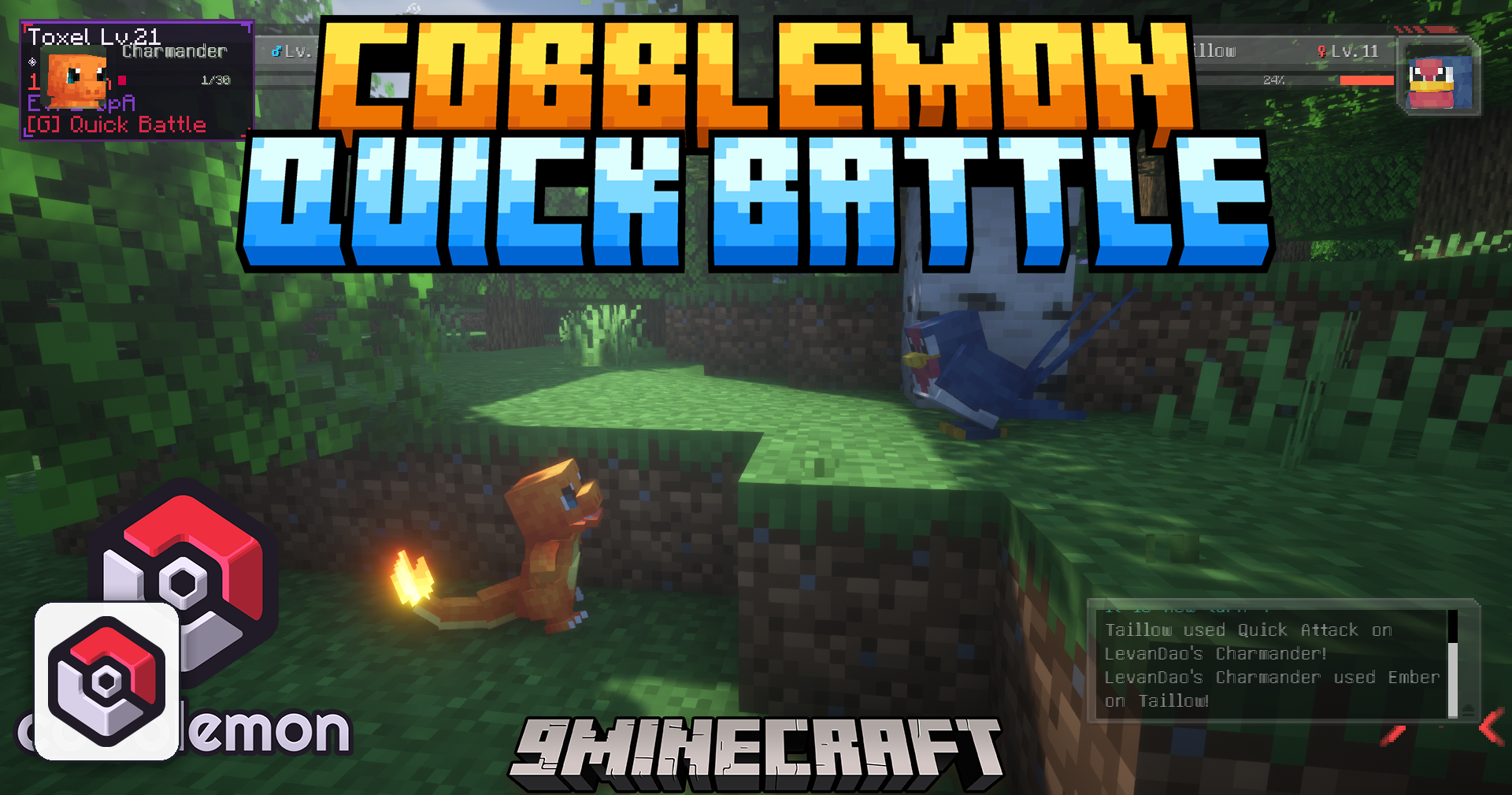
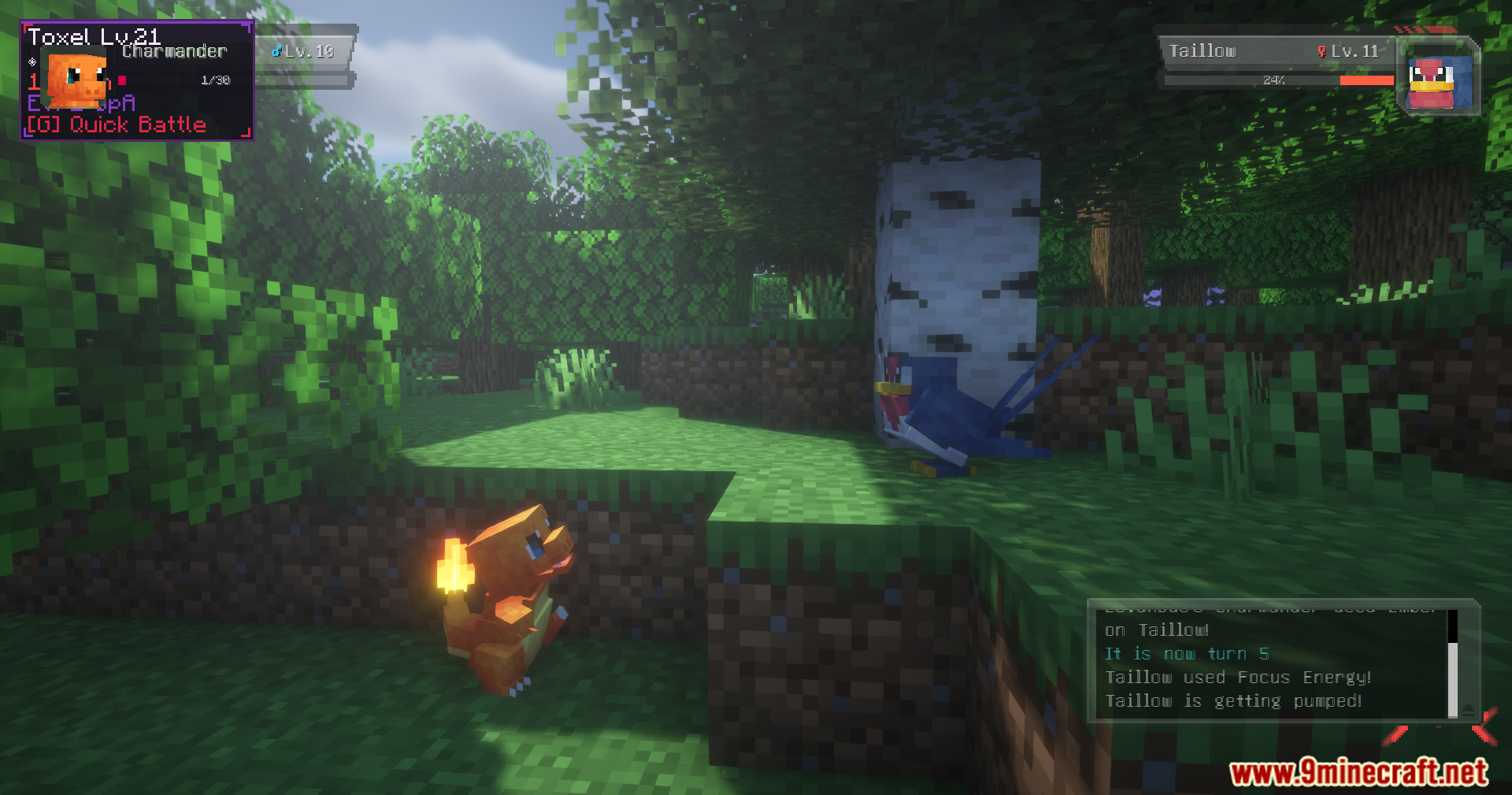
Cobblemon Quick Battle Mod adds a fast auto-battle feature for Cobblemon. It lets you send your partner out to fight wild monsters right in the overworld. You do not have to load into a separate battle screen to defeat them. This saves you a lot of time when you want to farm experience points or gather items quickly.
Features:
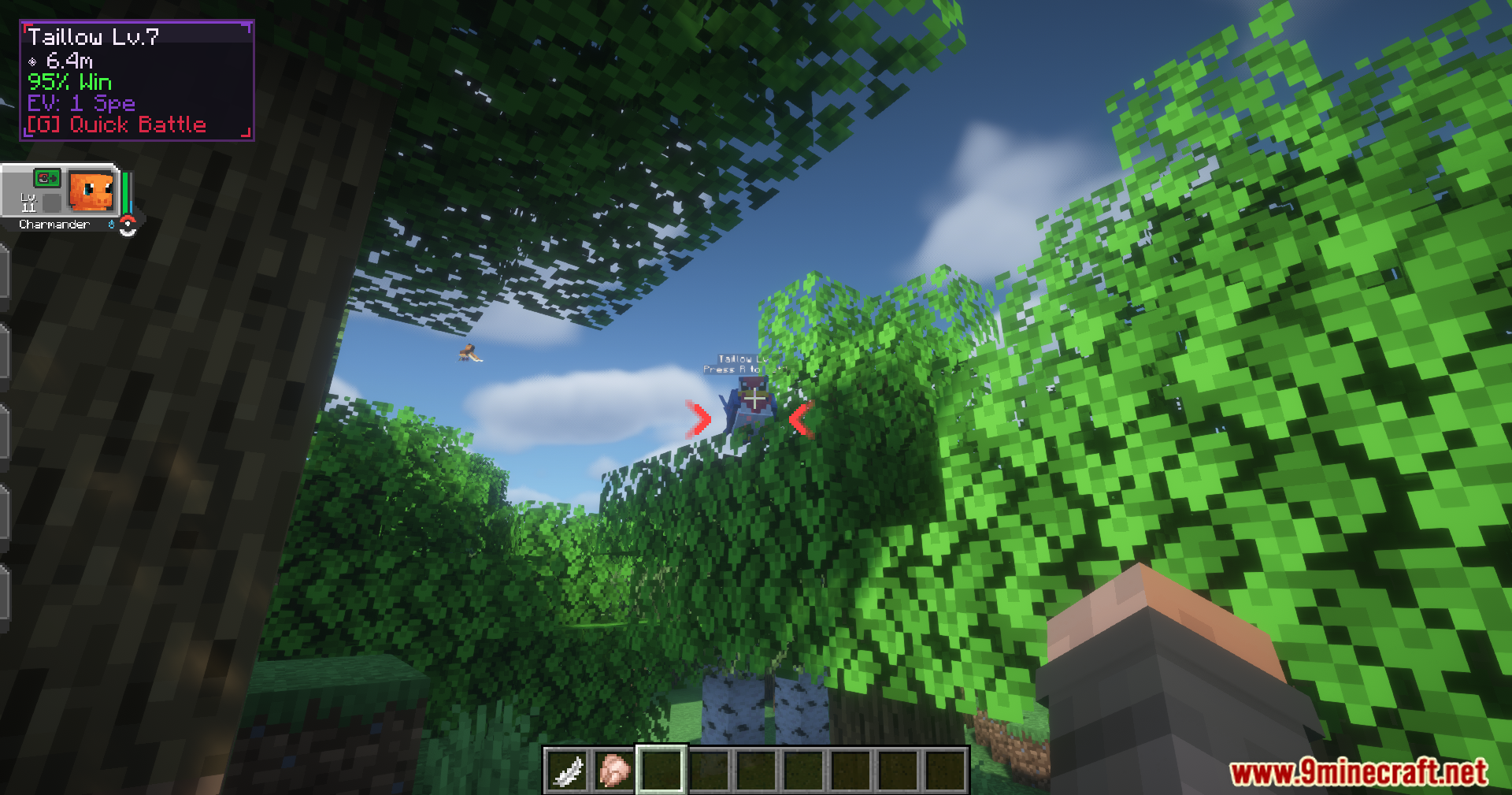
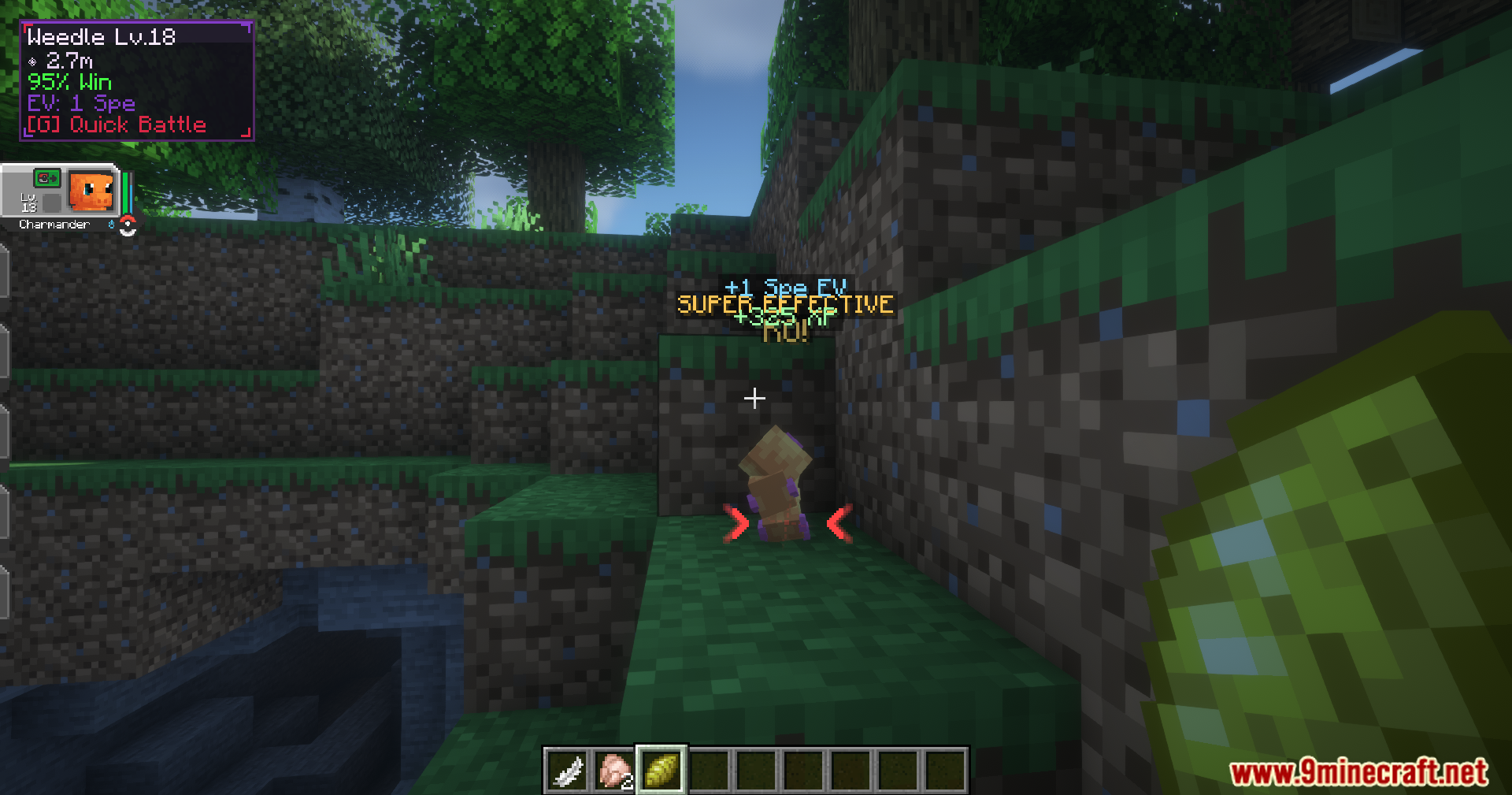
- Calculates your win chance automatically based on stats, levels, and type matchups.
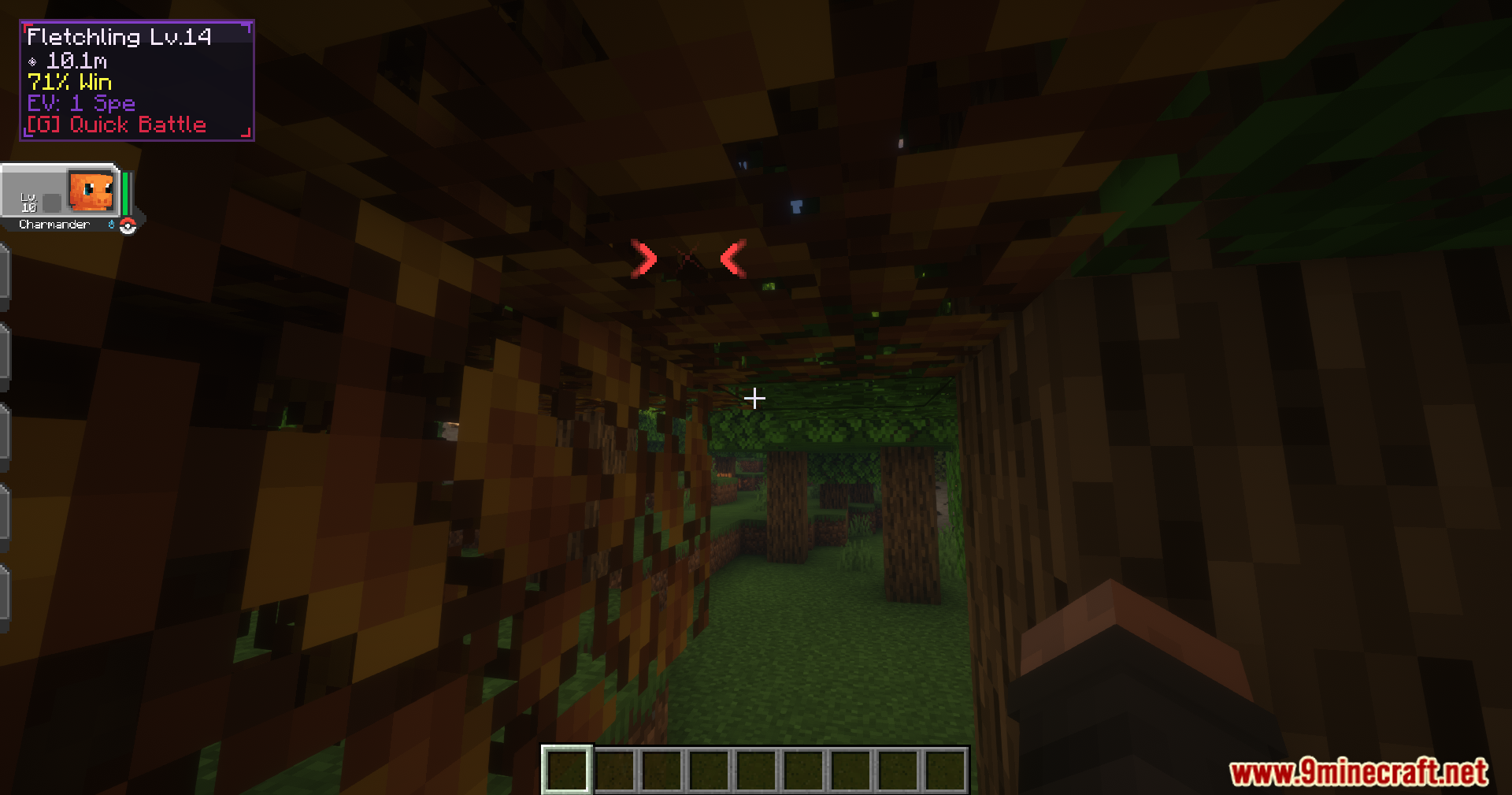
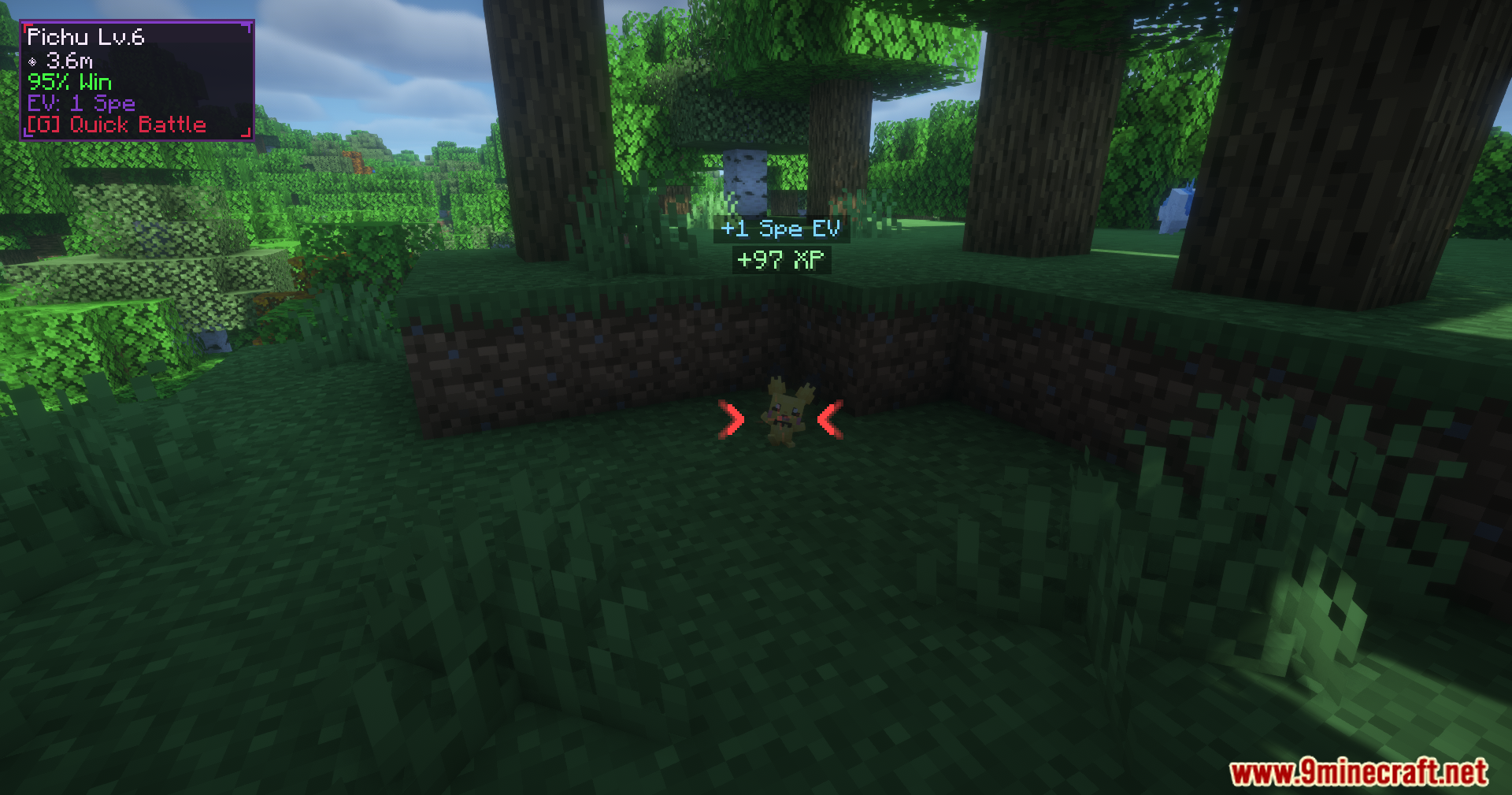
- Displays a helpful overlay on your screen showing the wild target’s name, level, and distance.
- Plays distinct sound effects for different hits, like super effective attacks or immunities.
- Spots shiny variants with a bright gold warning so you do not accidentally knock them out.
- Warns you if your lead team member only has status moves ready for the fight.
- Filters out owned companions and monsters that are already in a fight or being caught.
Configuration:
- You can turn off experience points or effort values from these fast fights.
- Change the cooldown timer between attacks from one to five seconds.
- Move the information overlay to any corner of your screen.
- Adjust the maximum distance required to lock onto a target.
How to Use:
- Look at a wild monster in your world.
- Press the quick battle key (default is G on your keyboard or Y on a controller).
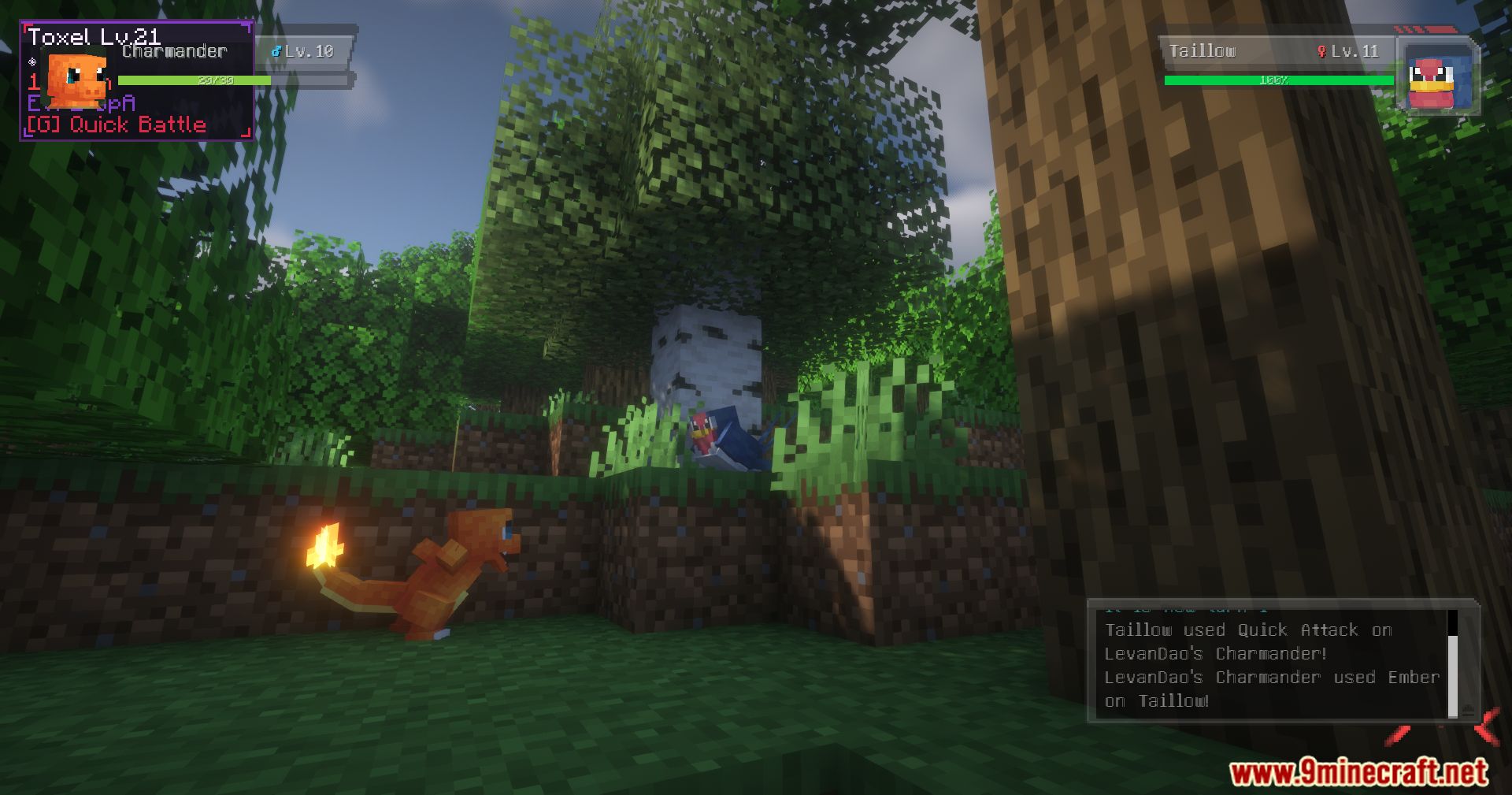
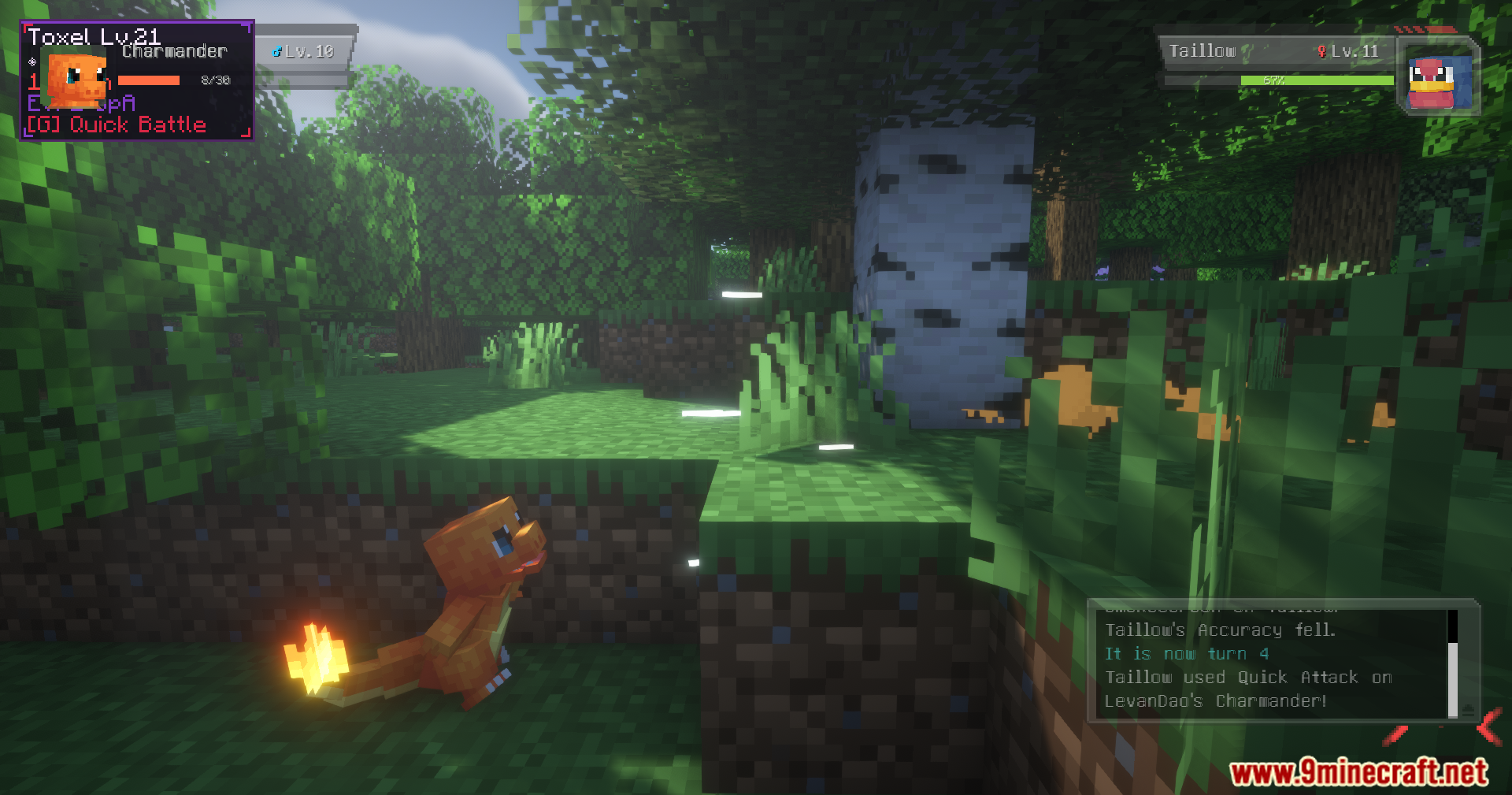
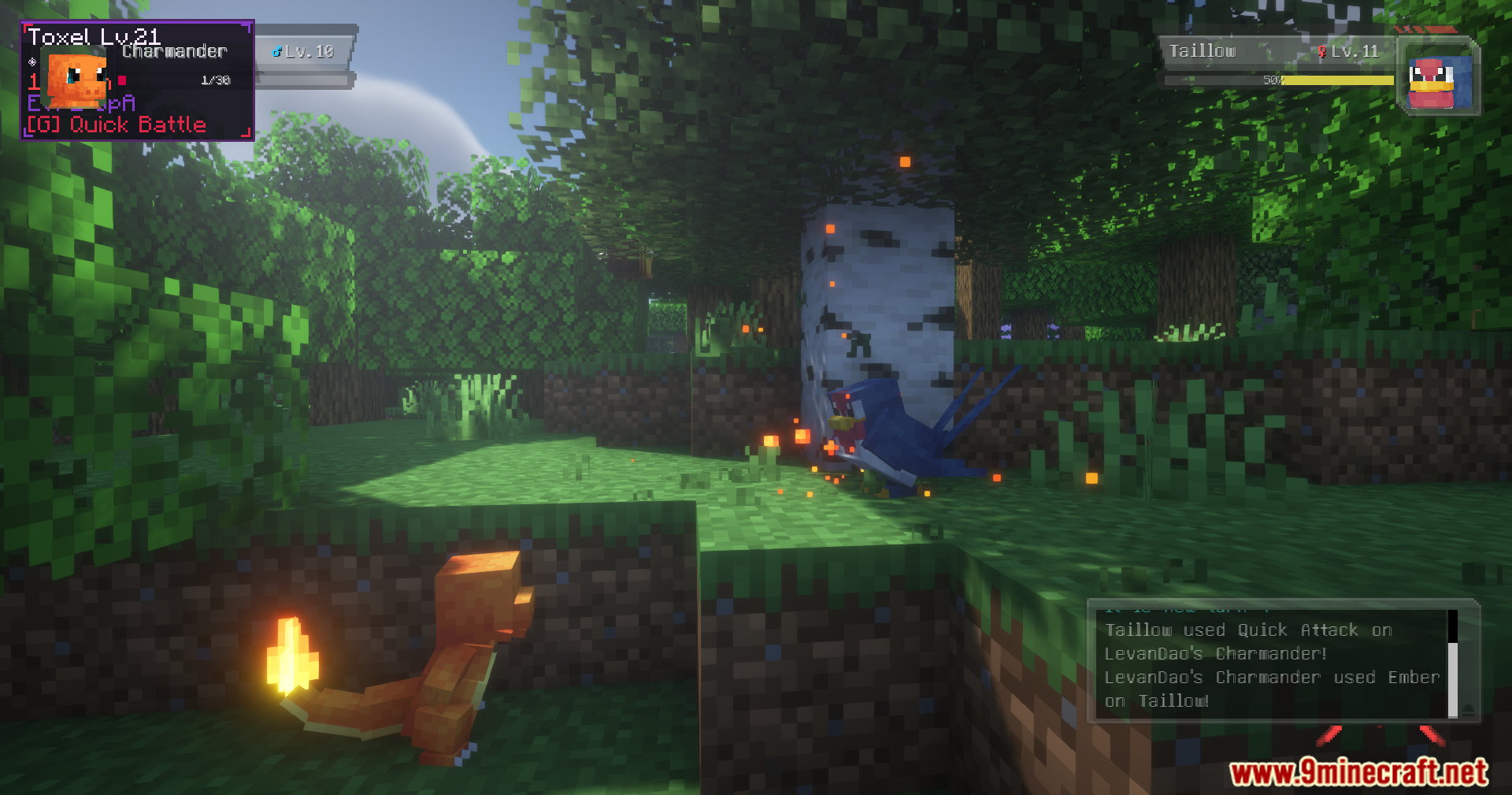
- Watch your partner strike the target and listen for the victory sound.
- Collect your experience points and keep running to the next target.
Screenshots:
Cobblemon Quick Battle Mod Download Links
Quick facts
- Edition: Minecraft Java
- File type: .jar
- Minecraft version listed: 1.21.1
- How to install: Install the matching mod loader (Forge, Fabric or NeoForge) for your Minecraft version. → Download the .jar. → Put it in the .minecraft/mods folder and launch that loader profile.
- Where to get it: In MC Java Mods, or directly above on this page.
Install steps are the general flow for this file type — How to install Minecraft Java mods & modpacks walks through it step by step.
File checked by MCModsHub
- Downloads as 25512.mcaddon
- Download size: 206 KB
- Download link checked 24 Sept 2026 — working
- Mirrored on our own servers — the download does not depend on the original host
These come from our own check of the pack file, not from the source page.