ModsJava
Armor Status Mod (1.21.11, 1.21.1) – Never Let Your Best Armor Break In Combat
Java mod listed for Minecraft 1.21. Downloads from the MC Java Mods app on Android.
⬇ Download
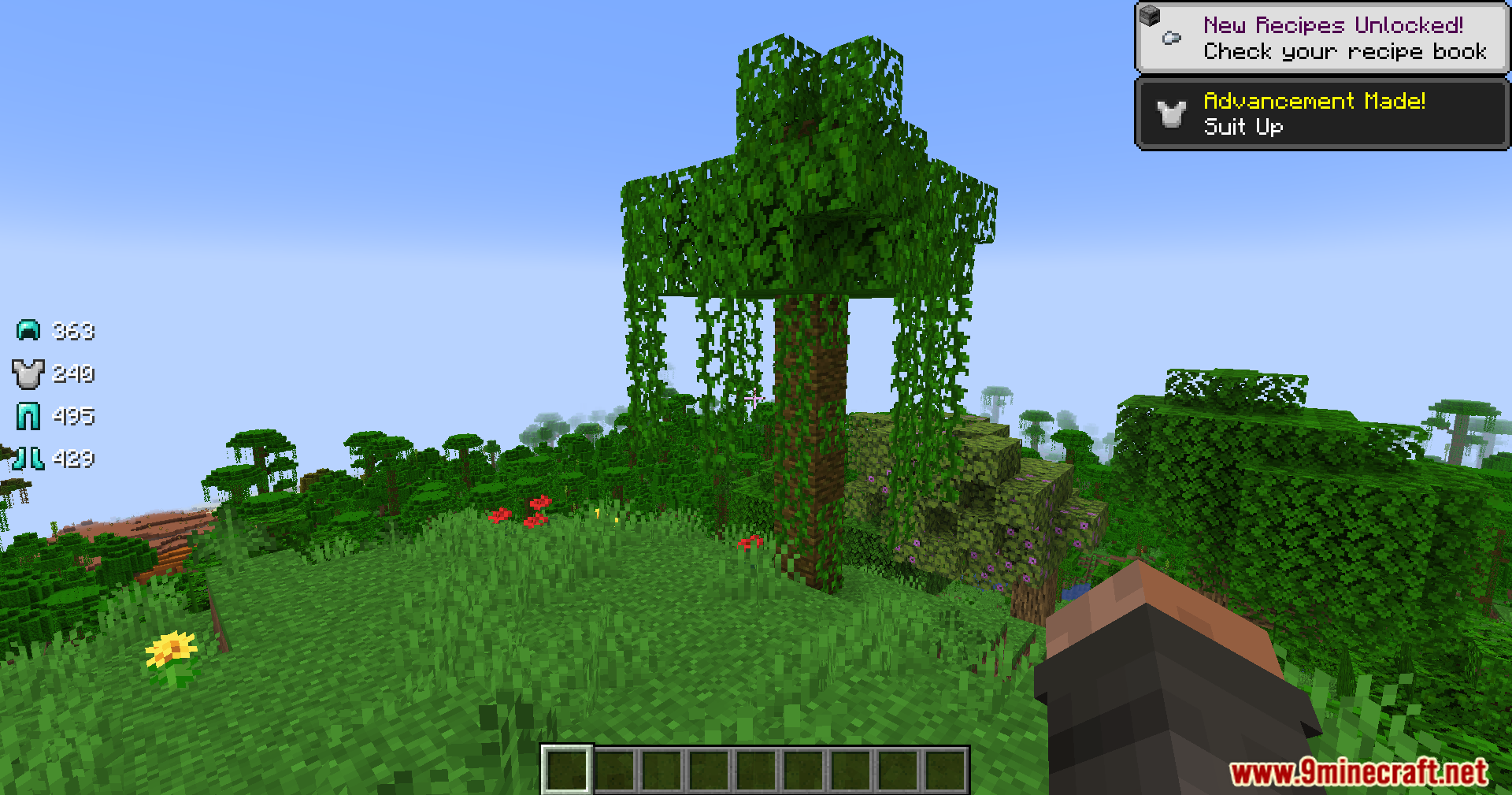
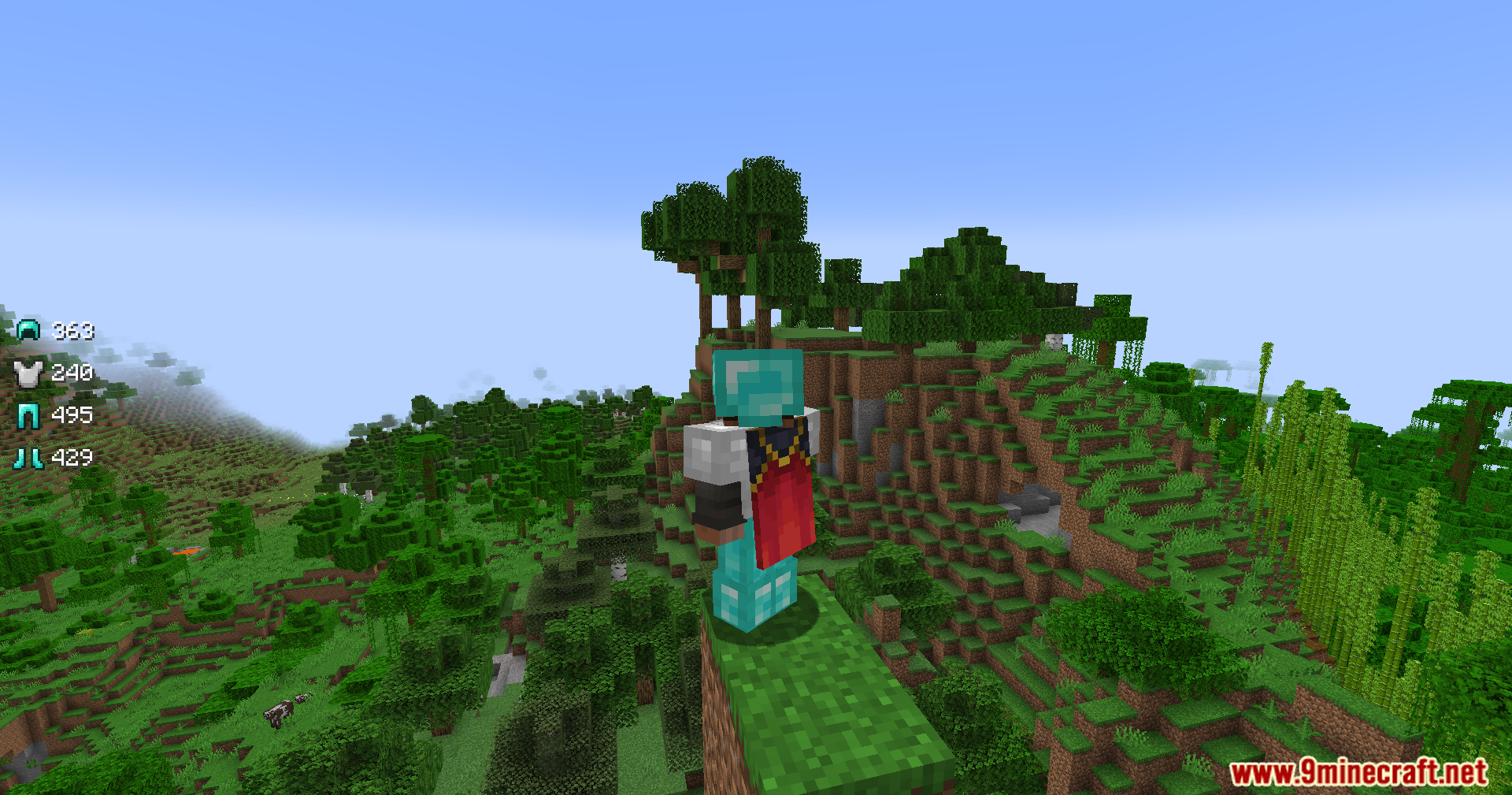
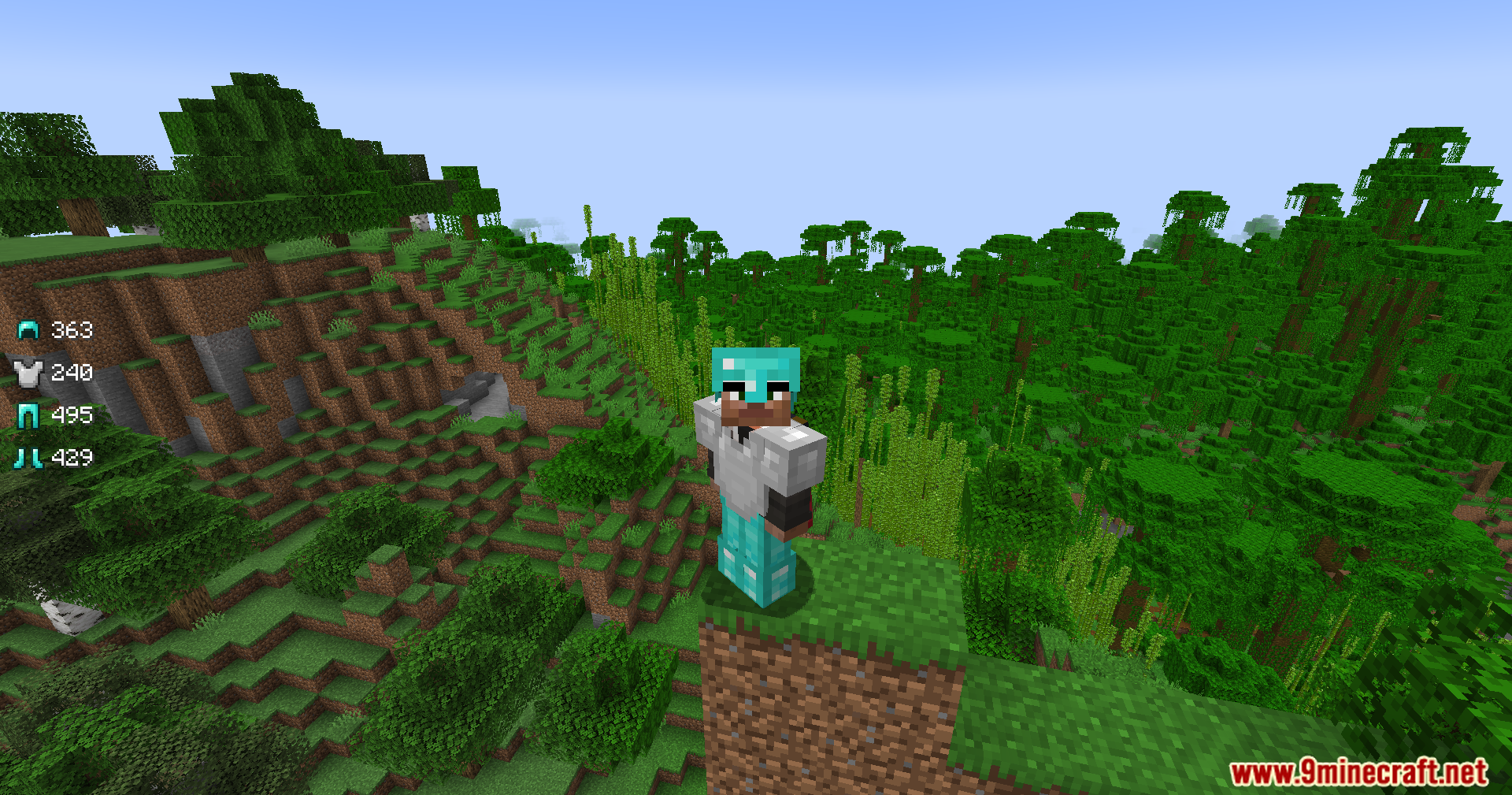
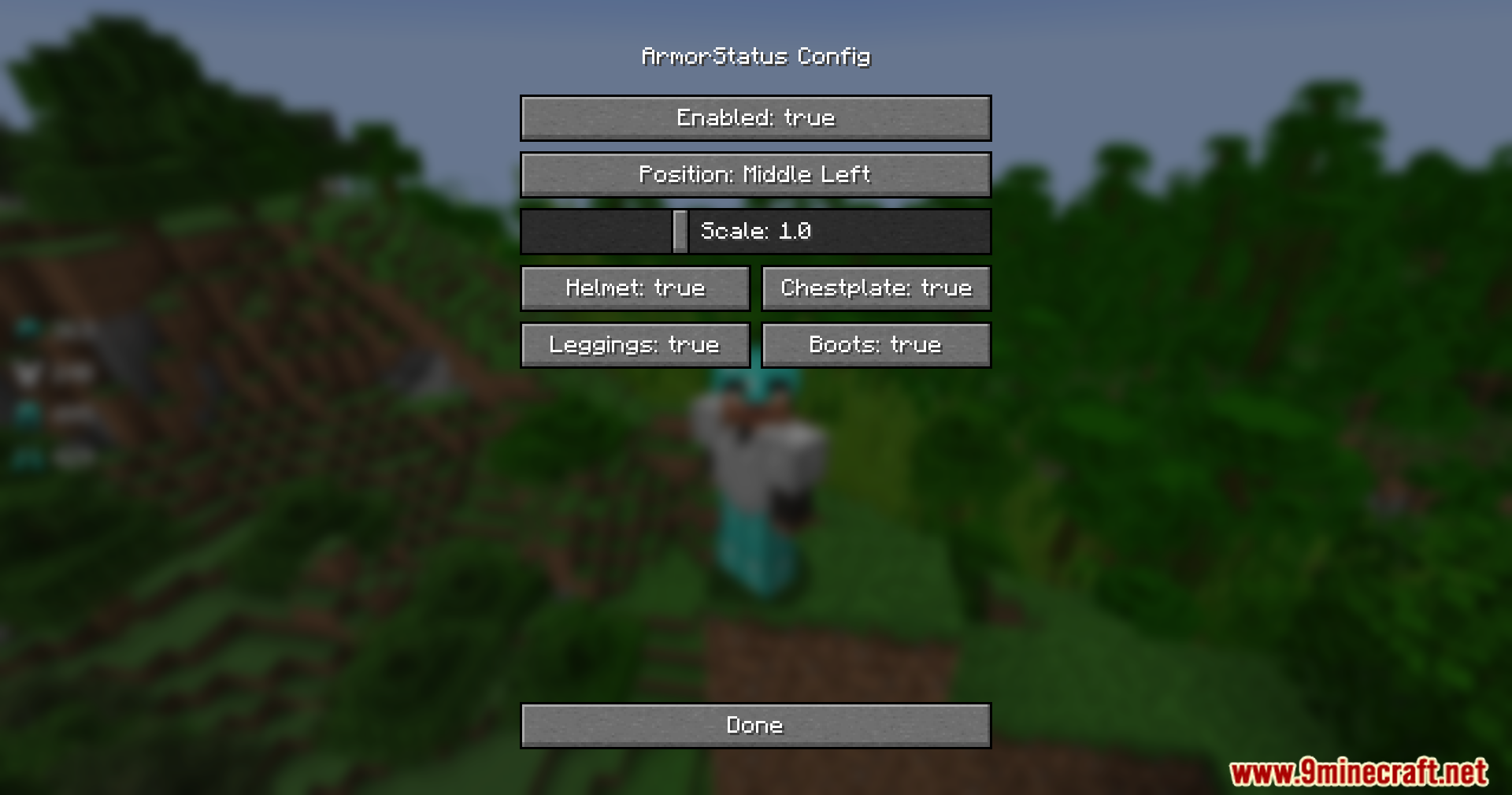
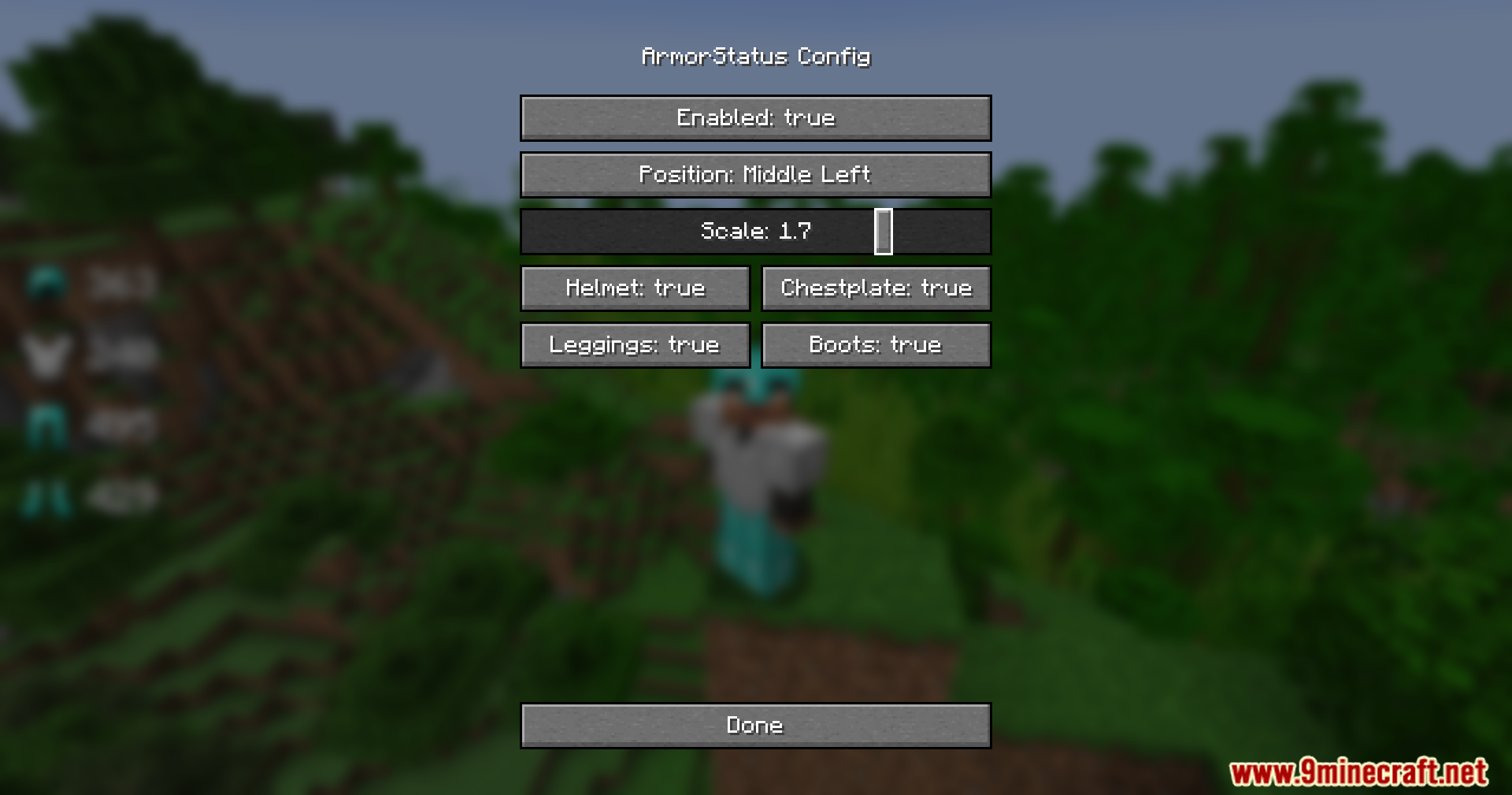
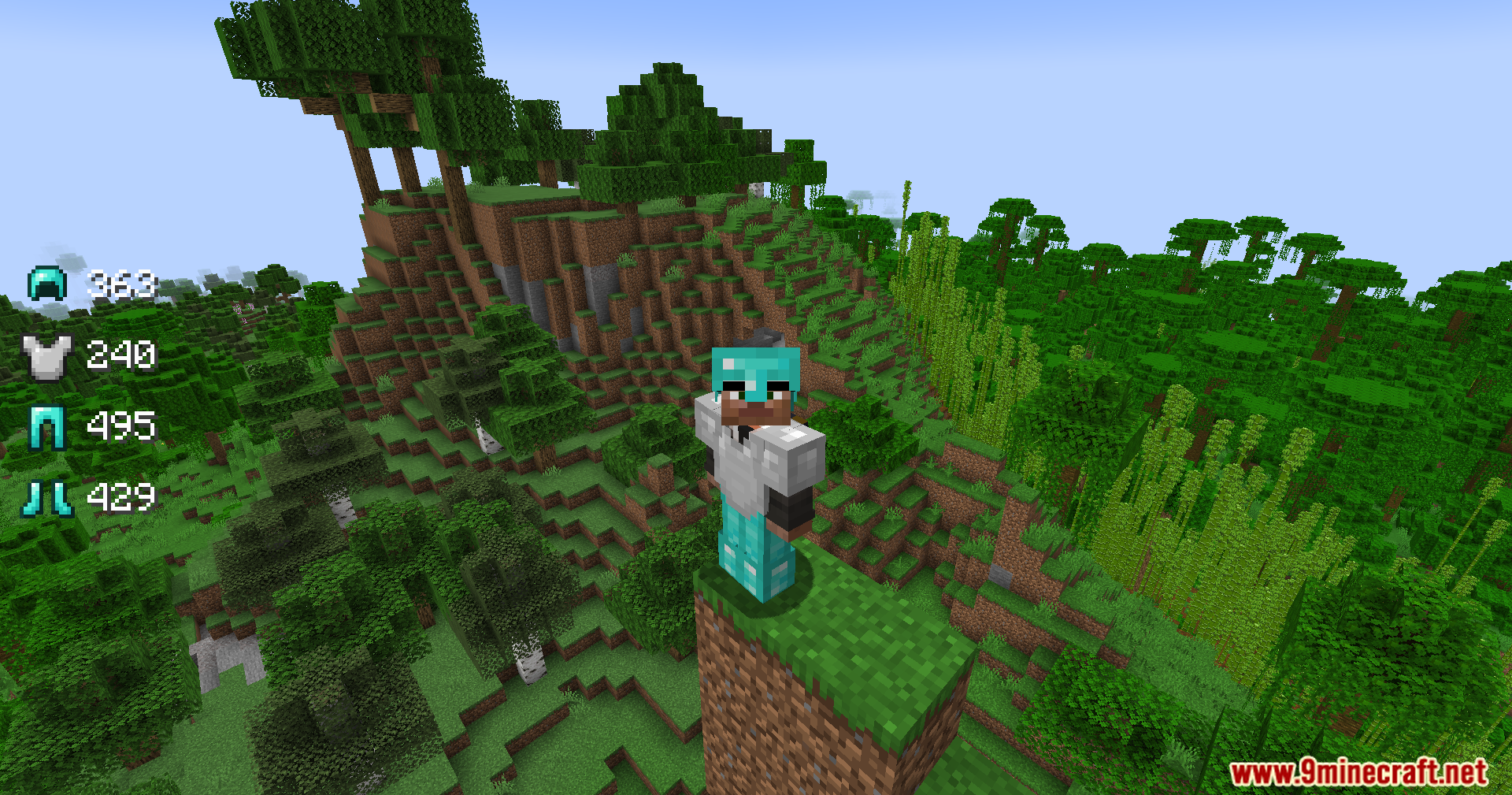
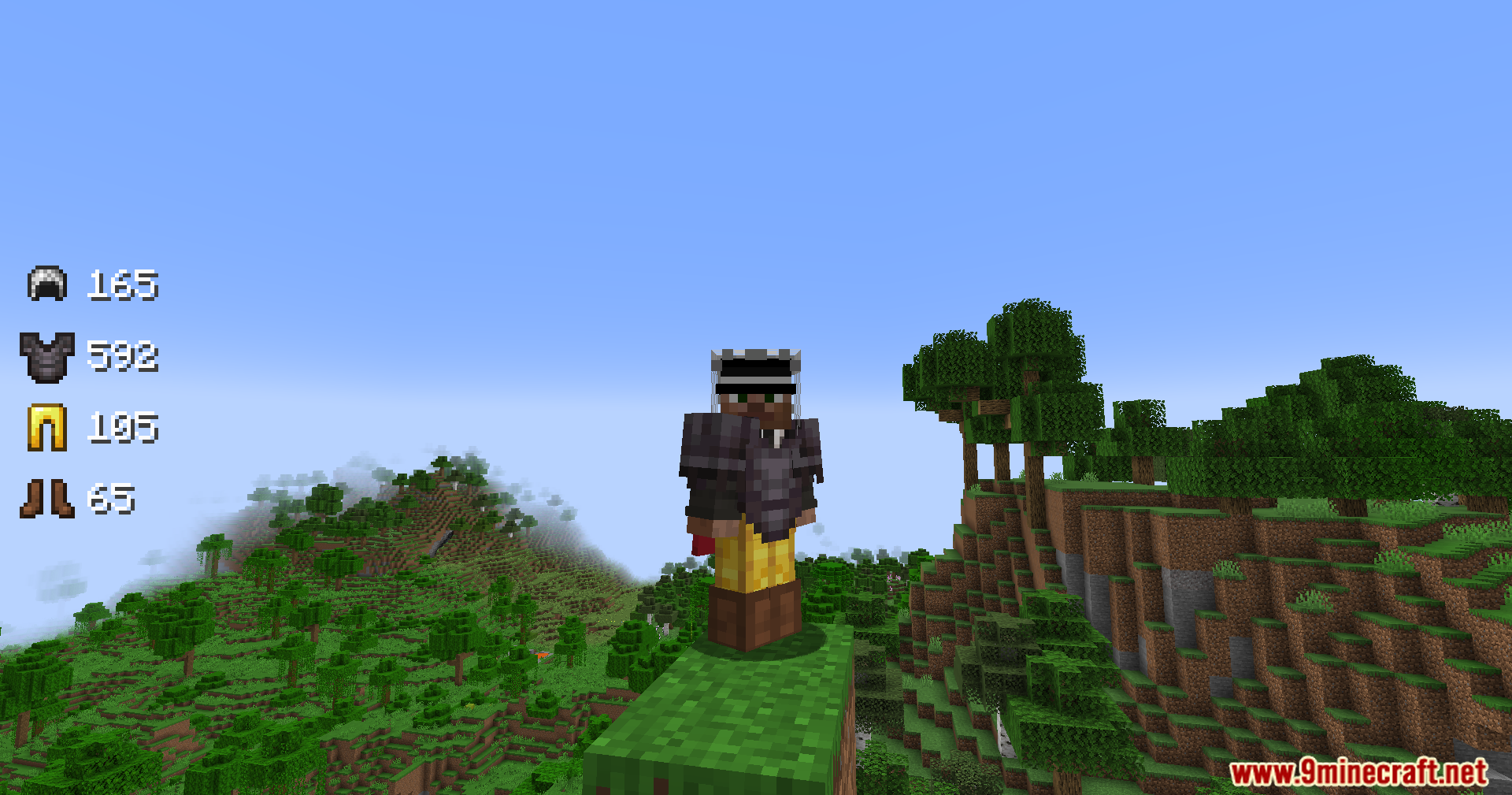
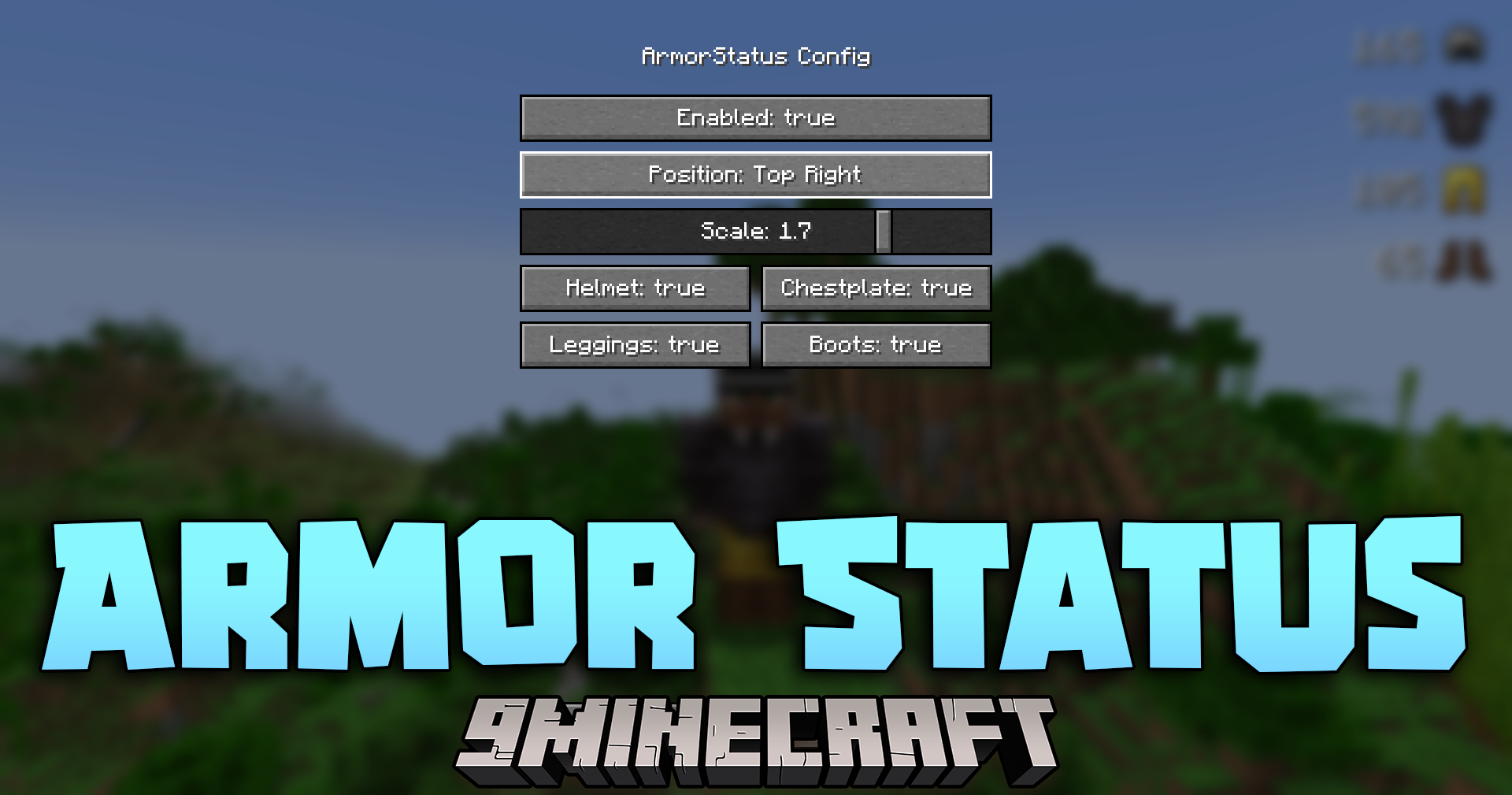
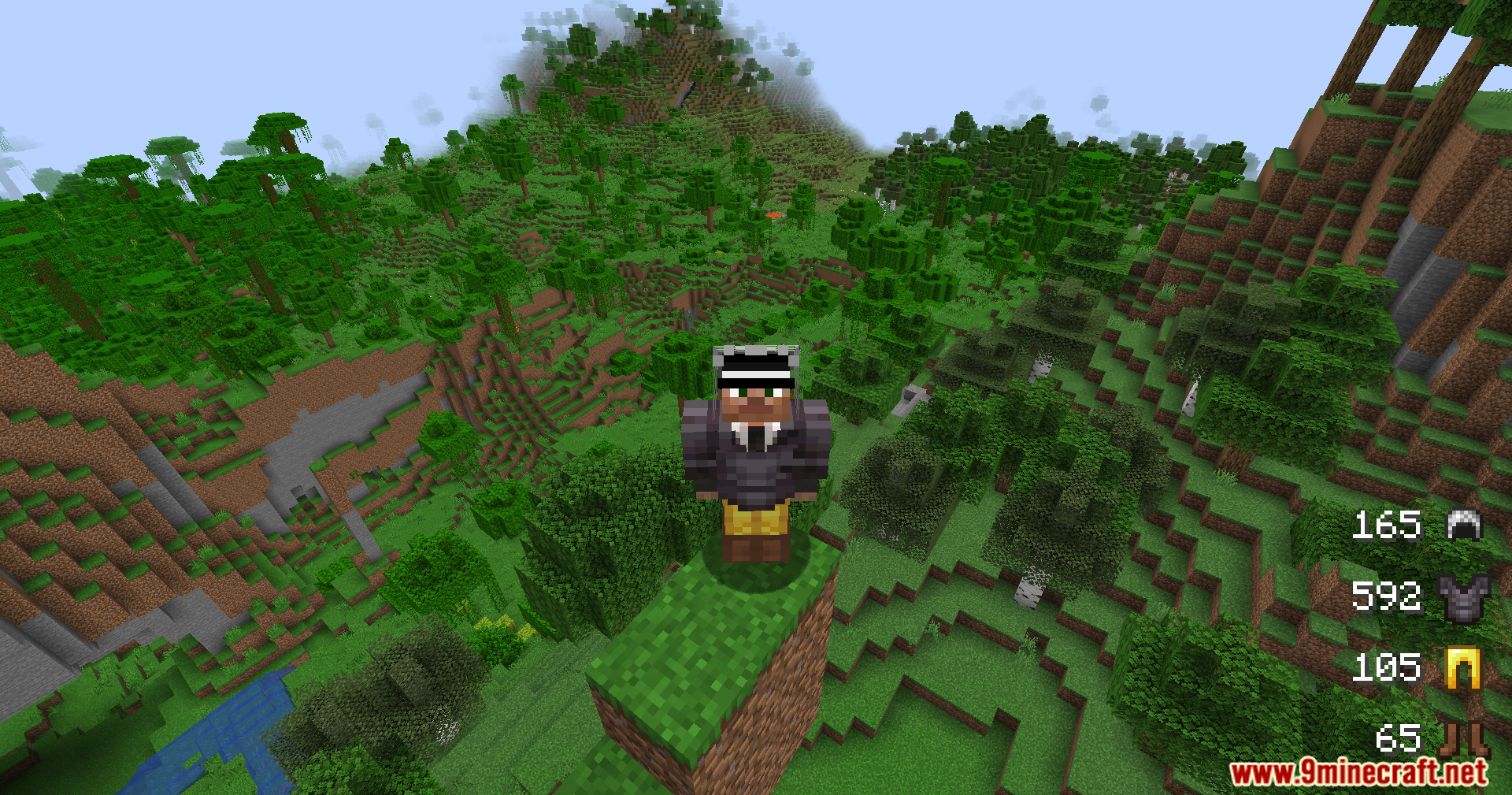
Armor Status Mod adds a simple display to your screen that shows the exact health of your gear. It puts a small, clean box on your screen so you always know how many hits your helmet or chestplate can take before it breaks. This helps you survive longer in tough fights because you can fix or swap your items before you lose them.
Features:
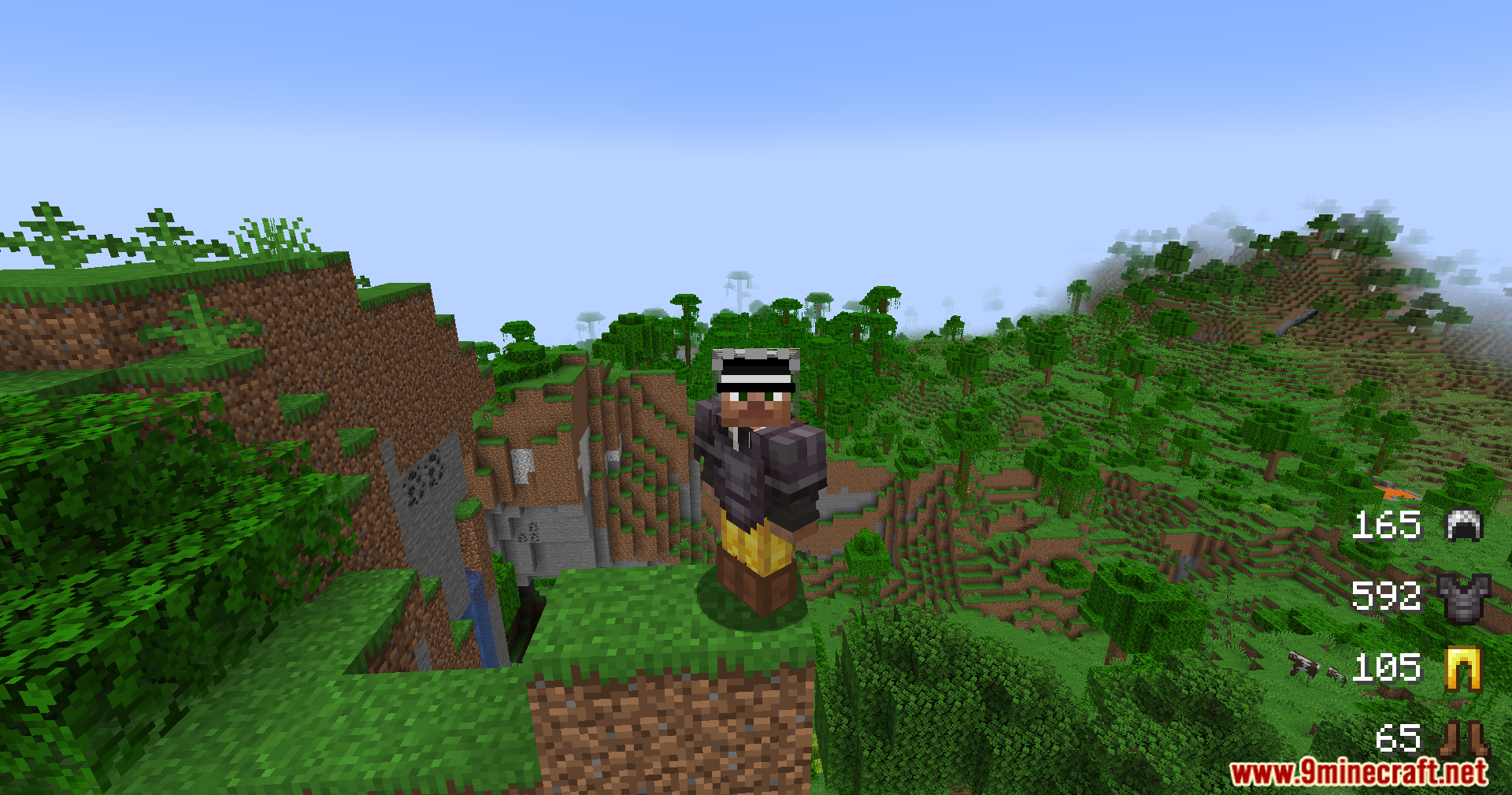
- Real-time tracking: Shows the exact durability of your equipped gear right on your screen as you play.
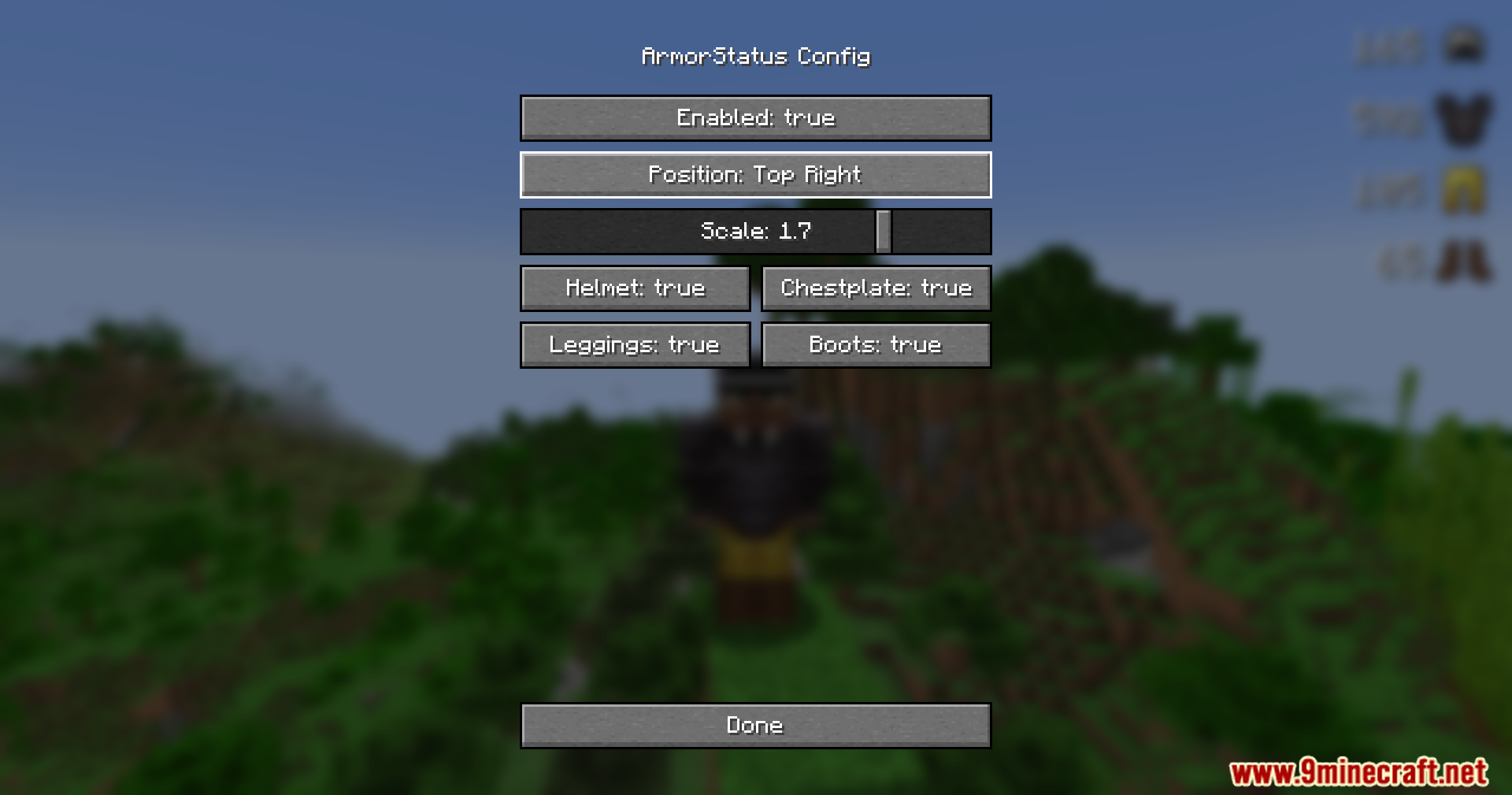
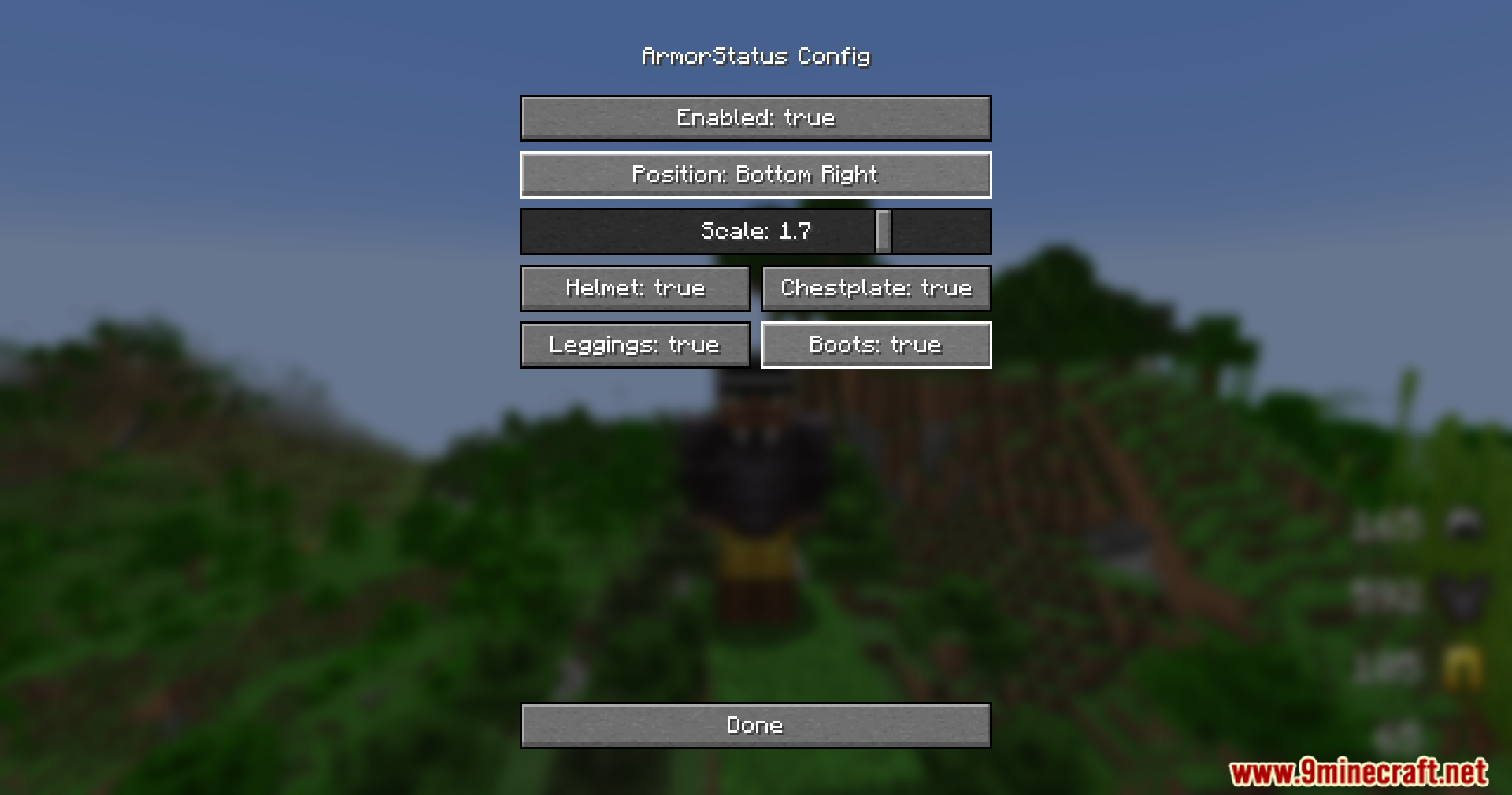
- Places a small and clean display on your game window that stays out of the way while you build or fight.
- Runs smoothly on your computer without slowing down your game speed.
- Works perfectly for regular survival worlds, tough hardcore challenges, or fighting other players.
- Runs only on your side, so you can join servers and still see your gear health.
Screenshots:
Armor Status Mod Download Links
Quick facts
- Edition: Minecraft Java
- File type: .jar
- Minecraft versions listed: 1.21.11, 1.21.1
- How to install: Install the matching mod loader (Forge, Fabric or NeoForge) for your Minecraft version. → Download the .jar. → Put it in the .minecraft/mods folder and launch that loader profile.
- Where to get it: In MC Java Mods, or directly above on this page.
Install steps are the general flow for this file type — How to install Minecraft Java mods & modpacks walks through it step by step.
File checked by MCModsHub
- Downloads as 25513.mcaddon
- Download size: 84 KB
- Download link checked 23 Sept 2026 — working
- Mirrored on our own servers — the download does not depend on the original host
These come from our own check of the pack file, not from the source page.