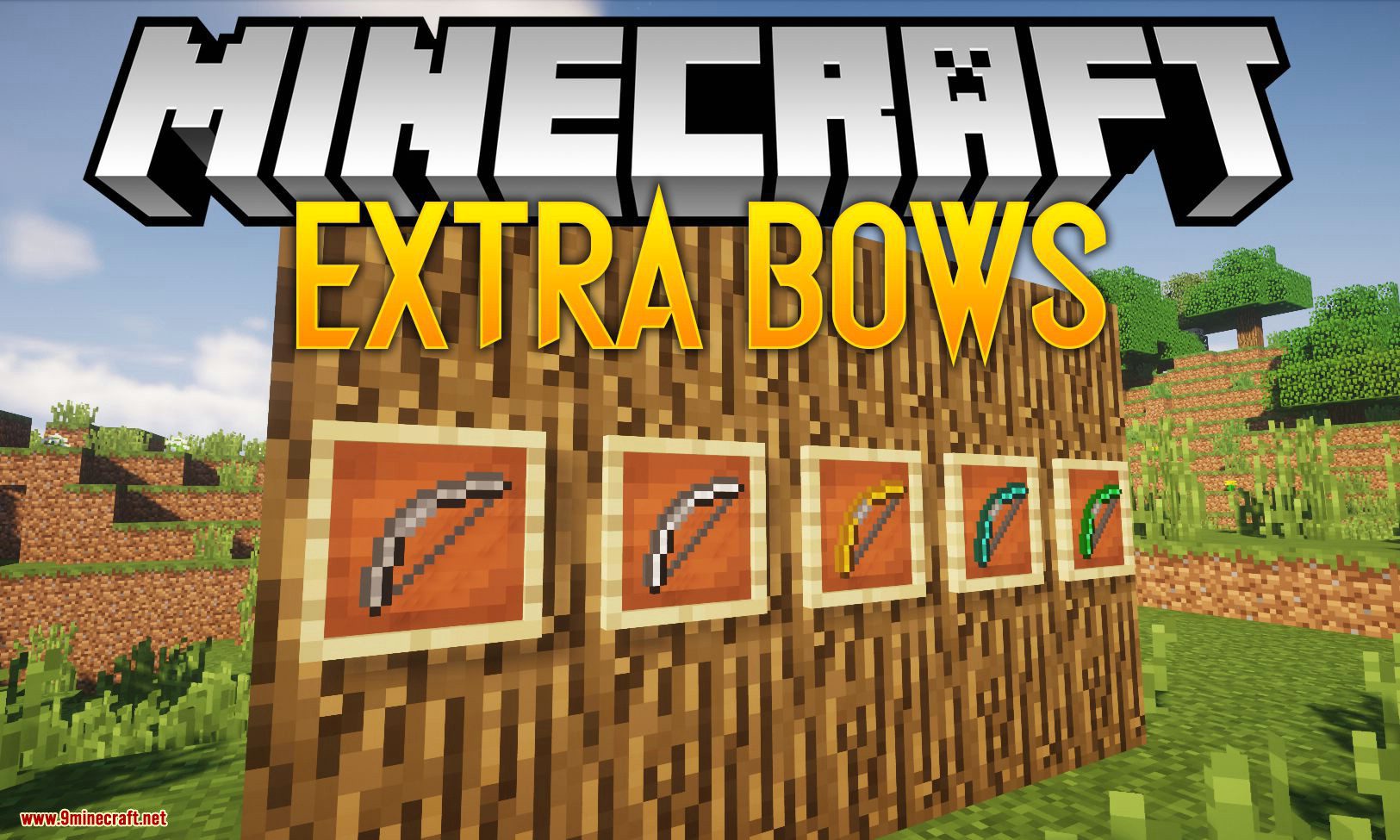
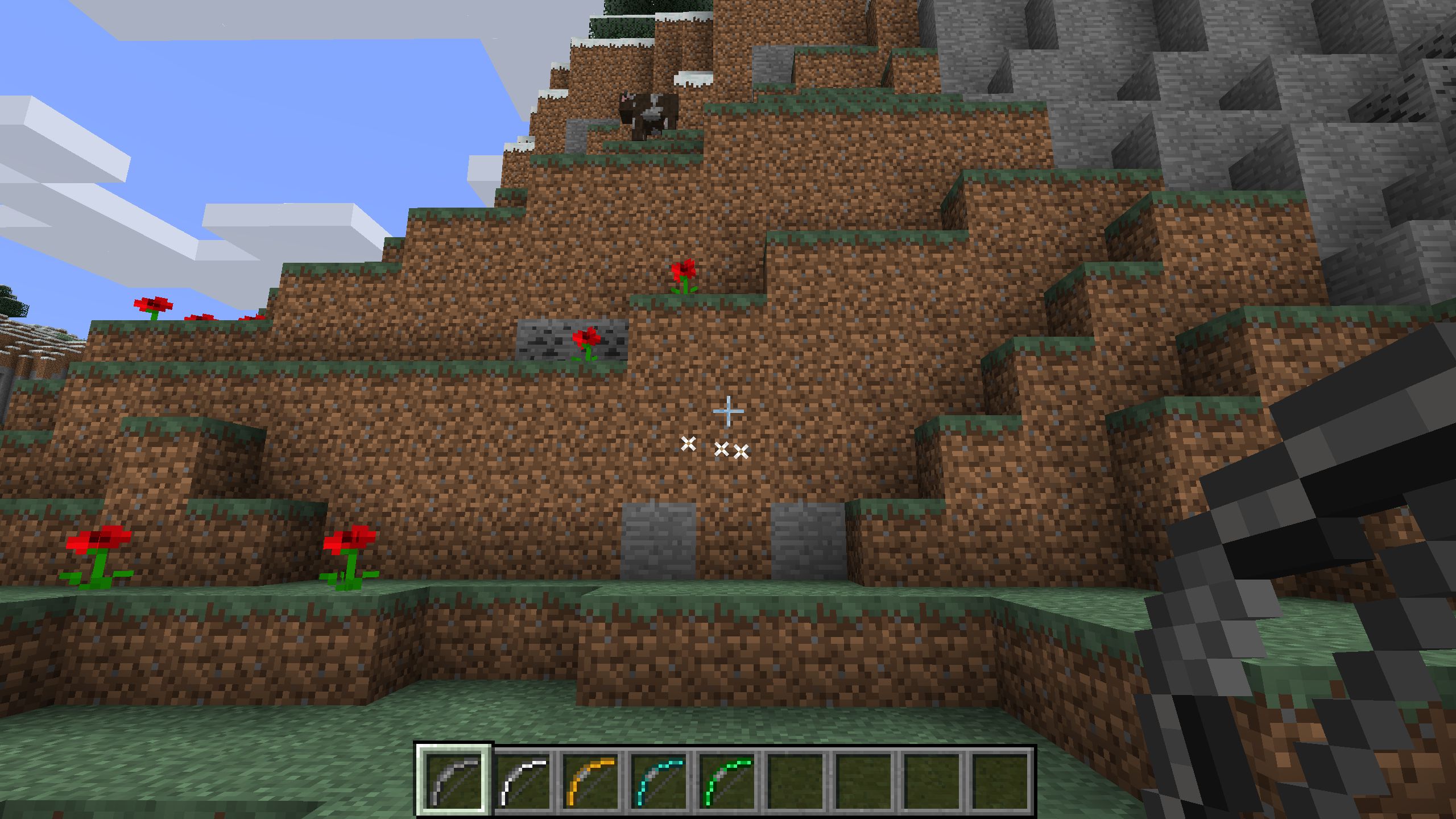
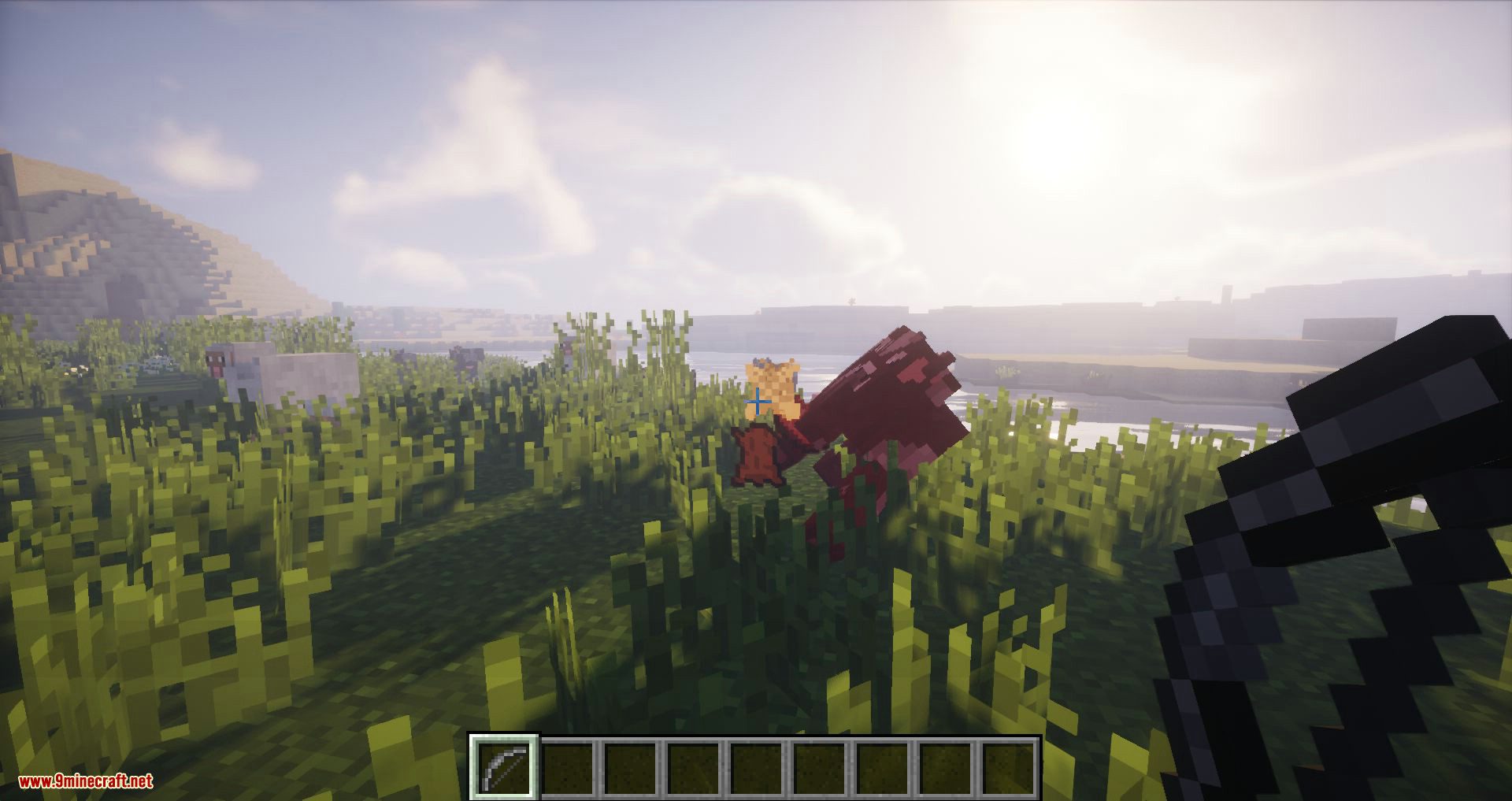
Extra Bows Mod 1.16.5, 1.15.2 adds new variants of bows, bow upgrades, and other archery stuff to the game.
Features:
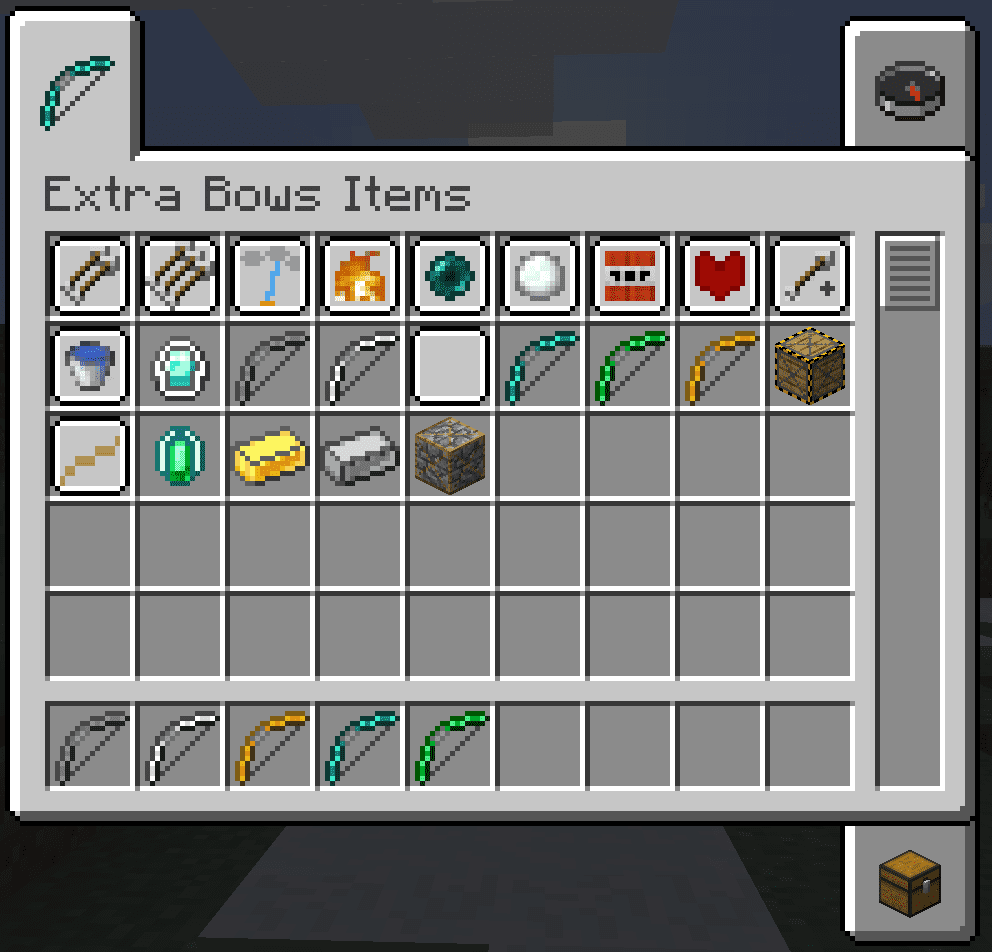
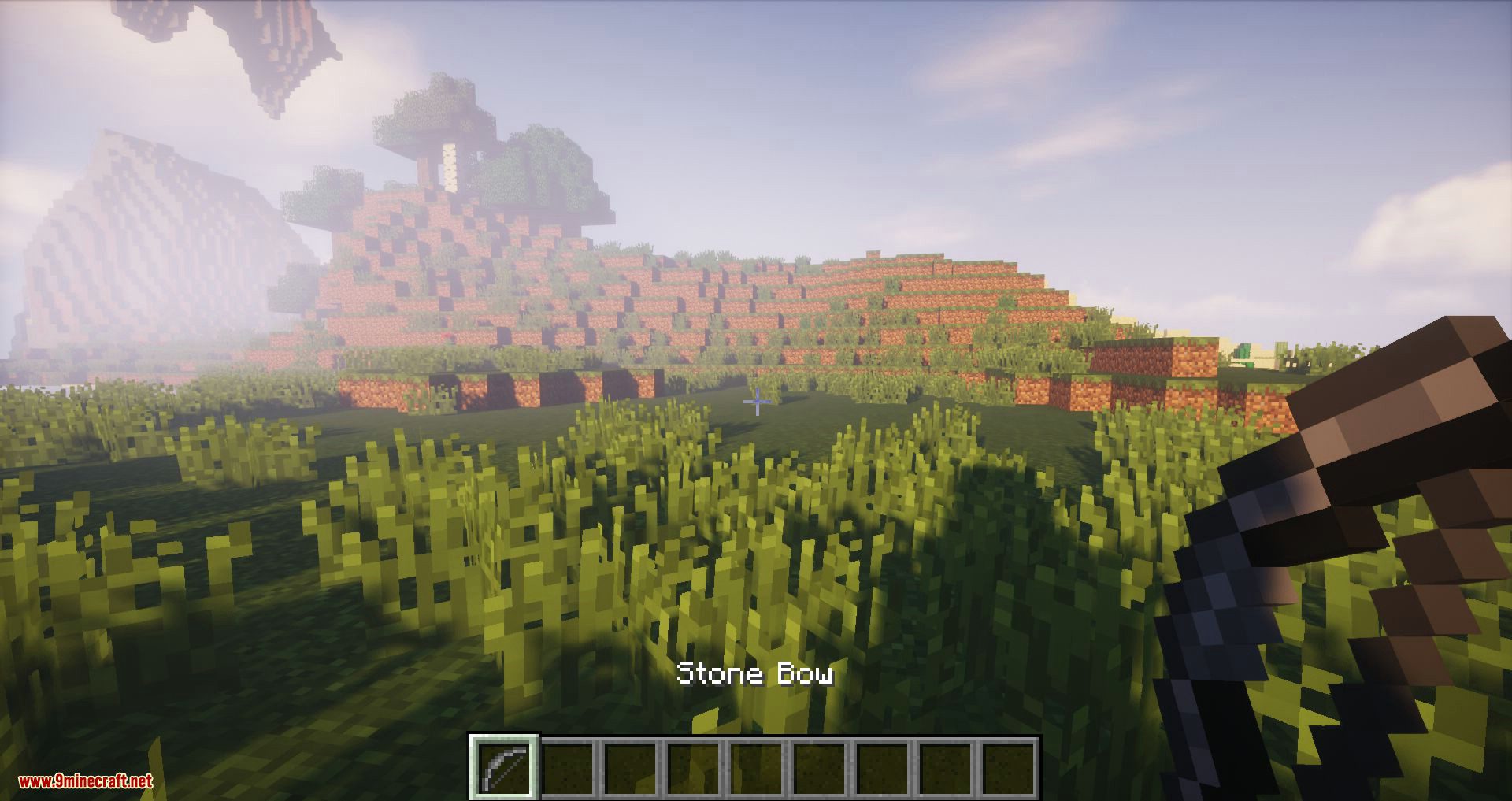
- New vanilla-style bows in all materials (including emerald)
- 11 unique upgrades for the bows
- The vanilla bow is supported
- Config Options
Upgrades:
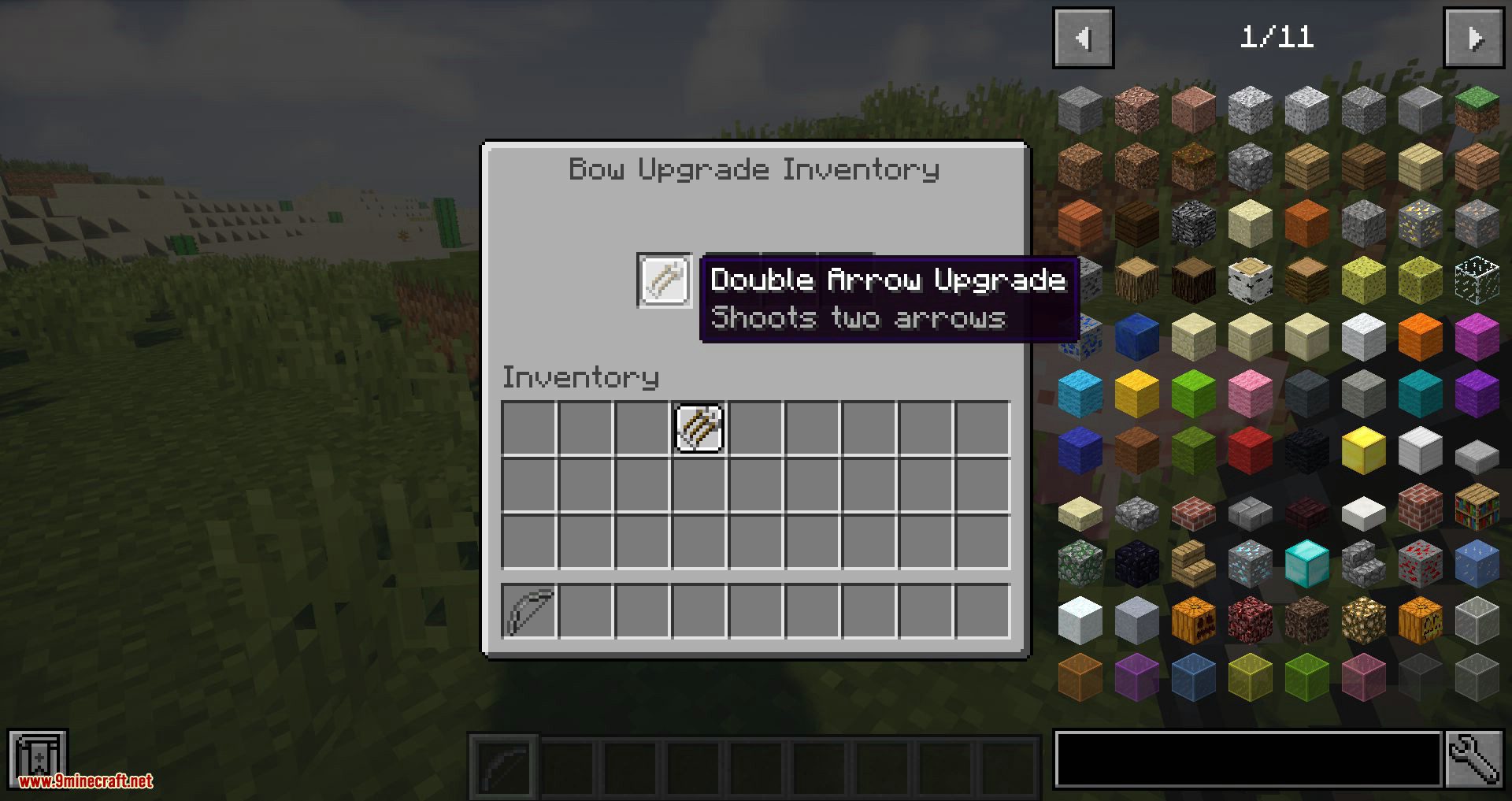
- Double Arrow Upgrade
- Triple Arrow Upgrade
- Lightning Upgrade
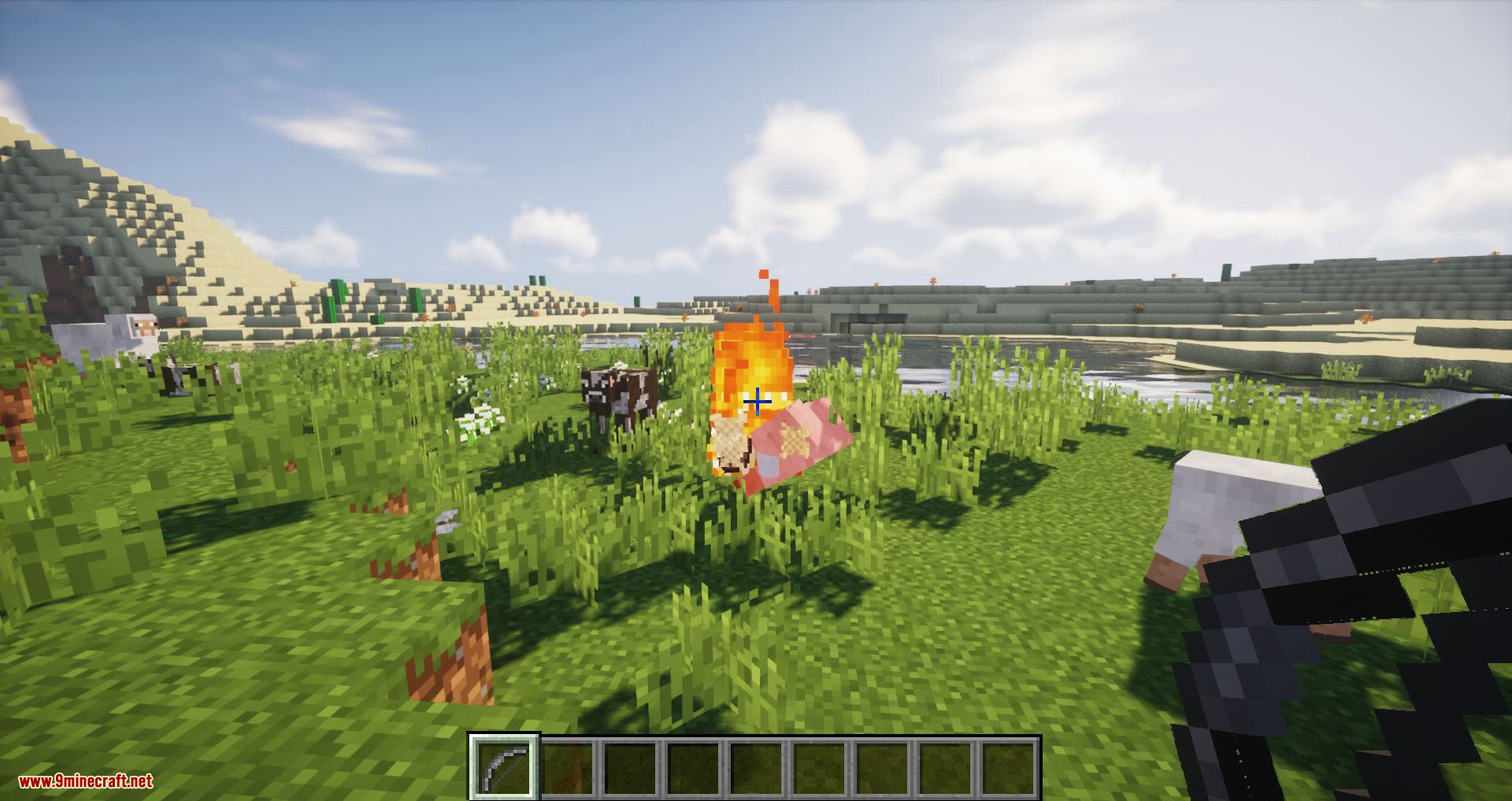
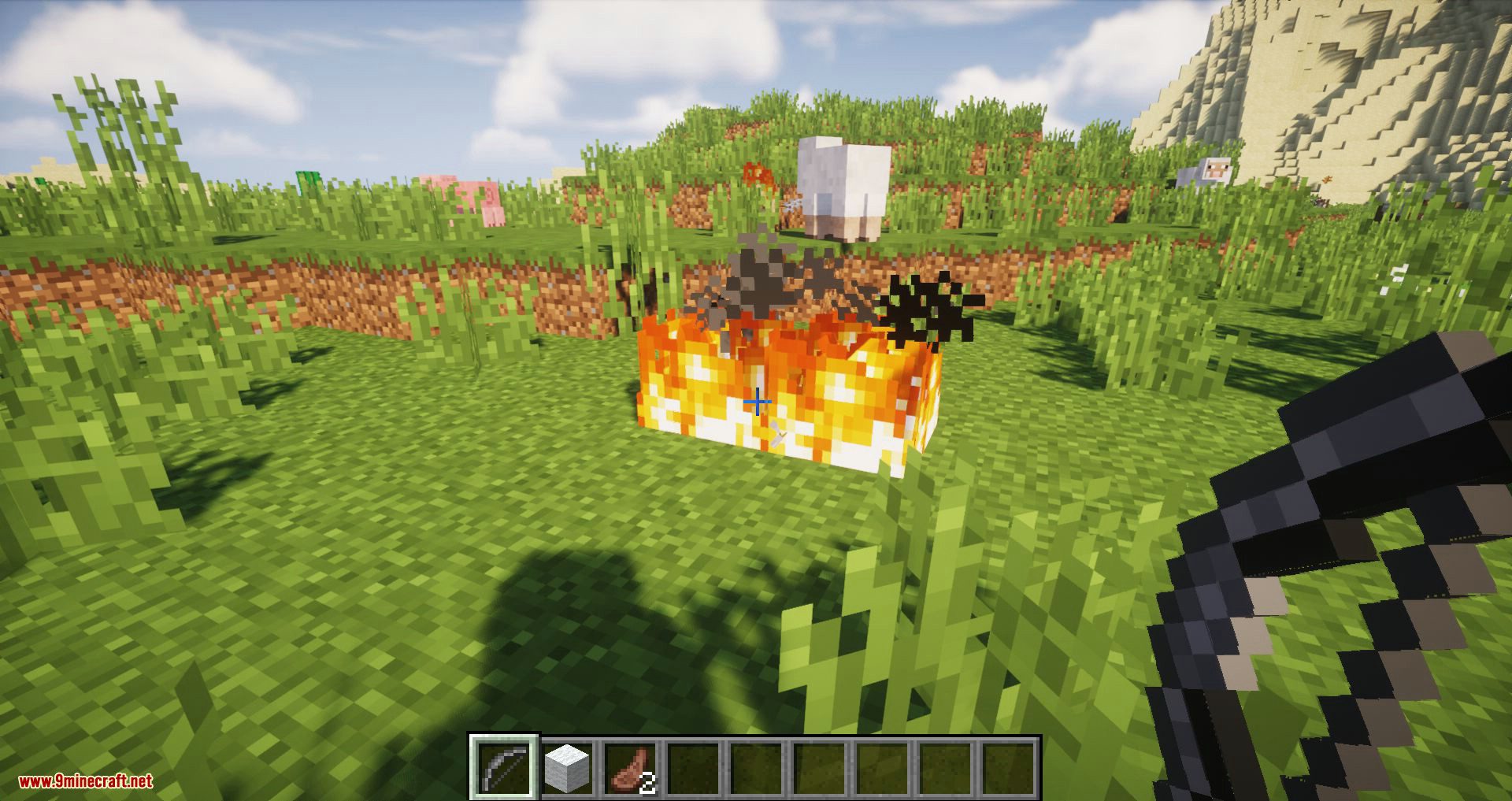
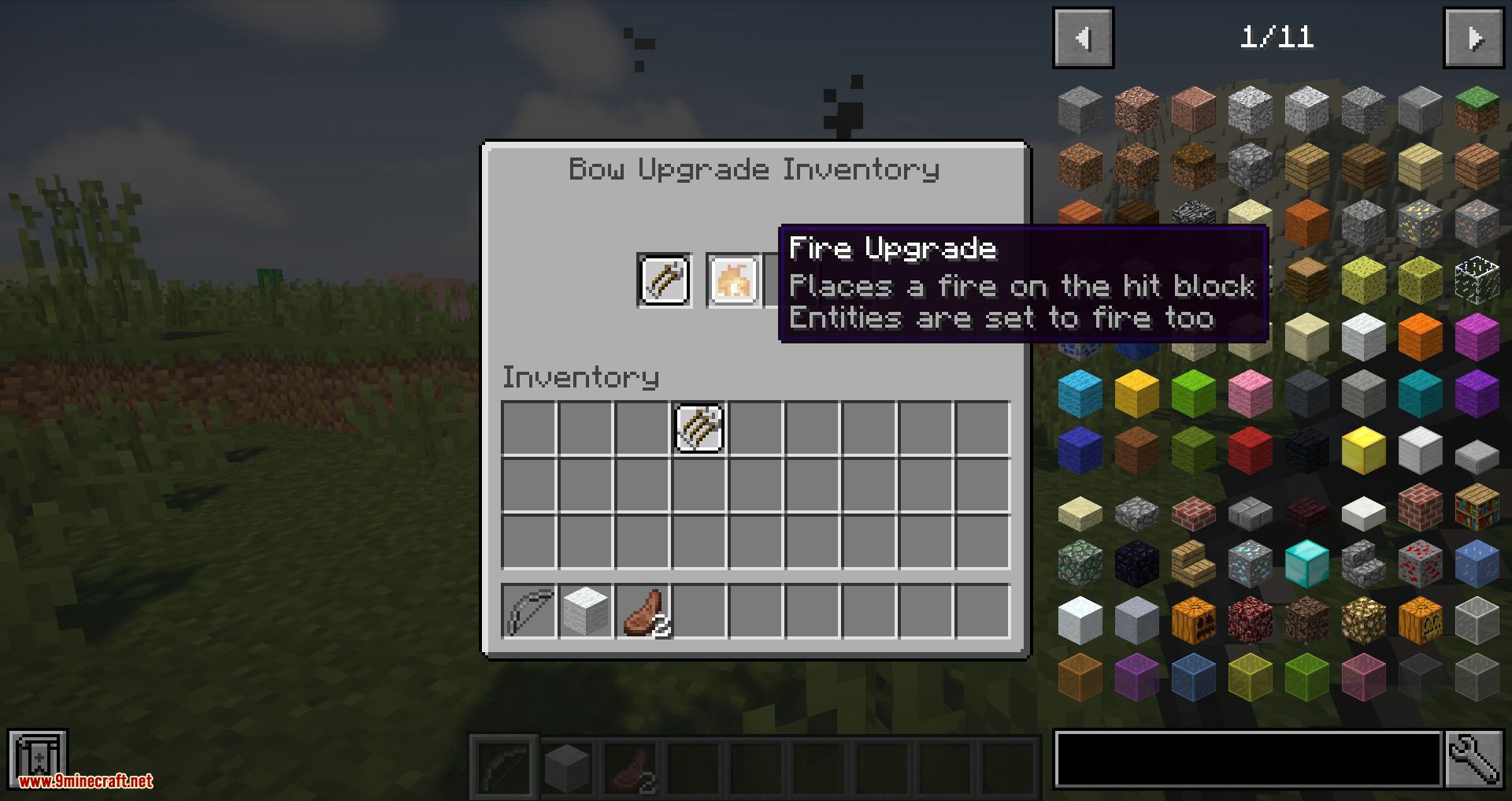
- Fire Upgrade
- Ender Upgrade
- Freeze Upgrade
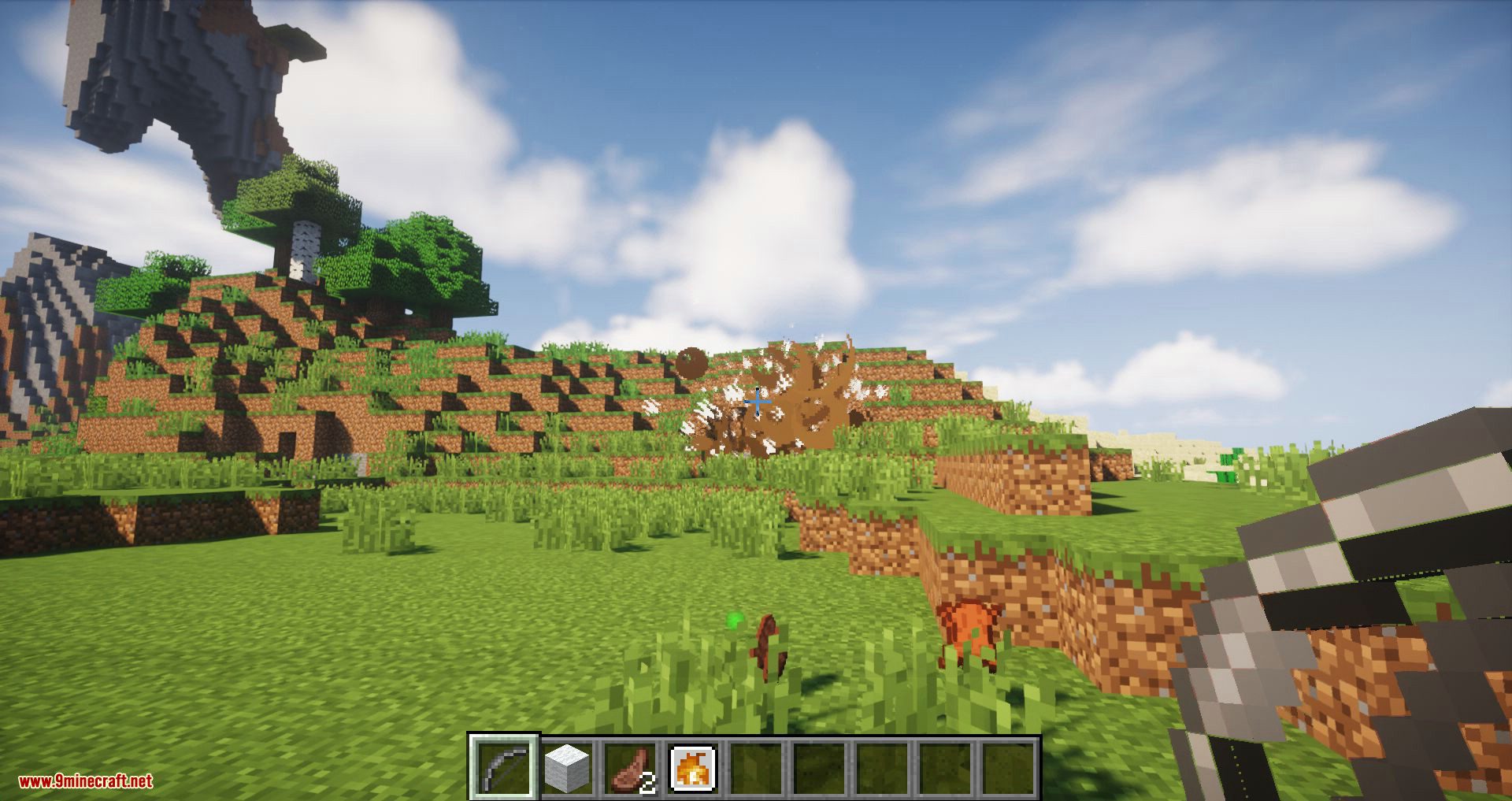
- Explosive Upgrade
- Healing Upgrade
- Arrow Cost Upgrade
- Water Upgrade
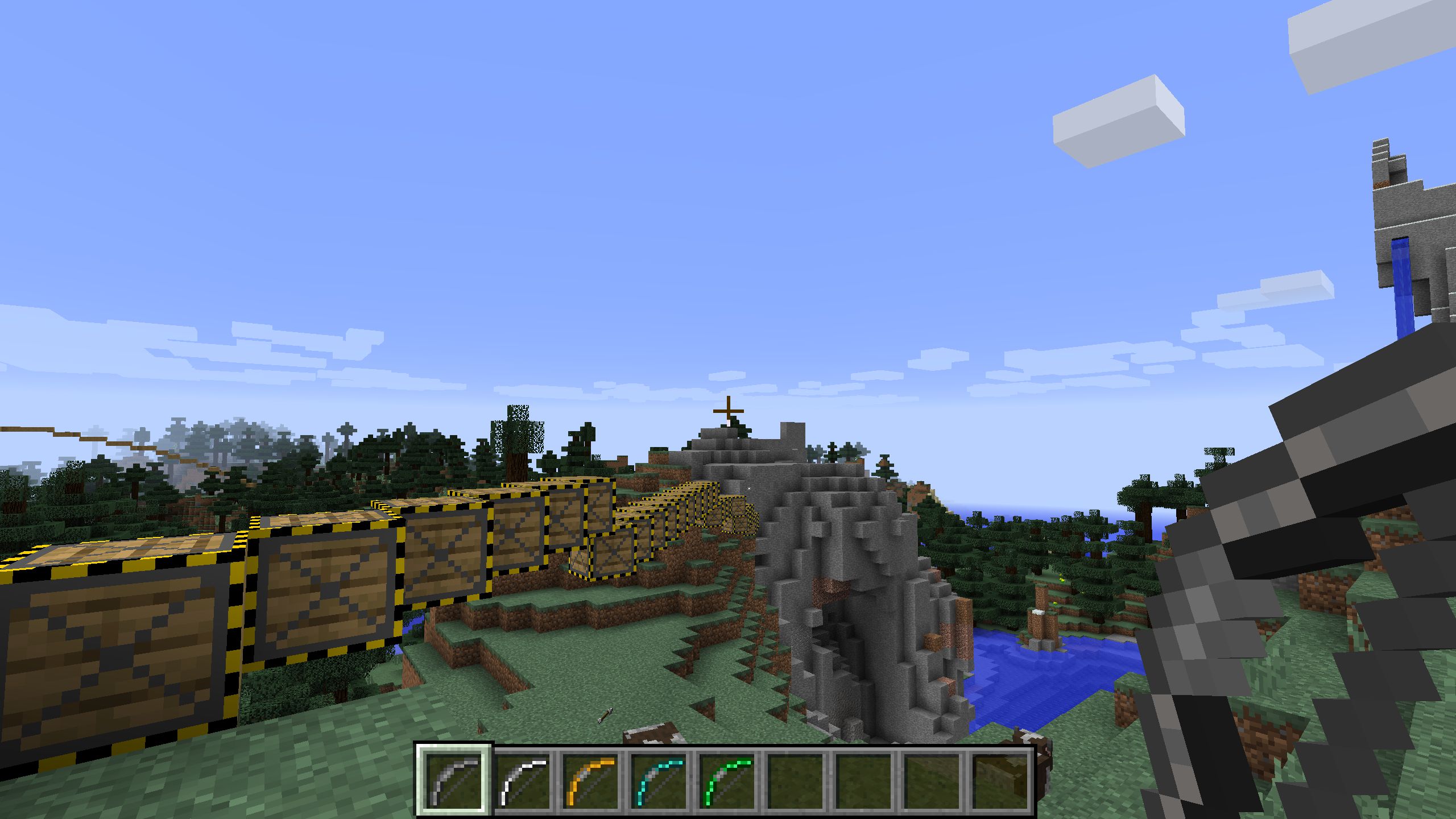
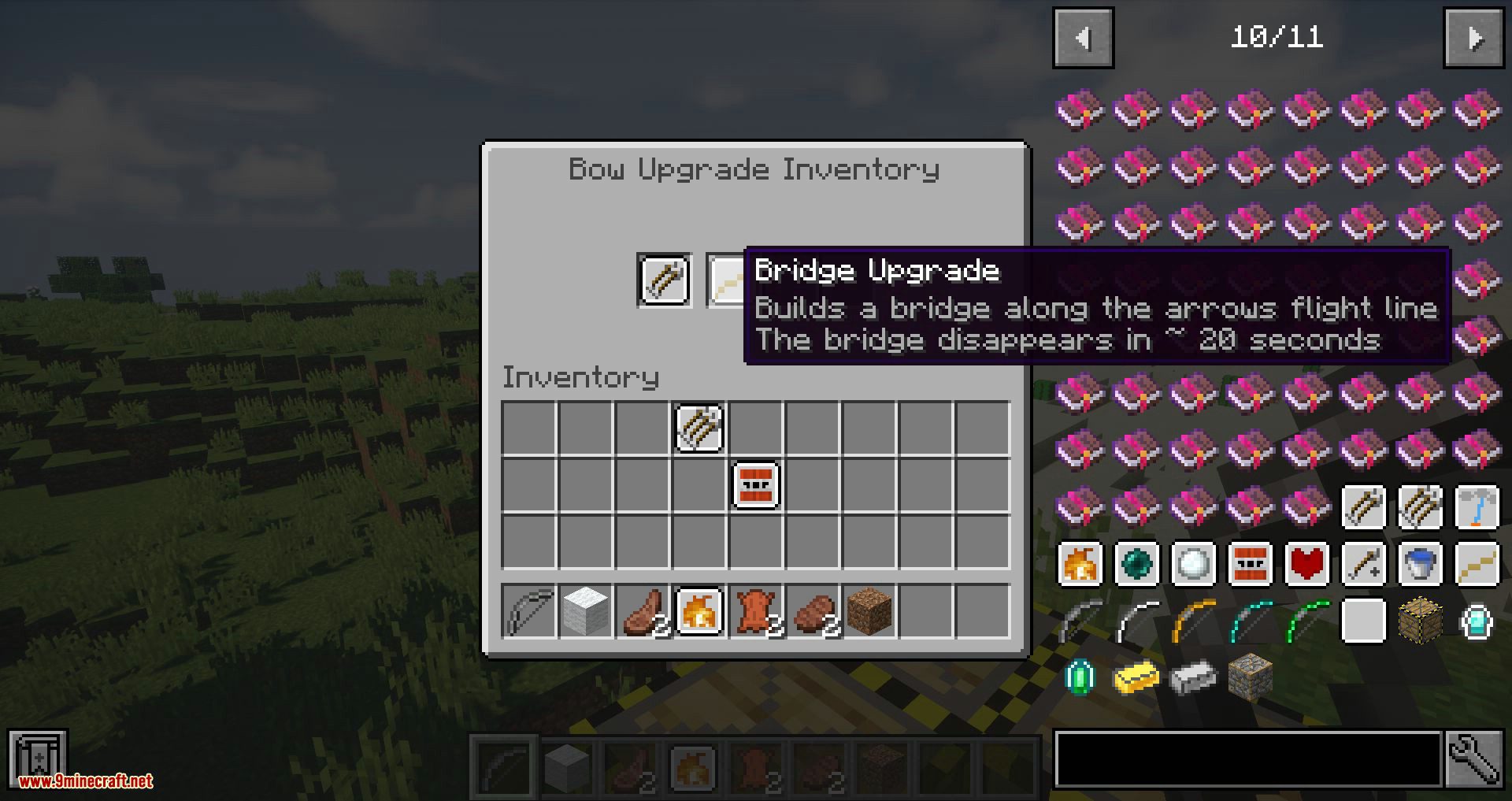
- Bridge Upgrade
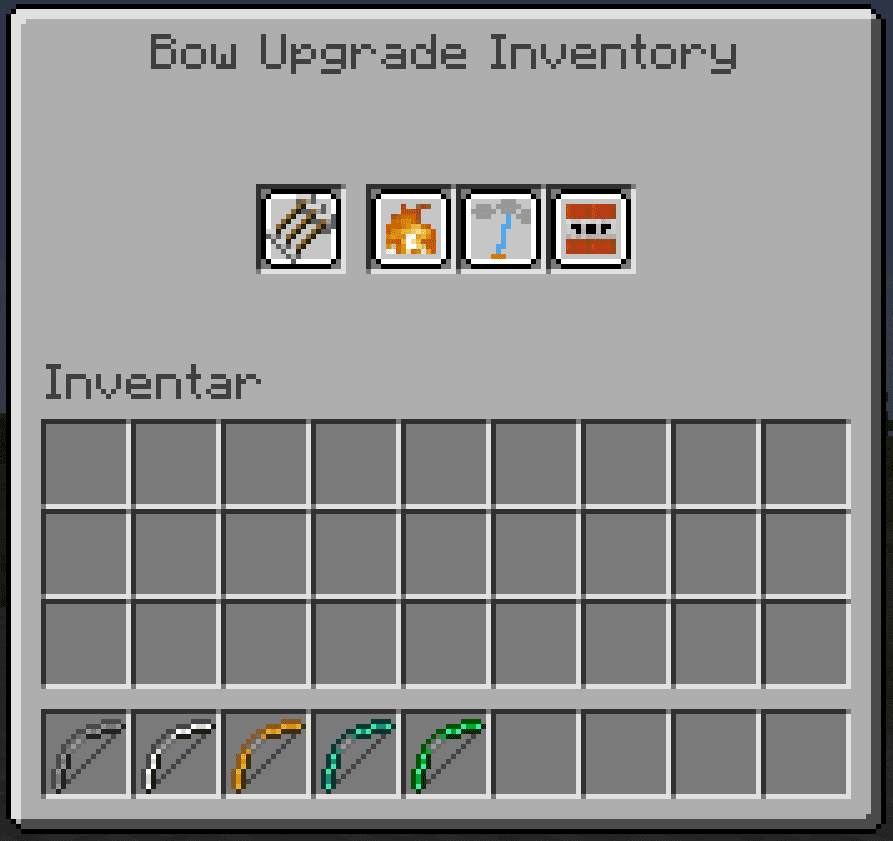
Upgrade Inventory: (Press B to open)
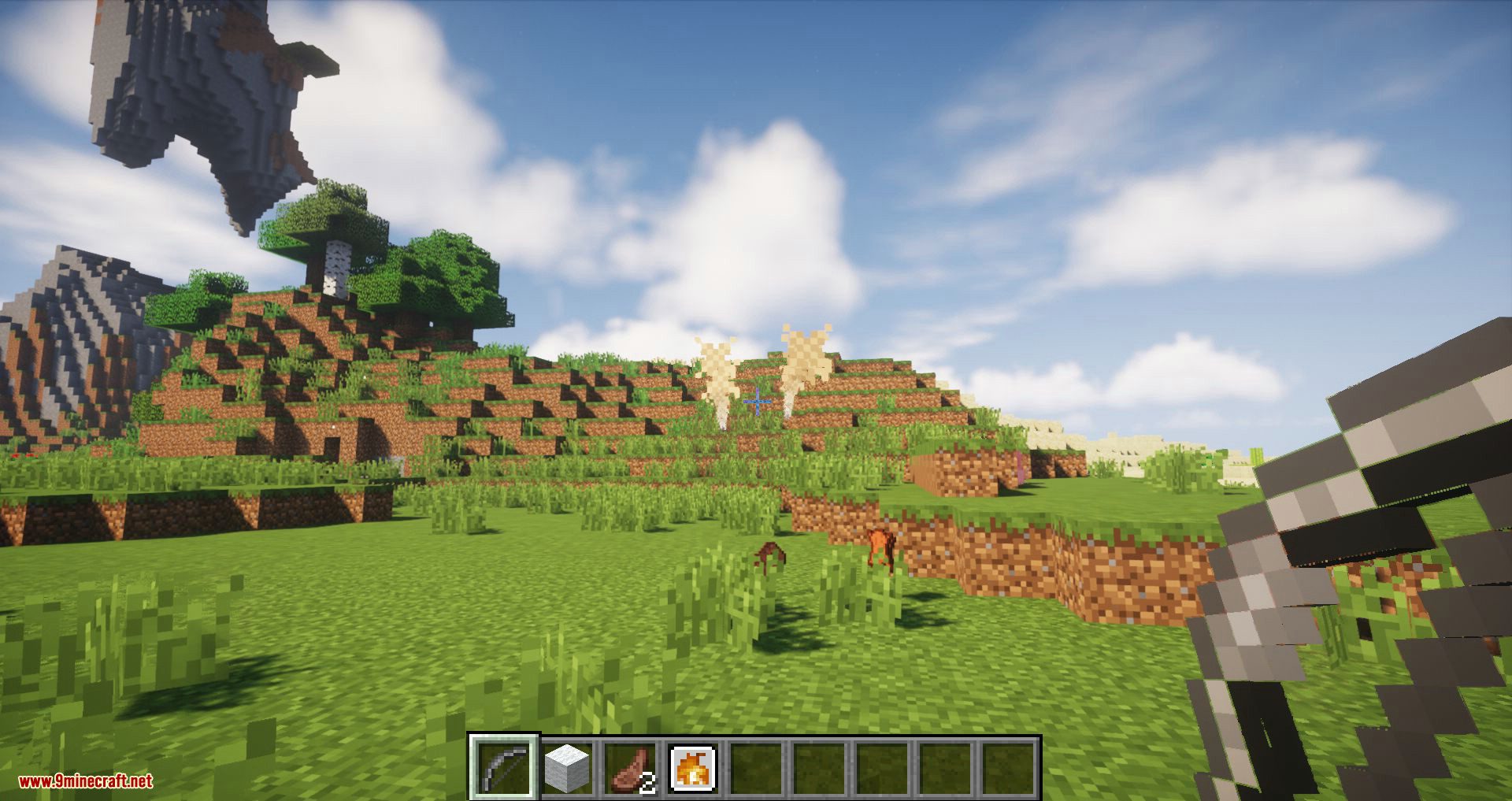
Screenshots:
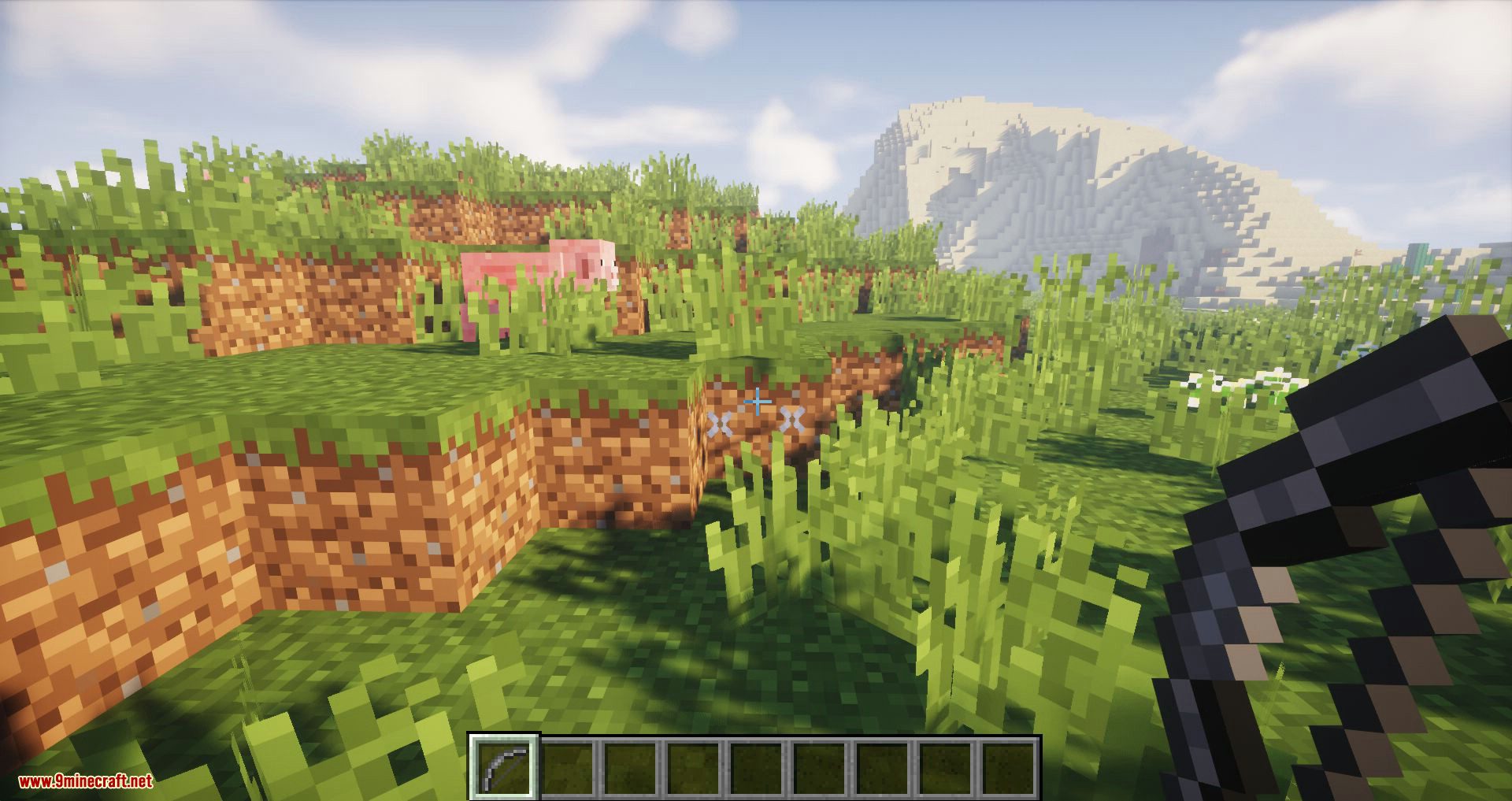
Bridge Upgrade: Build a bridge along with the arrows flight line. The bridge disappears in ~ 20 seconds.
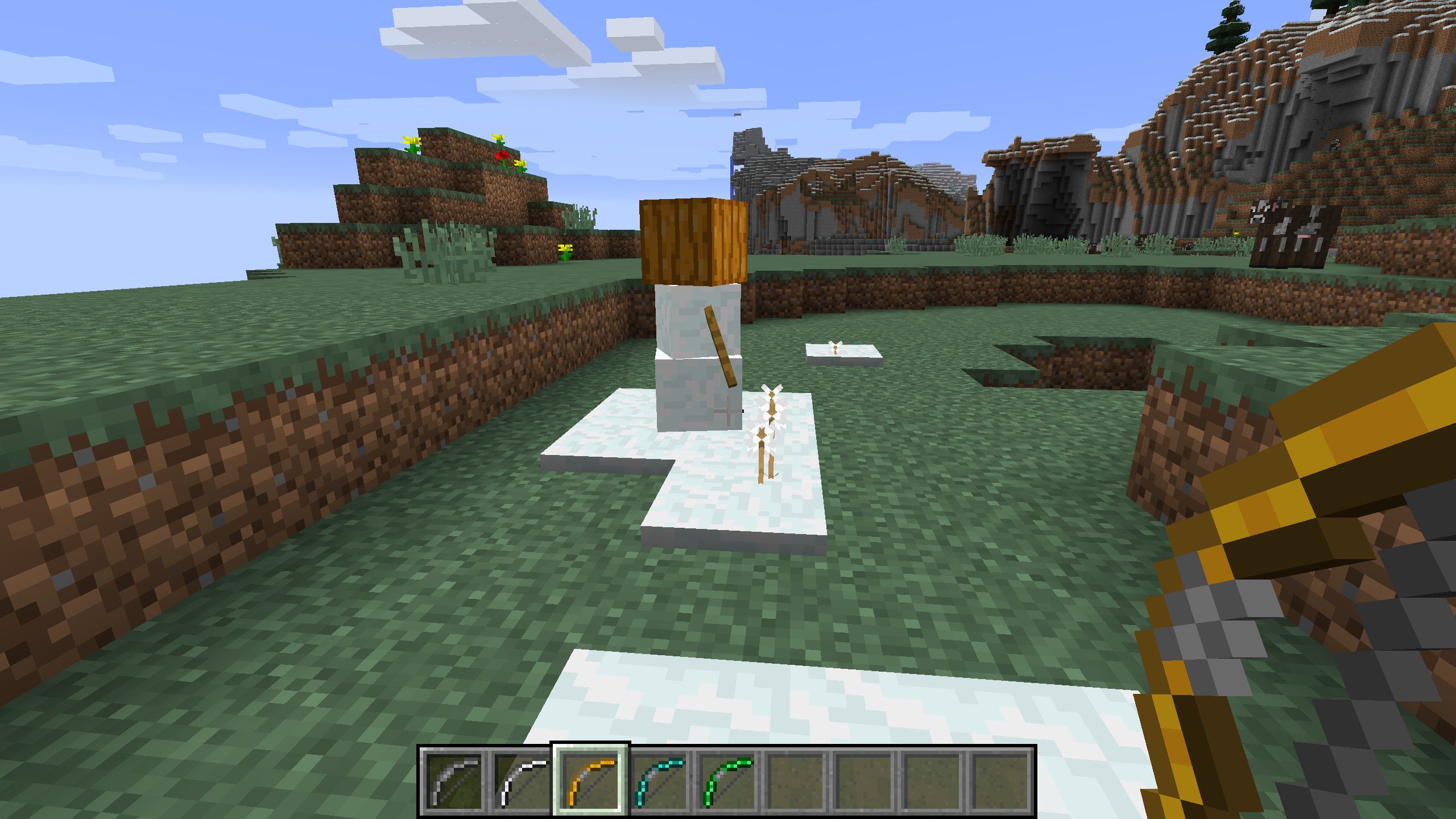
Triple Upgrade: Shot multiple arrows in 1 hit.
Freeze Upgrade
Crafting Recipes:
Show More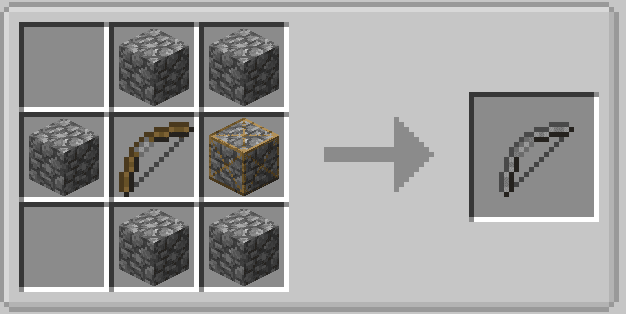
Stone Bow: Cobblestone,Vanilla Bow,Strong Stone
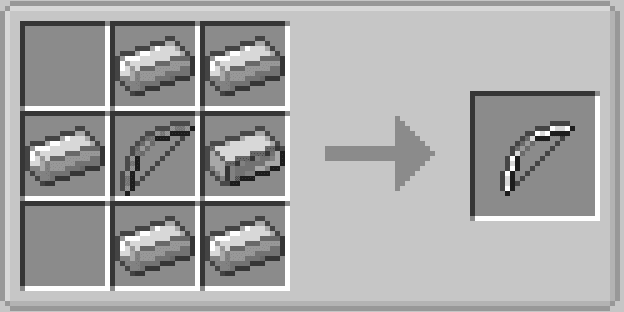
Iron Bow: Iron ingot,Stone bow,Strong iron
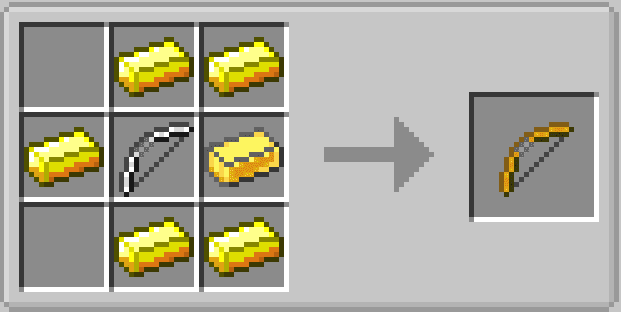
Golden Bow: Gold ingot,Iron bow,Strong gold
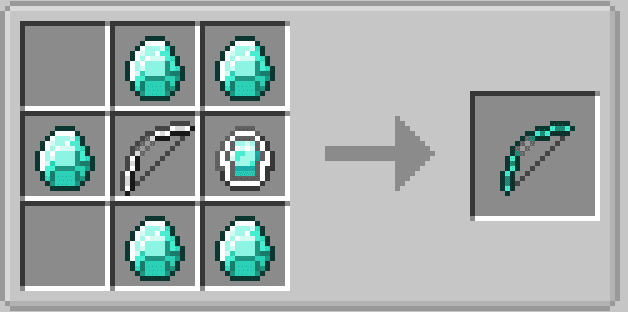
Diamond Bow: Diamond,Iron bow,Strong diamond
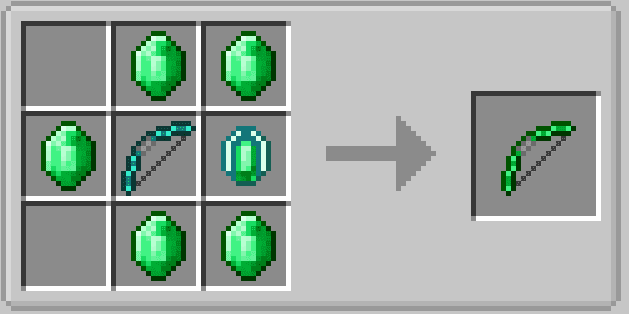
Emerald Bow: Emerald,Diamond bow,Strong emerald
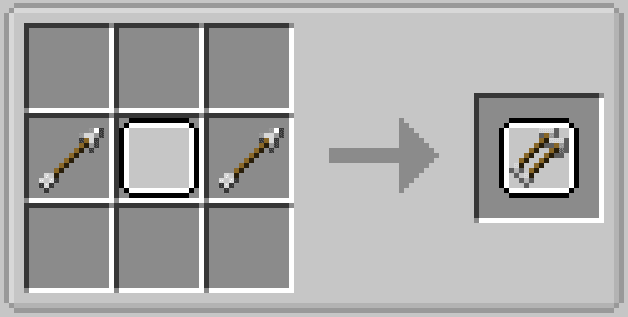
Double Arrow Upgrade: Arrow,Upgrade Plate
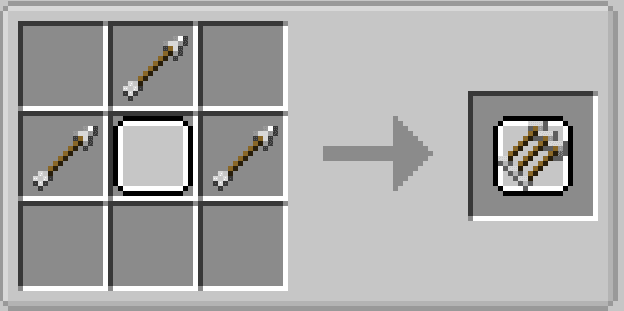
Triple Arrow Upgrade: Arrow,Upgrade Plate
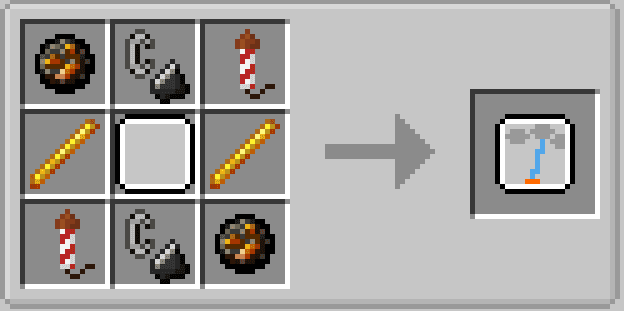
Lightning Upgrade: Fire charge,Fire rocket,Flint and Steel,Blaze rod,Upgrade plate
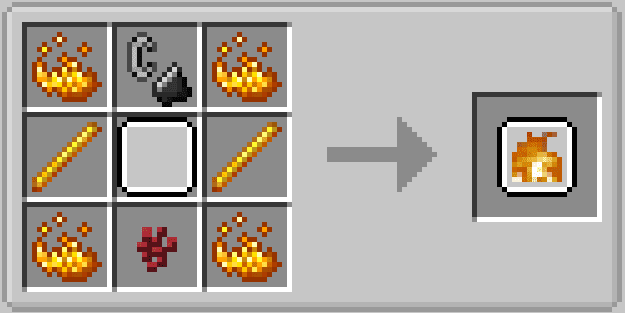
Fire Upgrade: Blaze powder, Upgrade plate, Flint and Steel, Blaze rod, Nether Wart
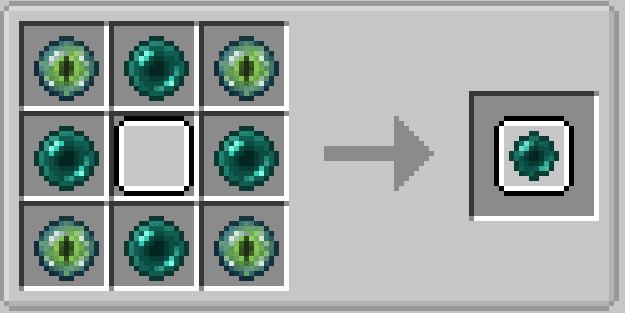
Ender Upgrade: Ender pearl,Ender eye,Upgrade plate
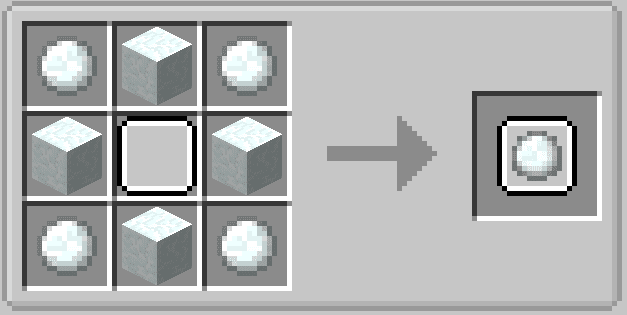
Freeze Upgrade: Snowball,Snow block,Upgrade plate
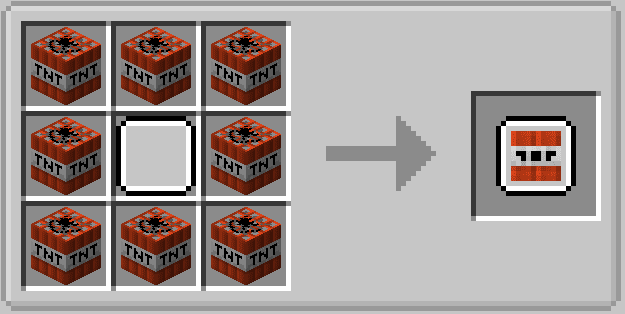
Explosive Upgrade: TNT,Upgrade plate
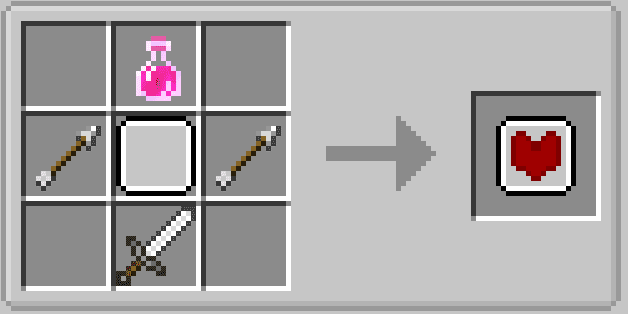
Healing Upgrade: Arrow,Iron sword,Healing Potion,Upgrade plate
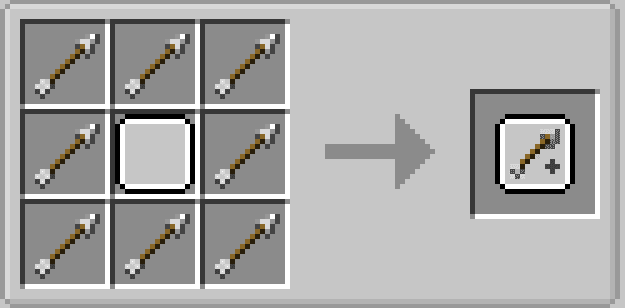
Arrow Cost Upgrade: Arrow,Upgrade plate
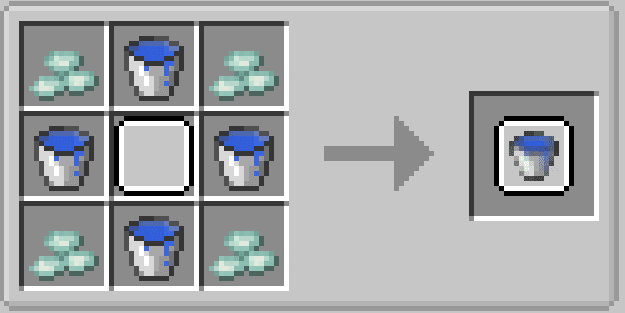
Water Upgrade: Water bucket,Prismariene chard,Upgrade plate
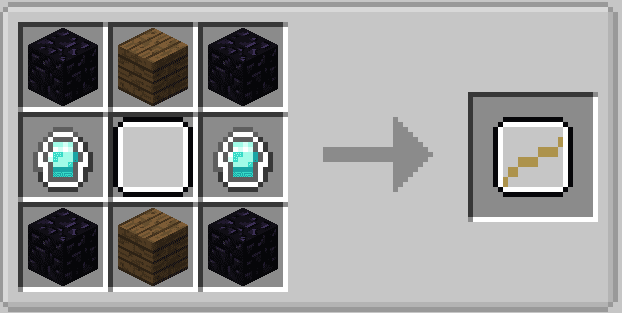
Bridge Upgrade: Obsidian,Strong diamond,planks(any type),Upgrade plate
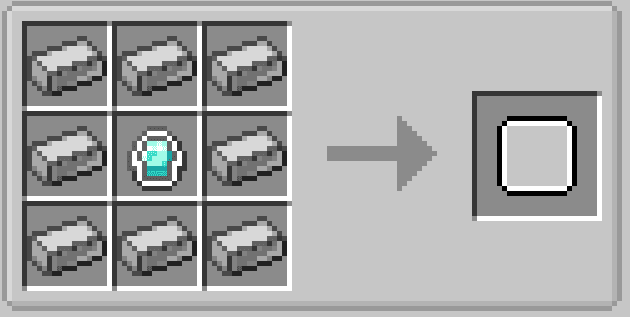
Upgrade Plate: Strong iron,Strong diamond
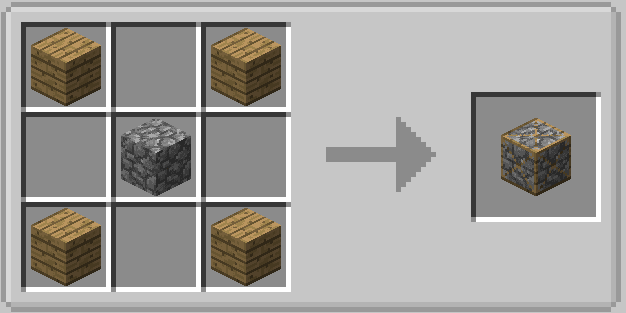
Strong Stone: Planks(any type),Cobblestone
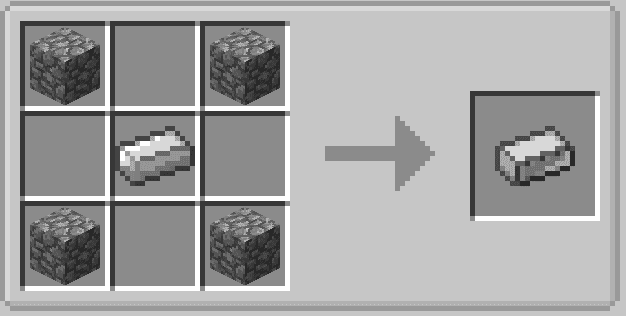
Strong Iron: Cobblestone, Iron ingot
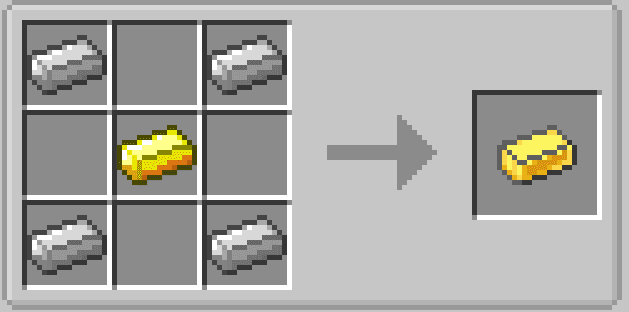
Strong Gold: Iron ingot, Gold ingot
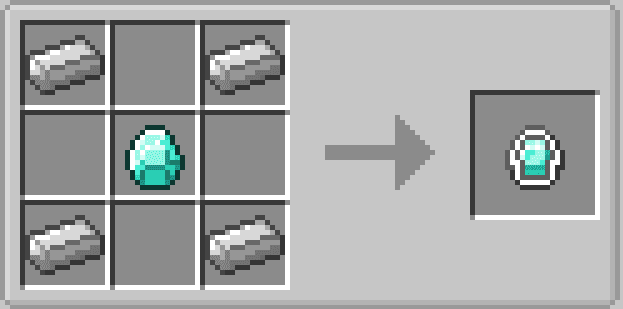
Strong Diamond: Iron ingot, Diamond
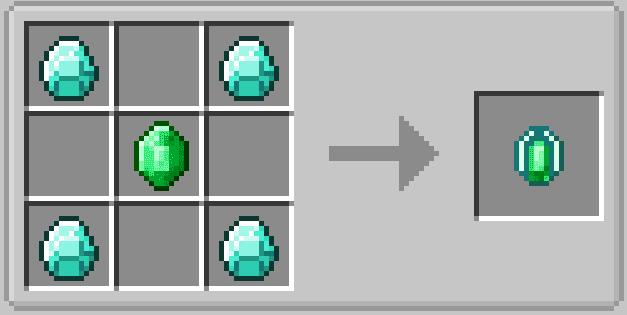
Strong Emerald: Diamond, Emerald
Extra Bows Mod 1.16.5, 1.15.2 Download Links
- Edition: Minecraft Java
- File type: .jar
- Minecraft versions listed: 1.16.5, 1.20.1
- How to install: Install the matching mod loader (Forge, Fabric or NeoForge) for your Minecraft version. → Download the .jar. → Put it in the .minecraft/mods folder and launch that loader profile.
- Where to get it: In MC Java Mods, or directly above on this page.
Install steps are the general flow for this file type — How to install Minecraft Java mods & modpacks walks through it step by step.
- Downloads as 25525.mcaddon
- Download size: 188 KB
- Download link checked 25 Sept 2026 — working
- Mirrored on our own servers — the download does not depend on the original host
These come from our own check of the pack file, not from the source page.