Tanuki Decor Mod (1.21.1, 1.20.1) – Cozy Crafts for Minecraft Homes
Java mod listed for Minecraft 1.20–1.21. Downloads from the MC Java Mods app on Android.
⬇ Download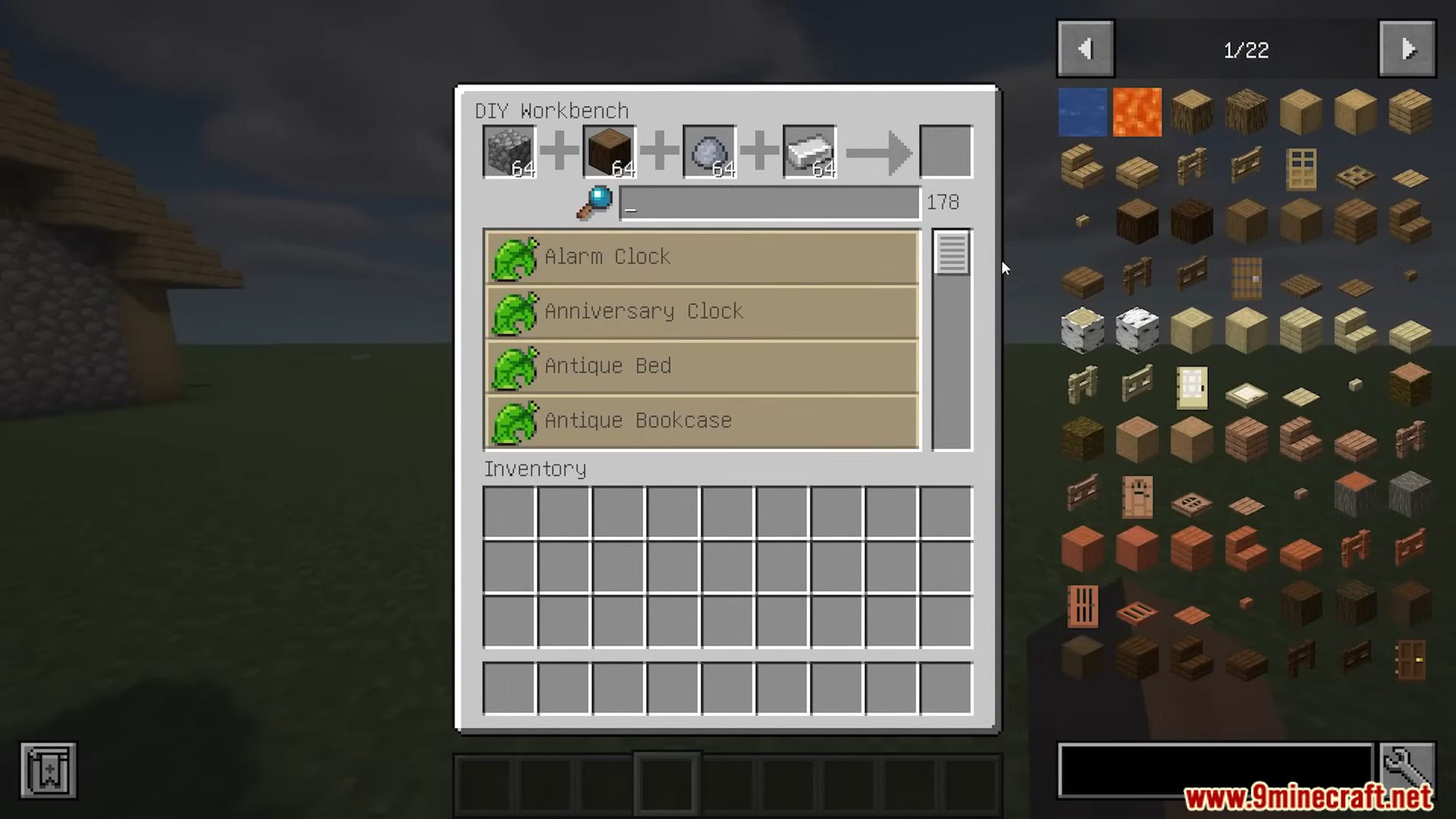
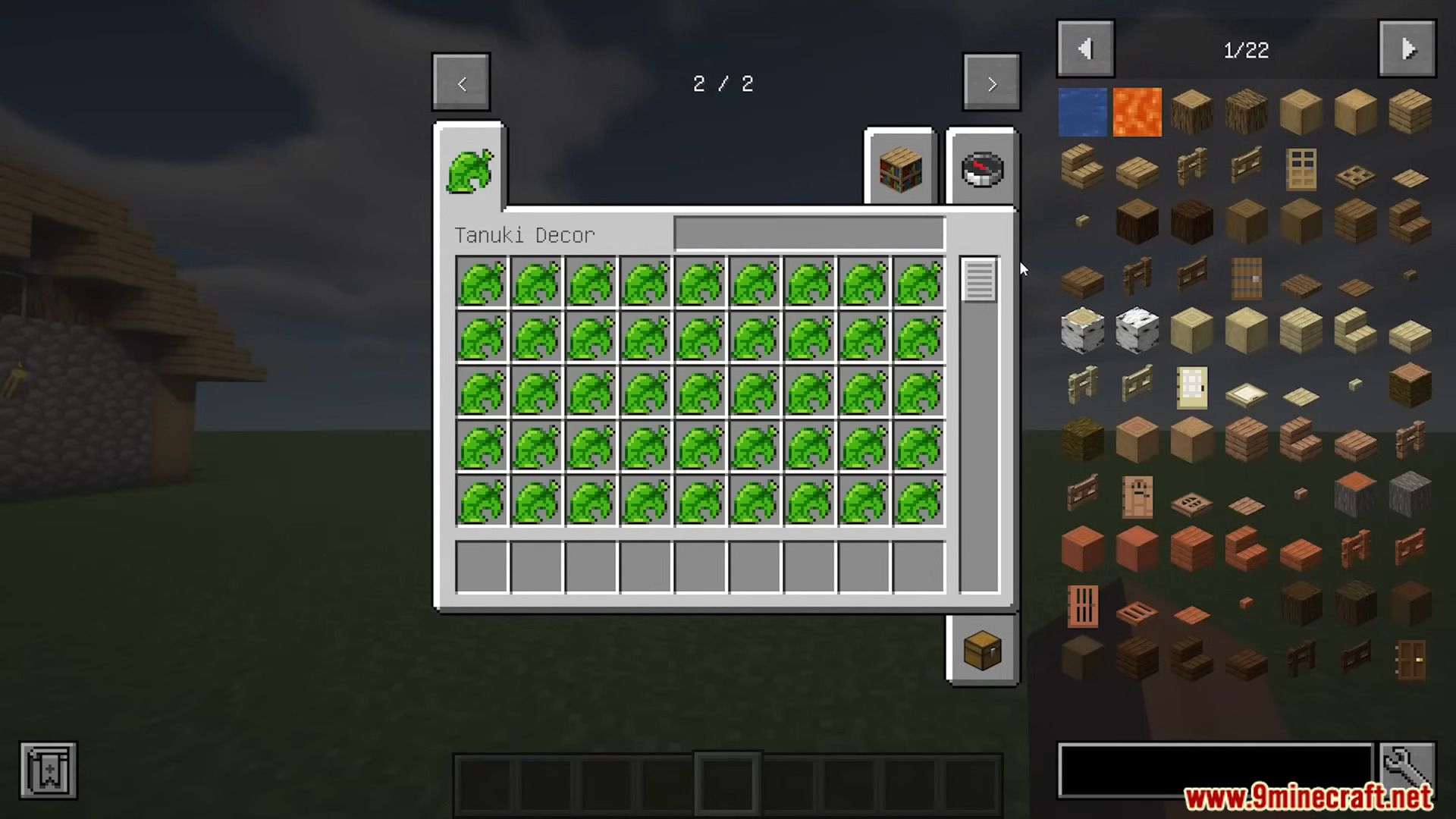


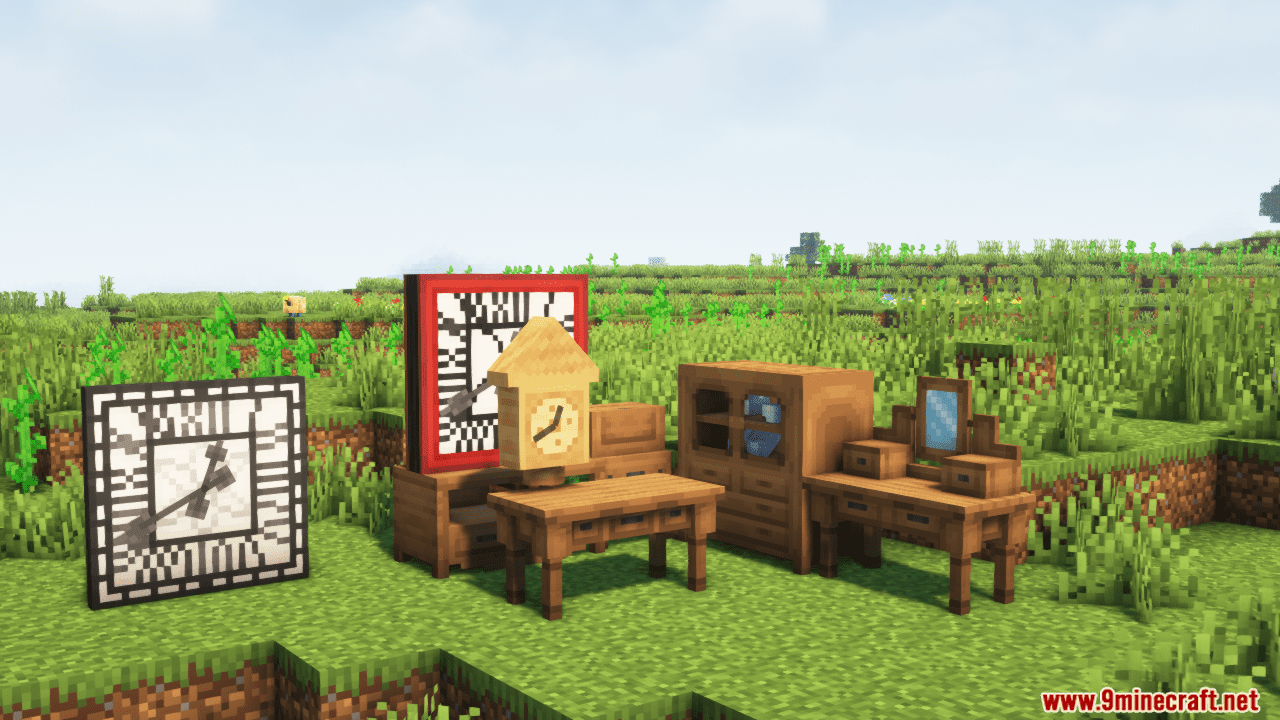
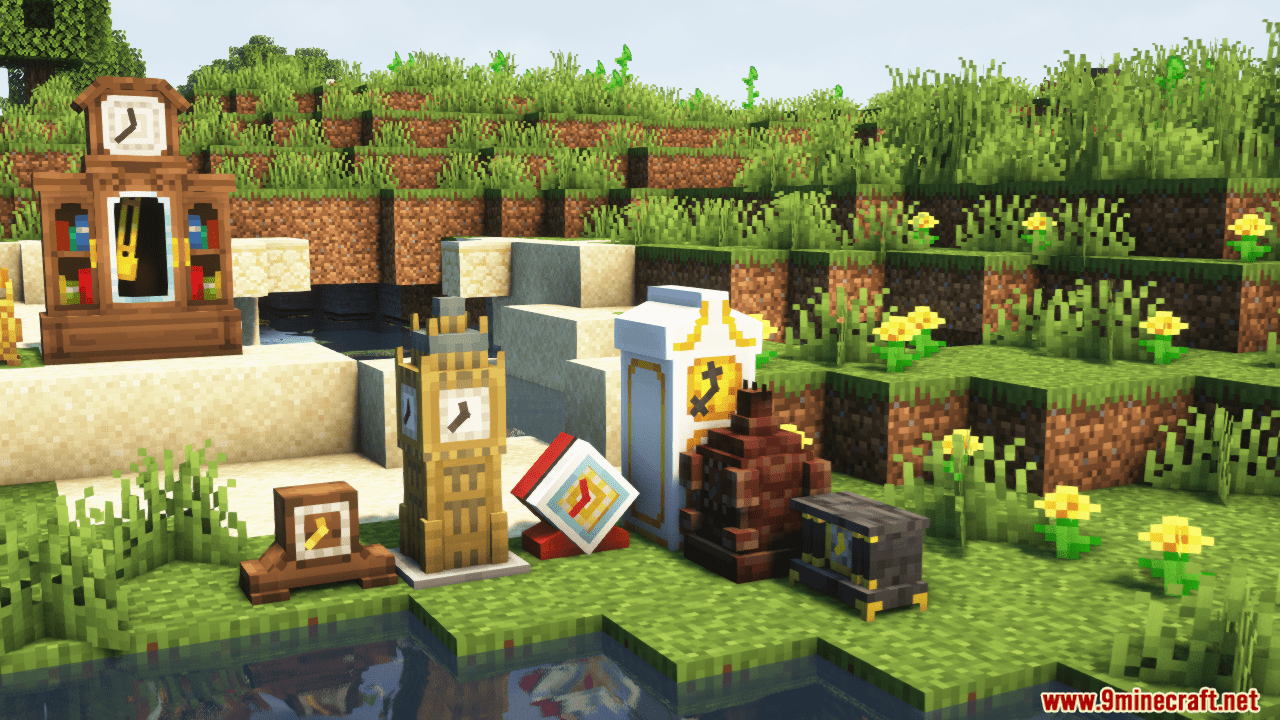
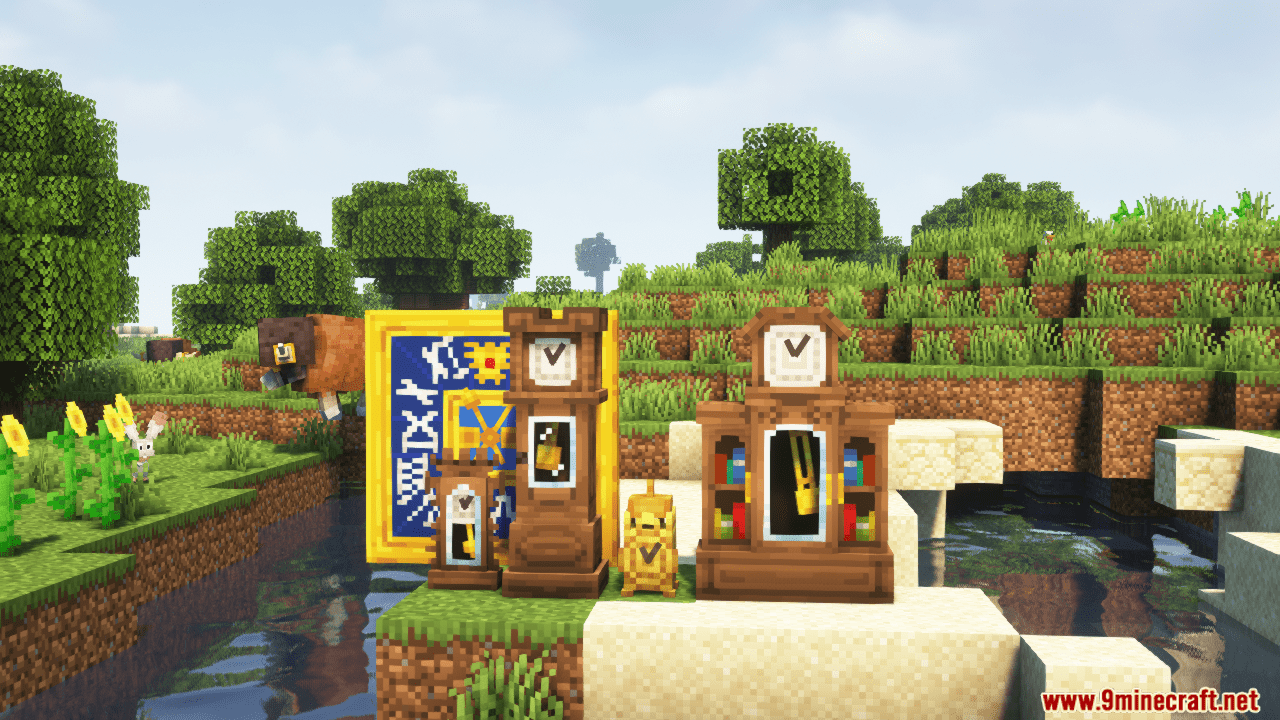
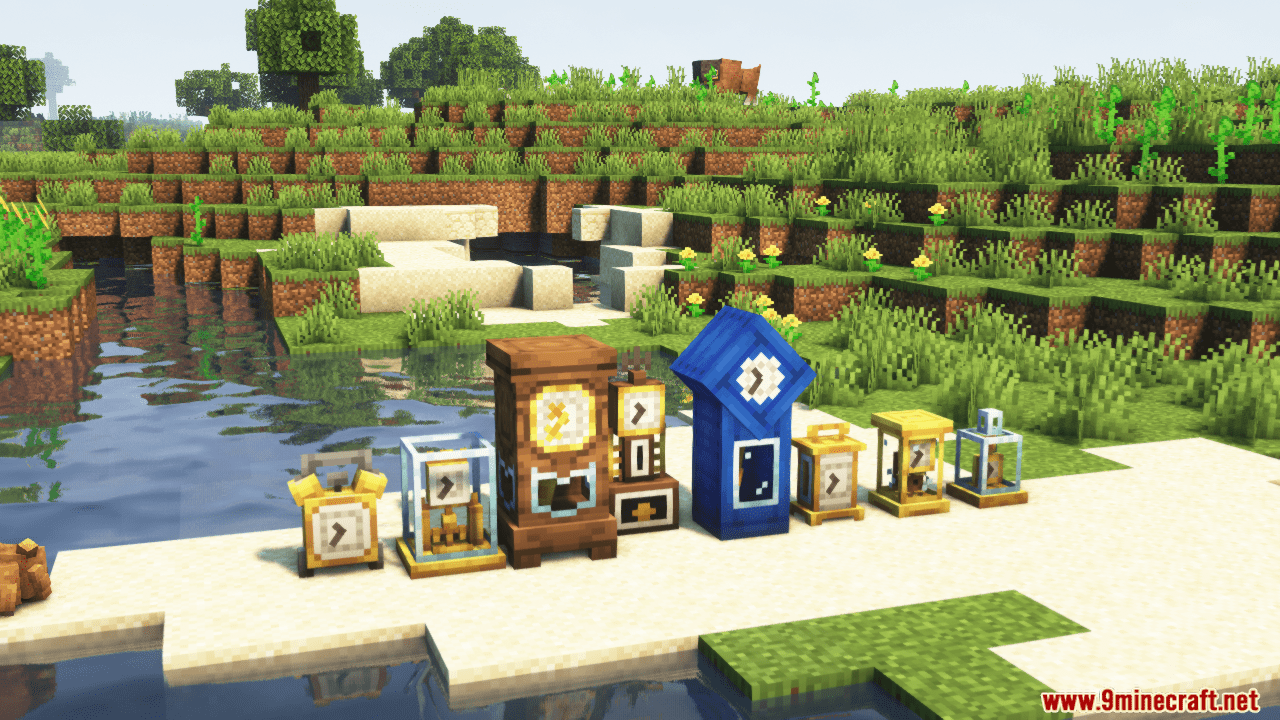
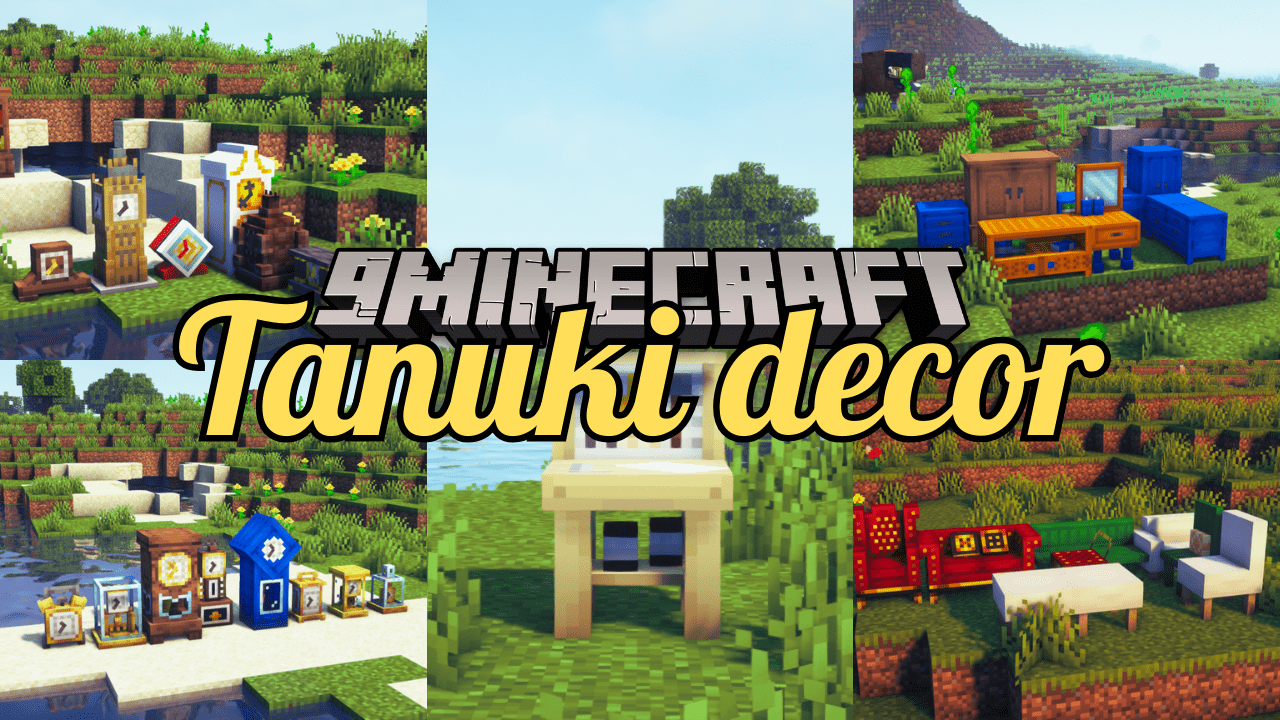
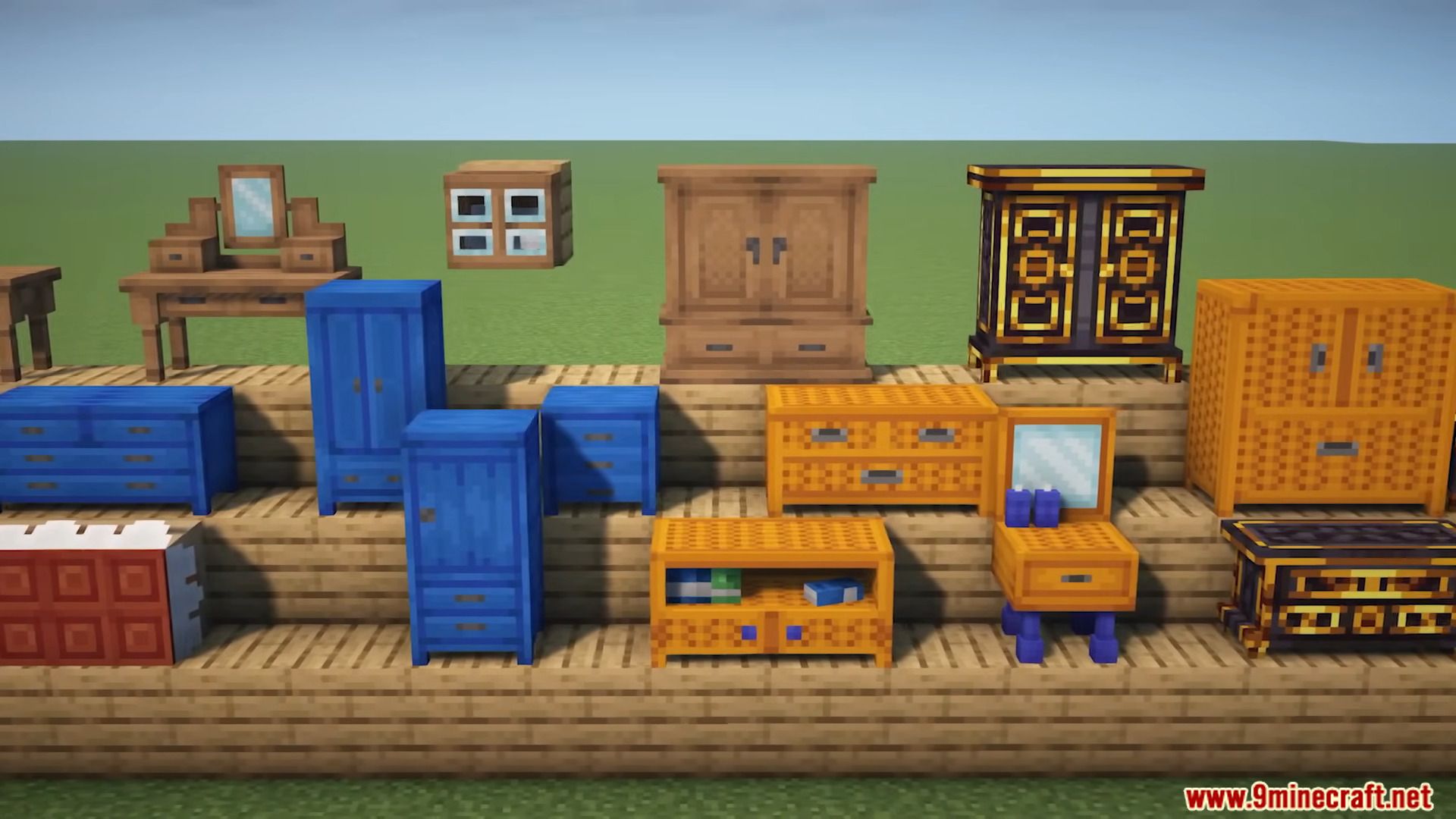
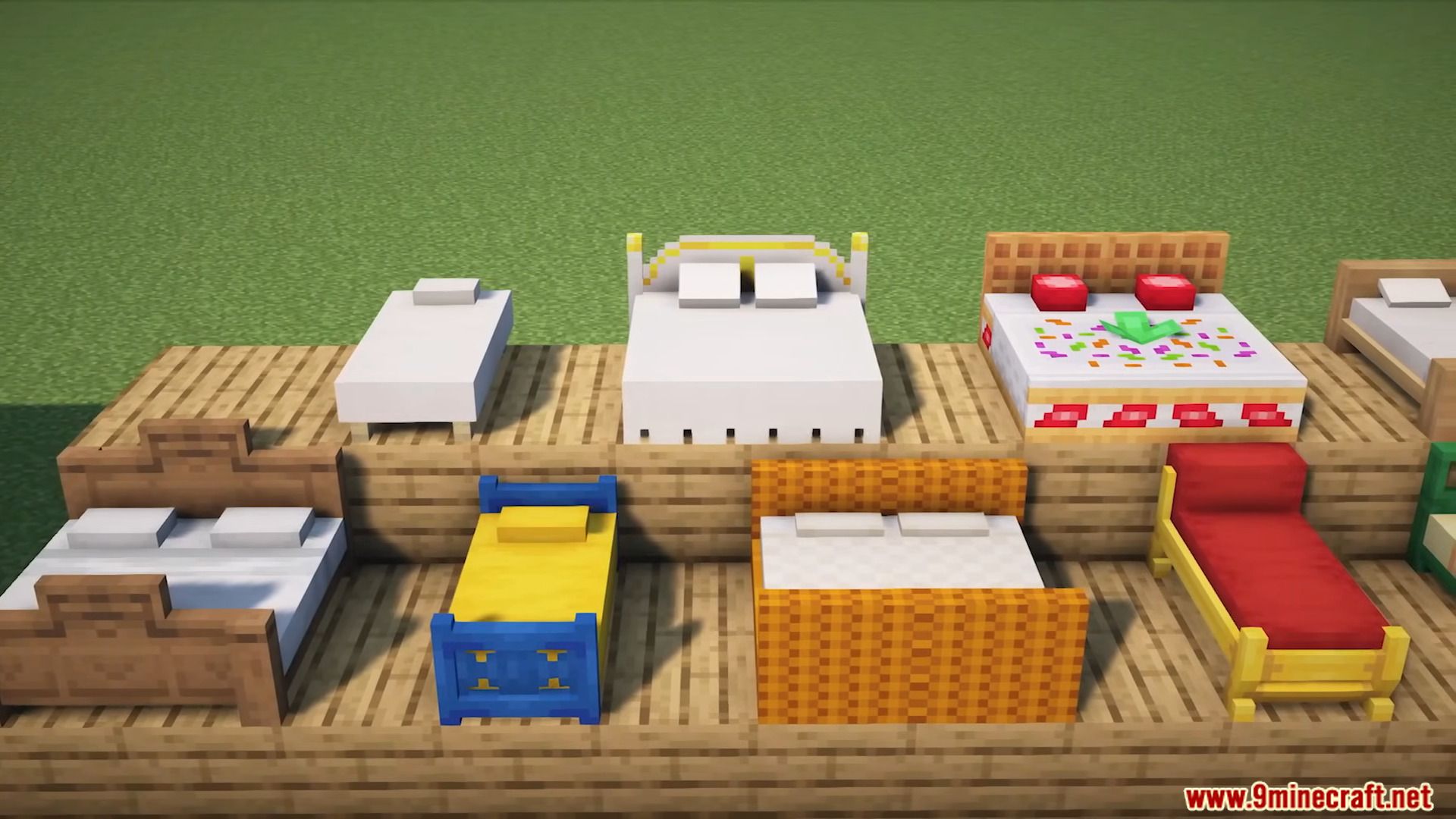
Tanuki Decor Mod transforms your Minecraft world from a blocky base to a cozy haven with over 170 new blocks. Craft charming furniture from wood and iron at the DIY Workbench, choosing from 20+ comfy seats, 10+ thematic beds (goodbye shared villager snoozes!), and even storage solutions like armoires that double as stylish decor. Time will fly with 30+ unique clocks chiming the hour, while a dozen light sources, from fireplaces to neon signs, banish the shadows. But Tanuki Decor’s magic lies in the details: vases, tables, streamers, and 60+ more unique blocks let you personalize your space, making every corner a reflection of your Minecraft dreams.
Features:
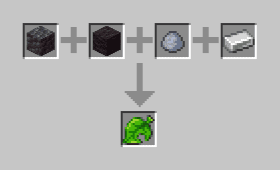
- Furniture Crafting: Craft furniture using the DIY Workbench with cobblestone, logs, clay balls, and iron ingots. Optional DIY recipes can be disabled in the config.
- Timekeeping:
- Over 30 unique clocks with charming textures and sounds.
- Many clocks chime at noon, midnight, or dawn.
- Accurate timekeeping!
- Comfort and Relaxation:
- Over 20 seating options, from stools to sofas, some accommodating multiple players.
- 10+ thematic beds, including double beds and canopy beds (comfy pillows included!).
- Spacious Storage: 30+ storage blocks, from bedside tables to 2×2 armoires, most storing a double-chest worth of items.
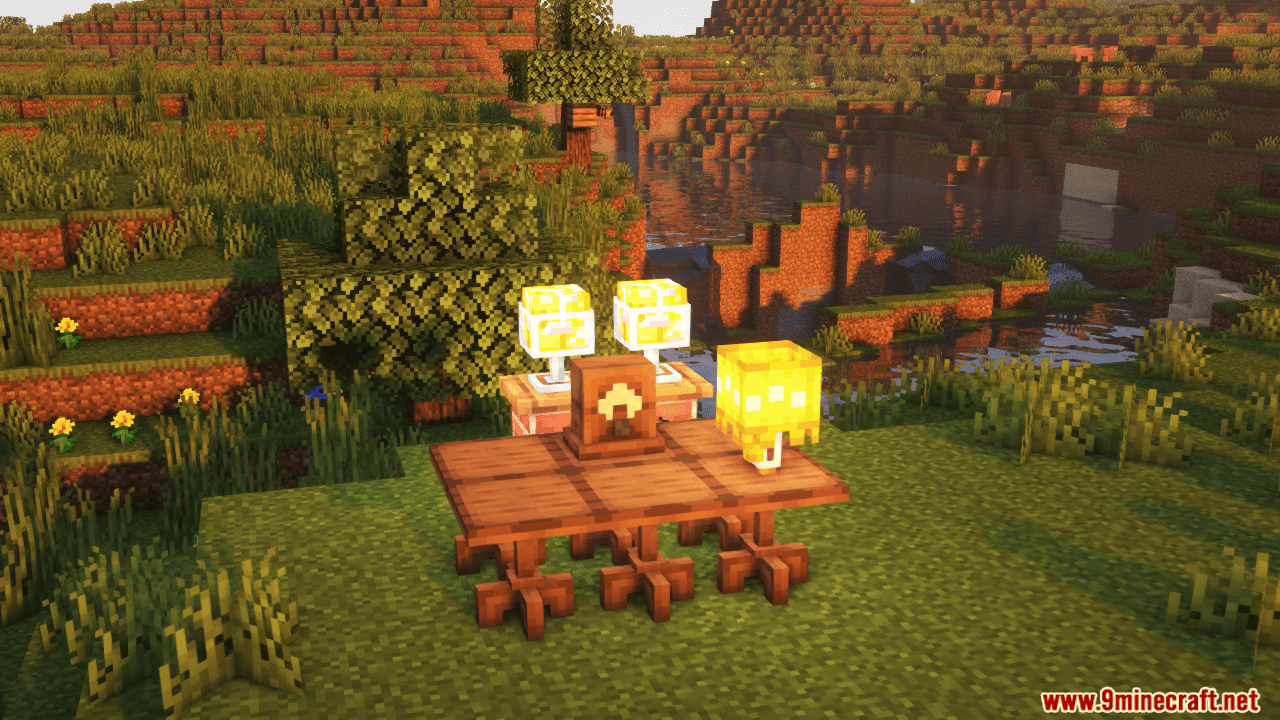
- Homestyle Lighting: Over a dozen cozy lighting options, including lamps, fireplaces, and neon signs.
- Decorative Delights: 60+ additional blocks for customization, including tables, vases, streamers, and more.
Screenshots:
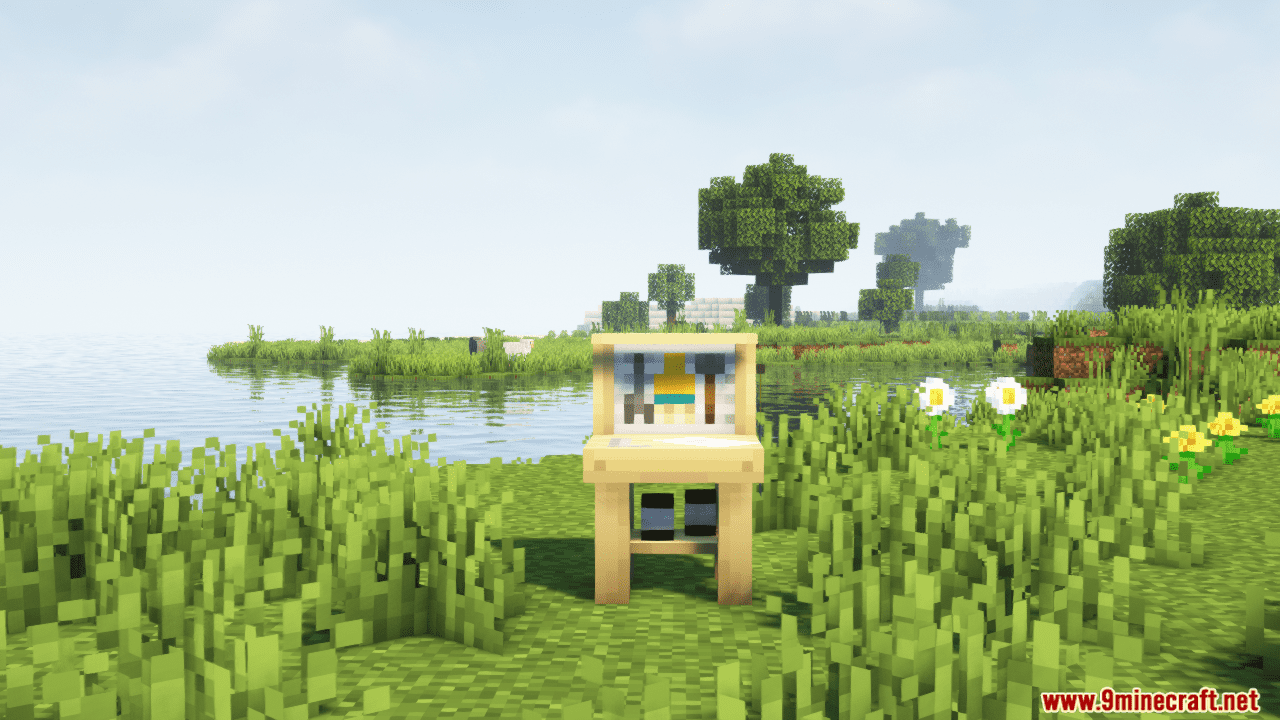





Crafting Recipes:
Tanuki Decor Mod Download Links
- Edition: Minecraft Java
- File type: .jar
- Minecraft versions listed: 1.21.1, 1.20.1
- How to install: Install the matching mod loader (Forge, Fabric or NeoForge) for your Minecraft version. → Download the .jar. → Put it in the .minecraft/mods folder and launch that loader profile.
- Where to get it: In MC Java Mods, or directly above on this page.
Install steps are the general flow for this file type — How to install Minecraft Java mods & modpacks walks through it step by step.
- Downloads as 25540.mcaddon
- Download size: 2.9 MB
- Download link checked 26 Sept 2026 — working
- Mirrored on our own servers — the download does not depend on the original host
These come from our own check of the pack file, not from the source page.