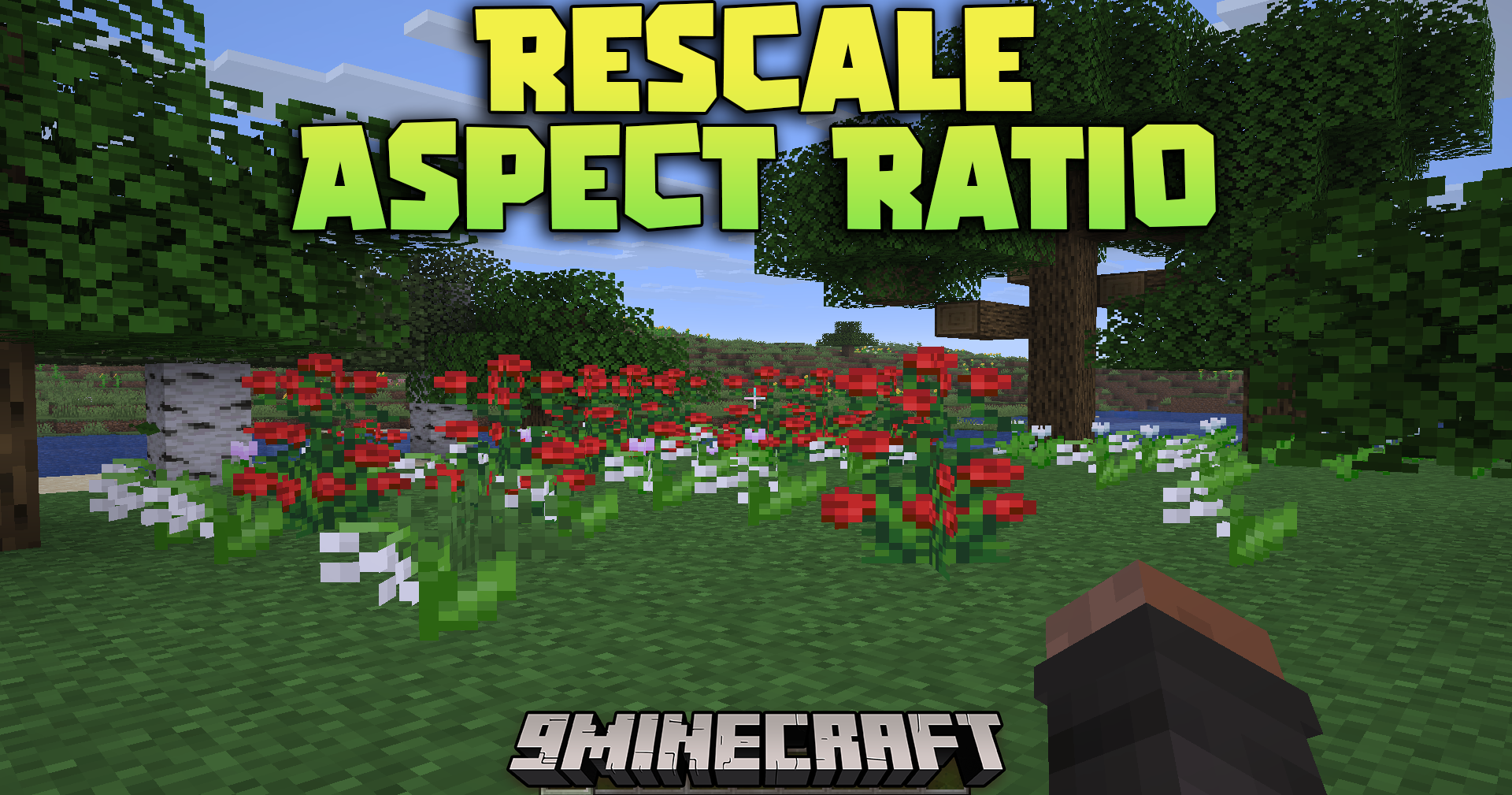
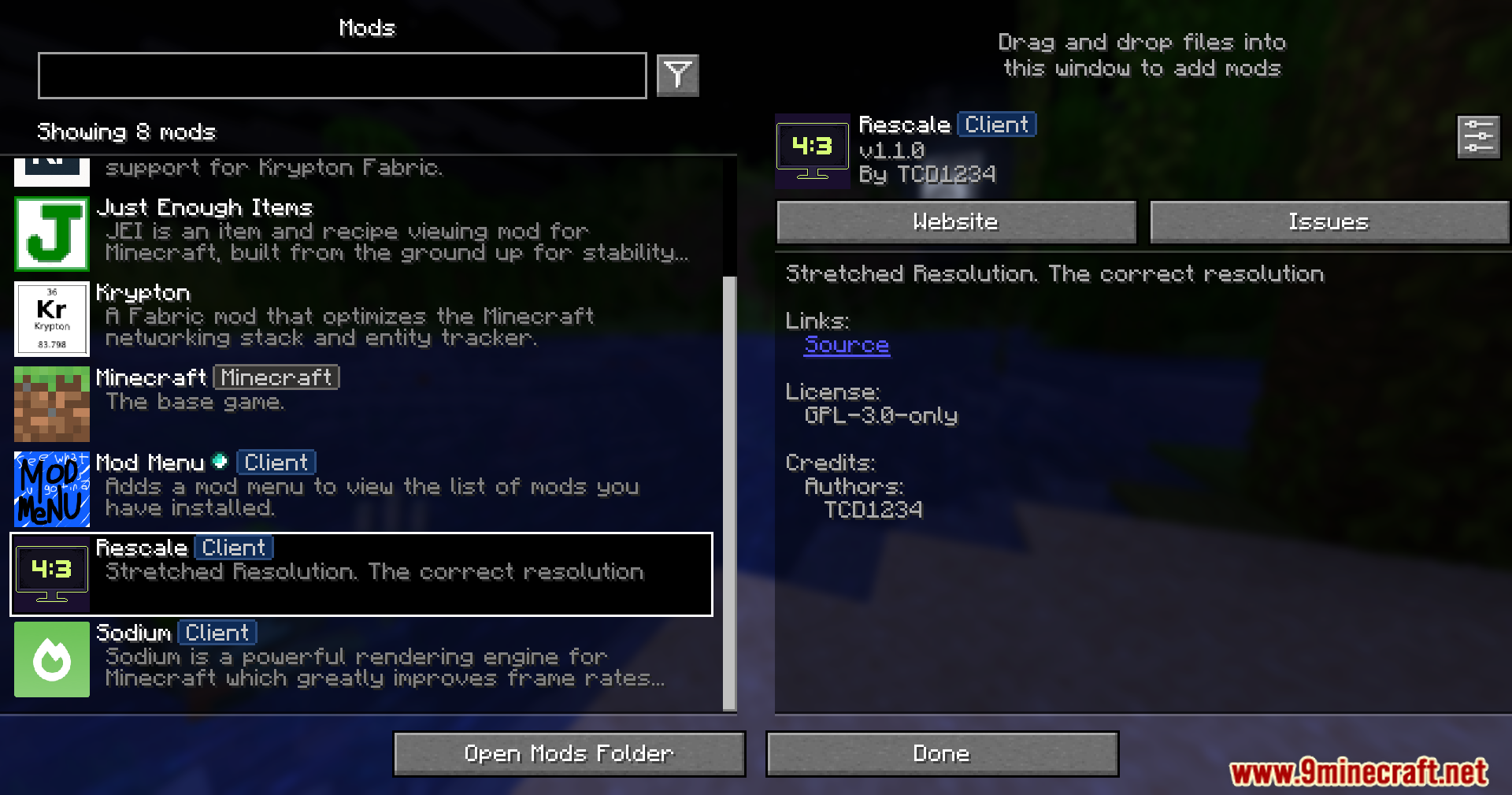
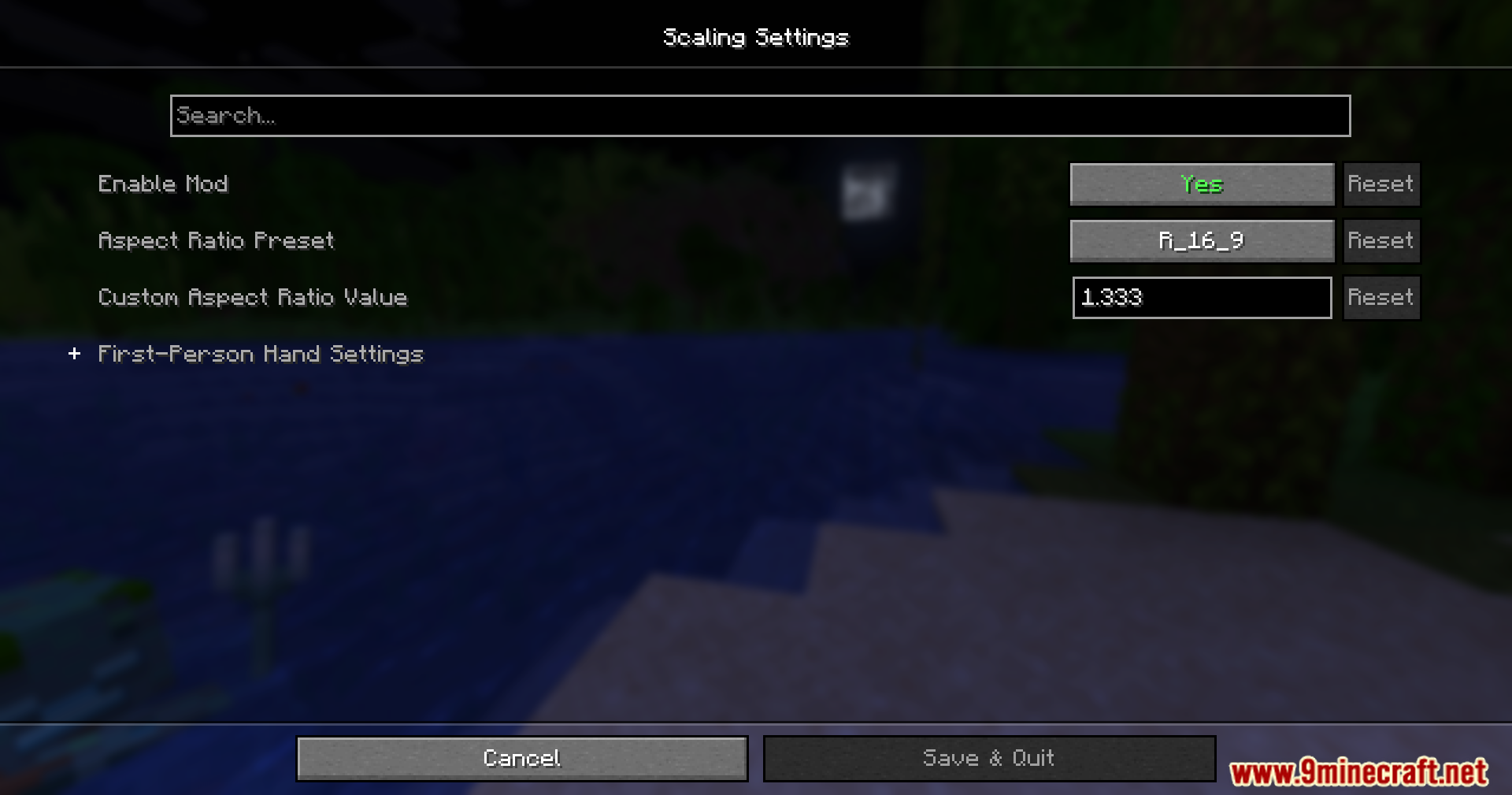
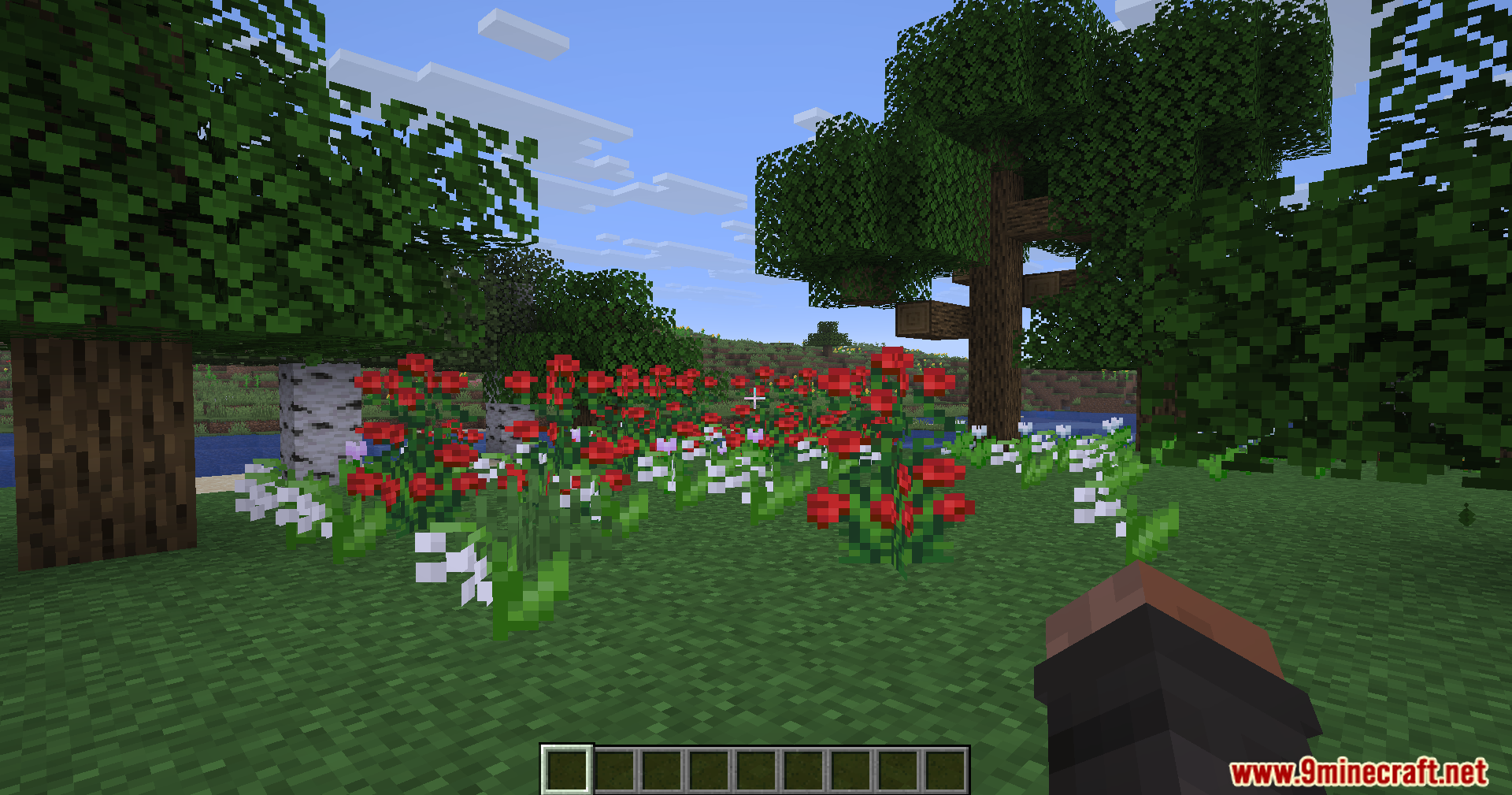
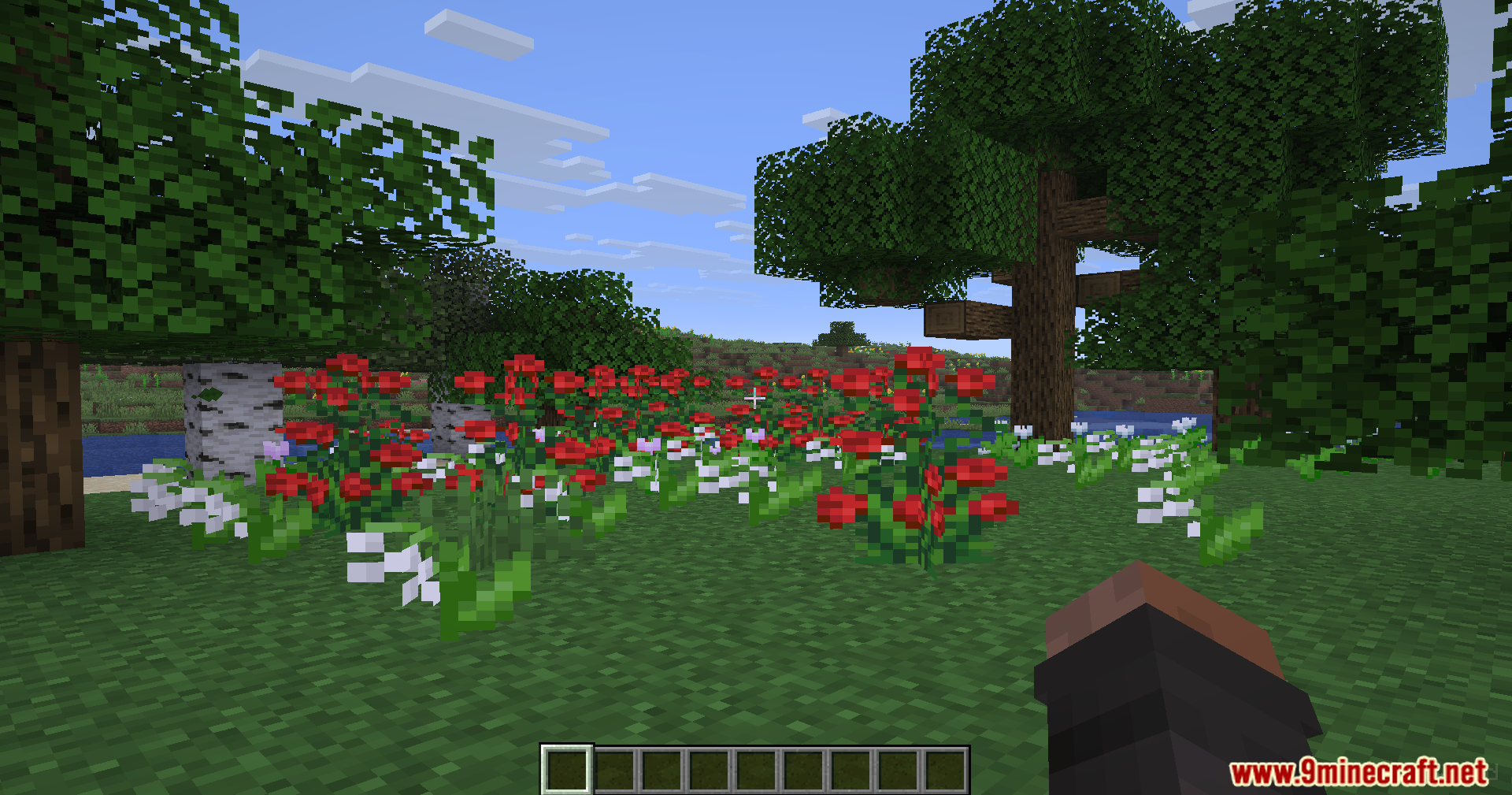
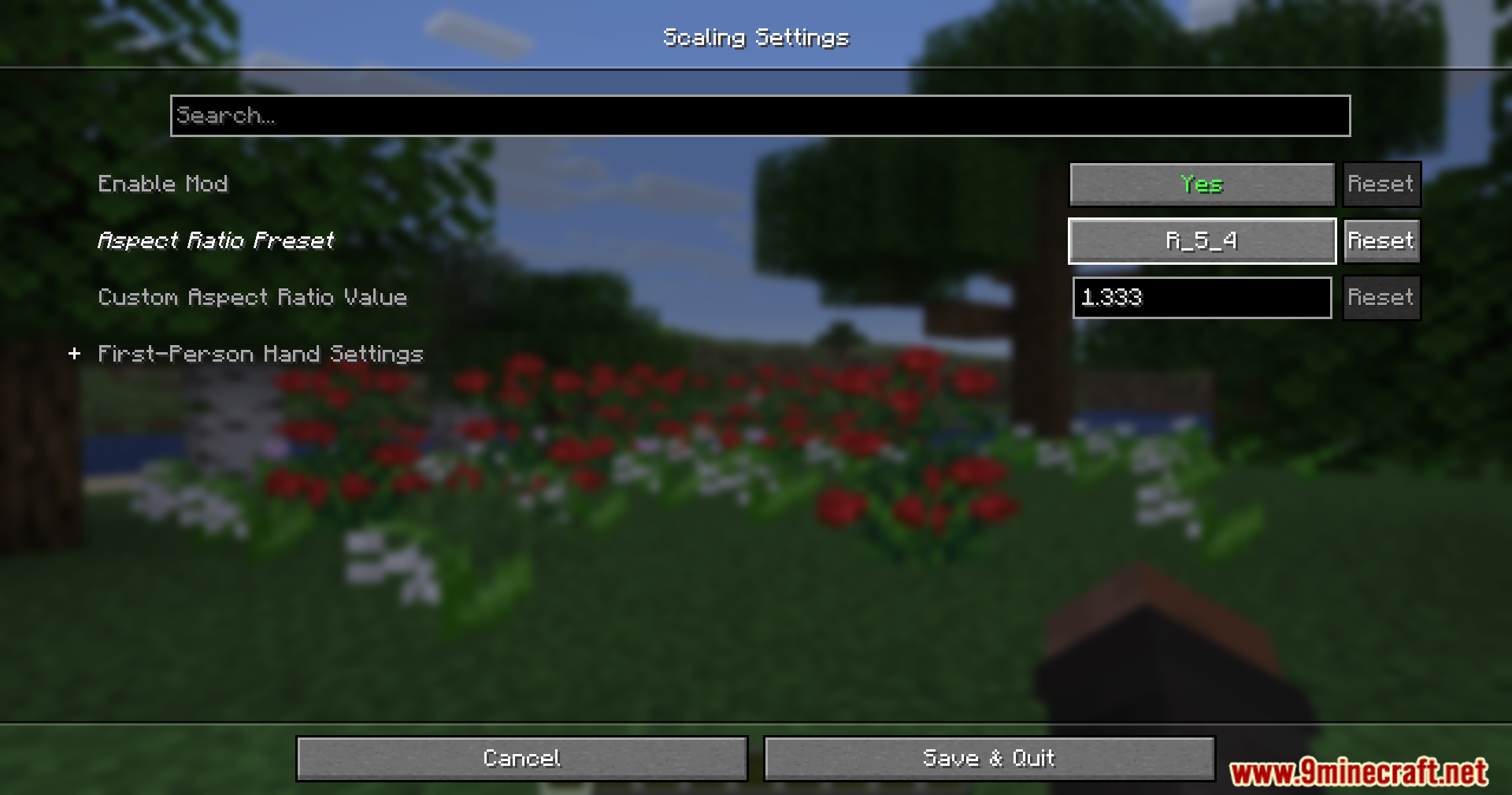
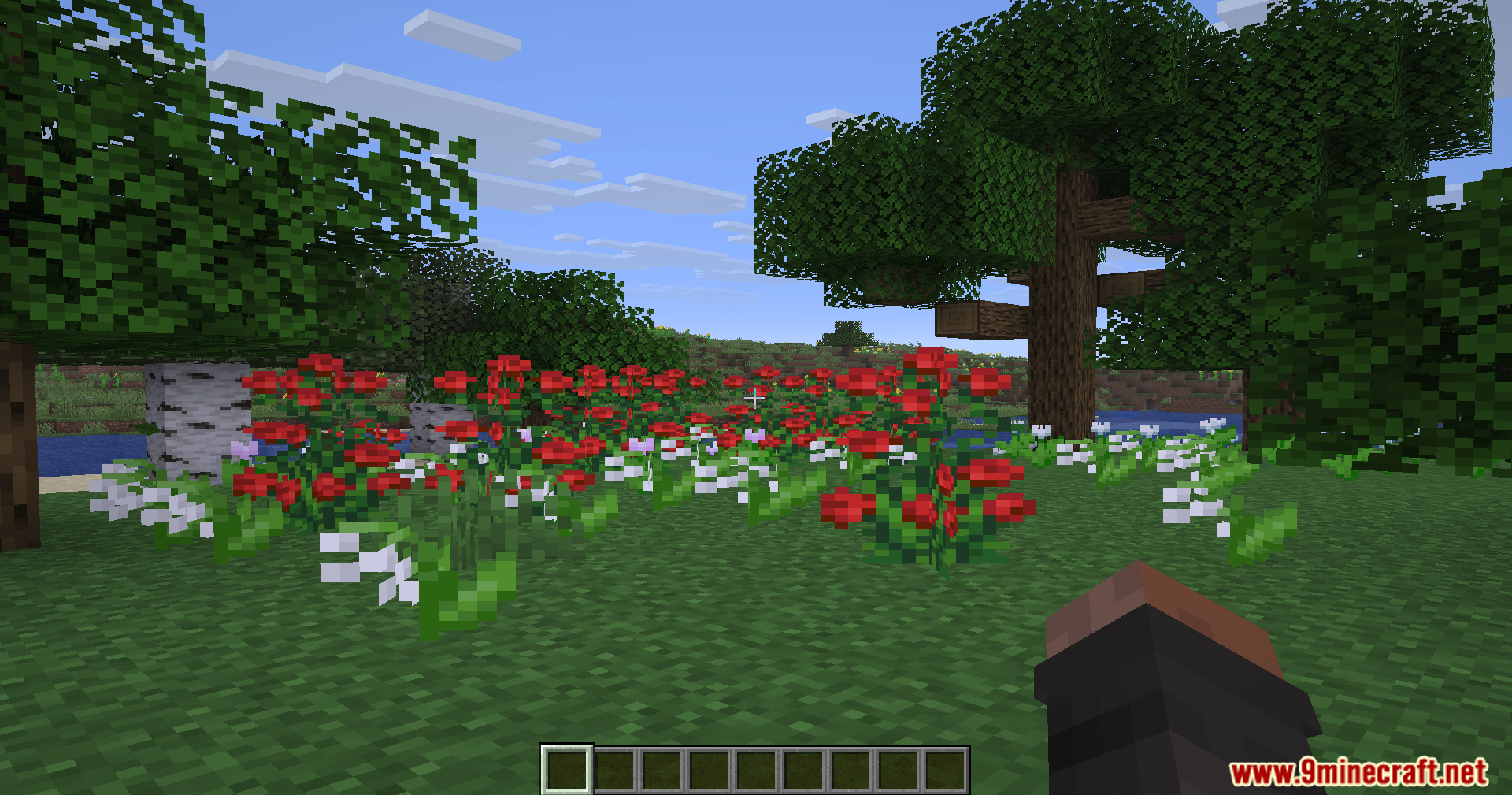
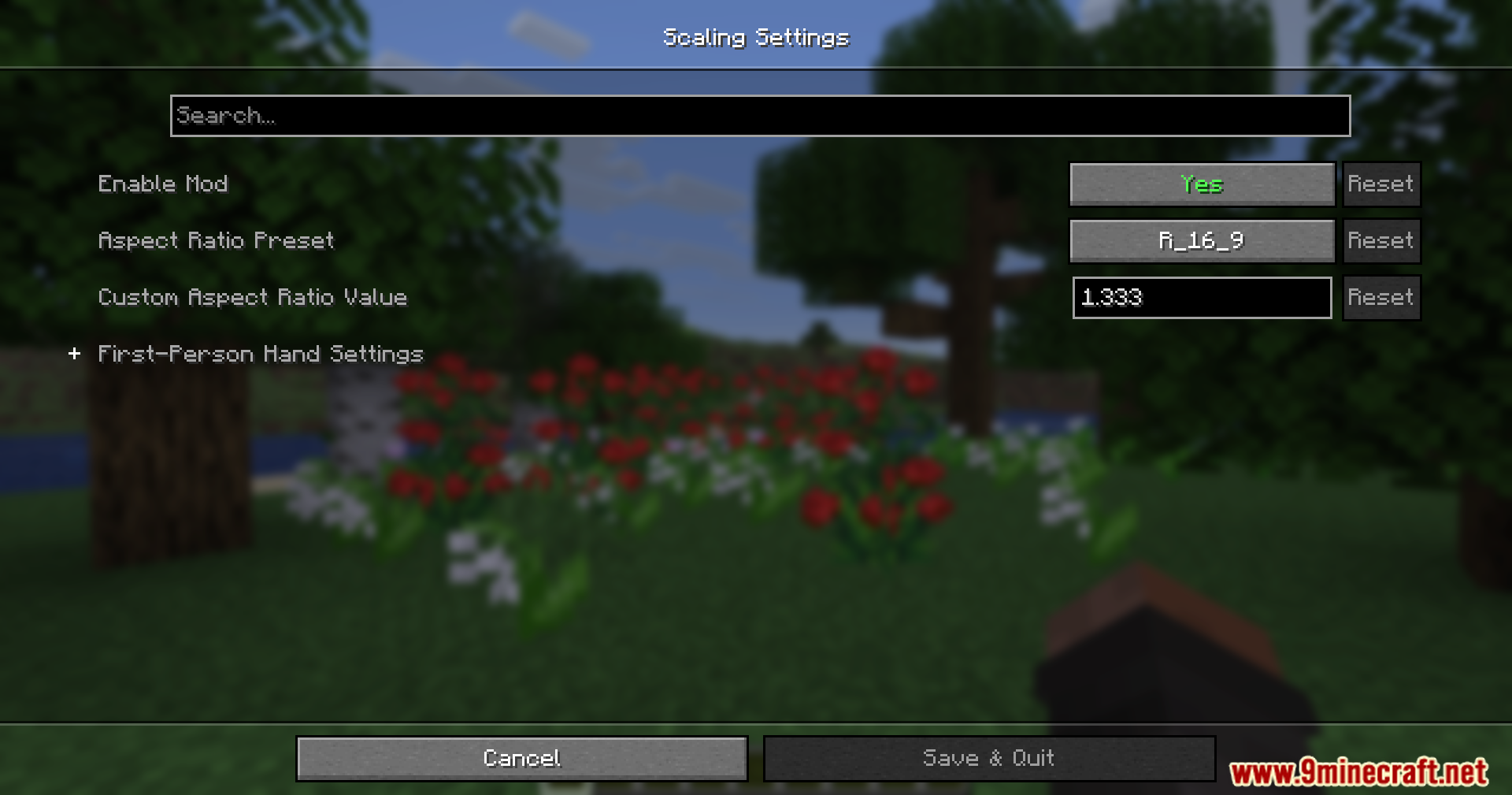
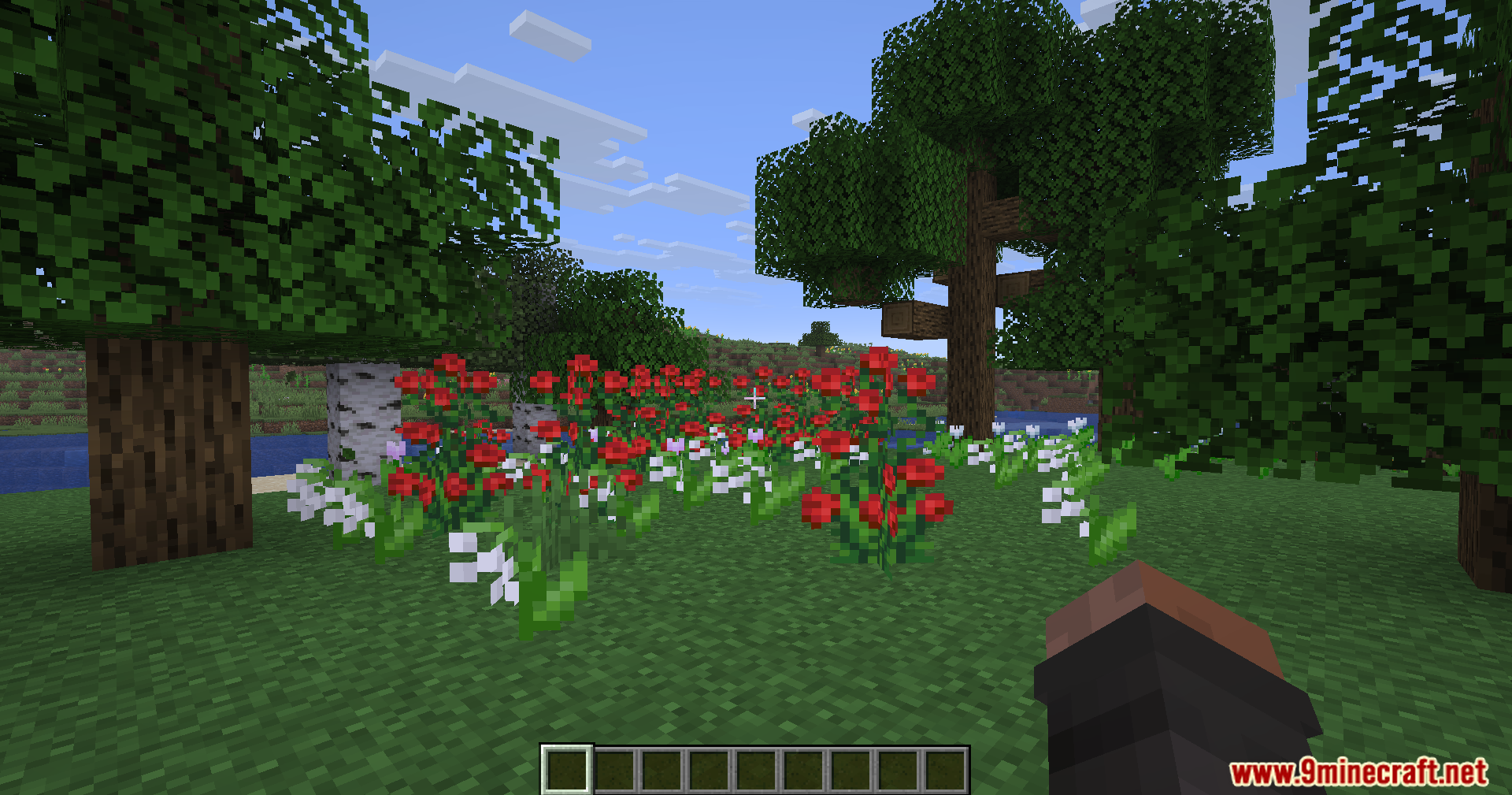
Rescale Aspect Ratio Mod lets you change your screen shape without changing your monitor settings. It stretches your game to look like old 4:3 or 5:4 screens, which makes other players look wider. This helps you see targets better while keeping your game running clearly.
Features:
- Changes your screen to a stretched 4:3 or 5:4 shape while keeping your normal monitor resolution.
- Makes other players and mobs look wider on your screen so they are easier to spot.
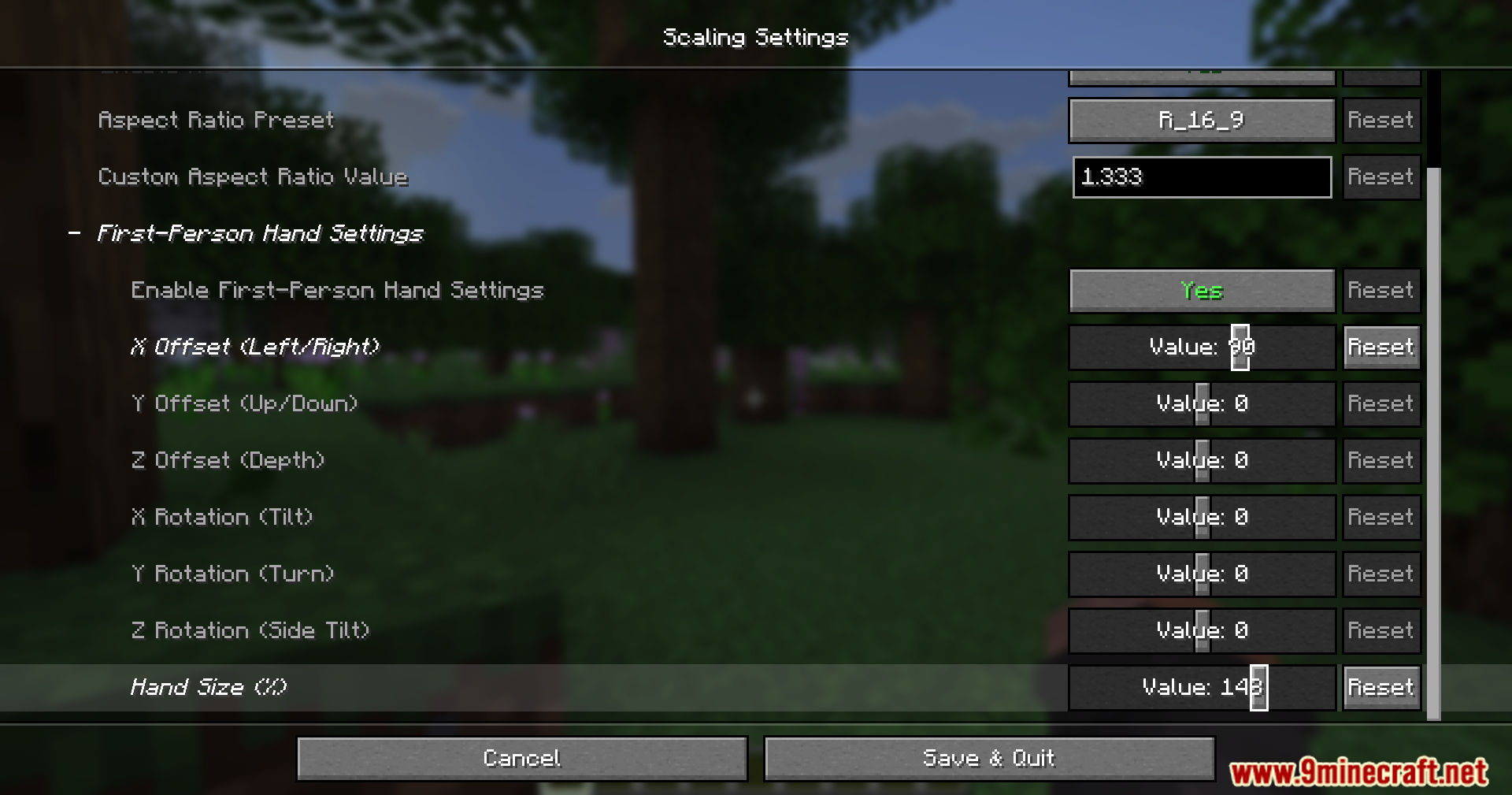
- Includes a built-in tool to fix how your hands and items look when the screen stretches.
- Lets you move your handheld items up, down, left, or right so they fit perfectly in your view.
How to Use:
- Press the Insert key while playing to open the live hand editor.
- Hold Ctrl and press the Arrow Keys to move or change the size of your items.
- Hold Shift at the same time to make your adjustments move faster.
Screenshots:
Rescale Aspect Ratio Mod Download Links
Quick facts
- Edition: Minecraft Java
- File type: .jar
- Minecraft version listed: 1.20.1
- How to install: Install the matching mod loader (Forge, Fabric or NeoForge) for your Minecraft version. → Download the .jar. → Put it in the .minecraft/mods folder and launch that loader profile.
- Where to get it: In MC Java Mods, or directly above on this page.
Install steps are the general flow for this file type — How to install Minecraft Java mods & modpacks walks through it step by step.
Verified by MCModsHub
- Downloads as 255524.mcaddon
- Download size: 29 KB
- Download link checked 22 Sept 2026 — working
- Mirrored on our own servers — the download does not depend on the original host
These come from our own check of the pack file, not from the source page.