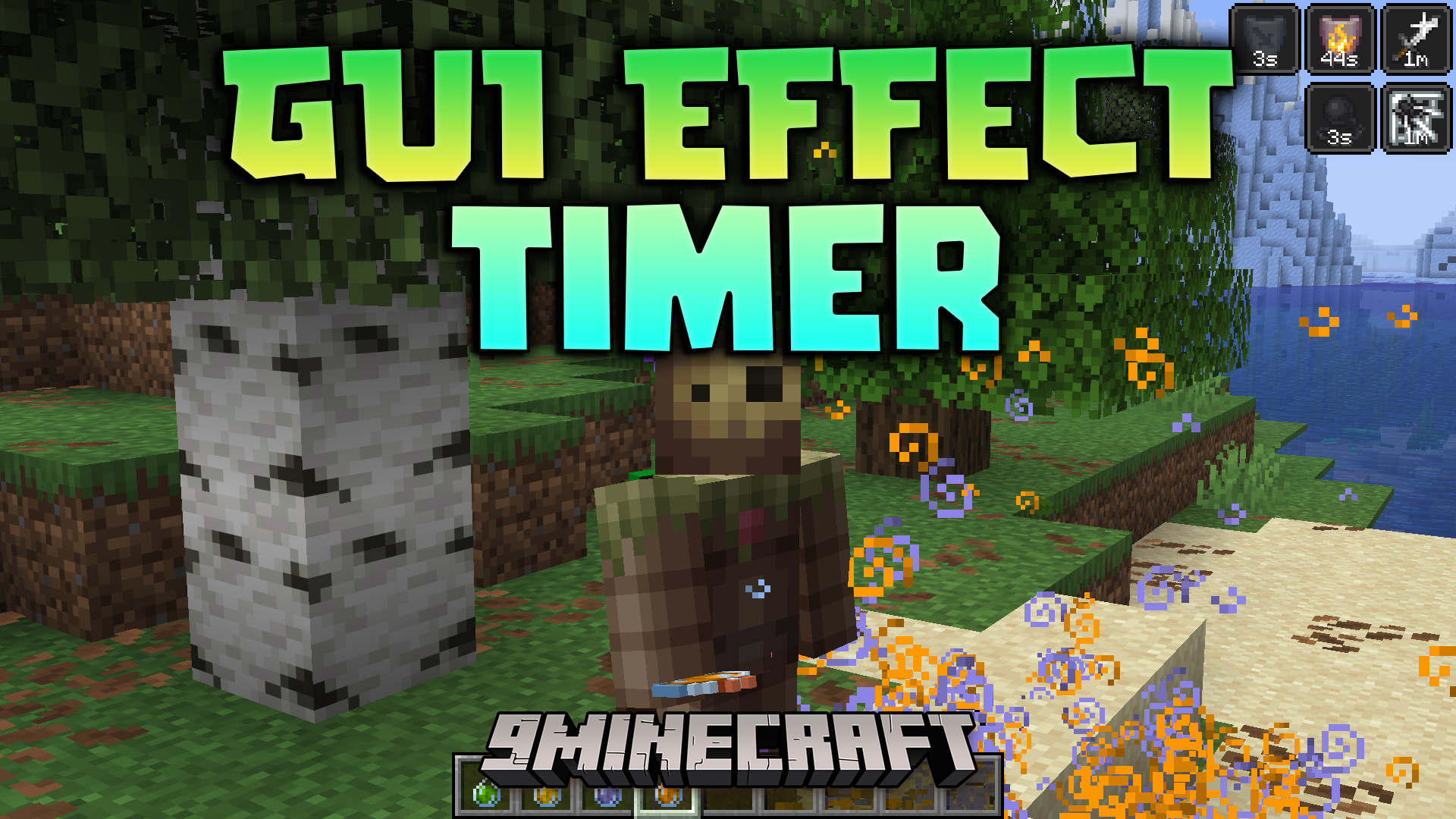
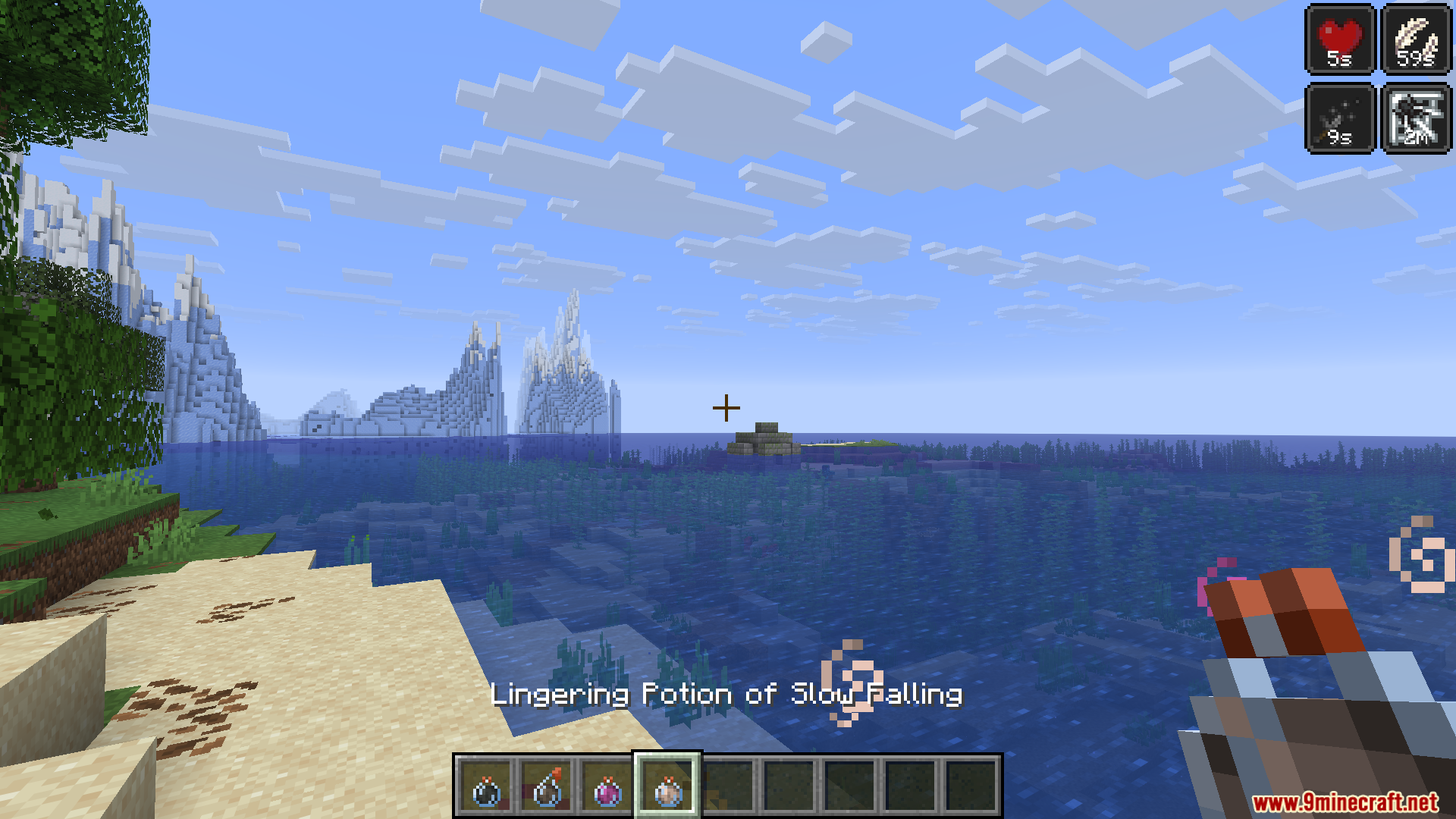
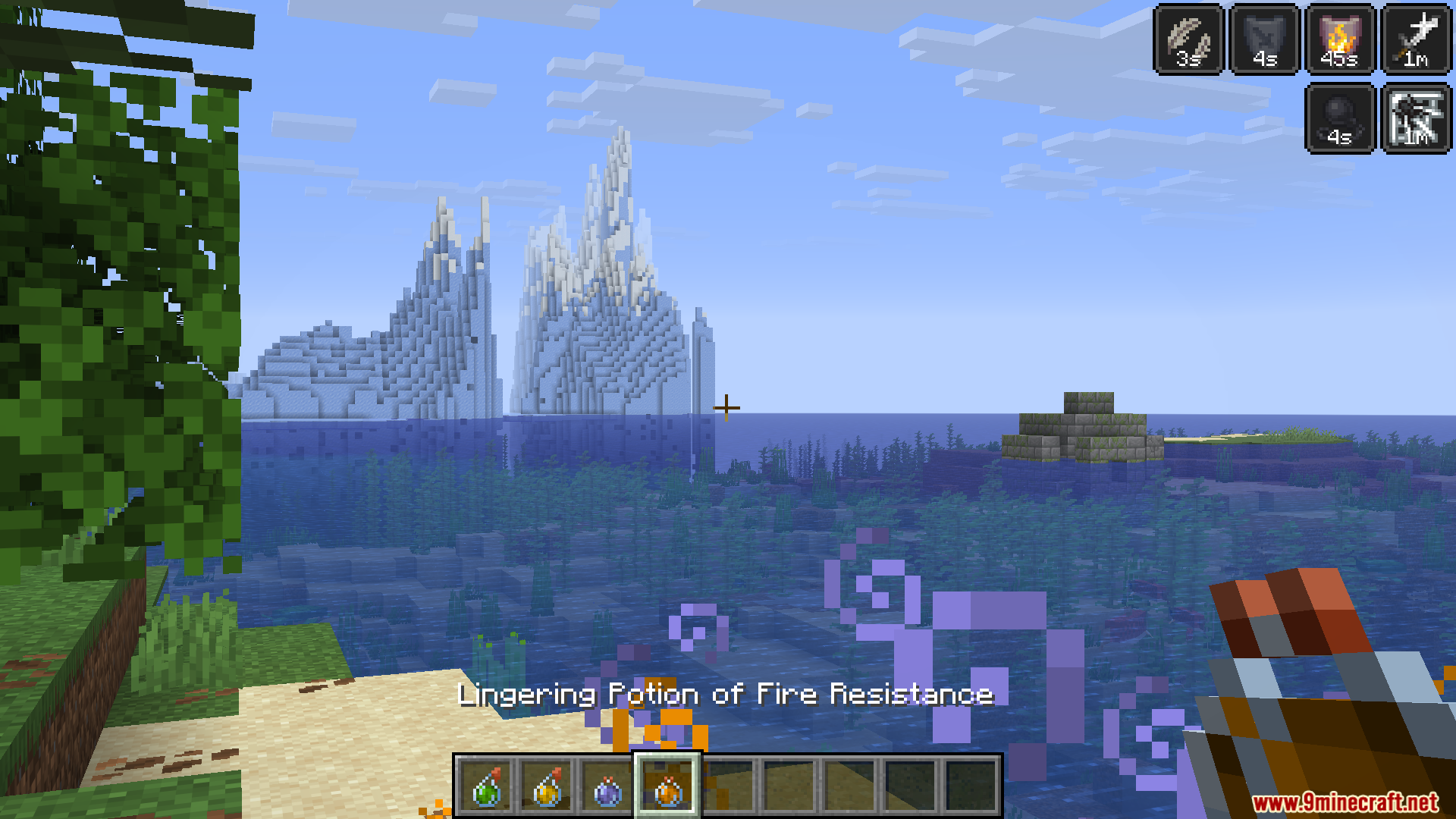
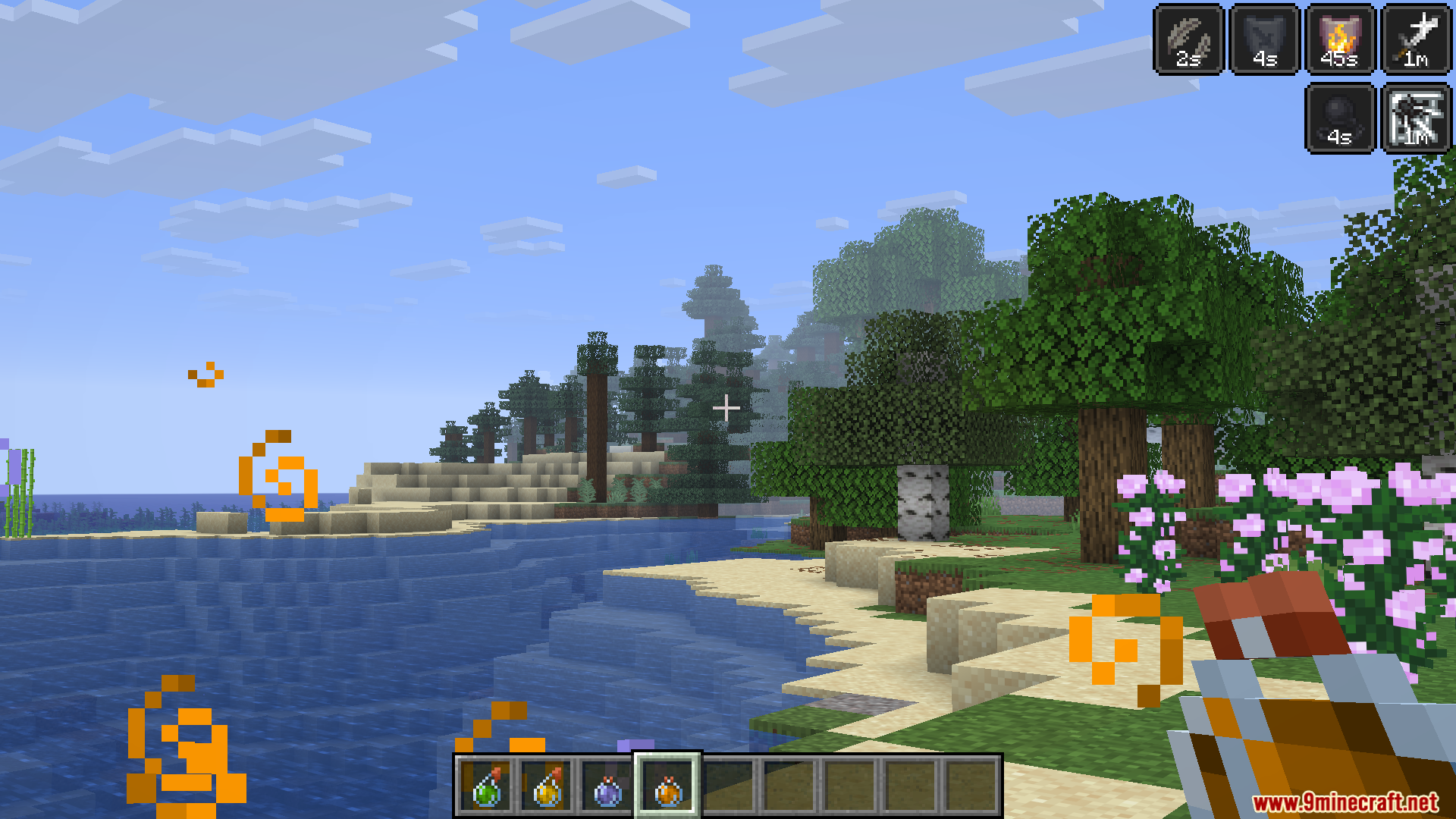
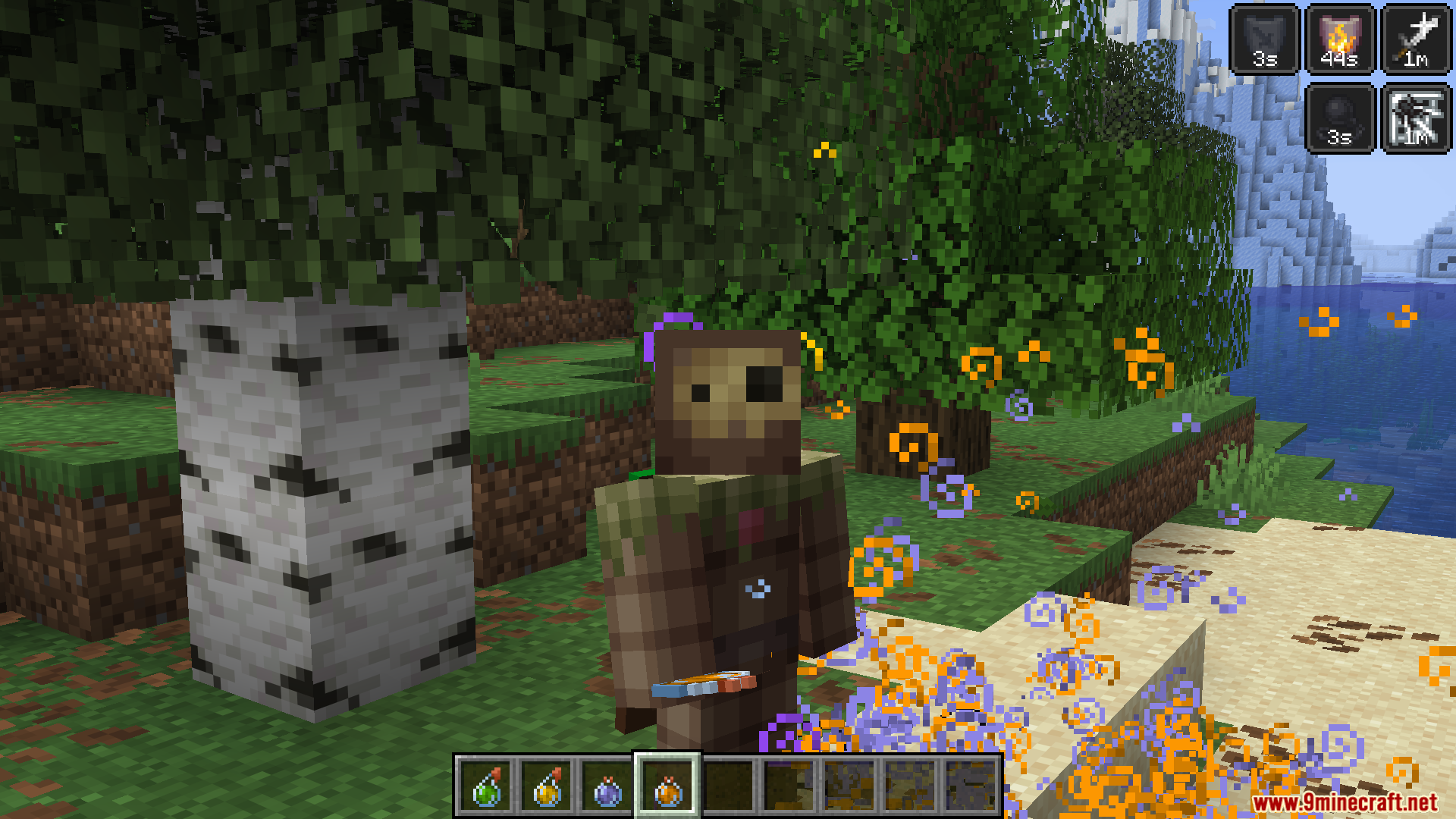
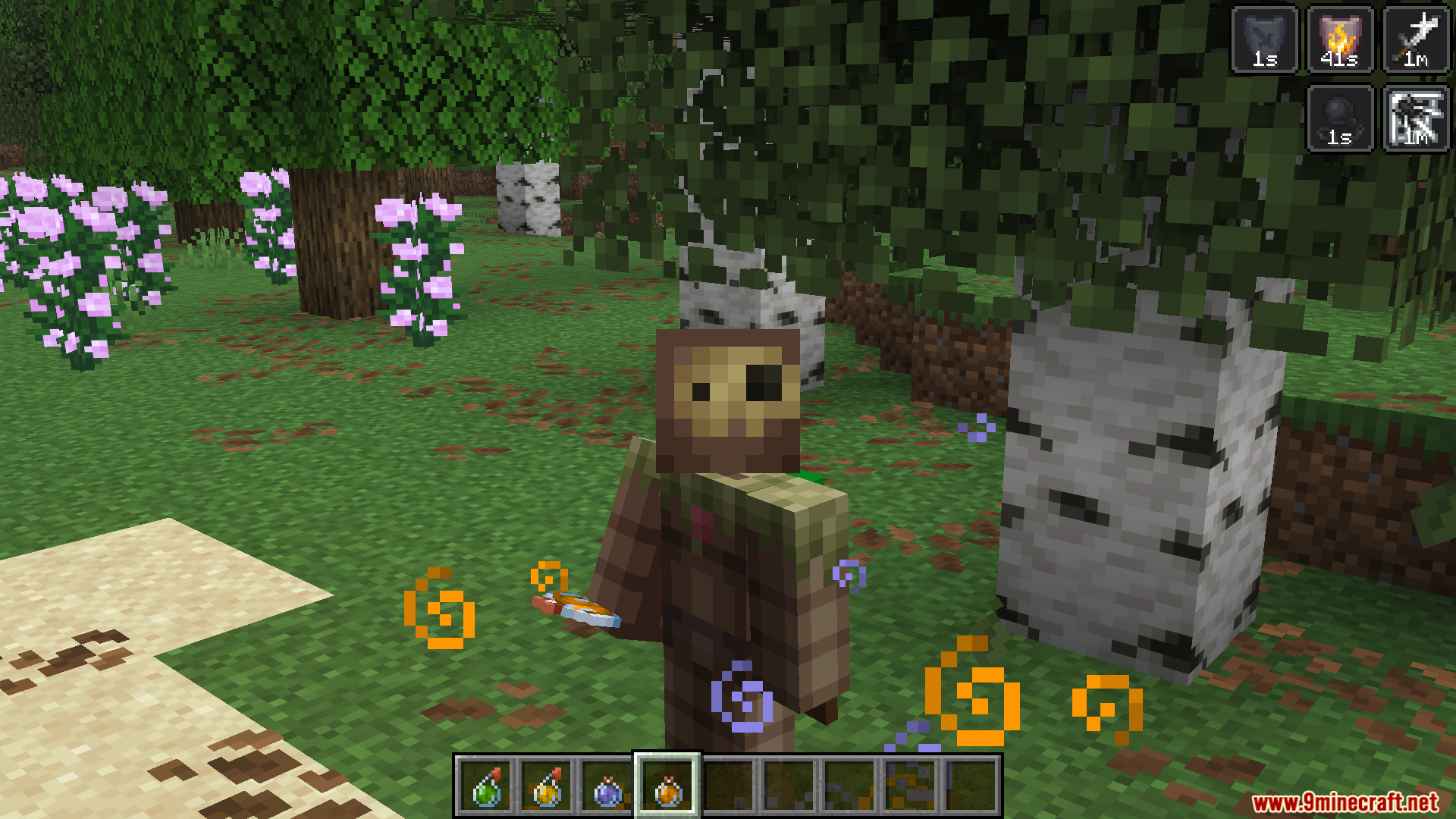
GUI Effect Timer Mod adds a small countdown clock right onto your potion effect icons. It updates constantly so you know the exact second your powers wear off. This helps you stay safe, especially when you swim in lava with fire resistance and need to know when to get out. You never have to guess how much time you have left on your buffs.
Features:
- Live Countdown: Places a timer directly at the bottom of your active effect badges on the screen.
- Updates very fast so you see the exact moment an effect stops working.
- Uses simple letters like ‘s’ for seconds, ‘m’ for minutes, ‘h’ for hours, and ‘d’ for days to keep the screen clean.
- Lets you change the color of the timer text so it matches your style.
- Shows a special icon when you get an endless effect from a game command.
Configuration:
- Adjust the red value for the text color from 0 to 255.
- Adjust the green value for the text color from 0 to 255.
- Adjust the blue value for the text color from 0 to 255.
Screenshots:
GUI Effect Timer Mod Download Links
Quick facts
- Edition: Minecraft Java
- File type: .jar
- Minecraft version listed: 1.20.1
- How to install: Install the matching mod loader (Forge, Fabric or NeoForge) for your Minecraft version. → Download the .jar. → Put it in the .minecraft/mods folder and launch that loader profile.
- Where to get it: In MC Java Mods, or directly above on this page.
Install steps are the general flow for this file type — How to install Minecraft Java mods & modpacks walks through it step by step.
Verified by MCModsHub
- Downloads as 255526.mcaddon
- Download size: 30 KB
- Download link checked 25 Sept 2026 — working
- Mirrored on our own servers — the download does not depend on the original host
These come from our own check of the pack file, not from the source page.