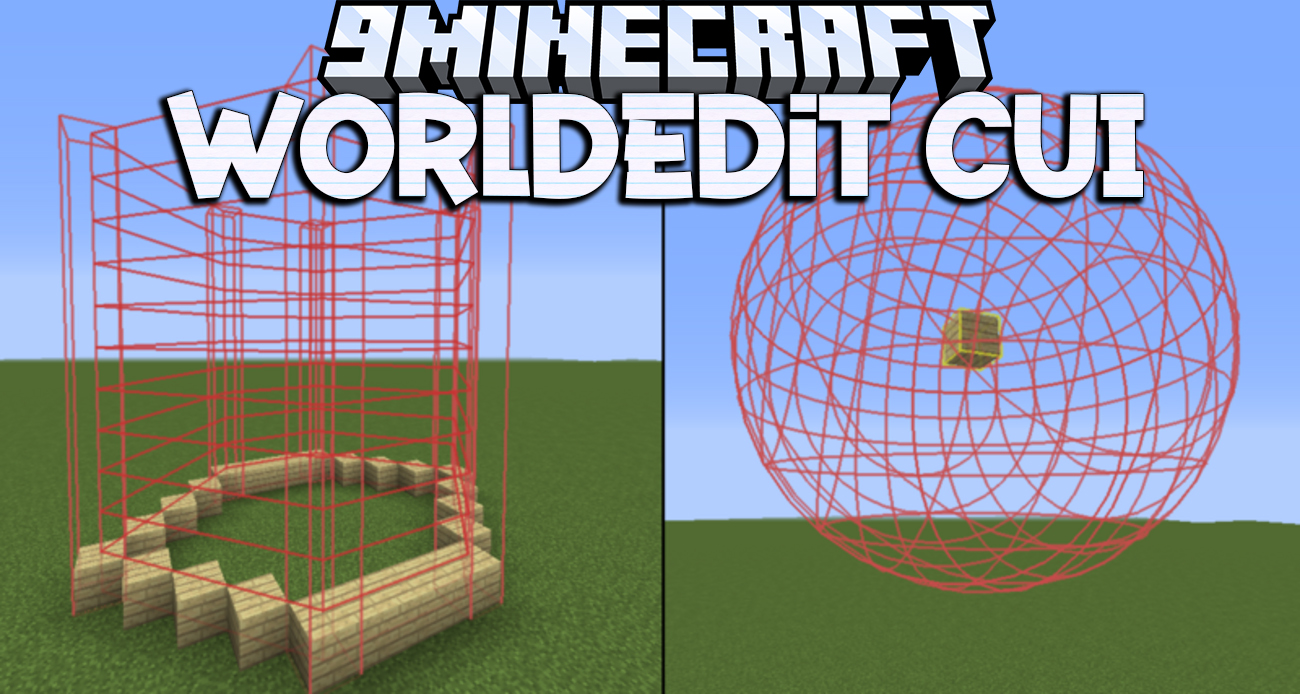
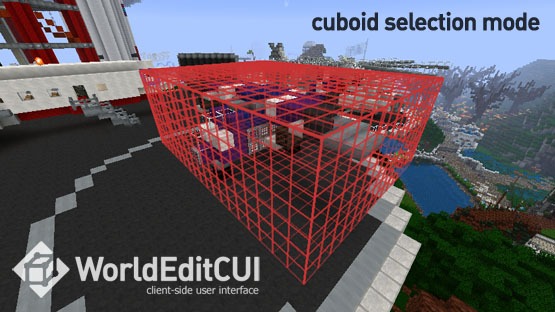
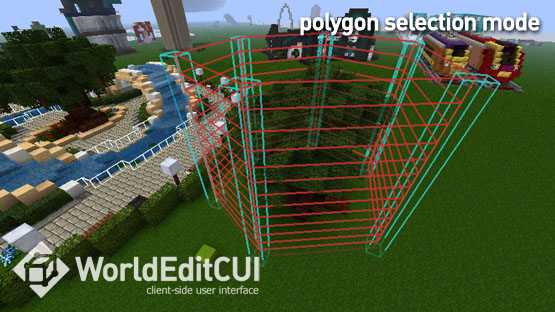
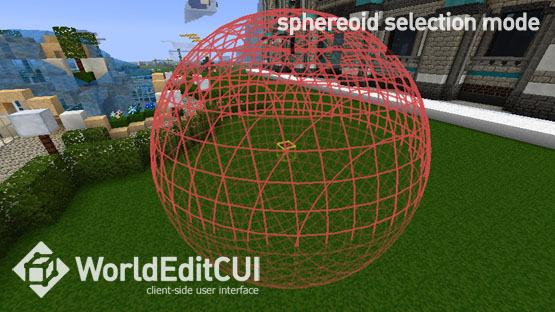
WorldEdit CUI Mod provides a client-side user interface for the WorldEdit plugin allowing you to see your selected region in-game in real time. It allows you to work more quickly and accurately with your WorldEdit selection and is especially useful when working with Polygon, Convex Hull and Cylinder selections.
WorldEditCUI was originally written by lahwran, it was subsequently maintained by yetanotherx.
Features:
- Display your WorldEdit selection instantly in-game
- Feel good about yourself
- Doesn’t cause global warming
Screenshots:
How to use:
- To use WorldEditCUI, simply make a selection on a server using WorldEdit, your selection will be instantly displayed on the screen. To clear your current selection issue the command //sel
WorldEdit CUI Mod Download Links
Quick facts
- Edition: Minecraft Java
- File type: .jar
- Minecraft version listed: 1.20.1
- How to install: Install the matching mod loader (Forge, Fabric or NeoForge) for your Minecraft version. → Download the .jar. → Put it in the .minecraft/mods folder and launch that loader profile.
- Where to get it: In MC Java Mods, or directly above on this page.
Install steps are the general flow for this file type — How to install Minecraft Java mods & modpacks walks through it step by step.
Verified by MCModsHub
- Downloads as 25557.mcaddon
- Download size: 669 KB
- Download link checked 23 Sept 2026 — working
- Mirrored on our own servers — the download does not depend on the original host
These come from our own check of the pack file, not from the source page.