Item Menu
Rename a Stick to "Item Menu" and right-click to open a categorized shop menu, pick any item and quantity, and receive it instantly, all without breaking…
⬇ Download on CurseForge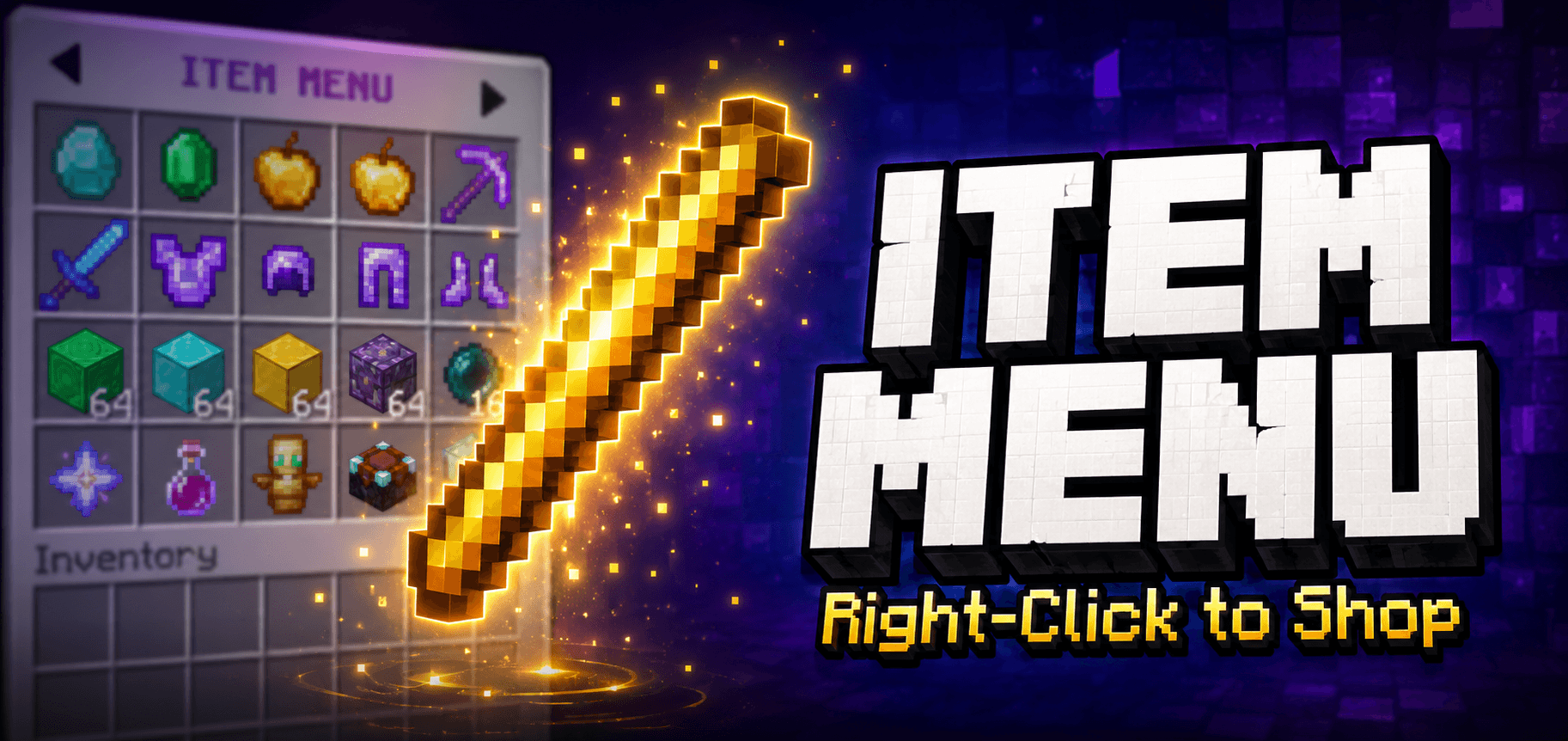
Firekid Item Menu
Turn a plain Stick into your entire inventory. No commands to memorize, no cheats to flip on, no broken achievements.
How It Works
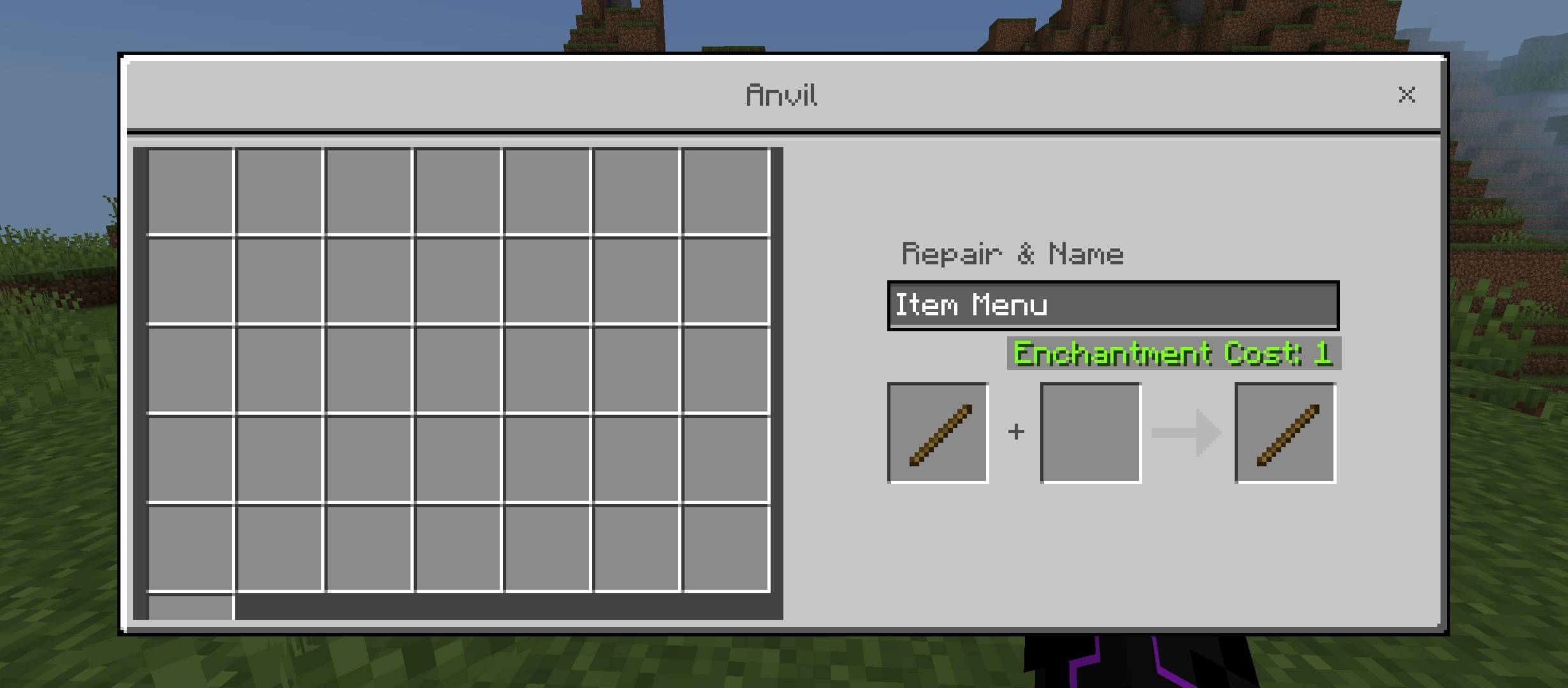
- Rename a Stick to "Item Menu" using an Anvil
- Right click the stick to open the menu
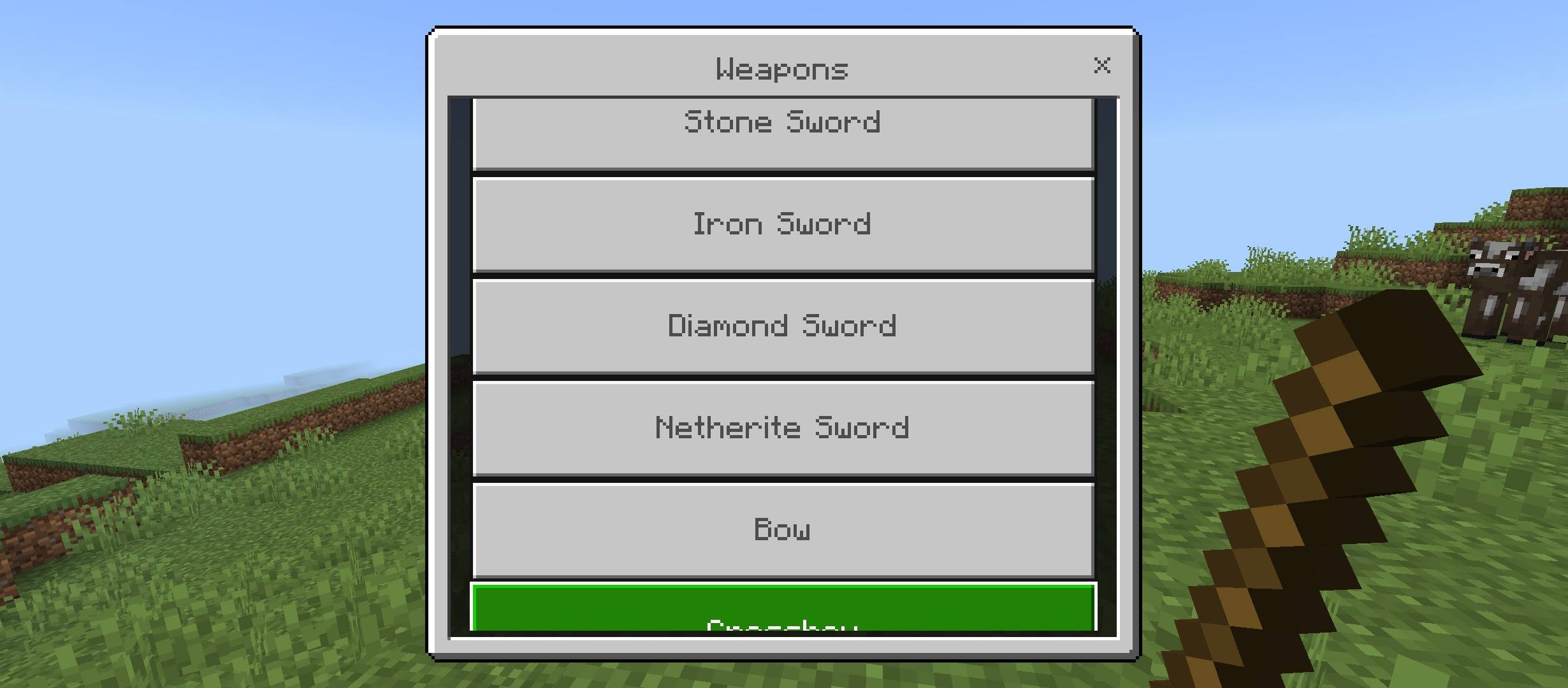
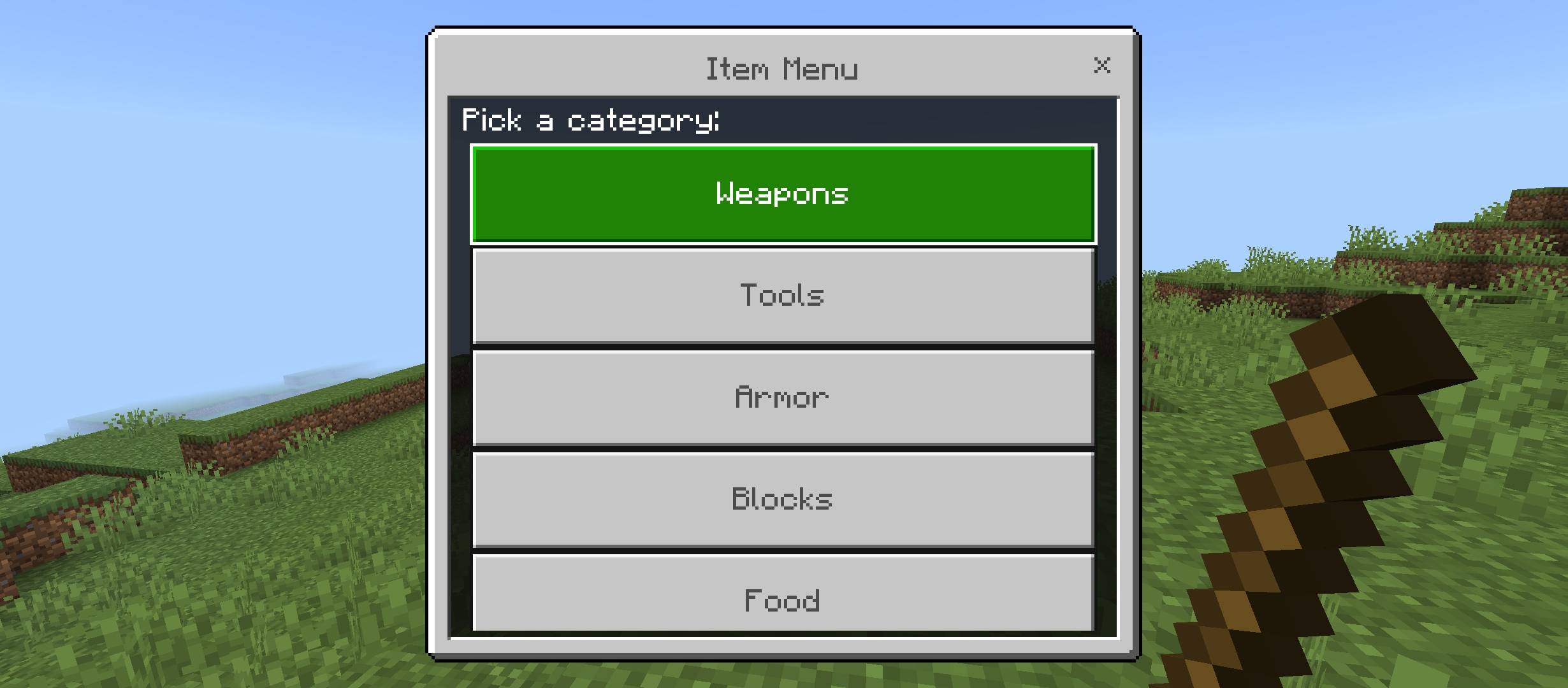
- Pick a category: Weapons, Tools, Armor, Blocks, Food, Materials
- Pick the item you want
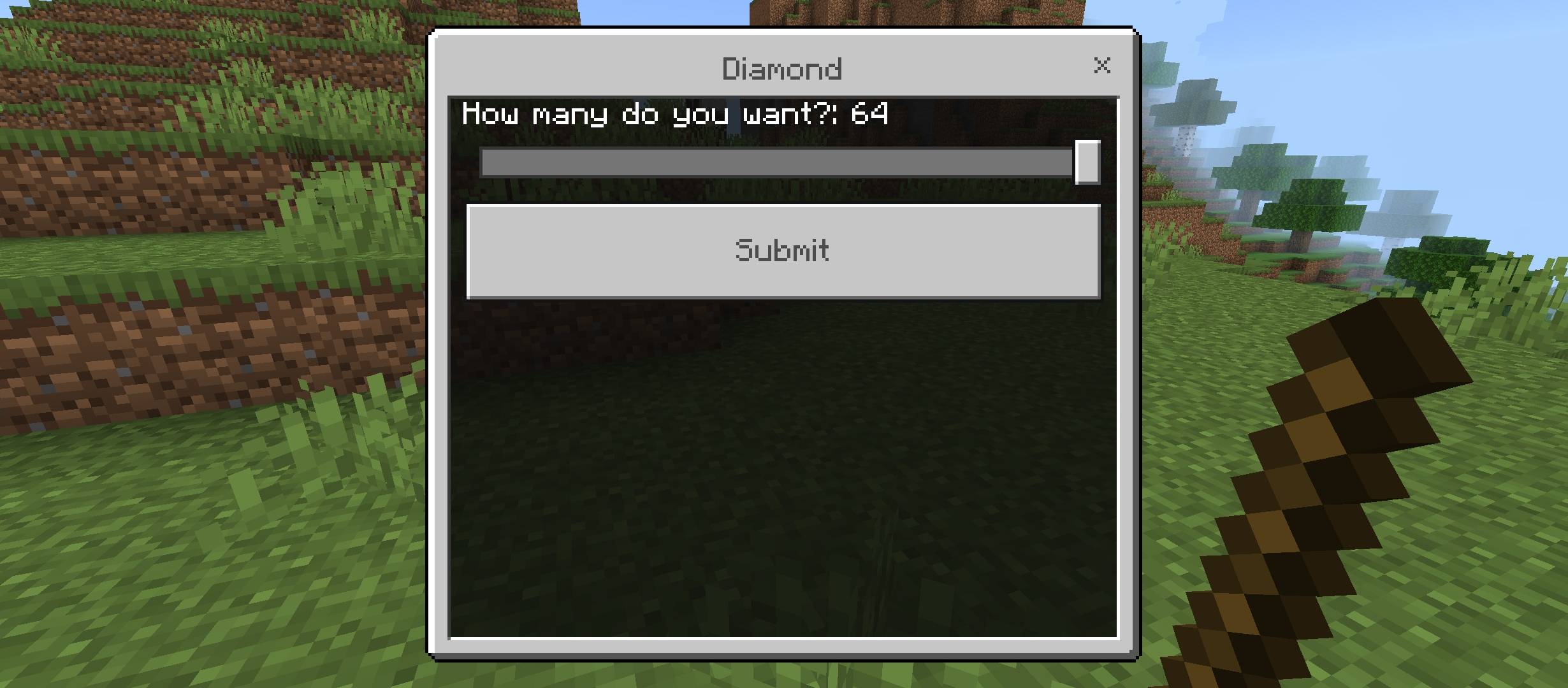
- Use the slider to choose how many
- The item is placed straight into your inventory
Features
Achievement friendly: no cheats, no Beta APIs, no experimental toggles required
Categorized menu: items are organized so you can find what you need fast
Smart stacking: non stackable items such as swords, pickaxes, and armor correctly fill separate inventory slots instead of breaking or vanishing
Inventory aware: if your inventory fills up mid request, it stops cleanly and tells you exactly how many you received
No resource pack needed: pure vanilla Stick, no custom textures required
Single behavior pack: lightweight, easy to install, easy to remove
Requirements
Minecraft Bedrock version: 1.21.90 or higher
Supported modes: Survival, Hardcore, SMP
Cheats: must stay OFF for achievements to remain active
Installation
- Download the mcpack file
- Open it with Minecraft to auto import
- Enable the pack under Behavior Packs in your world settings
- Craft or rename a Stick to "Item Menu" and you are ready to go
Notes
This addon does not use locate, give, or any cheat gated commands. All item giving is handled through the Script API's inventory system directly, so cheats never need to be enabled and achievements stay fully intact.
- Edition: Minecraft Bedrock
- File type: .mcpack or .mcaddon
- Minecraft versions listed: 1.21.93, 1.21.90, 1.21.101
- How to install: Download the .mcpack or .mcaddon file. → Open it — Minecraft imports it. → In your world: Behavior Packs → Available → Activate, then the same under Resource Packs.
- Where to get it: Opens on CurseForge — not every file is mirrored on our own servers.
Install steps are the general flow for this file type — How to install Minecraft Bedrock addons & mods walks through it step by step.
- Save it as Item_Menu_v1.1.0.mcaddon before opening — it downloads as .mcpack, but it is a .mcaddon pack
- Manifest requires Minecraft 1.21.90 or newer
- Complete pack — everything it depends on is inside the file
- Download size: 1.8 MB
- Download link checked 7 Sept 2026 — working
These come from our own check of the pack file, not from the source page.