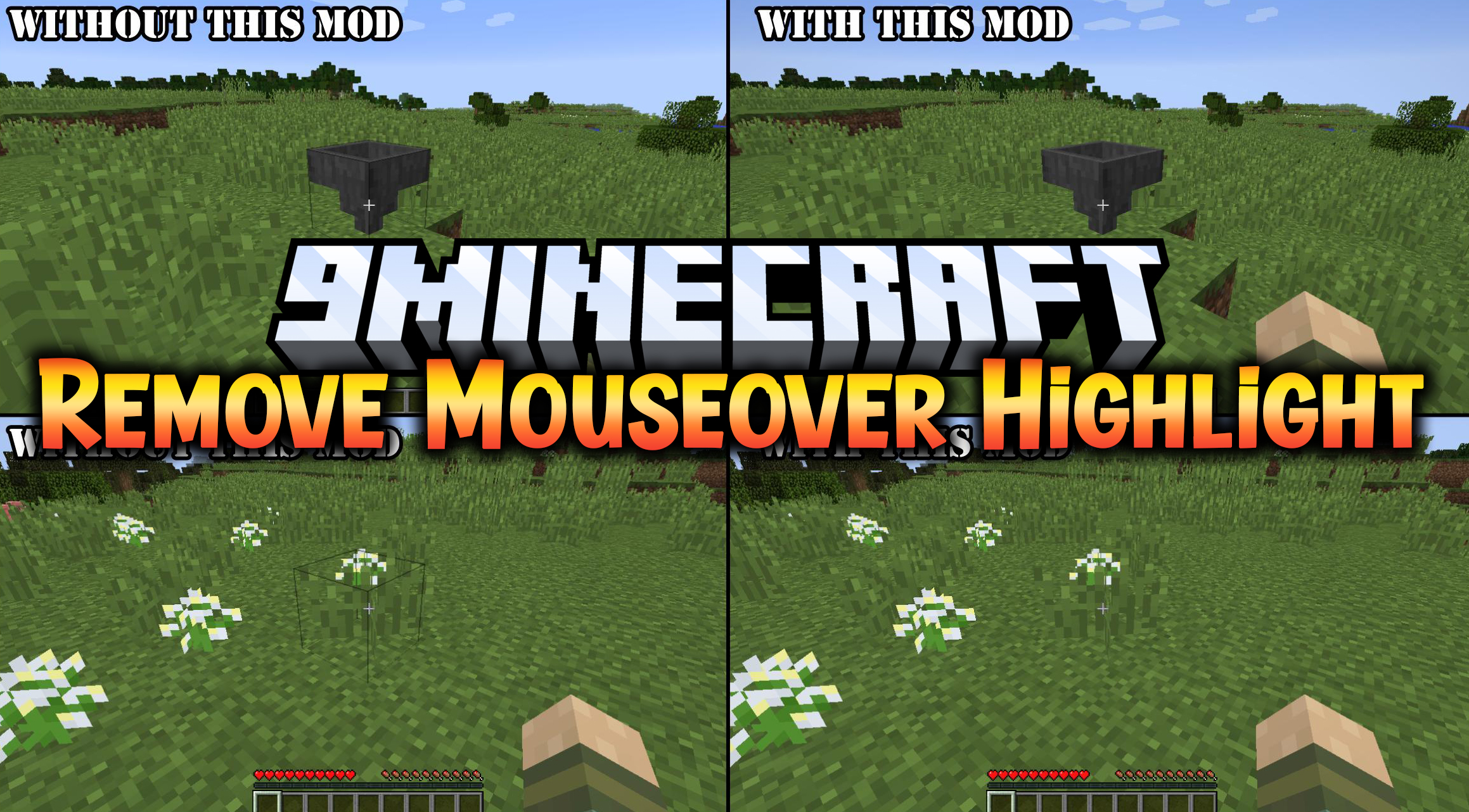
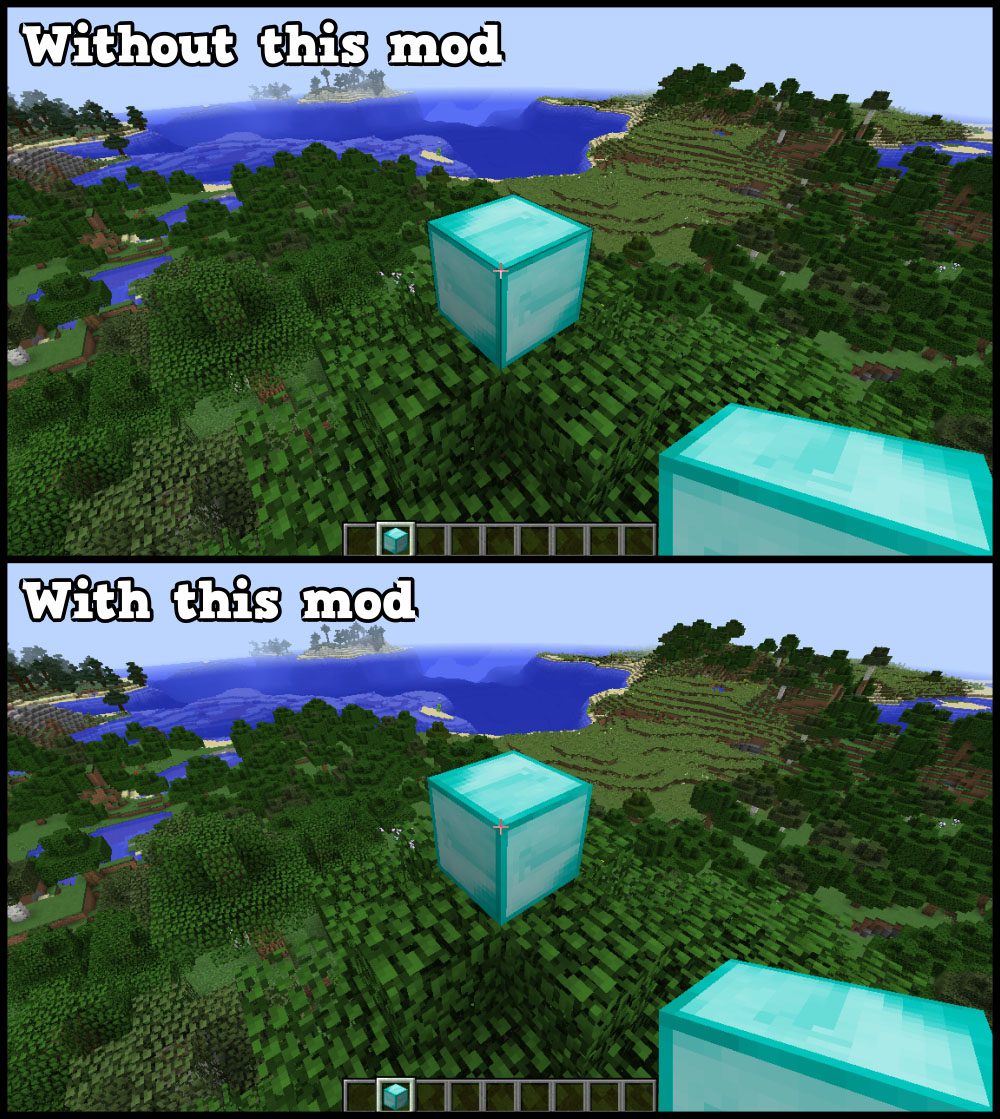
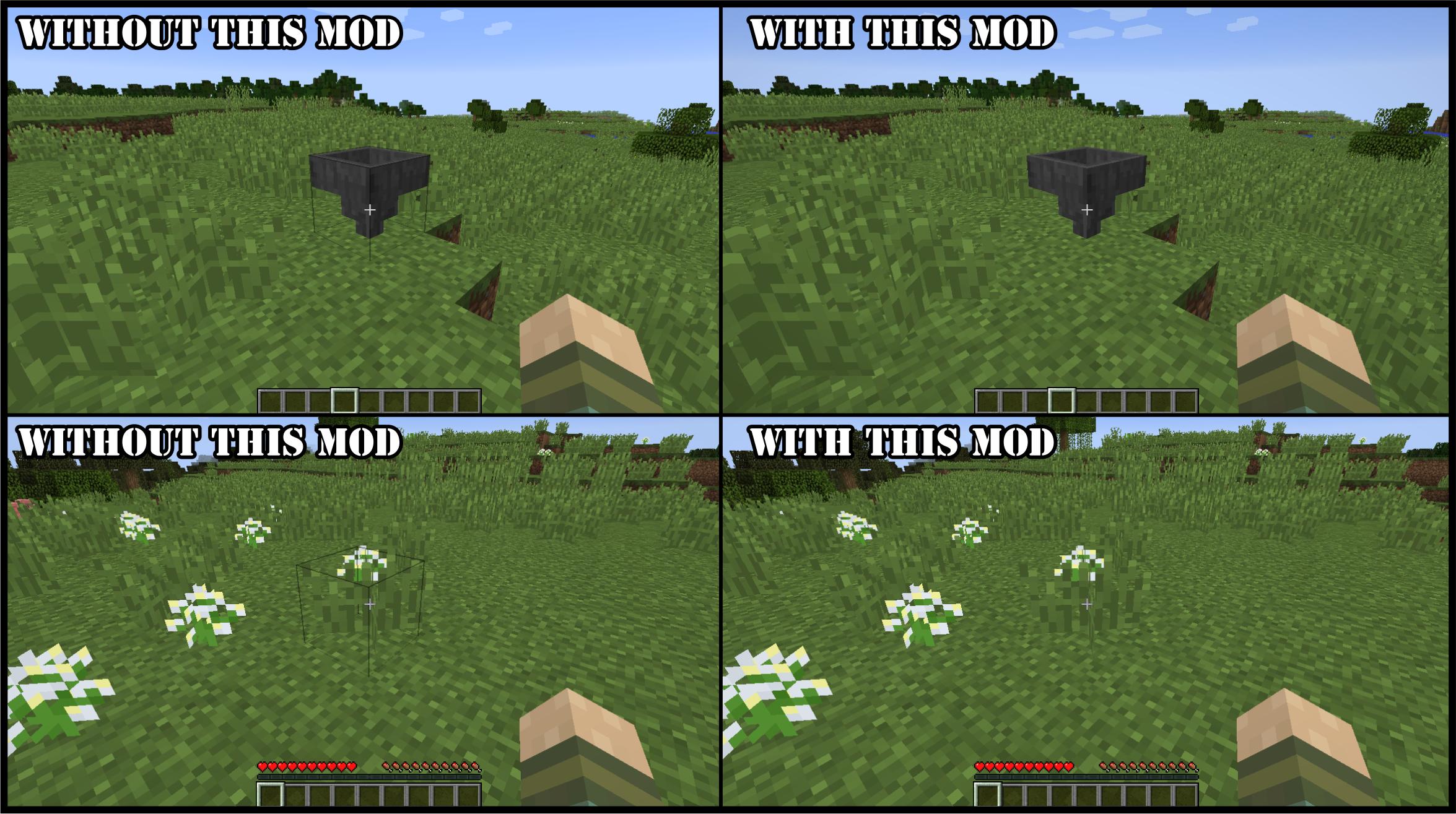
Remove Mouseover Highlight Mod simply removes the block outlines that get drawn when the player mouse over a block. This is the way to disable this black outline when highlighting a block nearby.
Due to the removed highlights, there won’t be any distractions in the game’s visuals so the gameplay will actually feel a lot more immersive and natural. The mod takes a bit of time to get used to since the block outlines are such a common part of Minecraft but, once you’re used to it, you’ll never want to stop using it because of how much better the game looks without the unnecessary highlighting.
Screenshots:
Remove Mouseover Highlight Mod Download Links
- Edition: Minecraft Java
- File type: .jar
- Minecraft versions listed: 1.21.8, 1.20.1
- How to install: Install the matching mod loader (Forge, Fabric or NeoForge) for your Minecraft version. → Download the .jar. → Put it in the .minecraft/mods folder and launch that loader profile.
- Where to get it: In MC Java Mods, or directly above on this page.
Install steps are the general flow for this file type — How to install Minecraft Java mods & modpacks walks through it step by step.
- Downloads as 25562.mcaddon
- Download size: 132 KB
- Download link checked 24 Sept 2026 — working
- Mirrored on our own servers — the download does not depend on the original host
These come from our own check of the pack file, not from the source page.