ModsJava
World Handler – Command GUI Mod (1.21.11, 1.20.1)
Java mod listed for Minecraft 1.20–1.21. Downloads from the MC Java Mods app on Android.
⬇ Download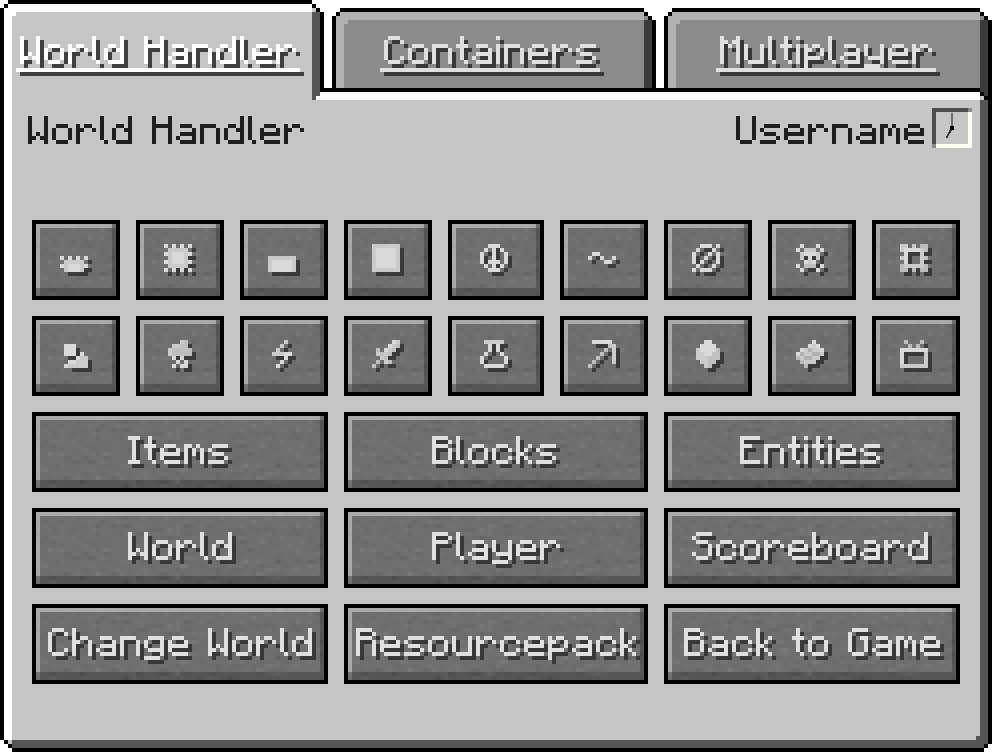
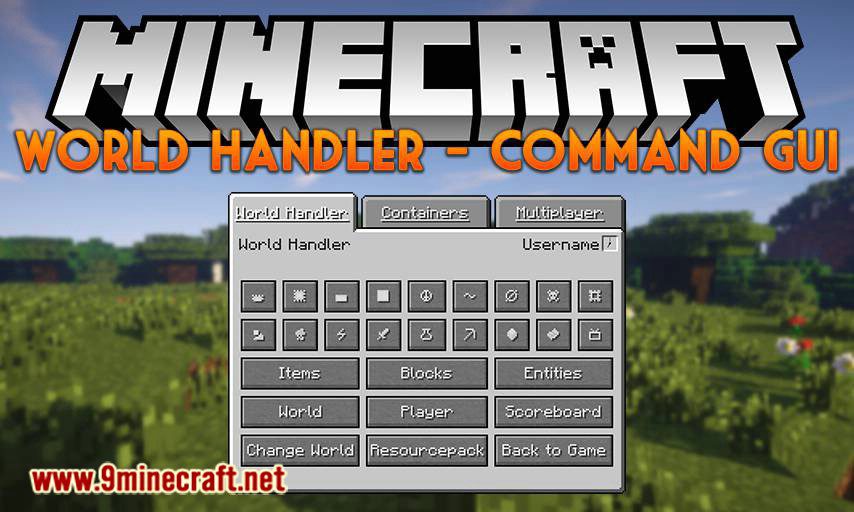
World Handler – Command GUI Mod provides a simple and easy-to-use graphical user interface for commands. It lets you create powerful and complex sub-commands alongside NBT structures within seconds.
Features:
- GUI for commands
- Client Commands: advancement, blockdata, clear, clone, difficulty, effect, enchant, fill, game mode, gamerule, give, kill, recipe, scoreboard, setworldspawn, spawnpoint, summon, tag, team, time, trigger, weather, XP
- Server Commands: ban, deop, kick, op, pardon, save-all, save-off, save-on, whitelist
- World and player information
- /wh for a simplified /fill and /clone
- Expandable GUI with json files and child mods
- Client-side only
World Handler – Command GUI Mod Download Links
Quick facts
- Edition: Minecraft Java
- File type: .jar
- Minecraft versions listed: 1.21.11, 1.20.1
- How to install: Install the matching mod loader (Forge, Fabric or NeoForge) for your Minecraft version. → Download the .jar. → Put it in the .minecraft/mods folder and launch that loader profile.
- Where to get it: In MC Java Mods, or directly above on this page.
Install steps are the general flow for this file type — How to install Minecraft Java mods & modpacks walks through it step by step.
File checked by MCModsHub
- Downloads as 25565.mcaddon
- Download size: 635 KB
- Download link checked 26 Sept 2026 — working
- Mirrored on our own servers — the download does not depend on the original host
These come from our own check of the pack file, not from the source page.