
Aether 9minecraft Mod (26.3, 26.2) – Survive in a Realm of Floating Islands
Java mod listed for Minecraft 26.x. File opened and checked on 17 Oct 2026; downloads from the MC Java Mods app on Android.
⬇ Download
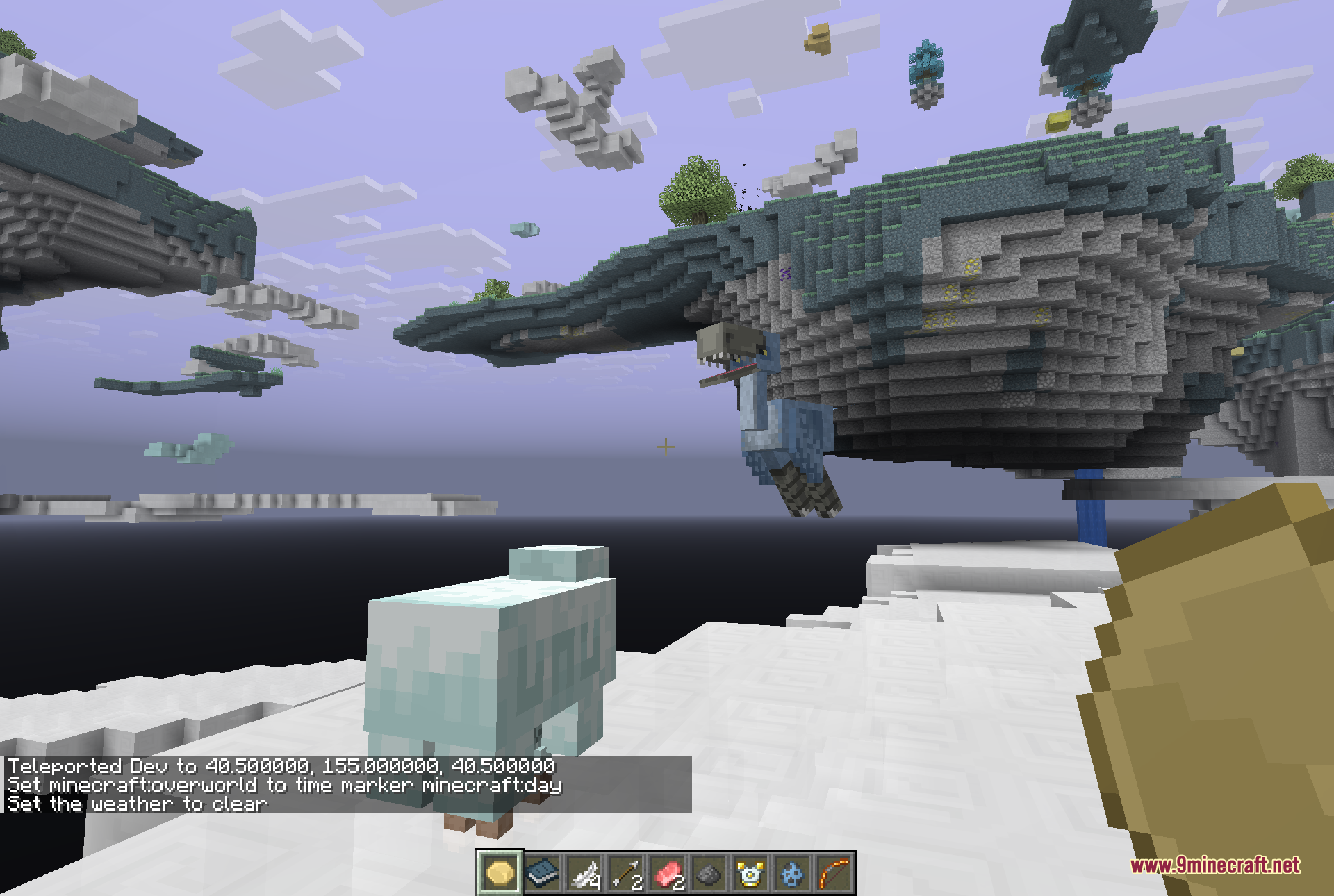
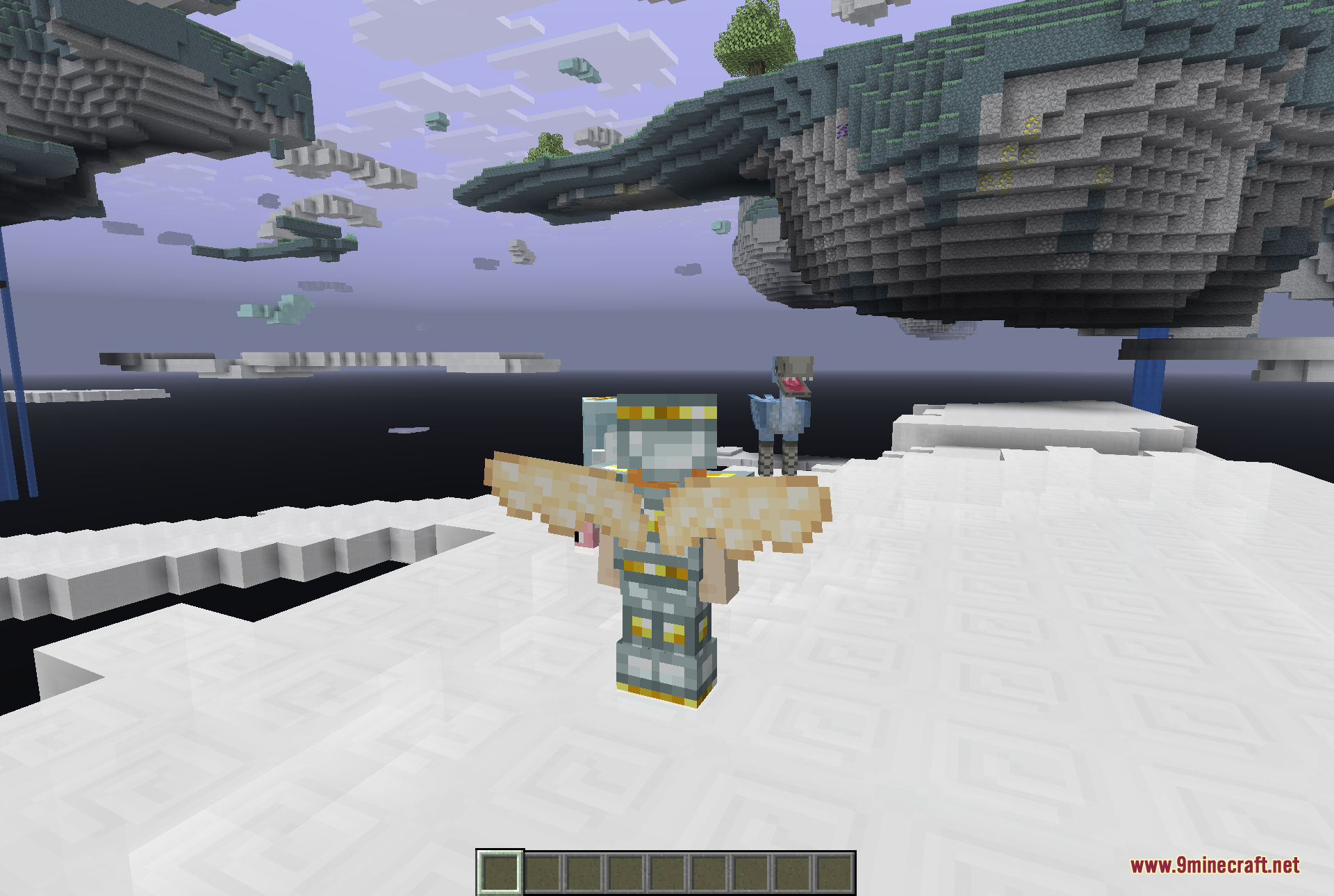
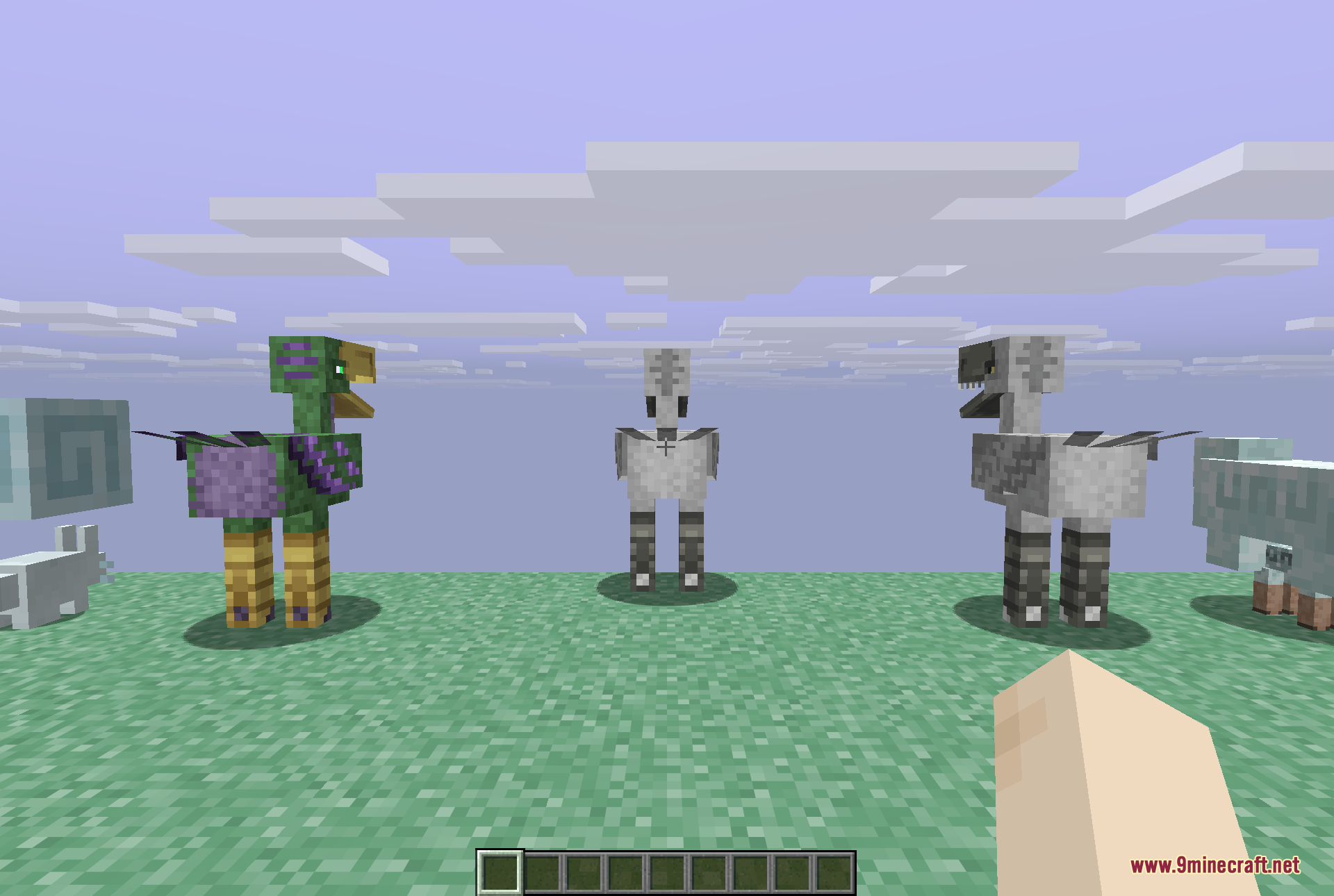
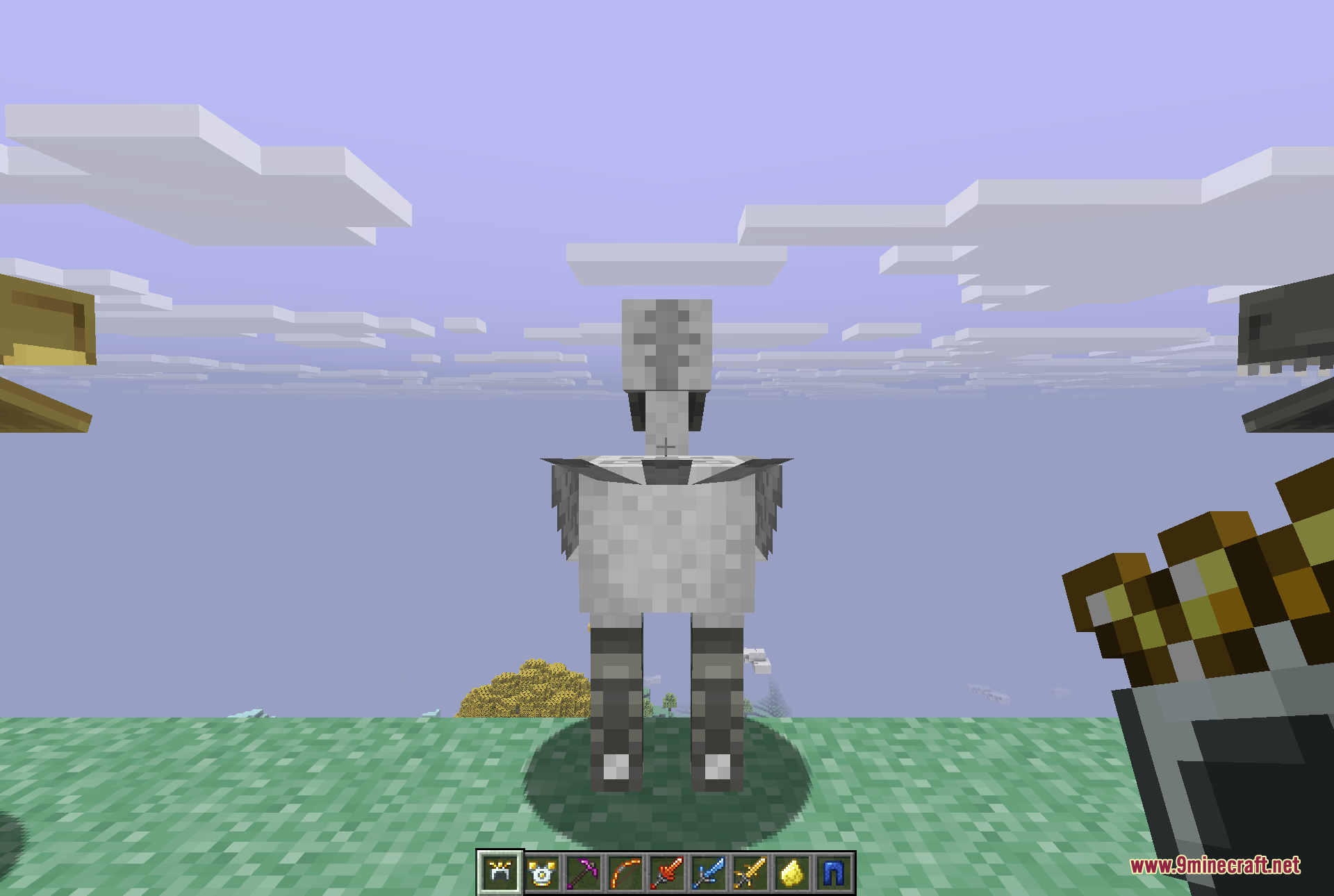
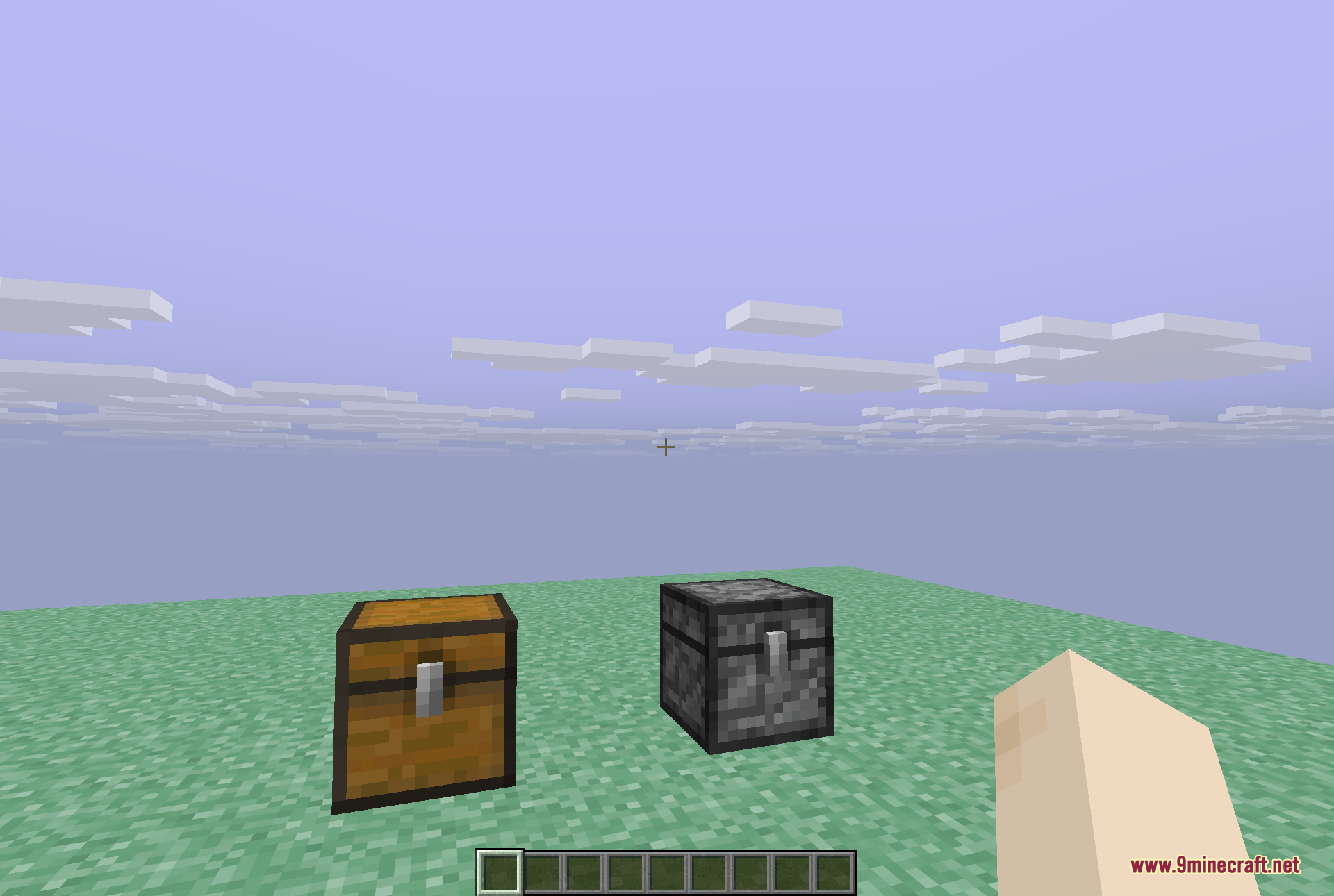
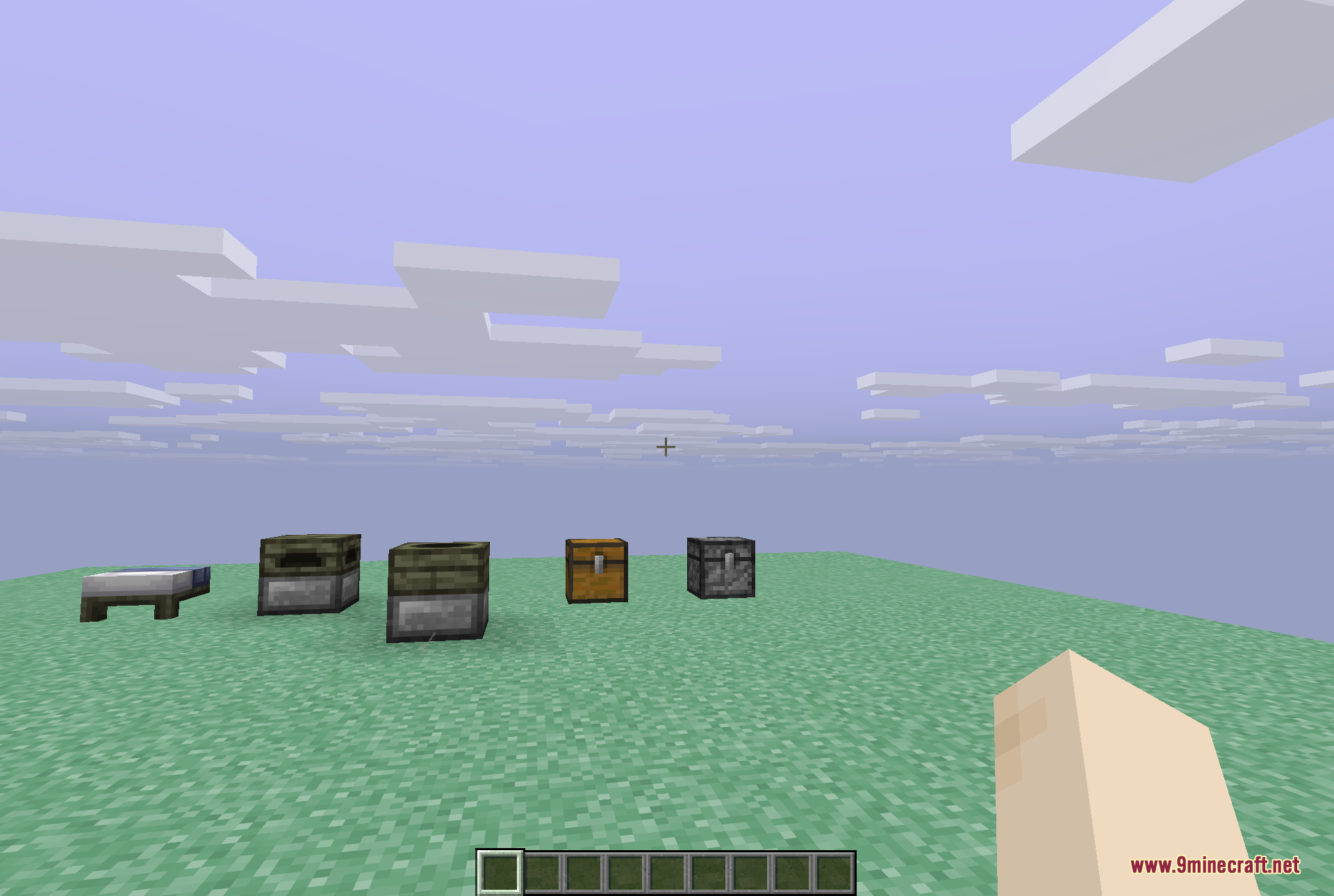
Aether 9minecraft Mod adds a massive new paradise dimension made of floating islands. Instead of traveling down to the fiery Nether, you travel up to a bright world filled with unique blocks, creatures, and giant dungeons. The mod gives you a completely fresh survival adventure with its own tools, armor, and bosses to defeat.
Features:
The Heavenly World:
- Builds a whole new dimension out of floating islands set under a bright blue sky.
- Replaces normal stone and wood with Holystone and Skyroot for your basic crafting needs.
- Adds bouncy Aerclouds to break your fall and slippery Quicksoil blocks that speed you up.
Creatures and Mounts:
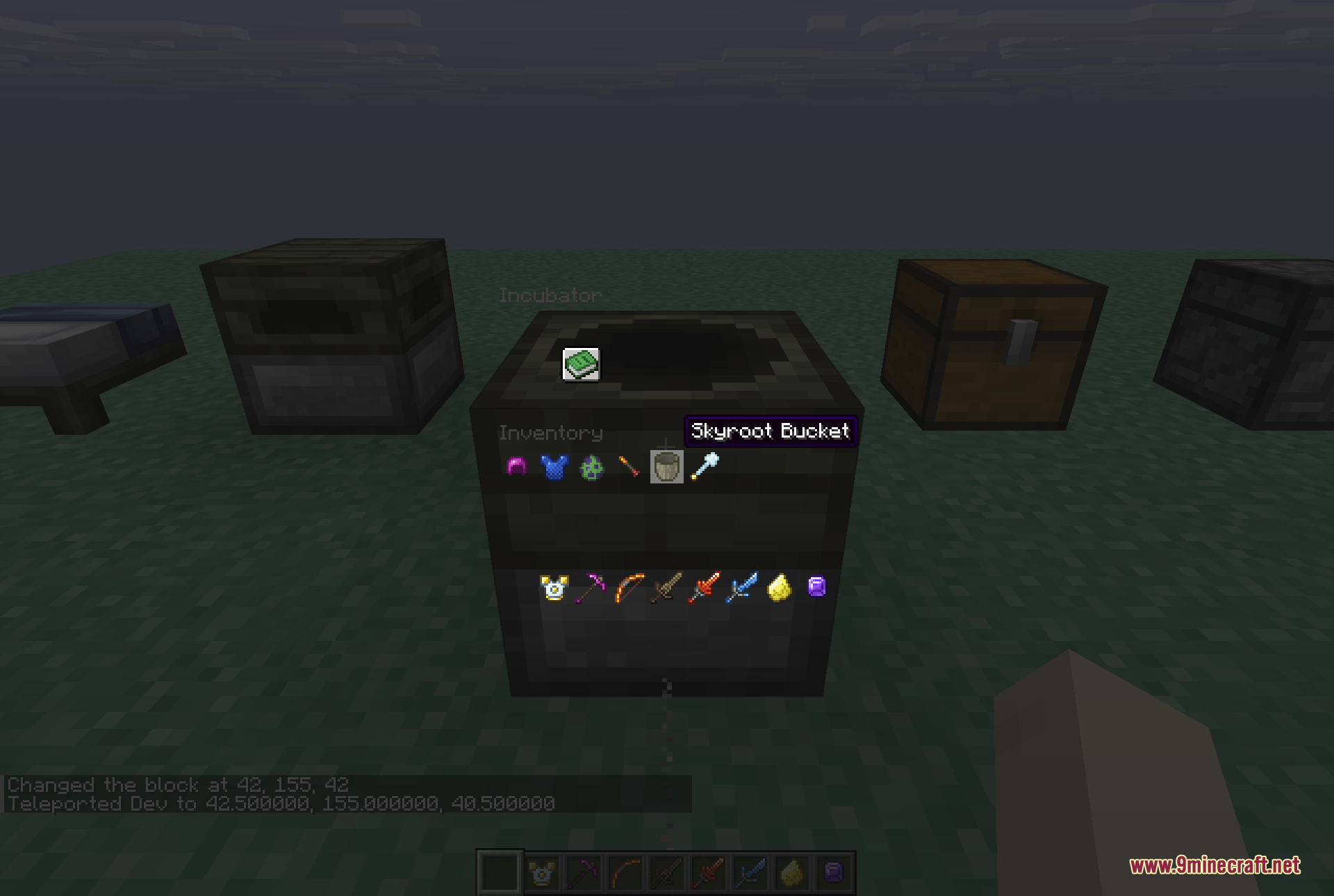
- Lets you hatch Moa eggs in an Incubator and raise them into flying mounts.
- Fills the islands with strange animals like bouncing Aerbunnies and giant flying Aerwhales.
- Spawns dangerous enemies like poison-spitting Cockatrices and wind-shooting Zephyrs.
Equipment and Magic:
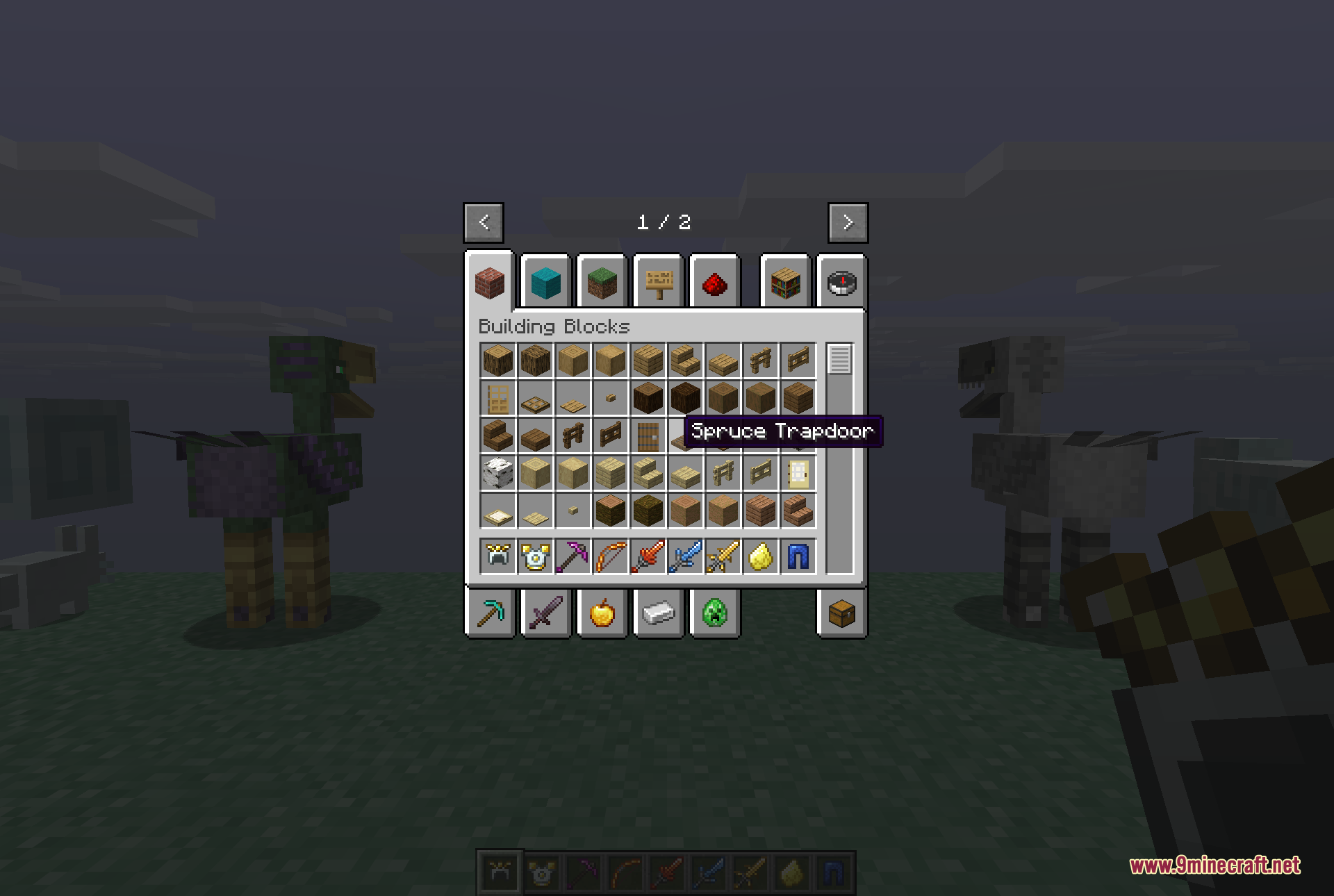
- Introduces new tool tiers made from Zanite and powerful Gravitite.
- Gives you special armor sets like Valkyrie and Neptune that grant bonuses like fire protection or faster water travel.
- Equips you with wearable wings, rings, and capes that give you extra powers.
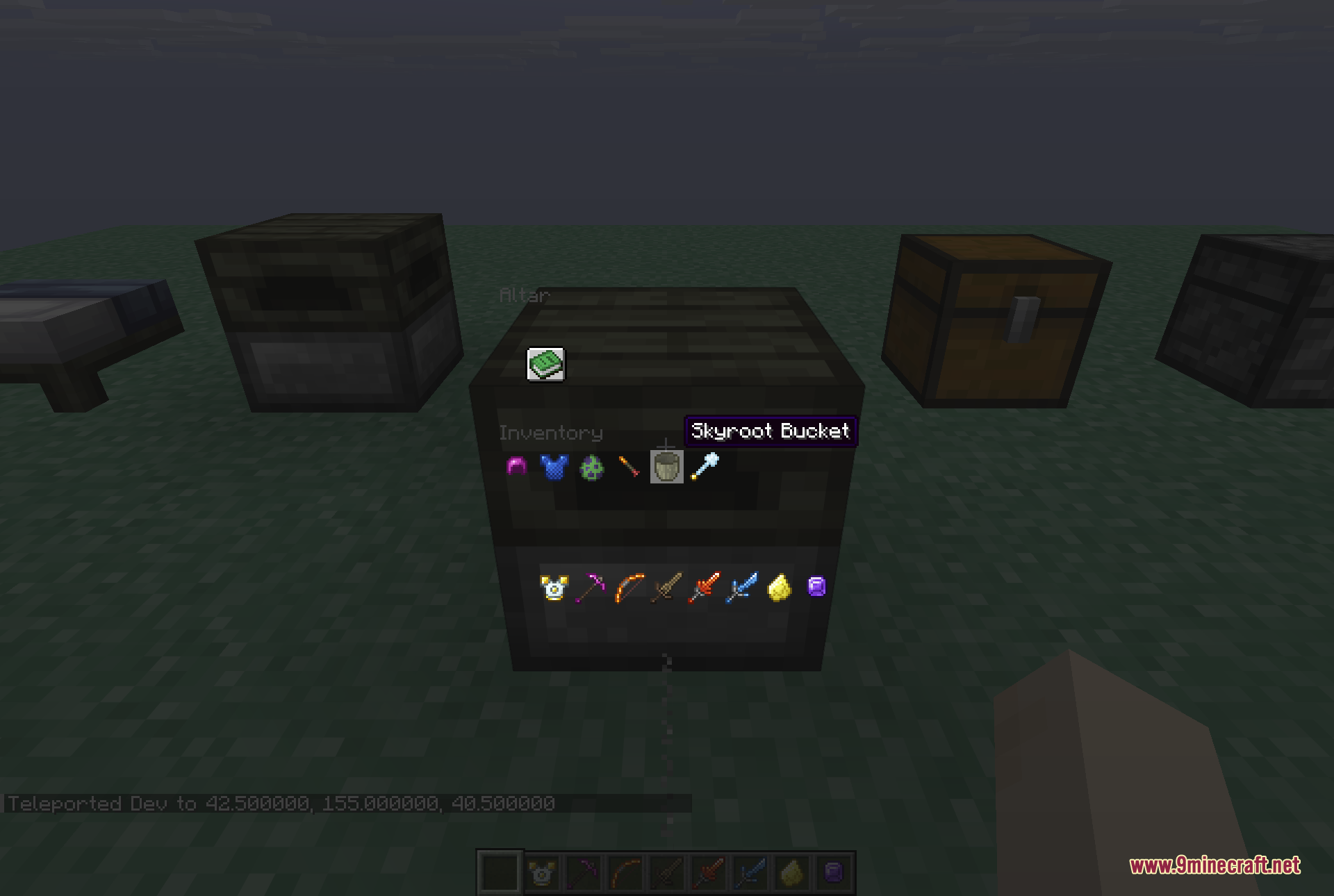
- Adds utility stations like the Altar to repair gear and the Freezer to turn water into ice items.
Dungeons and Bosses:
- Generates three massive dungeon types: Bronze, Silver, and Gold.
- Challenges you to defeat unique bosses like the Slider, the Valkyrie Queen, and the Sun Spirit.
- Rewards you with hidden treasure chests and special boss loot for exploring every island.
Aether 9minecraft Mod – Video Showcase
How to Play:
- Build a portal frame using Glowstone blocks, shaped exactly like a normal Nether portal.
- Grab a bucket of water and use it on the inside of the frame to activate the portal.
- Walk into the portal to travel up to the floating islands.
- Mine Skyroot wood and Holystone to craft your first basic tools in the new dimension.
Required Mods:
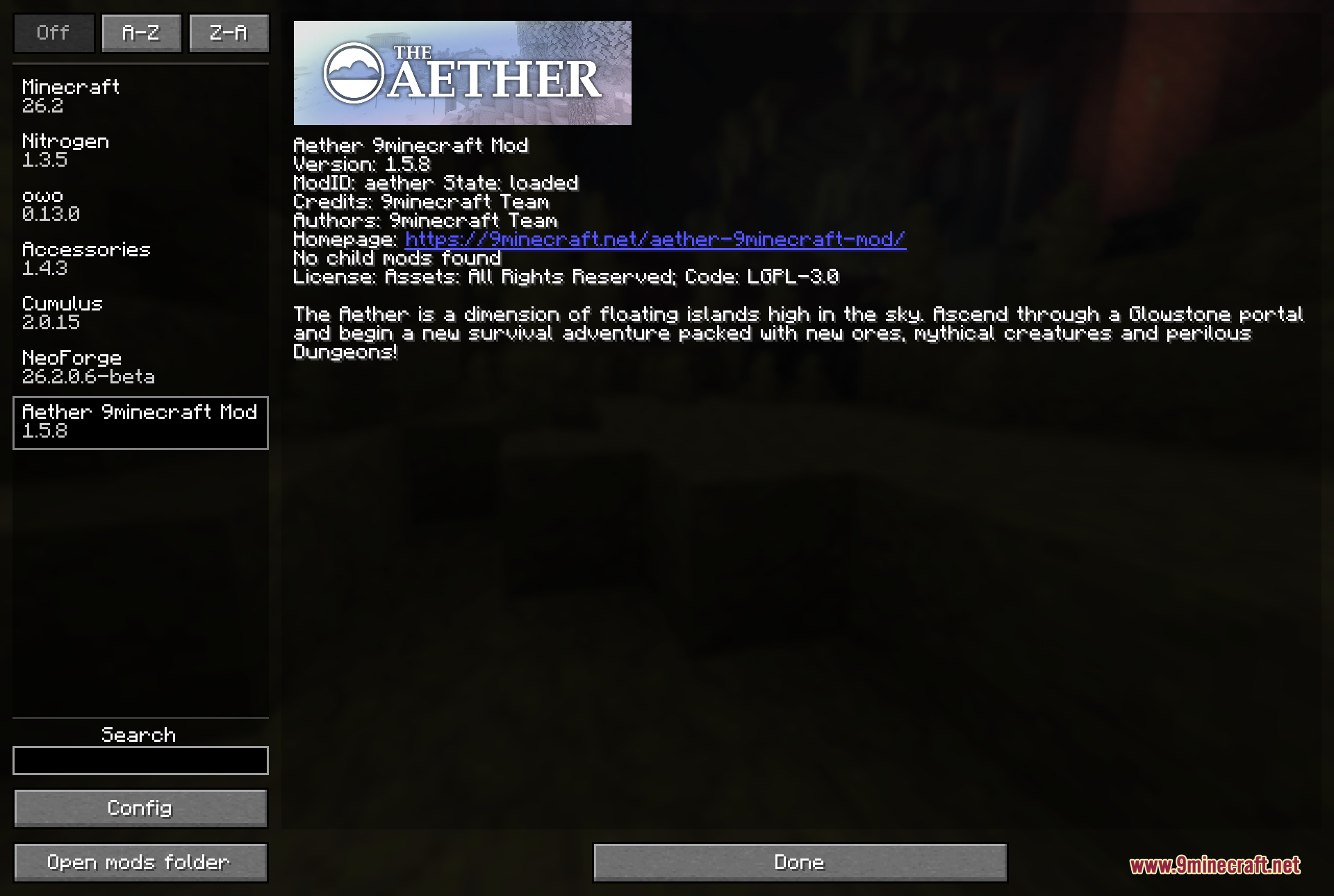
This mod does not run on its own. Install Cumulus and Nitrogen for the same Minecraft version and the same mod loader before you add it, or the game will stop at the loading screen.
Screenshots:
Aether 9minecraft Mod Download Links
- Edition: Minecraft Java
- File type: .jar
- Minecraft versions listed: 26.3, 26.2
- How to install: Install the matching mod loader (Forge, Fabric or NeoForge) for your Minecraft version. → Download the .jar. → Put it in the .minecraft/mods folder and launch that loader profile.
- Where to get it: In MC Java Mods, or directly above on this page.
Install steps are the general flow for this file type — How to install Minecraft Java mods & modpacks walks through it step by step.
- Download size: 35.8 MB
- Download link checked 23 Sept 2026 — working
- Mirrored on our own servers — the download does not depend on the original host
These come from our own check of the pack file, not from the source page.