Rain's Auction House
Bedrock add-on listed for Minecraft 1.21–26.x (behavior + resource pack). File opened and checked on 30 Sep 2026; installs from the MC Bedrock Mods app on Android.
A complete in‑game player auction house for Minecraft Bedrock: list, browse, and buy items through a chest‑style menu, backed by a deep in‑game admin…
⬇ Download on CurseForge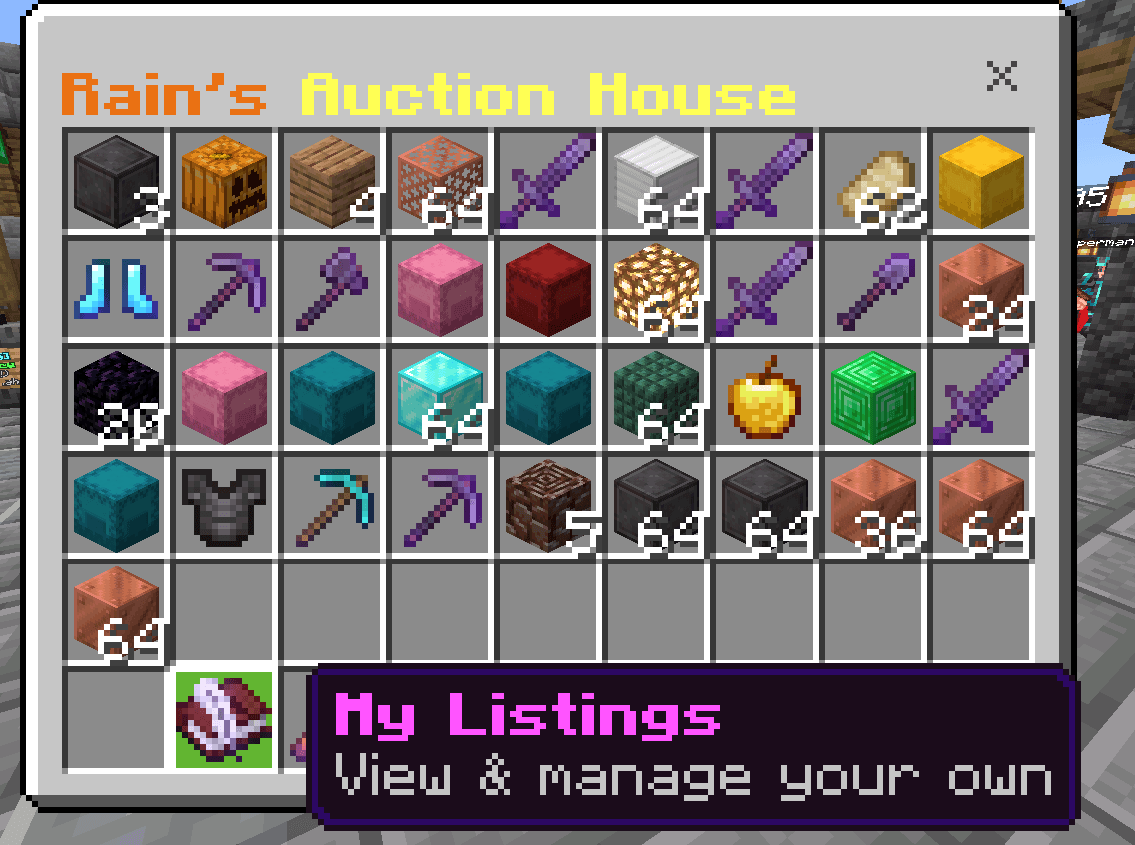
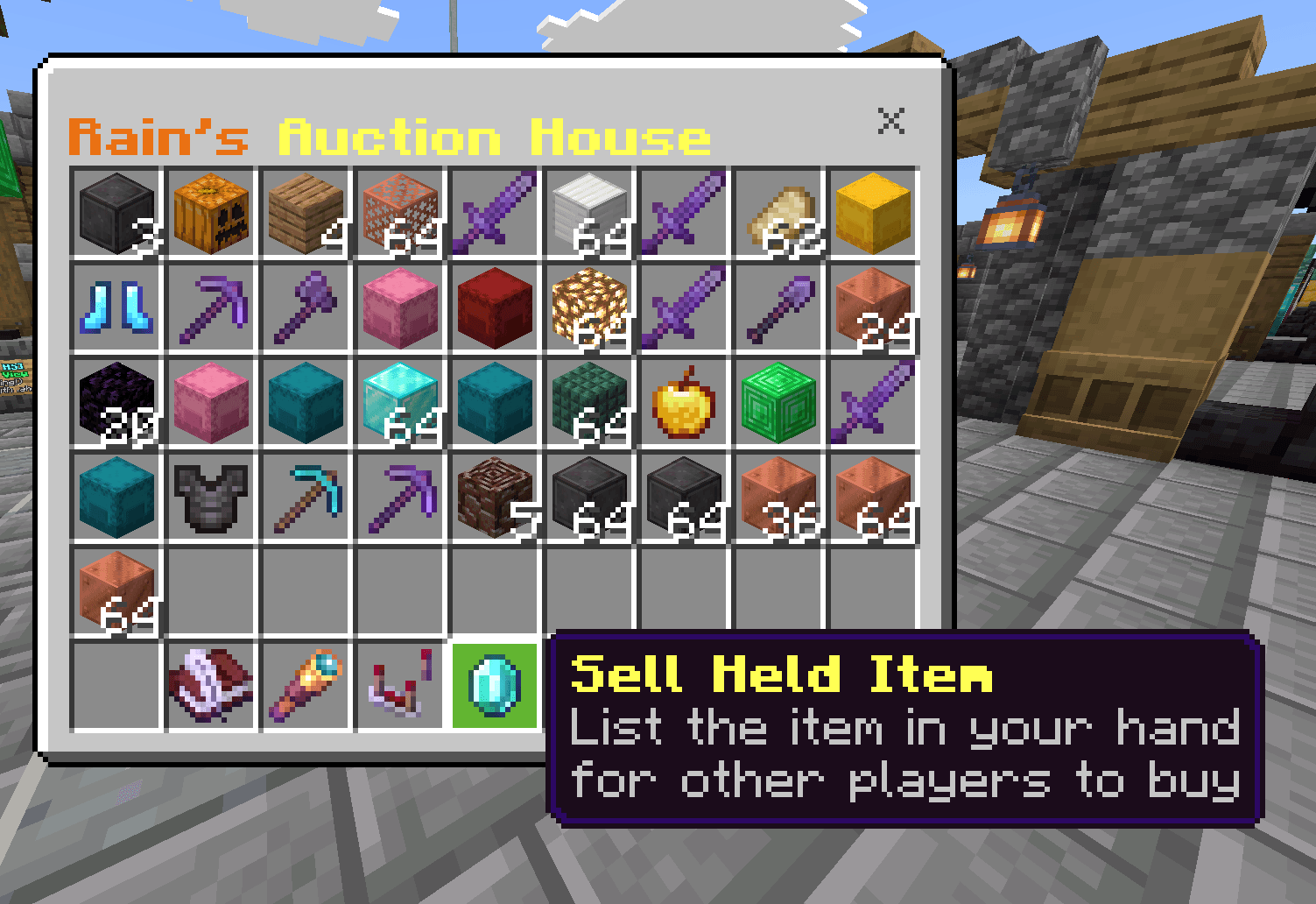
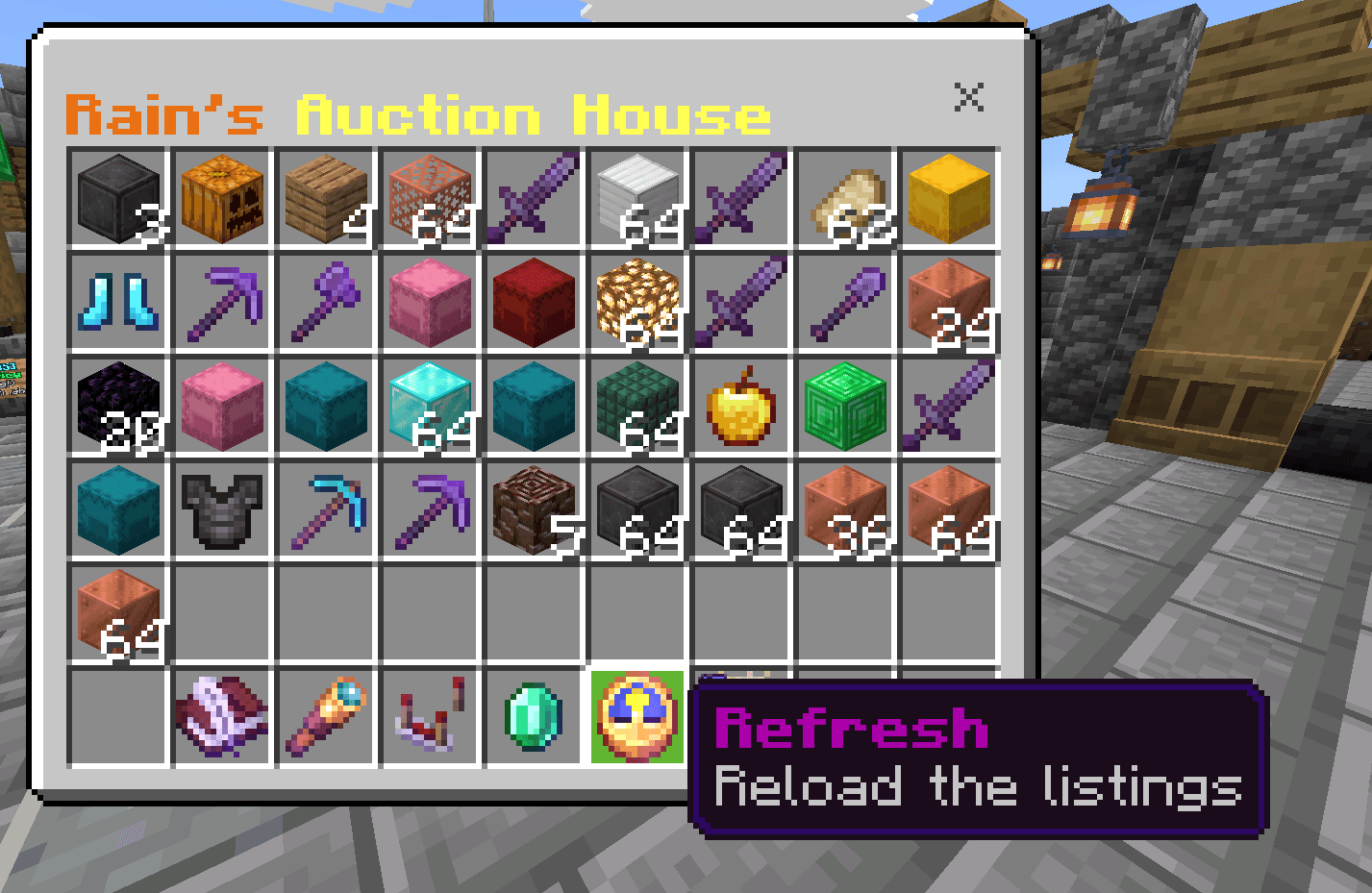
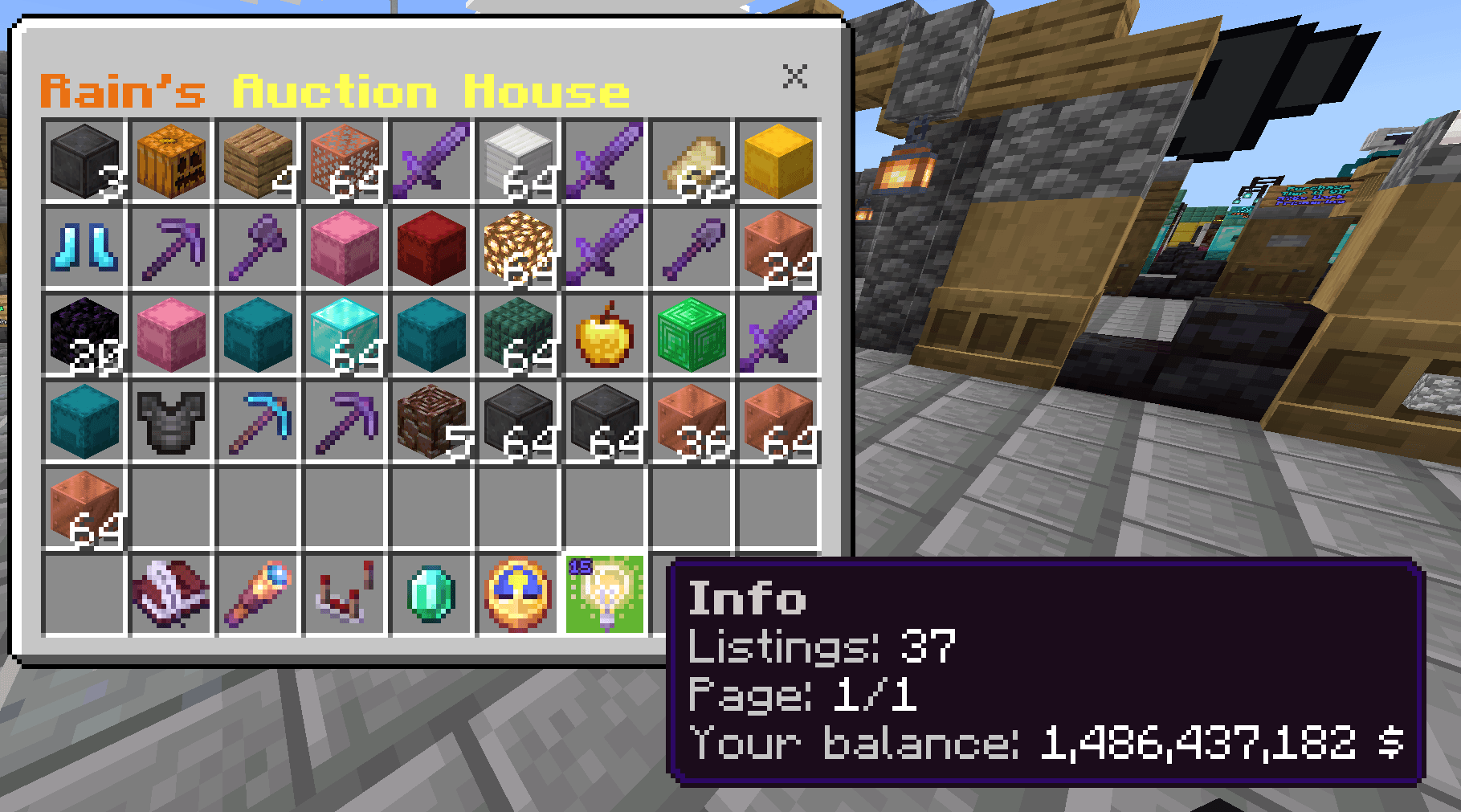
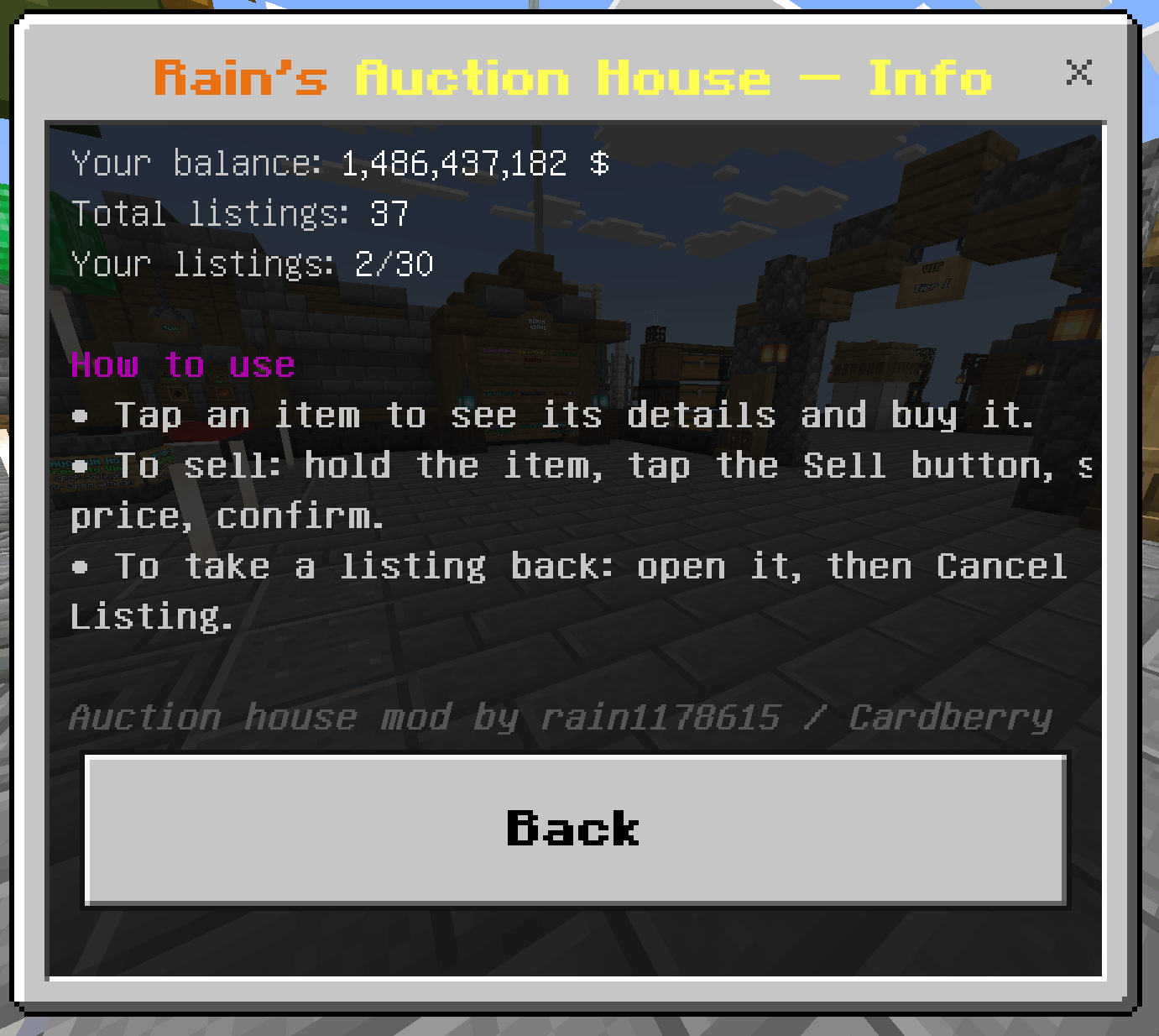
Rain's Auction House
the .ah function in the showcase is done with a separate chat word triggers pack of mine, use a command block containing /execute as @p run scriptevent rain:ah
A fully‑featured, server‑ready player auction house for Minecraft Bedrock, built entirely on the stable Script API. Players list the items they're holding, browse everyone's listings in a chest‑style grid, and buy them — money moves through your world's own scoreboard economy. There are no commands for players to memorize, and admins get a deep, fully in‑game settings suite (no external tools or config files).
What it does
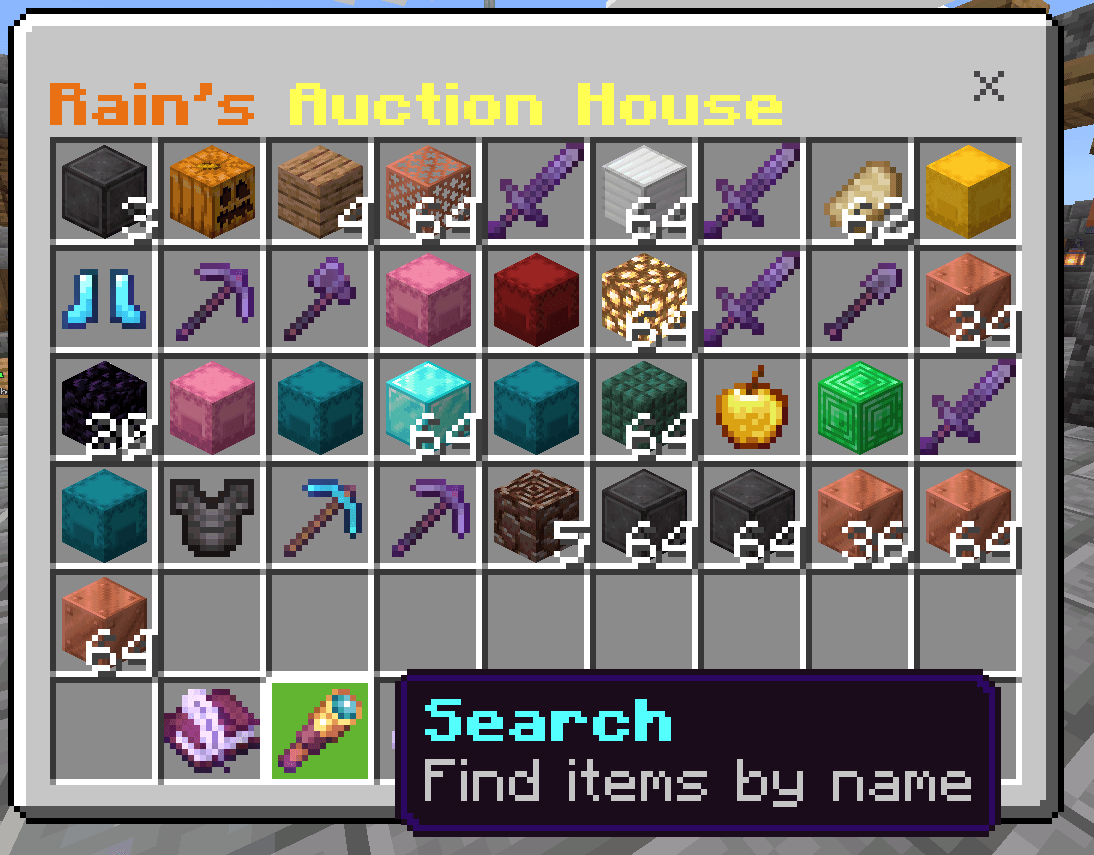
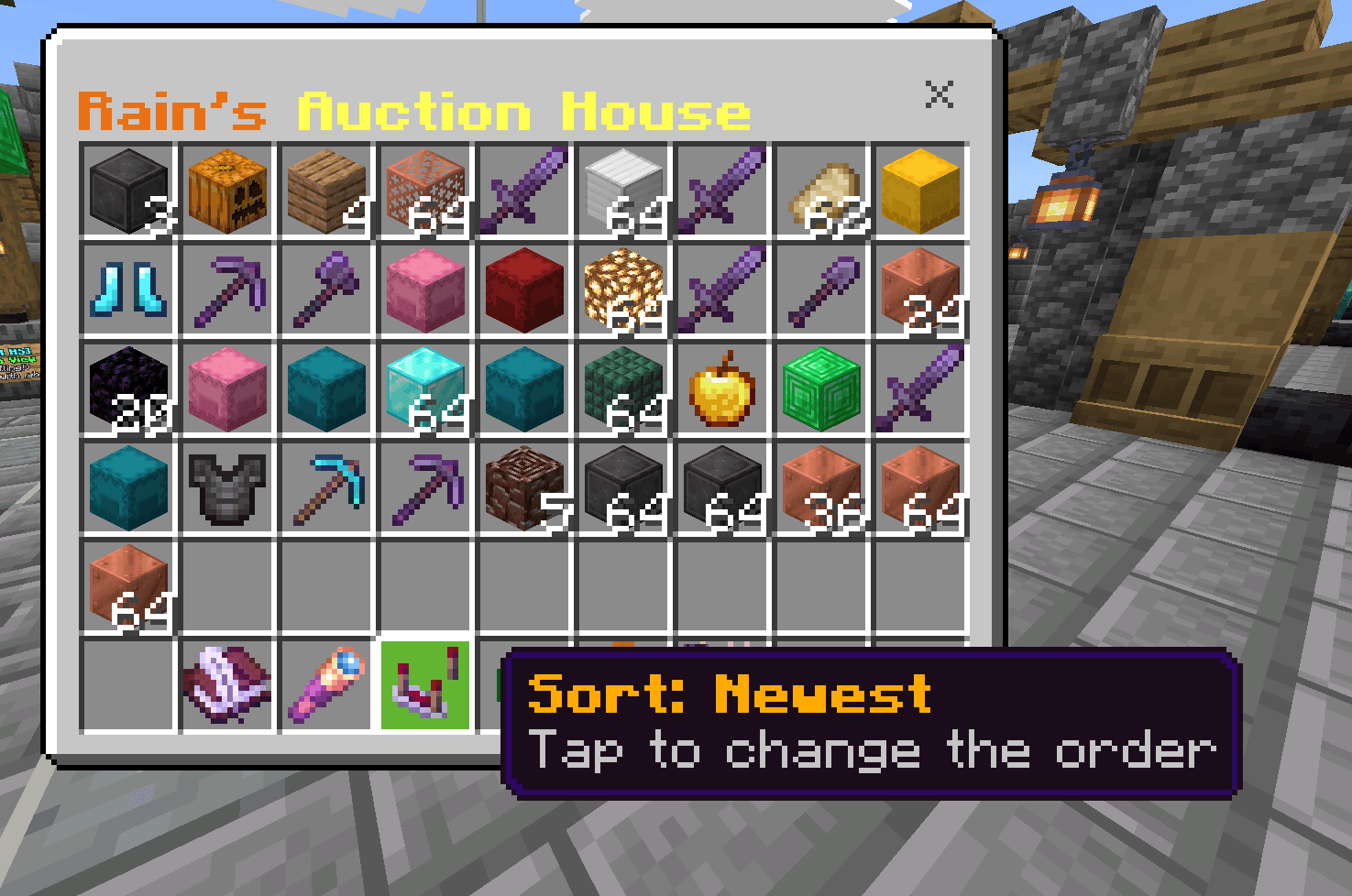
- Opens a chest‑style grid of every item players have posted. Tap any item for a full‑screen detail view — name and item id, enchantments, durability, price, seller, and (for containers) the contents — then buy it. Purchased items go straight into your inventory.
- Sell the item in your hand for a price you choose. Items are held in escrow until they sell or you cancel.
- Money runs through a scoreboard objective (default
money), so it plugs into whatever economy your server already uses.
Player features
- Browse with pagination and a sort toggle — newest, oldest, cheapest, or most expensive.
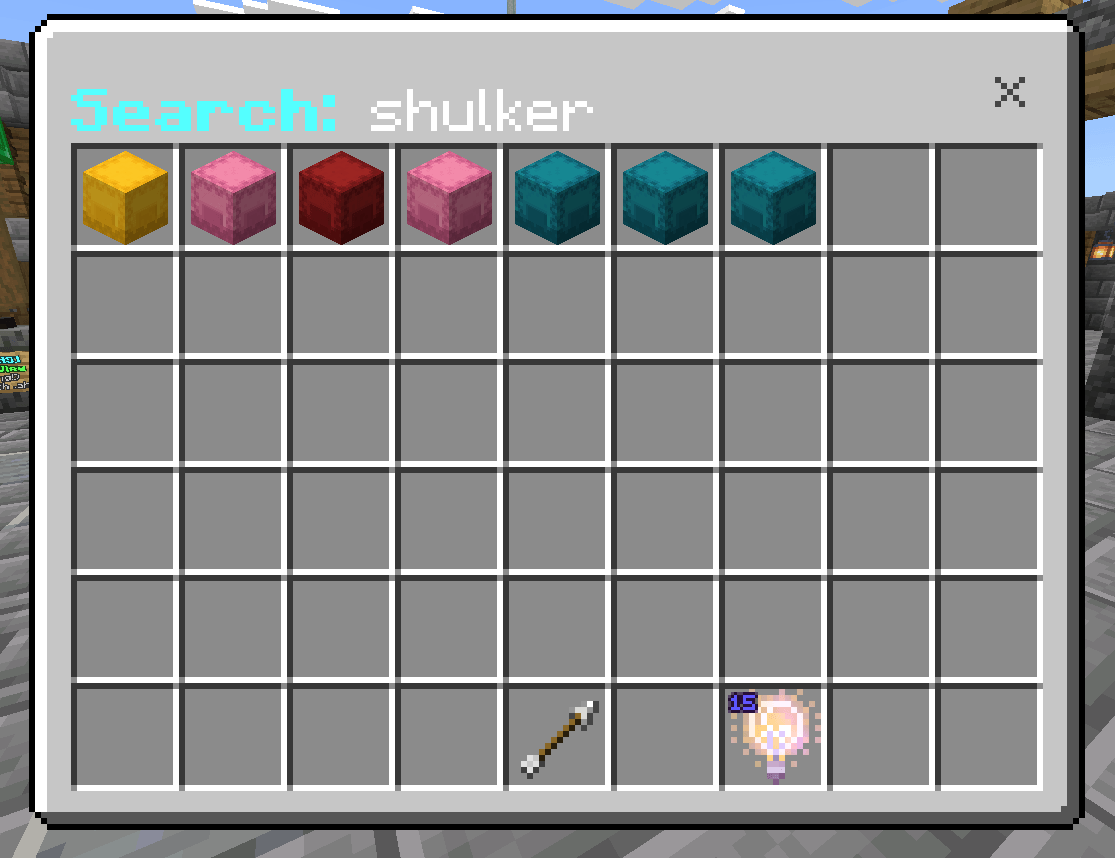
- Search listings by item name or id.
- My Listings — review and cancel your own postings in one place.
- Price history — when selling, a suggested price from recent sales of that item; when buying, the item's average sale price with a green "good deal" or red "overpriced" indicator.
- Full item fidelity — enchantments, custom names, lore, and durability are all preserved. Bundles and shulker boxes keep their contents (shown in the preview and delivered intact), and written / writable book text is preserved.
- Every item also shows its id inline, e.g.
Grass Block (grass_block)— including items nested inside shulkers and bundles.
Admin features (all in‑game, saved per world)
Opened from a single settings hub:
- General settings — currency label, allow/deny shulker boxes and bundles, per‑player and server‑wide listing caps, min/max price, a listing fee (a % charged on listings above a threshold), a listing cooldown (anti‑spam), a high‑value purchase confirmation, auto‑expiry (return to seller or delete), and an item blacklist that also rejects blacklisted items hidden inside containers.
- Lock & Safety — a one‑tap lock that freezes all new listings and sales during an emergency, a banned tag that blocks specific players from the auction house entirely, and a transaction log of listings, sales, cancels, and removals.
- Moderation — browse every listing and remove bad ones (return to seller or delete, with no payout), or copy an item out for inspection.
- Editable text — every on‑screen title, label, and button is editable in‑game with color codes, so the whole UI can match your server's style.
- Icon tools — an in‑game tuner to realign item icons when other content packs shift them.
Opening it
The menu opens through a script event, so you can bind it to anything — a hub button, a command block, an NPC from another add‑on, or players typing it directly:
/scriptevent rain:ah— opens for the player who runs it/scriptevent rain:ah <player>— opens it for a named player/scriptevent rain:ahsettings— the admin settings hub
Installation
- Import the
.mcaddon— it contains both a behavior pack and a resource pack. - On your world, enable both packs. No experimental toggles are required.
- If your economy scoreboard isn't named
money, set the objective name in the settings hub.
Requirements
- Minecraft Bedrock Edition (stable Script API — no experiments).
- Both the behavior pack and resource pack enabled on the same world.
Credits
- Auction house by rain1178615 / Cardberry.
- Chest‑style UI rendering by Herobrine64 & LeGend077 (the "Chest‑UI" library), used under CC BY 4.0.
Links
YouTube: https://www.youtube.com/@CardBerryMC
- Edition: Minecraft Bedrock
- File type: .mcpack or .mcaddon
- Minecraft version listed: 26.30
- How to install: Download the .mcpack or .mcaddon file. → Open it — Minecraft imports it. → In your world: Behavior Packs → Available → Activate, then the same under Resource Packs.
- Where to get it: Opens on CurseForge — not every file is mirrored on our own servers.
Install steps are the general flow for this file type — How to install Minecraft Bedrock addons & mods walks through it step by step.
- Pack type: .mcaddon — behaviour and resource pack in one file
- Manifest requires Minecraft 1.21.90 or newer
- Complete pack — everything it depends on is inside the file
- Download size: 70 KB
- Download link checked 3 Oct 2026 — working
These come from our own check of the pack file, not from the source page.