FT - Floating Text
FT - Floating Text is a lightweight Minecraft Bedrock addon for creating floating text anywhere. Perfect for shops, quests, spawn areas, NPC labels…
⬇ Download on CurseForge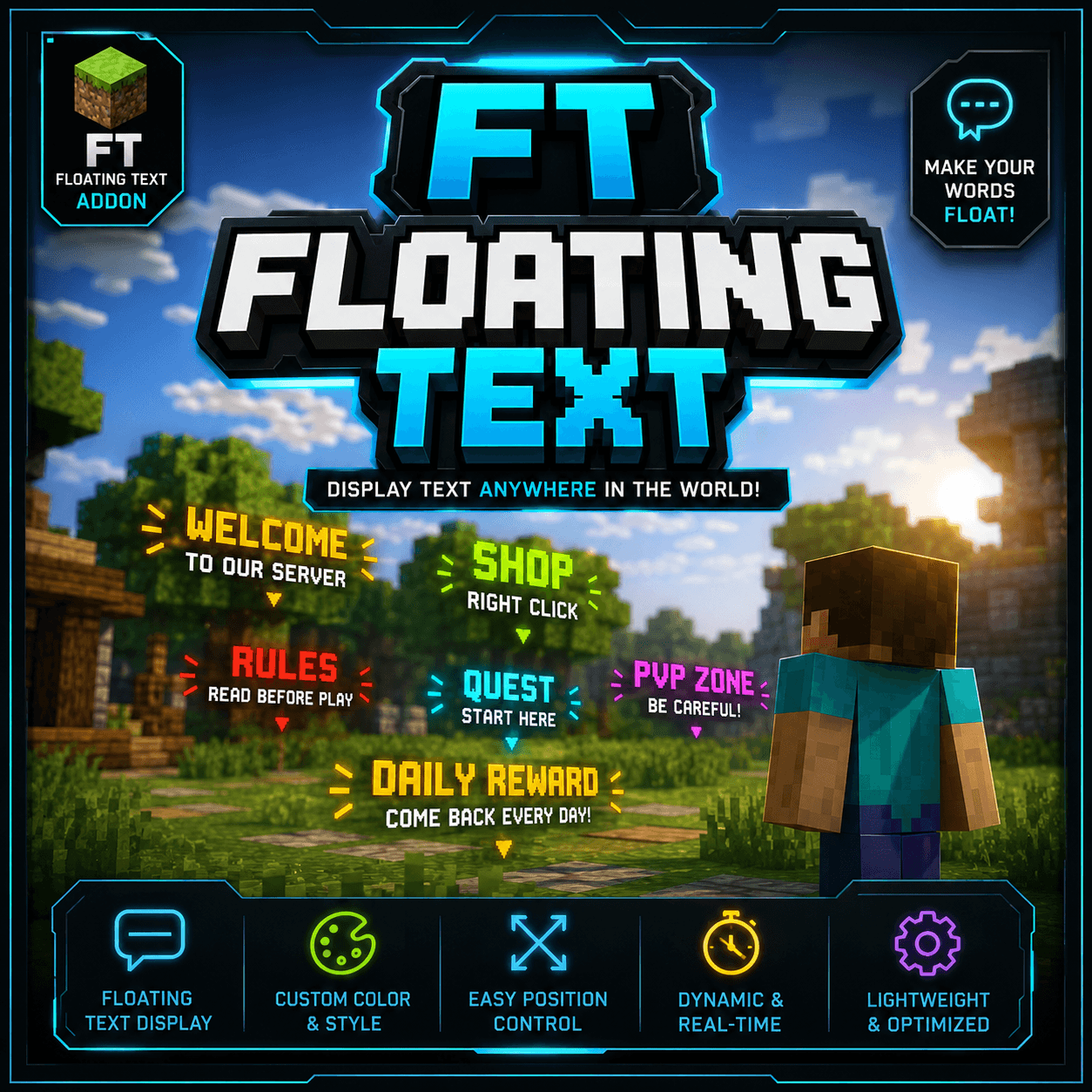
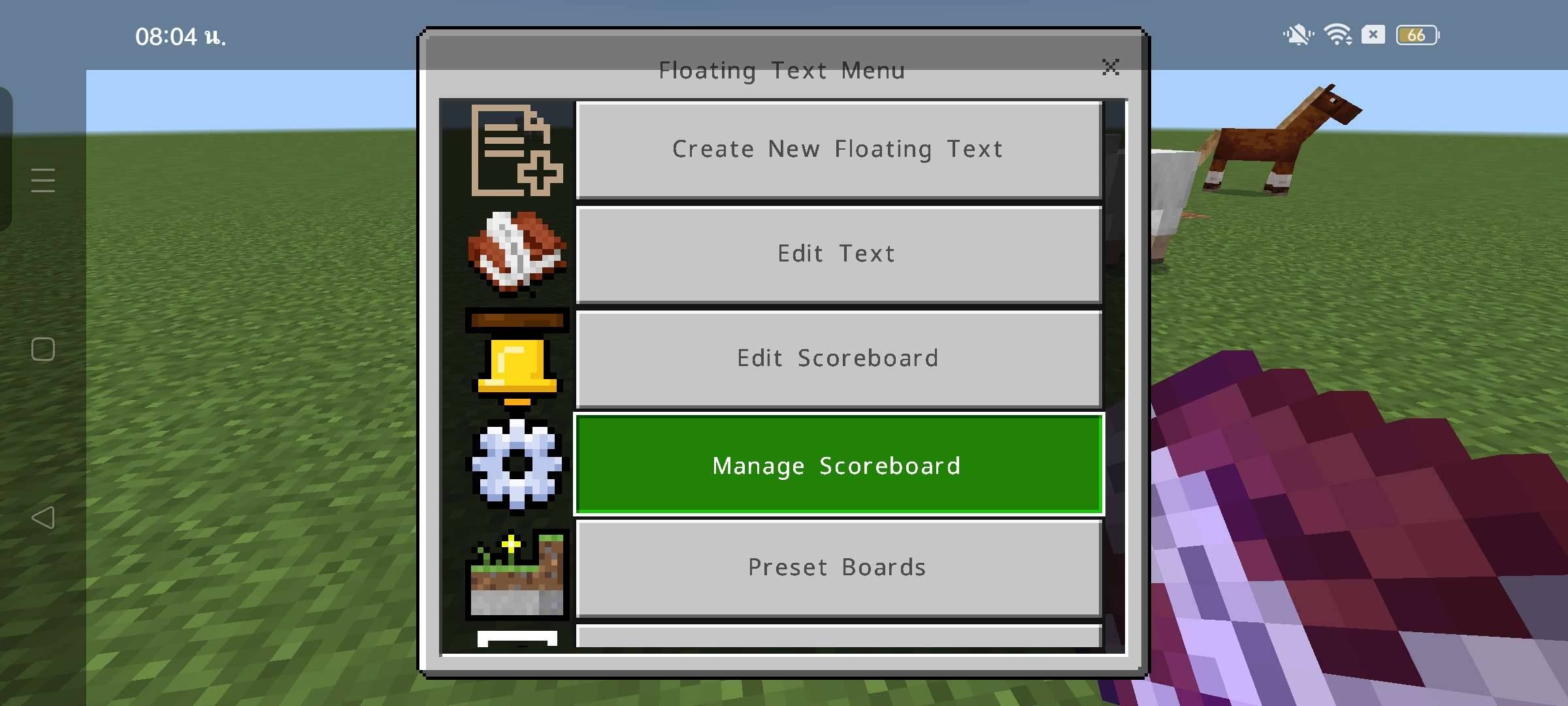
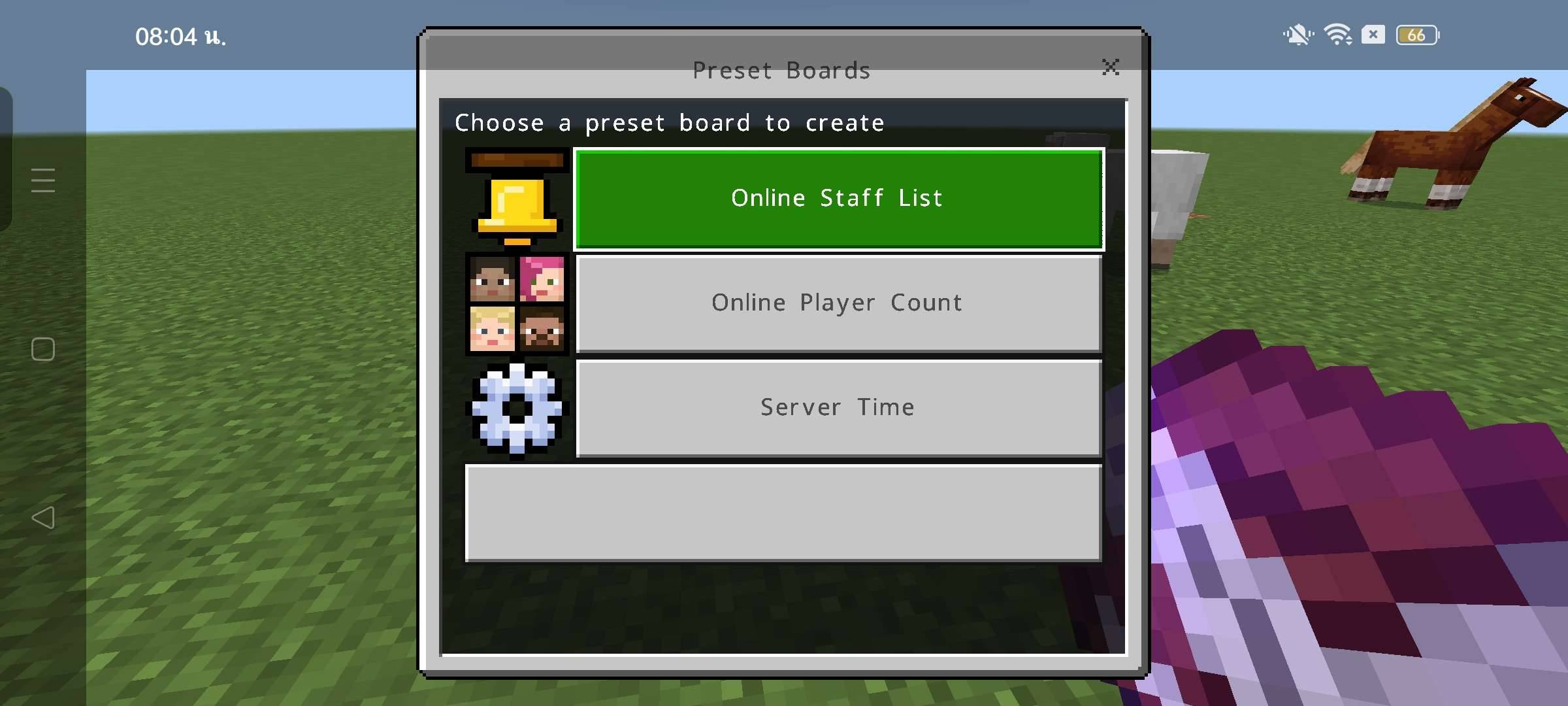
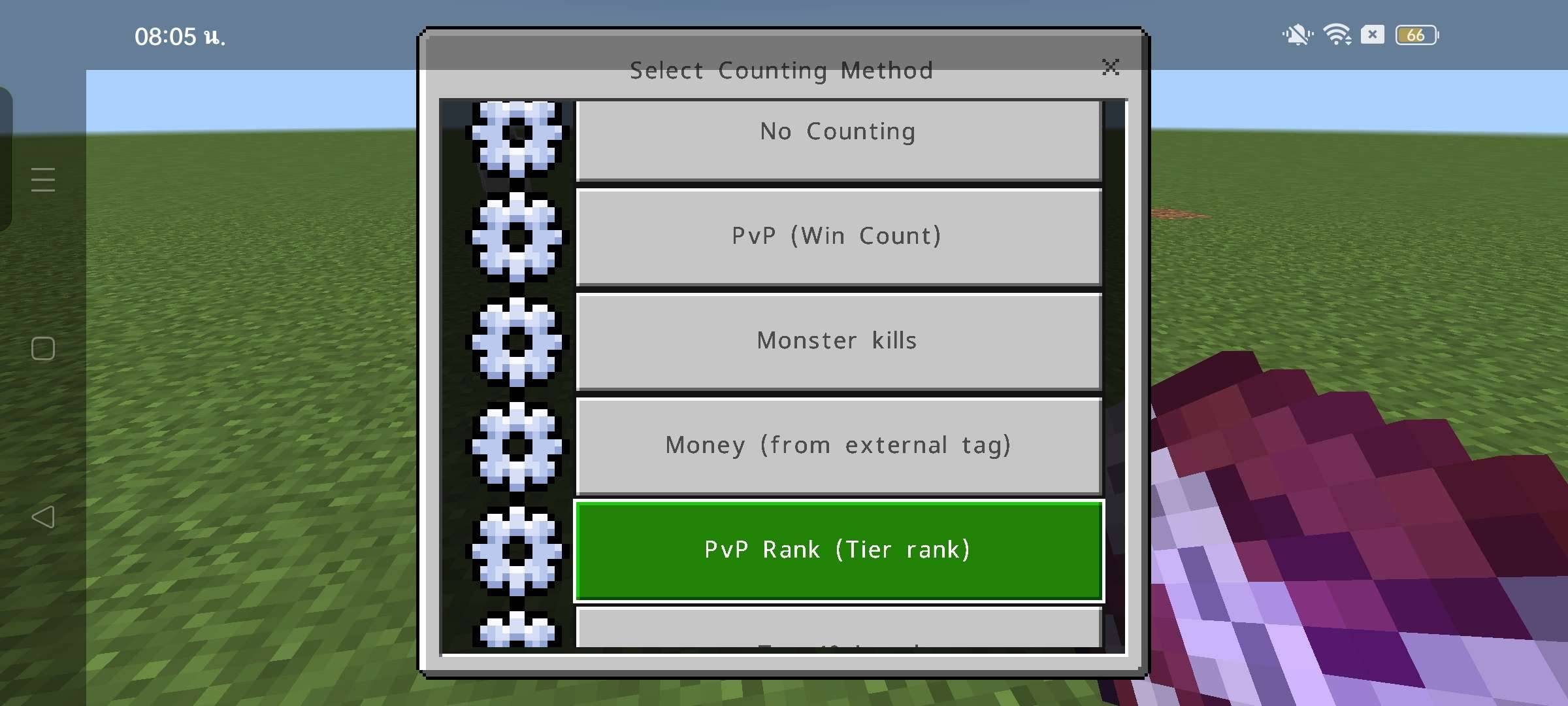
FT - Floating Text
Overview
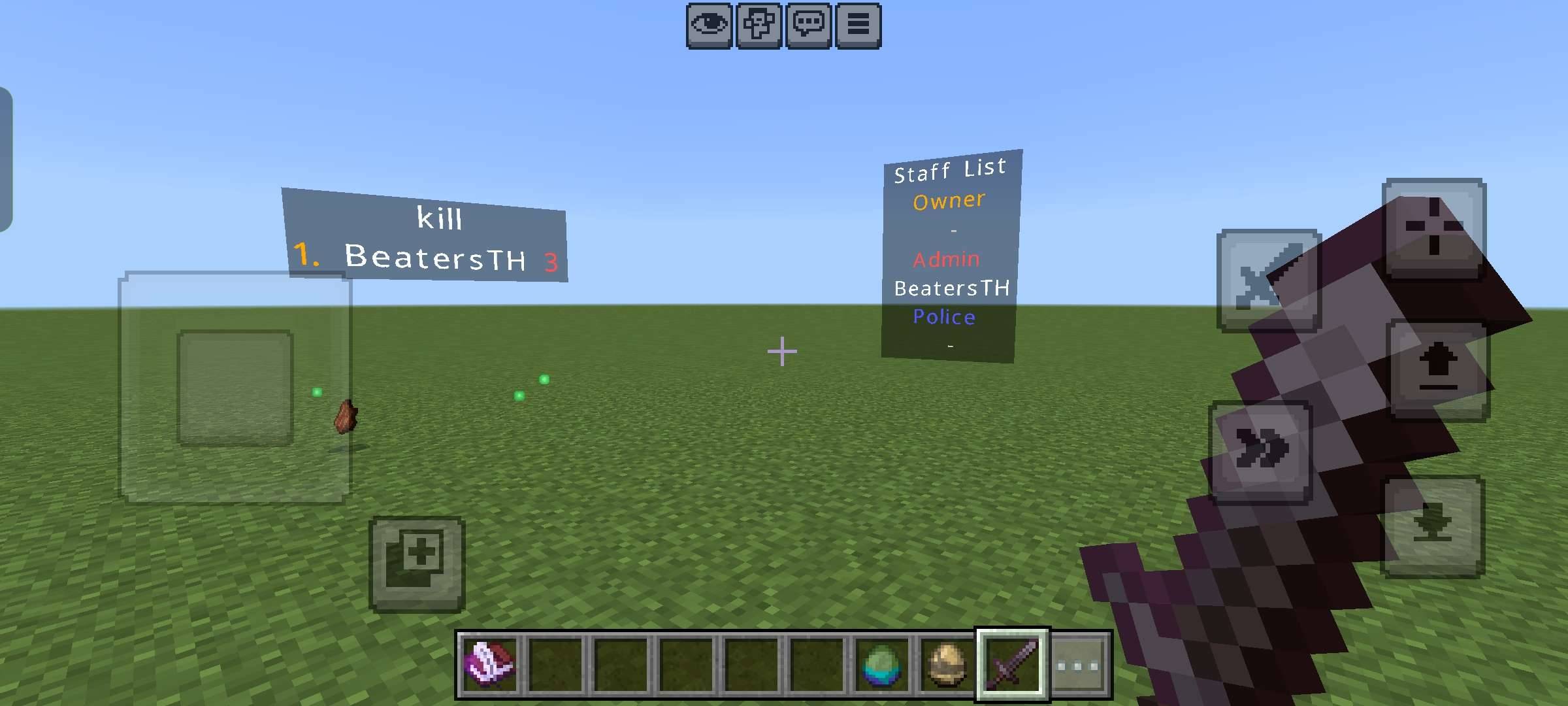
FT - Floating Text is an addon for Minecraft Bedrock Edition that allows players and server owners to create floating text anywhere in the world.
Display information, labels, rules, shop names, quest markers, announcements, or decorations without using command blocks.
Whether you're building a Survival server, RPG world, Adventure map, or Minigame, FT makes it easy to add professional-looking floating text.
---
Features
- Create floating text anywhere in your world.
- Easy to place and manage.
- Perfect for:
- Shops
- Spawn areas
- Server rules
- Quests
- NPC labels
- Information boards
- Decorative text
- Lightweight and optimized.
- Multiplayer compatible.
- Designed for Minecraft Bedrock Edition.
---
How to Use
1. Install the Behavior Pack and Resource Pack.
2. Enable the addon in your world.
3. Enter the world.
4. Use the FT items to create and manage floating text.
5. Customize your world with clear and organized labels.
---
Compatibility
- Minecraft Bedrock Edition
- Supports the latest compatible game versions.
- Multiplayer supported.
---
Notes
- This addon works best with both the Resource Pack and Behavior Pack enabled.
- Some features may require Operator (OP) permissions depending on your world settings.
---
Future Updates
Planned features include:
- More customization options
- Additional text styles
- Better management tools
- Performance improvements
- New quality-of-life features
---
Support
If you encounter any issues or have suggestions, feel free to leave a comment on the project page.
Your feedback helps improve the addon for everyone.
Thank you for downloading FT - Floating Text!
- Edition: Minecraft Bedrock
- File type: .mcpack or .mcaddon
- Minecraft version listed: 26.30
- How to install: Download the .mcpack or .mcaddon file. → Open it — Minecraft imports it. → In your world: Behavior Packs → Available → Activate, then the same under Resource Packs.
- Where to get it: Opens on CurseForge — not every file is mirrored on our own servers.
Install steps are the general flow for this file type — How to install Minecraft Bedrock addons & mods walks through it step by step.
- Pack type: .mcaddon
- Manifest requires Minecraft 1.20.80 or newer
- Ships one half — this pack asks for another pack that is not included
- Download size: 3.5 MB
- Download link checked 5 Sept 2026 — working
These come from our own check of the pack file, not from the source page.