AddonsBedrock
FireKid WorldEdit
Firekid WorldEdit is a no-command WorldEdit addon for Minecraft Bedrock that lets you select regions, edit terrain, and sculpt with a brush using only a…
⬇ Download on CurseForge
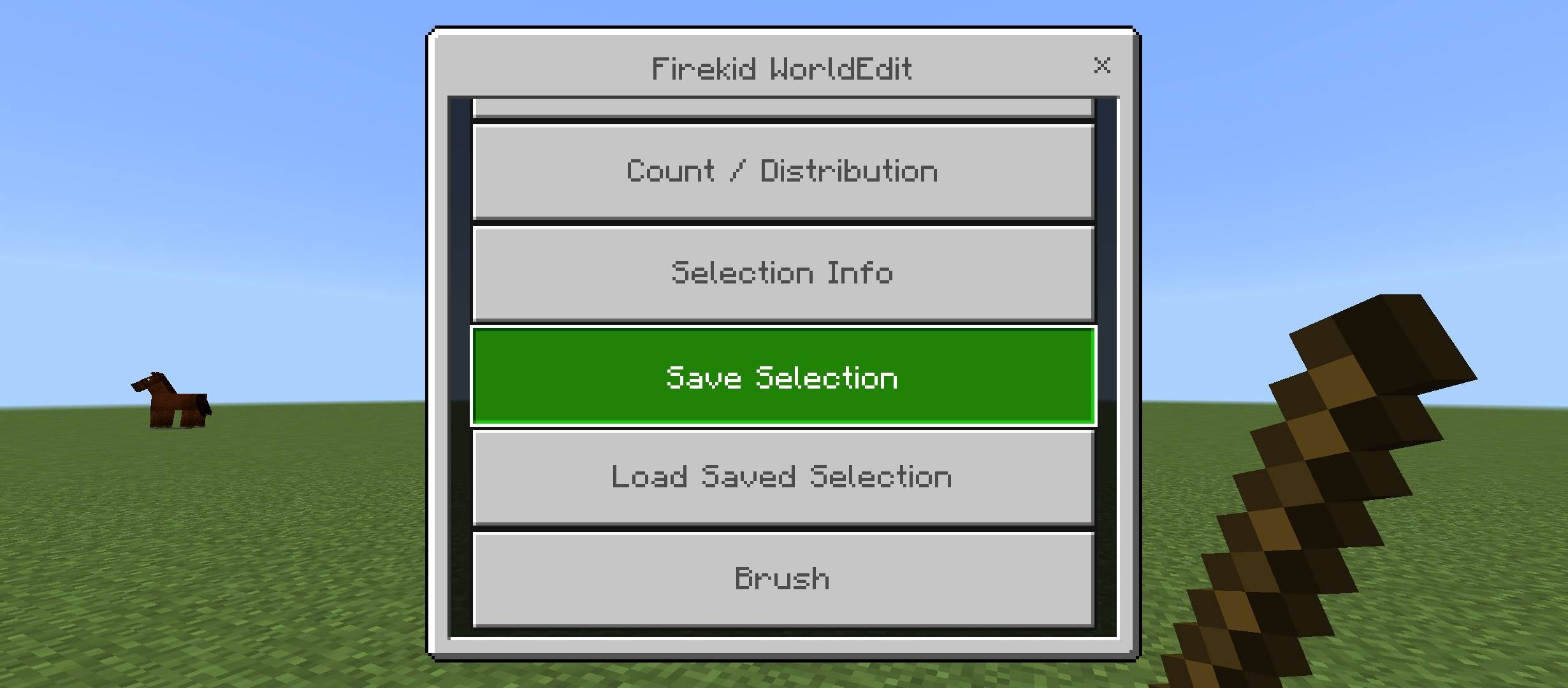
Firekid WorldEdit
A no-command WorldEdit addon for Minecraft Bedrock. Select regions, edit terrain, and sculpt with a brush using only two items - no cheats, no typed commands.
Features
Selection
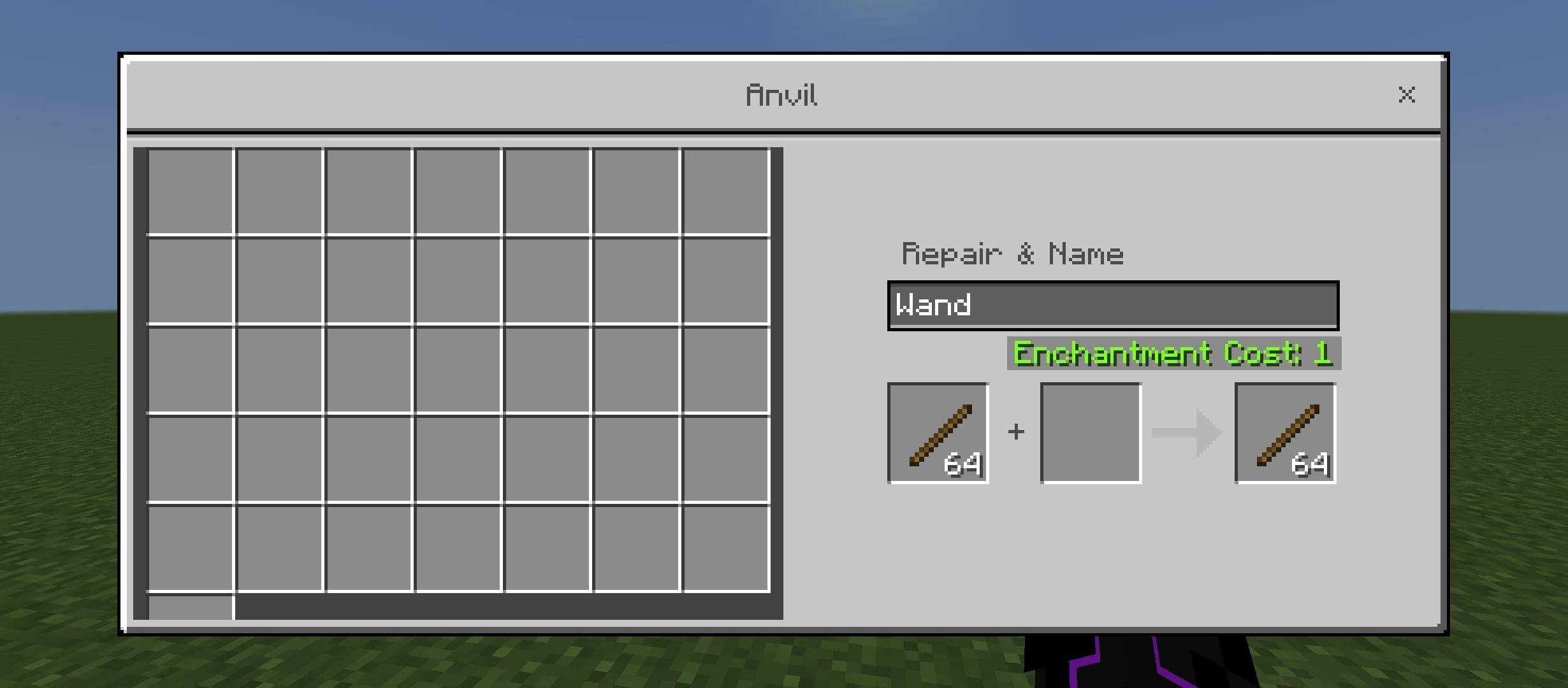
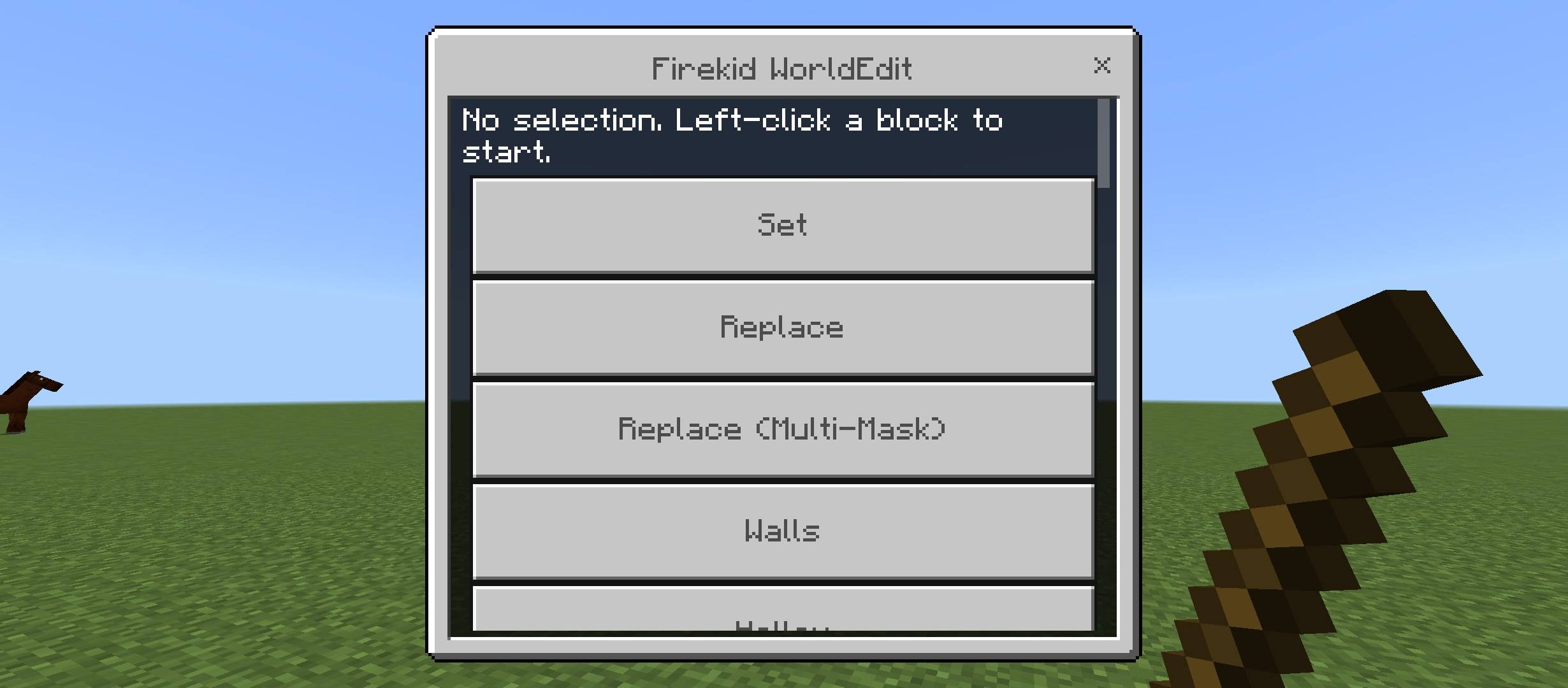
- Left-click blocks with the Wand to set Pos1 and Pos2
- Right-click while mid-selection to cancel
- Corner particle visualizer shows your selection in the world
Editing
- Set, Replace, Replace (Multi-Mask)
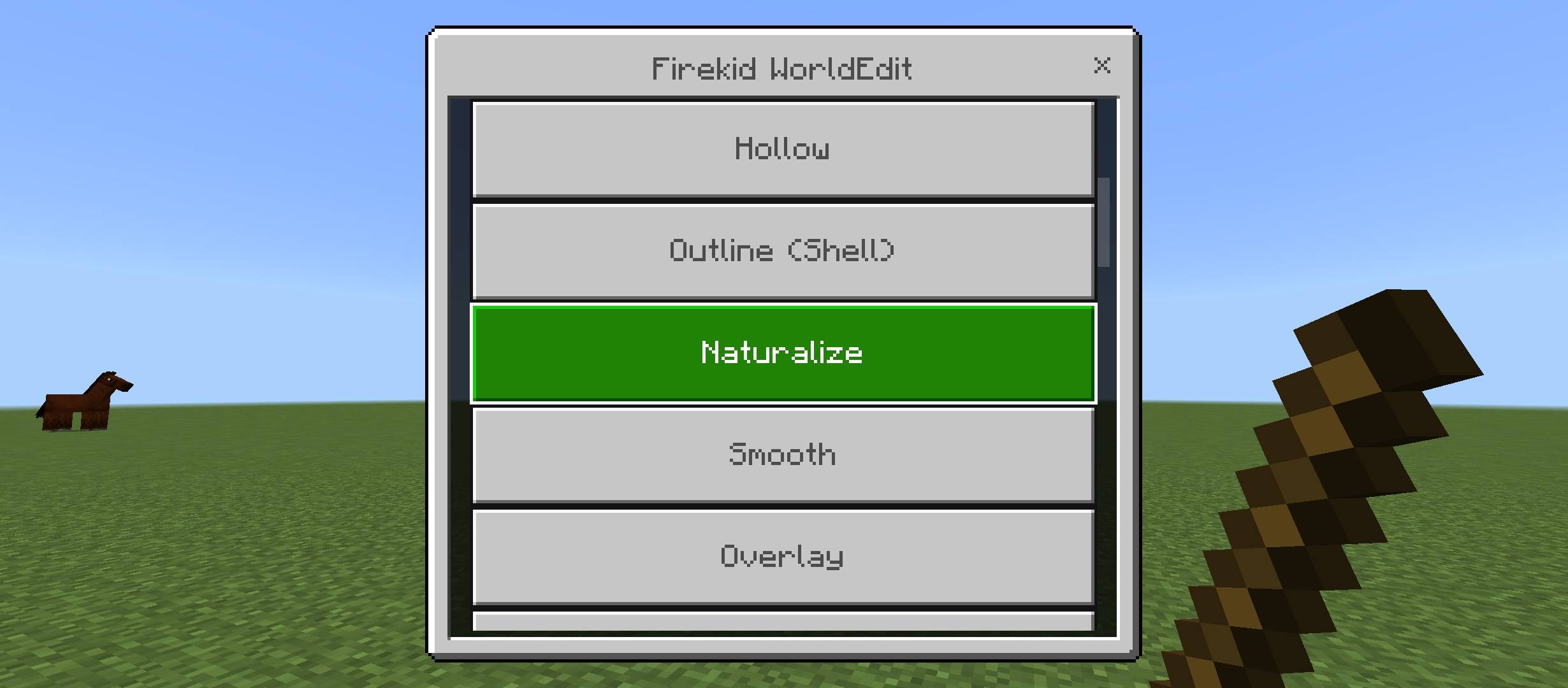
- Walls, Hollow, Outline (full 6-face shell)
- Naturalize (grass/dirt/stone layering)
- Smooth (heightmap-based terrain smoothing)
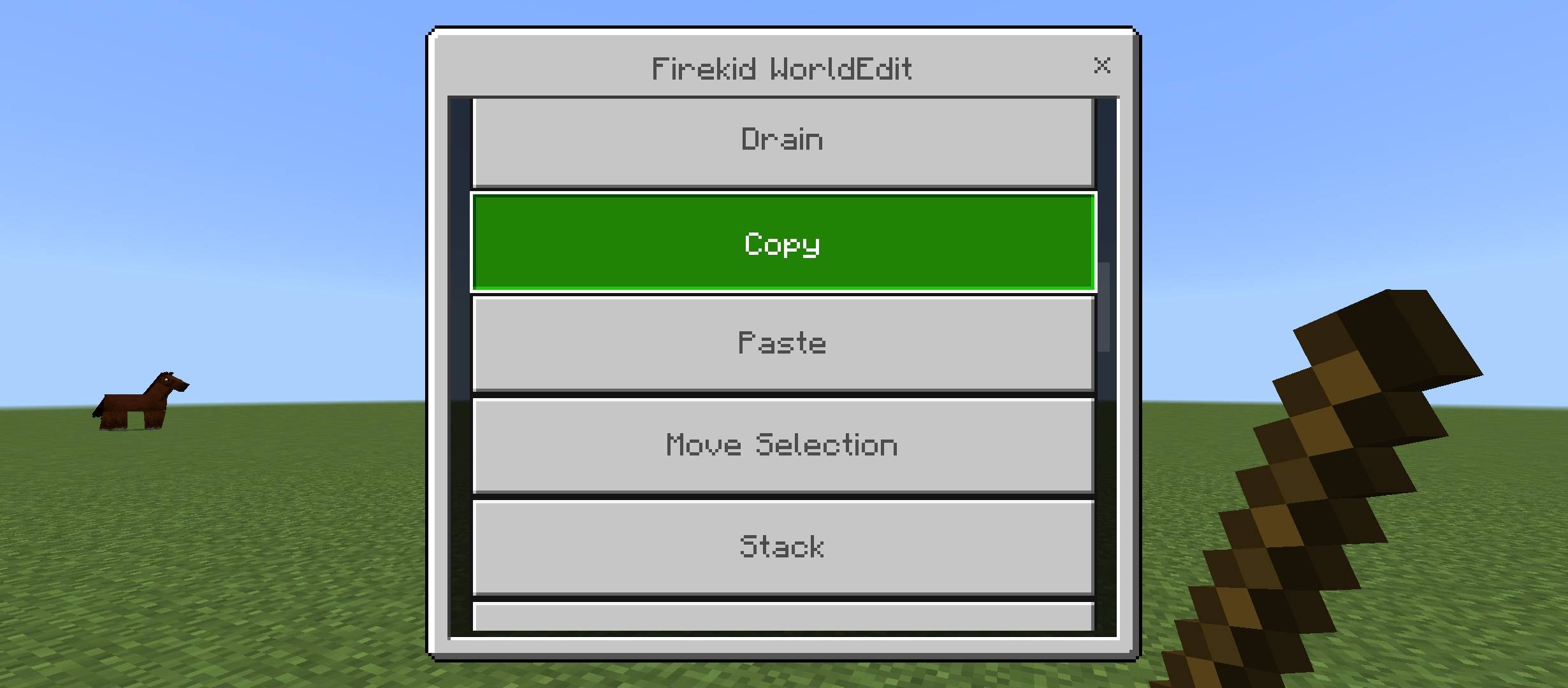
- Overlay, Drain (remove water/lava)
- Copy, Paste (with rotation and mirror), Move Selection, Stack
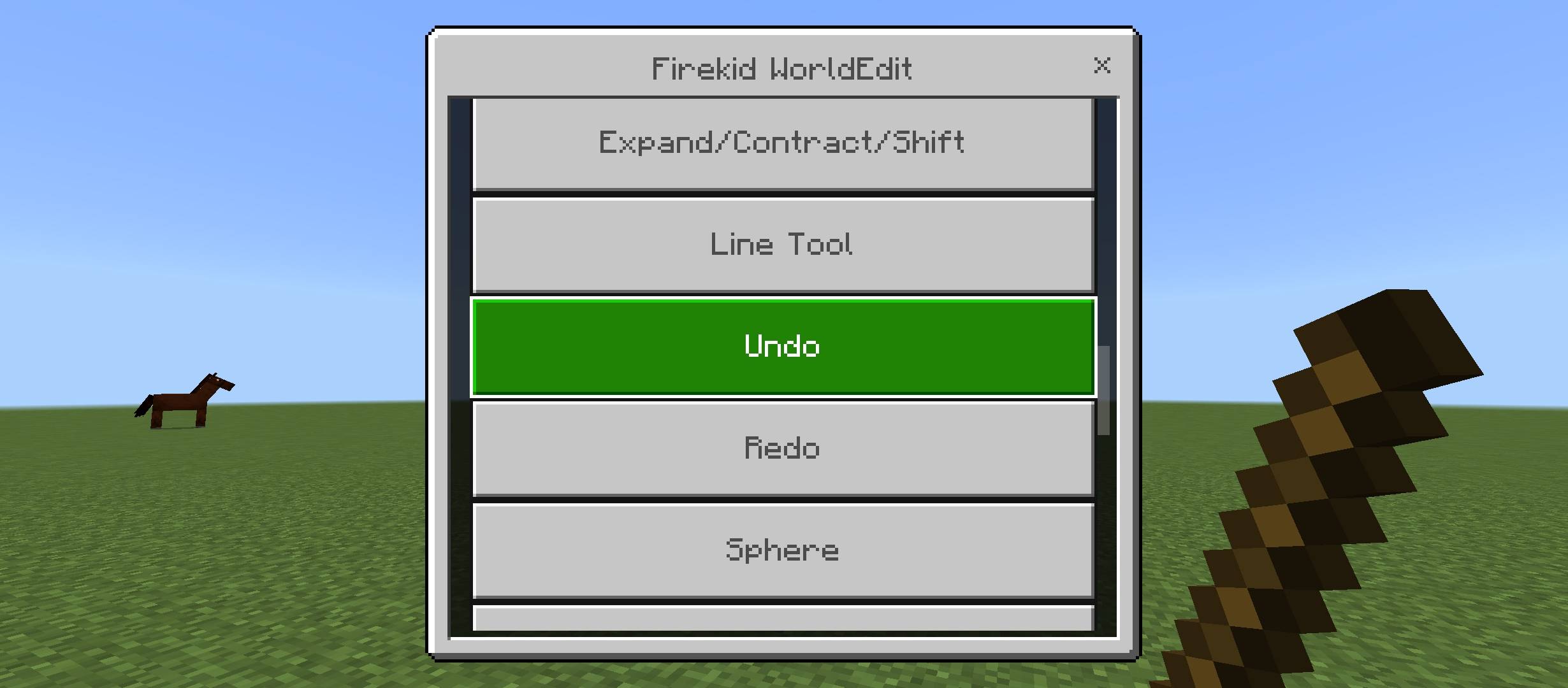
- Expand/Contract/Shift selection without reselecting
- Line Tool (3D line between Pos1 and Pos2)
- Undo and Redo
Shapes
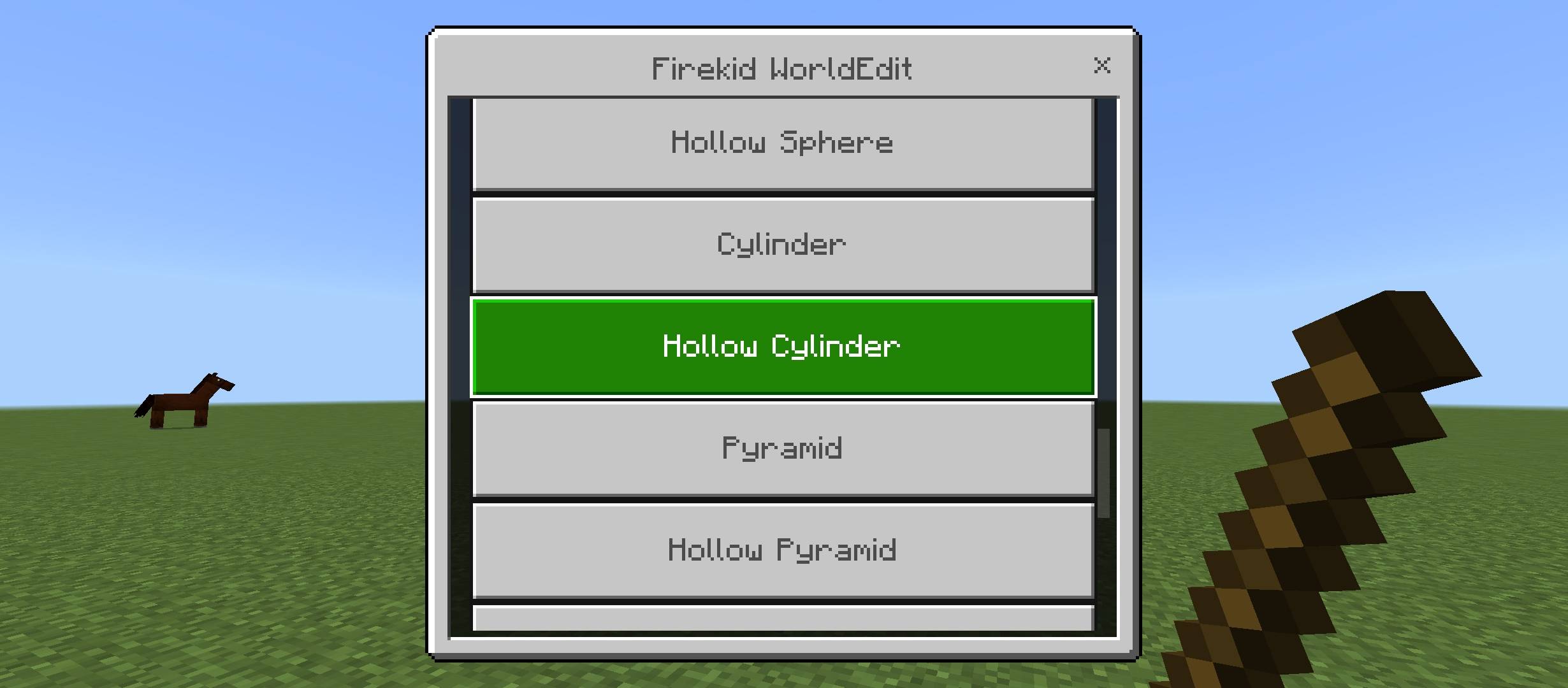
- Sphere, Hollow Sphere
- Cylinder, Hollow Cylinder
- Pyramid, Hollow Pyramid
- Fill Radius
Utility
- Butcher (clear mobs/items in a radius)
- Count/Distribution report for a selection
- Selection Info (dimensions, volume, center)
- Save and load named selections
Brush
- Hit a block to instantly sculpt a sphere of your chosen block, or smooth terrain around that point
- No selection required
- Adjustable mode, block, and radius via the Wand menu
Getting Started
- Type
.wandin chat to get the Wand - Left-click blocks to select a region, right-click to open the menu
- Type
.brushin chat to get the Brush for real-time sculpting
Requirements
- Minecraft Bedrock 1.21.90+
Quick facts
- Edition: Minecraft Bedrock
- File type: .mcpack or .mcaddon
- Minecraft versions listed: 1.21.93, 1.21.90, 1.21.101
- How to install: Download the .mcpack or .mcaddon file. → Open it — Minecraft imports it. → In your world: Behavior Packs → Available → Activate, then the same under Resource Packs.
- Where to get it: Opens on CurseForge — not every file is mirrored on our own servers.
Install steps are the general flow for this file type — How to install Minecraft Bedrock addons & mods walks through it step by step.
Verified by MCModsHub
- Save it as WorldEdit v1.mcaddon before opening — it downloads as .mcpack, but it is a .mcaddon pack
- Manifest requires Minecraft 1.21.90 or newer
- Complete pack — everything it depends on is inside the file
- Download size: 115 KB
- Download link checked 29 Aug 2026 — working
These come from our own check of the pack file, not from the source page.