You have to install an external addon that shows how much damage you are dealing
Basically just download xDamage Indicator or any other addon that does the same thing.
What it does?
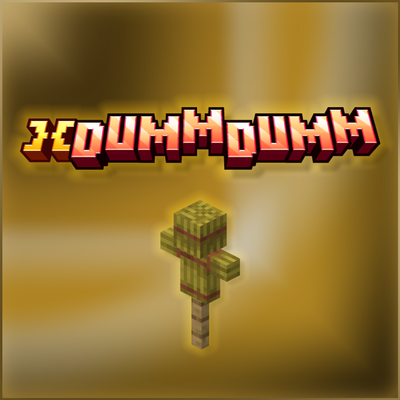
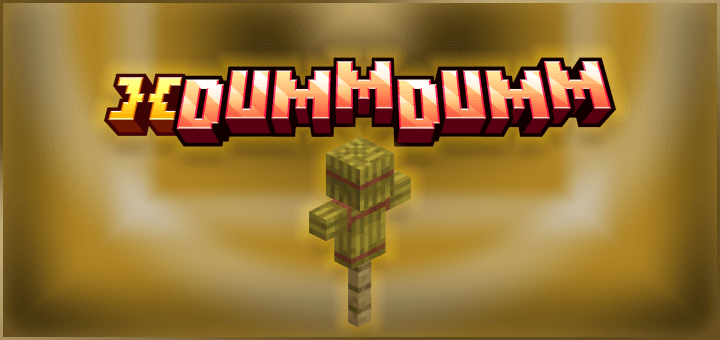
Adds a Dummy entity that you can test your weapons and armor on!
Custom armor is not useable, Unless if they use a custom tag that allows their armor to be used on this dummy.
- Add this tag "xdummdumm:custom_helmet" inside your Custom Helmet item tags.
- Add this tag "xdummdumm:custom_chestplate" inside your Custom Chestplate item tags.
- Add this tag "xdummdumm:custom_leggings" inside your Custom Leggings item tags.
- Add this tag "xdummdumm:custom_boots" inside your Custom Boots item tags.
- Enjoy.
Quick facts
- Edition: Minecraft Bedrock
- File type: .mcpack or .mcaddon
- Minecraft version listed: 26.30
- How to install: Download the .mcpack or .mcaddon file. → Open it — Minecraft imports it. → In your world: Behavior Packs → Available → Activate, then the same under Resource Packs.
- Where to get it: Opens on CurseForge — not every file is mirrored on our own servers.
Install steps are the general flow for this file type — How to install Minecraft Bedrock addons & mods walks through it step by step.
Verified by MCModsHub
- Pack type: .mcaddon — behaviour and resource pack in one file
- Download size: 873 KB
- Download link checked 7 Sept 2026 — working
These come from our own check of the pack file, not from the source page.