ModsJava
Fnaf Music Disk Mod (1.21.1, 1.20.1) – Adds FNAF Music Discs
Java mod listed for Minecraft 1.20–1.21. Download on the author's site.
⬇ Download
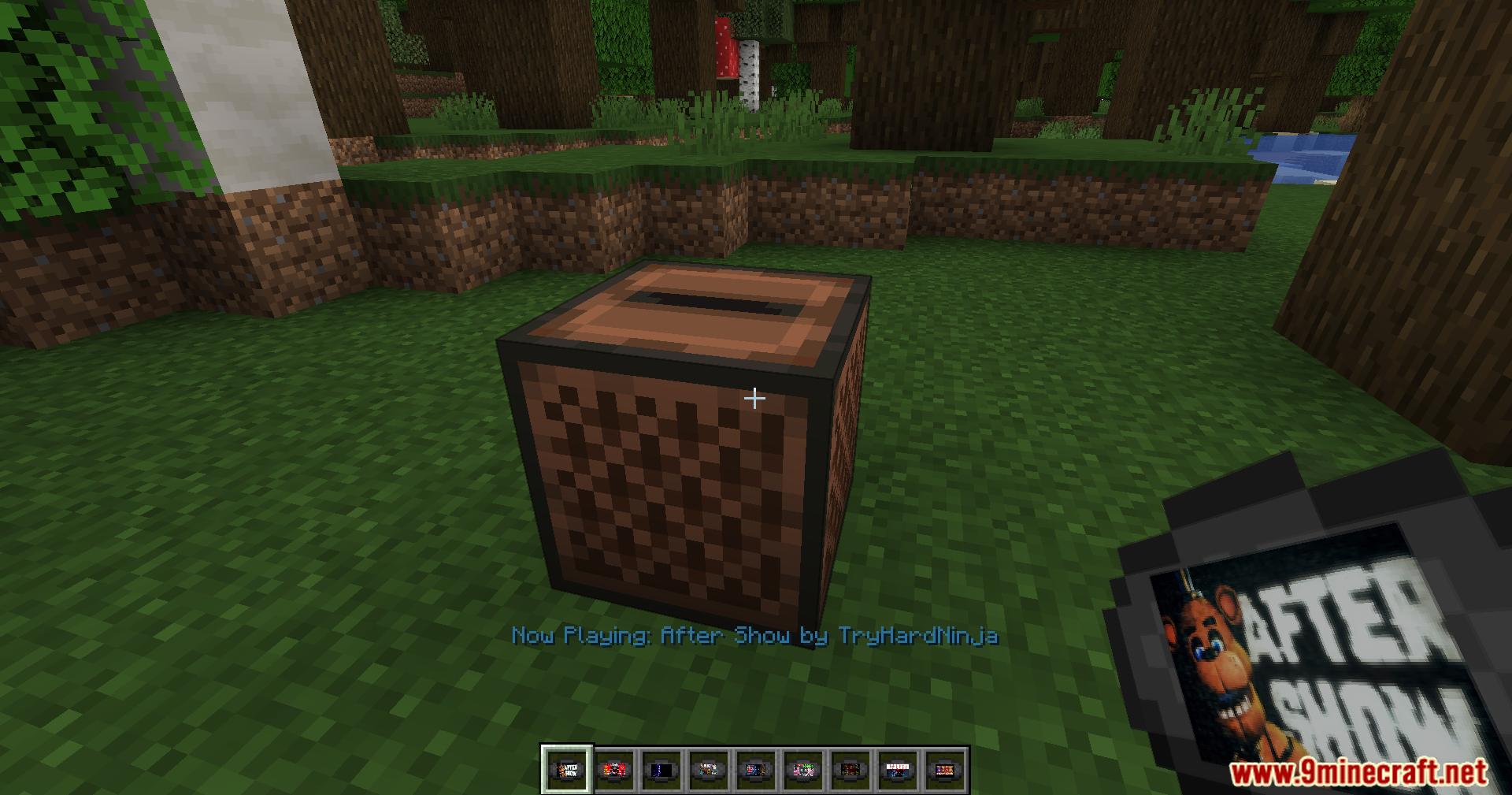
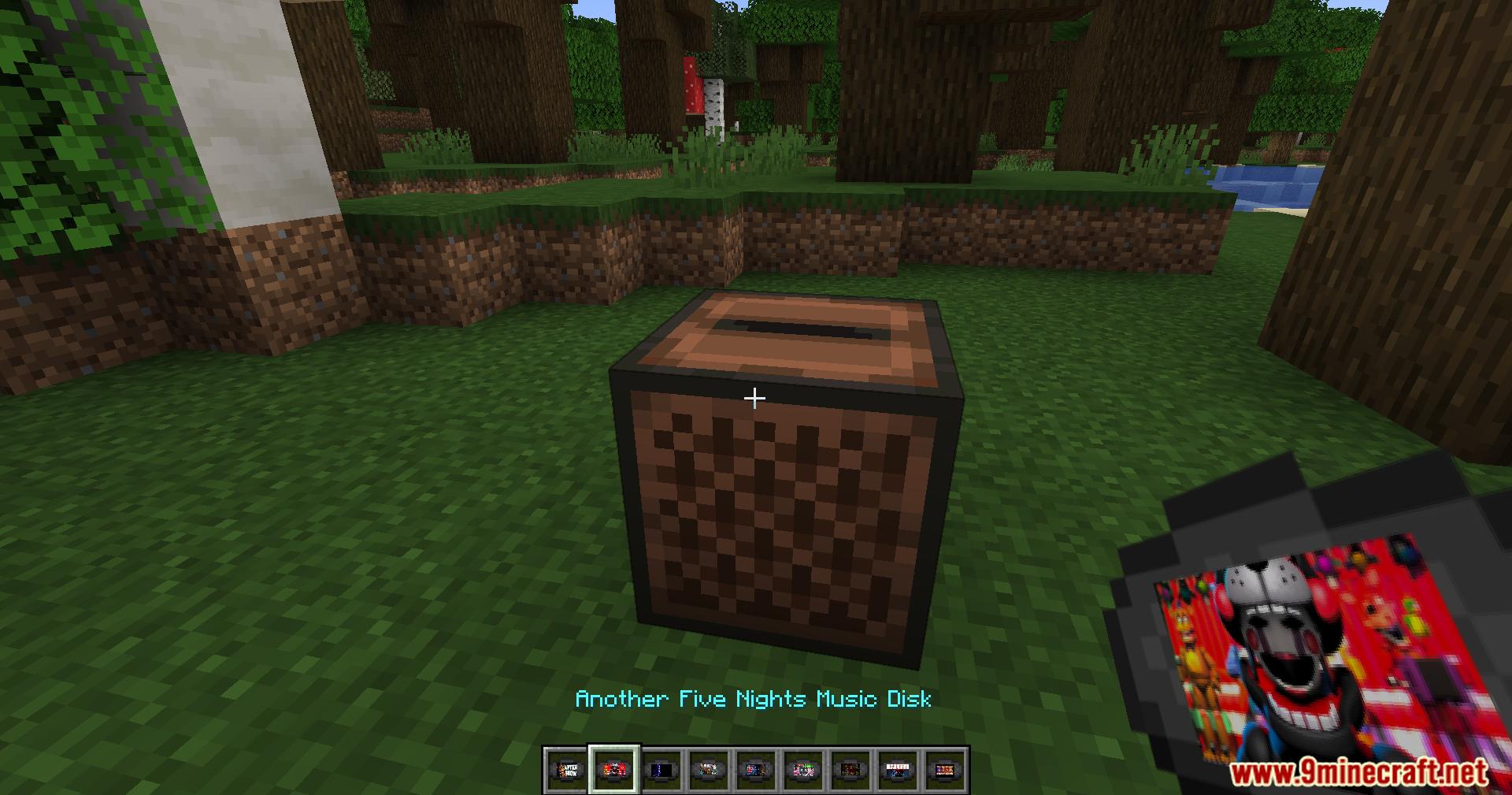
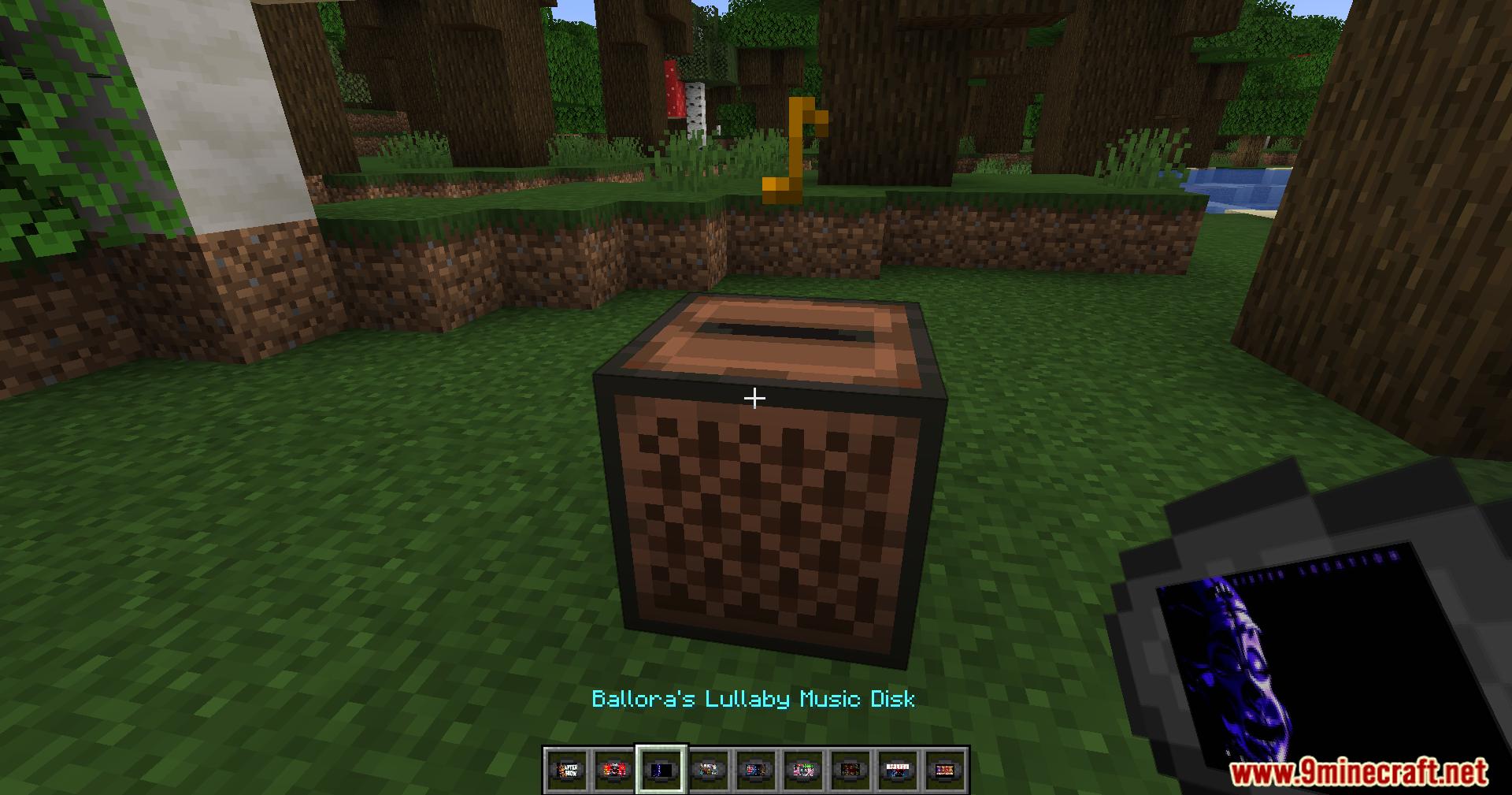
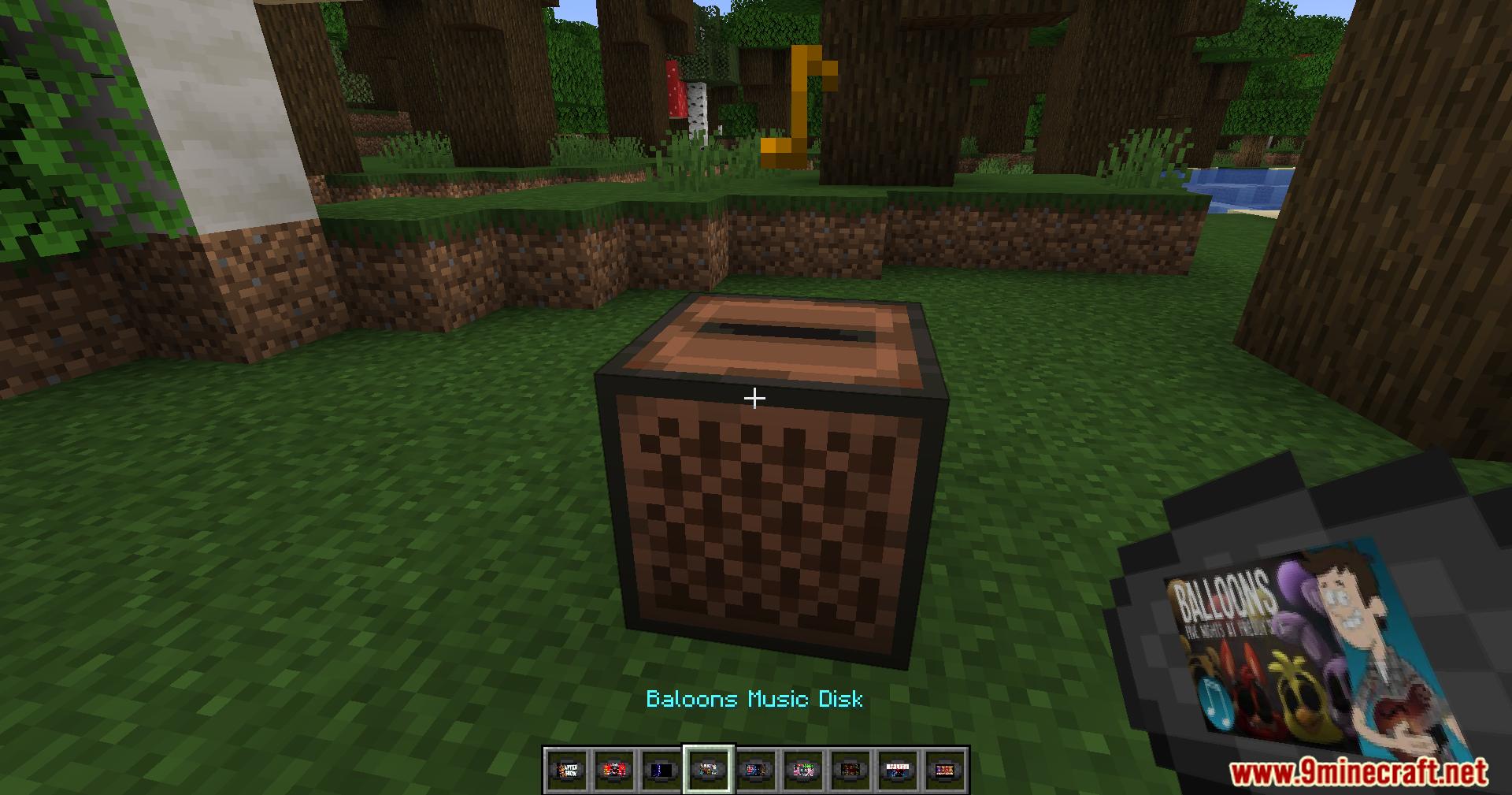
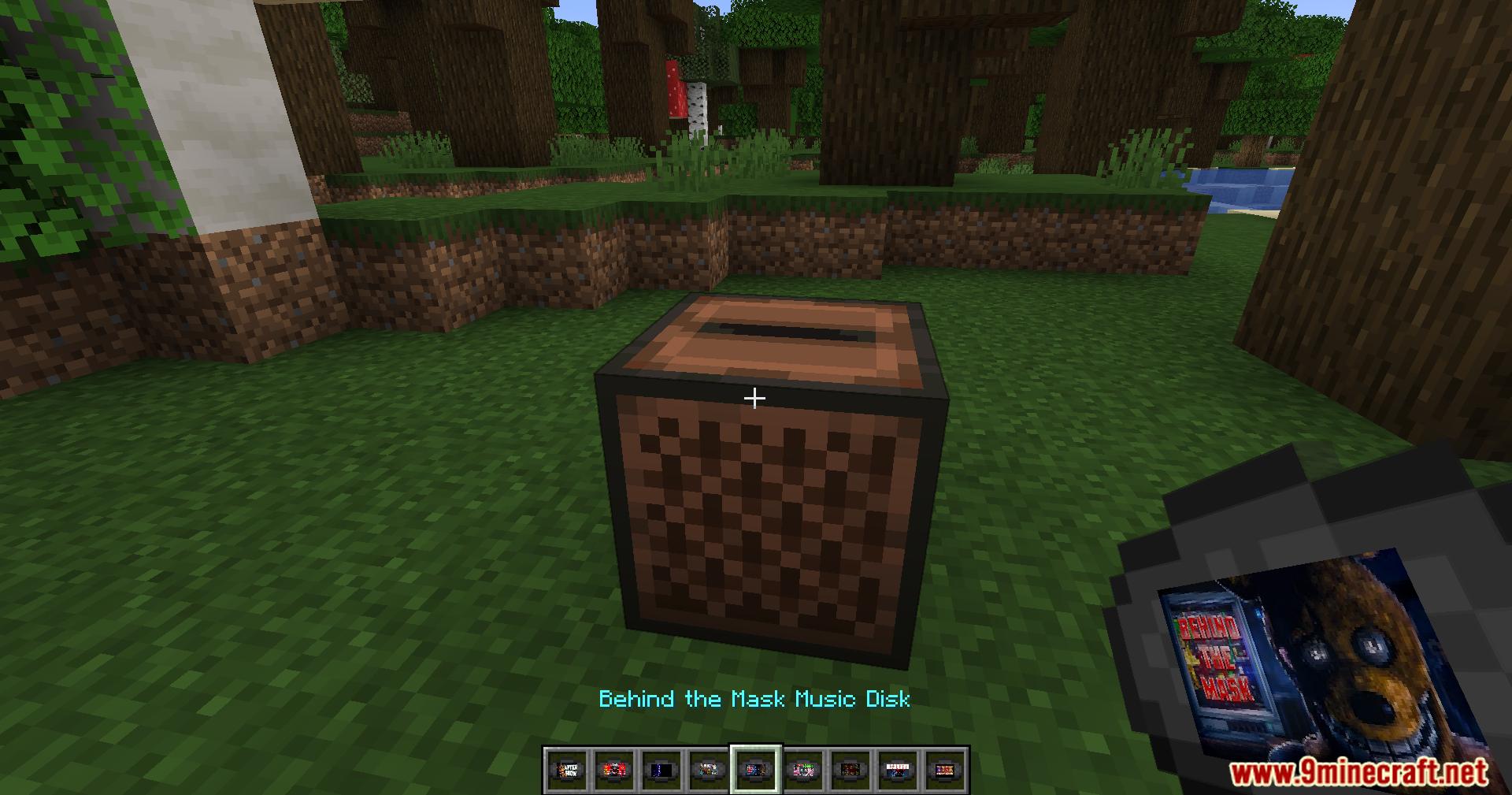
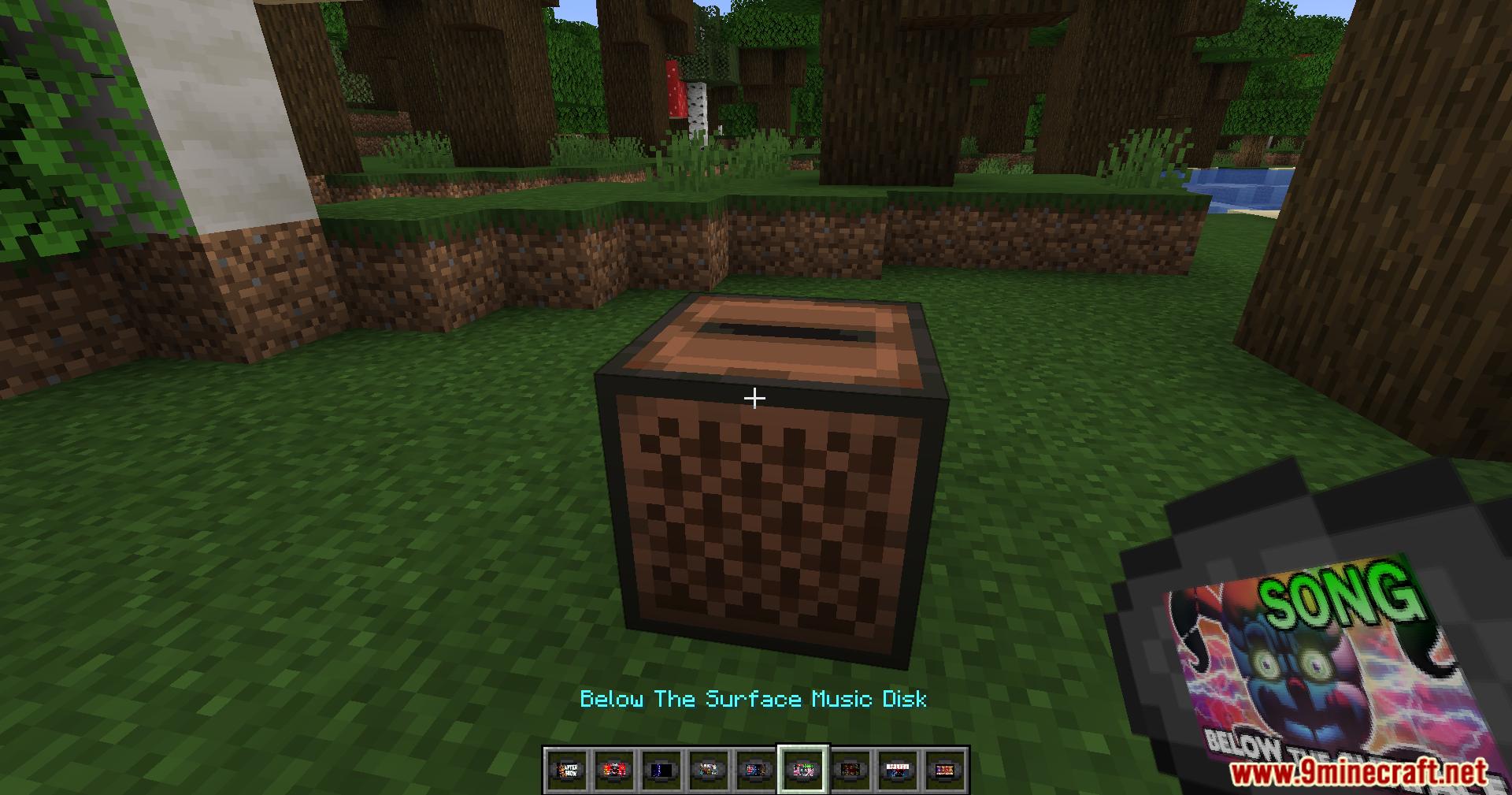
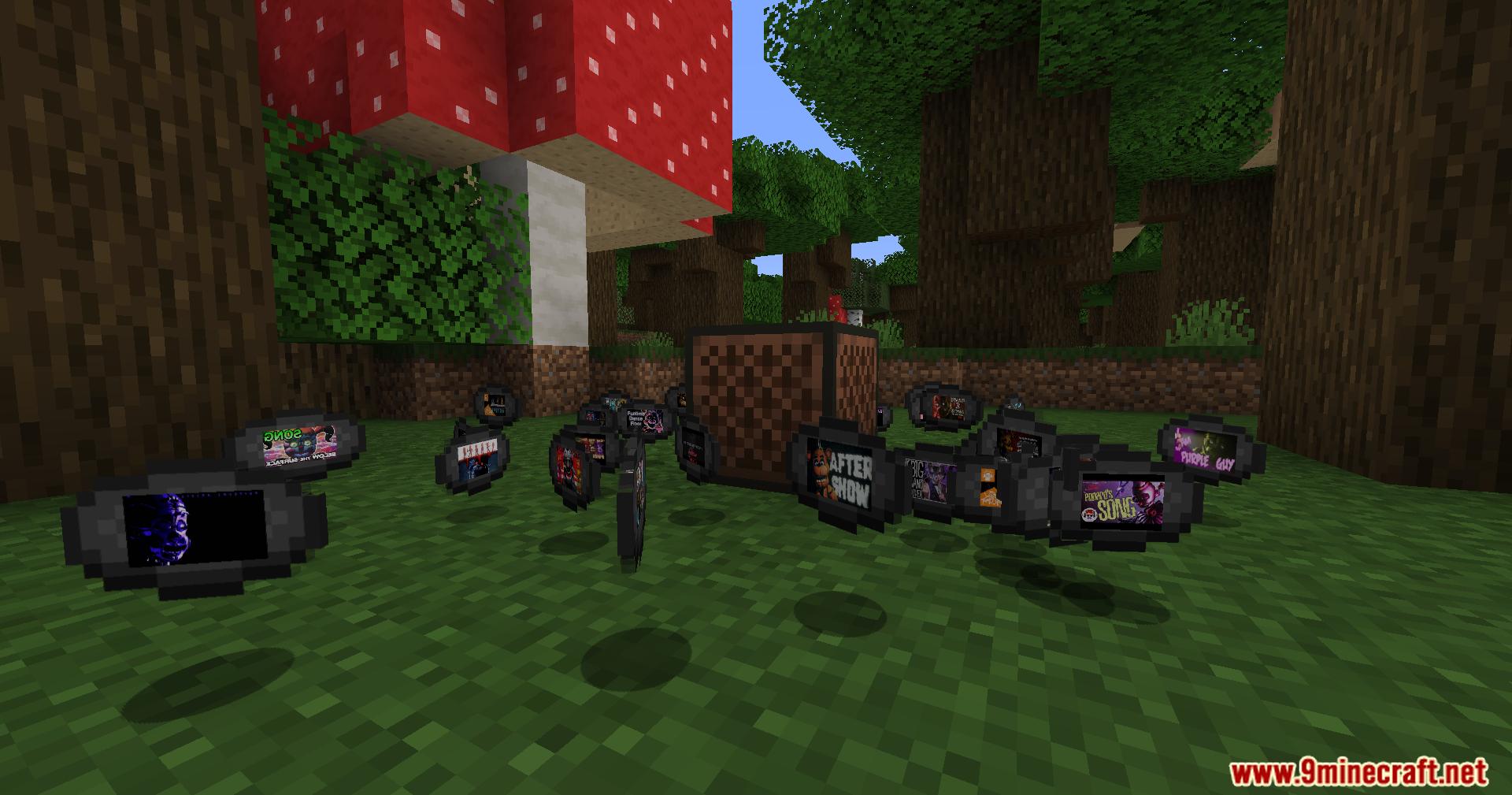
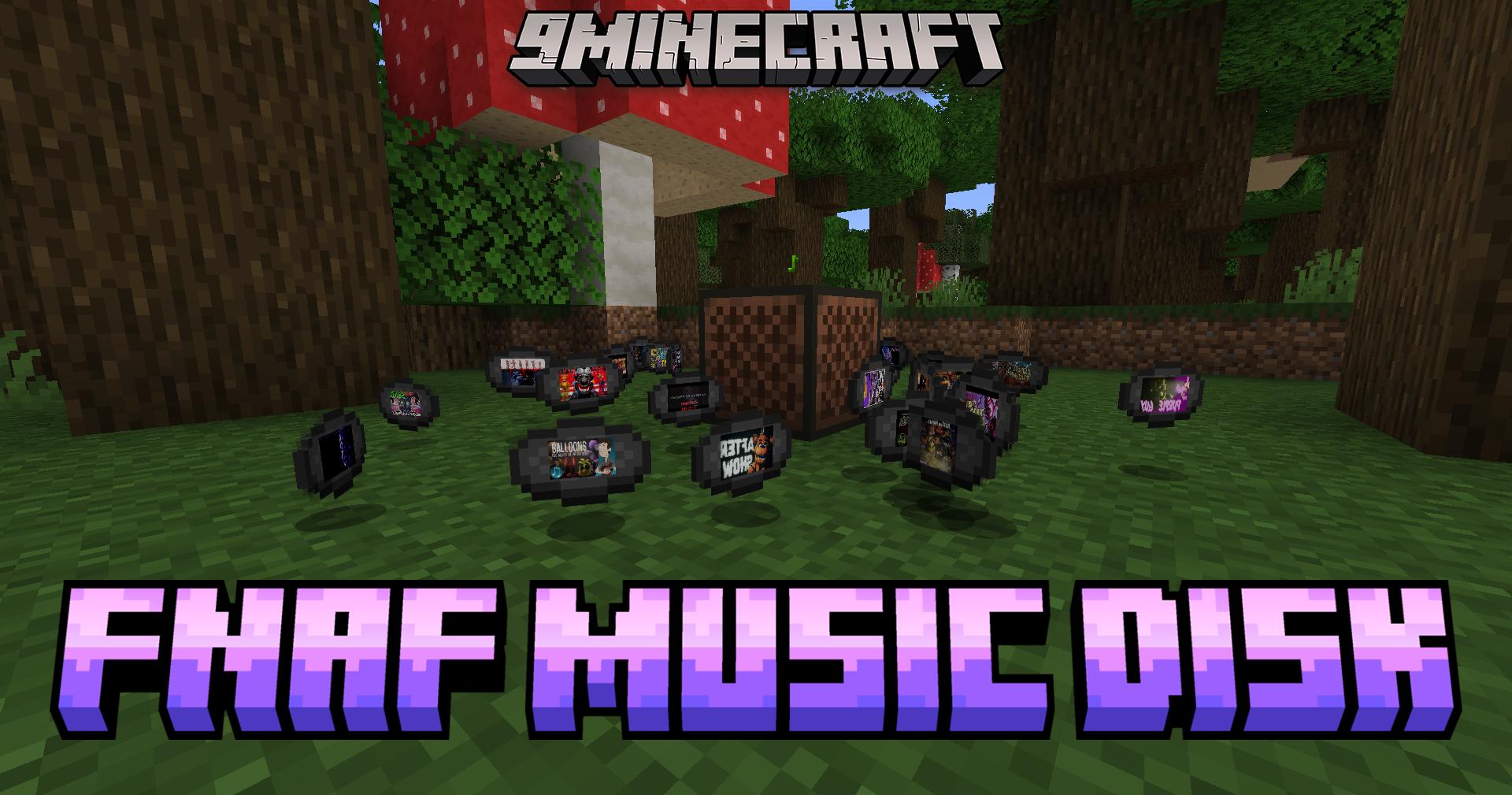
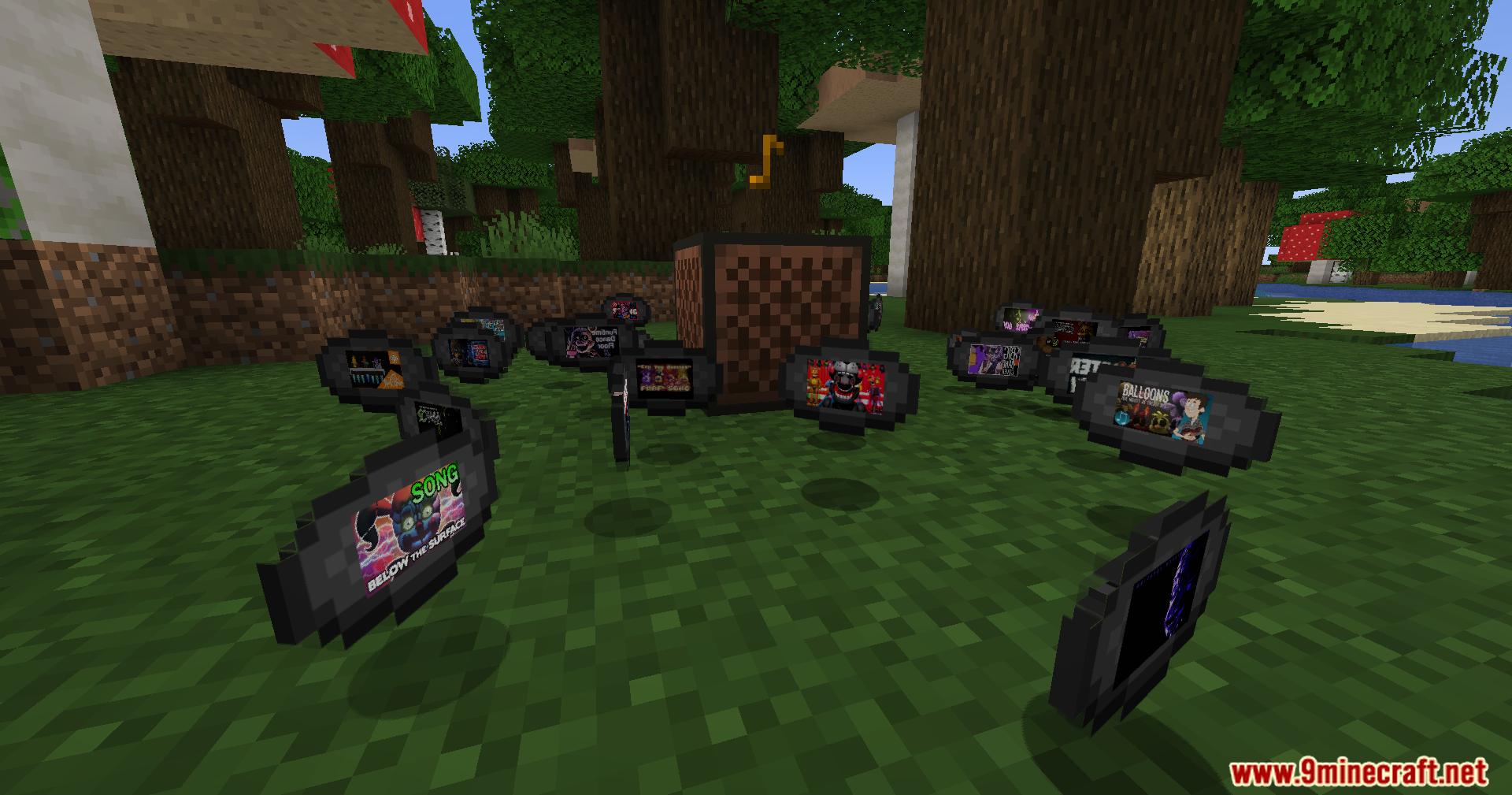
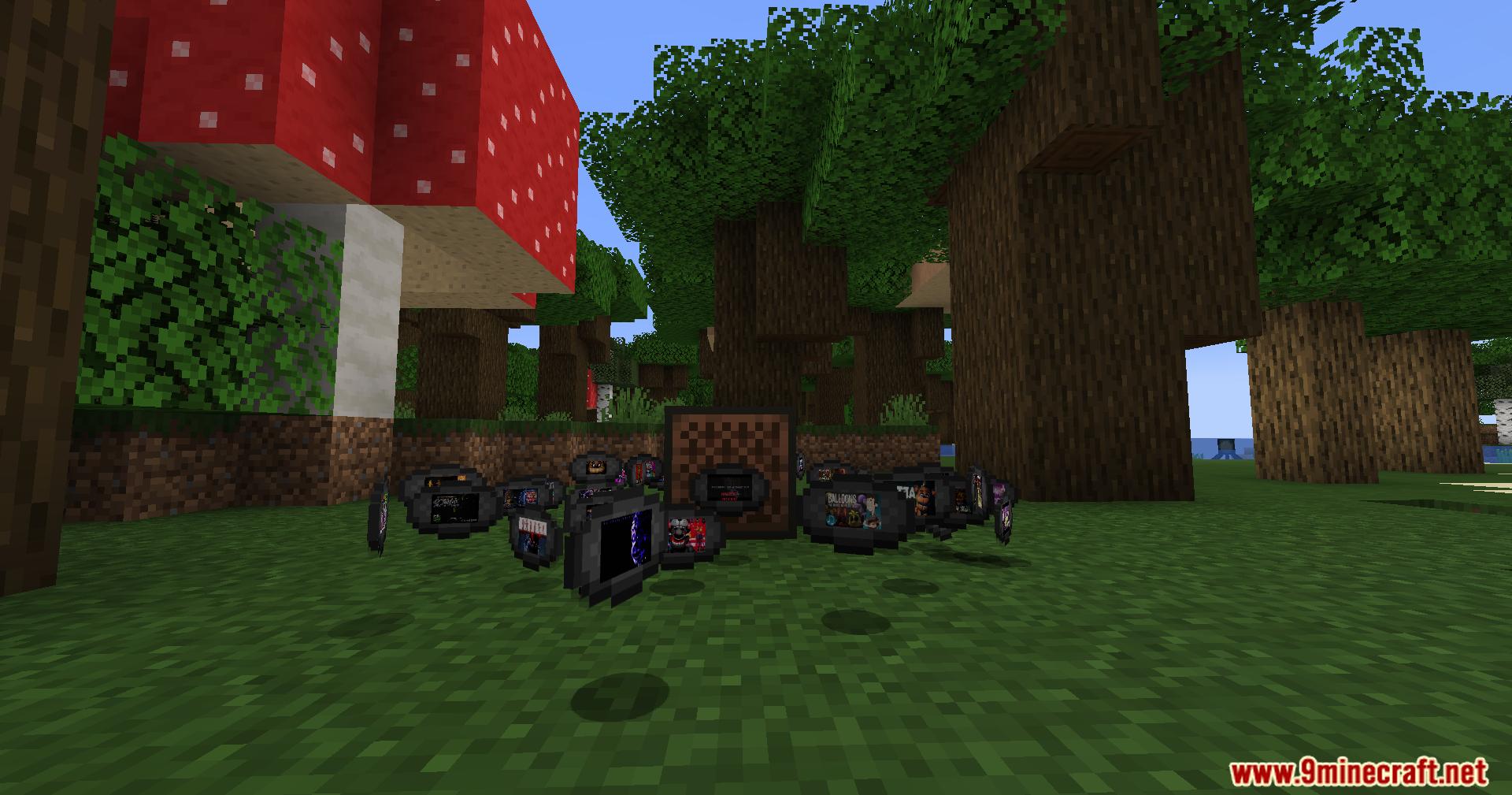
Fnaf Music Disk Mod brings many famous songs from the Five Nights at Freddy’s games into your world. It adds new music discs that you can put into your jukeboxes. You can listen to your favorite scary tracks while you play.
Features:
- Over 40 New Music Discs: Gets a huge list of Five Nights at Freddy’s songs into the game.
- It’s Been So Long: Play this very popular fan song in your base.
- Join Us for a Bite: Listen to this famous track from the Sister Location era.
- Die in a Fire: Adds this classic and catchy song to your music collection.
- It’s Me & Follow Me: Features the classic songs that started it all.
- Character Lullabies: Includes quiet songs like Shadow Bonnie’s Lullaby and Ballora’s Lullaby.
- Book Story Songs: Adds music about Lonely Freddy, Fetch, and Into the Pit.
- FNAF Game Tracks: Listen to specific game songs like FNAF 1, FNAF 6 Song, and FNAF UCN.
- Funtime Dance Floor: Bring some energy to your house with this upbeat track.
- I Am the Purple Guy: Play the theme song of the famous villain.
Screenshots:
Fnaf Music Disk Mod Download Links
Quick facts
- Edition: Minecraft Java
- File type: .jar
- Minecraft versions listed: 1.21.1, 1.20.1
- How to install: Install the matching mod loader (Forge, Fabric or NeoForge) for your Minecraft version. → Download the .jar. → Put it in the .minecraft/mods folder and launch that loader profile.
- Where to get it: Opens on the file's original source — not every file is mirrored on our own servers.
Install steps are the general flow for this file type — How to install Minecraft Java mods & modpacks walks through it step by step.
Fnaf Music Disk Mod (1.21.1, 1.20.1) – Adds FNAF Music Discs is a free Minecraft Java mod. Compatible with Minecraft 1.21.1, 1.20.1. Download it and open it directly in the game.