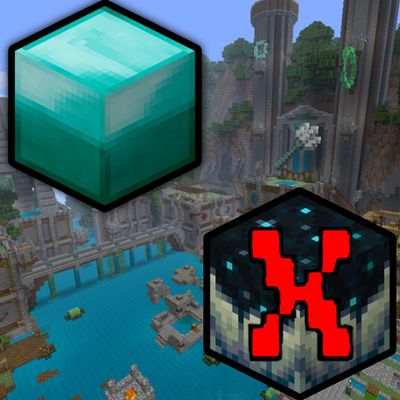
AddonsBedrock
Legacy Blocks Only.
keeps your world locked to minecraft xbox 360 edition TU74. anything added after the final legacy update gets silently removed from your inventory the…
⬇ Download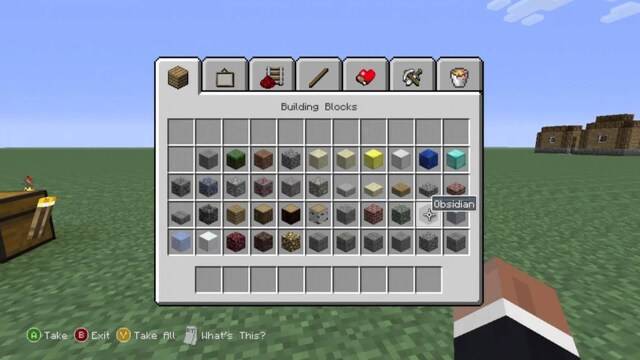
⚠ Beta APIs must be enabled in world experiments
- Disclaimer
This is my first and only addon release so expect a few small bugs here and there. I may drop updates over time to fix things or improve it. - How It Works
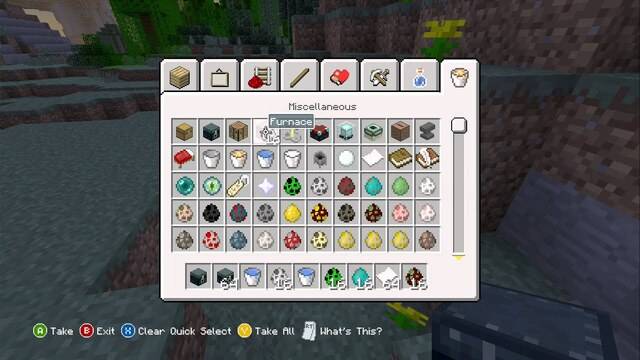
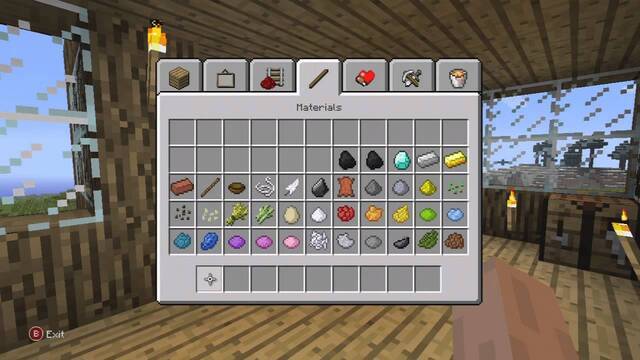
This addon removes any item or block that wasn't available in Minecraft Xbox 360 Edition TU74 — the final legacy console update. The moment you pick up anything added after TU74 it gets silently wiped from your inventory instantly. No messages, no warnings, just gone. - Examples
Blocked (too new)
✖ Netherite Ingot
✖ Copper Block
Allowed (360 era)
✔ Diamond Block
✔ Oak Planks
- How To Enable
- Go to Experiments
- Enable Beta APIs
- Apply both the Behavior Pack and Resource Pack
Thank You
Thanks for checking it out. Hope you enjoy it and it brings back some of that old console feel.
Quick facts
- Edition: Minecraft Bedrock
- File type: .mcpack or .mcaddon
- Minecraft versions listed: 26.10, 26.11, 26.12
- How to install: Download the .mcpack or .mcaddon file. → Open it — Minecraft imports it. → In your world: Behavior Packs → Available → Activate, then the same under Resource Packs.
- Where to get it: In MCModsHub, or directly above on this page.
Install steps are the general flow for this file type — How to install Minecraft Bedrock addons & mods walks through it step by step.
Verified by MCModsHub
- Pack type: .mcaddon — behaviour and resource pack in one file
- Manifest requires Minecraft 1.21.114 or newer
- Complete pack — everything it depends on is inside the file
- Download size: 1.4 MB
- Download link checked 10 Jul 2026 — working
These come from our own check of the pack file, not from the source page.