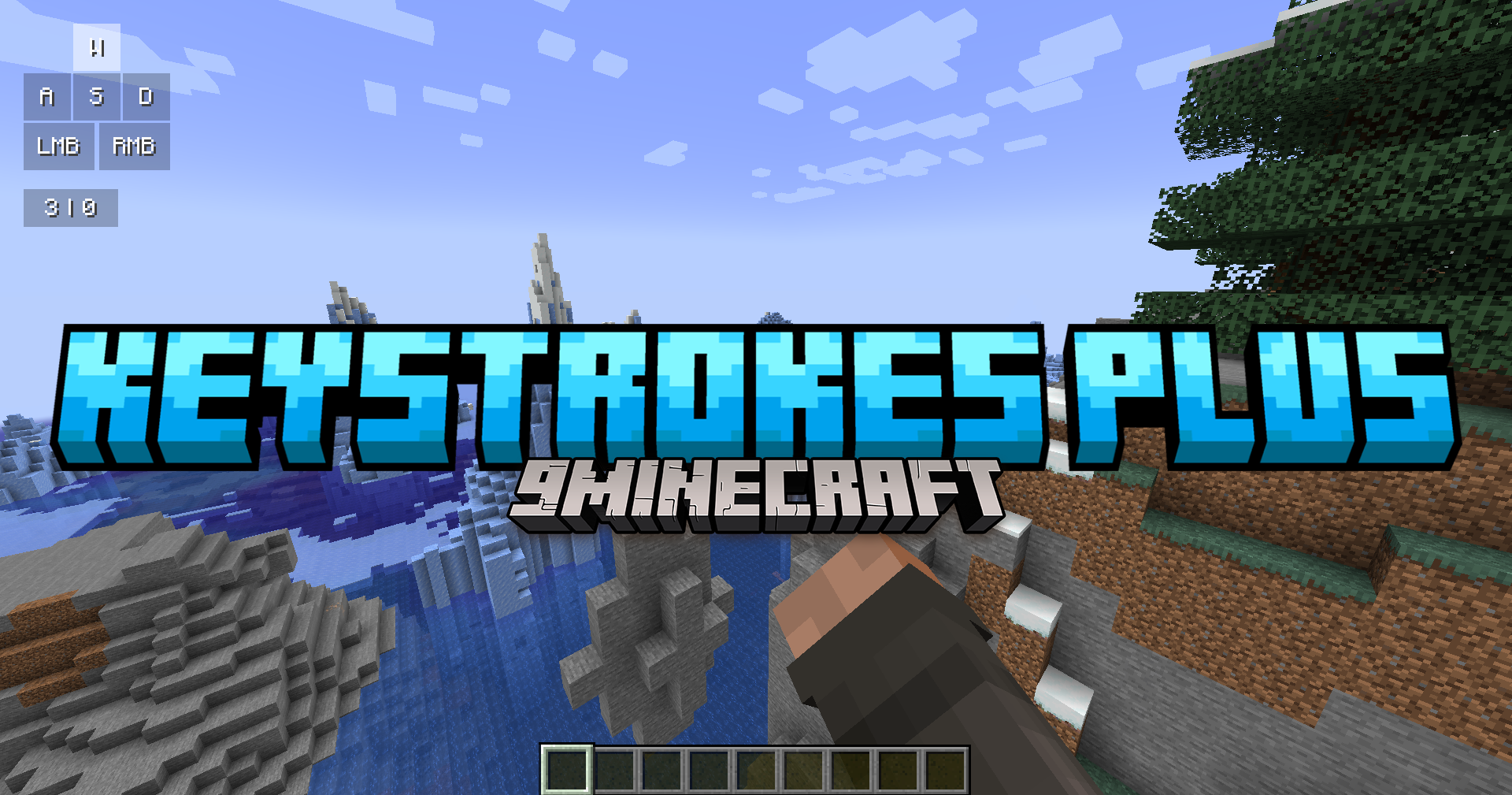
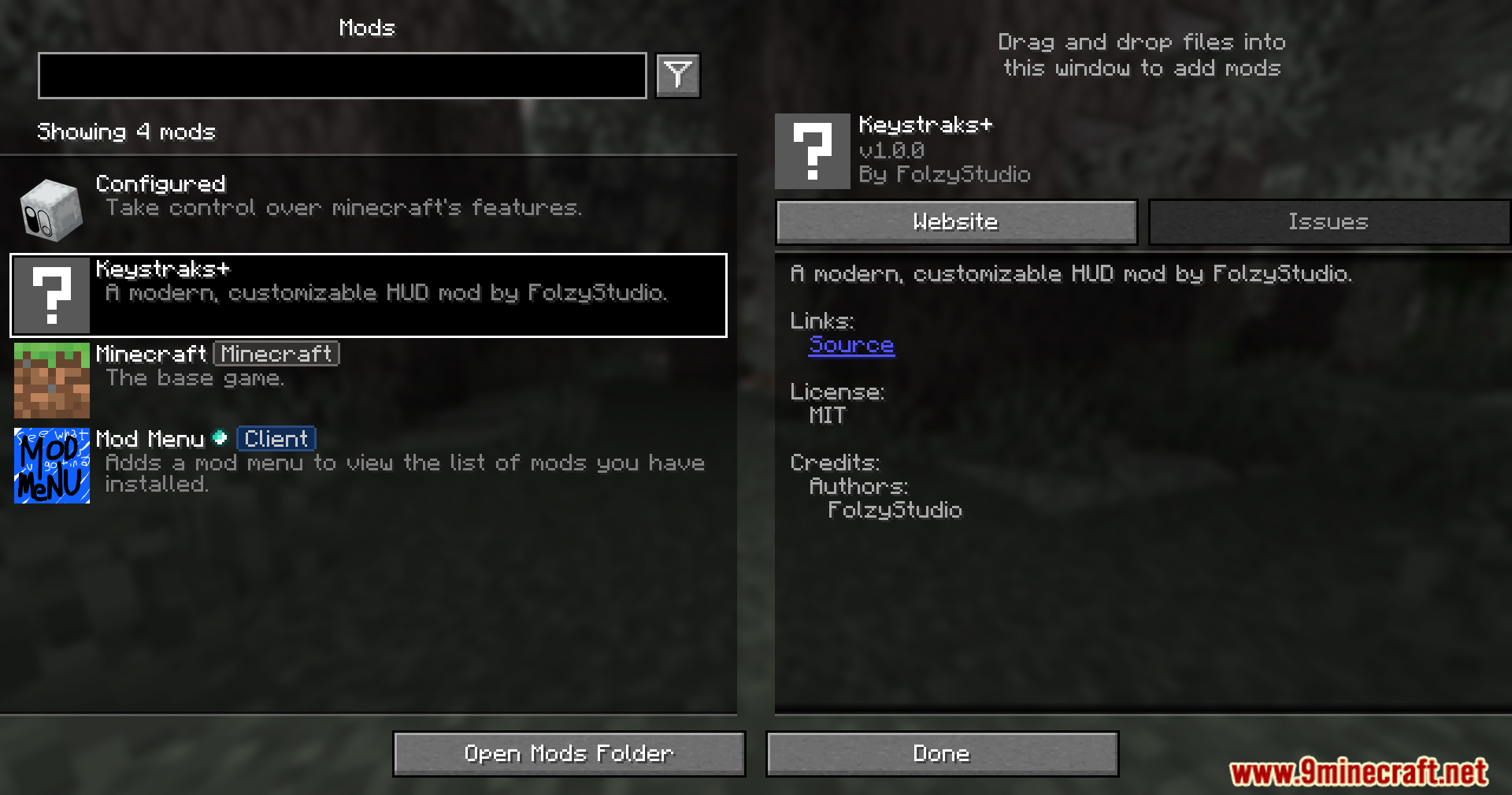
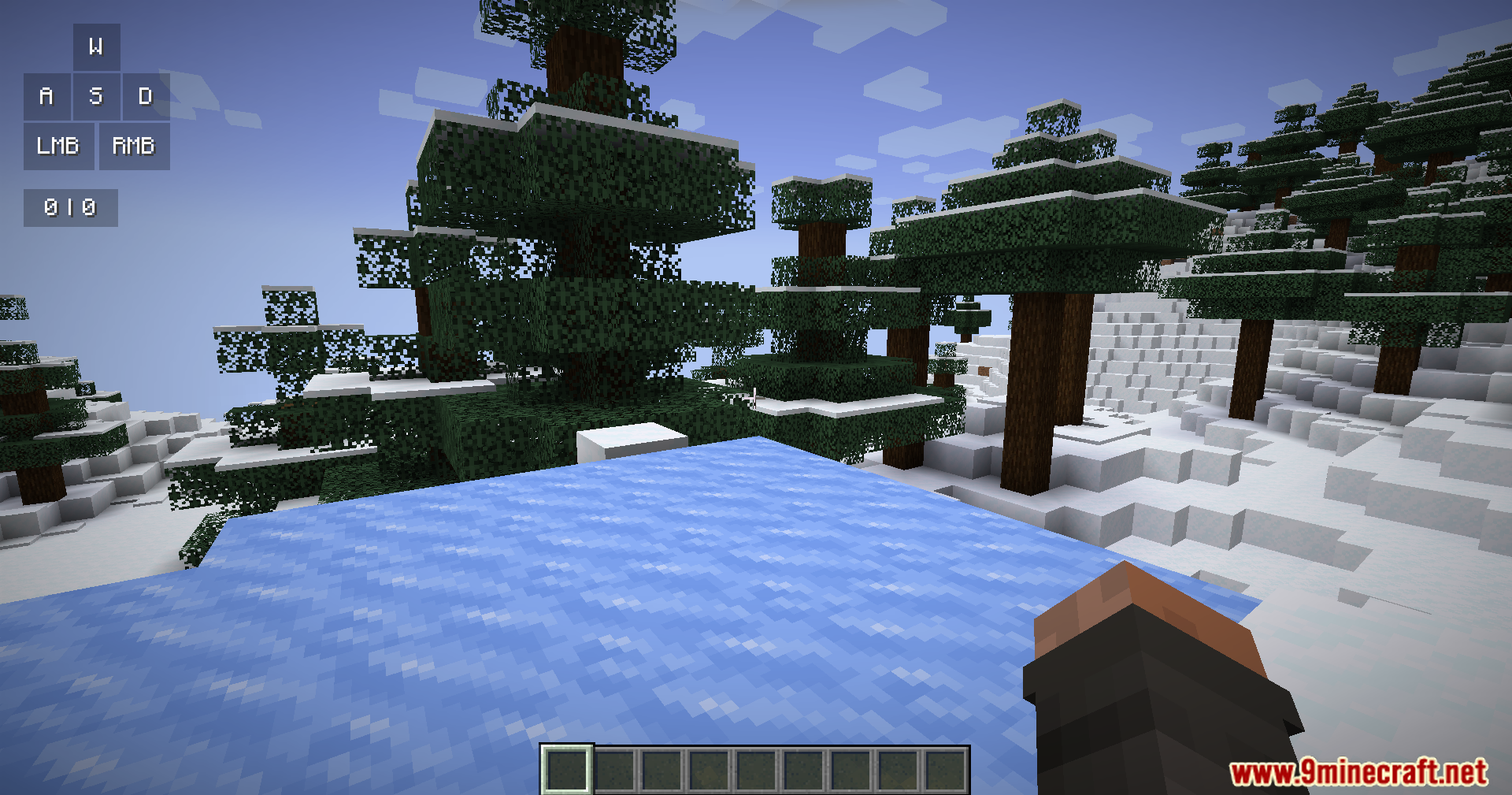
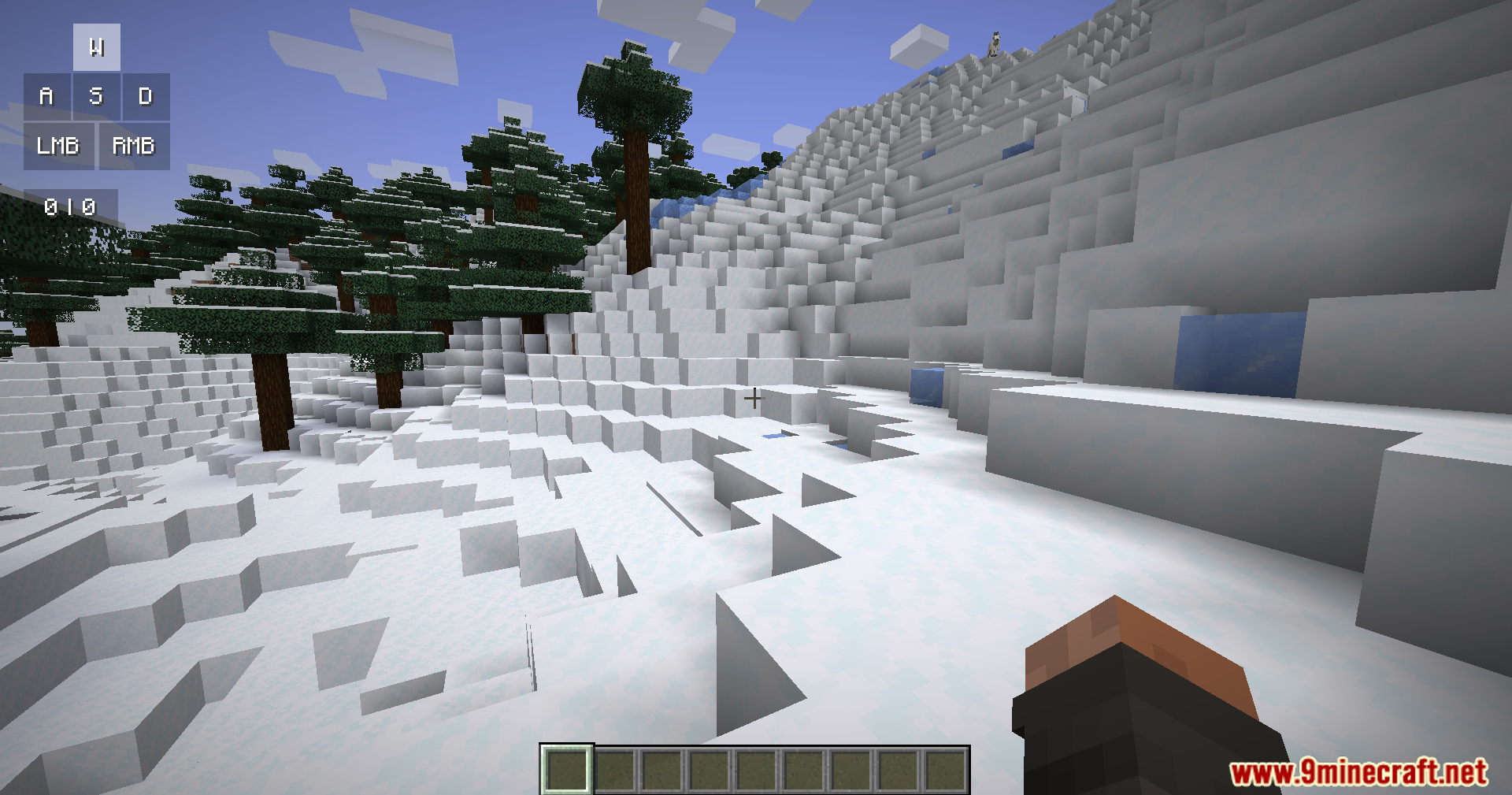
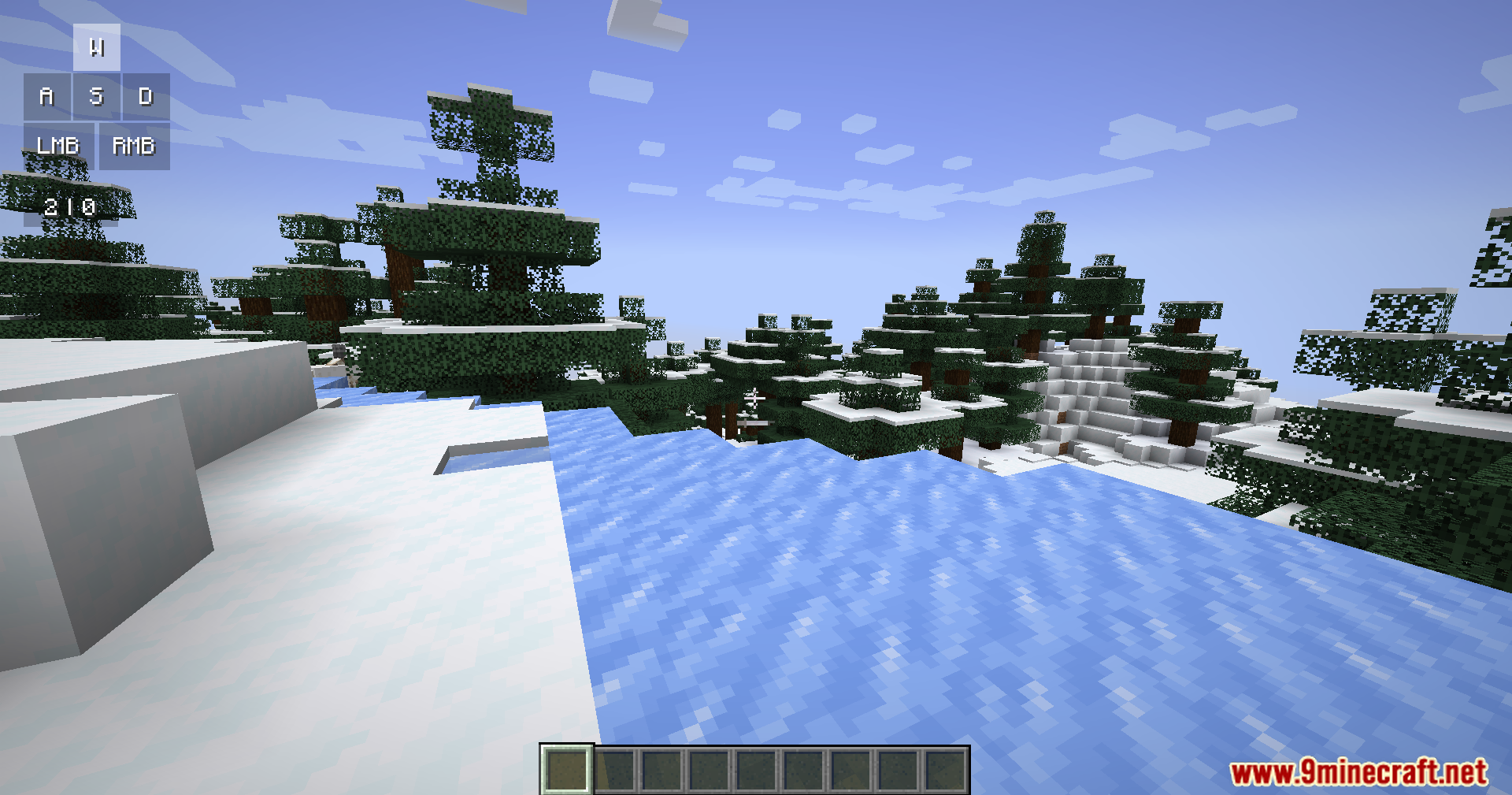
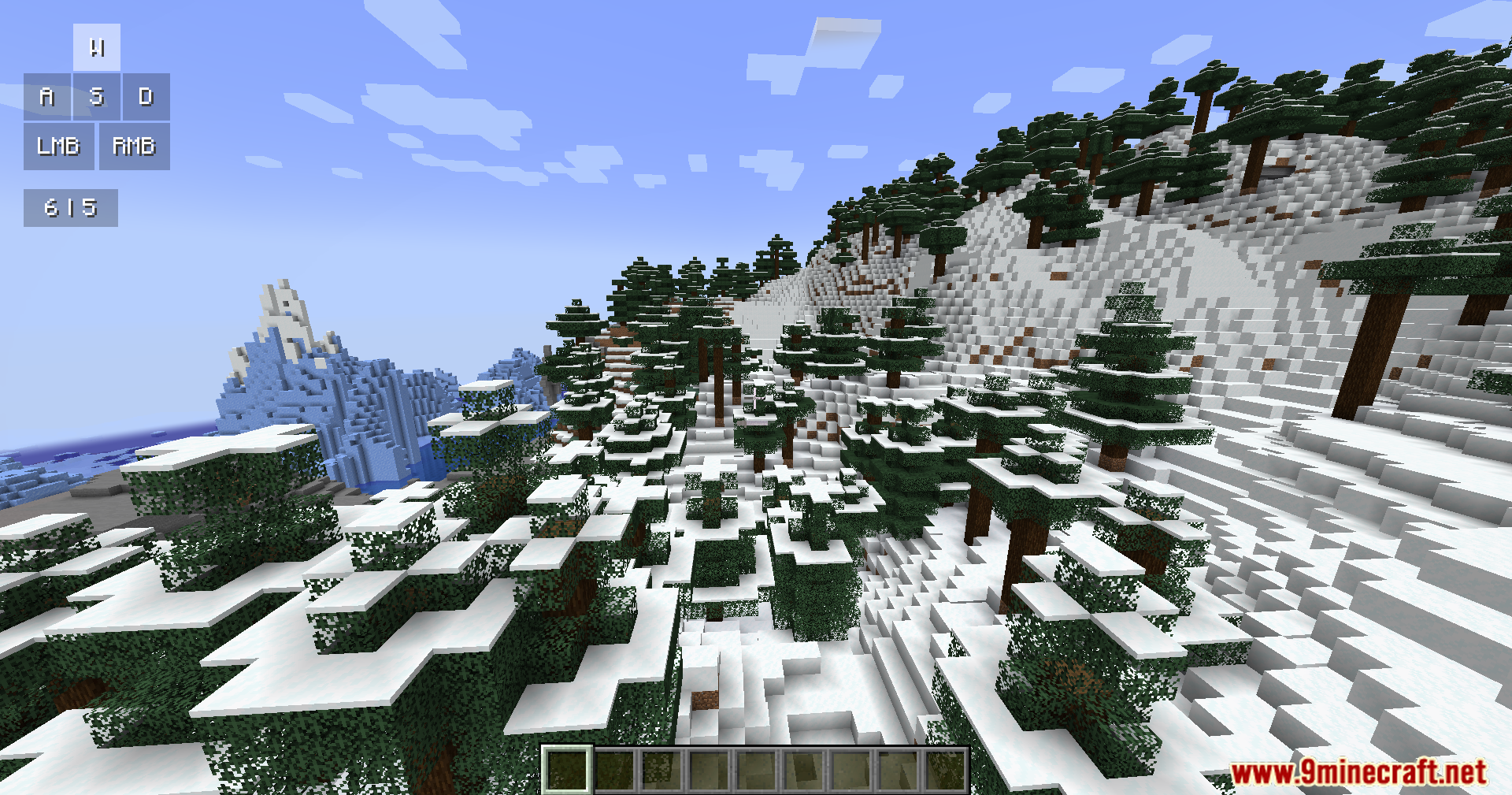
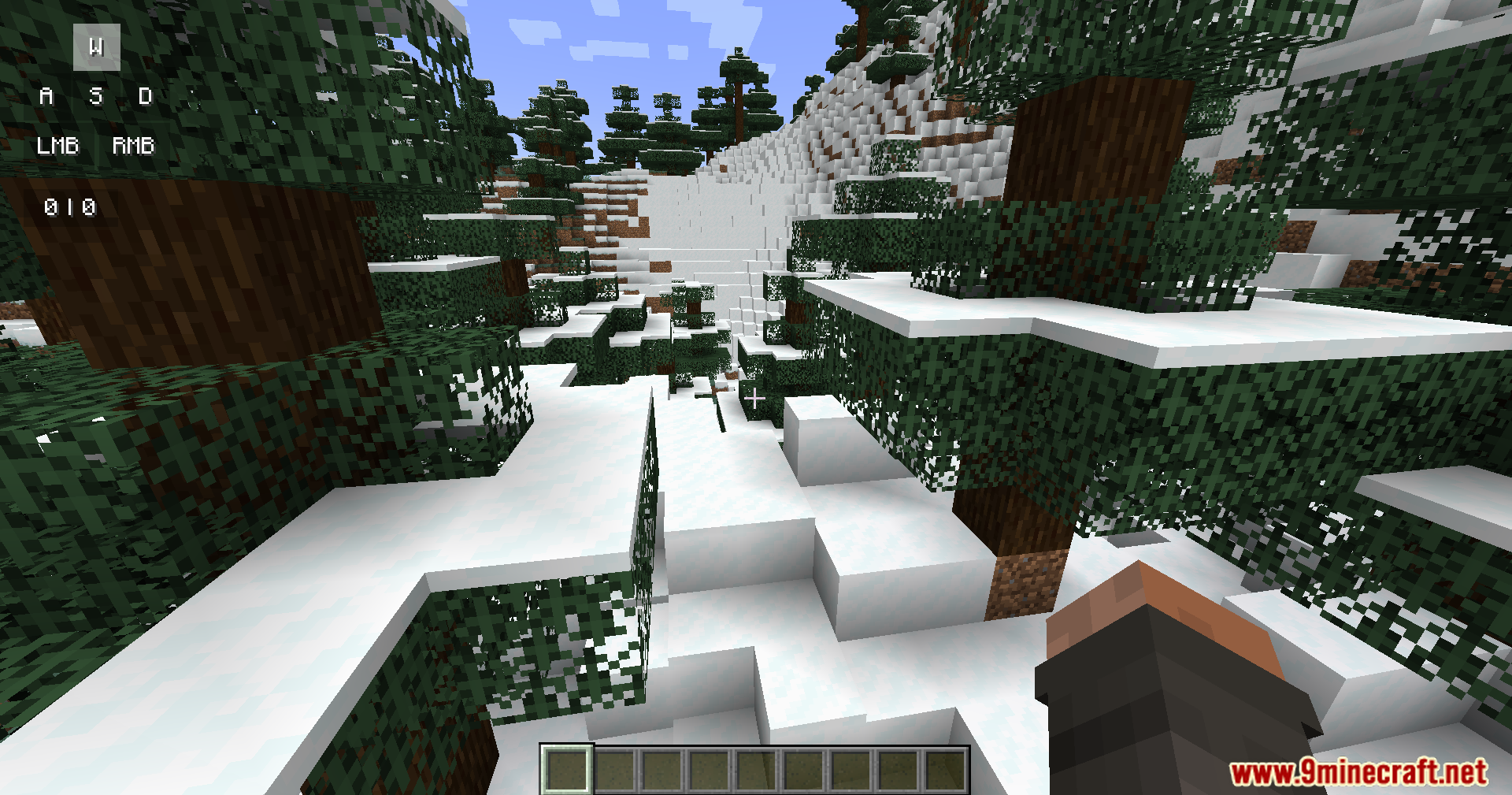
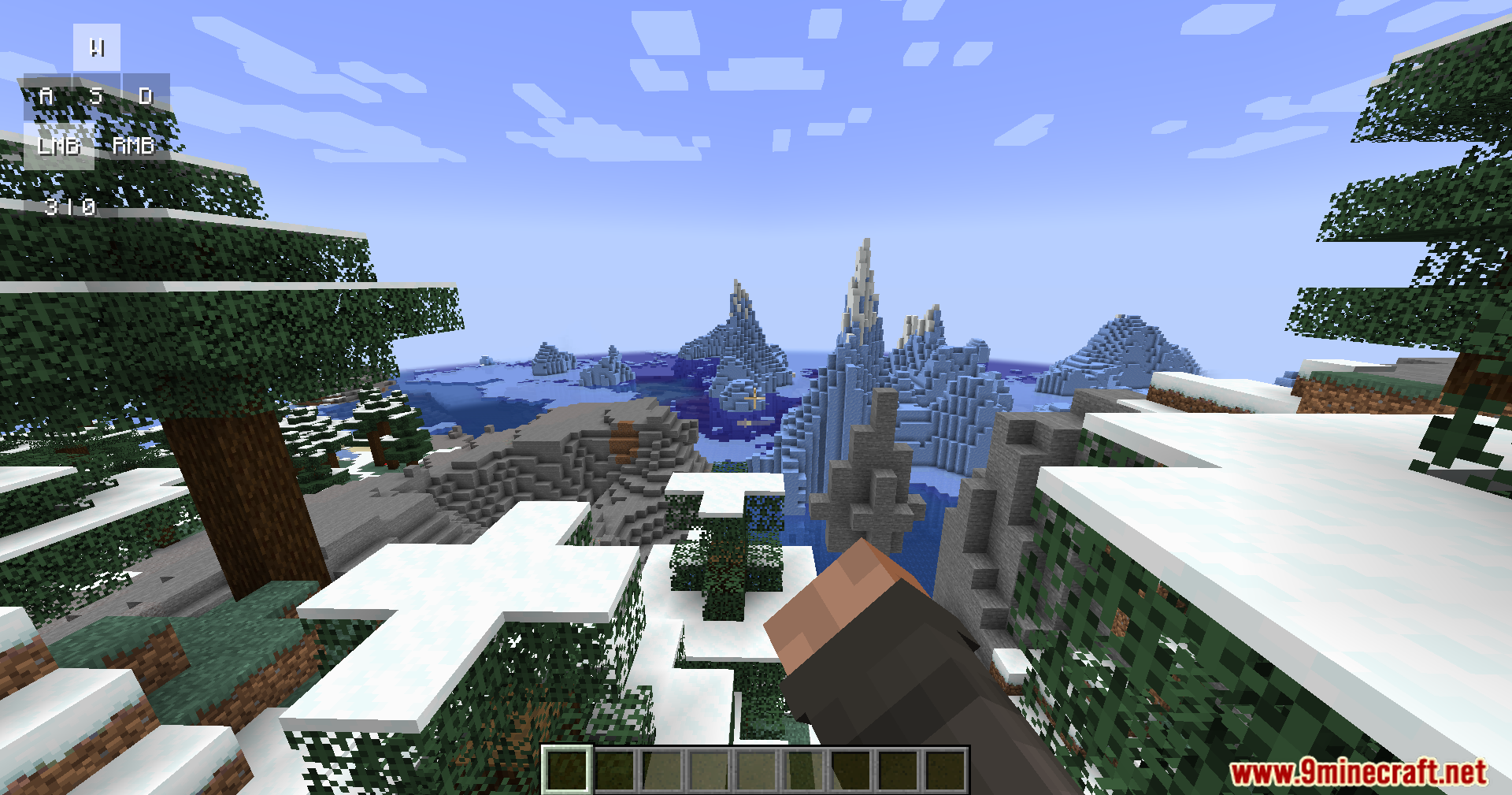
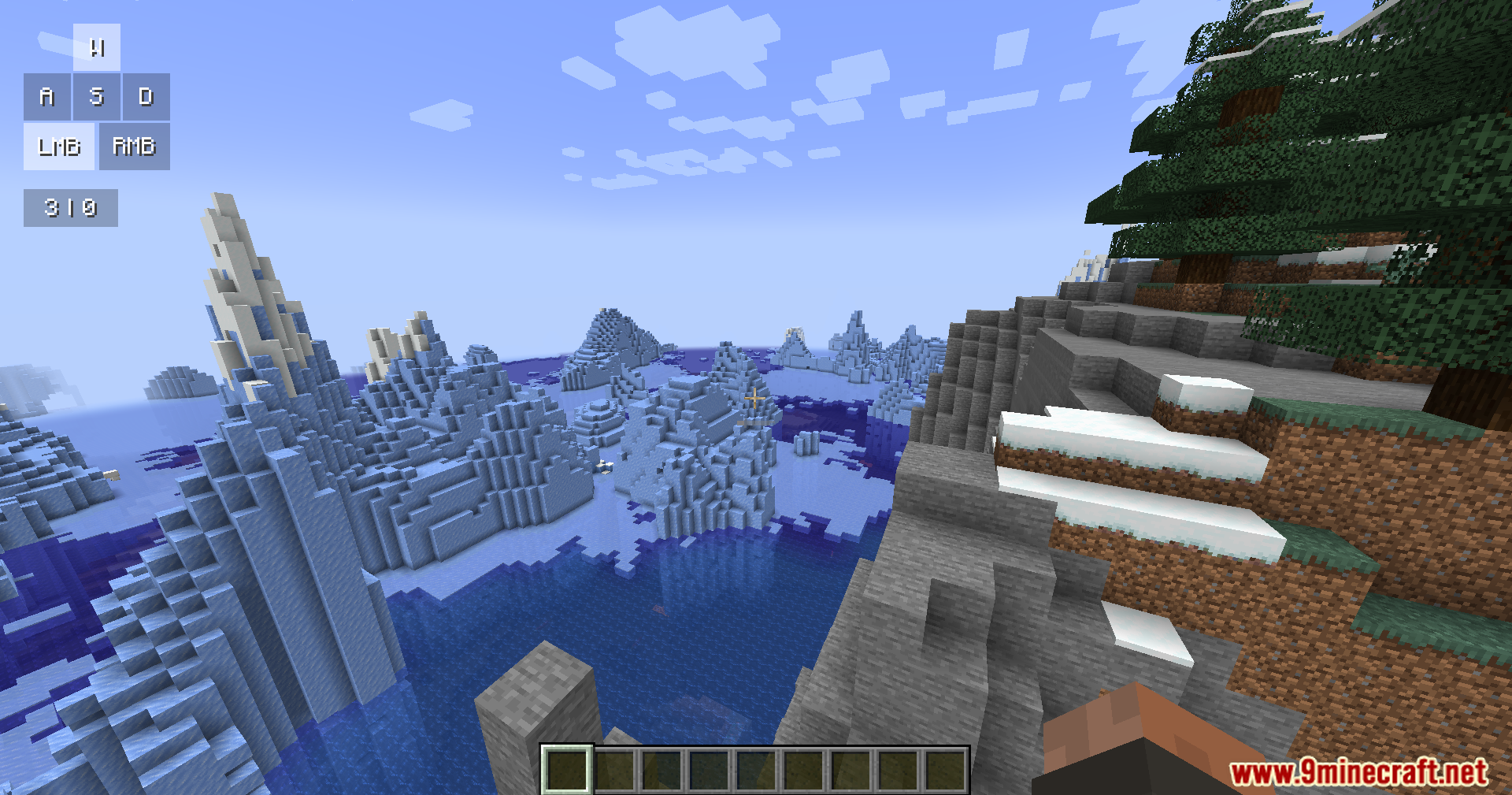
Keystrokes Plus Mod adds a clean information screen to your game. It shows the buttons you press and your clicks per second right on your monitor. This mod brings a modern look with smooth animations and rounded corners that fit the game well.
Features:
- Key Tracking: Shows when you press your movement keys like W, A, S, D and your mouse buttons.
- CPS Counter: Counts how fast you click your left and right mouse buttons.
- Displays the armor you wear and the items you hold on the screen.
- Shows your active potion effects with small icons and a timer.
- Brings a fresh look to the screen with soft shadows, color gradients, and smooth movements.
How to Use:
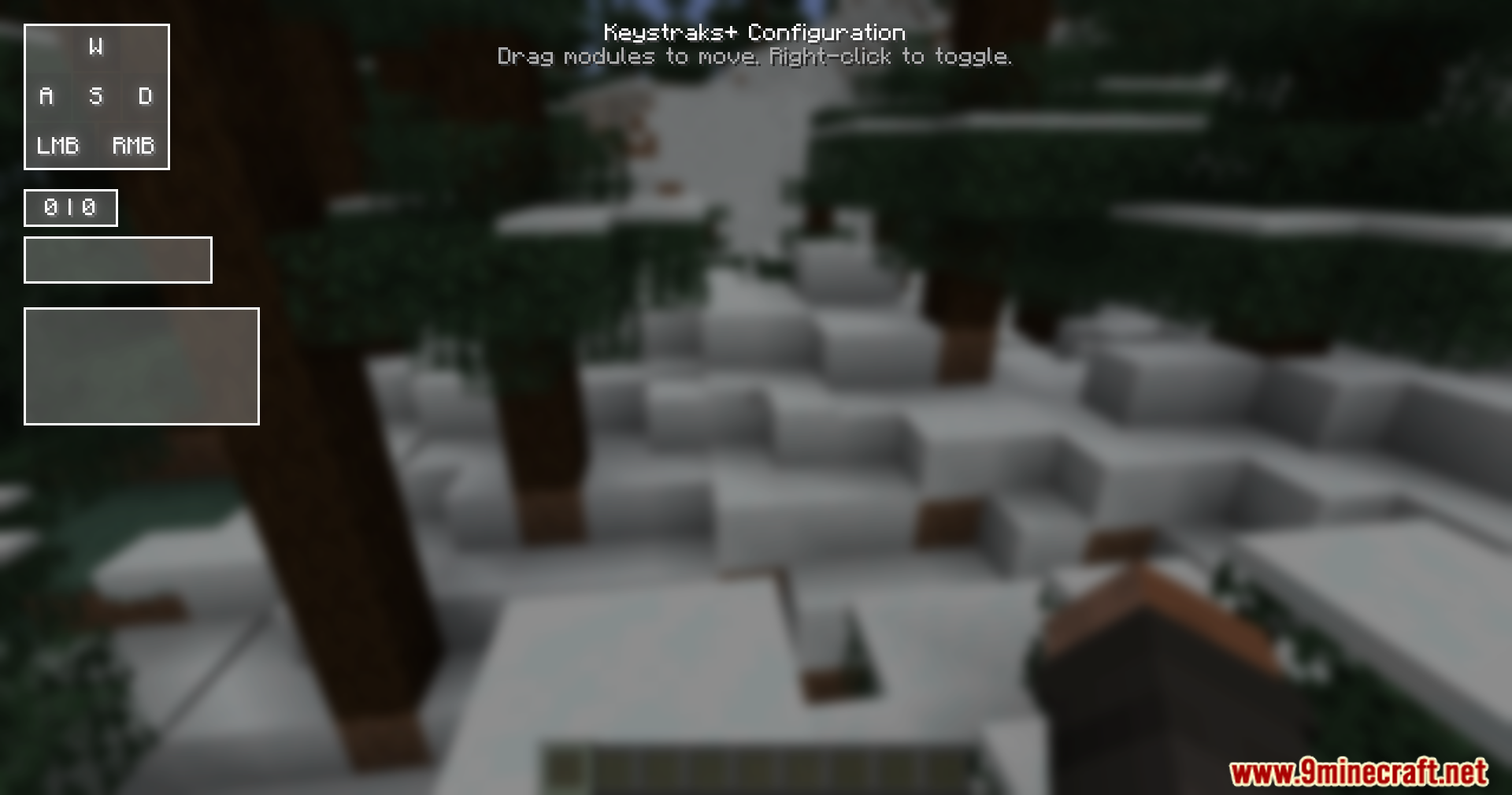
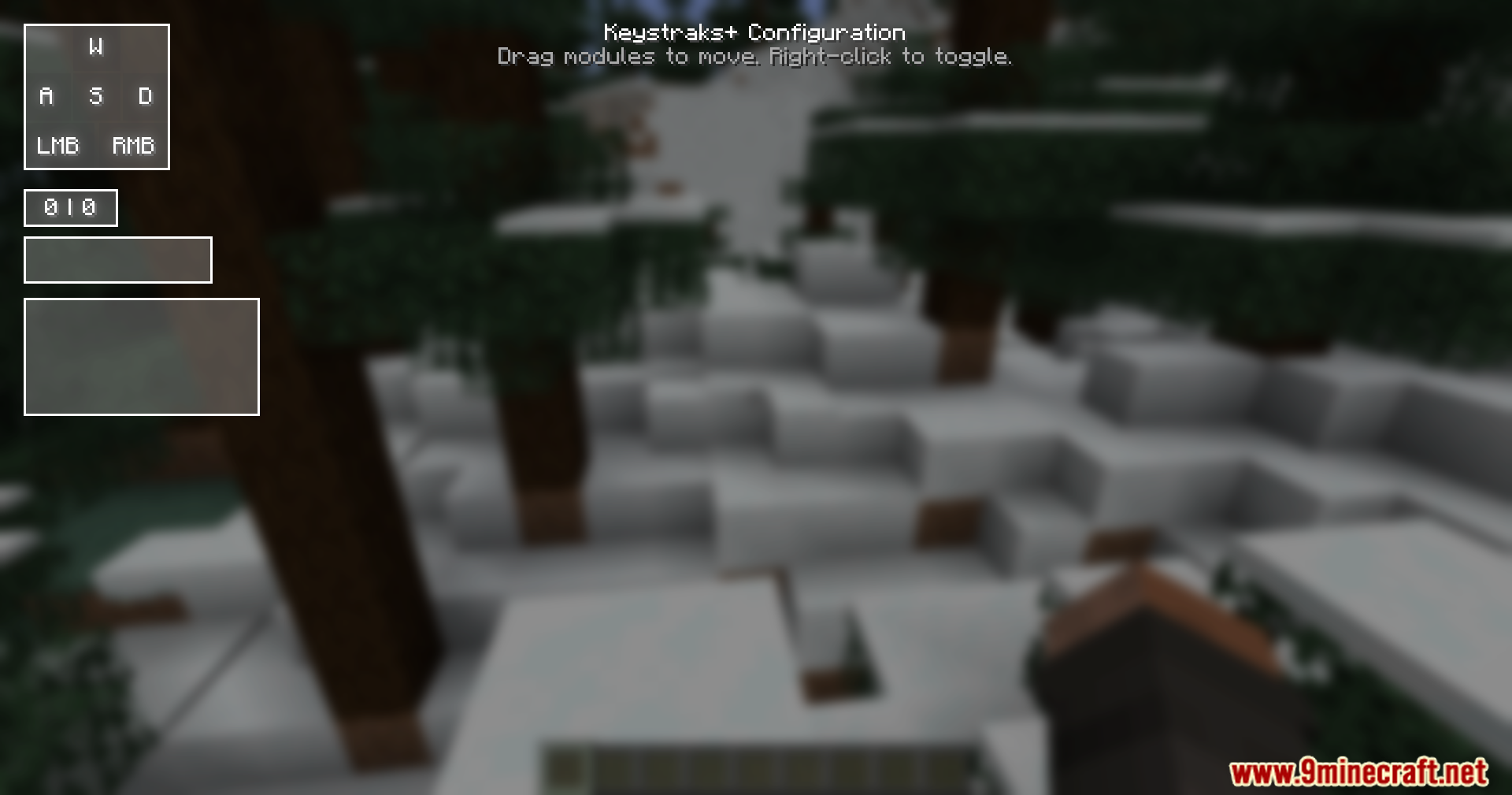
- Press the Right Shift key on your keyboard to open the setup menu.
- Click and drag the different boxes on the screen to move them around.
- Right-click on any box to turn it on or off.
Screenshots:
Keystrokes Plus Mod Download Links
Quick facts
- Edition: Minecraft Java
- File type: .jar
- Minecraft version listed: 1.21.11
- How to install: Install the matching mod loader (Forge, Fabric or NeoForge) for your Minecraft version. → Download the .jar. → Put it in the .minecraft/mods folder and launch that loader profile.
- Where to get it: In MC Java Mods, or directly above on this page.
Install steps are the general flow for this file type — How to install Minecraft Java mods & modpacks walks through it step by step.
Verified by MCModsHub
- Downloads as 25593.mcaddon
- Download size: 19 KB
- Download link checked 25 Sept 2026 — working
- Mirrored on our own servers — the download does not depend on the original host
These come from our own check of the pack file, not from the source page.