ModsJava
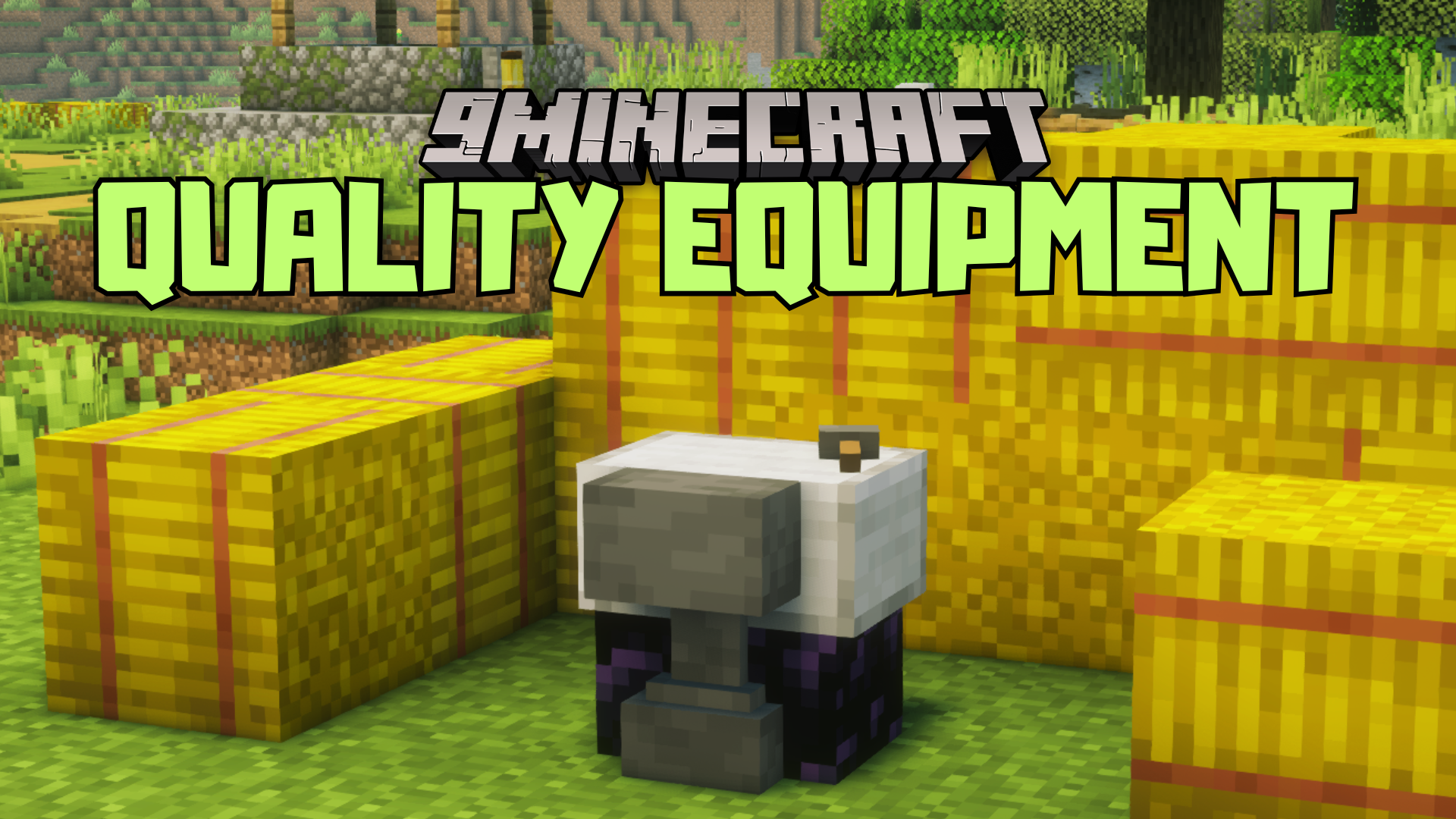
Quality Equipment Mod (1.21.1, 1.20.1) – Introduces a Reforging Station
Java mod listed for Minecraft 1.20–1.21. Downloads from the MC Java Mods app on Android.
⬇ Download
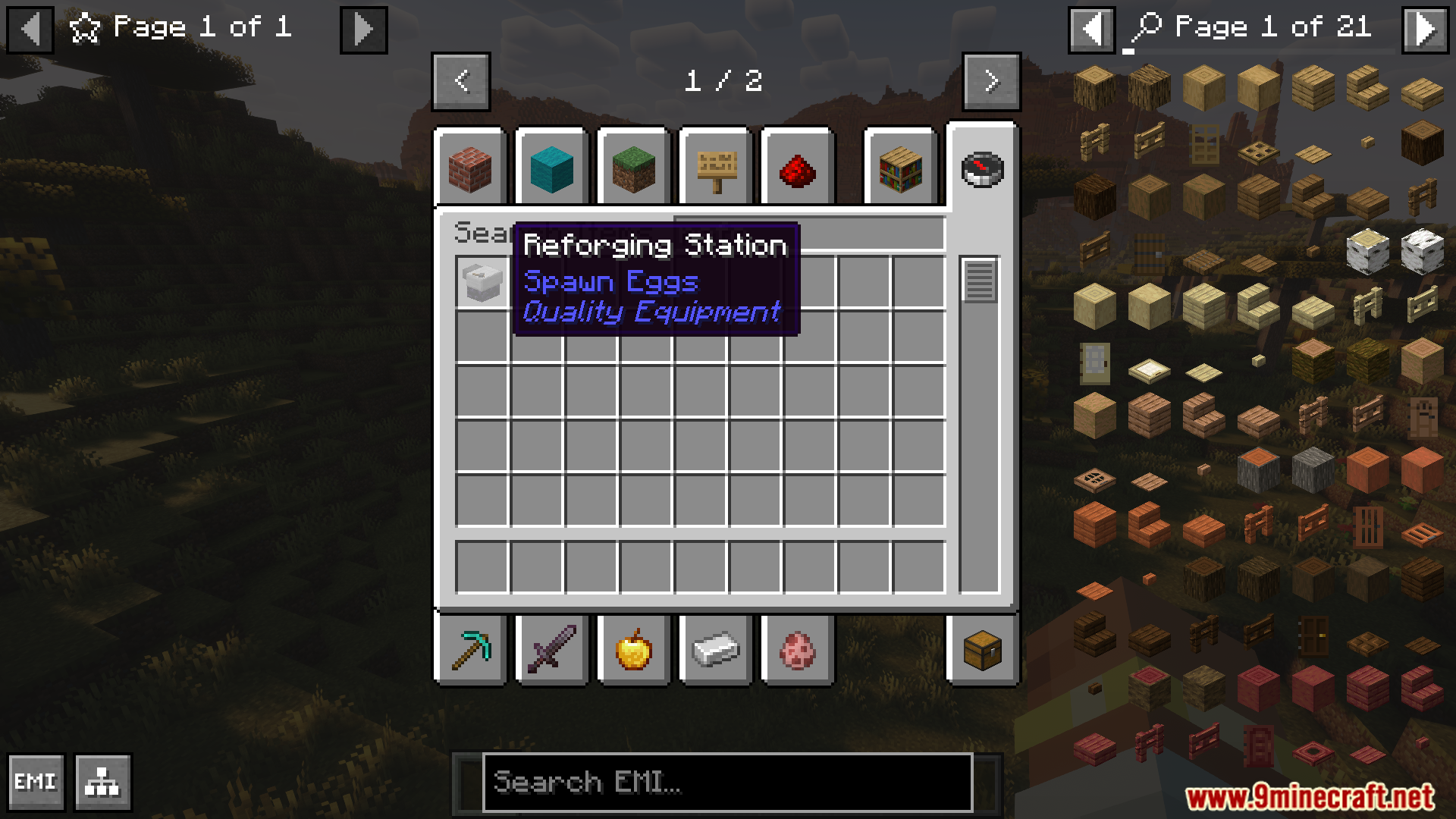
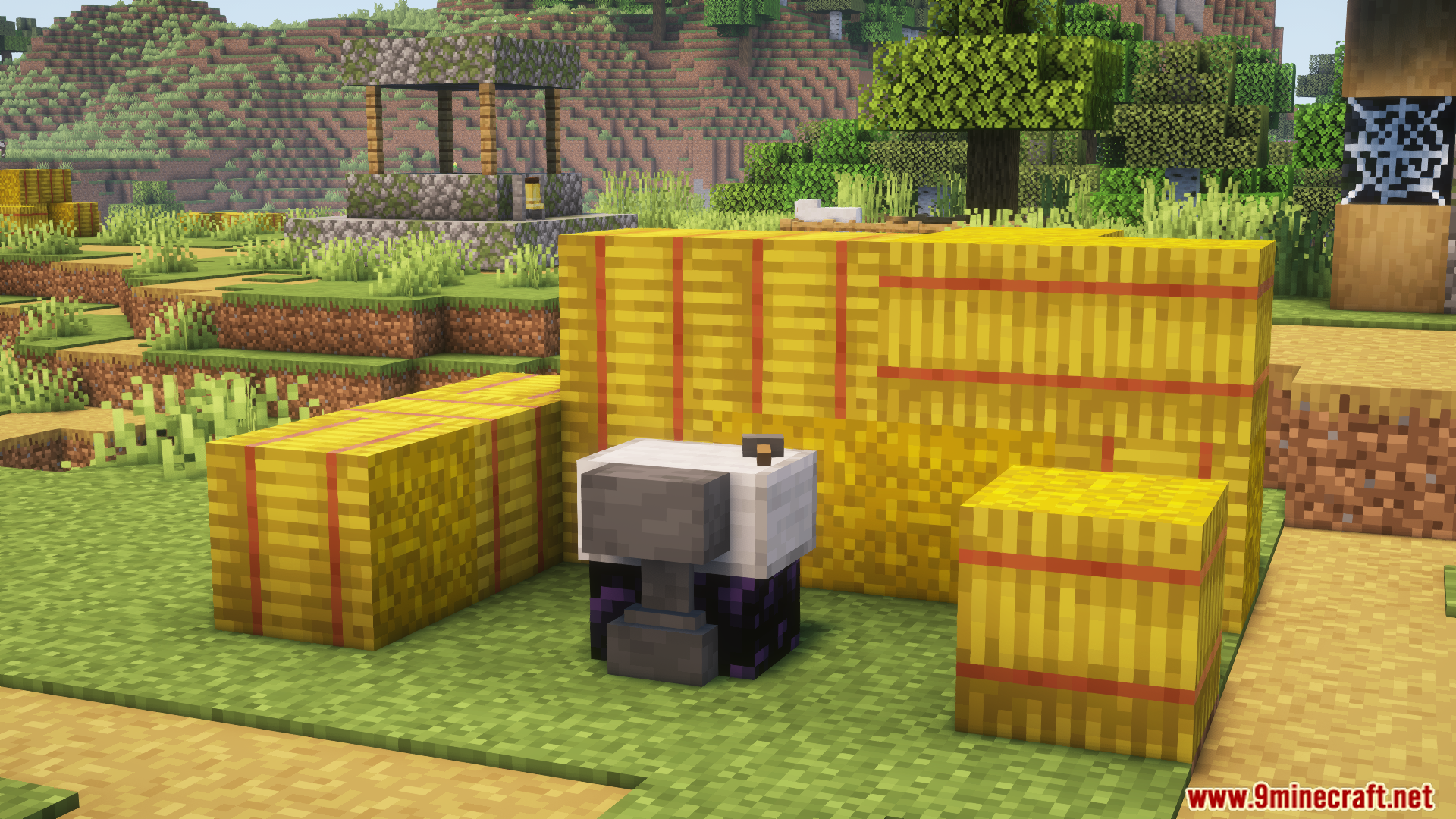
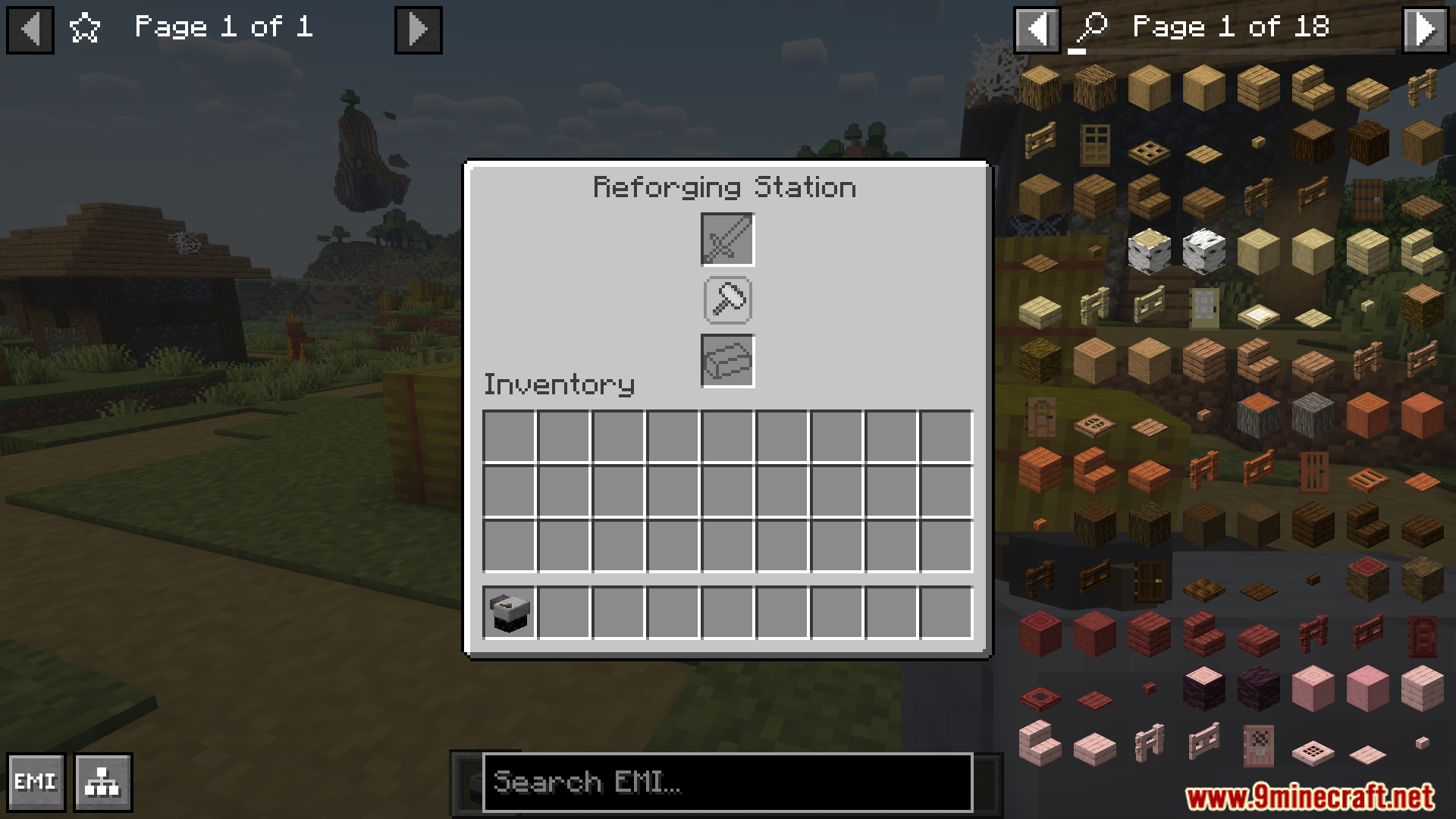
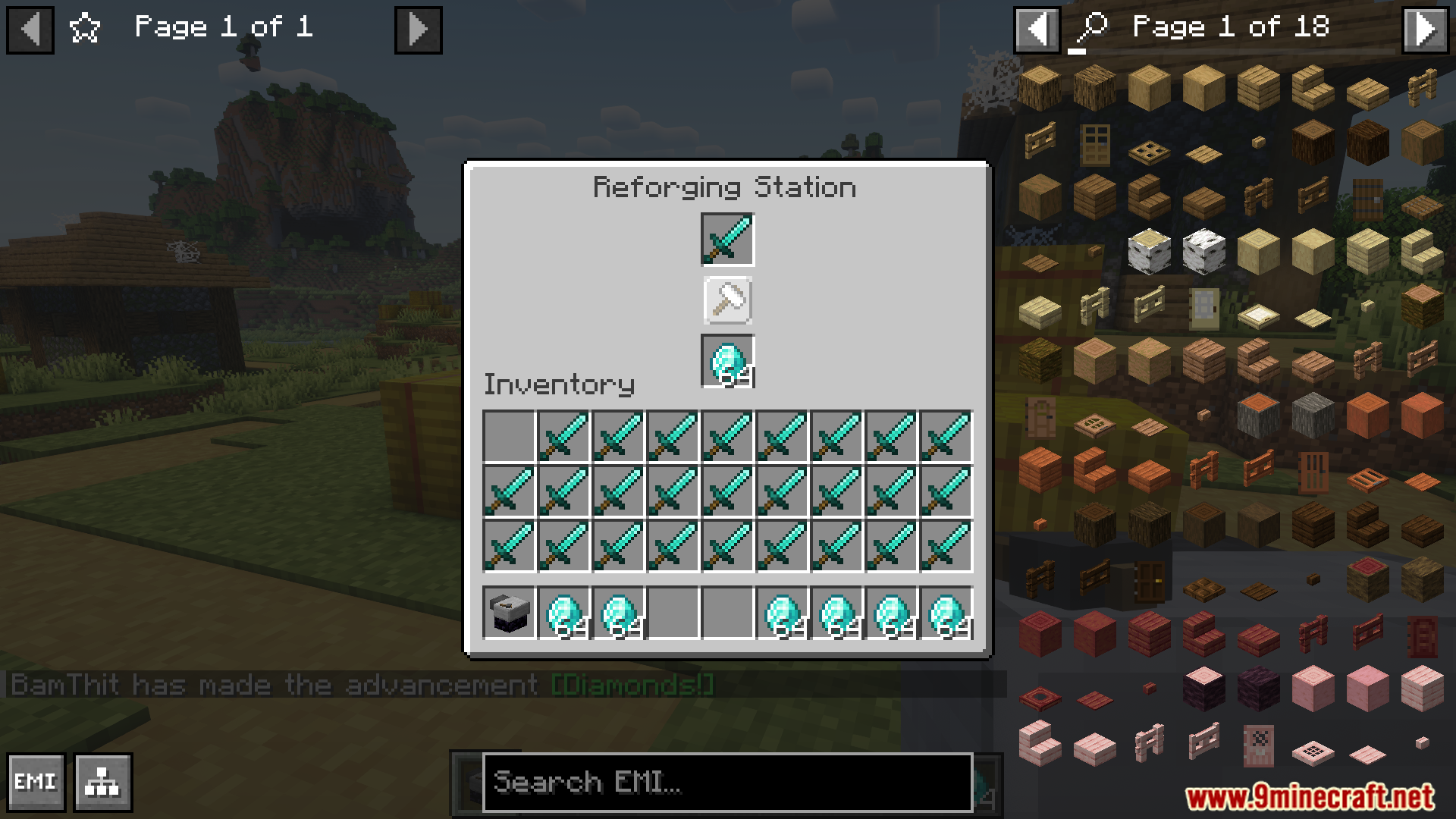
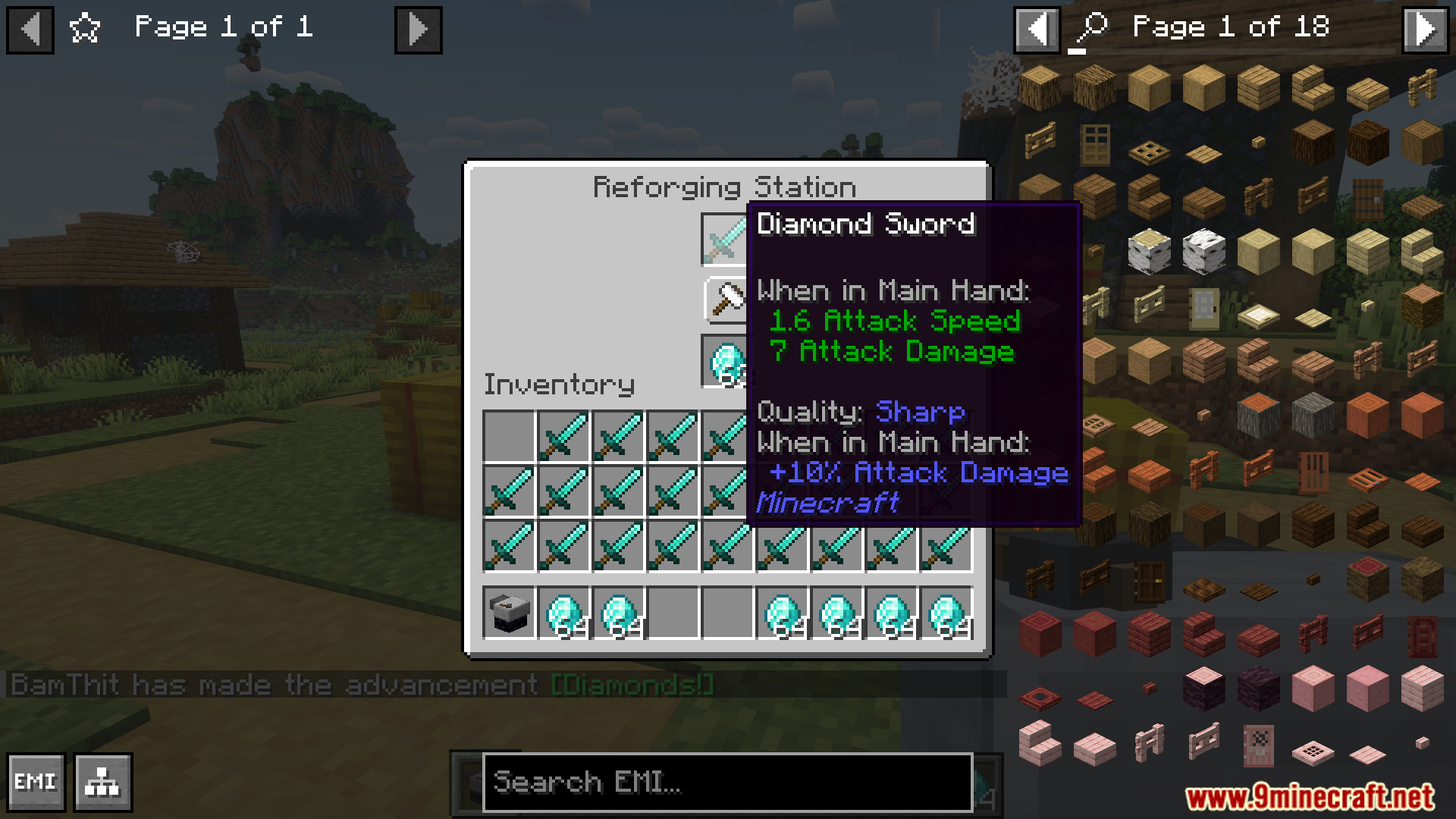
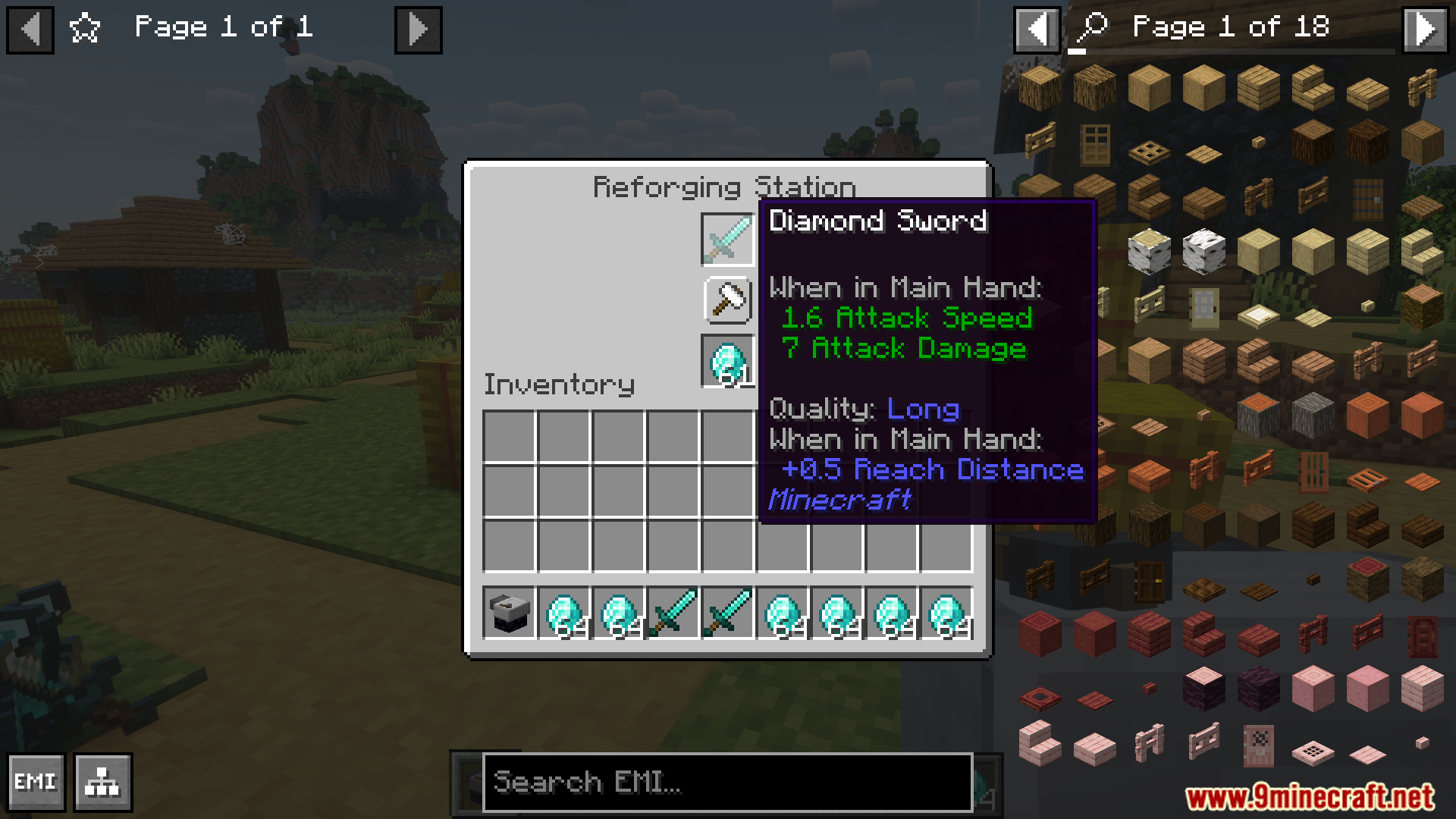
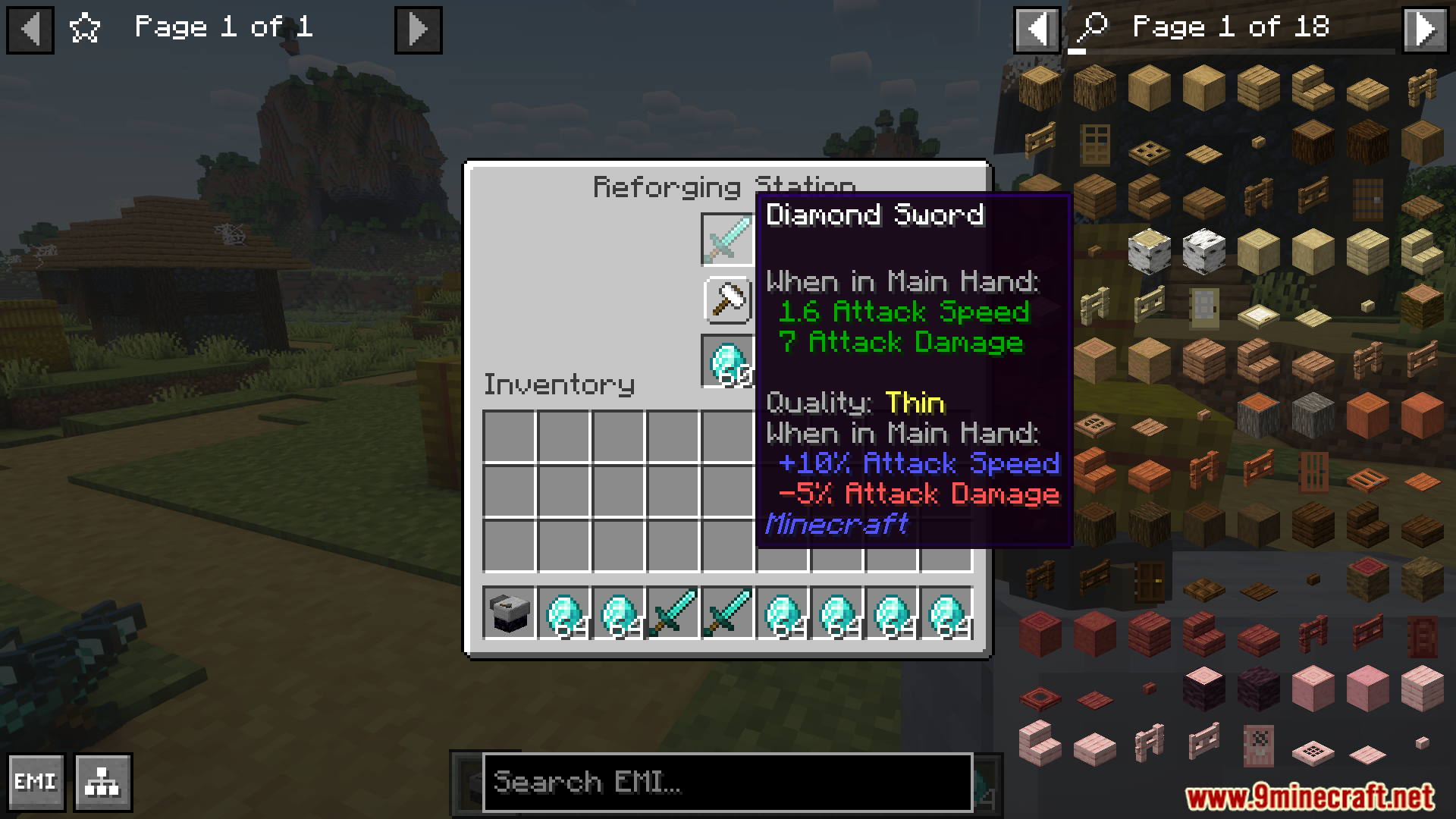
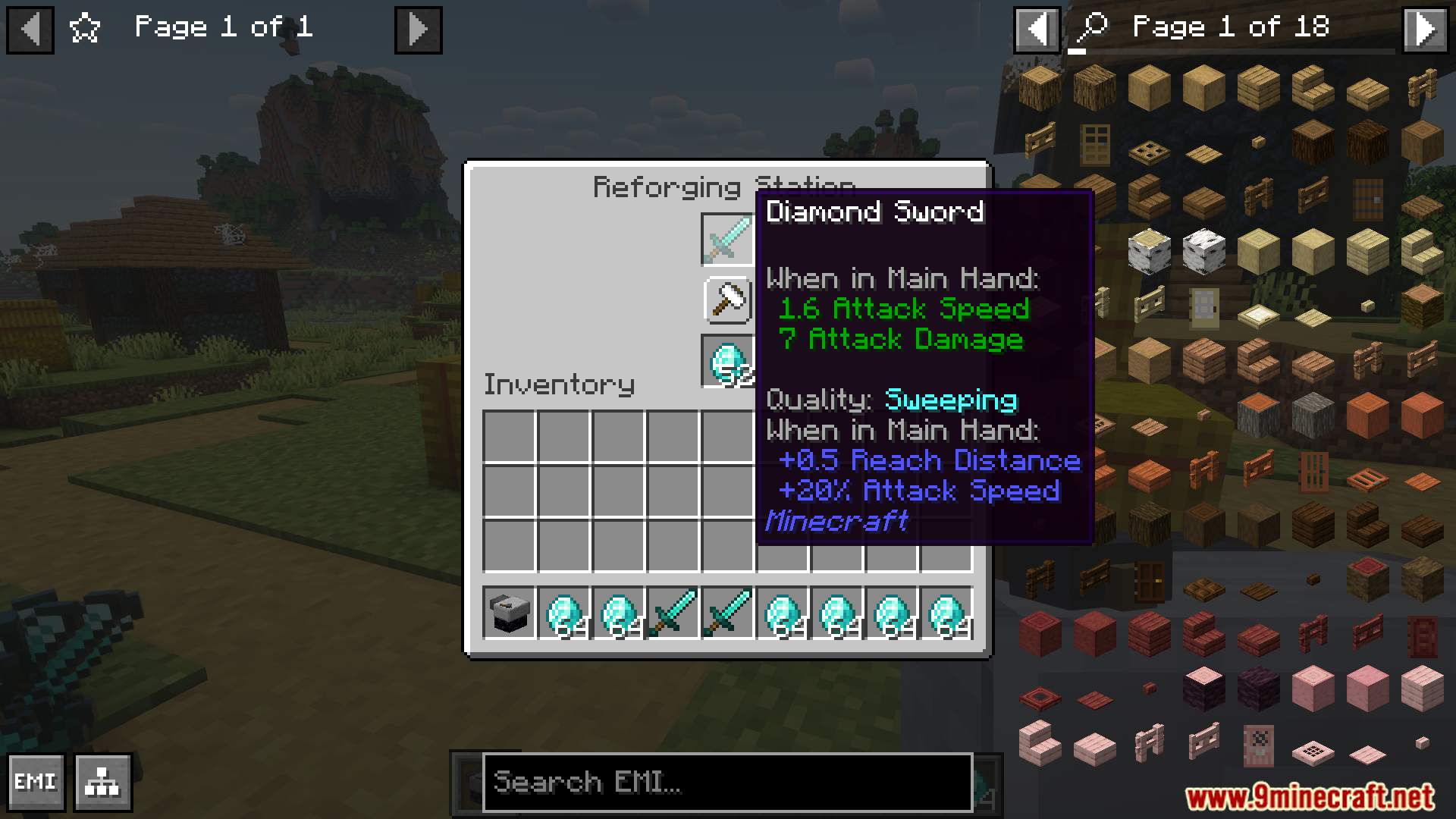
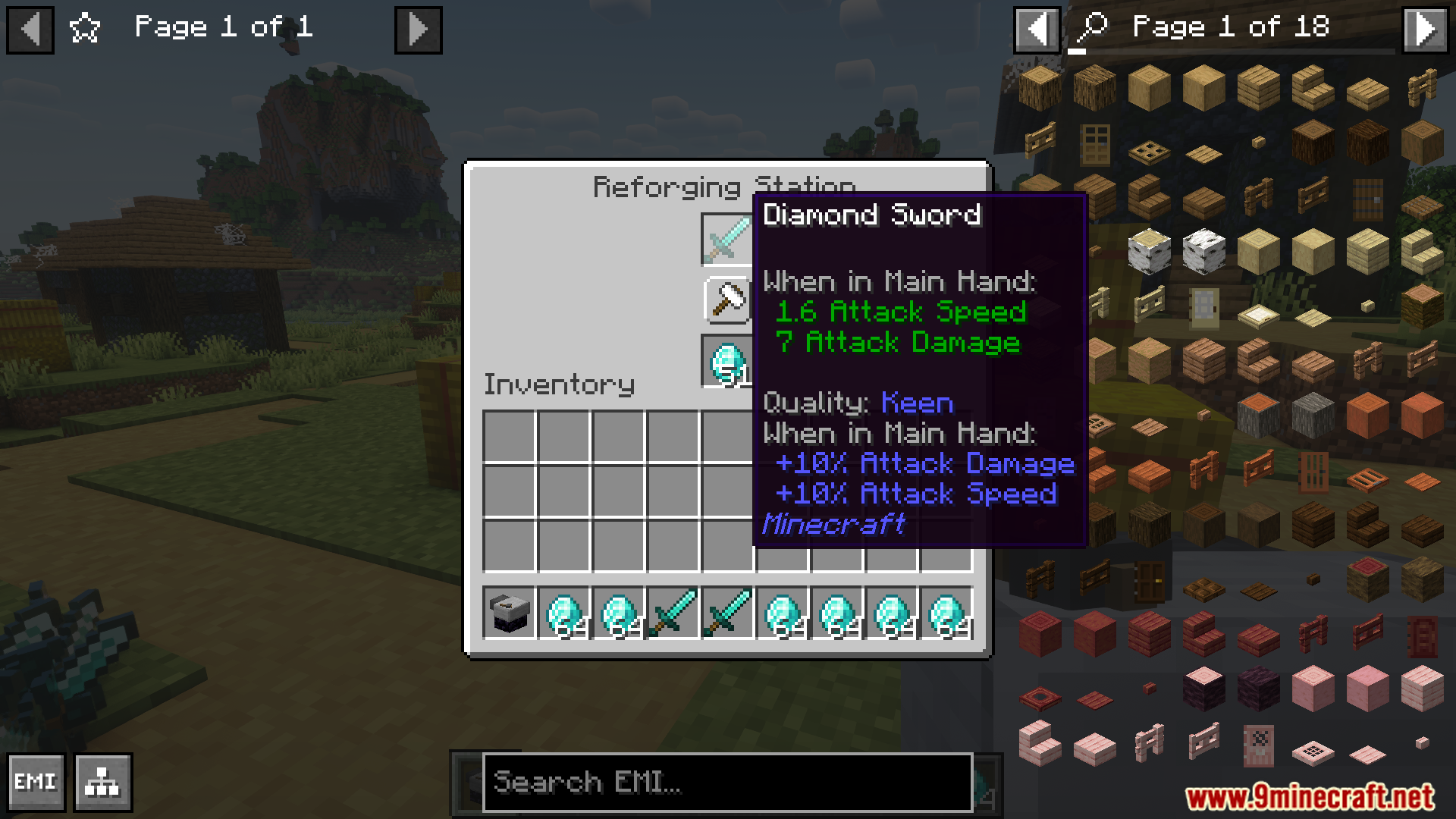
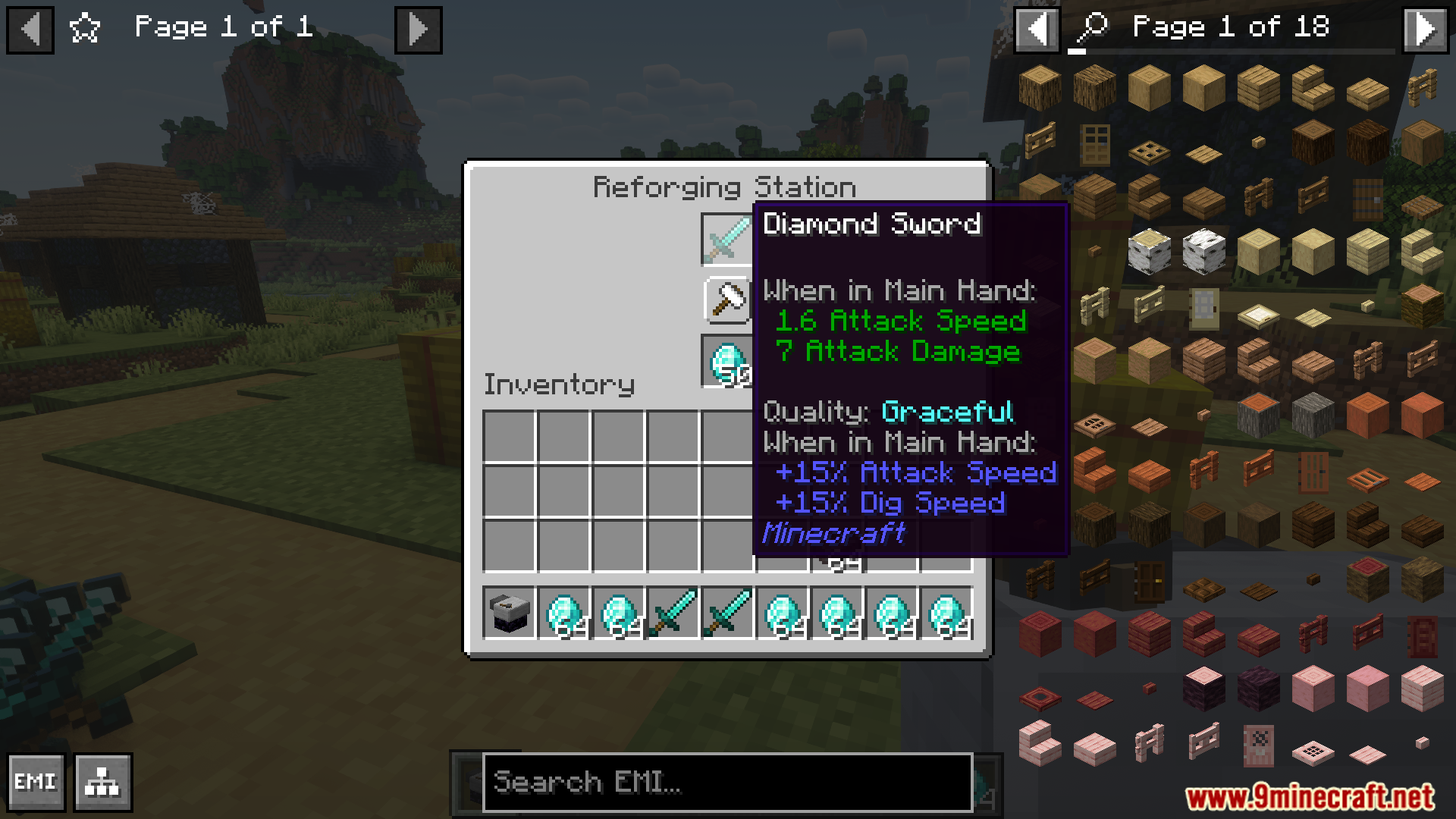
Quality Equipment Mod improves weapons, tools, and armor with unique qualities using the reforging station. This feature allows equipment to gain attribute boosts by combining it with specific repair items. A default material set in the config will be used if no repair item exists. Customization options allow overriding repair items and defining materials for unsupported equipment. A powerful addition for refining and upgrading gear.
Features:
- Introduces a reforging station for upgrading equipment.
- Grants special qualities that enhance various attributes.
- Uses repair items or default materials set in the config.
- Allows overriding and defining repair materials for equipment.
- Provides a customizable system for refining weapons, tools, and armor.
Screenshots:
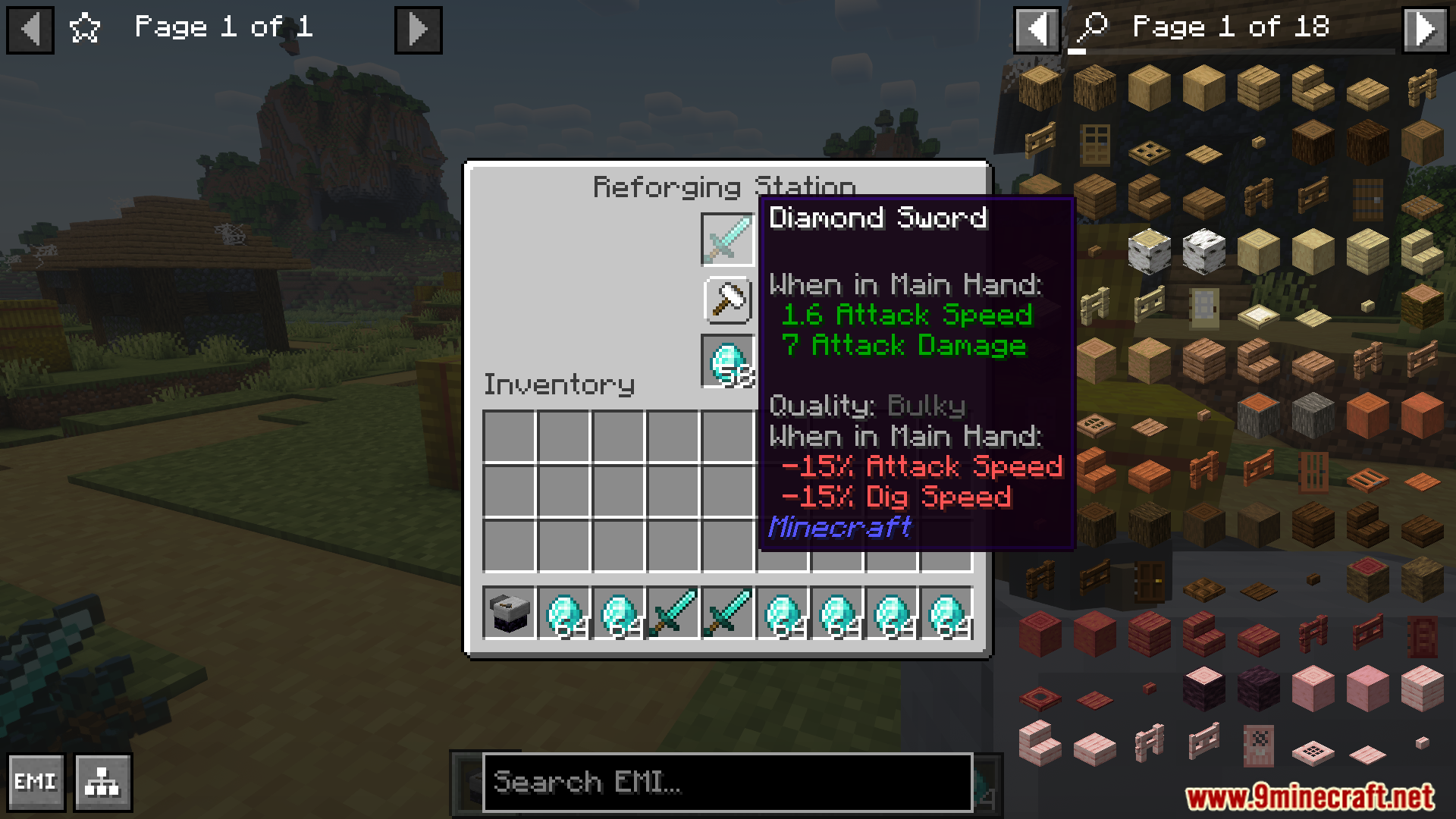
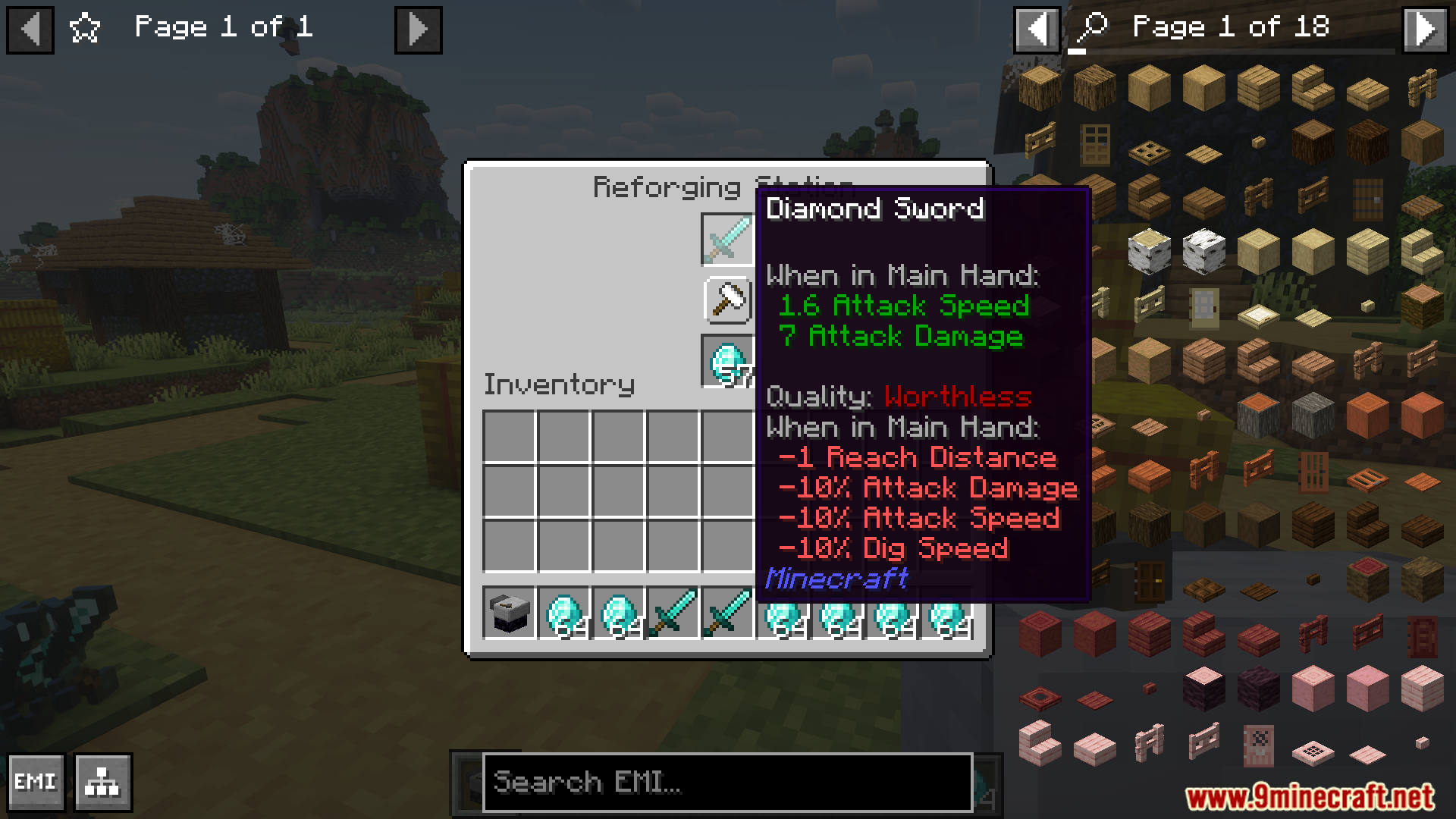
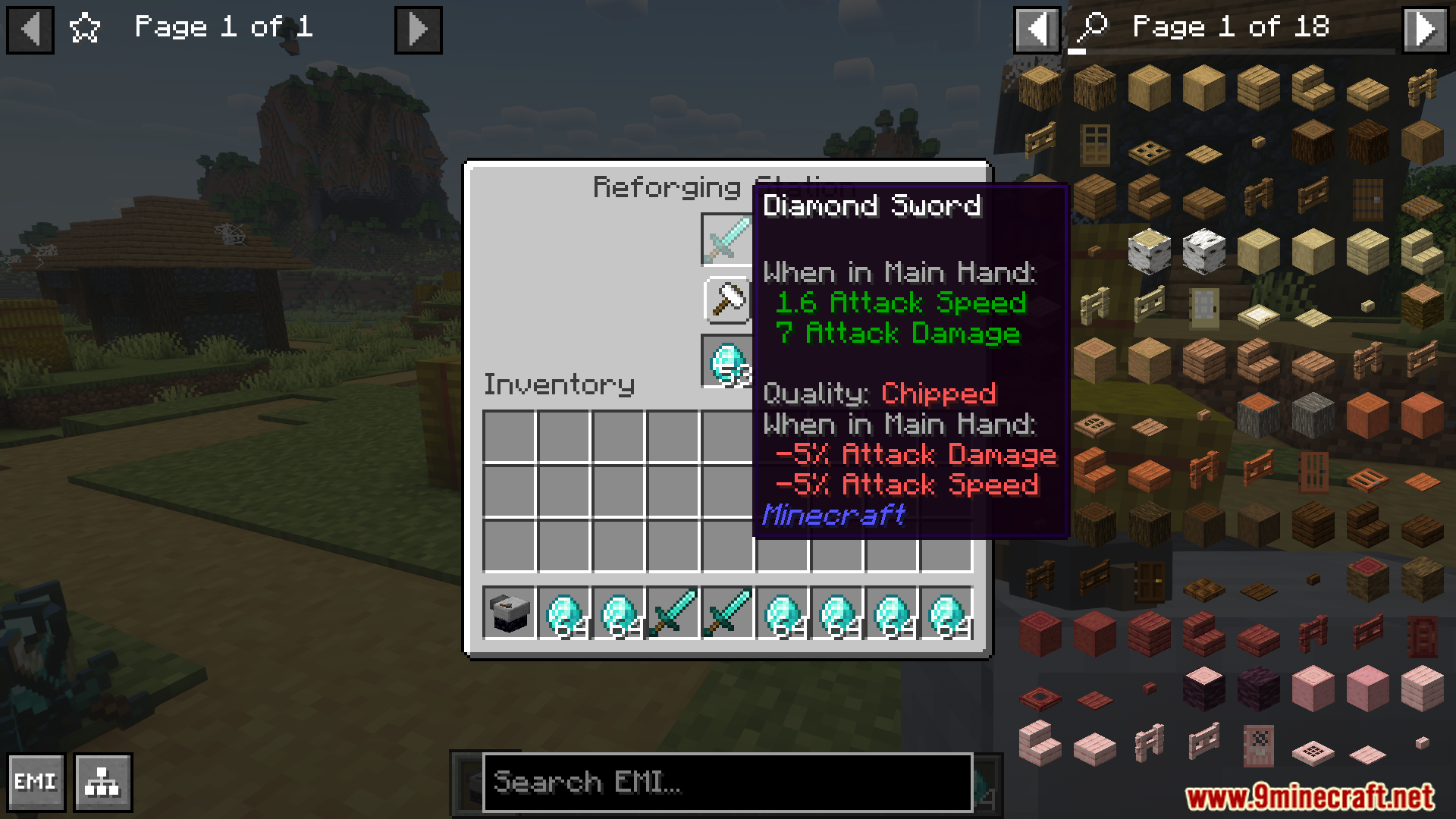
Quality Equipment Mod Download Links
Quick facts
- Edition: Minecraft Java
- File type: .jar
- Minecraft versions listed: 1.21.1, 1.20.1
- How to install: Install the matching mod loader (Forge, Fabric or NeoForge) for your Minecraft version. → Download the .jar. → Put it in the .minecraft/mods folder and launch that loader profile.
- Where to get it: In MC Java Mods, or directly above on this page.
Install steps are the general flow for this file type — How to install Minecraft Java mods & modpacks walks through it step by step.
File checked by MCModsHub
- Downloads as 25595.mcaddon
- Download size: 205 KB
- Download link checked 26 Sept 2026 — working
- Mirrored on our own servers — the download does not depend on the original host
These come from our own check of the pack file, not from the source page.