
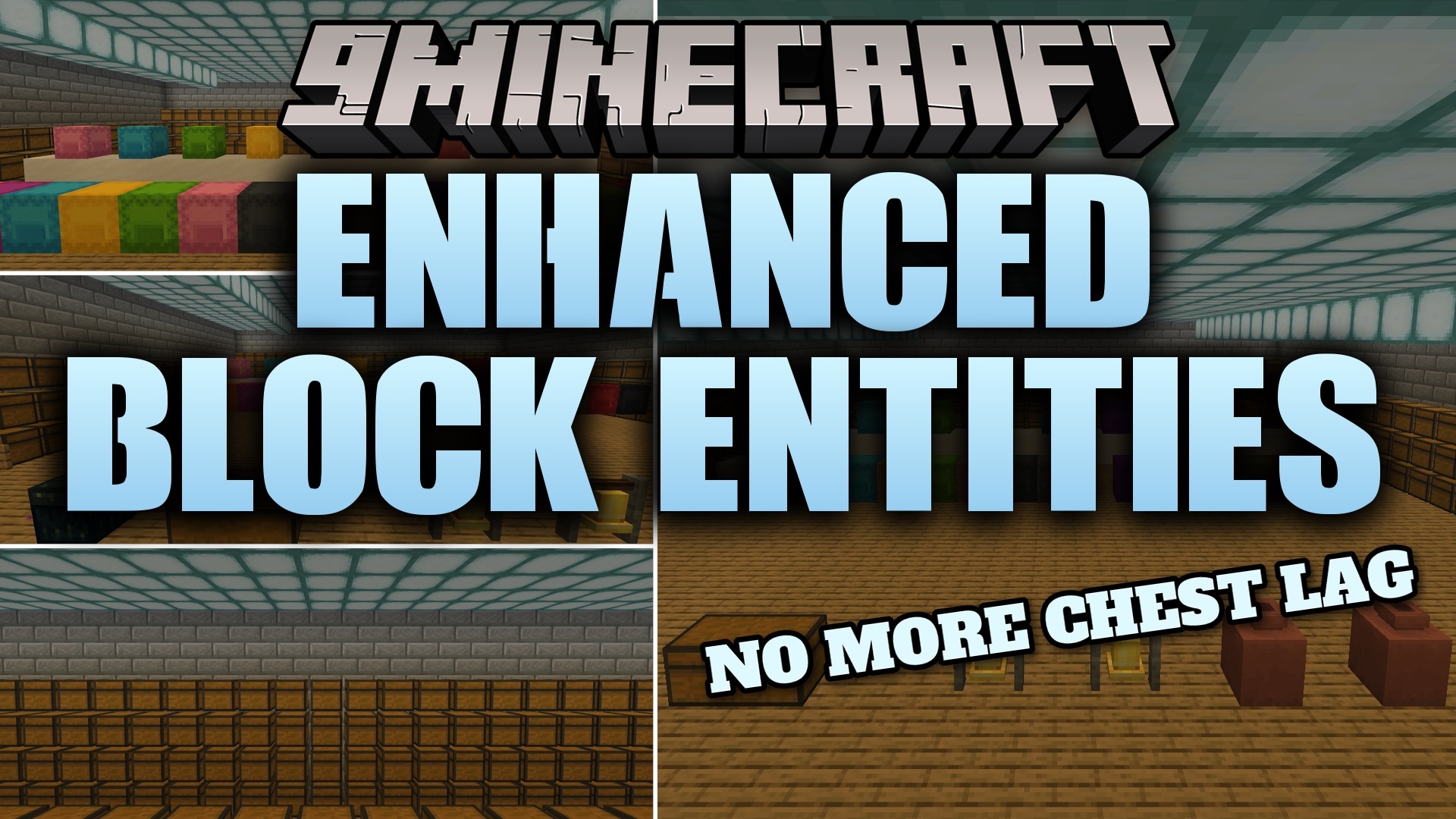
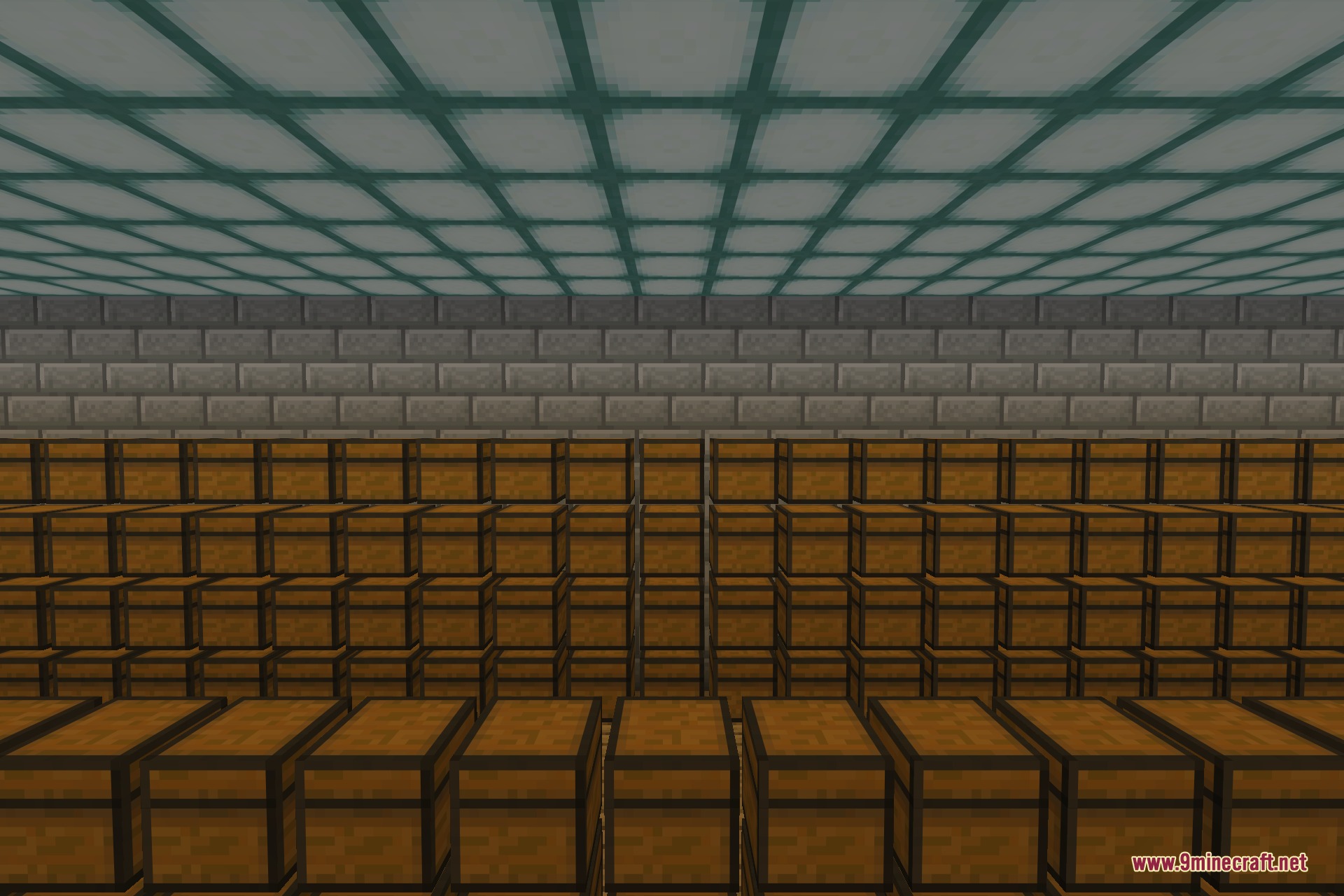
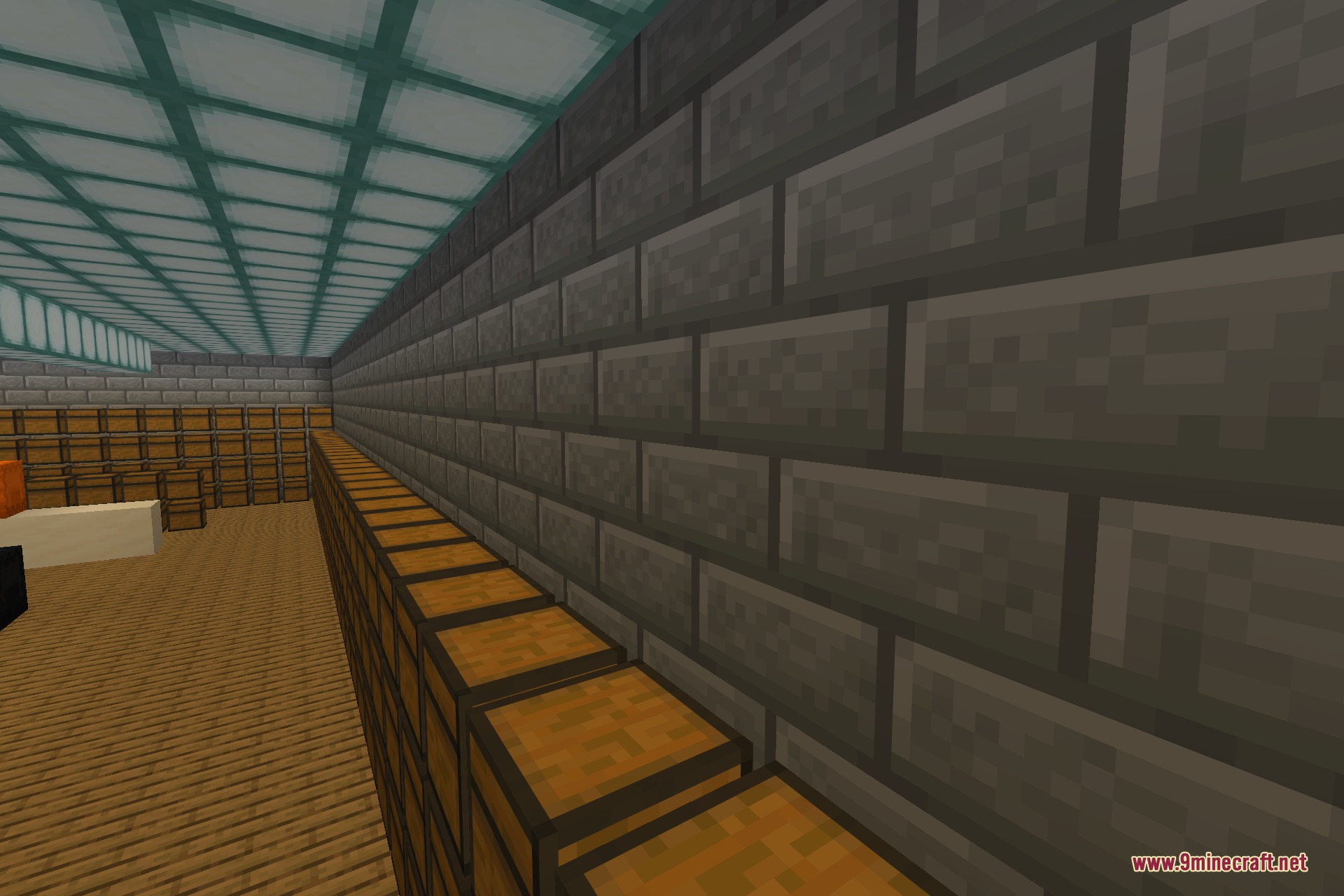
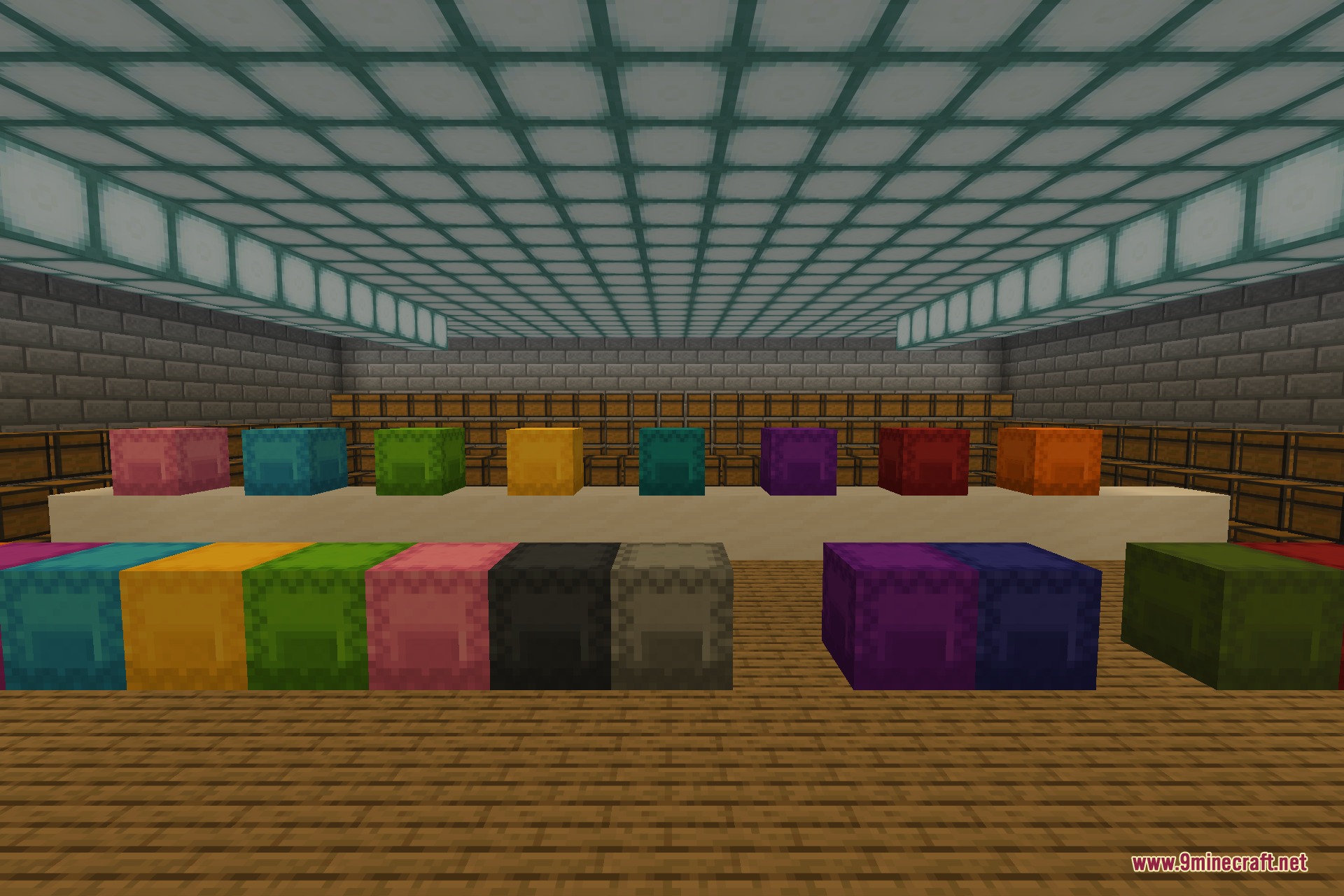
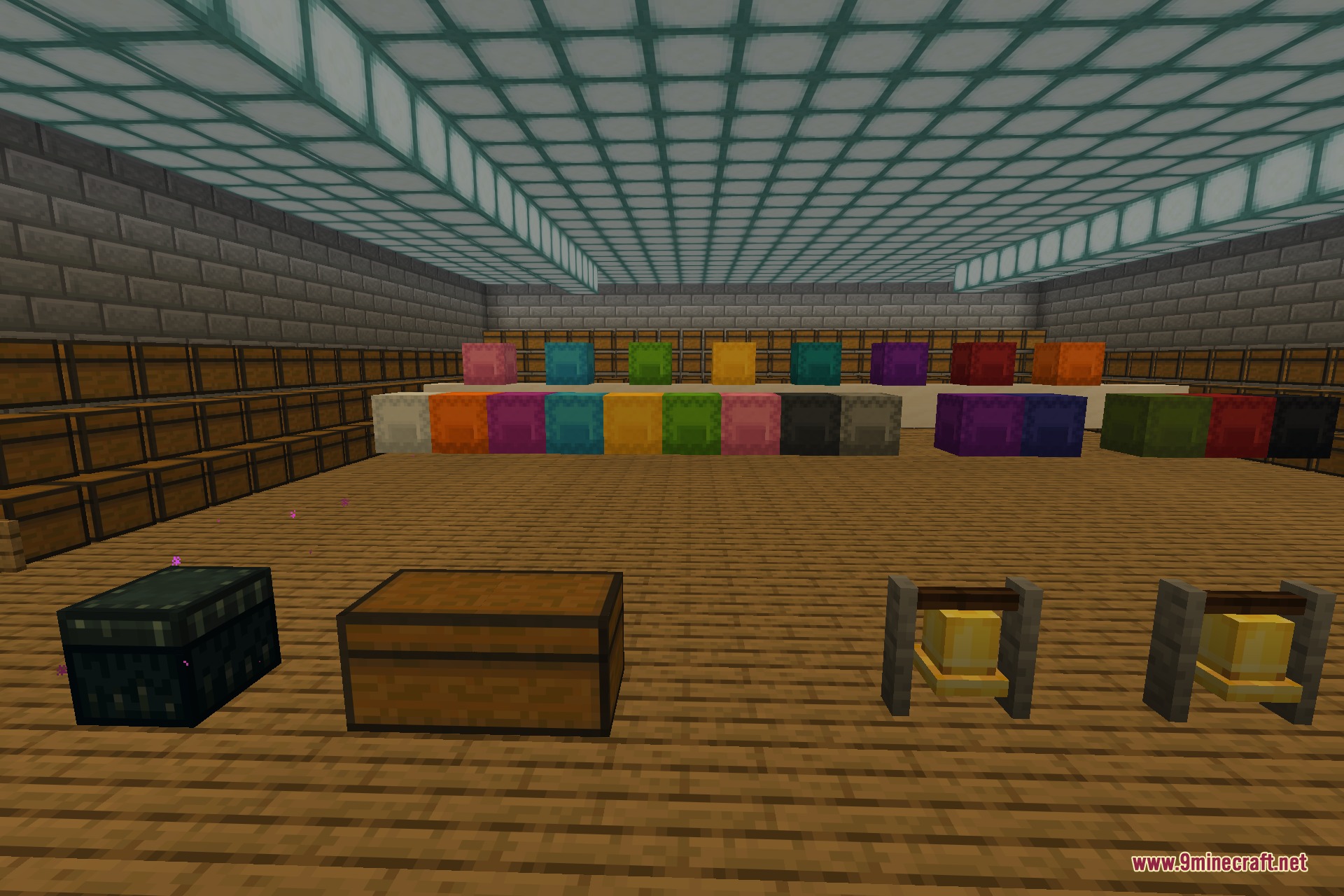
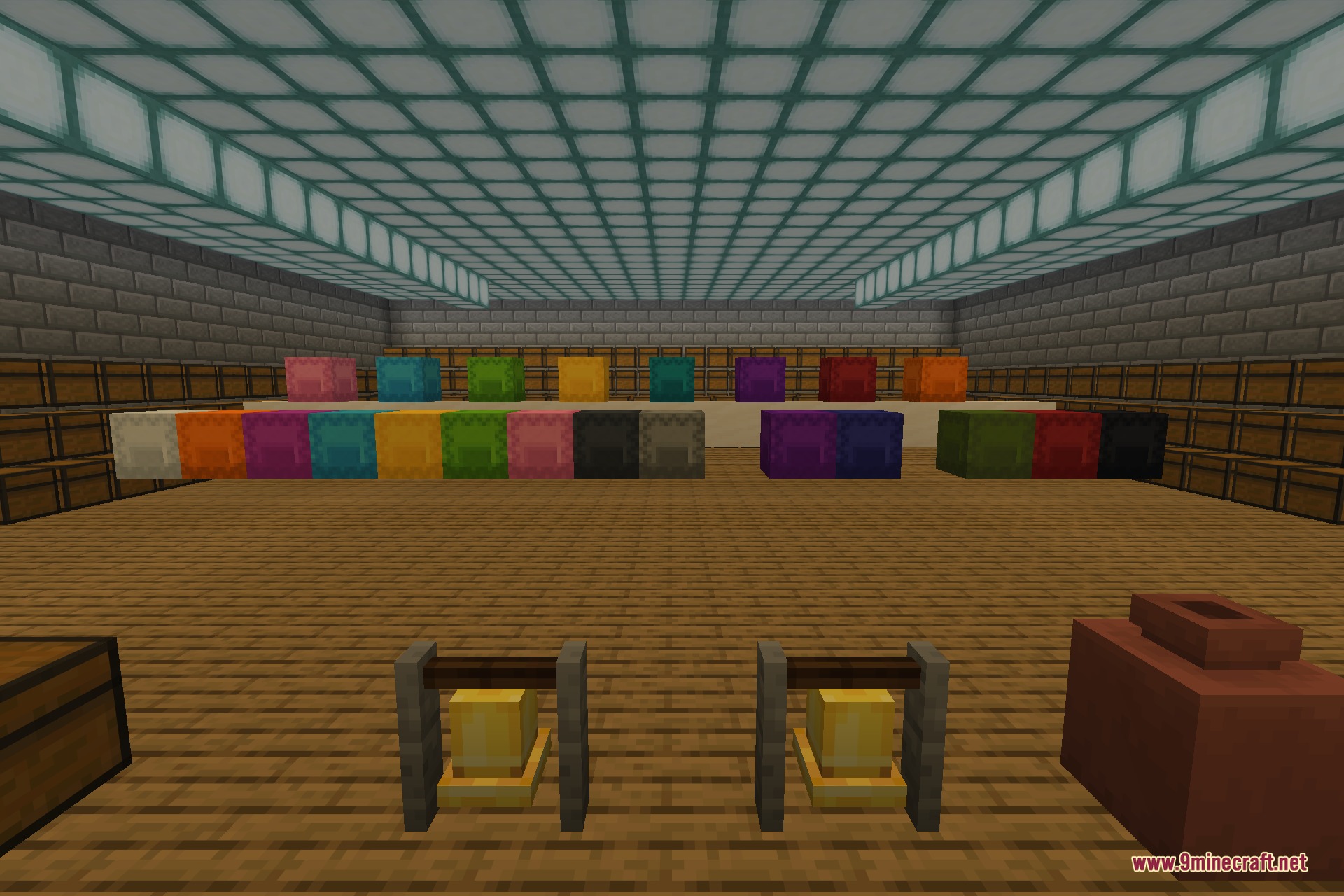
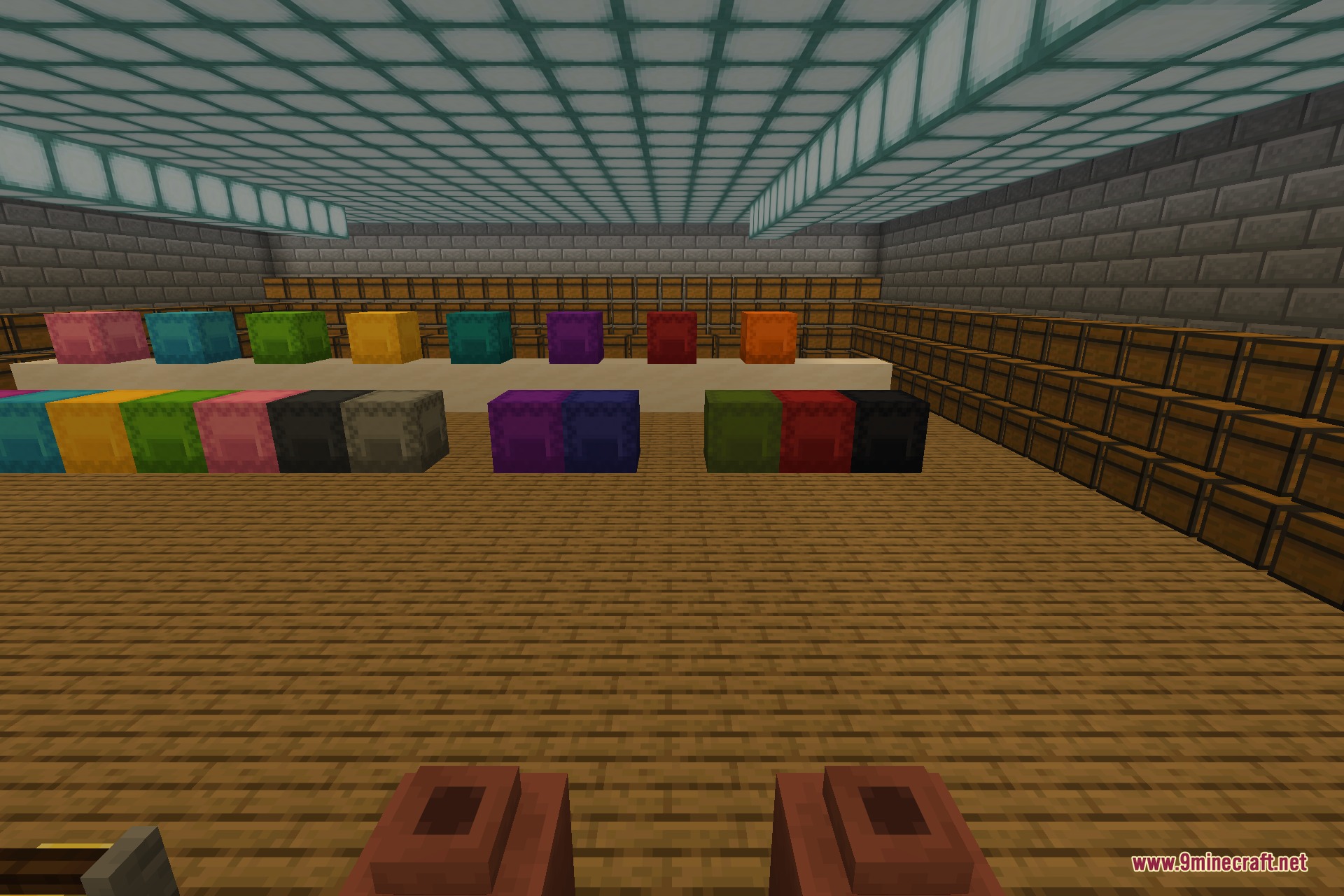
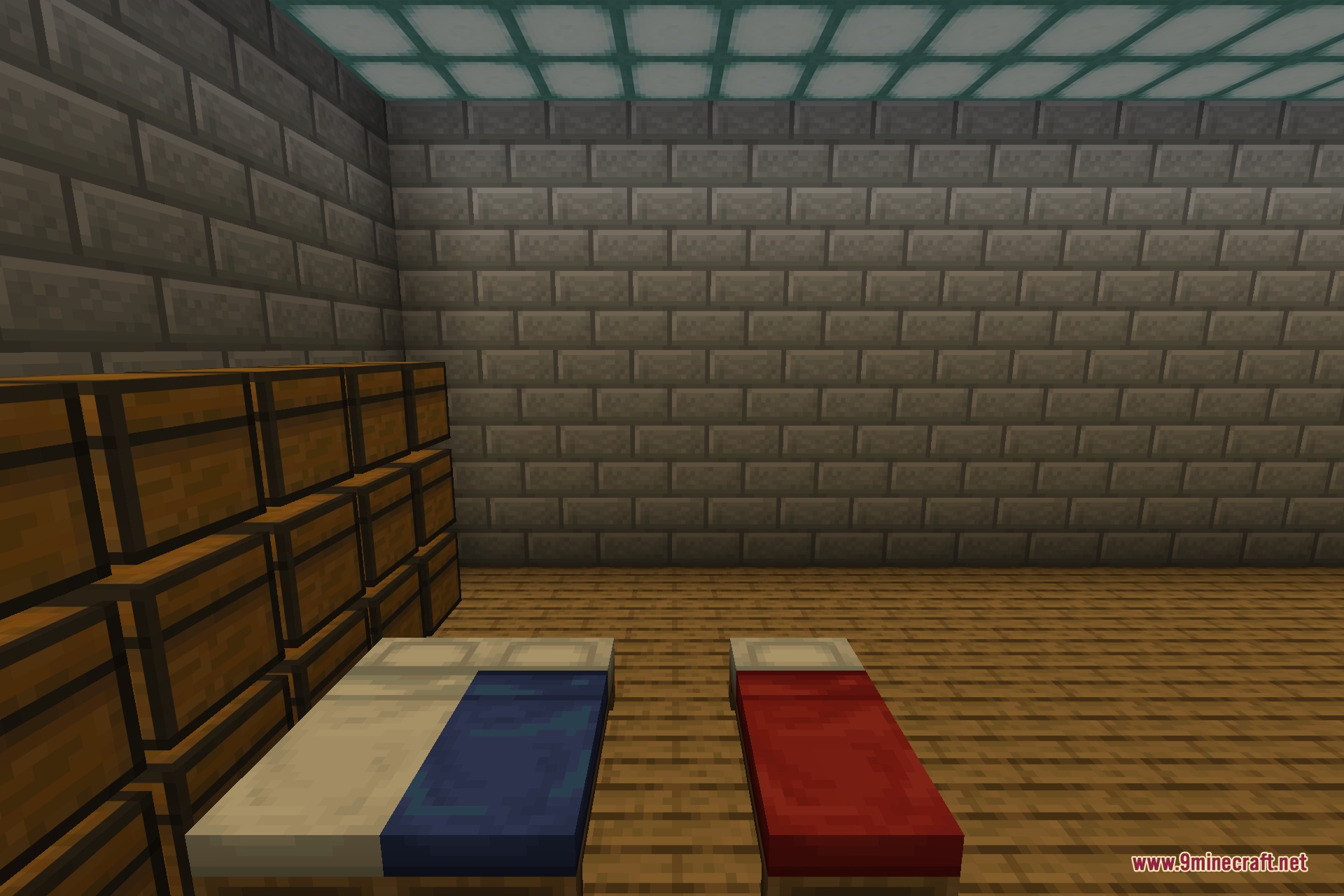
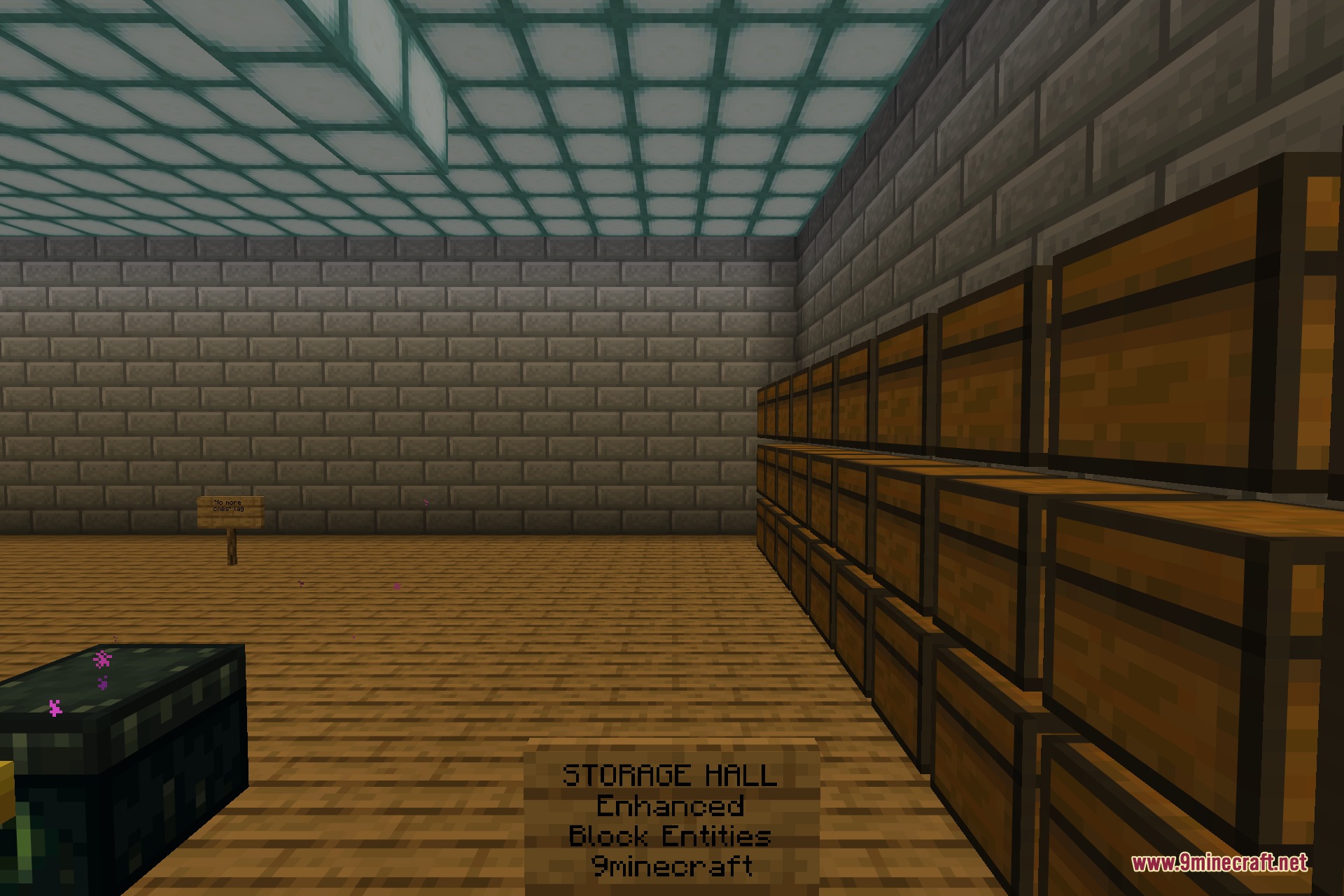
Enhanced Block Entities 9minecraft Mod optimizes how the game draws items like chests, beds, and signs on your screen. In normal Minecraft, a room full of chests causes the game to slow down and stutter because it draws every single chest one by one. This mod changes how these blocks load so they draw together with the rest of the world. Your frame rate stays smooth even when you stand in a massive storage room. It is a great choice for players with older computers or huge bases.
Features:
- Better Performance: Changes how chests, beds, signs, bells, shulker boxes, and decorated pots load to stop frame rate drops.
- Vanilla Animations: Keeps all normal movements, so chests still open and bells still swing when you use them.
- Resource Pack Support: Lets resource pack makers give custom shapes and textures to chests, bells, and shulker boxes.
- Works entirely on the visual side and leaves your recipes, items, and world generation alone.
- Helps players with old computers run the game faster in big storage areas.
Configuration:
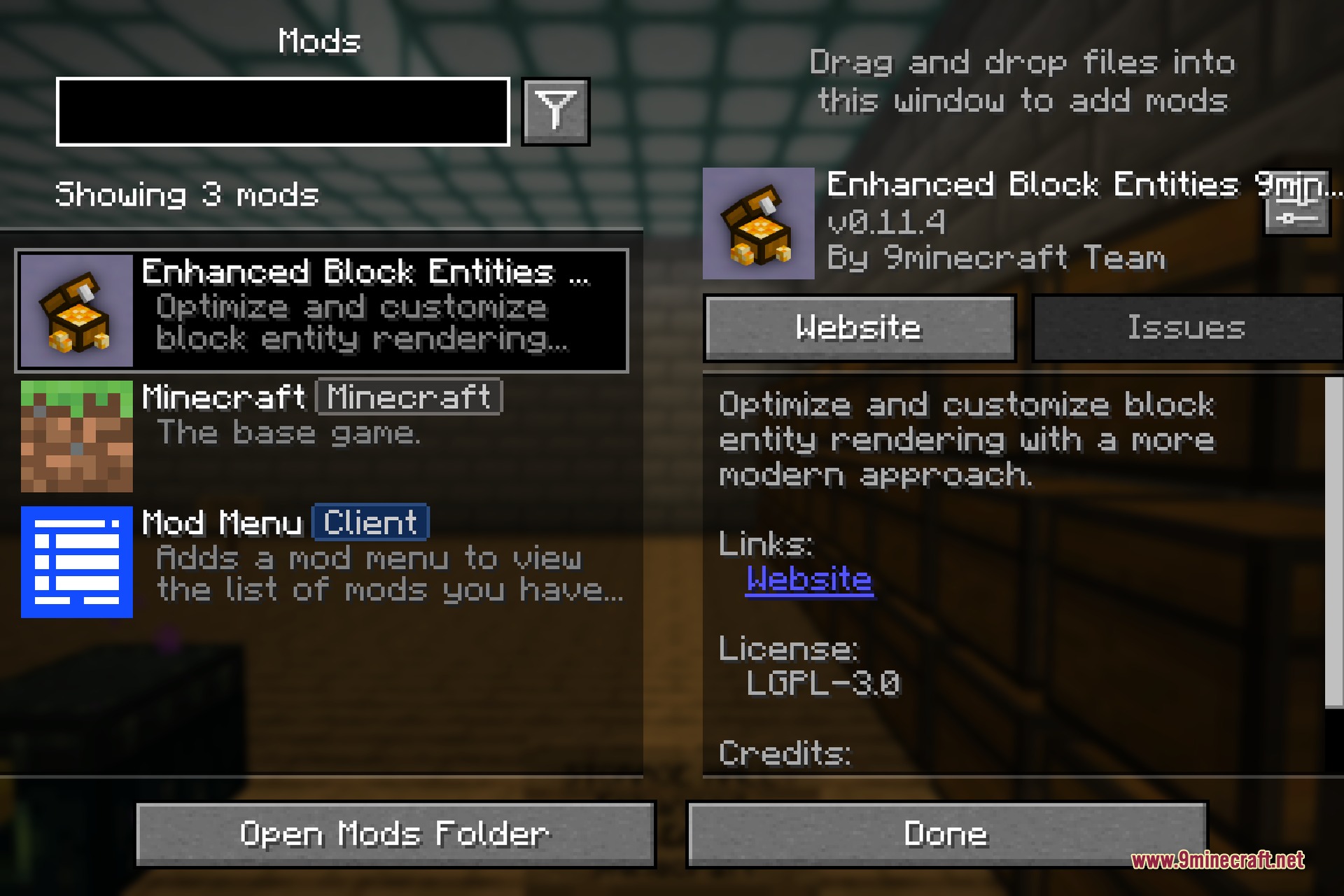
- The mod includes a built-in settings screen in the game menu.
- You can turn the visual changes on or off for each block type individually.
Screenshots:
Enhanced Block Entities 9minecraft Mod Download Links
Quick facts
- Edition: Minecraft Java
- File type: .jar
- How to install: Install the matching mod loader (Forge, Fabric or NeoForge) for your Minecraft version. → Download the .jar. → Put it in the .minecraft/mods folder and launch that loader profile.
- Where to get it: In MC Java Mods, or directly above on this page.
Install steps are the general flow for this file type — How to install Minecraft Java mods & modpacks walks through it step by step.
Verified by MCModsHub
- Downloads as 255953.mcaddon
- Download size: 214 KB
- Download link checked 22 Sept 2026 — working
- Mirrored on our own servers — the download does not depend on the original host
These come from our own check of the pack file, not from the source page.