Blockbuster Studio - Filmmaking For Minecraft BE/PE
Bedrock add-on listed for Minecraft 1.21–26.x (behavior + resource pack). File opened and checked on 22 Oct 2026; installs from the MC Bedrock Mods app on Android.
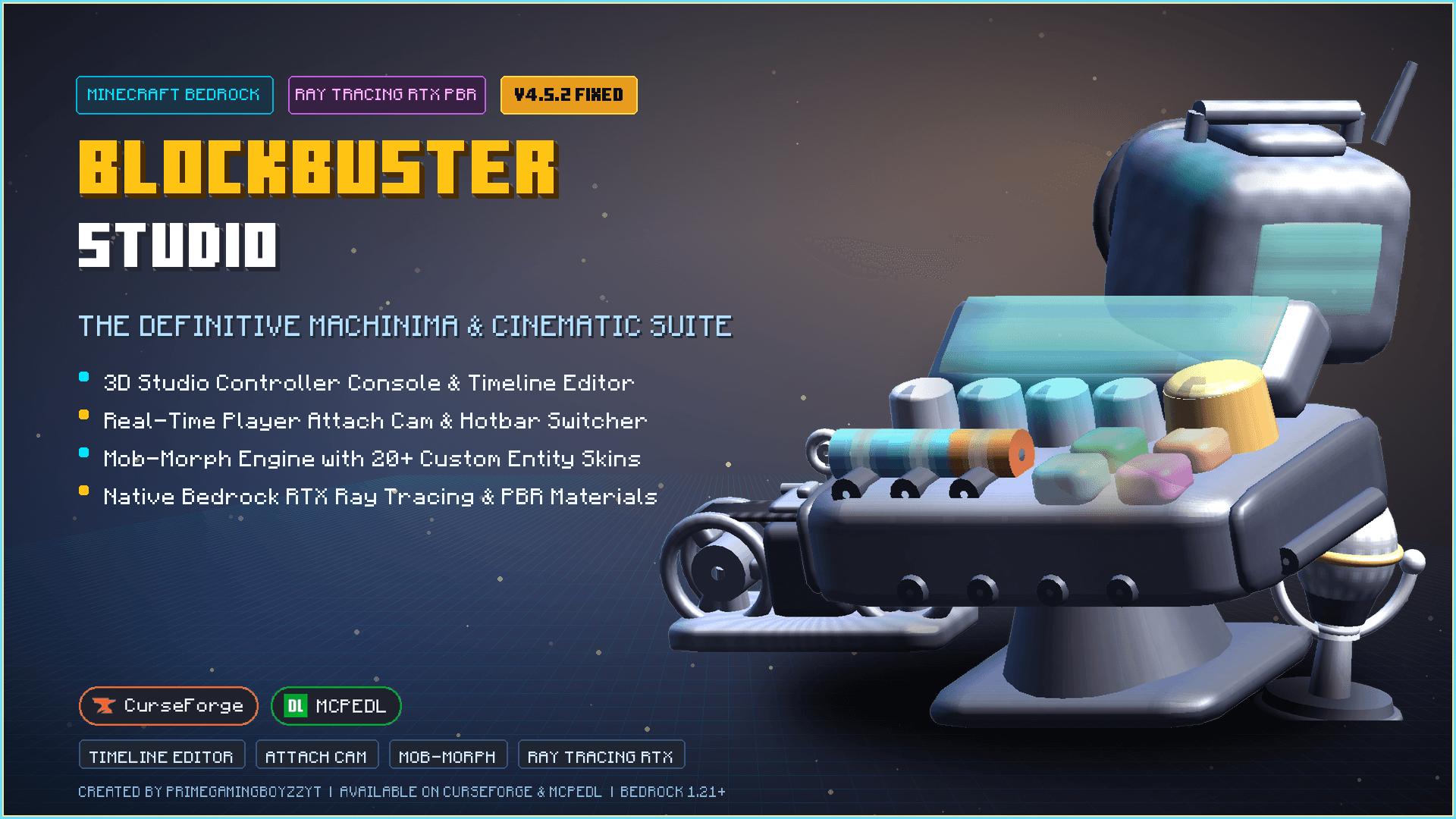
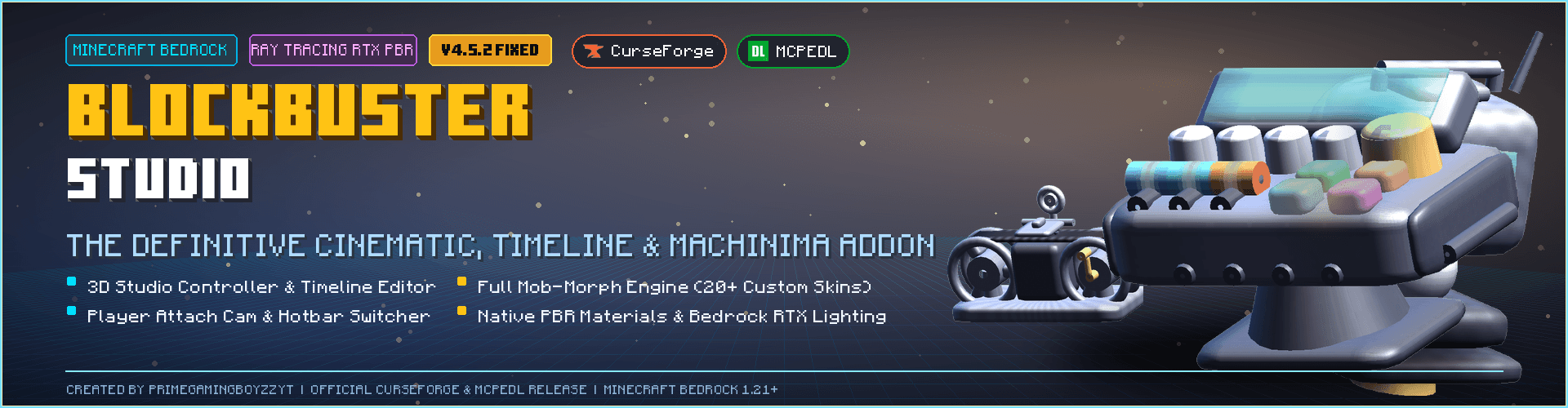
Blockbuster Studio is a Minecraft Bedrock Filmmaking Addon Inspired by Java BlockBuster. It lets you record actors, create camera paths, edit keyframes…
I don't know my version
⚠️ IMPORTANT ⚠️
Download the Déesse Ui Pack for better experience!
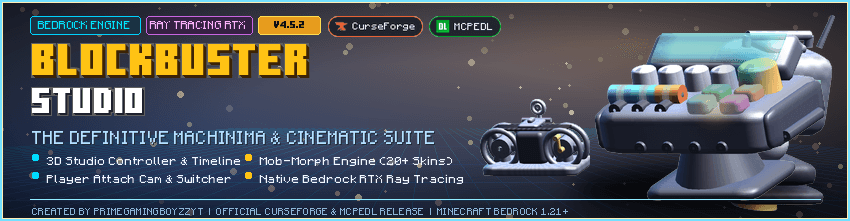
BlockBuste Studio
v4.5.1 · Major Update #02 (Fixed) · Minecraft Bedrock Edition · Behavior Pack + Resource Pack
Turn Minecraft into a mini film studio. Record multi-track performances, scrub keyframes, drive cinematic cameras, trigger scenes on position or item, and get help from Vegapunk — your in-world AI assistant.
Looking for every feature & fix?
Open the project Files tab and read the Changelog section on each file upload. This page stays focused on what the pack is and how it feels to use.
What is BlockBuste Studio?
A director’s toolkit for Bedrock. You record actors (mobs or custom skins), build tracks, layer keyframes, attach cameras, and play everything back in sync — including blocks you place or break. Scenes can start from a walk-in zone or a held item. Multiplayer-friendly recording keeps each player’s work from stomping on everyone else’s blocks.
- Multi-track recording & playback — several actors, one timeline feel
- Keyframe scrubber — animation, particles, sounds, commands, scale, transform
- Scene Builder — group tracks, delays, concurrent scenes, shared-track rules
- Vegapunk AI — errors, tutorials, and tips in chat (
/bb ai) - 20 player-layout skins + no-brain cinema puppets (
bbnb:*) - Cinematic cameras — attach presets, free cams, smoother FOV moves
Gallery
1 · TNT & explosion restore — Before / After
Break stone, place TNT and redstone, detonate — then stop recording or finish playback. The world prefers the original blocks, not temporary redstone left from the stunt.
TNT restoration — before & after
2 · Path visualizer
See every track’s route as glowing coloured dots — different colour per track — so you always know where an actor travels before you hit play.
Path visualizer
3 · Leash system
Record leading multiple mobs. On playback, targets pre-spawn at their attach spots, stay frozen until leashed, and each lead finds the correct animal — not just the first cow.
Leash system
4 · Scene Builder & triggers
Group tracks into scenes, set start delays, and fire them from a position zone or a held item. Trigger a second scene while the first is still running — shared tracks keep going; new tracks join in.
Scene Builder / concurrent scenes
5 · Keyframe scrubber & default skins
Drop animations, particles, sounds, and commands on the timeline. Type to search vanilla IDs. Cast with twenty player-layout skins (bb:skin1–bb:skin20) or no-brain puppets when you need a quiet extra on set.
Keyframe scrubber / default skins
How to start
- Enable both the Behavior Pack and the Resource Pack on your world.
- In-game run
/bb givefor the studio kit, or open the Studio Controller item. - Follow Vegapunk’s tutorial:
/bb tutorial - Record a track → play it back → open the Keyframe Scrubber while paused to dress the take.
- Need help?
/bb ai help·/bb help
Who is it for?
- Map makers and adventure creators who need controlled performances
- Content creators staging fights, cutscenes, and cinematic camera moves
- Anyone who wants multi-actor playback without fighting vanilla AI every take
Requirements
- Minecraft Bedrock (supports modern Script API worlds — see file notes for exact game versions)
- Experiments / script features as required by your Bedrock version for add-on scripts
- Resource Pack + Behavior Pack enabled together
Changelog
Full feature lists, fixes, and version history live on the Files page under each upload’s Changelog field — not in this description. Check there whenever you update so you never miss a new tool or fix.
BlockBuste Studio · Make the shot. Play it back. Cut the next one.
🛑 INTELLECTUAL PROPERTY & AI WARNING
Please read before downloading or using this project.
- 🟩 Original Content: All code, assets, custom textures, and color data contained in this project are the original work of the author.
- 🟥 No Plagiarism: Do not copy, modify, redistribute, or mirror this addon or its texture positions on any other websites or platforms.
- 🤖 AI Prohibition: Using the source code, logic, colors, or textures of this project to train AI models or generate derivative works is strictly forbidden.
- Edition: Minecraft Bedrock
- File type: .mcpack or .mcaddon
- Minecraft versions listed: 26.20, 26.30, 26.40
- How to install: Download the .mcpack or .mcaddon file. → Open it — Minecraft imports it. → In your world: Behavior Packs → Available → Activate, then the same under Resource Packs.
- Where to get it: Opens on CurseForge — not every file is mirrored on our own servers.
Install steps are the general flow for this file type — How to install Minecraft Bedrock addons & mods walks through it step by step.
- Pack type: .mcaddon — behaviour and resource pack in one file
- Manifest requires Minecraft 1.21.0 or newer
- Complete pack — everything it depends on is inside the file
- Download size: 4.2 MB
- Download link checked 18 Oct 2026 — working
These come from our own check of the pack file, not from the source page.