Water Plus Client Mod (1.21.11) – Automate Combat and Reveal Enemies
Java mod listed for Minecraft 1.21. Downloads from the MC Java Mods app on Android.
⬇ Download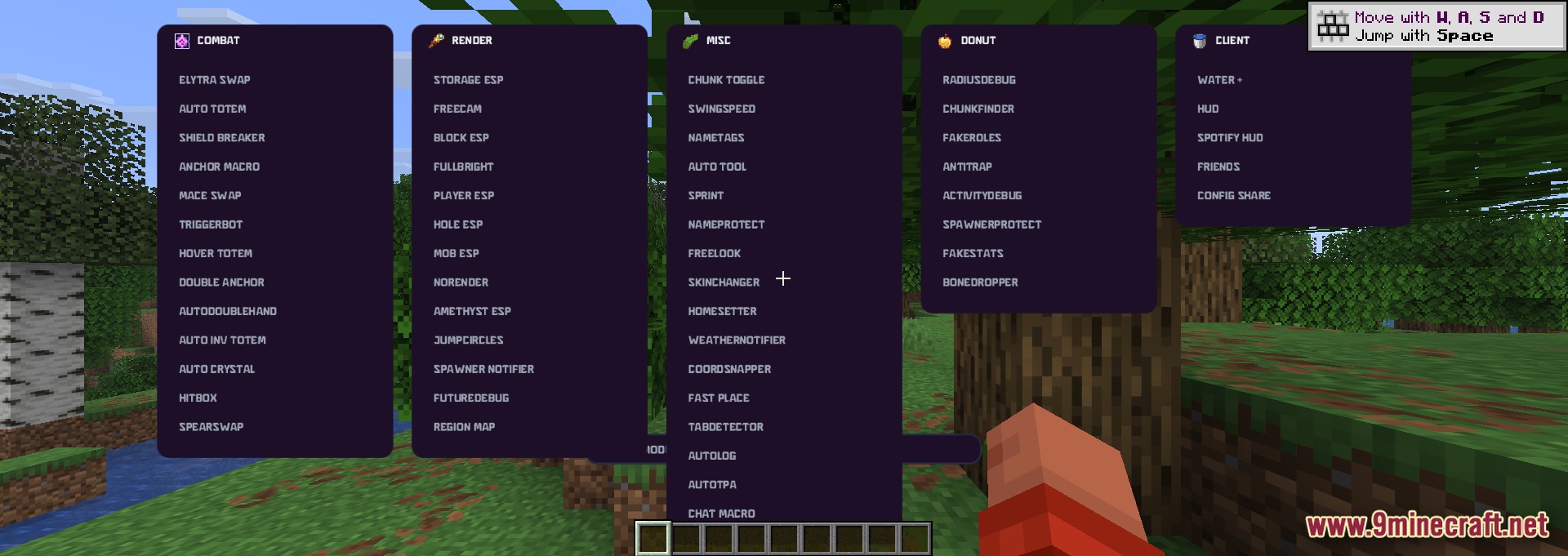
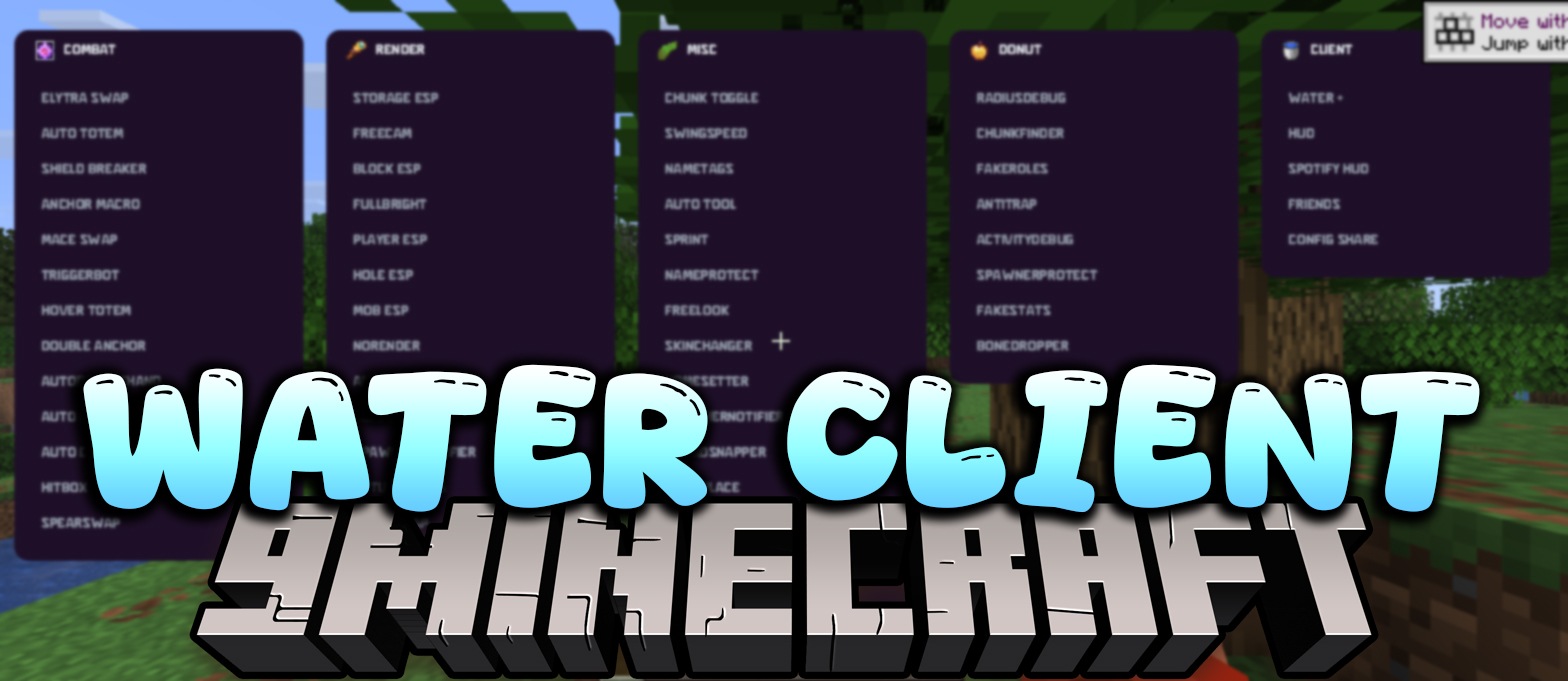
Water Plus Client Mod gives you a clean menu filled with helpful tools for your Minecraft world. This client packs many different options into a simple screen that you open with a single button. You can search for specific tools, set your own keys to turn them on, and move parts of the screen around. It groups everything into columns so you never have to click through confusing tabs. You can even share your saved settings with friends or load theirs to get started right away.
Features:
- Modern Menu: Displays all tool categories side-by-side without hiding anything in tabs.
- HUD Editor: Lets you click and drag information boxes anywhere on your screen.
- Config Sharing: Adds options to save your exact menu setup and trade it with other players.
- Shows what song you listen to with the built-in Spotify tool.
- Adds smooth animations when you open menus and click buttons.
- Gives every single tool its own custom keybind so you turn things on fast.
- Includes a search bar so you find tools by typing their names.
Combat Tools:
- Swaps your chestplate and elytra quickly during fights.
- Places totems in your hand automatically so you survive hard hits.
- Breaks enemy shields and helps you fight with maces or anchors.
Render Options:
- Draws bright boxes around hidden chests and dropped items.
- Lights up dark caves without needing torches.
- Shows you where other players and mobs hide through walls.
Misc and Donut Features:
- Changes your swing speed and tracks your exact coordinates.
- Swaps tools for you when you mine different blocks.
- Helps you find specific chunks and protects your mob spawners.
How to Use:
- Press the Right Shift key on your keyboard to open the main menu.
- Type in the search bar to find the exact tool you want.
- Click on any tool to turn it on, or right-click to set a shortcut key.
- Open the HUD editor from the Client column to drag screen elements around.
Screenshots:
Water Plus Client Mod Download Links
- Edition: Minecraft Java
- File type: .jar
- Minecraft version listed: 1.21.11
- How to install: Install the matching mod loader (Forge, Fabric or NeoForge) for your Minecraft version. → Download the .jar. → Put it in the .minecraft/mods folder and launch that loader profile.
- Where to get it: In MC Java Mods, or directly above on this page.
Install steps are the general flow for this file type — How to install Minecraft Java mods & modpacks walks through it step by step.
- Downloads as 255971.mcaddon
- Download size: 631 KB
- Download link checked 25 Sept 2026 — working
- Mirrored on our own servers — the download does not depend on the original host
These come from our own check of the pack file, not from the source page.