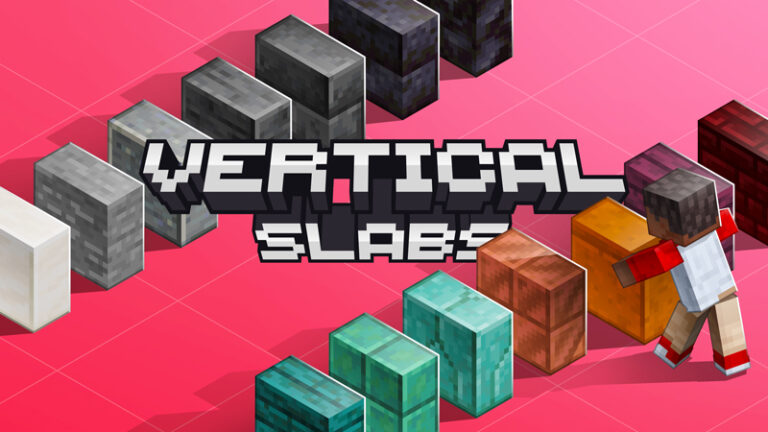
Vertical Slabs Addon | Minecraft Addon BE
Vertical Slabs Addon adds 59 new vertical slabs to Minecraft, each one corresponding to a vanilla slab! During the development process, I tried to make…
⬇ DownloadOpen in MCModsHubGet it on Google Play →Vertical Slabs Addon adds 59 new vertical slabs to Minecraft, each one corresponding to a vanilla slab! During the development process, I tried to make these vertical slabs as close as possible to the vanilla slabs in terms of features, although some features are still not possible to implement due to API limitations, but they should be enough for building. I hope these vertical slabs can bring a more relaxed building experience in the game.
Creator: LPaicen
Vertical Slabs Addon
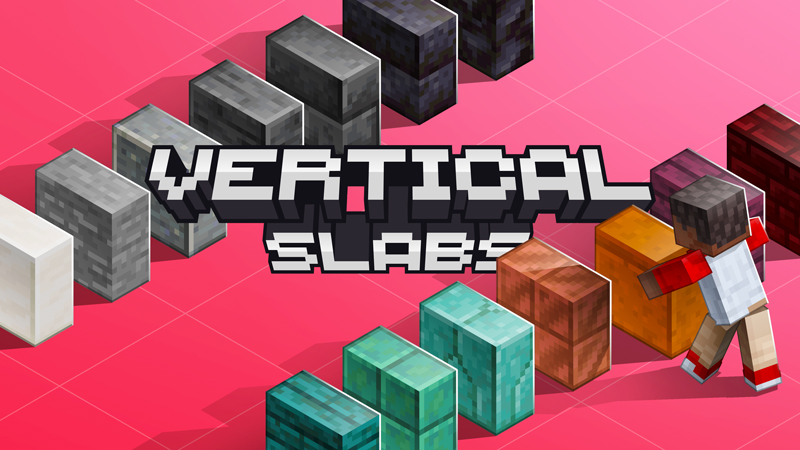
UNLEASH YOUR CREATIVITY WITH VERTICAL SLABS ADDON!
! These are NOT entities, the additions are BLOCKS!
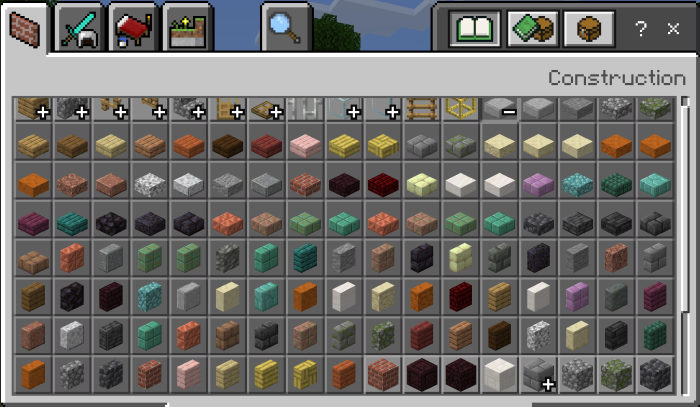
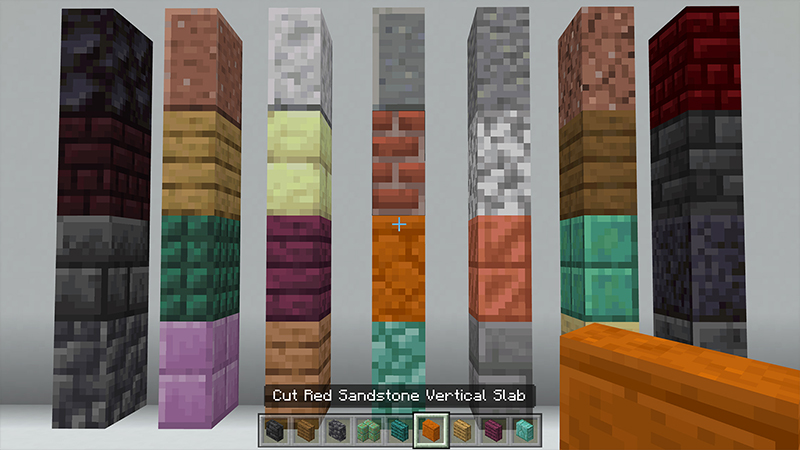
All Vertical Slabs
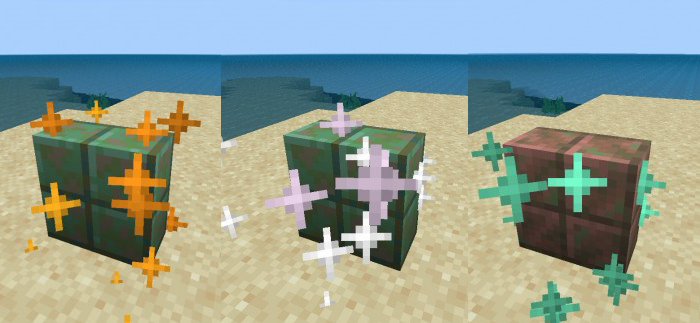
Note: The vanilla cut copper slabs have many features, and also these vertical slabs is simulated by features. These cut copper vertical slabs will oxidize (very slowly), and players can use honeycomb to prevent them from oxidizing further, or use an axe to remove wax or rust. But they cannot use dispensers to wax them, nor can they be struck by lightning to remove rust.
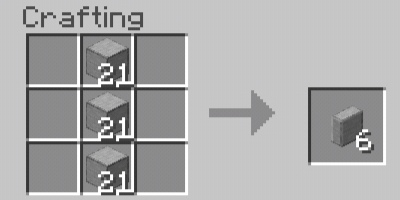
The crafting of vertical slabs is very simple, just place 3 ingredients in a vertical column in the crafting table slot, and each 3 ingredients can make 6 vertical slabs.
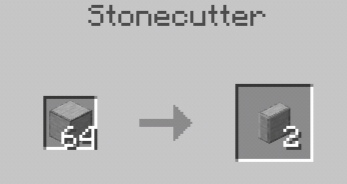
For stone materials, you can also use a stonecutter to cut them into vertical slabs.
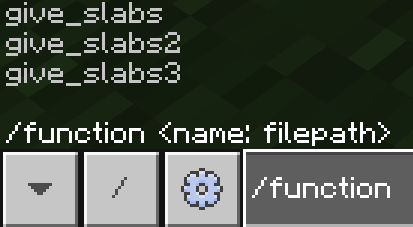
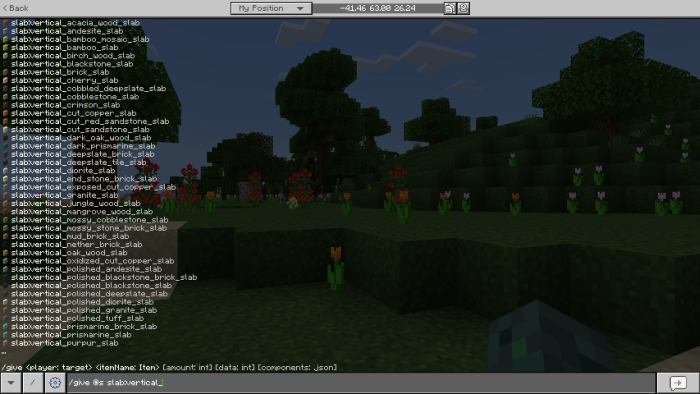
In addition, you can also use the /function command to get vertical slabs.
Each vertical slab has four orientations: east, south, west, and north, and their collision boxes are half a block in size, but due to API restrictions, blocks like torches can still be placed on top of them. Also, these vertical slabs can be waterlogged. If you add a resource pack, the textures of these vertical slabs will also change accordingly.
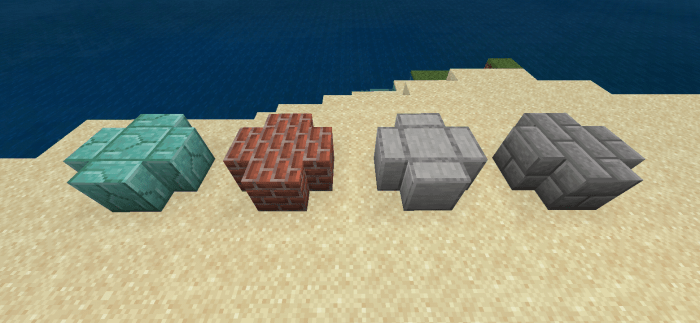
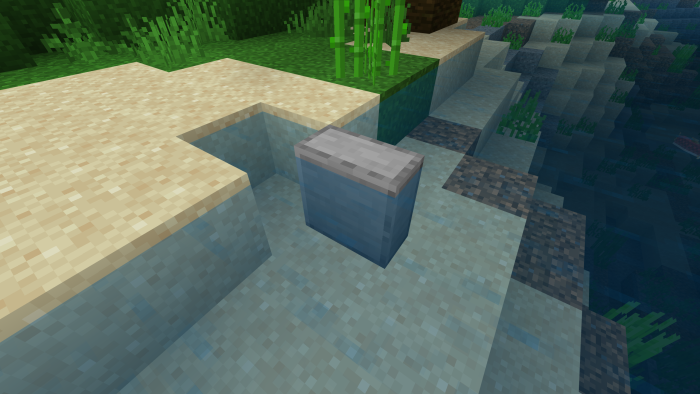
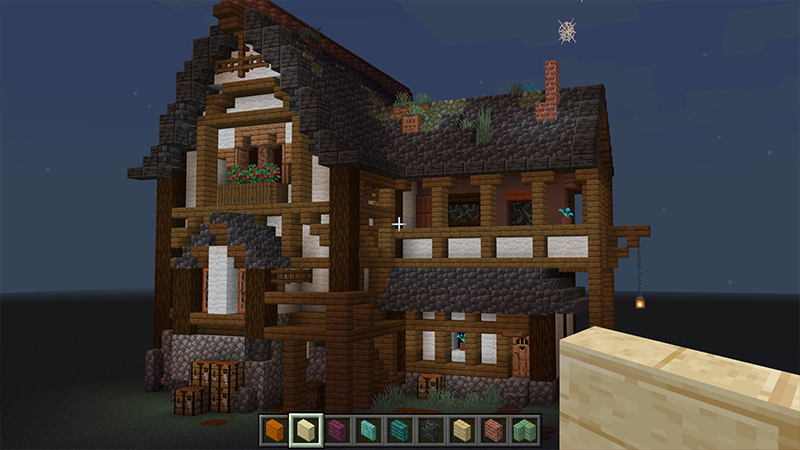
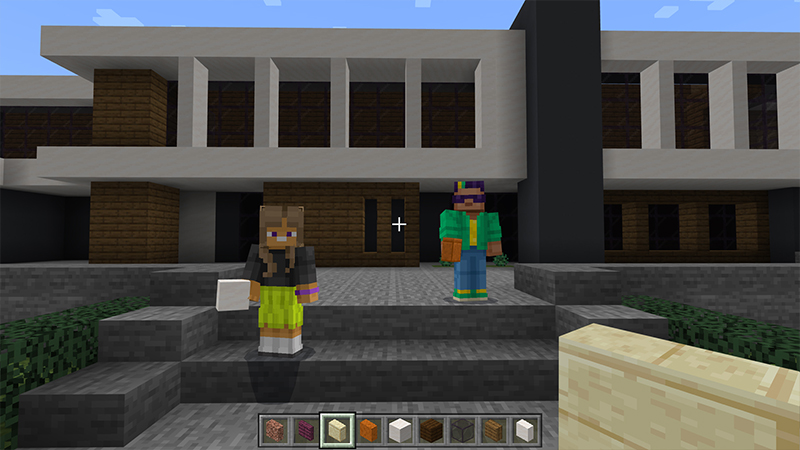
Previews with Vertical Slabs
Some Minecraft Addon PE you can check in Mcpe addons:
Installation
- Find the Installation Location: Open the “Files” app or a file manager on your device.
- Navigate to the folder where your Minecraft PE files are stored.
Typically this can be found under
“Internal Storage” > “Android” > “data” > “com.mojang.minecraftpe” > “files” > “games” > “com.mojang” > “resource_packs” for textures and “behavior_packs” for behavior addon. - Move the MCADDON: Copy or move the downloaded MCADDON file to the folder (resource_packs or behavior_packs).
- Start Minecraft PE: Open the Minecraft Pocket Edition app on your device.

↳Download Vertical Slabs Addon
- Select the Vertical Slabs Addon: From the game’s main menu, go to “Settings” > “Global Resources”.
- There, you will find the MCADDON mod listed among the available resources.
- Activate the Mod: Click on the MCADDON mod you want to use to activate it.
- Make sure to disable the previous version of this addon if you have it.
- Activate the experimental Holiday Creator Features and Mojang Features options.
- Apply Changes: Click the confirm button or restart the game as prompted.
- Pack type: .mcaddon — behaviour and resource pack in one file
- Manifest requires Minecraft 1.20.70 or newer
- Complete pack — everything it depends on is inside the file
- Download link checked 17 Jun 2026 — working
- Mirrored on our own servers — the download does not depend on the original host
These come from our own check of the pack file, not from the source page.