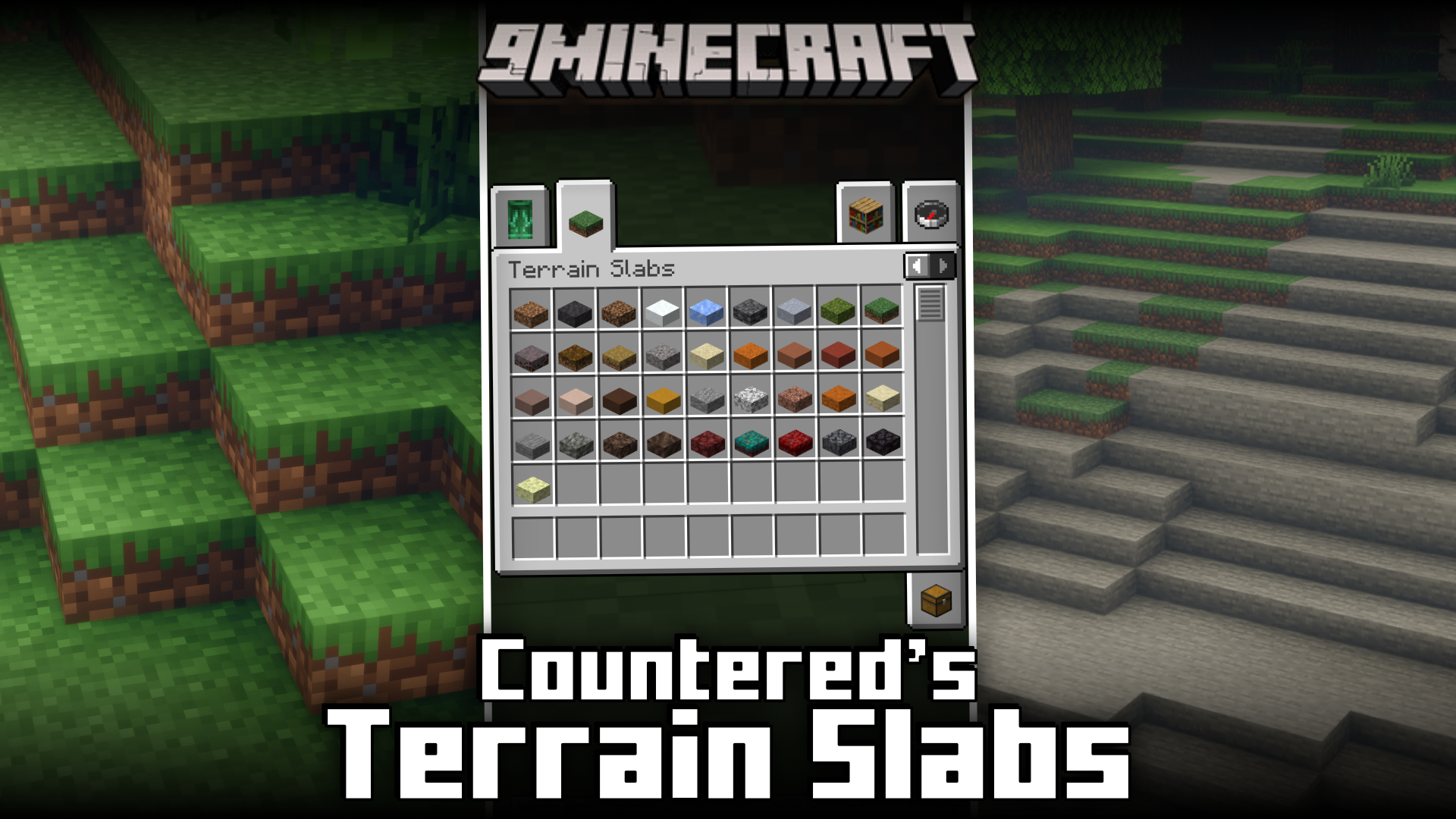
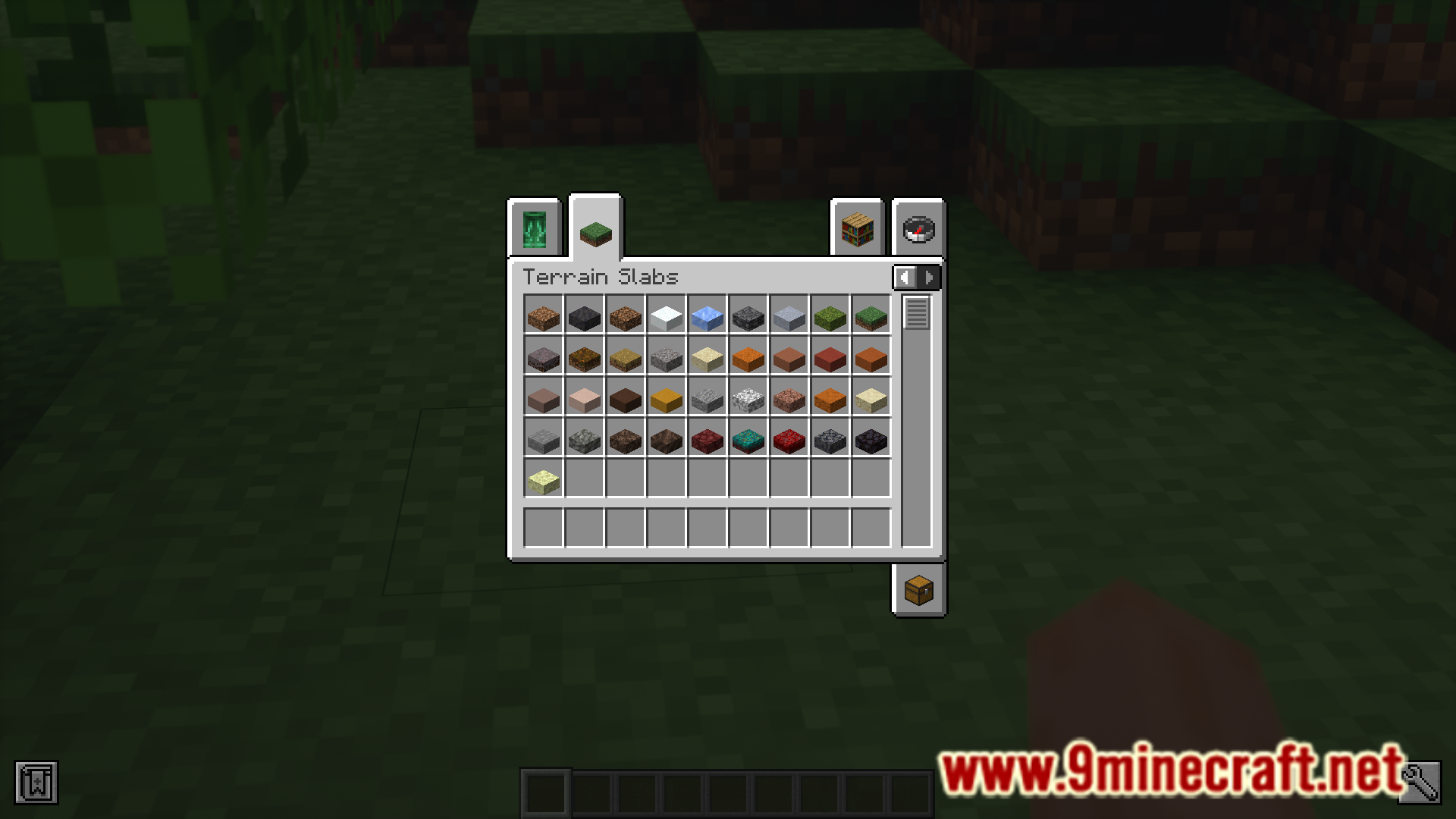
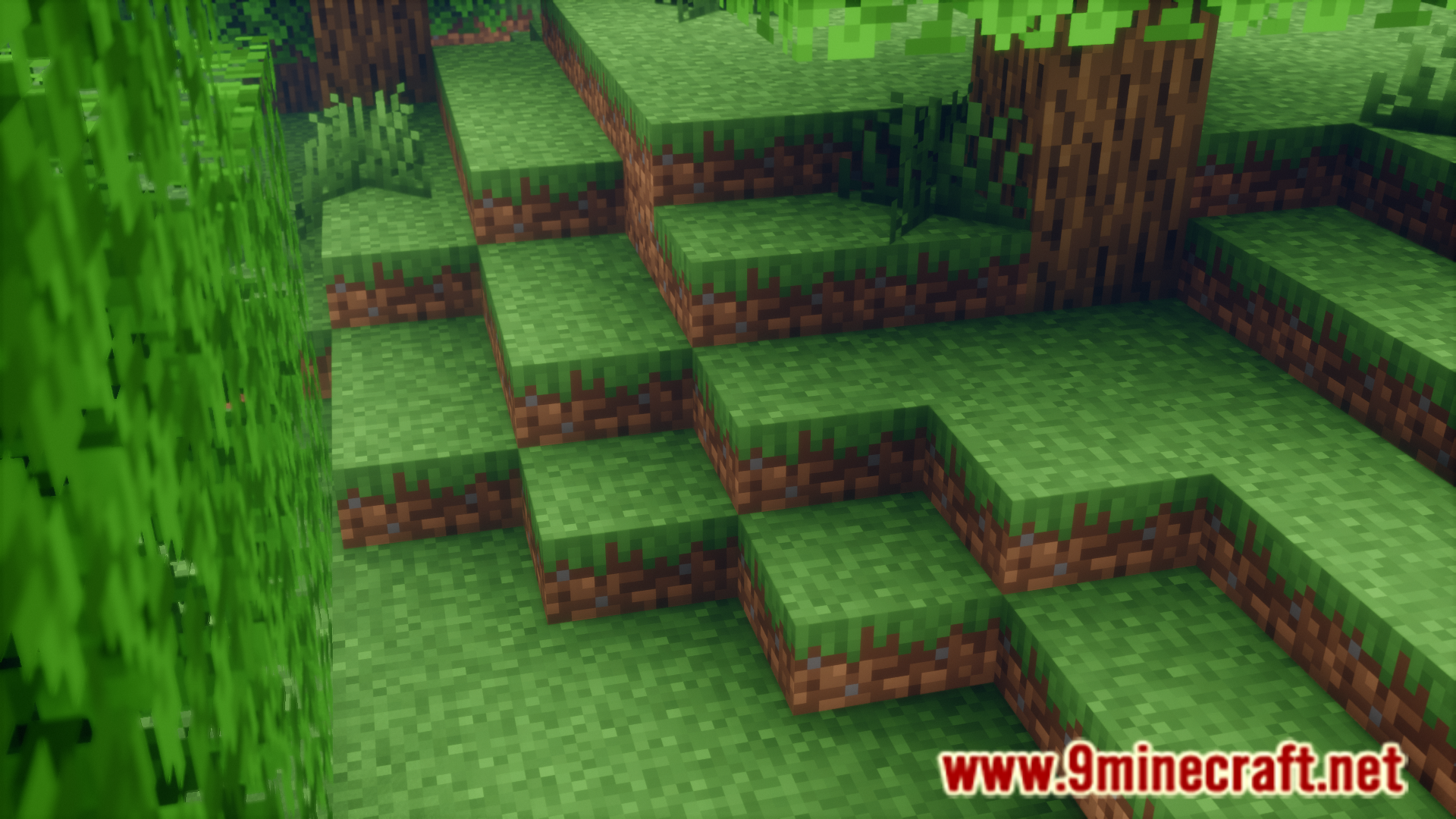
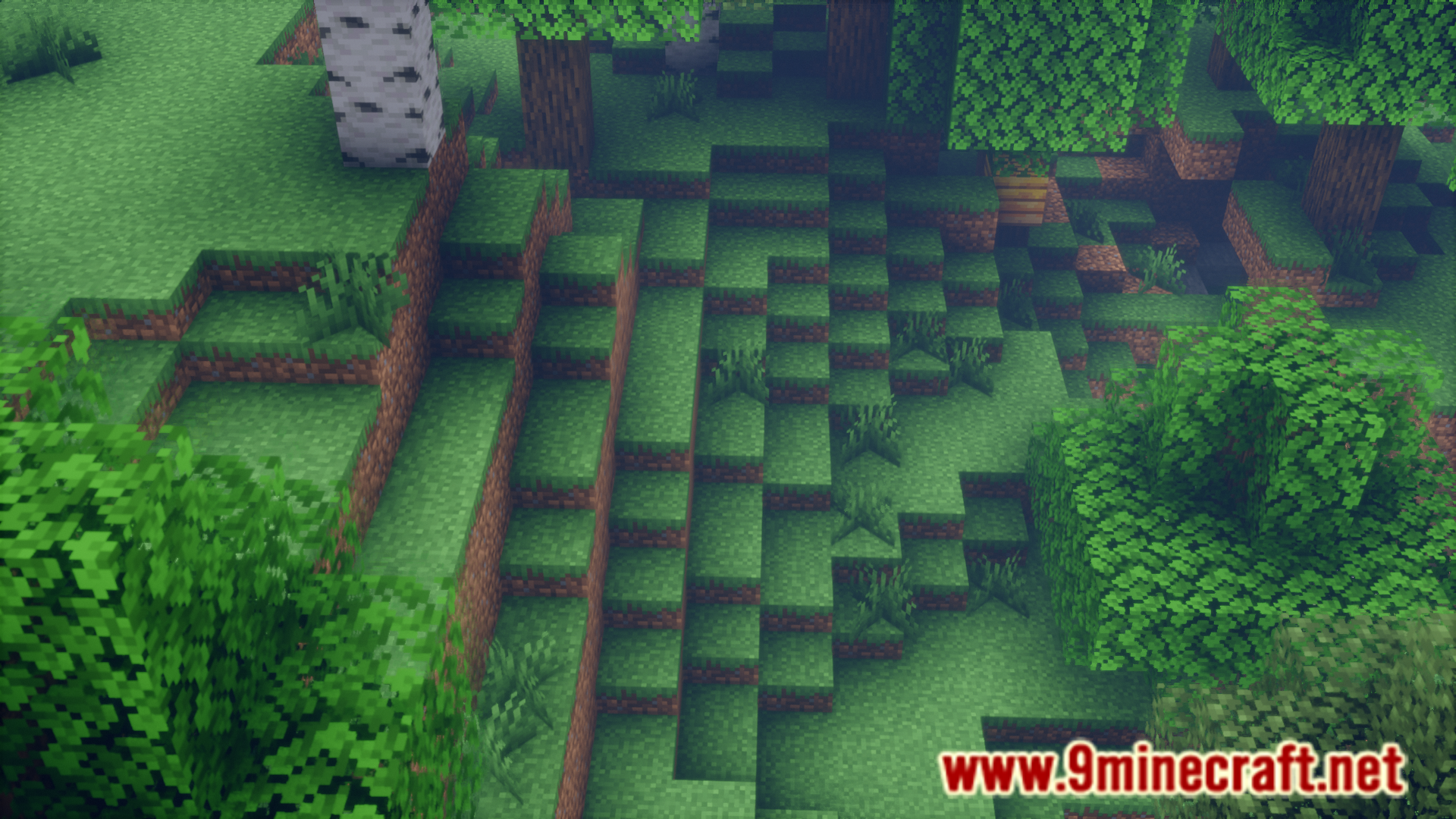
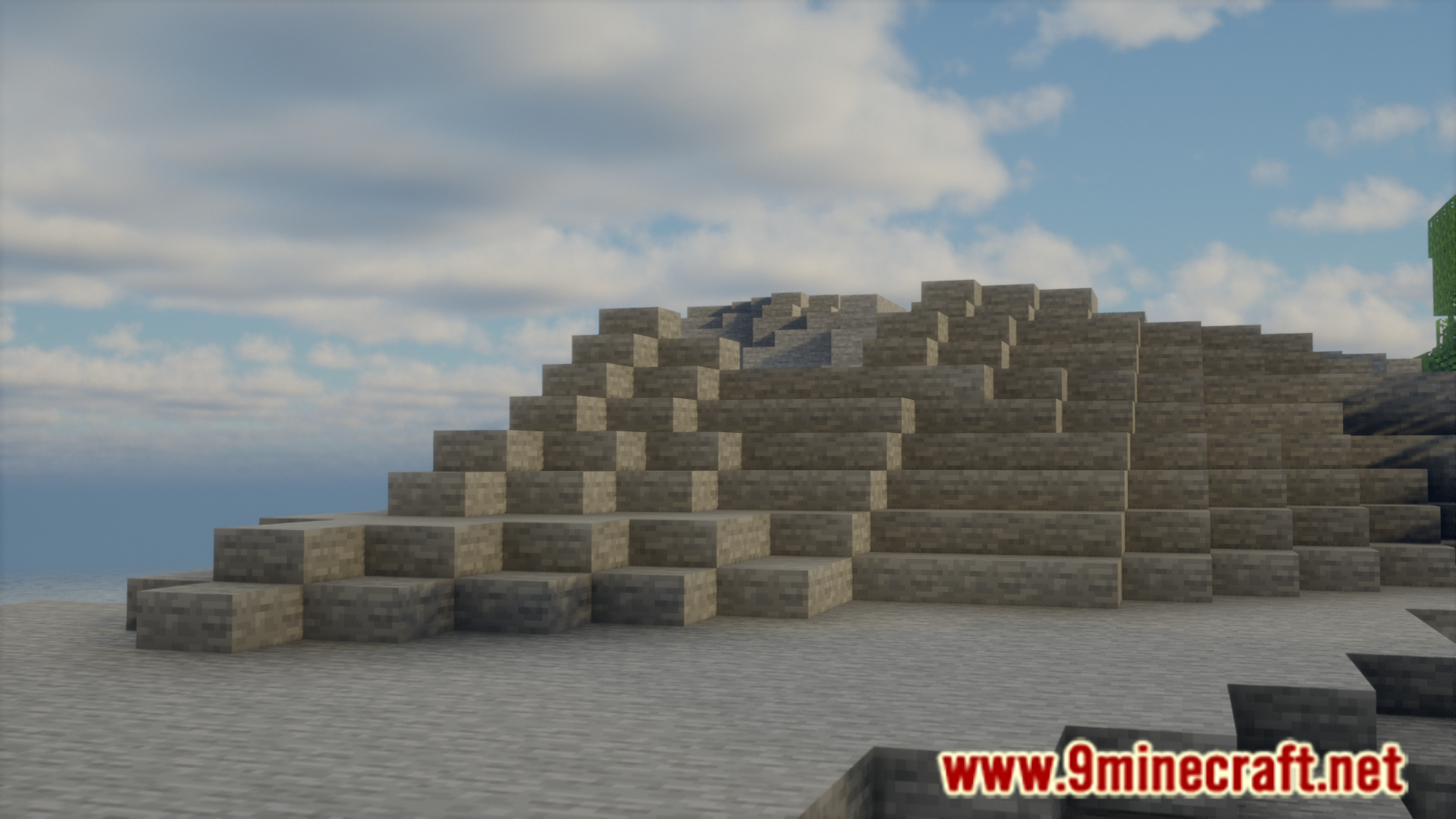
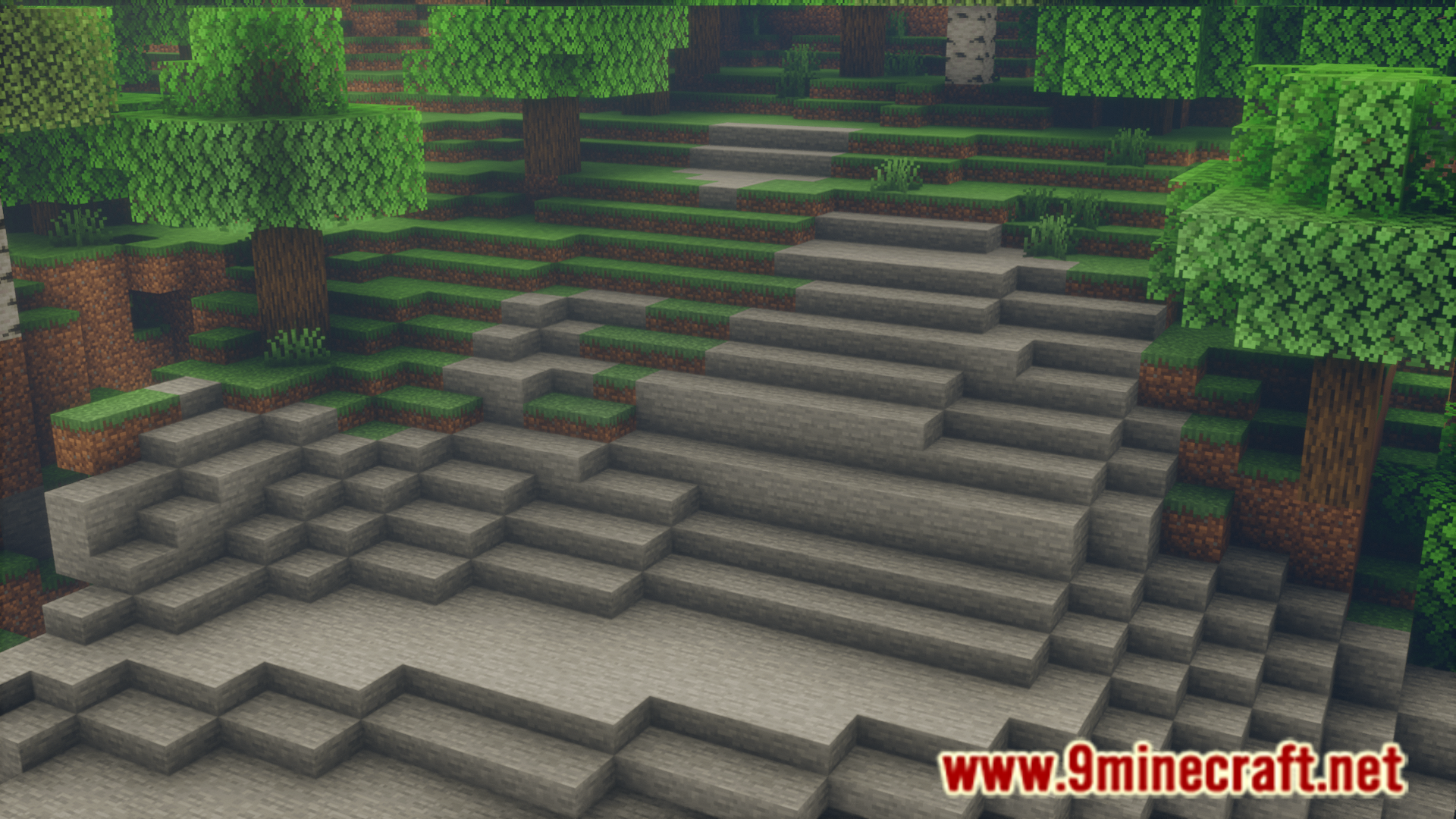
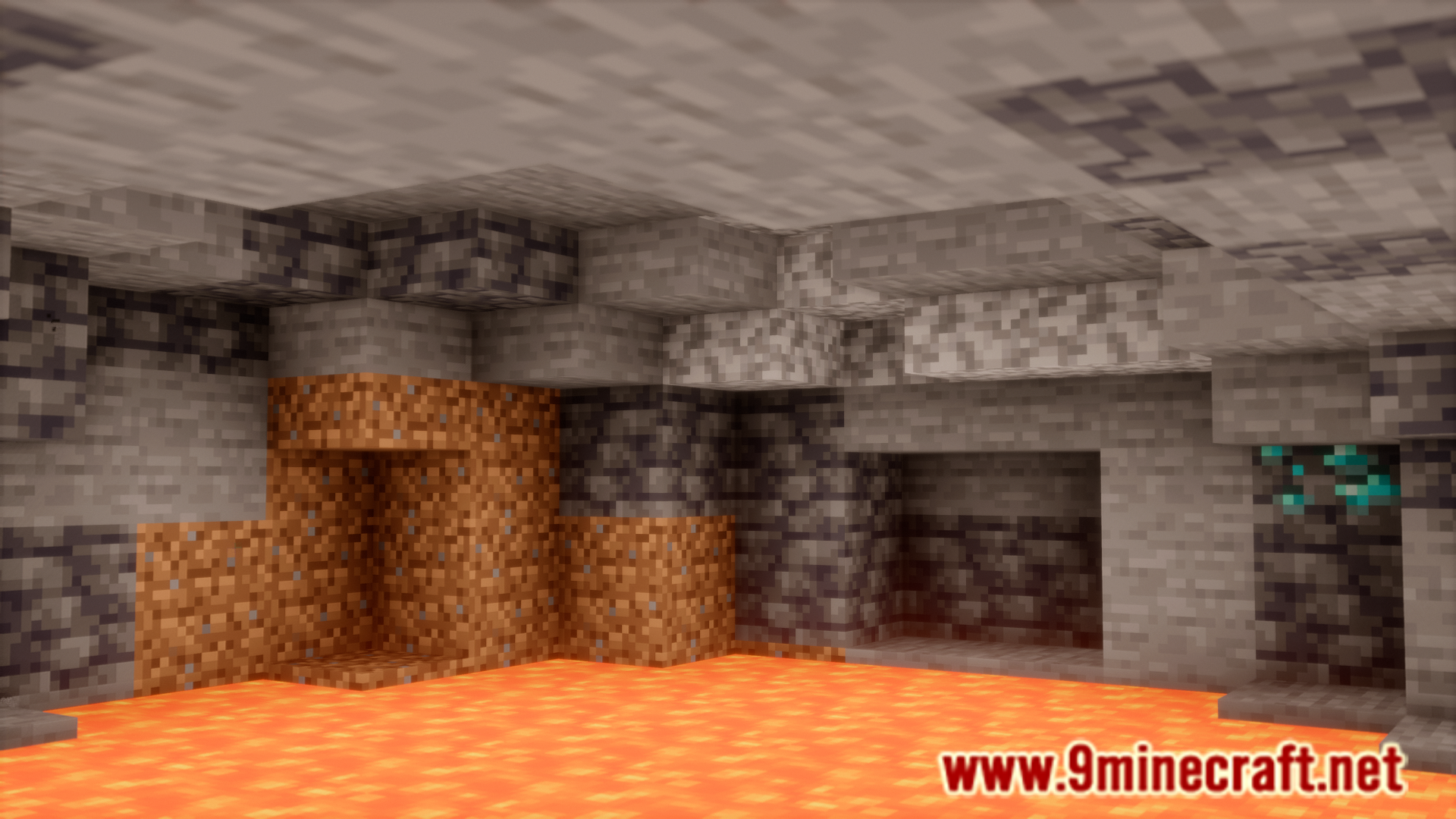
The terrain in Minecraft is made with the goal of being as realistic as possible. But Minecraft being a blocky game offers some restrictions. Since the world and its terrain is made using cubical blocks, it is not possible to make the terrain look much smooth. Countered’s Terrain Slabs Mod is here to improve the terrain in the game. This mod basically introduces the slab variants of a lot of the terrain blocks in the game. These blocks are a part of the world generation and help make the terrain look a lot smoother.
Features:
- Ground and ceiling slabs
- Slabs generate throughout entire chunks
- Appear on the surface and inside caves
- Enhances both overworld and underground exploration
- Multiple slab materials
- Includes common blocks such as
dirt,grass,mycelium,moss - Also supports
gravel,sand,clay, anddeepslate - Gravity-affected slabs behave like their original blocks
- Includes common blocks such as
- No inventory clutter
- Breaking a slab drops its original block
- No custom slab items filling your inventory
- Configurable generation
- Toggle slab world generation using embedded
MidnightLib - Option to keep slabs only, if desired
- Toggle slab world generation using embedded
How it works:
- Slabs generate naturally alongside terrain generation
- Smooths transitions between different block heights
- Makes hills and slopes easier to climb
- Reduces harsh, blocky steps without removing cliffs
Compatibility Notes
- Grass slabs appear the wrong color
- Likely caused by
Quark - Disable
Greener Grassin the Quark config
- Likely caused by
- Distant Horizons shows slabs as brown cubes
- Use the included resource pack for partial fixes
- Fancy grass option
- Available through the included resource pack
Screenshots:
Countered’s Terrain Slabs Mod Download Links
- Edition: Minecraft Java
- File type: .jar
- Minecraft version listed: 1.20.1
- How to install: Install the matching mod loader (Forge, Fabric or NeoForge) for your Minecraft version. → Download the .jar. → Put it in the .minecraft/mods folder and launch that loader profile.
- Where to get it: In MC Java Mods, or directly above on this page.
Install steps are the general flow for this file type — How to install Minecraft Java mods & modpacks walks through it step by step.
- Downloads as 2560.mcaddon
- Download size: 313 KB
- Download link checked 25 Sept 2026 — working
- Mirrored on our own servers — the download does not depend on the original host
These come from our own check of the pack file, not from the source page.