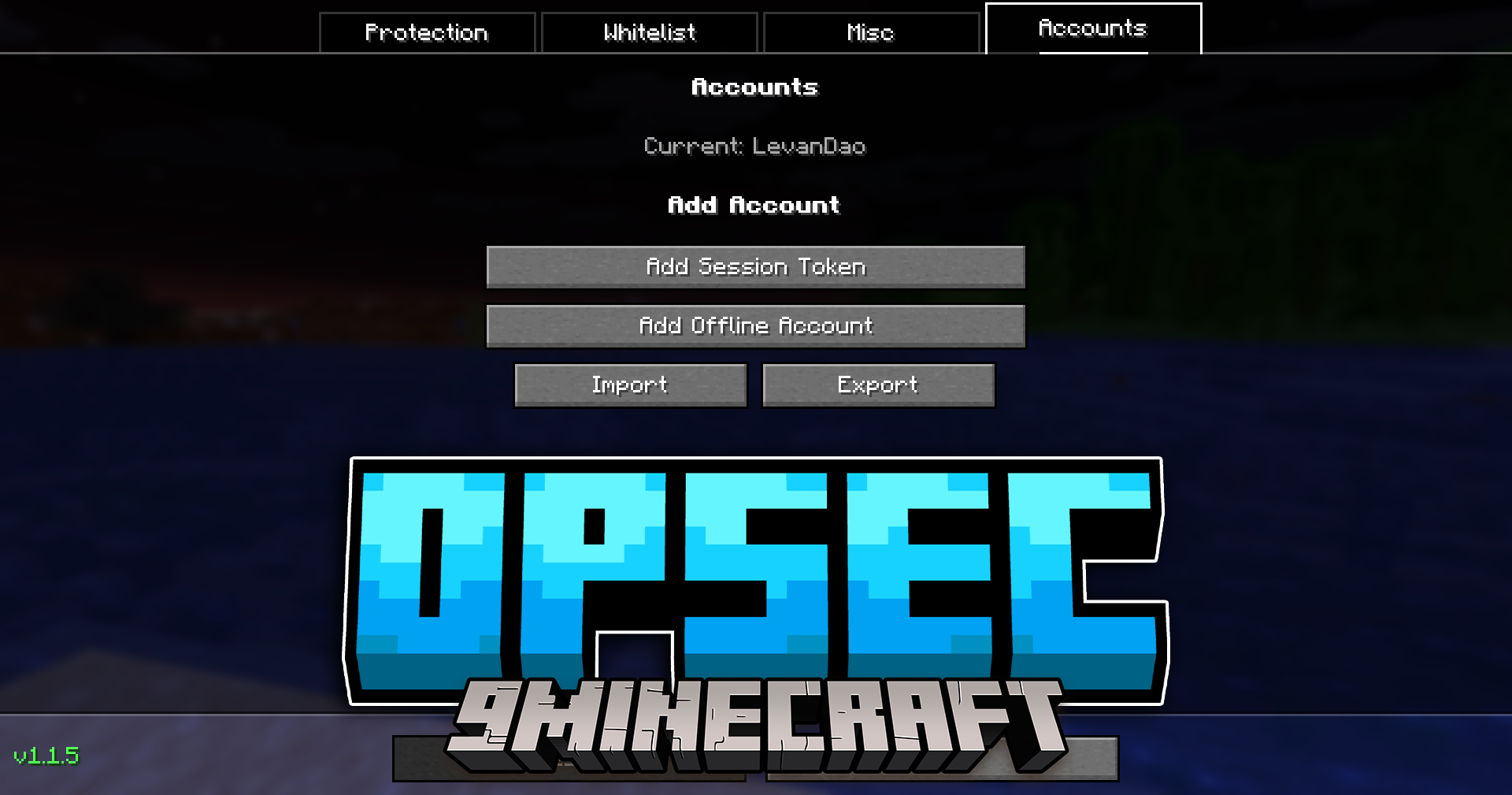
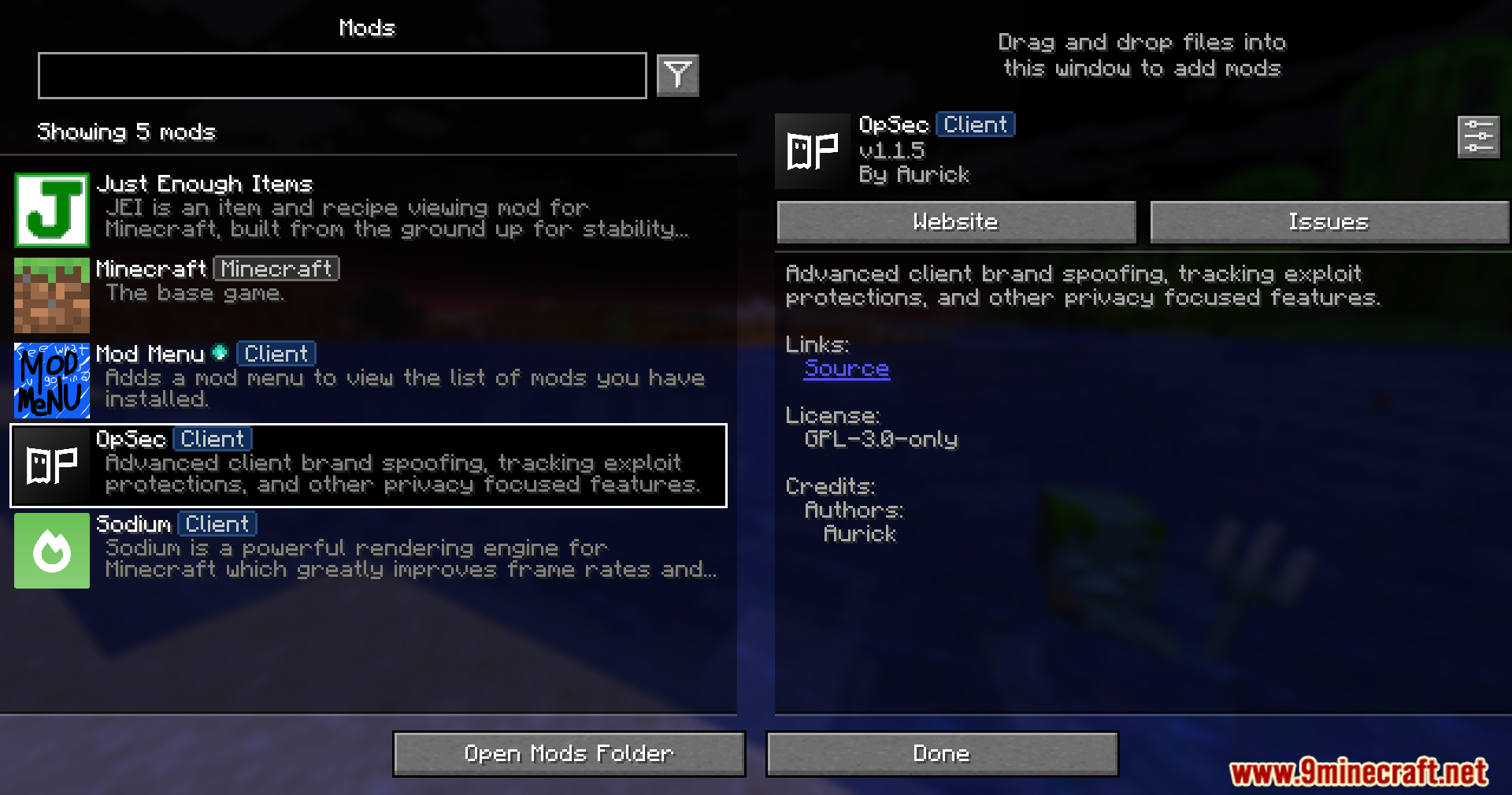
OpSec Mod protects your privacy when you play on multiplayer servers. It stops servers from tracking your account, checking your keyboard presses, or seeing what other mods you have installed. This mod gives you tools to block unwanted data collection and keeps your game safe from sneaky server tricks. You can even switch between different Minecraft accounts easily right from the menu.
Features:
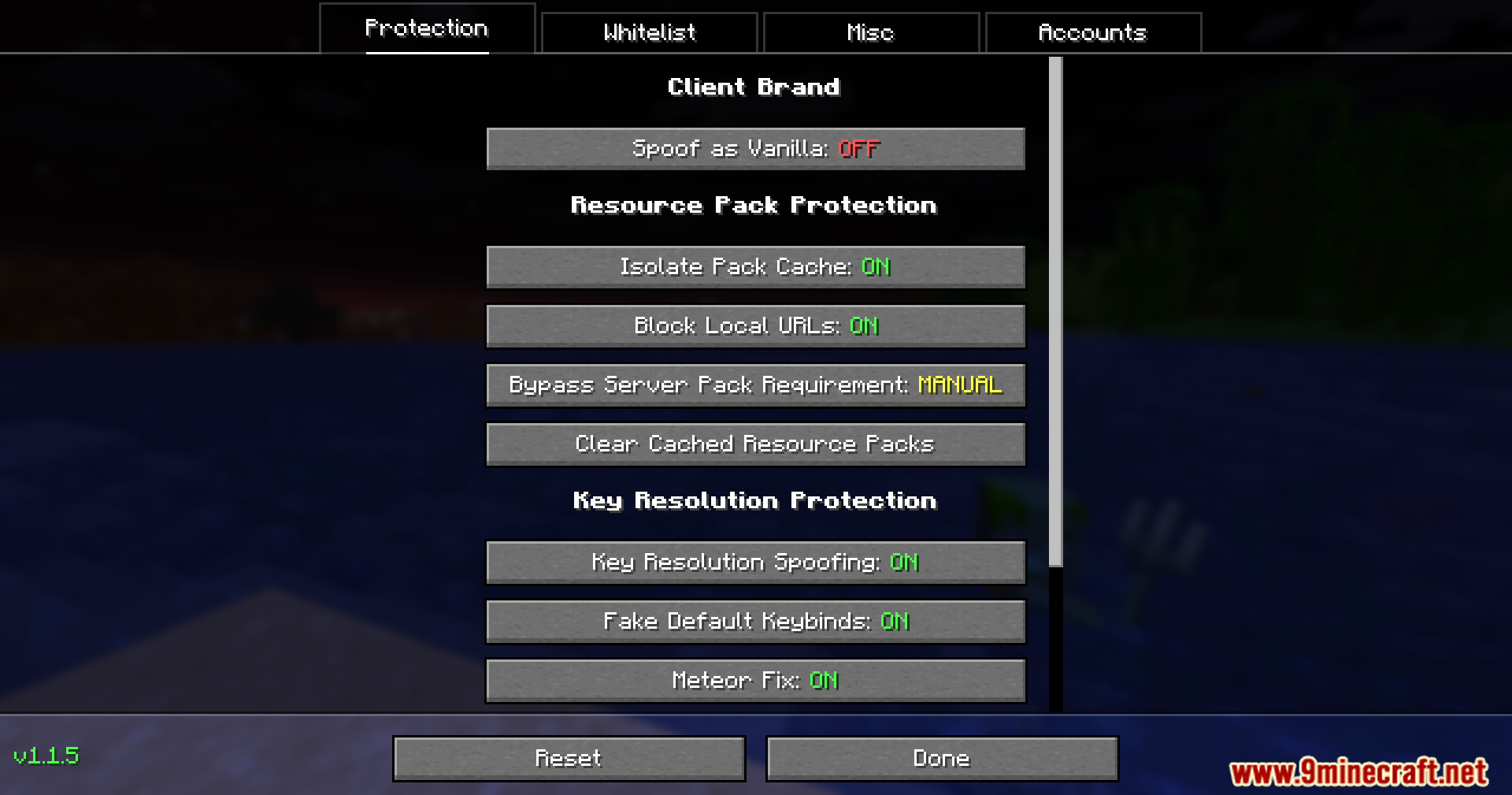
- Hide Your Mods: Makes your game look like normal, unmodded Minecraft to servers so they cannot block you for using mods.
- Block Server Packs: Lets you say no when a server tries to force you to download its custom resource pack.
- Stop Tracking: Saves server resource packs separately for each account so servers cannot track who you are.
- Blocks dangerous links that try to look at your private home network.
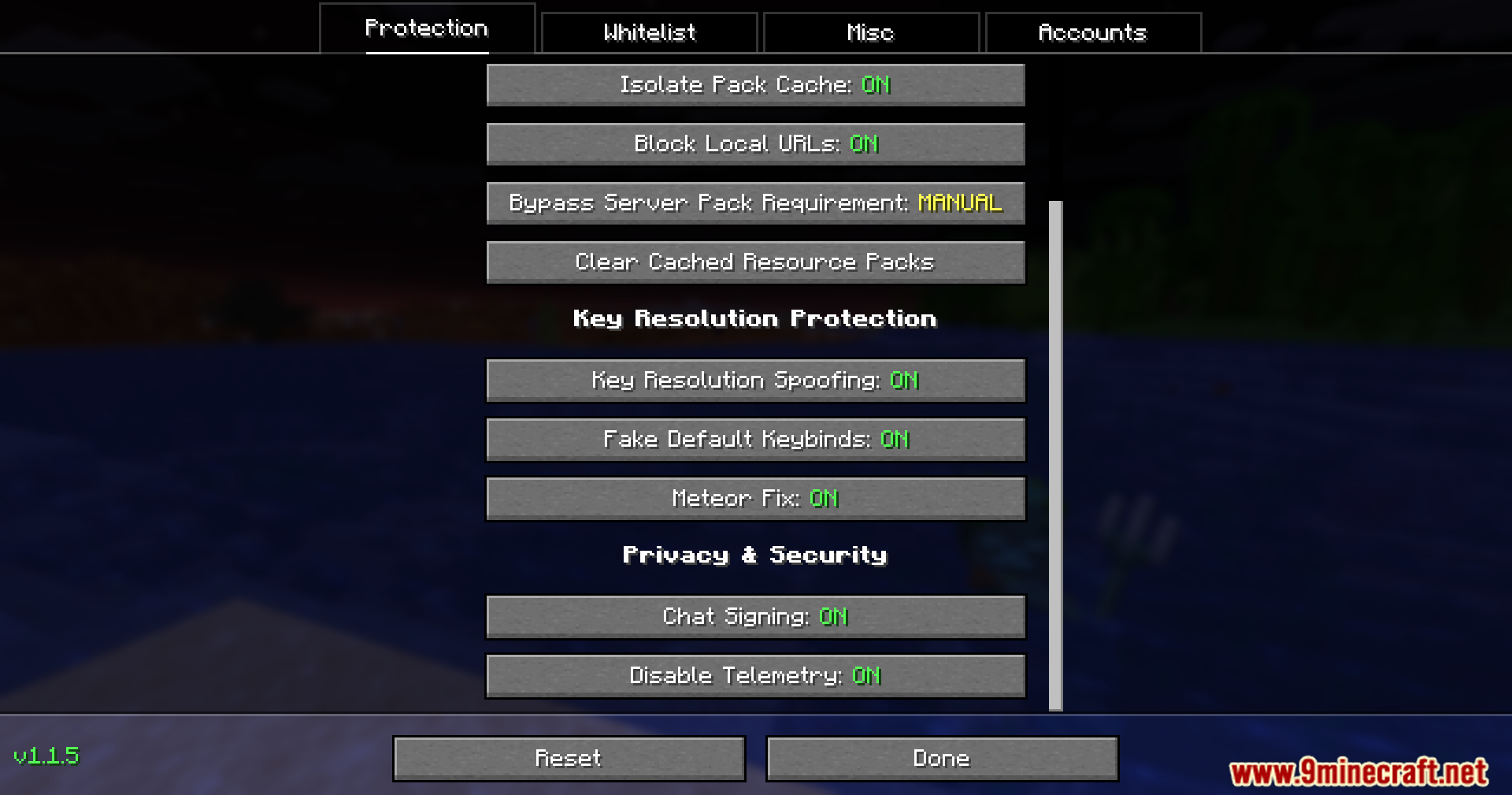
- Stops servers from checking what keys you press on your keyboard.
- Gives you control over chat messages so you can turn off chat signatures for better privacy.
- Stops the game from sending your private play data back to Mojang.
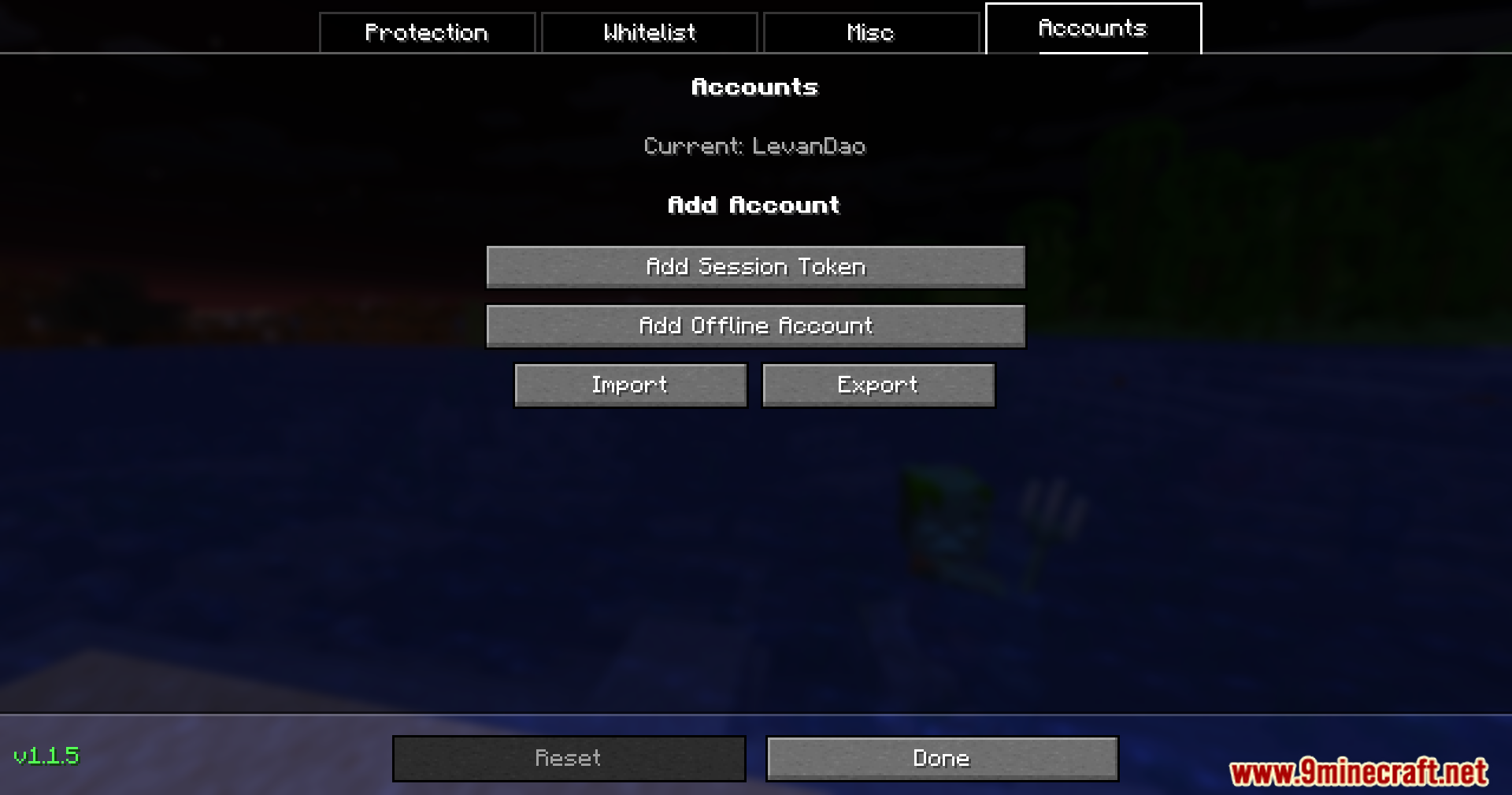
- Lets you switch between different Minecraft accounts right inside the game using special tokens.
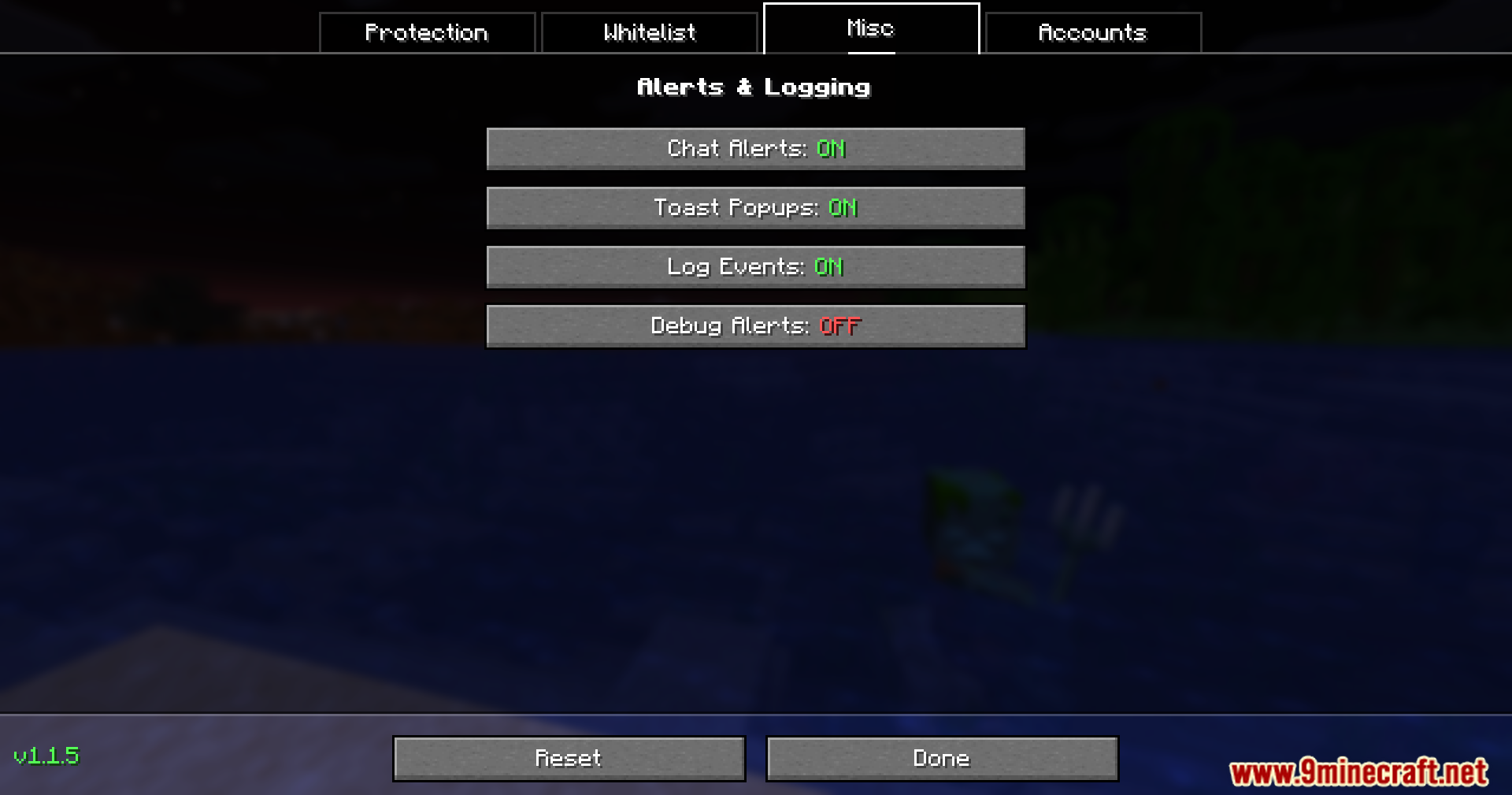
- Warns you with chat messages or popups if a server tries to scan your game or track you.
Commands:
/opsec: Shows a list of all commands you can use./opsec info: Tells you about all the mods the game is currently watching./opsec info [mod name]: Shows specific details about one mod./opsec channels: Lists all the hidden network paths your mods are using.
Configuration:
- You can find the settings menu by clicking the OpSec button at the top of your multiplayer server list.
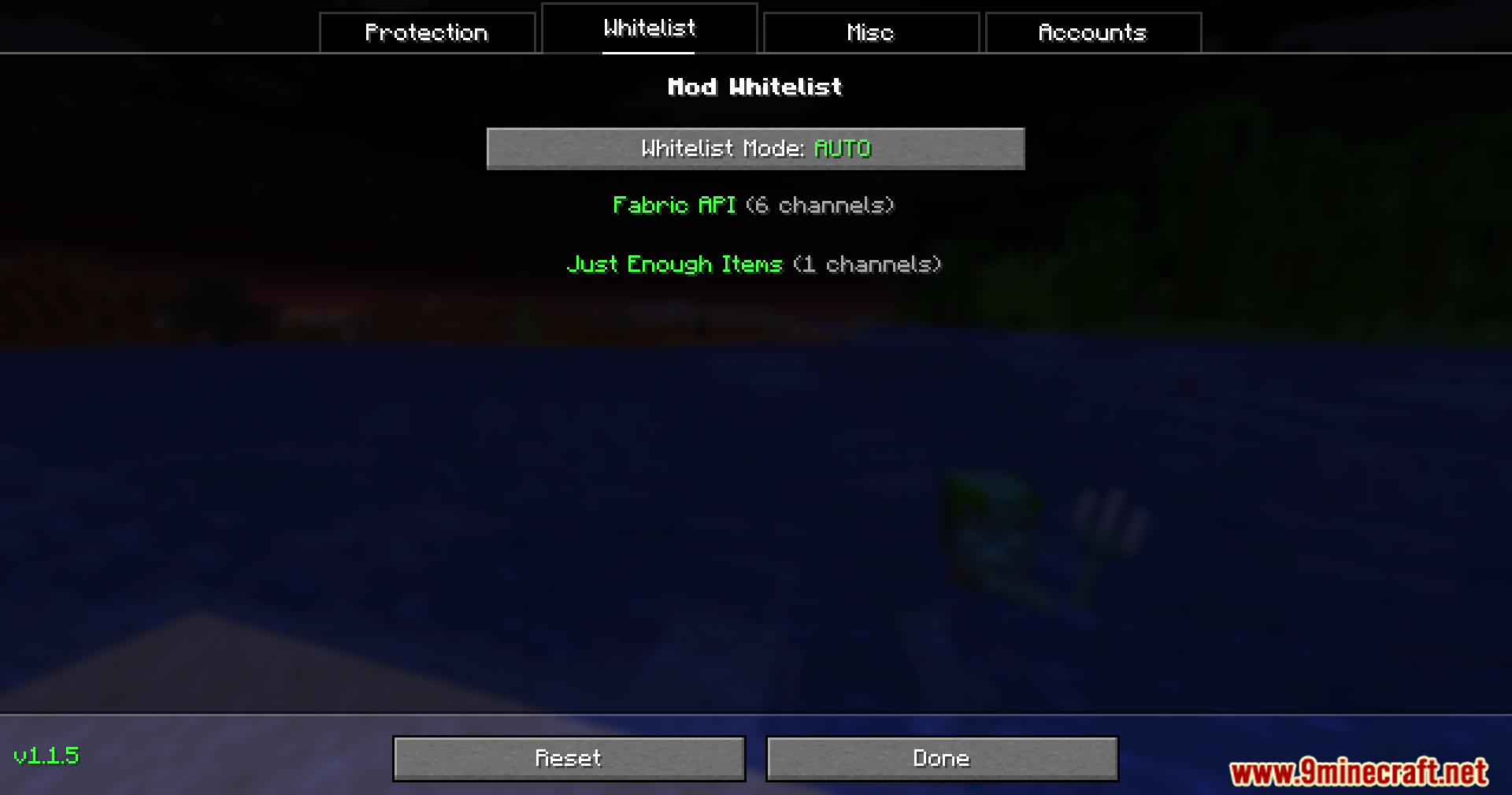
- It has different tabs to turn protections on or off, choose which mods to allow, and manage your saved accounts.
- If you change rules while playing on a server, you should leave and rejoin the server to make sure the new rules work.
How to Use:
- Open the multiplayer menu to find the mod’s settings button.
- Go to the Protection tab to turn on vanilla spoofing so servers cannot see your mods.
- Check the Whitelist tab if you want to let certain mods talk to the server normally.
- Add your different Minecraft accounts in the Accounts tab so you can swap between them quickly.
- Watch out for chat alerts that pop up if a server tries to track your activity.
Screenshots:
OpSec Mod Download Links
Quick facts
- Edition: Minecraft Java
- File type: .jar
- Minecraft version listed: 1.20.1
- How to install: Install the matching mod loader (Forge, Fabric or NeoForge) for your Minecraft version. → Download the .jar. → Put it in the .minecraft/mods folder and launch that loader profile.
- Where to get it: In MC Java Mods, or directly above on this page.
Install steps are the general flow for this file type — How to install Minecraft Java mods & modpacks walks through it step by step.
Verified by MCModsHub
- Downloads as 25603.mcaddon
- Download size: 473 KB
- Download link checked 24 Sept 2026 — working
- Mirrored on our own servers — the download does not depend on the original host
These come from our own check of the pack file, not from the source page.