
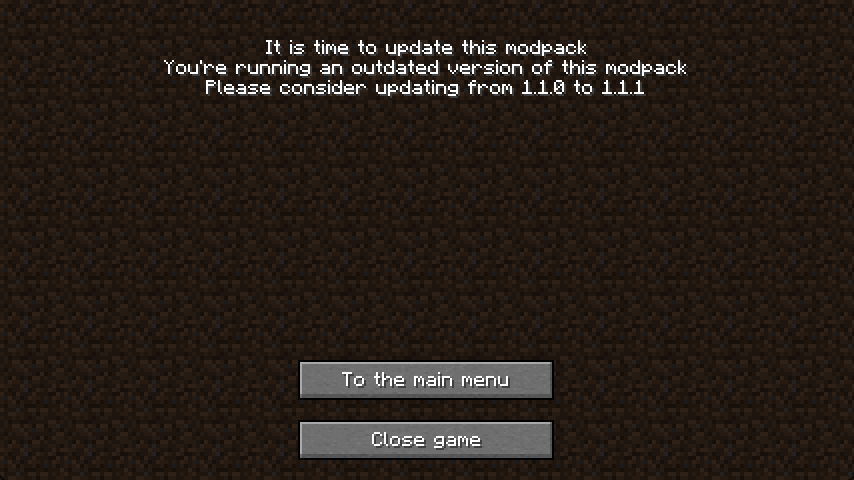
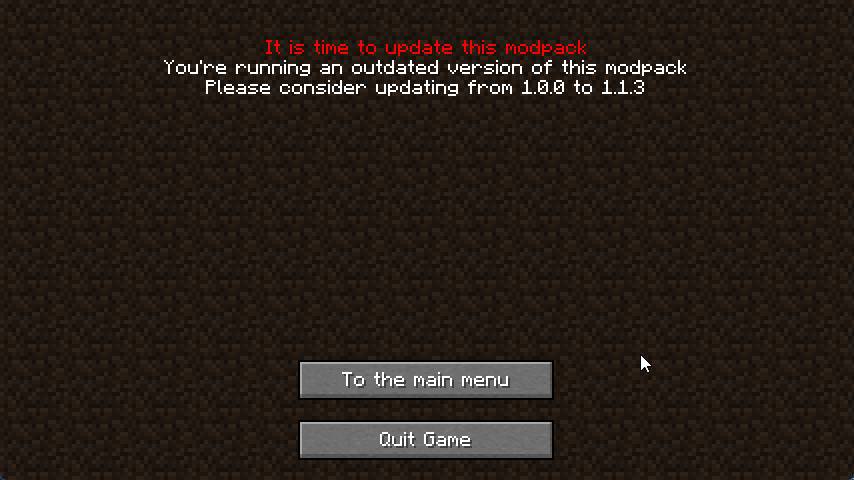


Update ME!
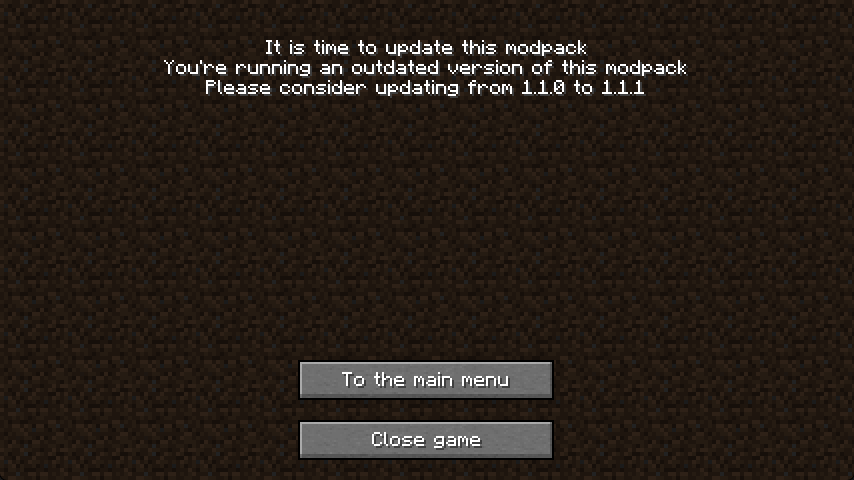
Informs the player when your modpack needs an update
How to use
- Install MidnightLib
- For Fabric this also requires Fabric API and supports ModMenu
- Set
versionStringin config/updateme.json to the version name before realsing your modpack - Have a text file (maybe on github) that has the newest version name
- Set
newestVersionURLto the direct link to file - Any users playing a modpack version with a different version then the newest will get a popup whenever the launch the game, asking them to update the modpack
Screenshots
Example:
Using this
You are allowed to use this in any personal modpack, but this mod may only be distributed in modpacks published on Modrinth and Curseforge
Quick facts
- Edition: Minecraft Java
- File type: .jar
- Minecraft version listed: 1.20.4
- How to install: Install the matching mod loader (Forge, Fabric or NeoForge) for your Minecraft version. → Download the .jar. → Put it in the .minecraft/mods folder and launch that loader profile.
- Where to get it: Opens on Modrinth — not every file is mirrored on our own servers.
Install steps are the general flow for this file type — How to install Minecraft Java mods & modpacks walks through it step by step.
Verified by MCModsHub
- Ships as UpdateMe-neoforge-2.2.jar — drop this file into the mods folder
- Download size: 13 KB
- Download link checked 30 Aug 2026 — working
These come from our own check of the pack file, not from the source page.