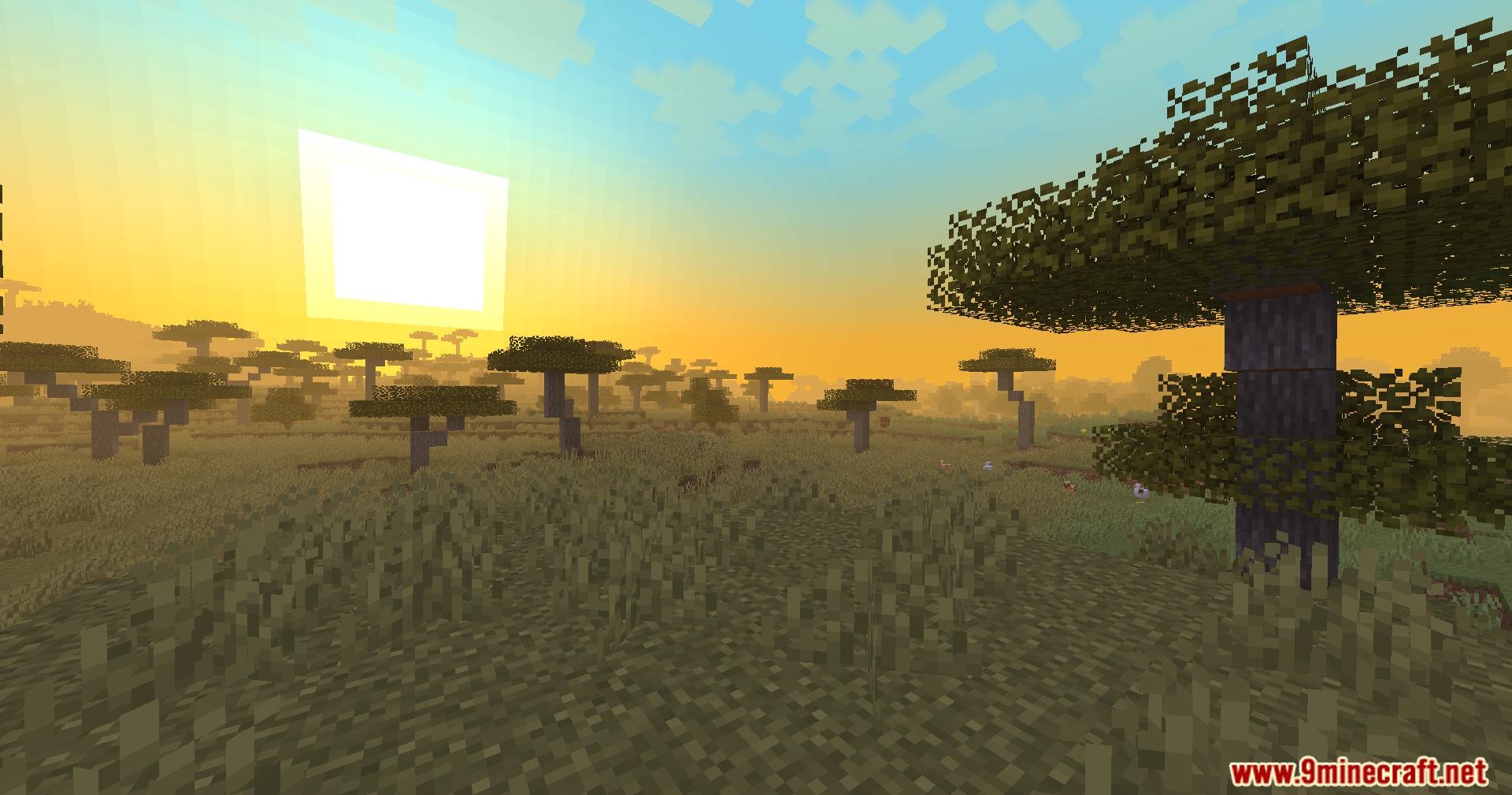
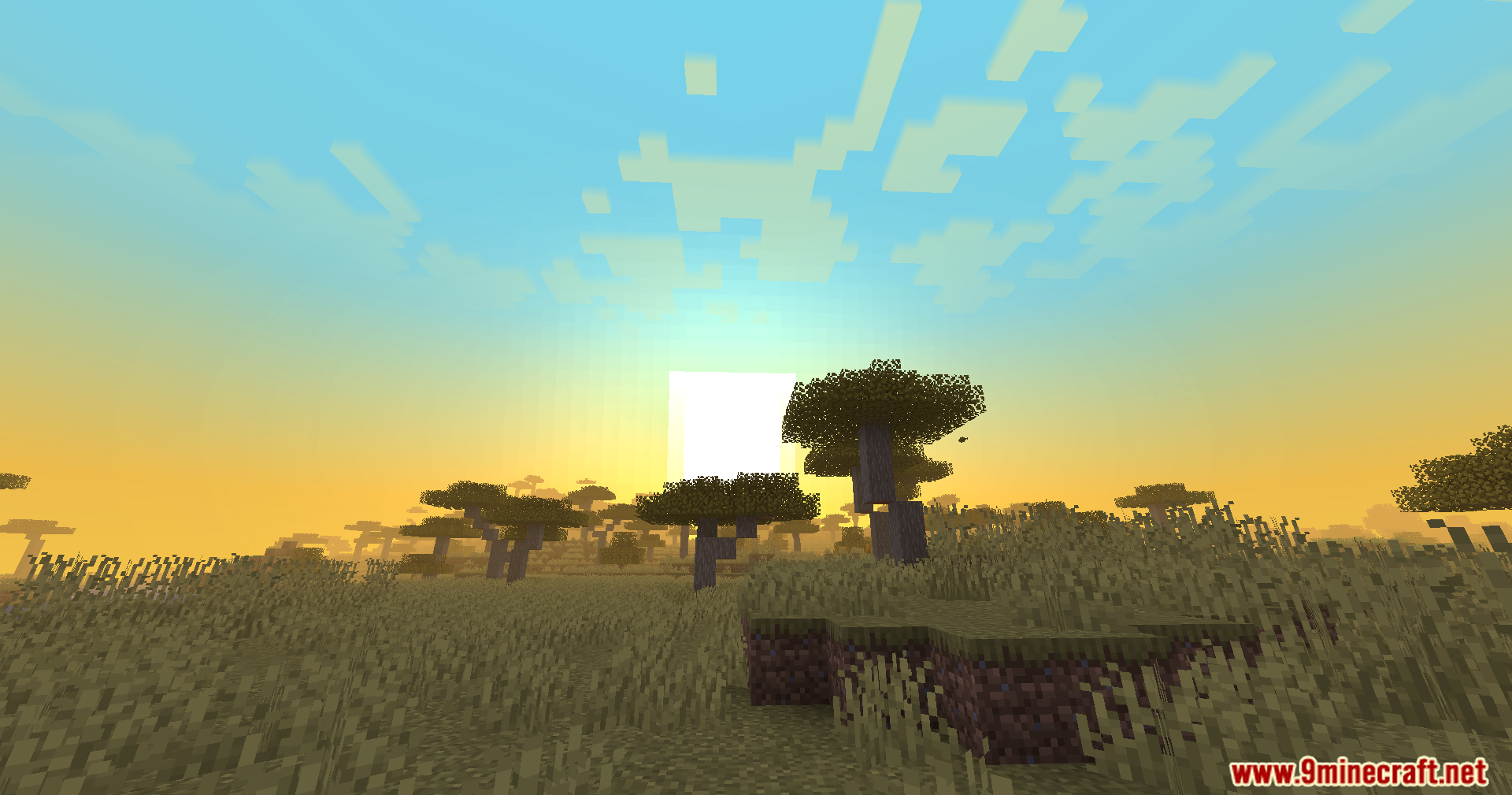
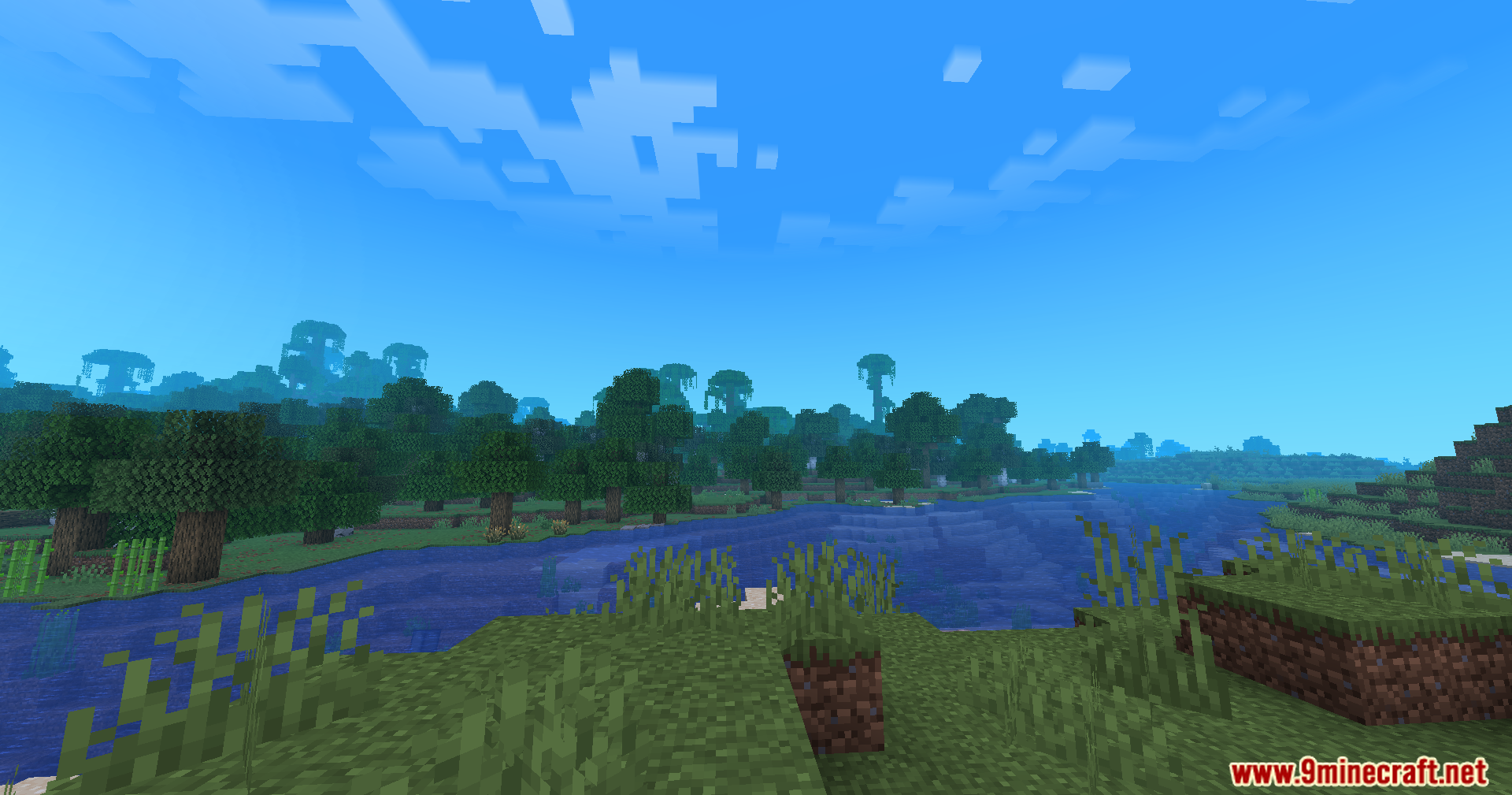
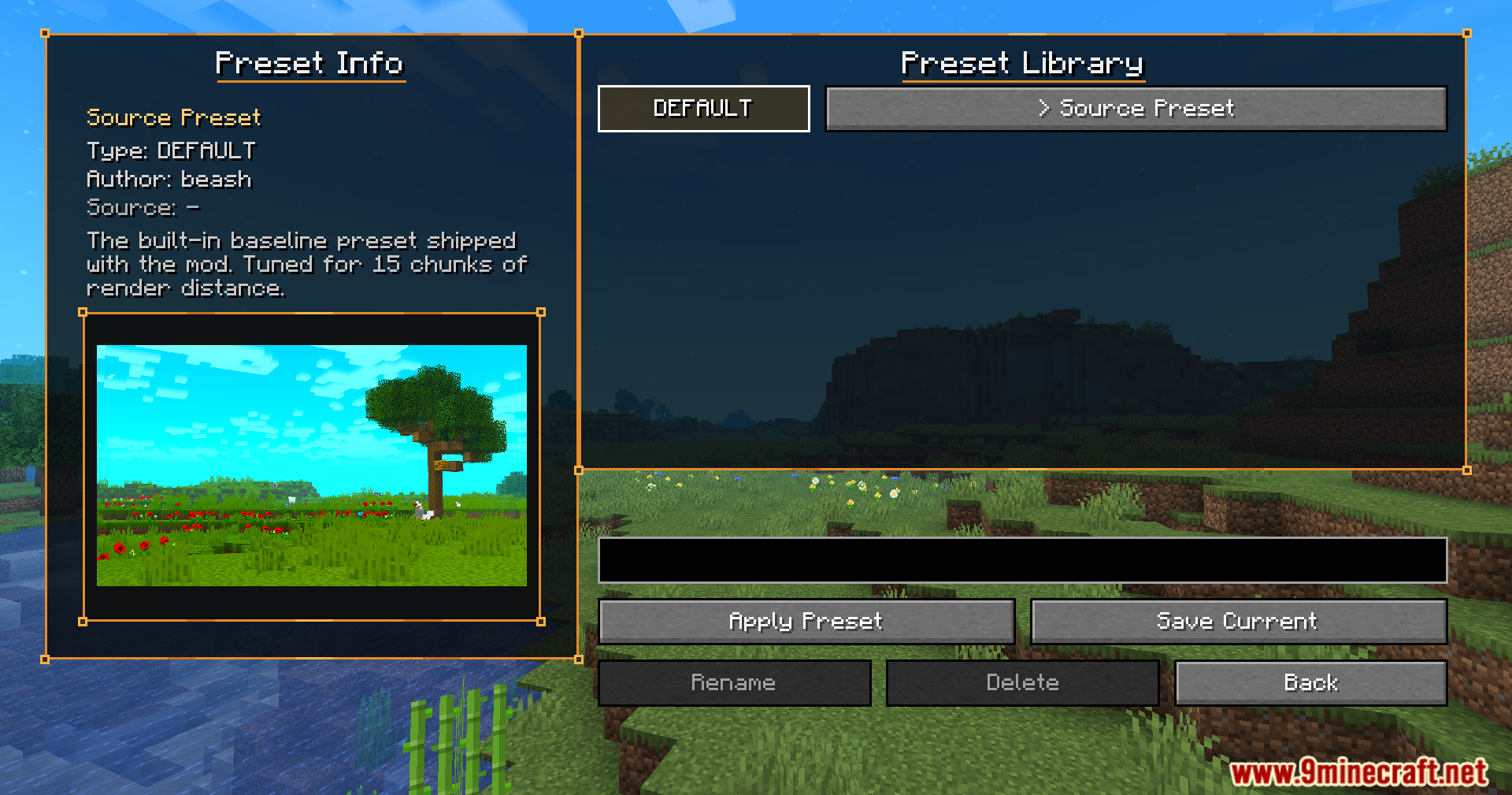
Atmospherics Mod changes how your Minecraft world looks by letting you customize the fog, sky, clouds, and stars for each biome. It makes every part of your game feel fresh and unique. This mod helps you create amazing views and gives a new feel to all your adventures.
Features:
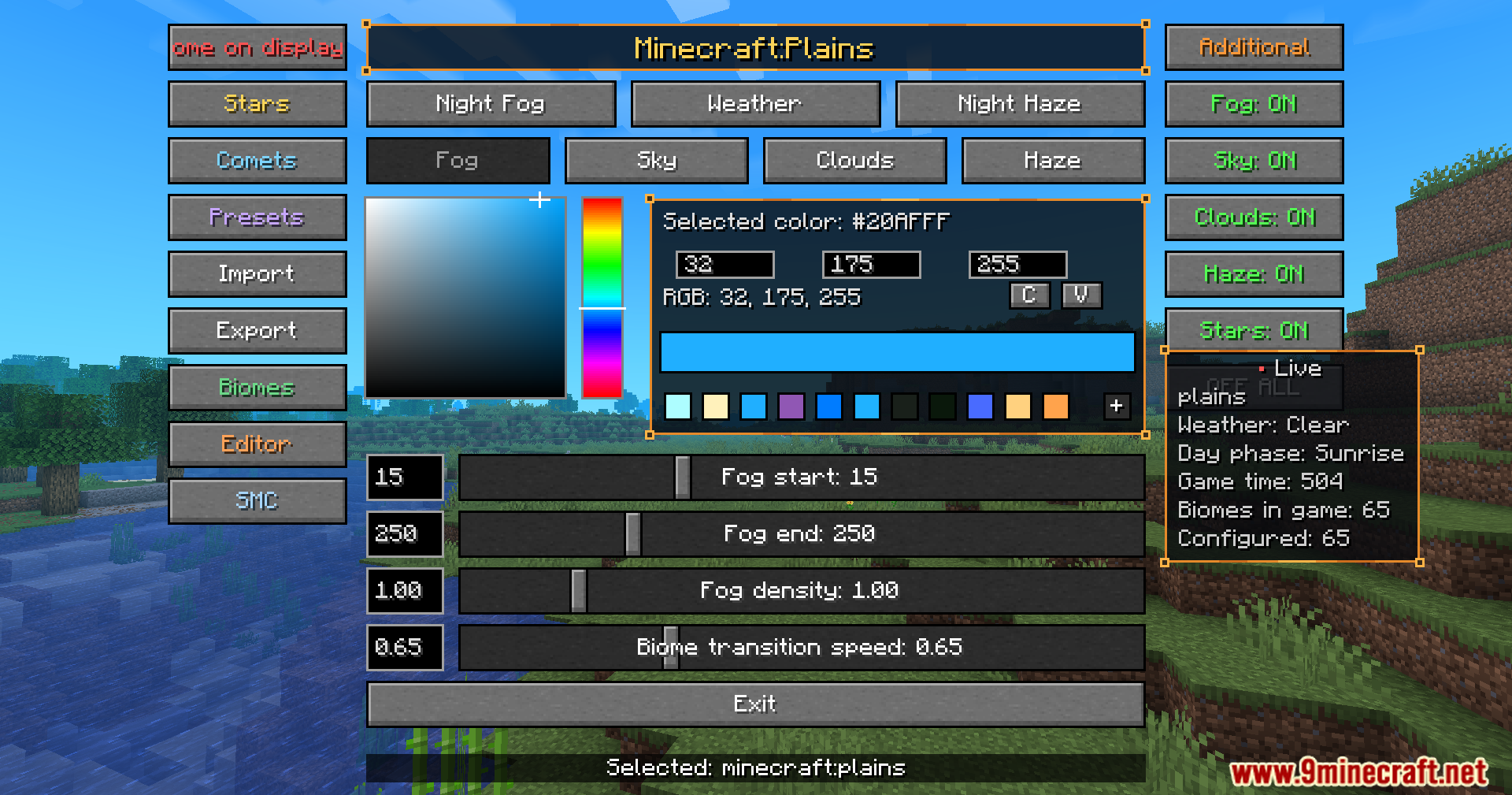
- Per-Biome Customization: Adjust fog, sky, clouds, and haze for each biome in real time.
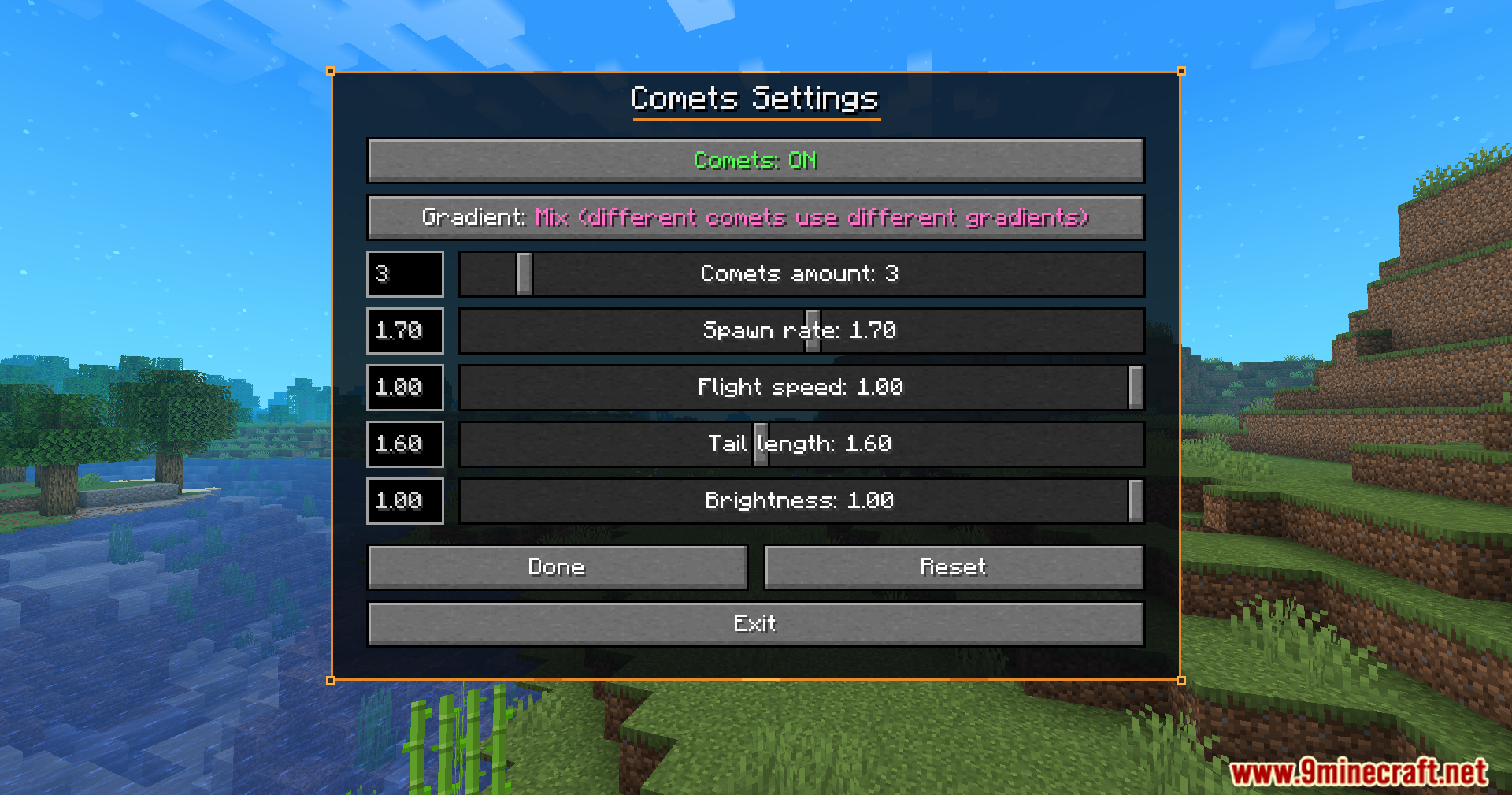
- Falling Comets: Customize falling comets to add a special touch to your night sky.
- Story Mode Clouds: Get special cloud styles, including solid clouds without shading.
- Enjoy smooth transitions as you move between different biomes.
- Set different atmosphere looks for day and night.
- Customize how stars appear in your game world.
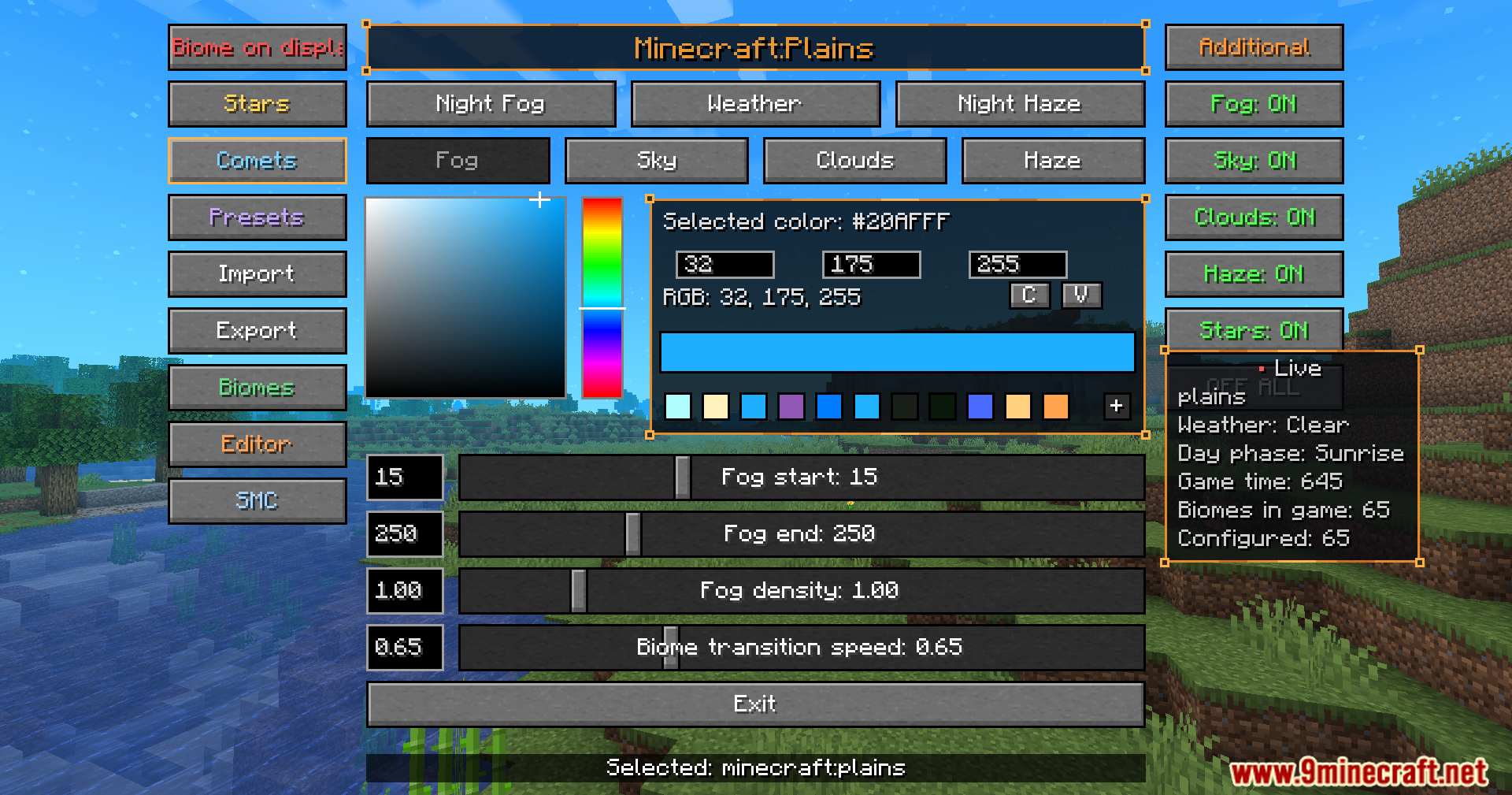
- Open a user-friendly menu to see changes happen live.
- Use a live info panel to check current settings.
- Access a library of saved atmosphere presets.
- Copy settings easily with a special editor.
- Teleport quickly to different biomes from the menu for easier setup.
- Import and export your favorite atmosphere presets.
Custom Presets:
You can create your own resource pack with a custom Atmospherics preset. This lets you share your unique atmosphere designs with others.
- Save your custom preset as a
.jsonfile inassetsatmosphericspresetyour_preset.json. - Add a preview image for your preset as a
.png,.jpg, or.jpegfile inassetsatmosphericspresetyour_preset.png. Make sure the preview file name matches your preset name exactly. - Your custom preset will automatically show up in the Preset Library within the mod’s menu.
How to Use:
- Press the B key to open the main menu for the Atmospherics Mod.
- Change the B key to something else in your game settings if you need to.
- Use the menu to adjust fog, sky, clouds, and stars for any biome.
- Teleport to different biomes from the menu to see your changes immediately.
- Save your favorite settings as presets in the library.
Screenshots:
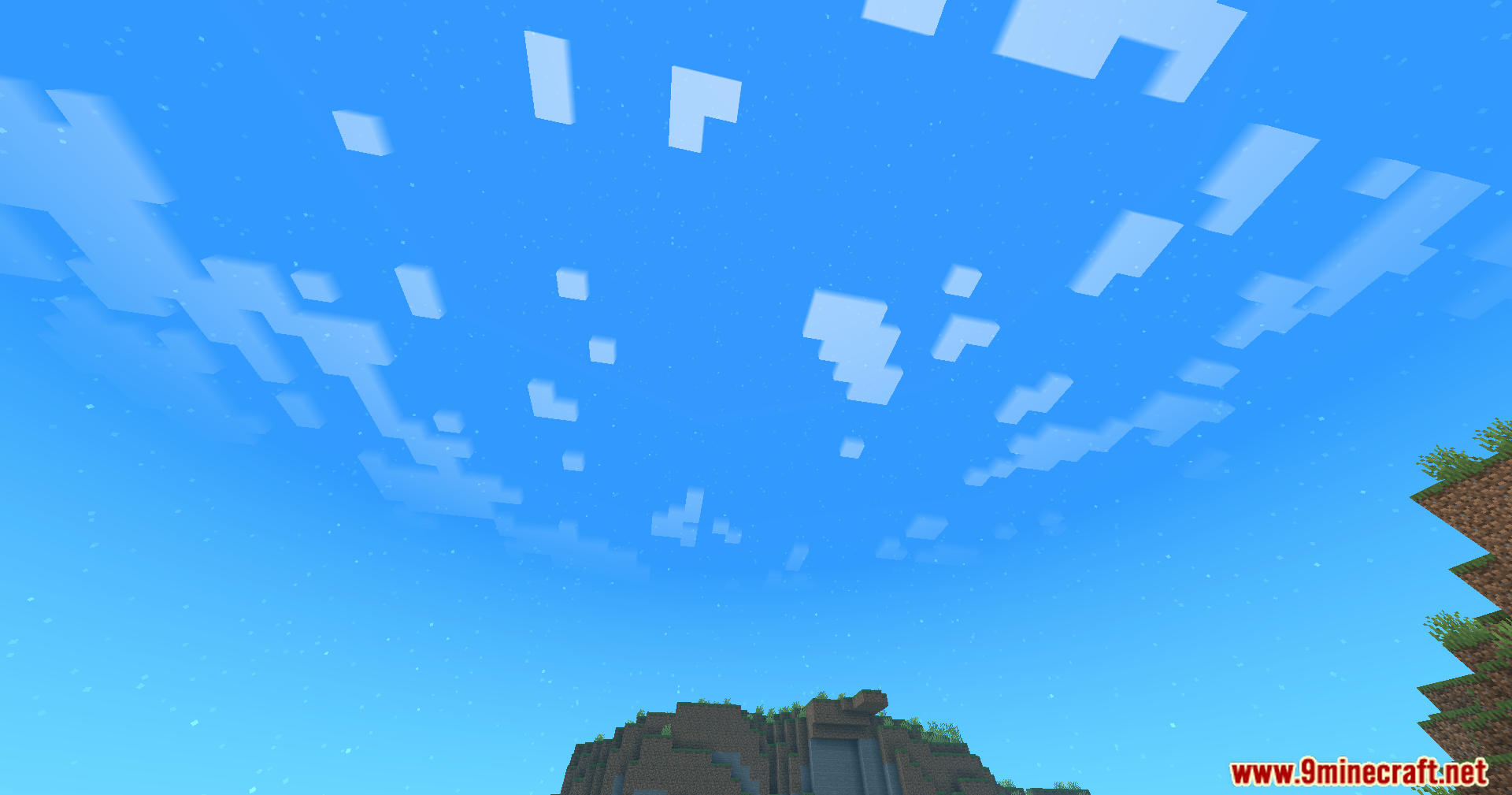
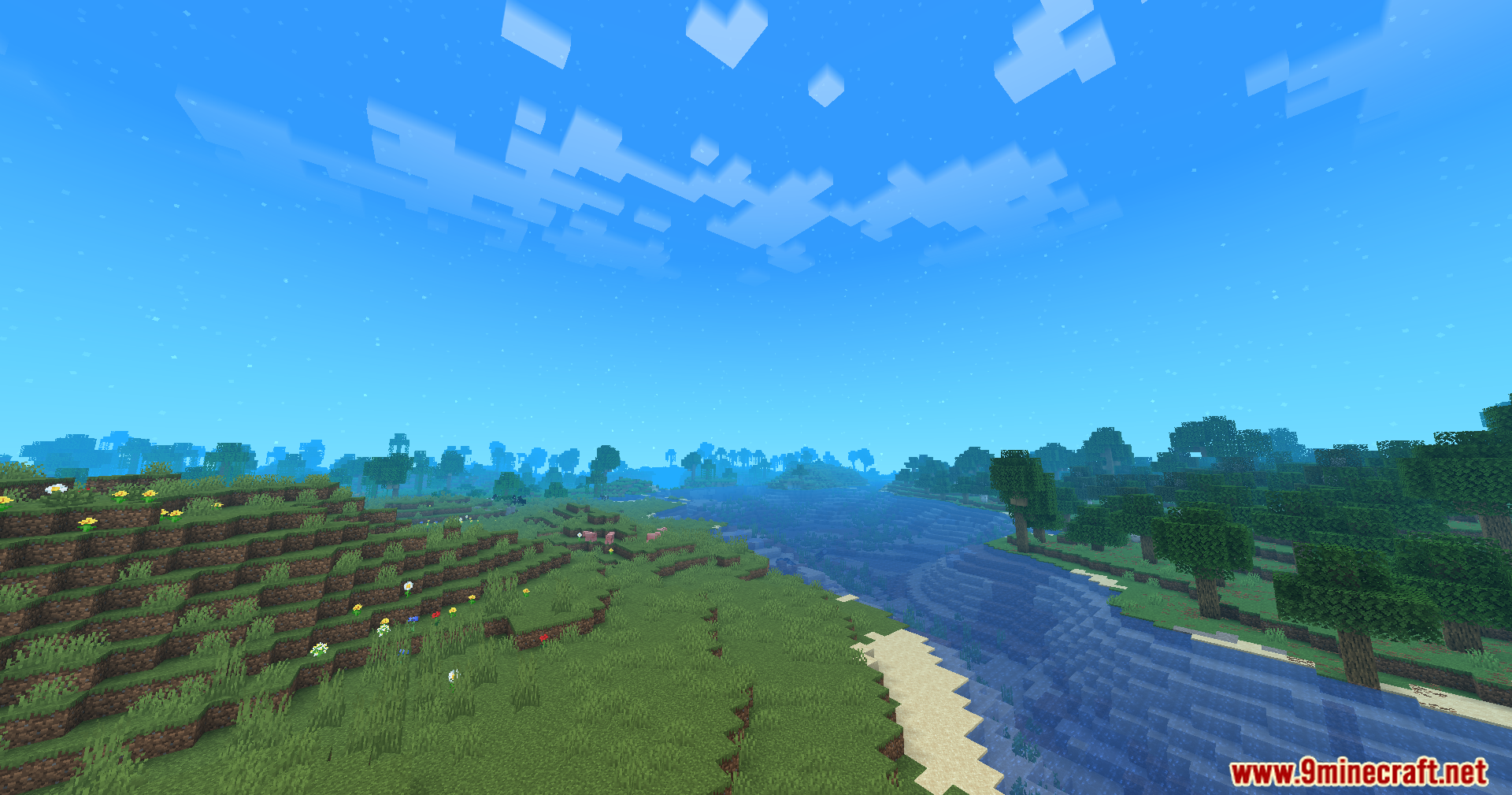
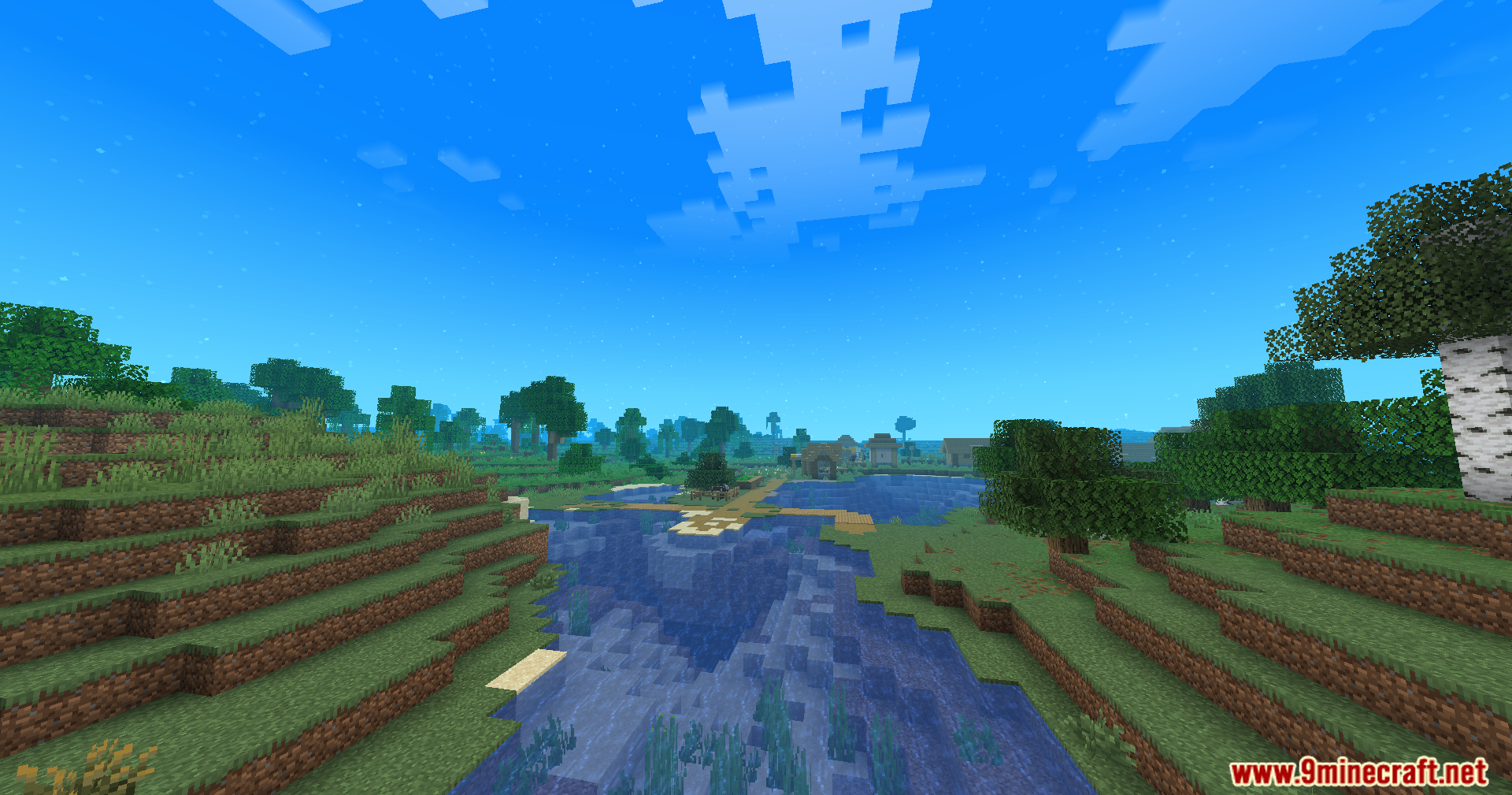
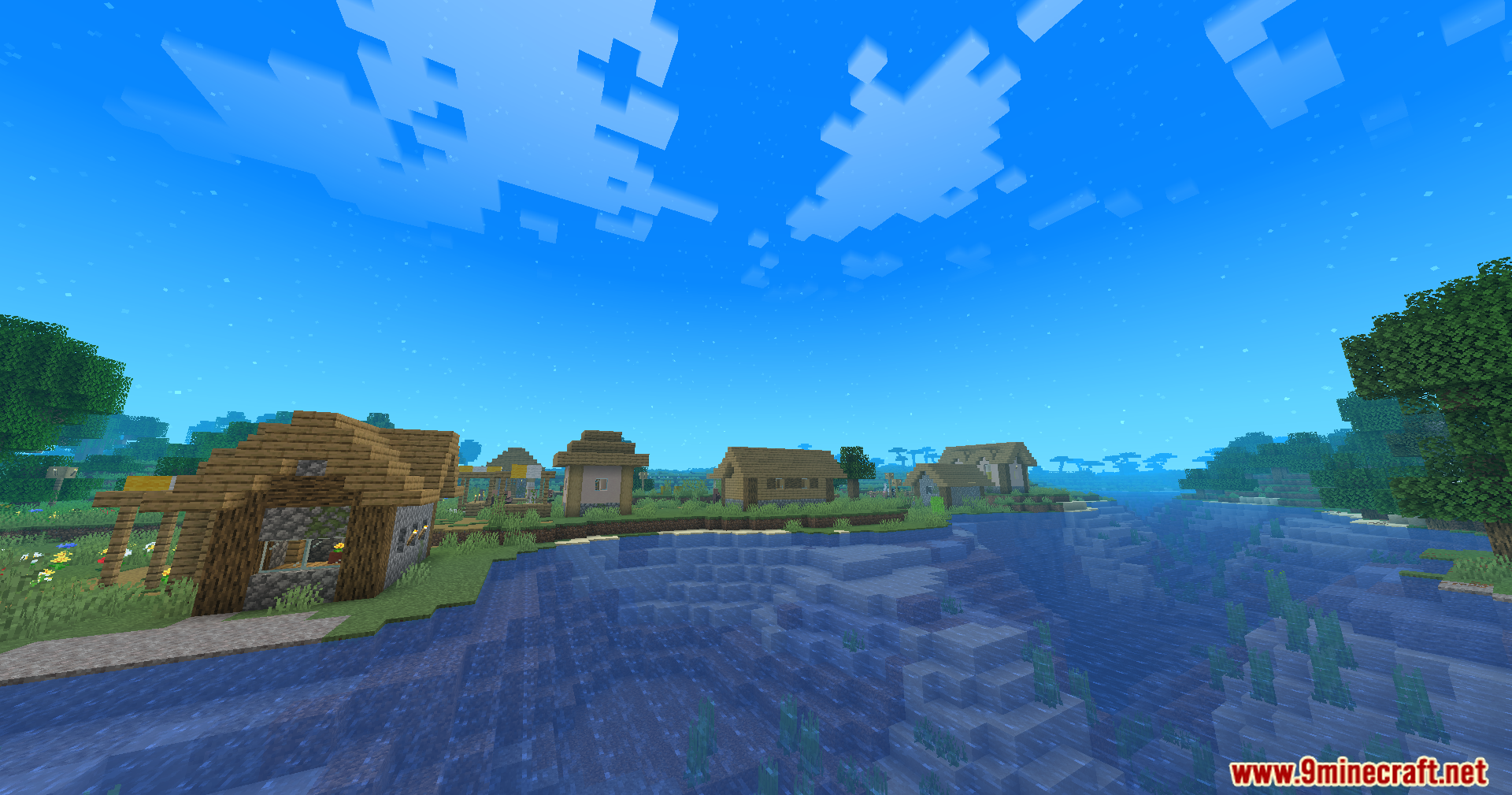
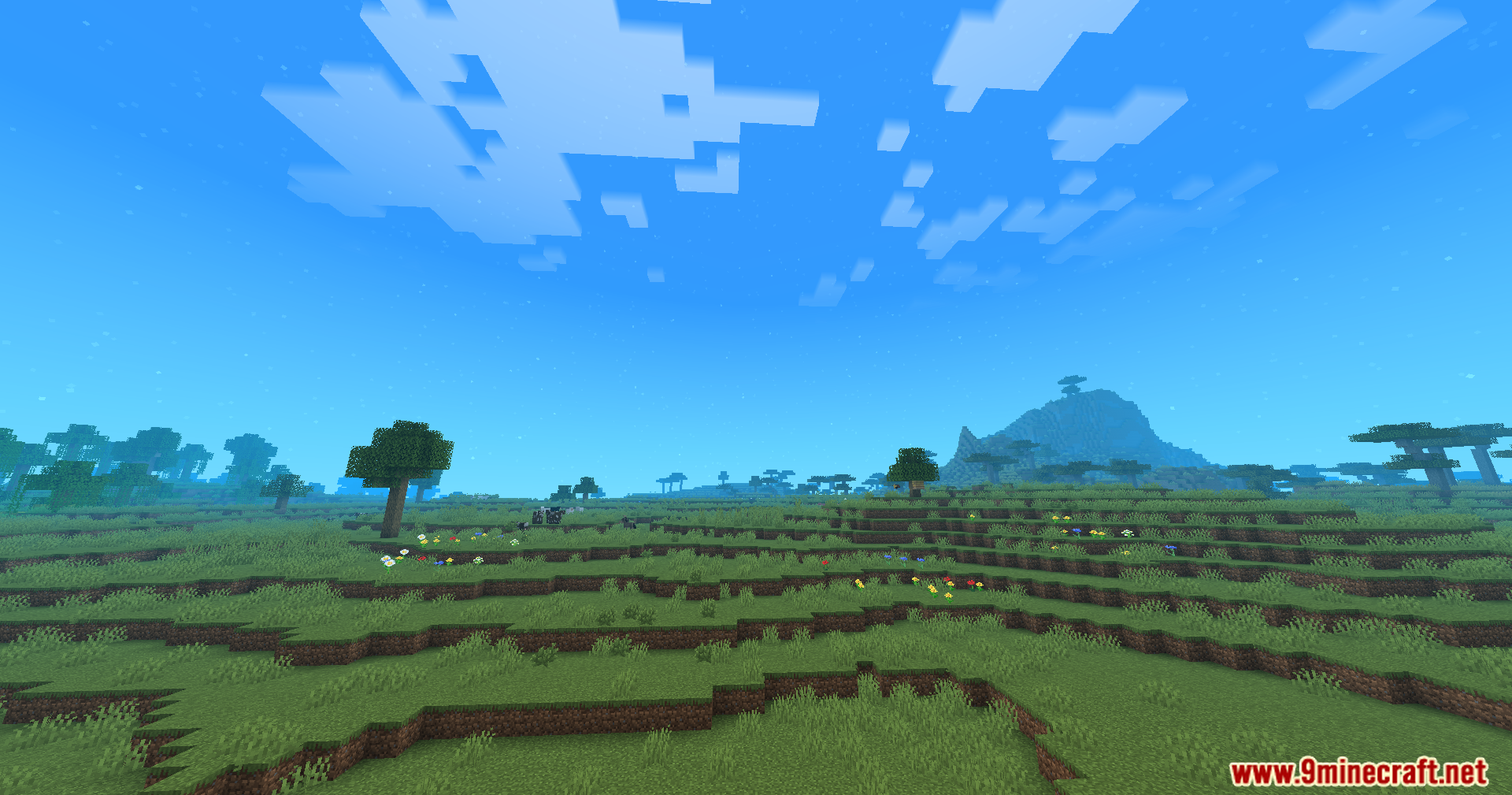
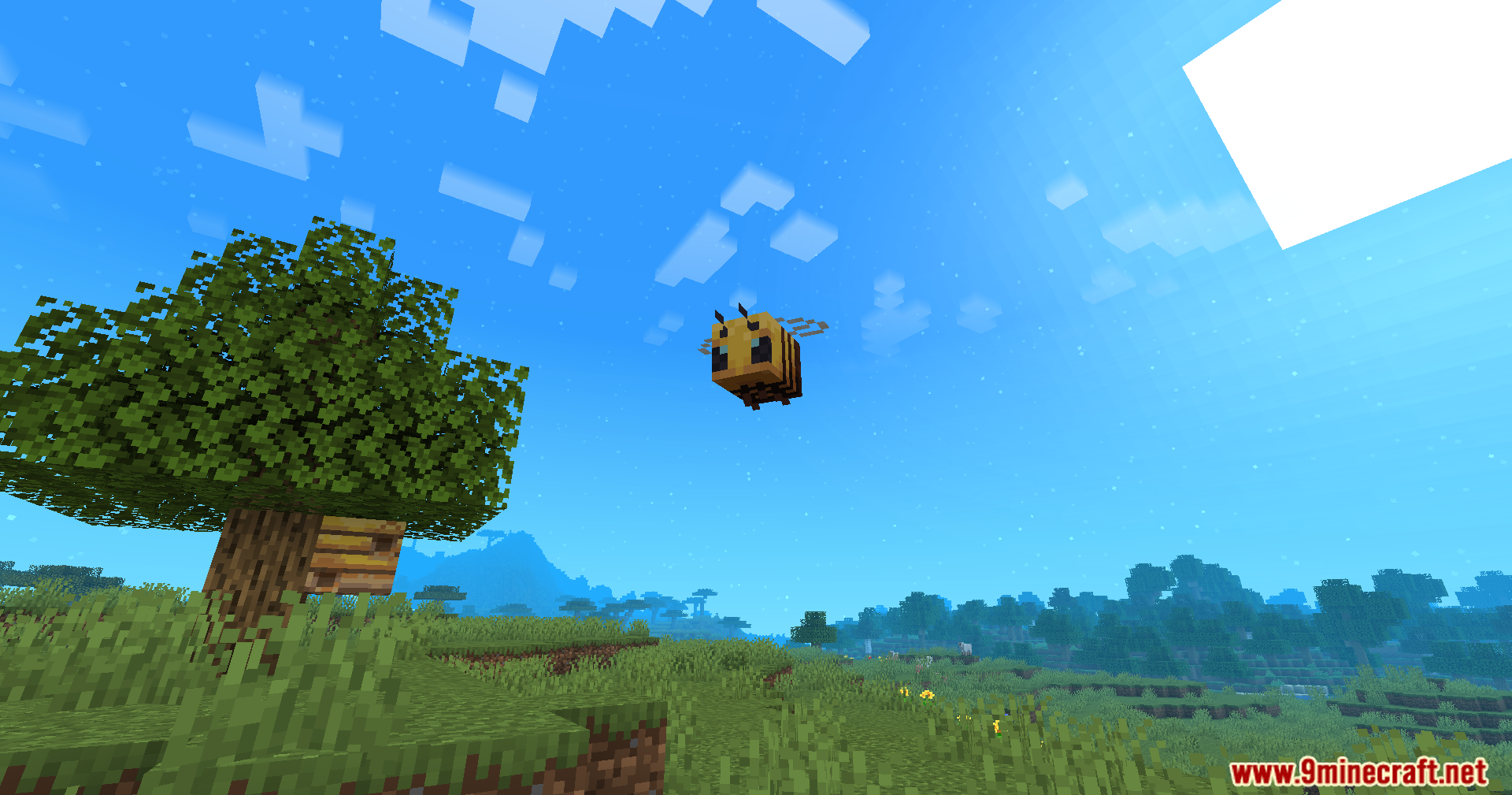
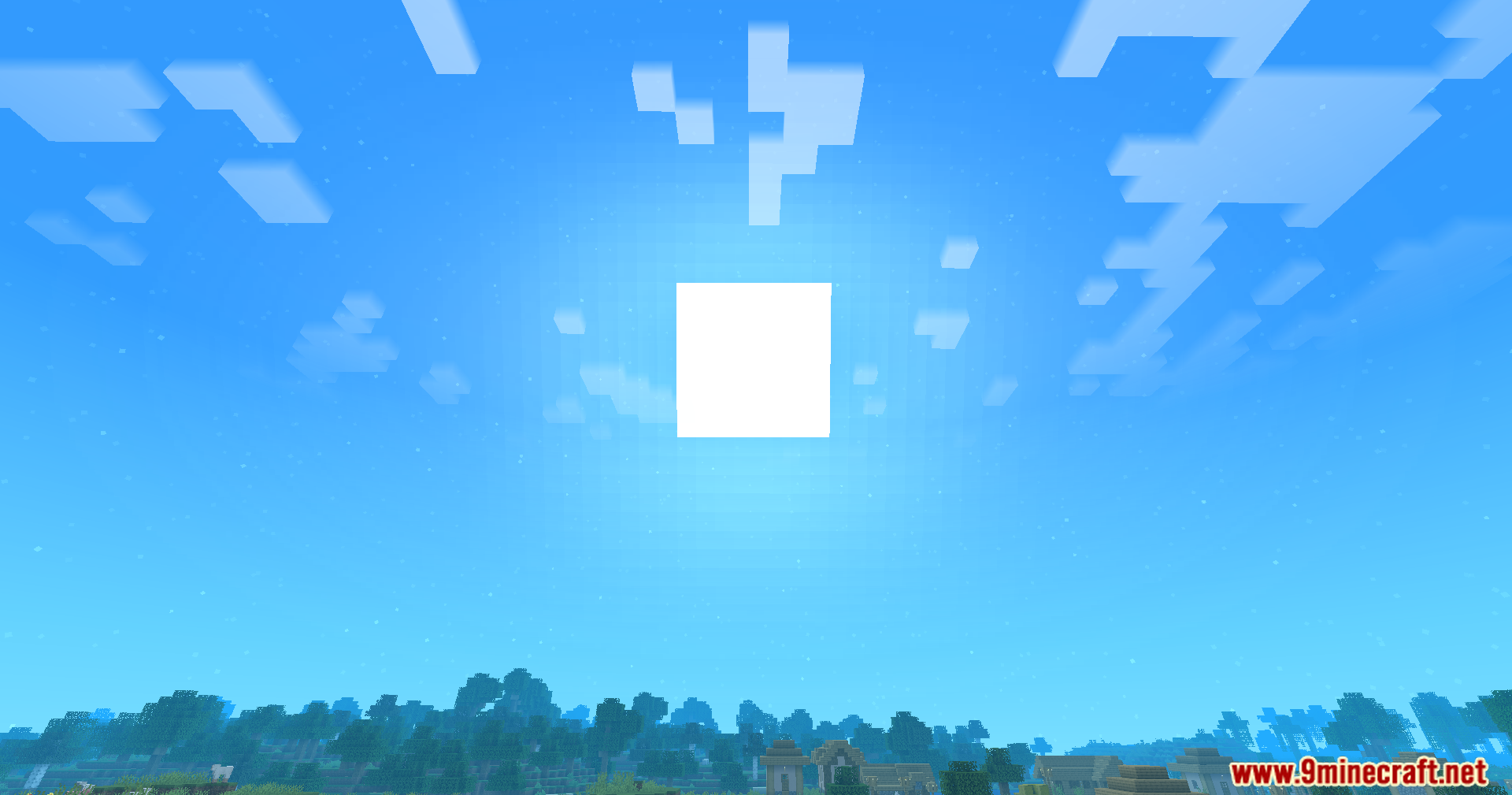
Atmospherics Mod Download Links
Quick facts
- Edition: Minecraft Java
- File type: .jar
- Minecraft version listed: 1.21.1
- How to install: Install the matching mod loader (Forge, Fabric or NeoForge) for your Minecraft version. → Download the .jar. → Put it in the .minecraft/mods folder and launch that loader profile.
- Where to get it: Opens on the file's original source — not every file is mirrored on our own servers.
Install steps are the general flow for this file type — How to install Minecraft Java mods & modpacks walks through it step by step.
Atmospherics Mod (26.2, 1.21.1) – Real-Time Biome Atmosphere Customization is a free Minecraft Java mod. Compatible with Minecraft 1.21.1. Download it and open it directly in the game.