ModsJava
Create Harmonics Mod (1.21.1, 1.20.1) – URL Music Playback With Create Power
Java mod listed for Minecraft 1.20–1.21. Downloads from the MC Java Mods app on Android.
⬇ Download
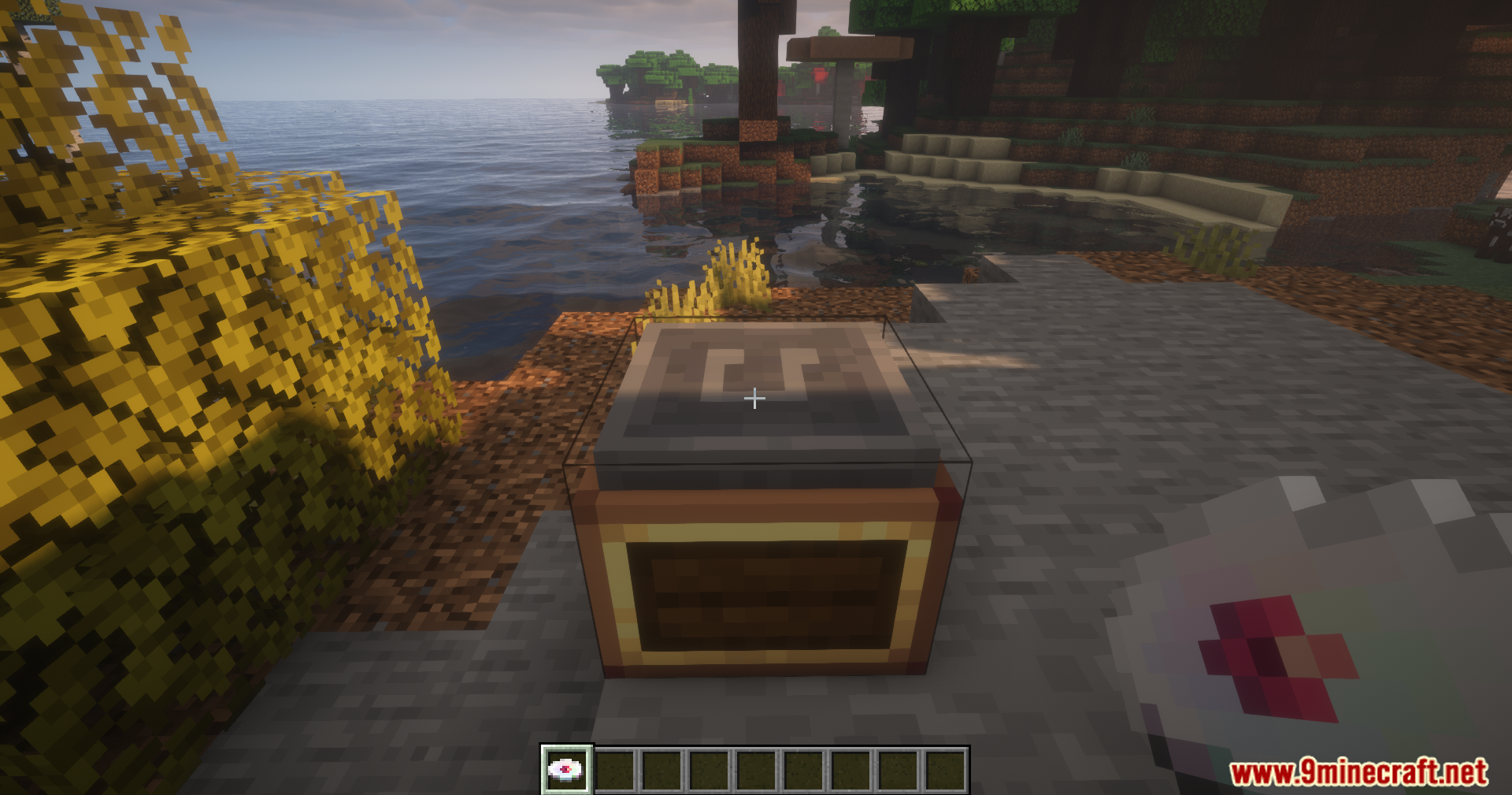
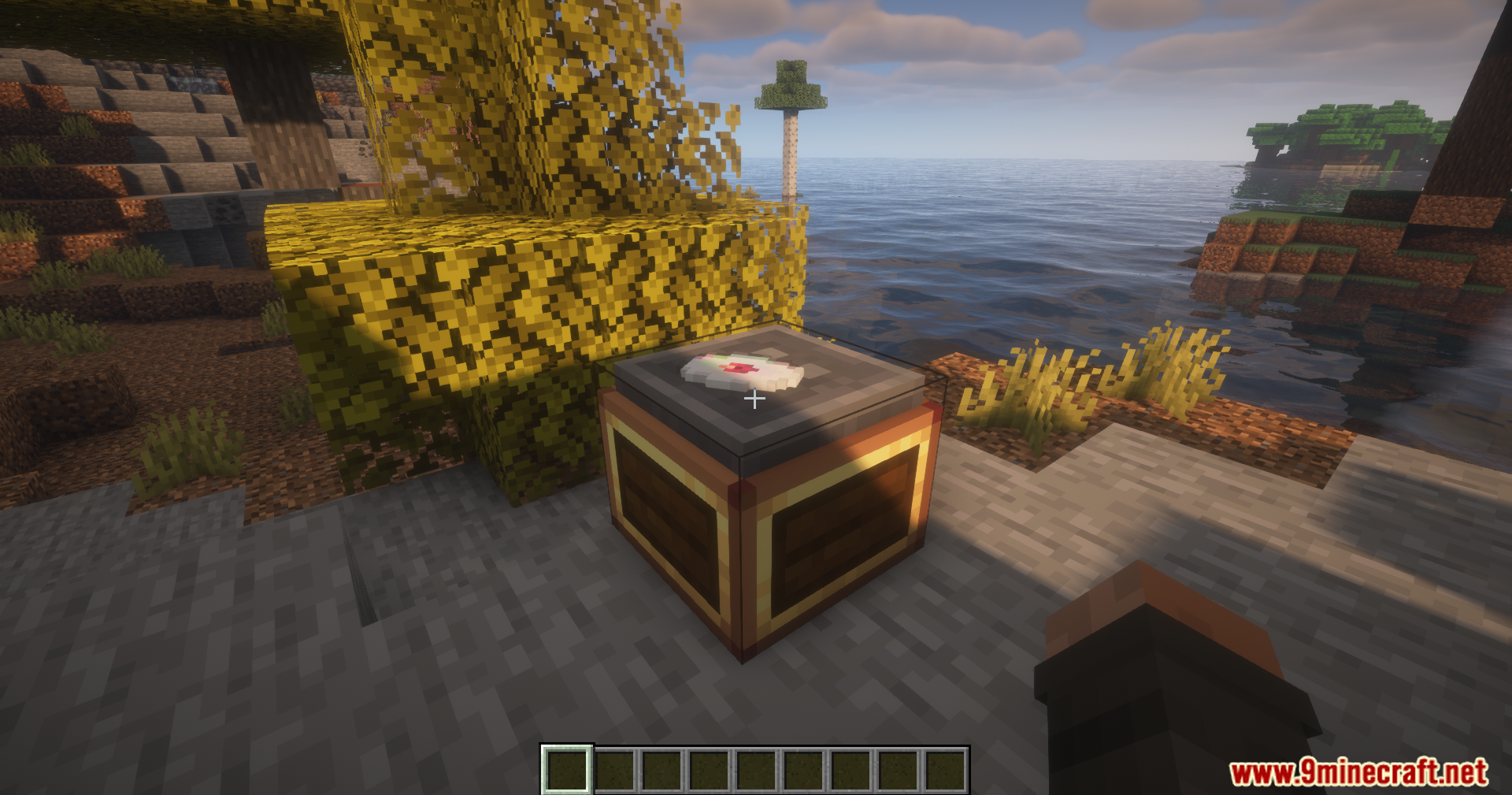
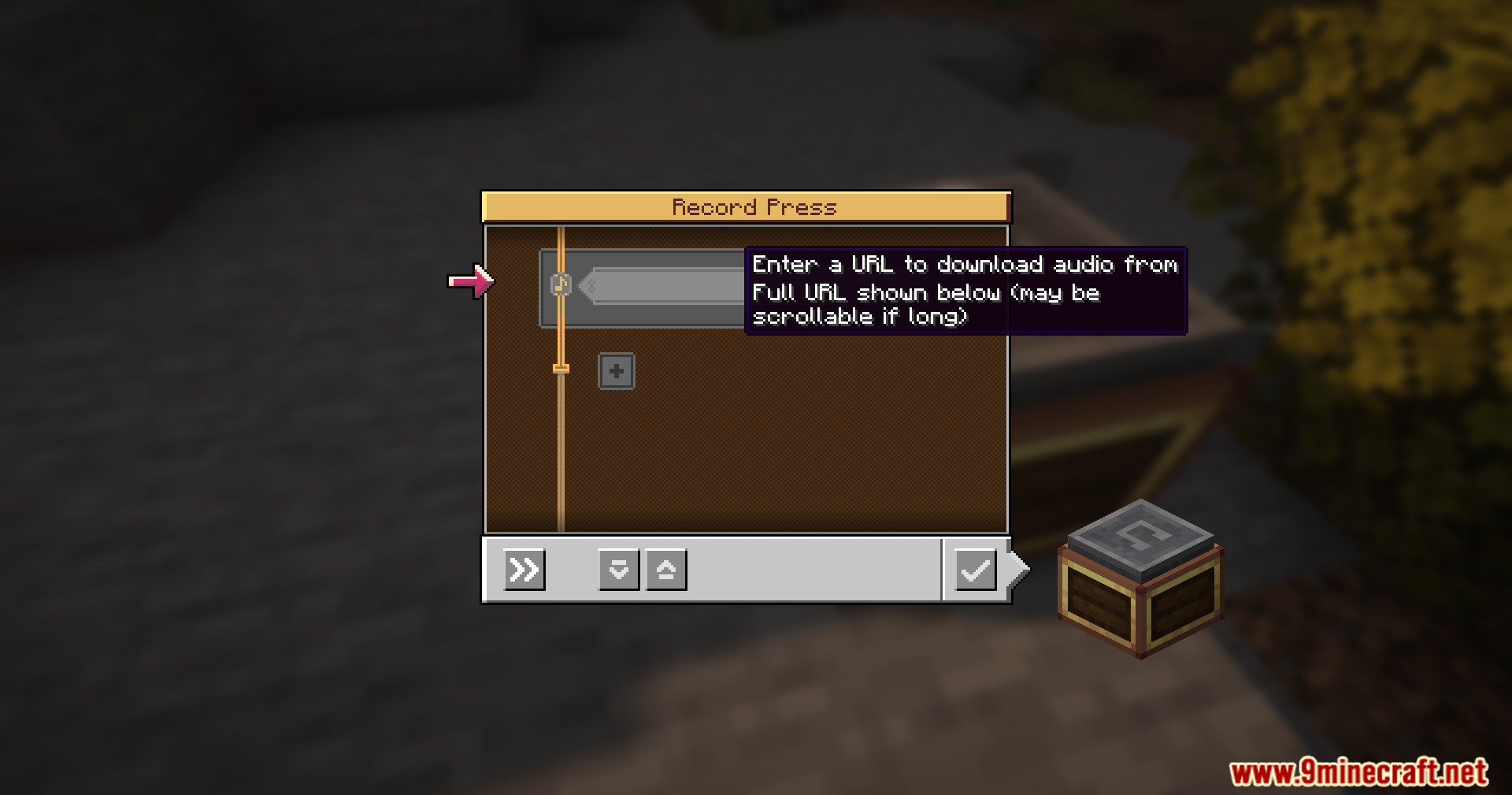
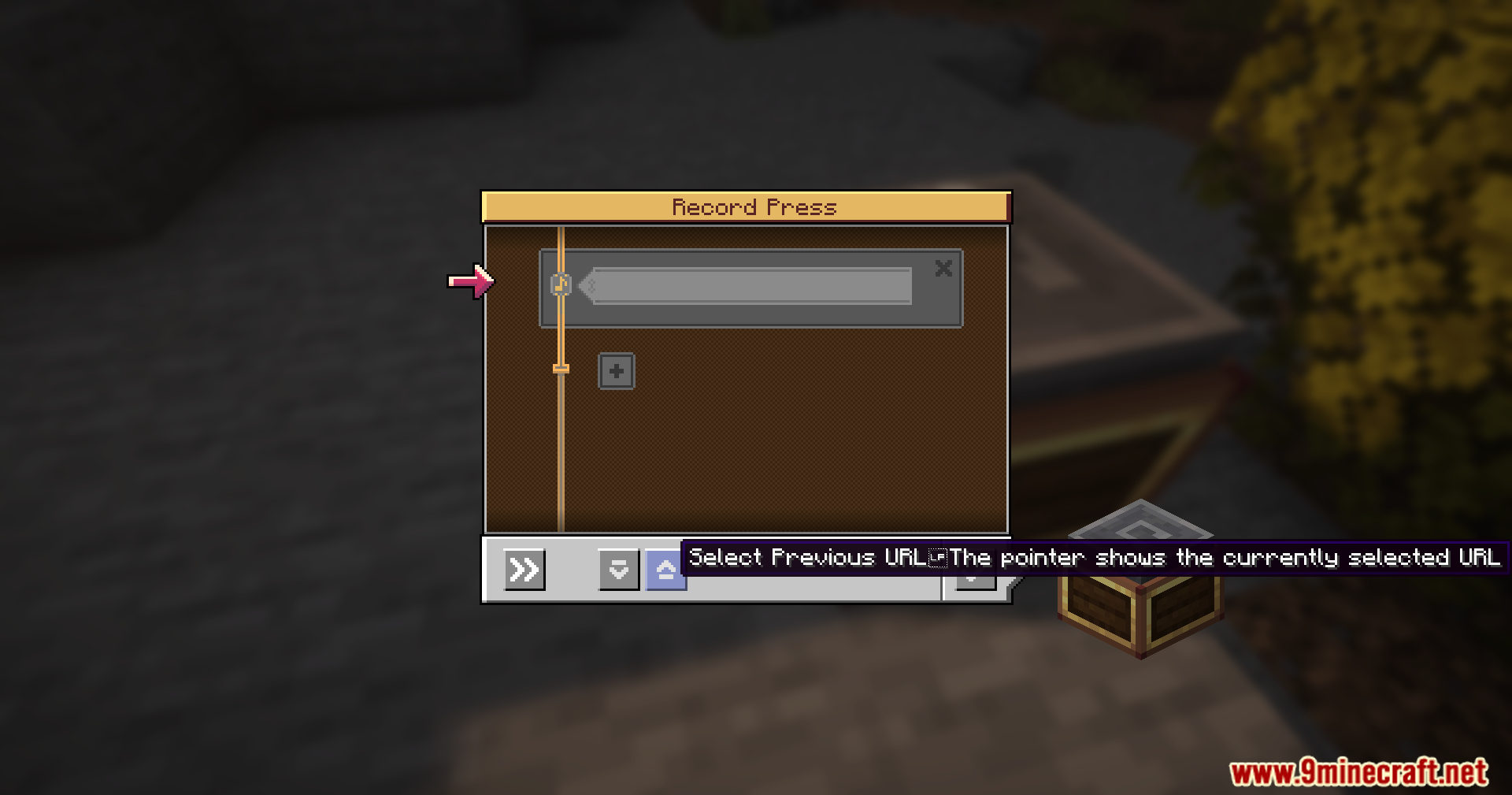
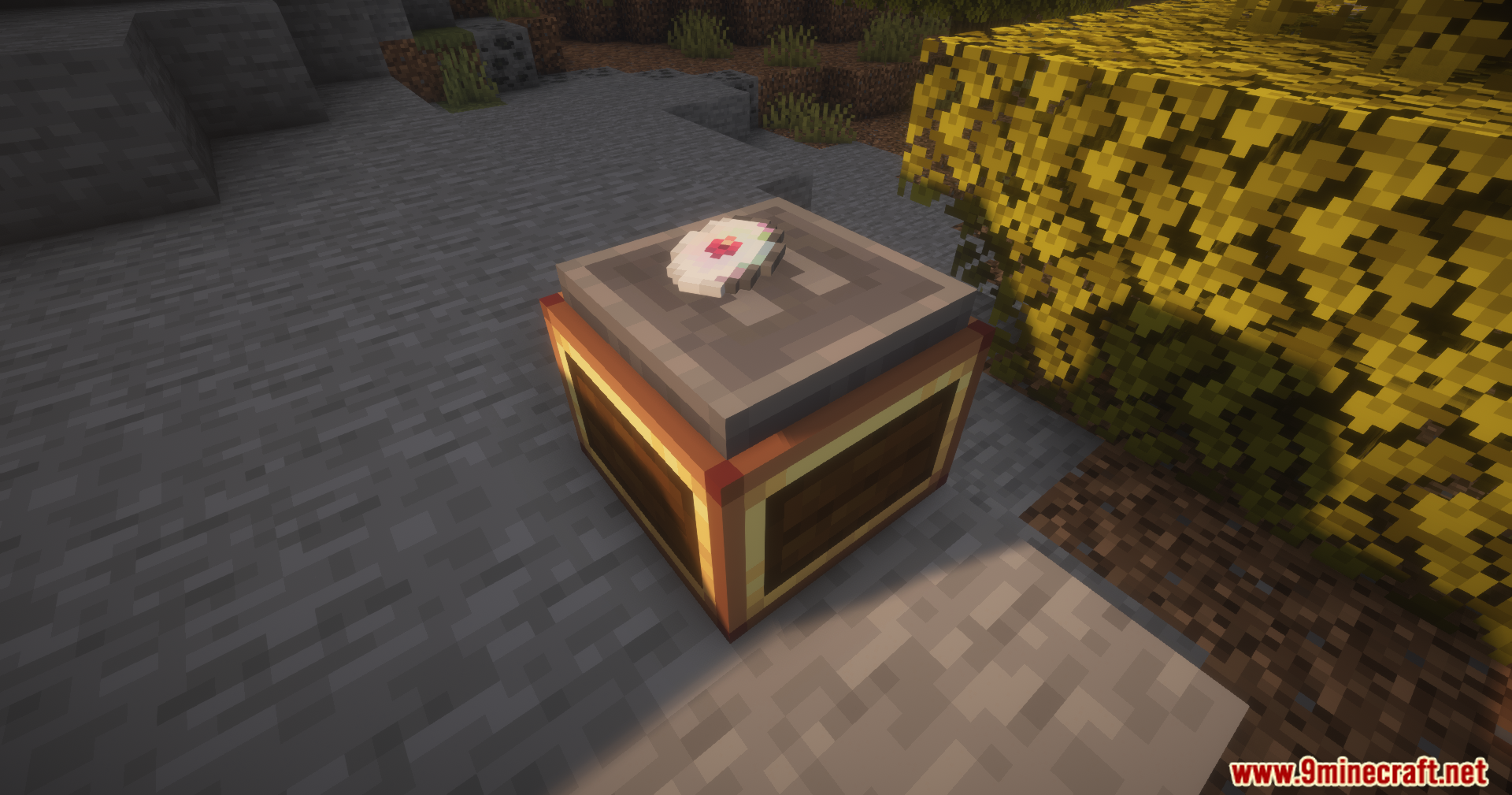
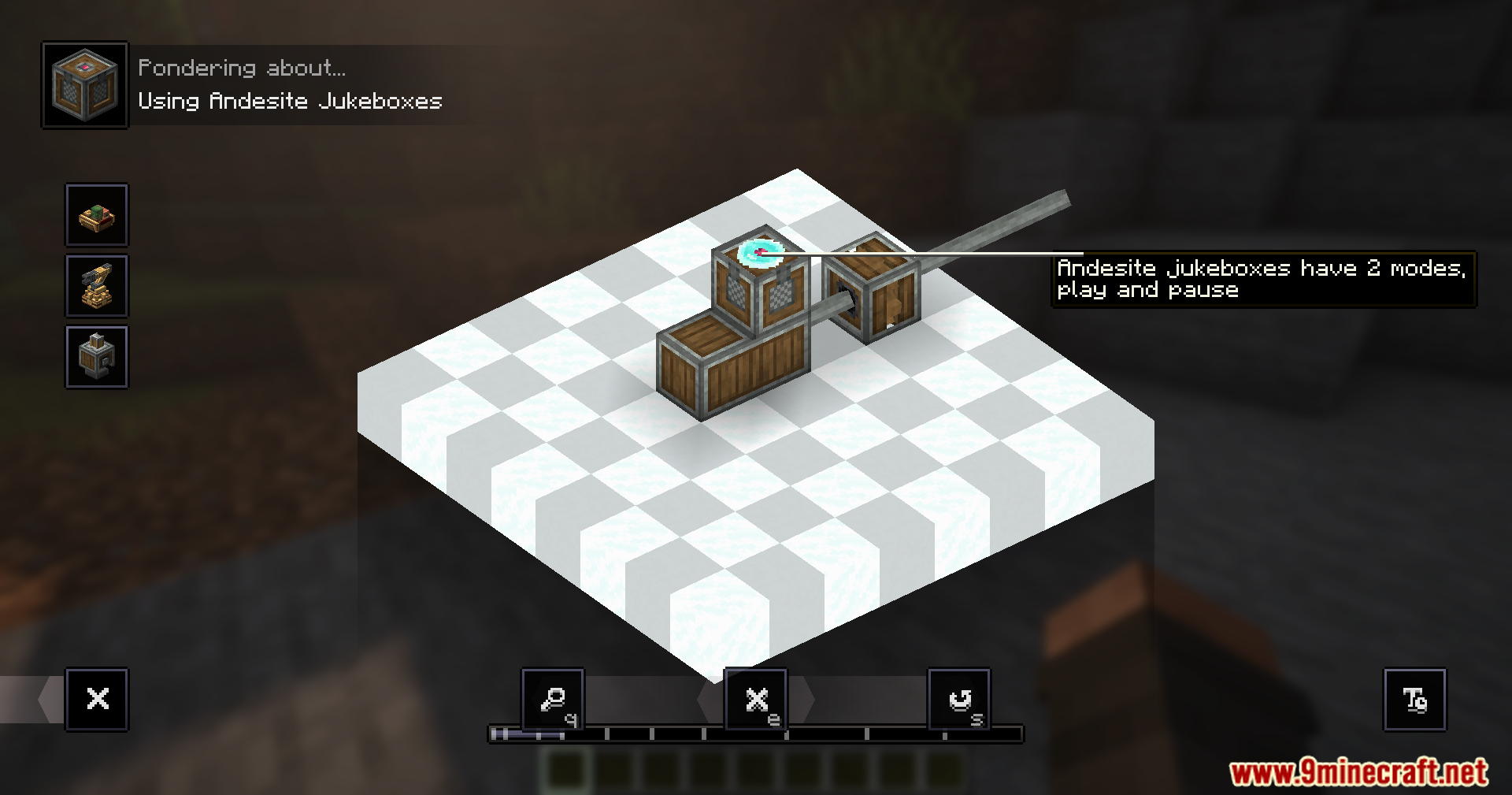
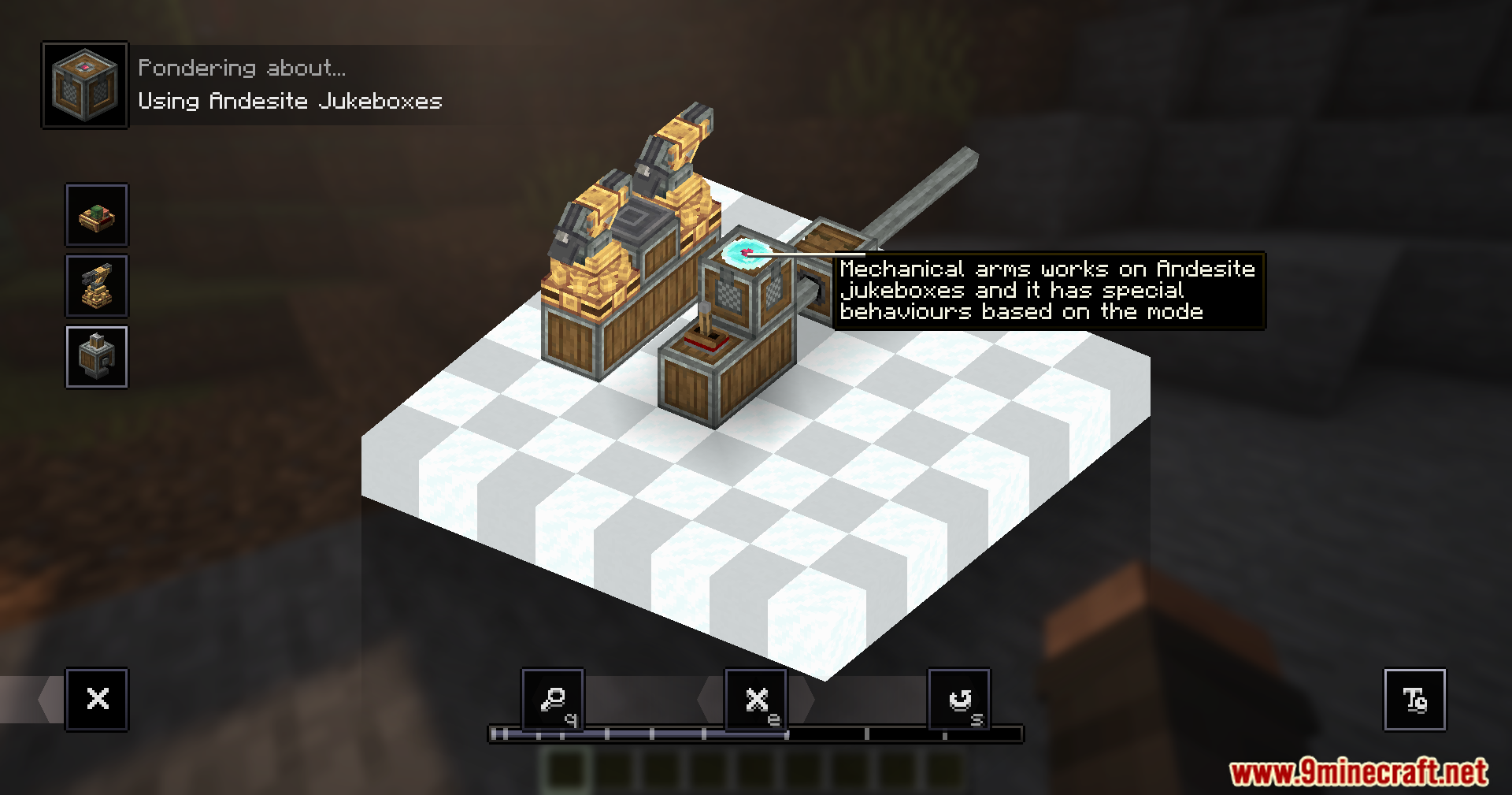
Create Harmonics Mod extends the Create mod by adding music playback to your contraptions. It lets you play music from online links right inside your Minecraft world. This mod uses Create’s rotational power to play the tunes, requiring special items called Ethereal Records. The music playback works with moving machines, so your speakers can travel on elevators, trains, or any other build you create.
Features:
- Plays music from online URLs directly in your Minecraft world.
- Lets you listen to music with your friends in multiplayer.
- Adds special Ethereal Records that hold your chosen songs.
- Uses Create’s rotational power to make the music play.
- Works with moving contraptions like elevators and trains, allowing speakers to move.
- Players stream audio directly from the internet, reducing server load.
- The mod offers to download necessary tools like ytdlp and ffmpeg with your permission for easy setup.
- It works well with other Minecraft audio mods.
How it works:
- This mod uses tools like ytdlp to find the music link from online sources.
- Then, another tool called ffmpeg changes the audio format so Minecraft can play it.
- The processed sound goes to Minecraft’s own sound system.
- This system helps the mod work smoothly with other sound mods.
- Players stream the audio directly from the original online source, not from the game server.
Important Notice:
- This mod needs to download tools like ffmpeg and ytdlp to your computer.
- It will always ask for your permission before downloading these files.
- You can also place your own versions of these tools into the correct folder if you prefer.
- Always trust and use only the official releases of this mod to ensure safety.
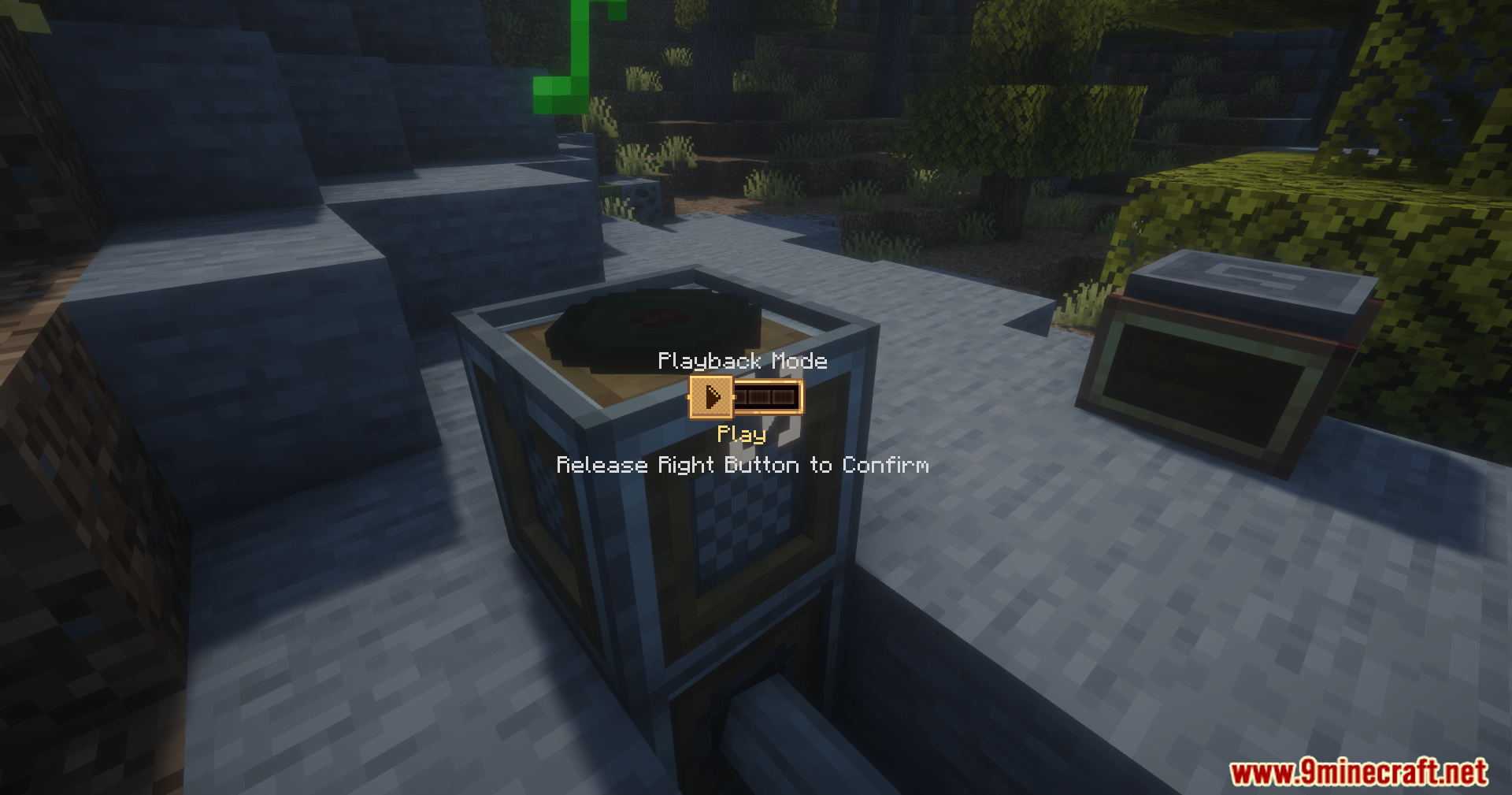
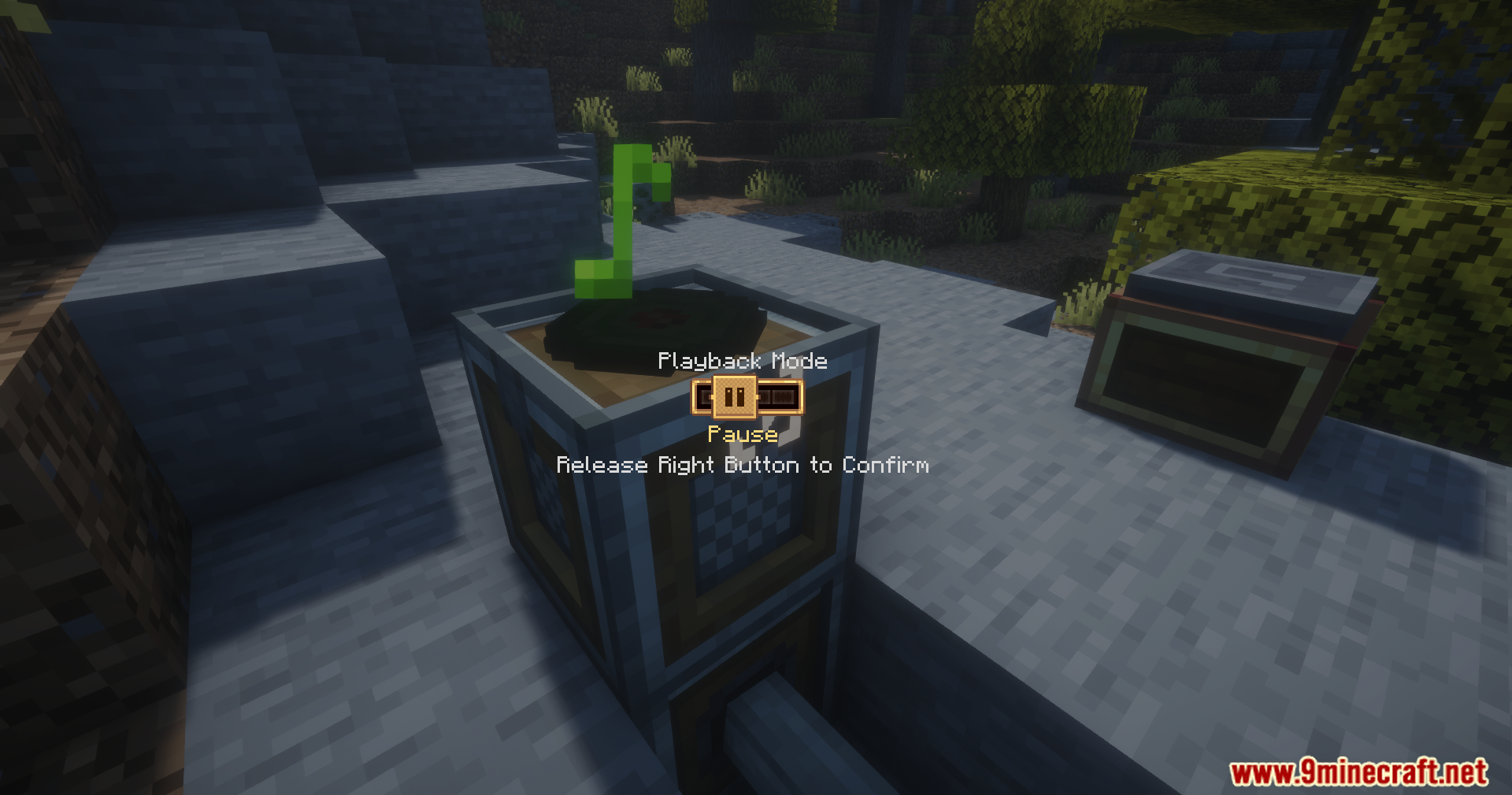
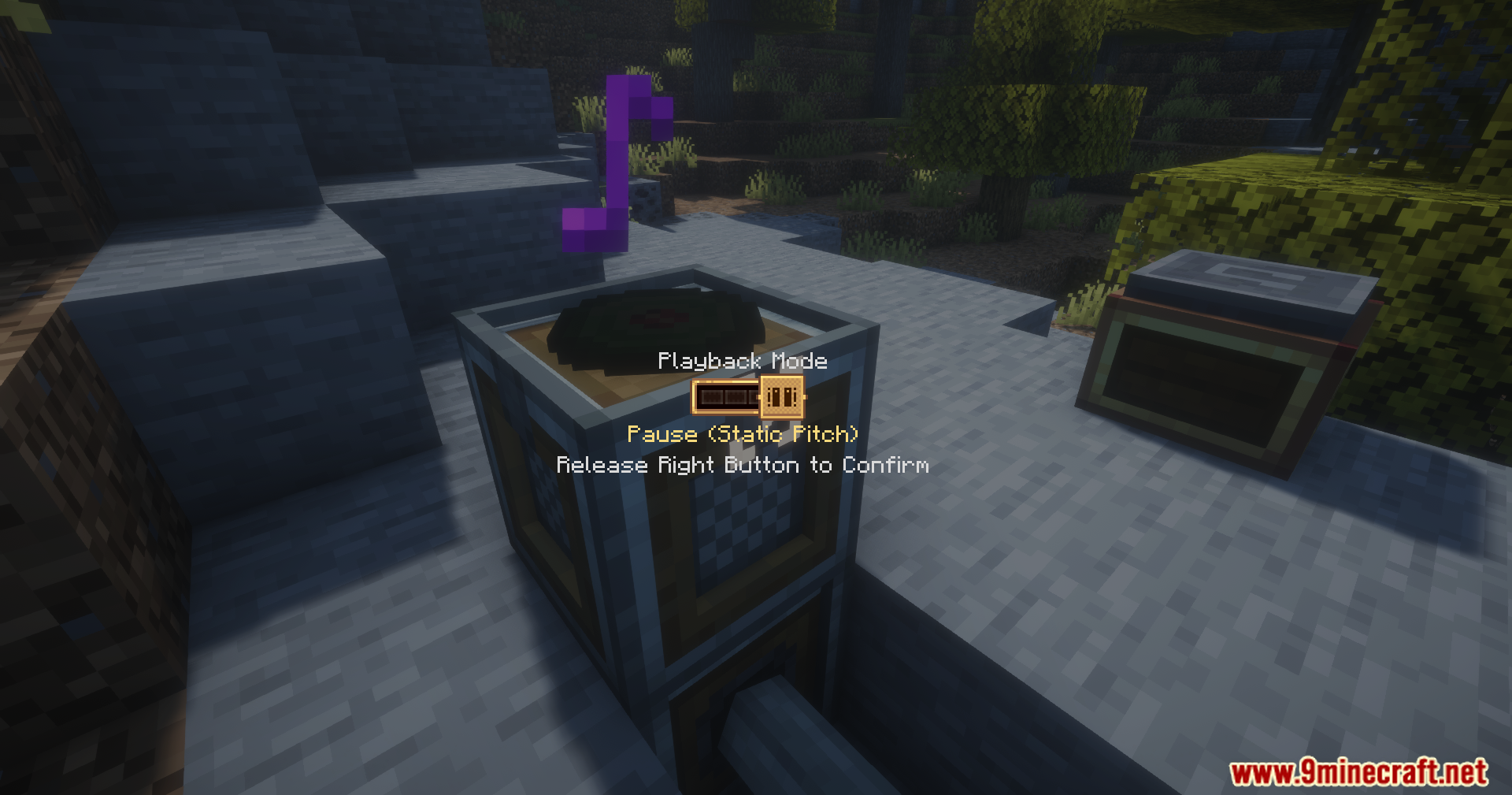
Screenshots:
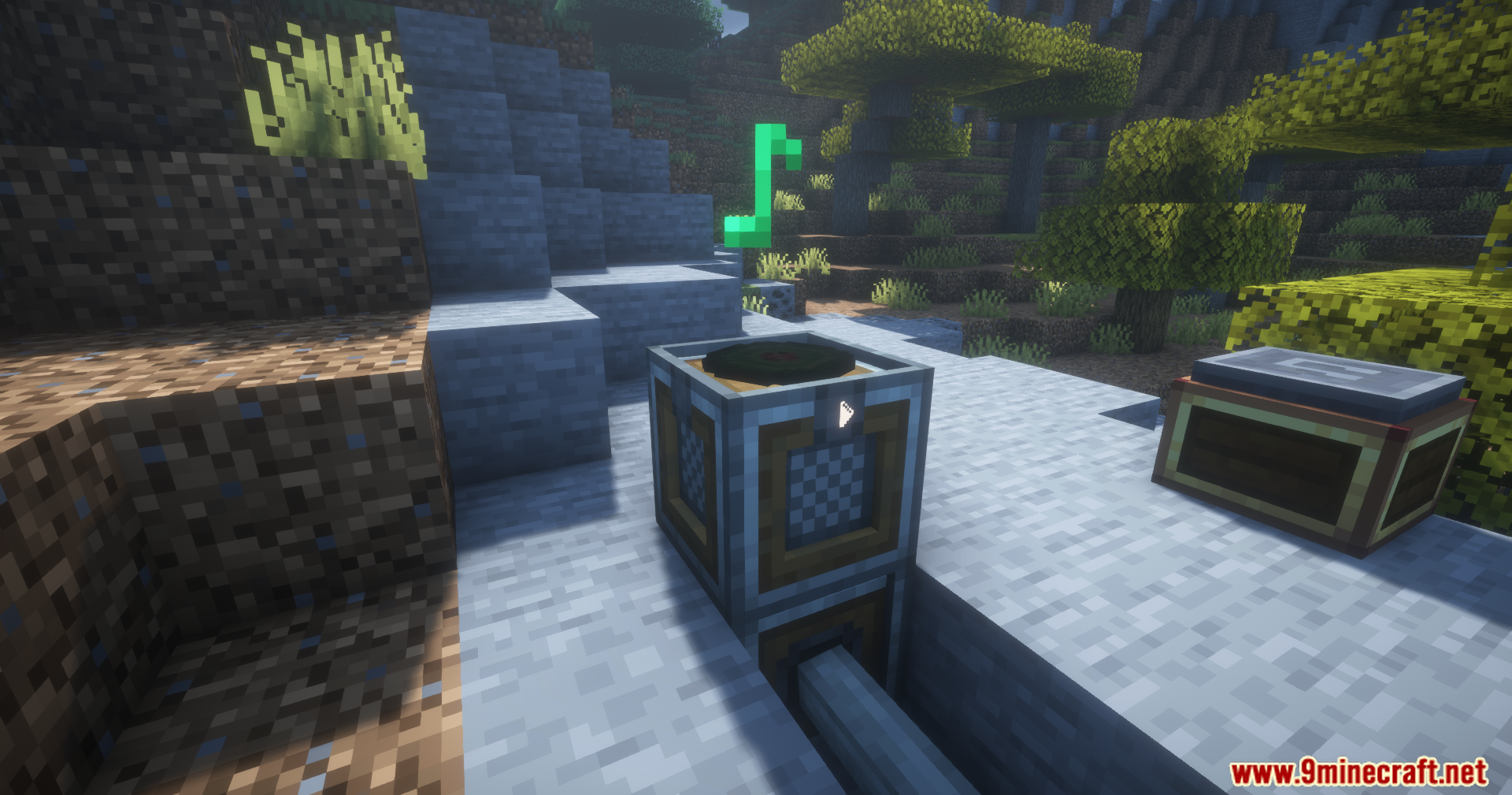
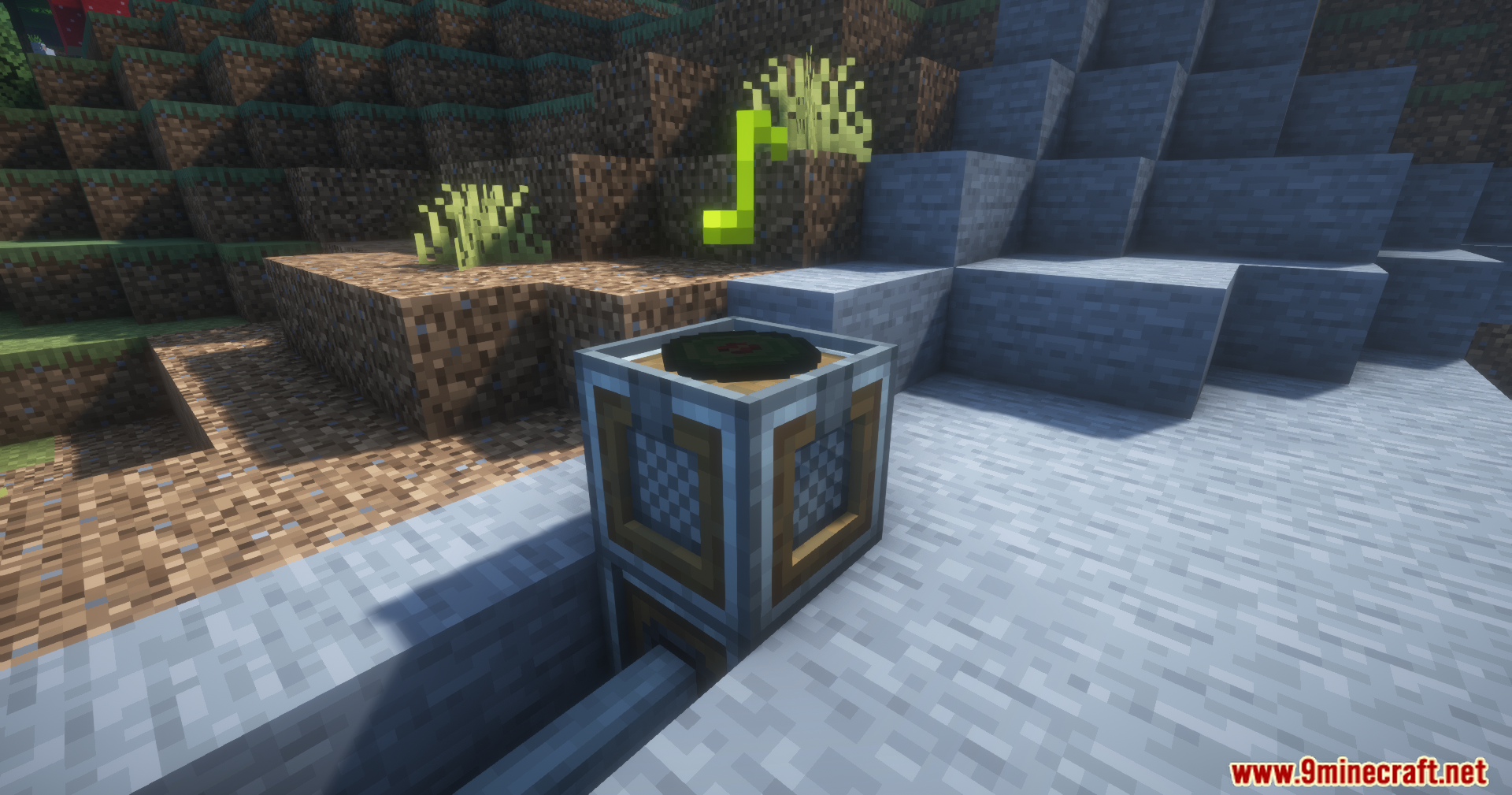
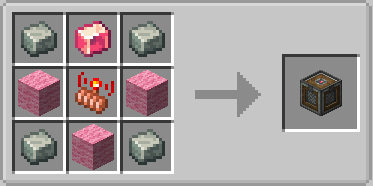
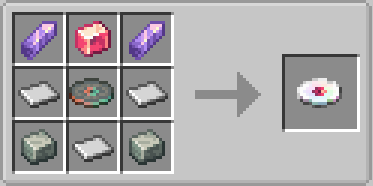
Create Harmonics Mod Download Links
Quick facts
- Edition: Minecraft Java
- File type: .jar
- Minecraft versions listed: 1.21.1, 1.20.1
- How to install: Install the matching mod loader (Forge, Fabric or NeoForge) for your Minecraft version. → Download the .jar. → Put it in the .minecraft/mods folder and launch that loader profile.
- Where to get it: In MC Java Mods, or directly above on this page.
Install steps are the general flow for this file type — How to install Minecraft Java mods & modpacks walks through it step by step.
File checked by MCModsHub
- Downloads as 25613.mcaddon
- Download size: 2.0 MB
- Download link checked 24 Sept 2026 — working
- Mirrored on our own servers — the download does not depend on the original host
These come from our own check of the pack file, not from the source page.