
Smart Particles Mod (26.2, 1.20.1) – Intelligent Particle Control
Java mod listed for Minecraft 1.20. Downloads from the MC Java Mods app on Android.
⬇ Download


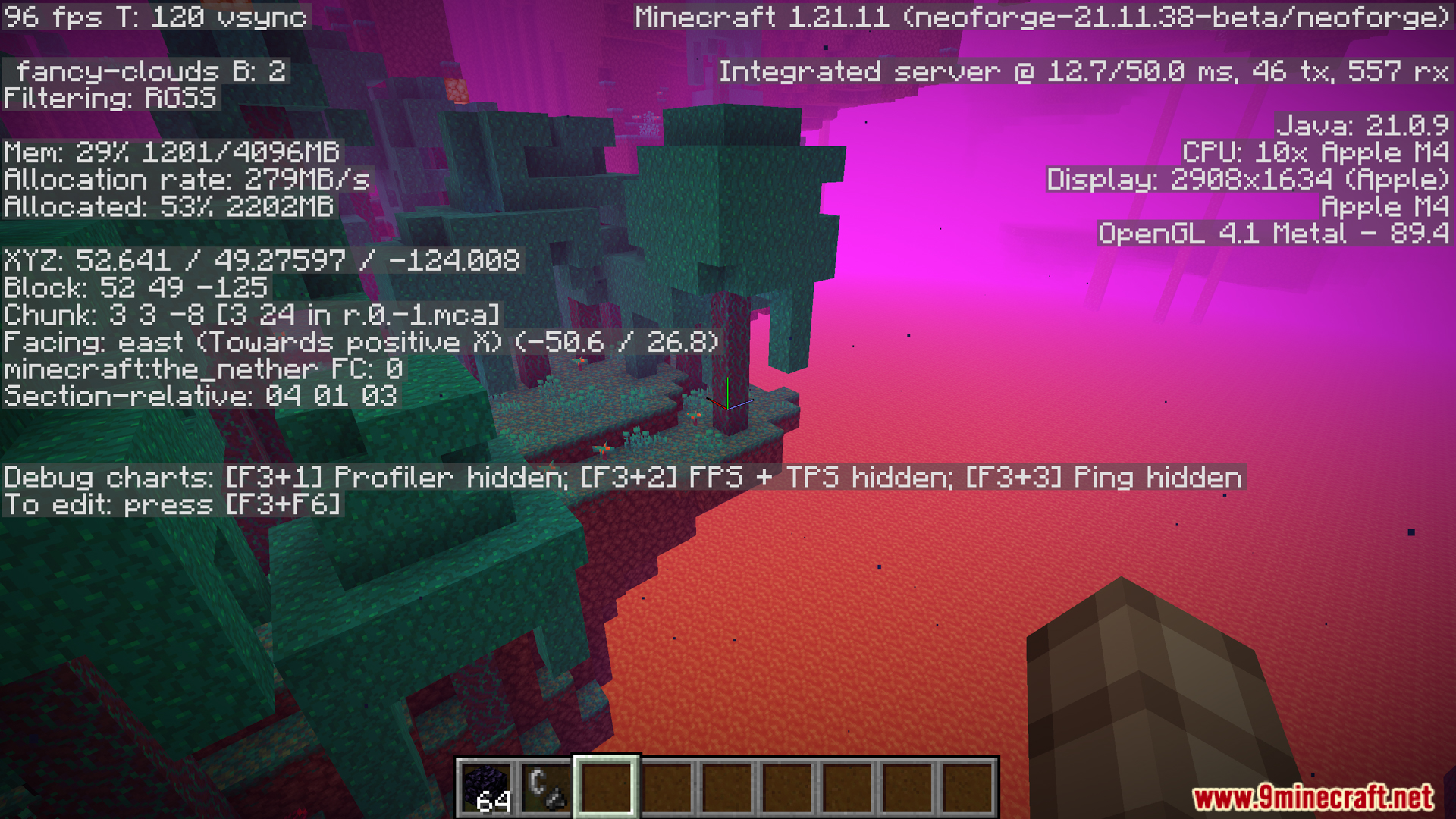


Smart Particles Mod is a lightweight client-side performance mod that greatly improves frame rates in particle-heavy environments. Unlike other particle mods that render all particles even when you can’t see them, Smart Particles actively manages which particles appear on screen by prioritizing the most important ones. It keeps particles closest to you and within your line of sight while removing distant, hidden, or off-screen particles that you wouldn’t notice anyway. This works with both vanilla particles and particles from other mods.
Features:
- Smart Particle Culling system that keeps closest particles and removes distant ones
- Prioritizes particles near the player instead of randomly deleting them
- Smart Camera Culling aggressively removes particles outside your view
- Only renders visible particles, greatly improving performance
- Removes particles behind you or off-screen automatically
- Hard cap protection prevents FPS drops from massive particle explosions
- Protects against lag from mob farms, particle-heavy biomes, villages, and modded spell effects
- Enforces strict limit on total particle count
- Default limit set to 5,000 particles (fully adjustable)
- Adjust particle limit on the fly to fit your hardware
- Fully configurable settings
- Mod Menu integration for easy in-game settings adjustment
- Works alongside other particle and visual mods
- Client-side only mod
- Compatible with many particle mods including Particle Effects, Particle Rain, Visuality, Effective, Better Combat, and many more
- Config file location:
.minecraft/config/smart_particles/config.jsonor.minecraft/config/smartparticles.cfg - Pro Tip: If you notice particle pop-in while Smart Camera Culling is enabled, turn it off to avoid those pop-ins.
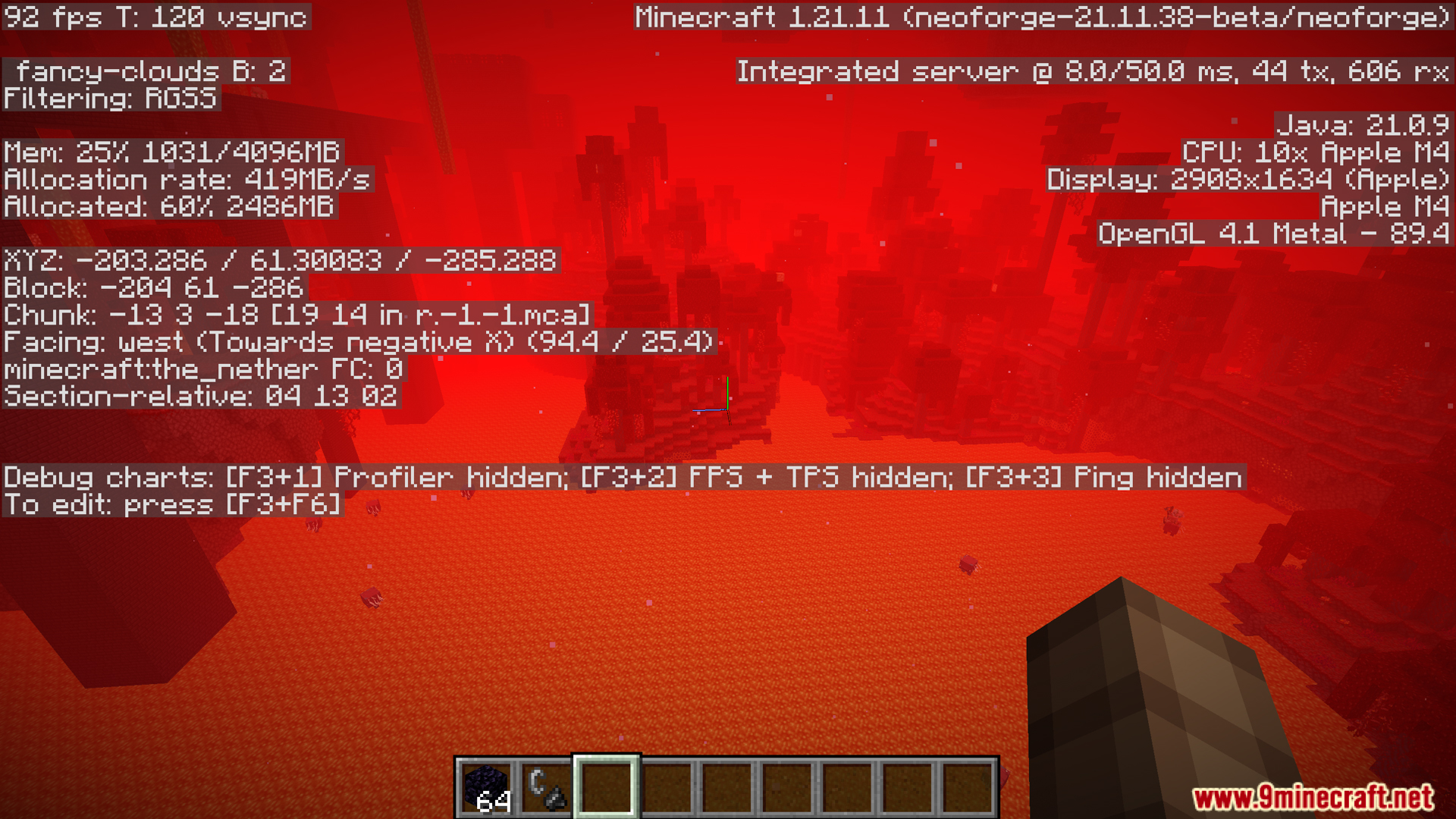
Screenshots:

Smart Particles Mod Download Links
- Edition: Minecraft Java
- File type: .jar
- Minecraft version listed: 1.20.1
- How to install: Install the matching mod loader (Forge, Fabric or NeoForge) for your Minecraft version. → Download the .jar. → Put it in the .minecraft/mods folder and launch that loader profile.
- Where to get it: In MC Java Mods, or directly above on this page.
Install steps are the general flow for this file type — How to install Minecraft Java mods & modpacks walks through it step by step.
- Downloads as 25614.mcaddon
- Download size: 54 KB
- Download link checked 24 Sept 2026 — working
- Mirrored on our own servers — the download does not depend on the original host
These come from our own check of the pack file, not from the source page.