Home›Java›Mods›DLC Manager Mod (1.21.11, 1.20.1) – Toggle Optional Modpack Files Without Exiting Game

ModsJava
DLC Manager Mod (1.21.11, 1.20.1) – Toggle Optional Modpack Files Without Exiting Game
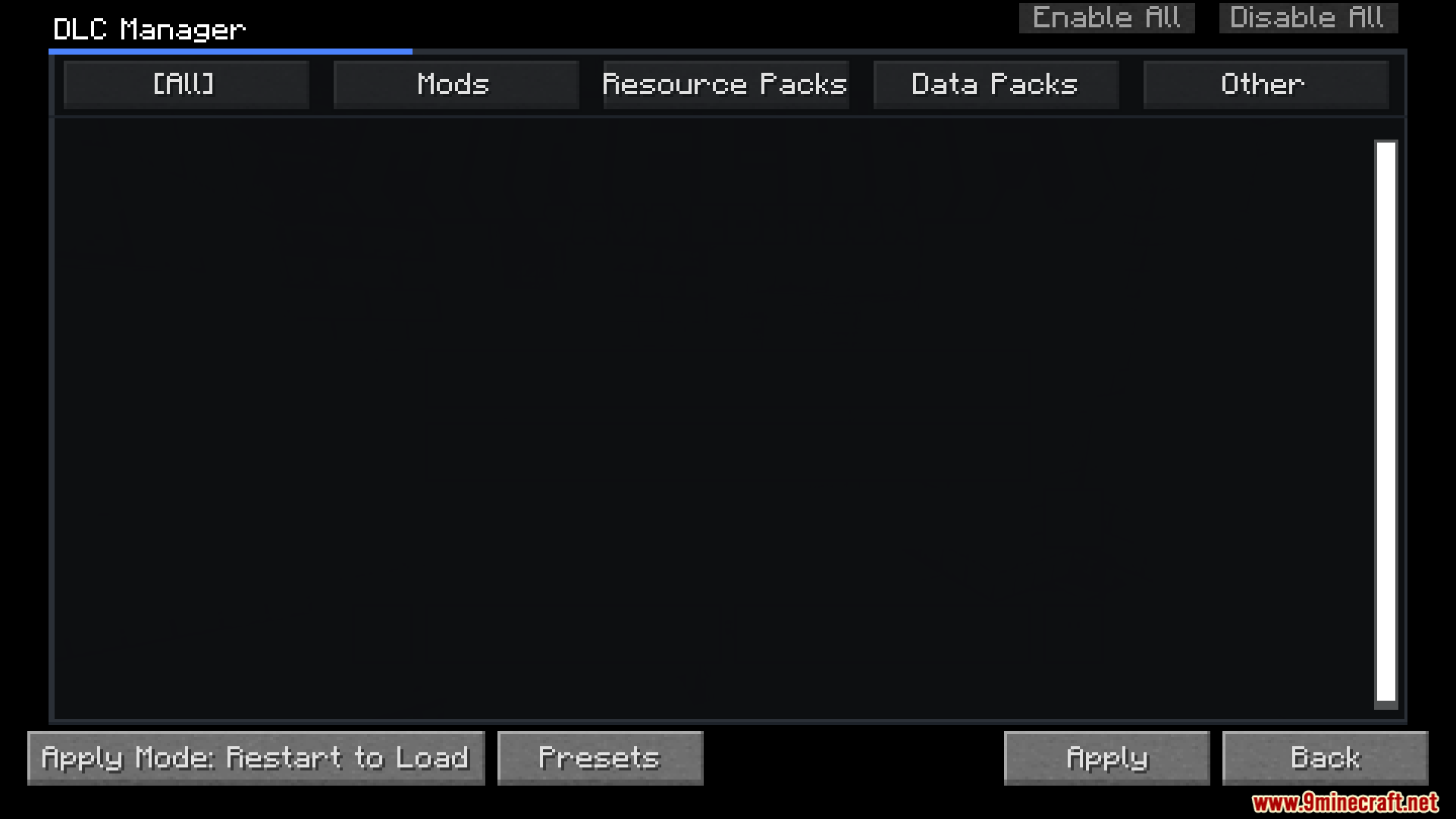
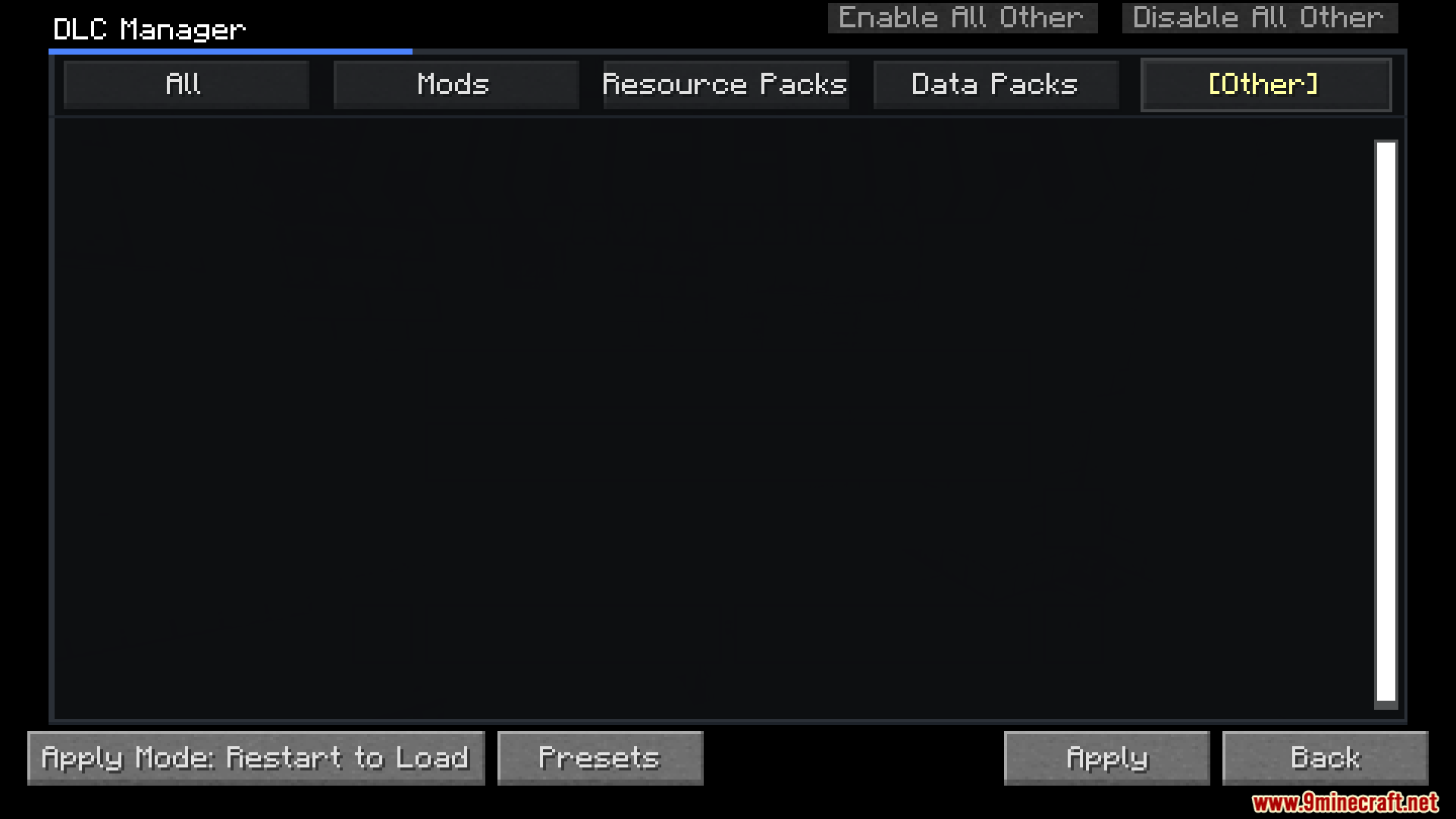
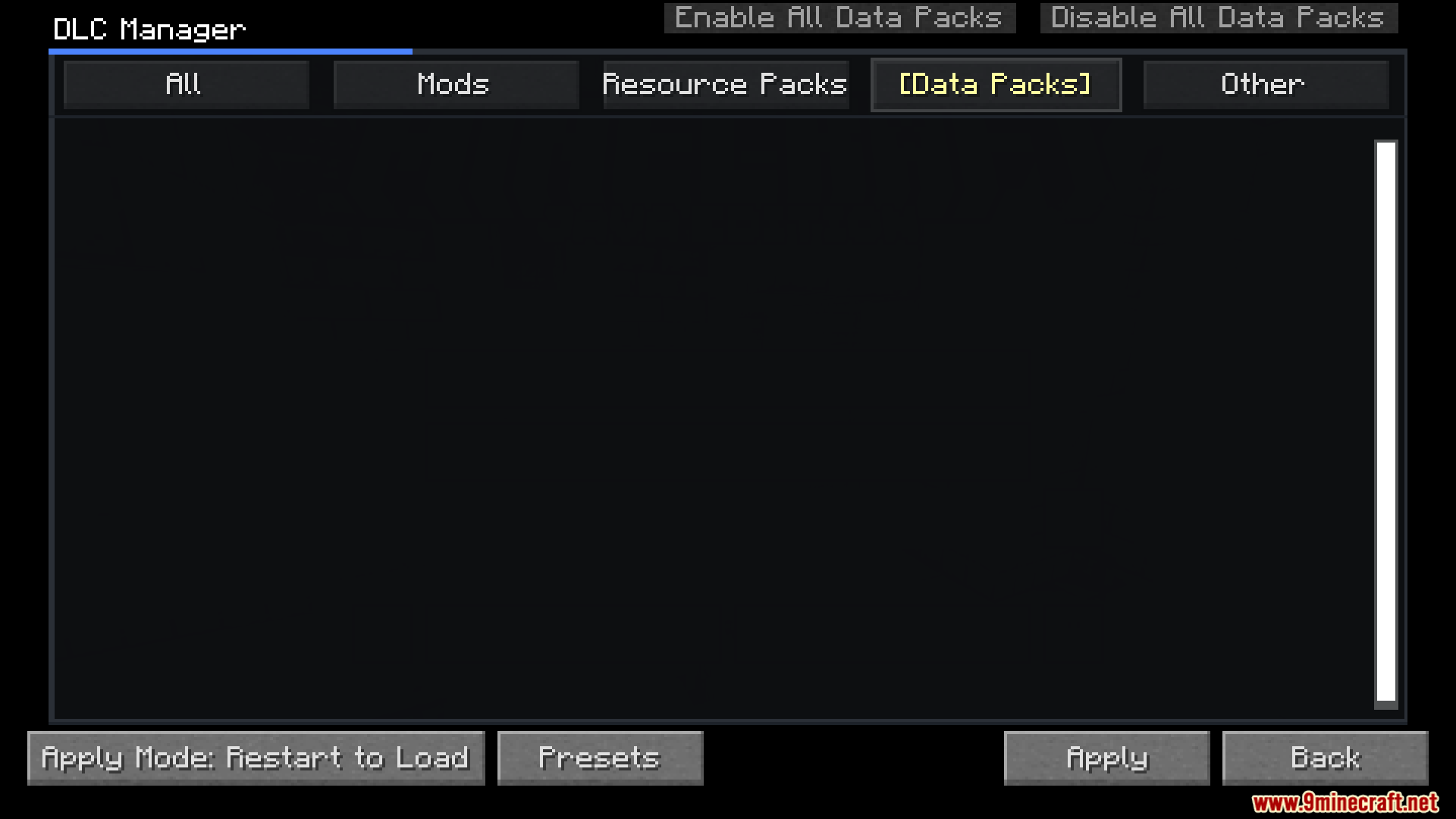
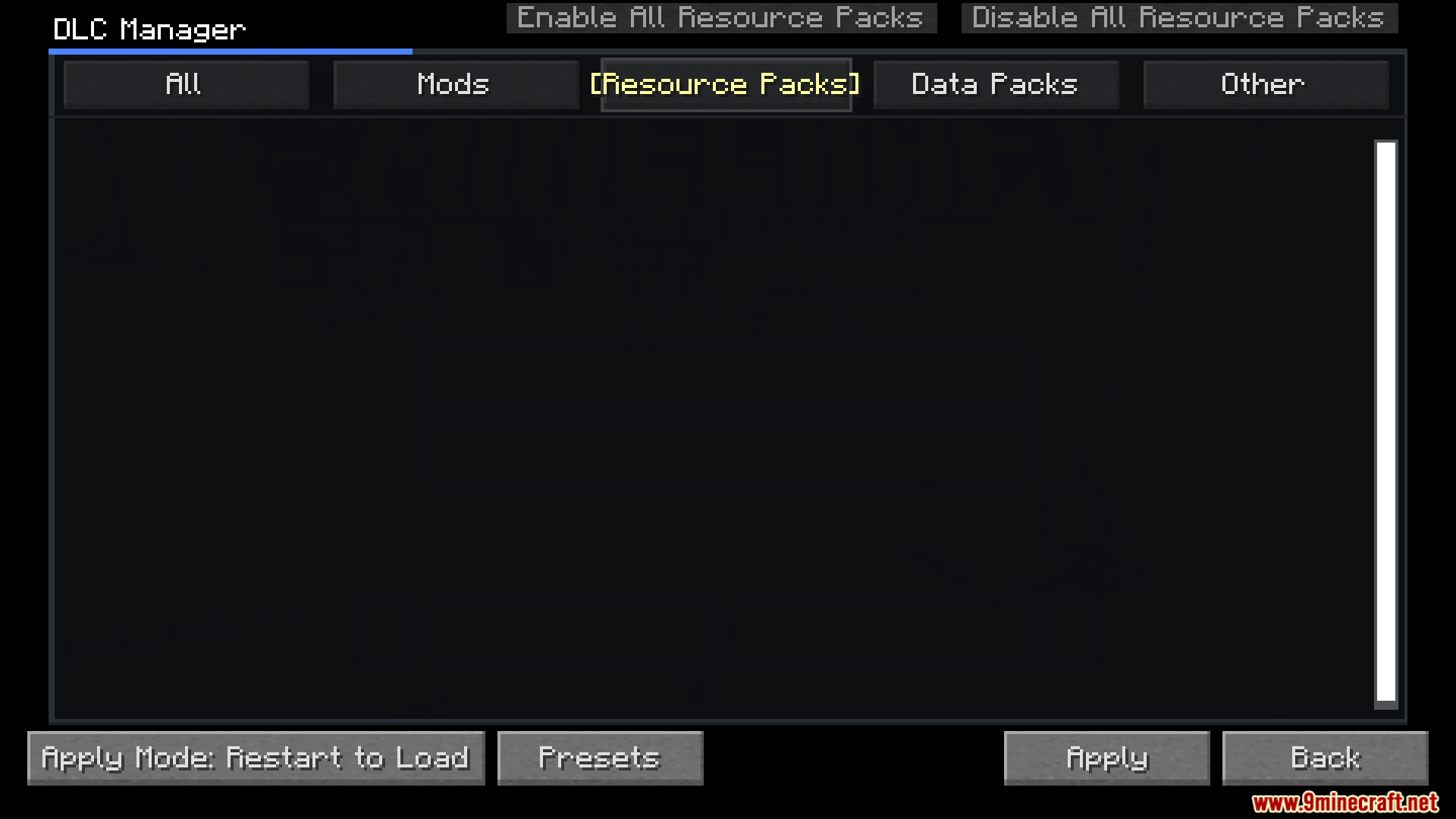
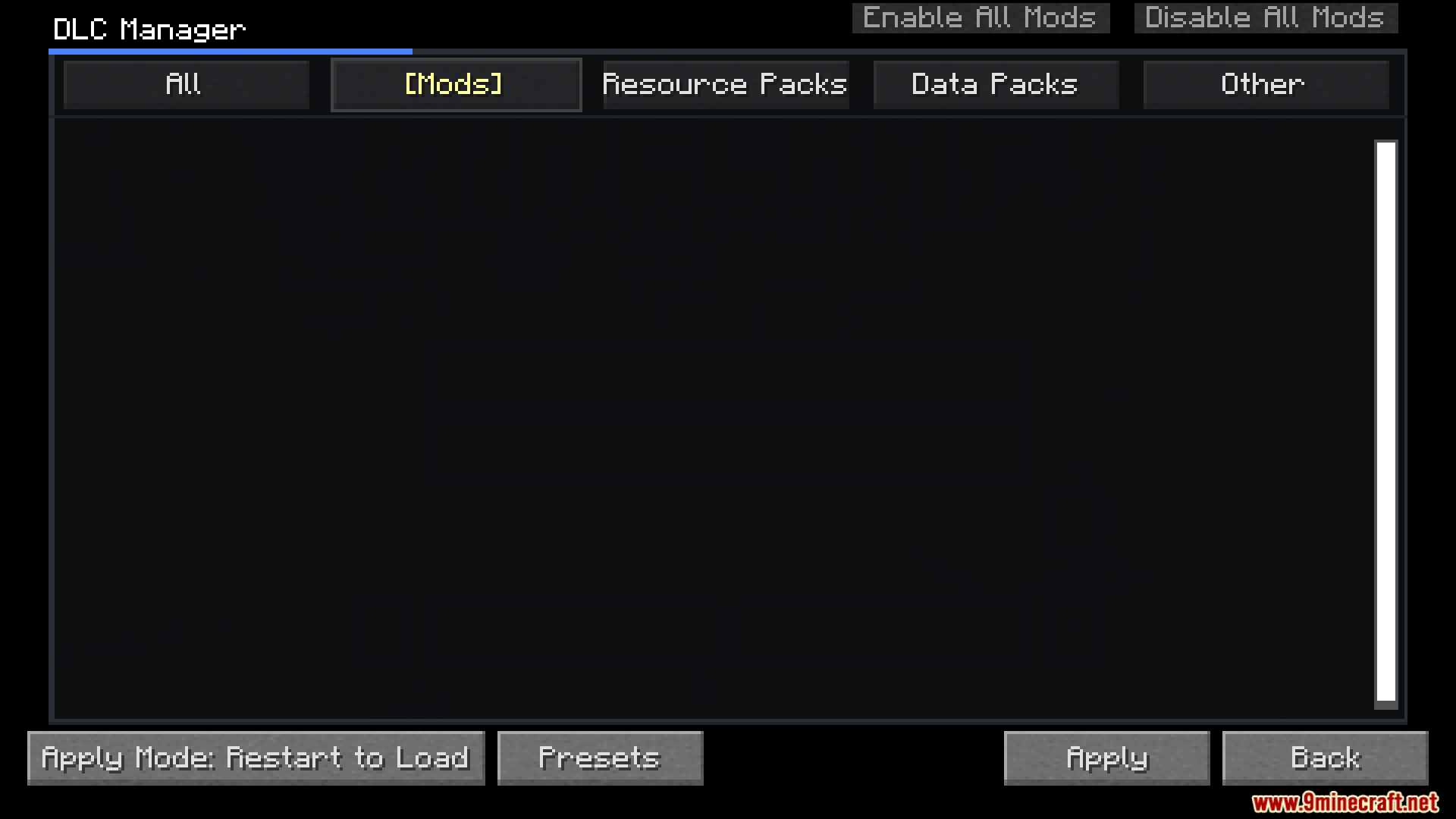
DLC Manager Mod lets you control extra files in your modpacks right from the game screen. Instead of digging through folders, you can turn optional mods, resource packs, and data packs on or off using a simple menu. It tells you exactly when you need to restart the game or reload your resources so everything works right.
Features:
- In-game Menu: Turn extra files on or off without leaving Minecraft.
- Smart Updates: The mod knows if you need a full game restart or just a quick resource reload.
- Groups your extra content into neat lists so it is easy to read.
- Works with normal mods, resource packs, data packs, and even TACZ gun packs.
- Shows helpful text boxes when you hover over items if you add info files to the folder.
- Lets you change where the mod looks for files by editing the settings.
Folder Layout:
This mod uses a specific folder structure inside your main modpack folder to keep things organized:
Modpack Root
└─ DLC/
   ├─ example_mod.jar
   ├─ resource_pack.zip
   ├─ datapack.zip
   ├─ tacz/
   ├─ remote/
   ├─ required/
   └─ info/
How to Use:
- Open the game menu and find the new DLC manager screen.
- Look through the lists of optional content.
- Click to turn the mods or packs you want on or off.
- Follow the screen instructions to either reload your resources or restart your game.
Screenshots:
DLC Manager Mod Download Links
Quick facts
- Edition: Minecraft Java
- File type: .jar
- Minecraft versions listed: 1.21.11, 1.20.1
- How to install: Install the matching mod loader (Forge, Fabric or NeoForge) for your Minecraft version. → Download the .jar. → Put it in the .minecraft/mods folder and launch that loader profile.
- Where to get it: In MC Java Mods, or directly above on this page.
Install steps are the general flow for this file type — How to install Minecraft Java mods & modpacks walks through it step by step.
Verified by MCModsHub
- Downloads as 25617.mcaddon
- Download size: 1.5 MB
- Download link checked 25 Sept 2026 — working
- Mirrored on our own servers — the download does not depend on the original host
These come from our own check of the pack file, not from the source page.