
Elytra Control
I don't know my version or loader
Elytra Control
Elytra Control is a lightweight Minecraft mod that enhances your Elytra flight experience with precise and customizable control options. It provides various flight utilities such as disabling flight, canceling midair glides, and simplifying takeoff mechanics — all configurable to suit your playstyle.
Requirements
This mod requires the following dependencies to work properly:
For versions below 0.3.3+1.21.9
| Modrinth | Curseforge |
|---|---|
| Smootheez Config Lib (scl) | Smootheez Config Lib (scl) |
For versions 0.3.3+1.21.9 and above
| Modrinth | Curseforge |
|---|---|
| Smoothiez API | Smoothiez API |
| Fabric API | Fabric API |
Preview
Experience smoother and more controlled Elytra flight with three major features designed for flexibility and ease of use.
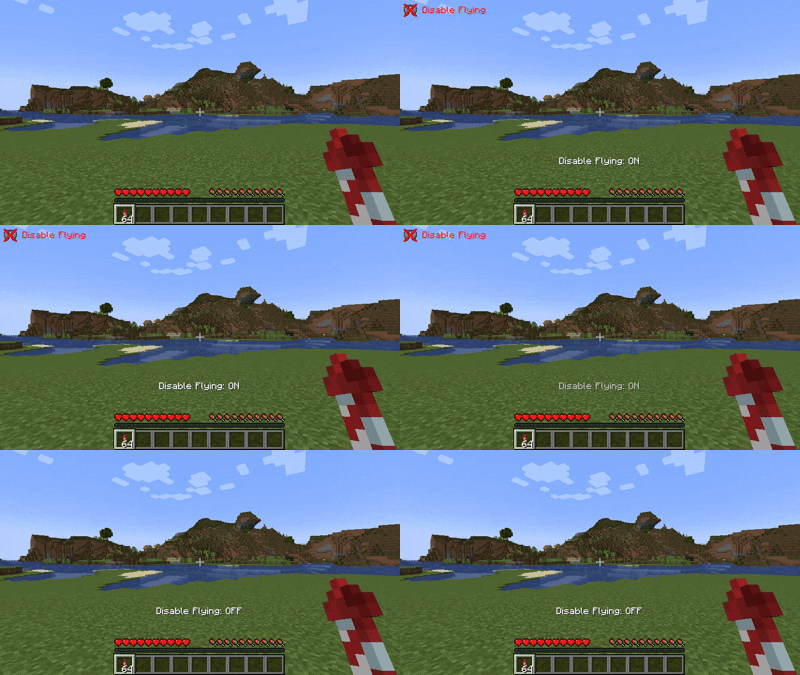
Disable Fly
Completely disable Elytra flight when needed. You can customize the on-screen overlay with the following display modes:
- Icon only
- Text + Icon
- Text only
- Hidden (no overlay)
Overlay position is also fully adjustable.
Cancel Fly
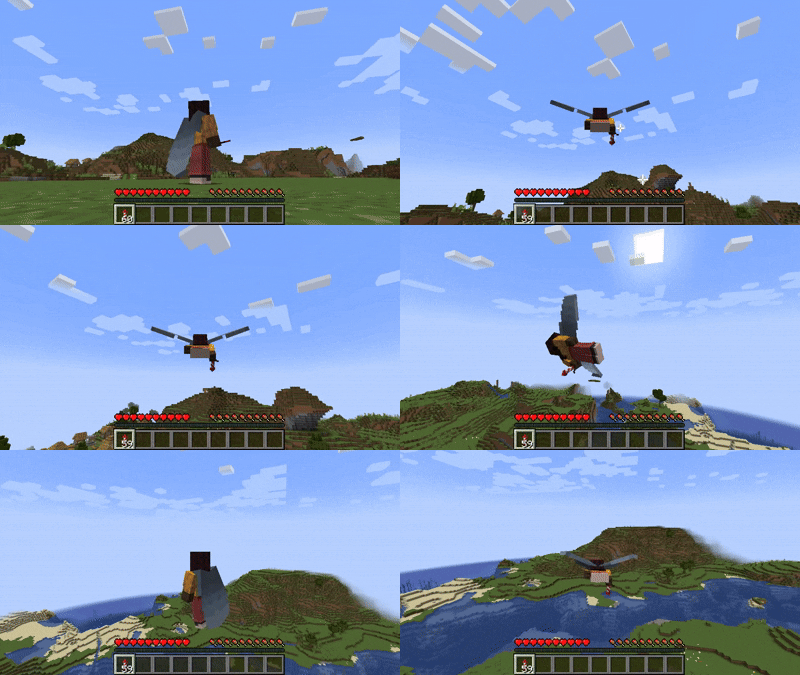
Instantly cancel your Elytra flight midair — perfect for safe landings or quick maneuvering. Keybinds are fully customizable:
- Use the default jump behavior
- Or assign your own custom key
Easy Fly
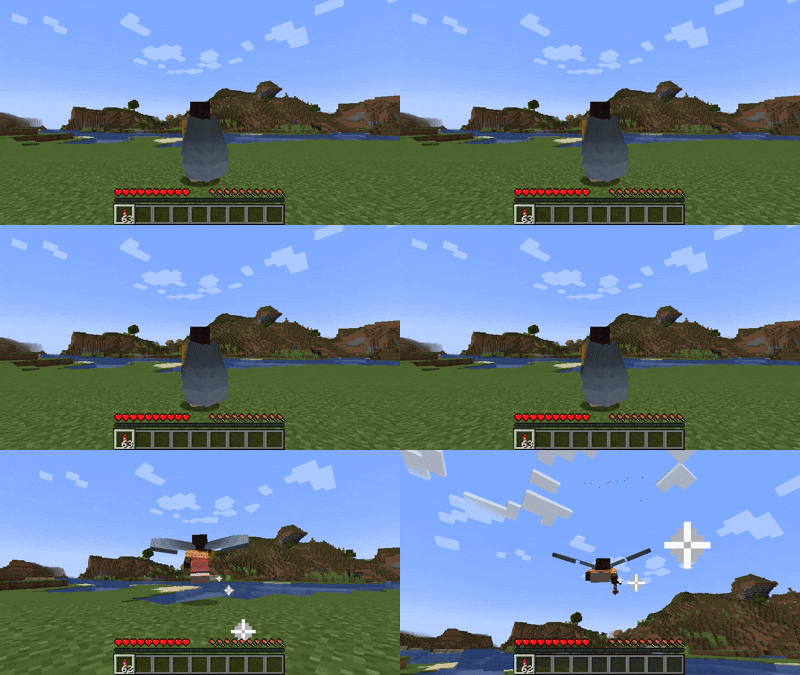
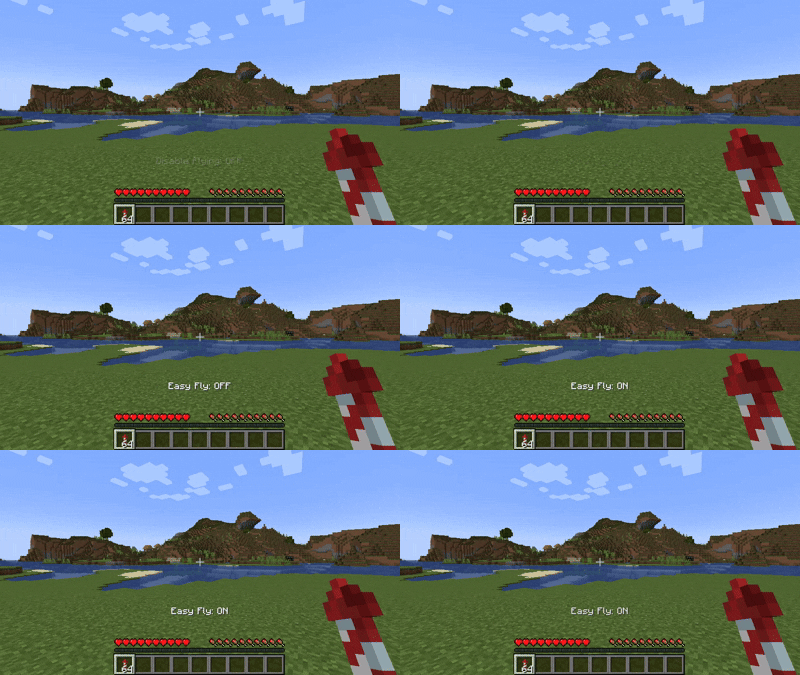
Take off effortlessly with this optional feature that simplifies Elytra launching. It’s disabled by default, and can be enabled via:
- The config menu (requires Mod Menu), or
- The config file in your
configdirectory
You can also assign a keybind to toggle Easy Fly on or off. (Note: the toggle keybind is unassigned by default.)
Configuration
All features can be configured to fit your preferences. You can modify settings either in-game (via Mod Menu) or manually through the configuration file.
Available options include:
- Toggling each Elytra feature
- Adjusting overlay position and display mode
- Rebinding custom flight control keys
Download
Get the latest version from your preferred platform:
| Modrinth | Curseforge |
|---|---|
| Elytra Control | Elytra Control |
Reporting Issues
Found a bug or want to suggest a new feature? Please open an issue on GitHub: GitHub Issues
Support My Work
If you enjoy this mod and want to support future development, consider donating:


- Edition: Minecraft Java
- File type: .jar
- Minecraft versions listed: 1.21.9, 1.21.10, 1.21.11
- How to install: Install the matching mod loader (Forge, Fabric or NeoForge) for your Minecraft version. → Download the .jar. → Put it in the .minecraft/mods folder and launch that loader profile.
- Where to get it: Opens on Modrinth — not every file is mirrored on our own servers.
Install steps are the general flow for this file type — How to install Minecraft Java mods & modpacks walks through it step by step.
- Ships as elytracontrol-0.3.3+1.21.9.jar — drop this file into the mods folder
- Download size: 33 KB
- Download link checked 30 Aug 2026 — working
These come from our own check of the pack file, not from the source page.