
NicerTabBackground
Java mod listed for Minecraft 1.20. Downloads from the MC Java Mods app on Android.
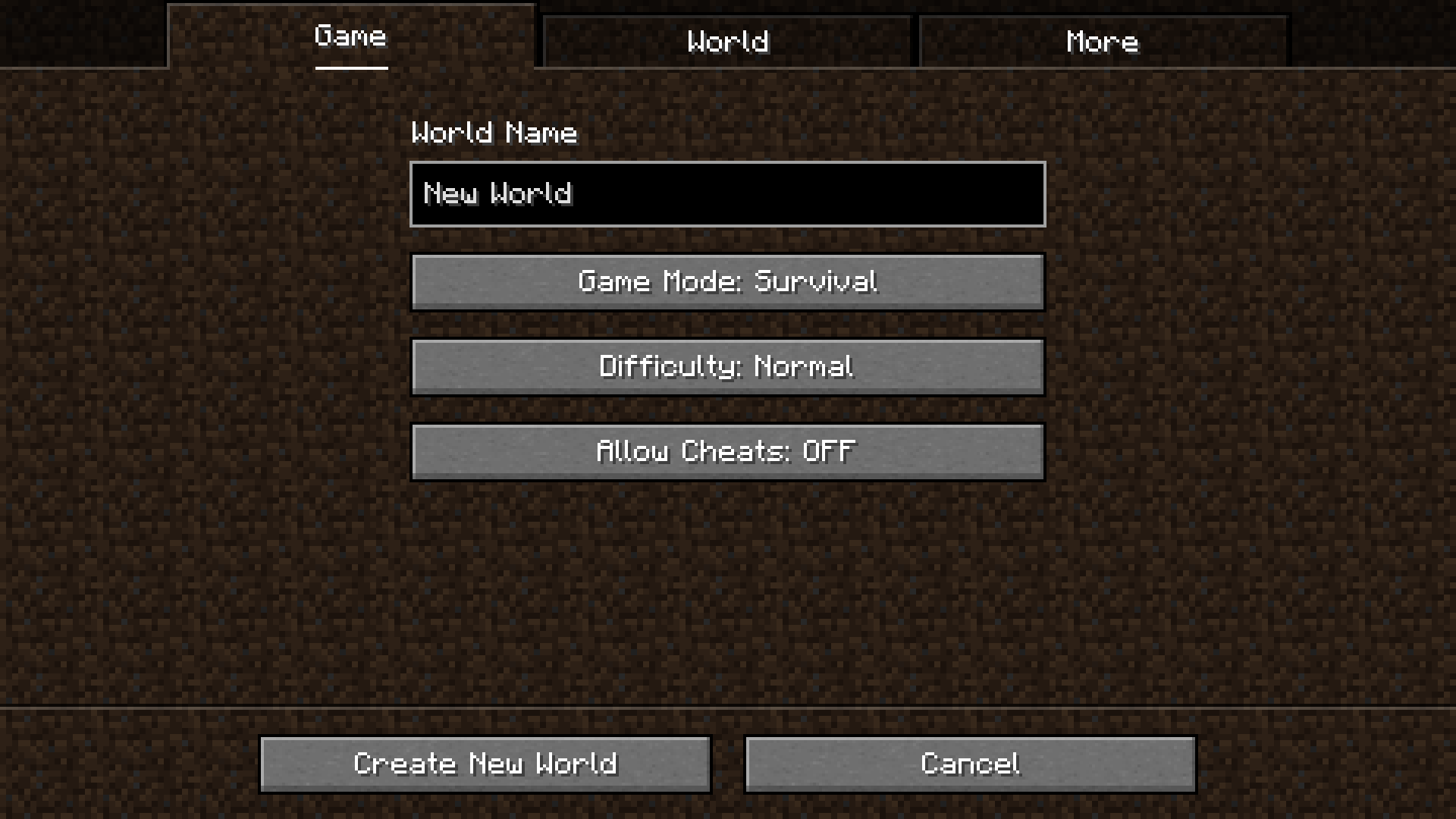
Minecraft mod that replaces the black bar in the create world screen with a dark version of the background image
I don't know my version or loader

NicerTabBackground
Minecraft mod that replaces the black bar in the create world screen with a dark version of the background image
What this mod does
It replaces the entirely black tab background with a semi-transparent black color that allows the background image to still be visible.
It will also work with other mods utilising the tab navigation widget.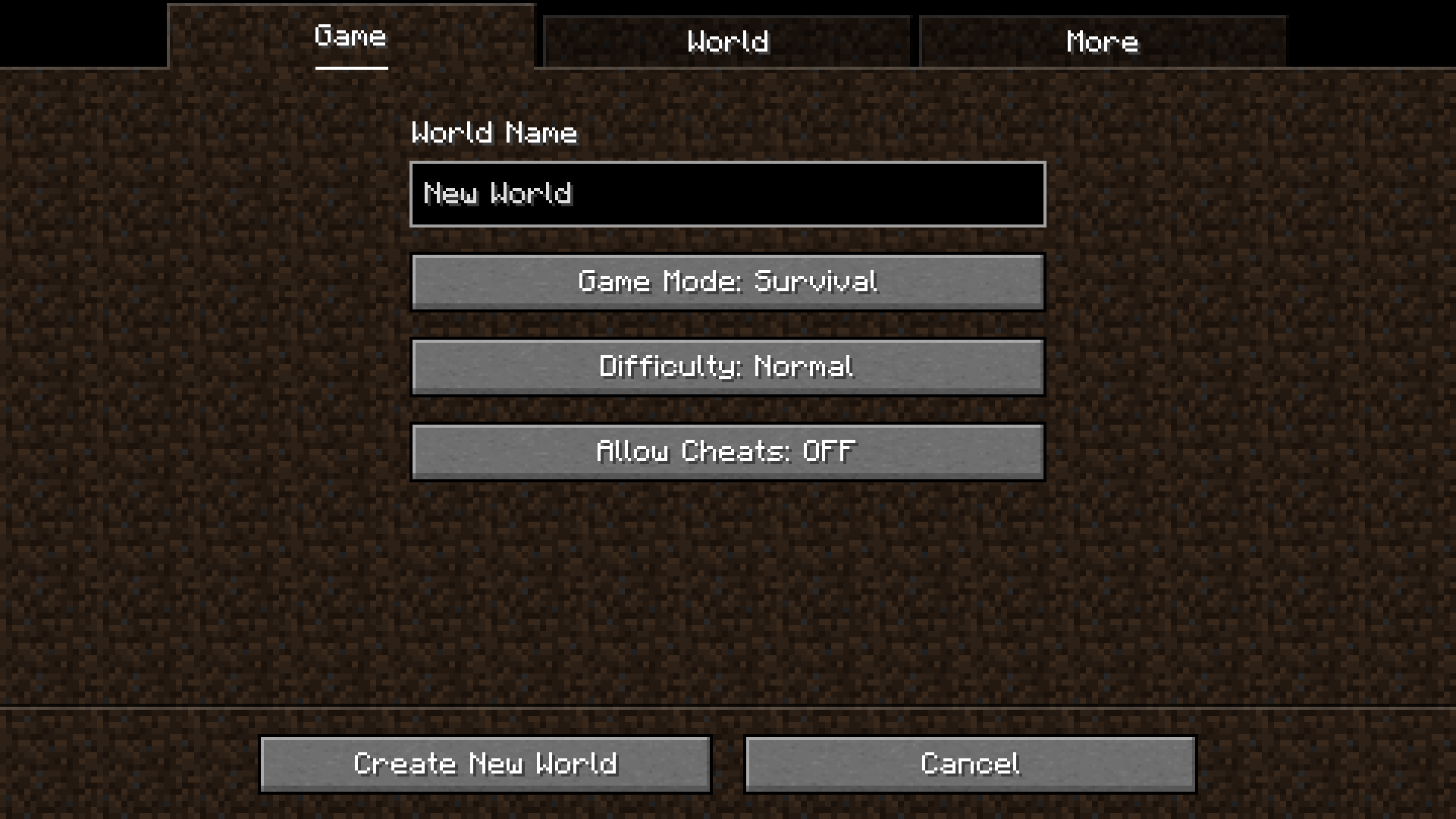
Dependencies
None! Like most of my mods, it works out of the box.
- Edition: Minecraft Java
- File type: .jar
- Minecraft versions listed: 1.20, 1.20.1, 1.20.2
- How to install: Install the matching mod loader (Forge, Fabric or NeoForge) for your Minecraft version. → Download the .jar. → Put it in the .minecraft/mods folder and launch that loader profile.
- Where to get it: Opens on Modrinth — not every file is mirrored on our own servers.
Install steps are the general flow for this file type — How to install Minecraft Java mods & modpacks walks through it step by step.
- Ships as nicertabbackground-2.0.0.jar — drop this file into the mods folder
- Download size: 14 KB
- Download link checked 21 Nov 2026 — working
These come from our own check of the pack file, not from the source page.