ModsJava
MarketGuard for Hypixel Skyblock Mod (26.2, 1.21.11) – Never Lose Coins To Auction
Java mod listed for Minecraft 1.21. Downloads from the MC Java Mods app on Android.
⬇ Download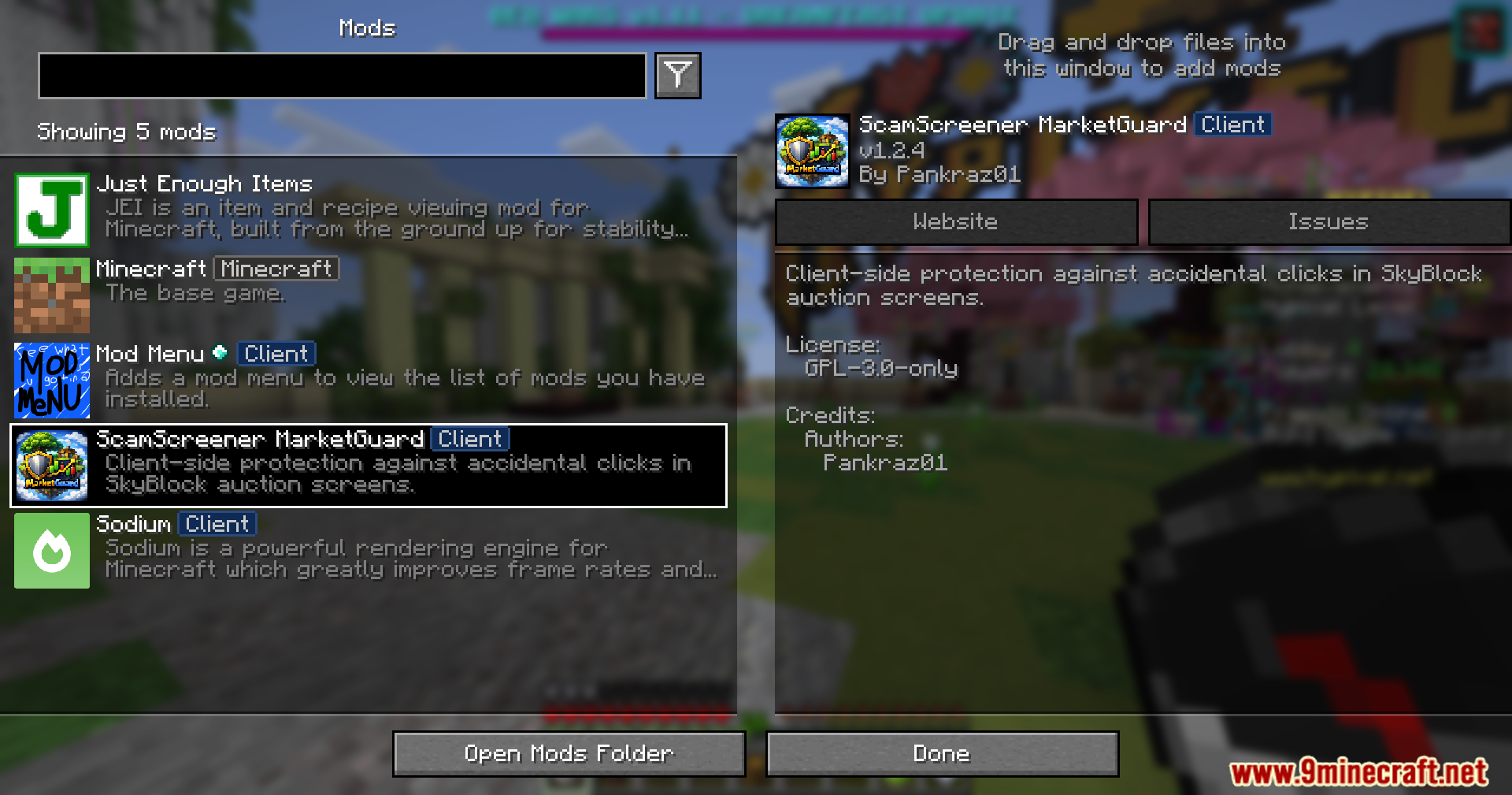
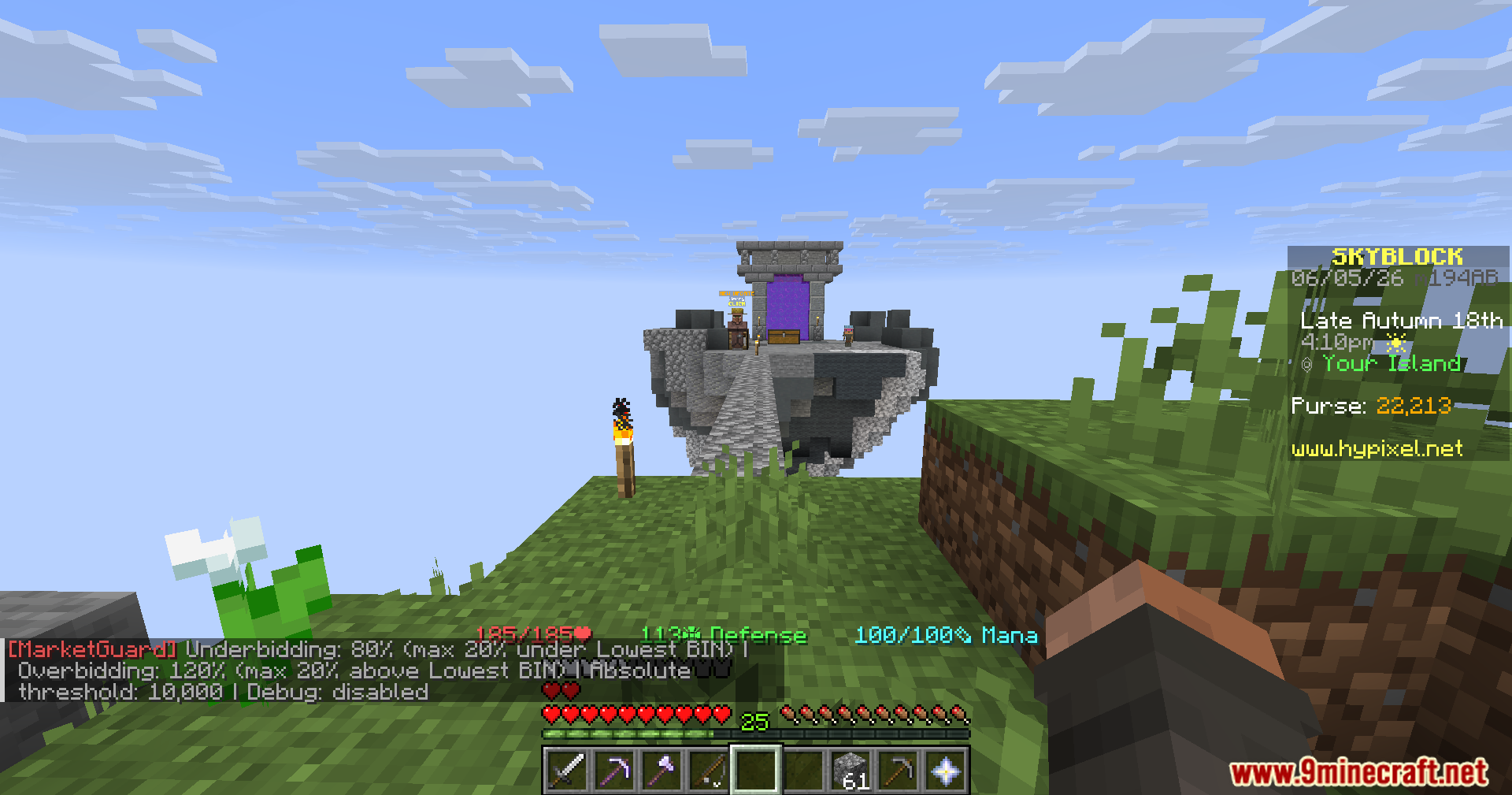
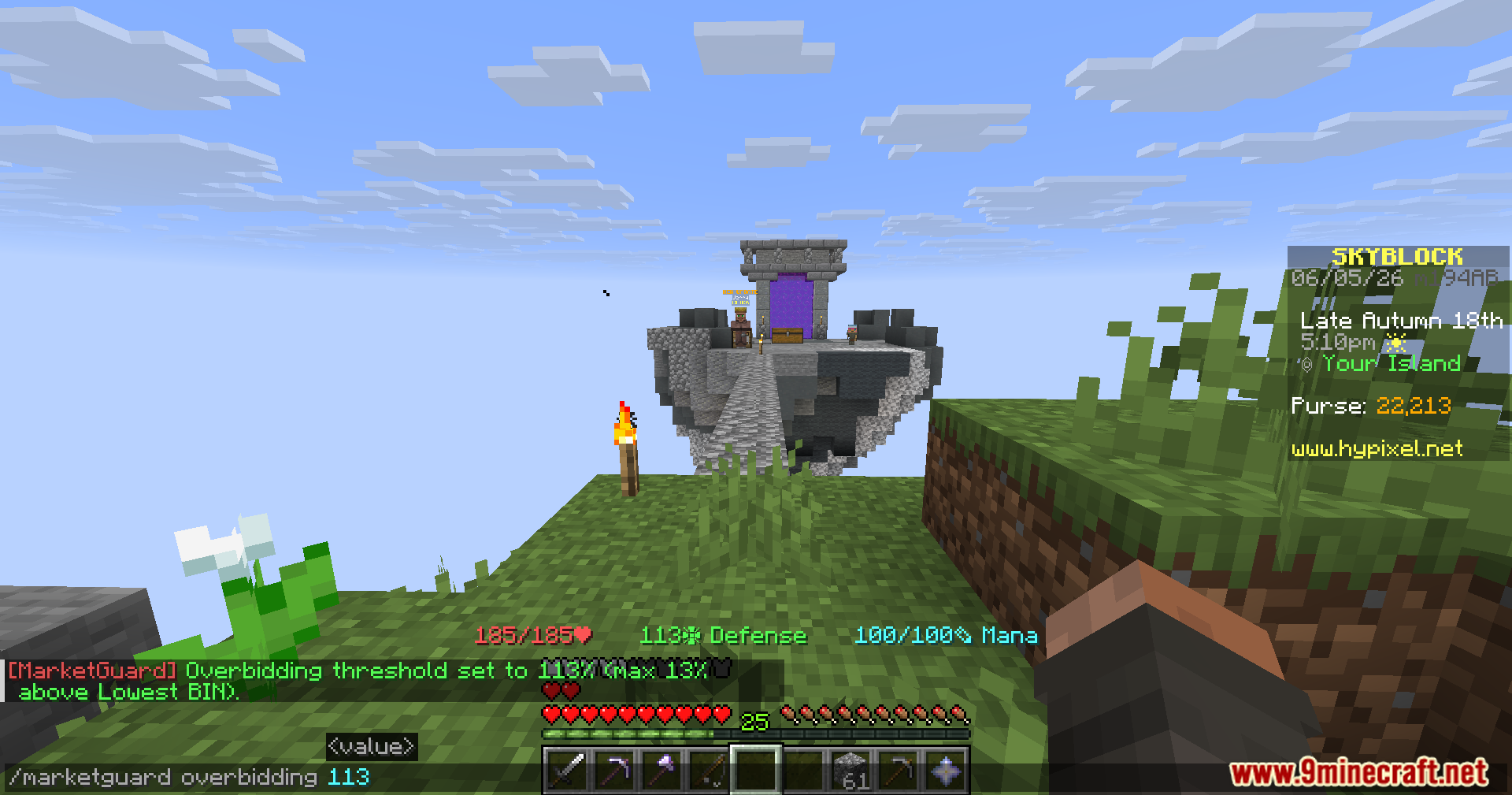
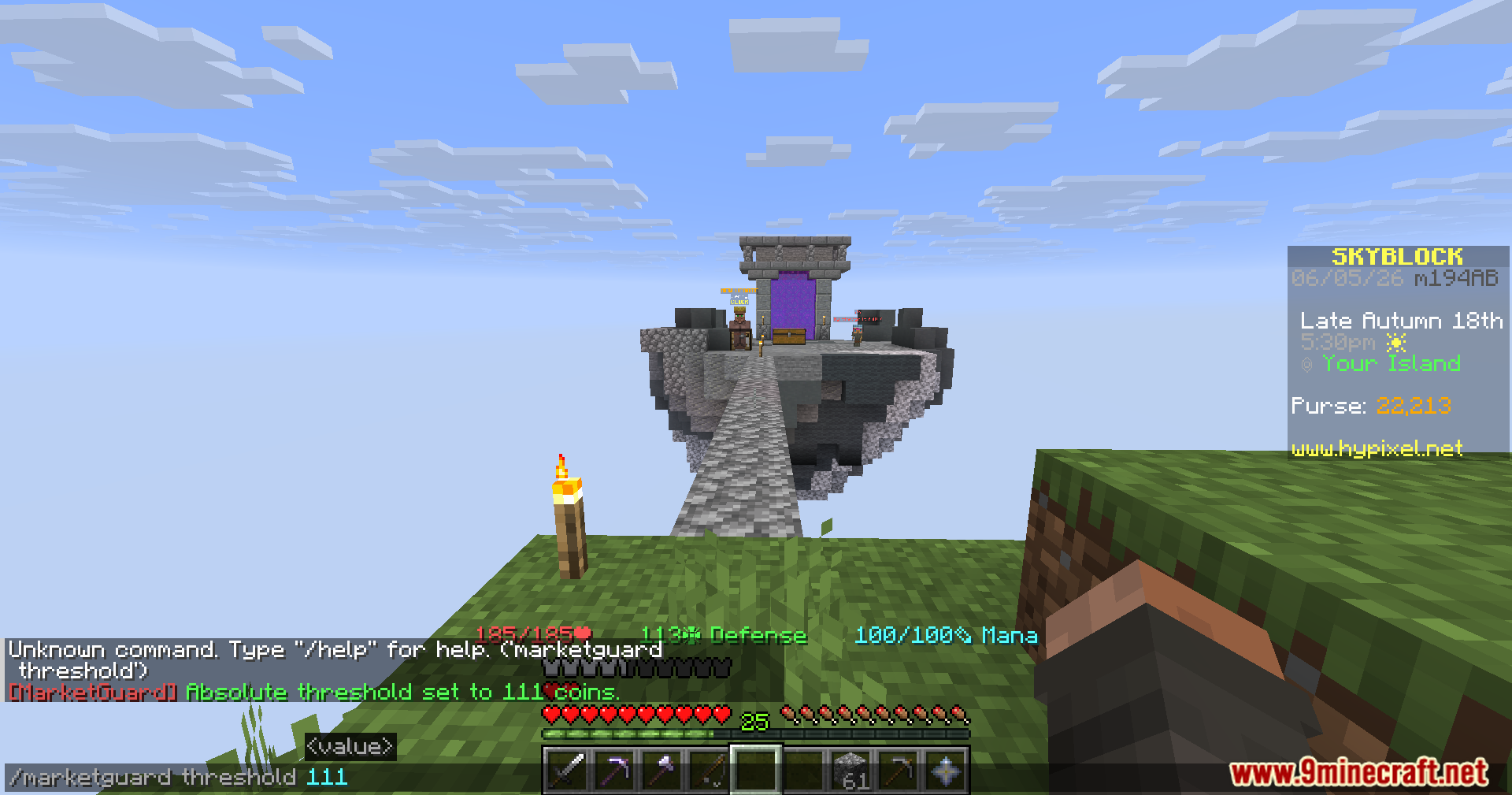



MarketGuard for Hypixel Skyblock Mod protects your hard-earned coins from accidental misclicks in the Auction House. It checks item prices before you buy or sell and stops you from making huge mistakes. If you accidentally type the wrong number or click on an overpriced item, this mod blocks the action to save your money.
Features:
- Stops Underbidding: Blocks you from listing an item for way less than it is worth, which usually happens when you forget to type a zero.
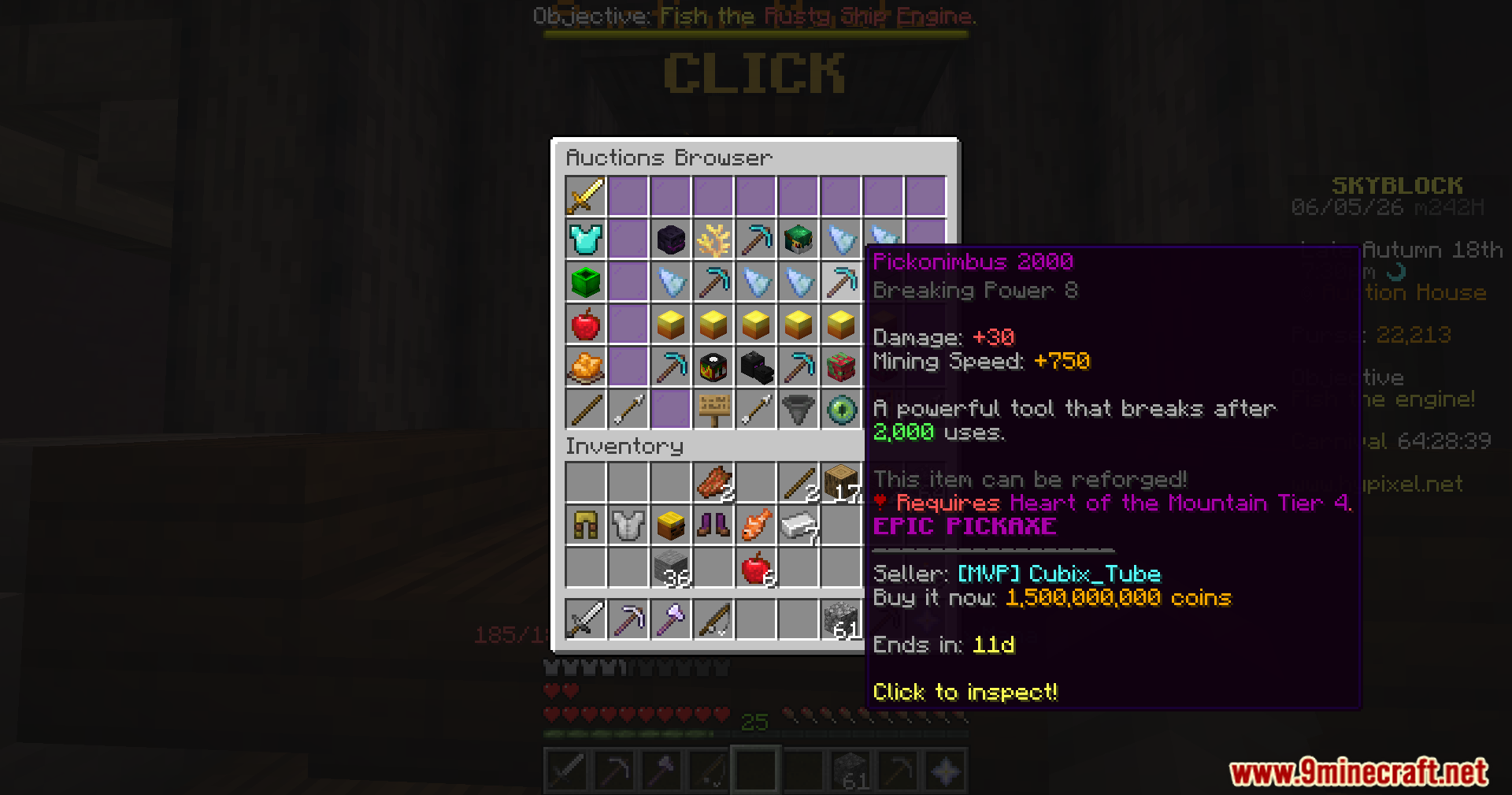
- Prevents Overbidding: Stops you from buying an item that costs way more than the normal market price.
- Bypass Option: Lets you click a few more times to force the purchase or sale if you actually want to do it.
- Shows a clear warning message in your chat with the item name and the exact price difference.
- Runs completely on your side, so you do not need to worry about server rules or other players.
- Pulls the lowest price data directly from the market to compare against your clicks.
- Blocks the click to keep you safe if the market price data is still loading or unavailable.
Commands:
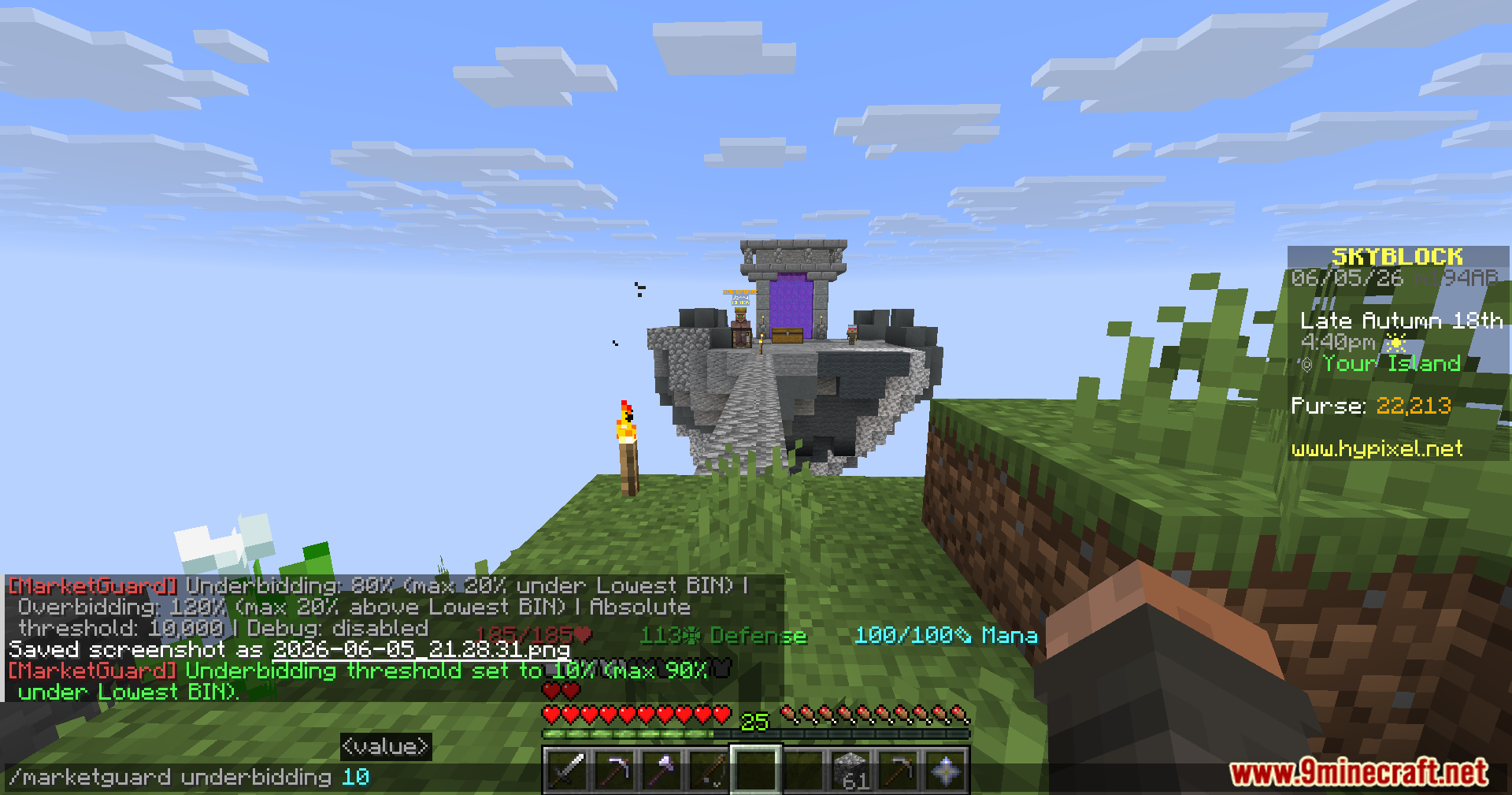
/marketguardor/mgopens the main settings./mg underbiddingsets the limit for selling items too cheap (default is 80)./mg overbiddingsets the limit for buying items too expensive (default is 120).
How to Use:
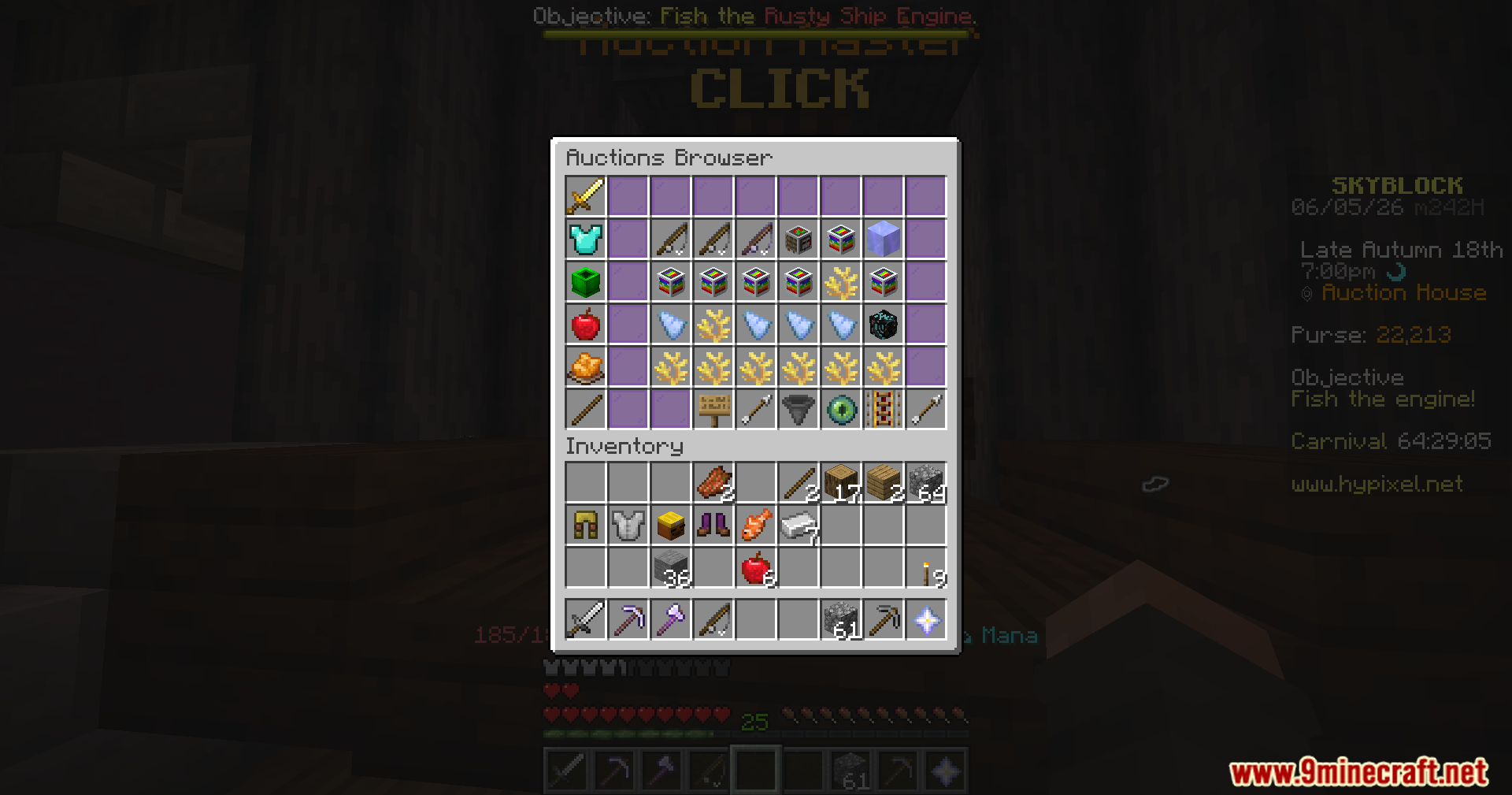
- Open the Auction House in Hypixel Skyblock.
- Try to buy a Buy It Now (BIN) item or create a new BIN auction.
- If you type a price that is too high or too low, the click gets blocked automatically.
- Read the warning in your chat to see how far off your price is.
- Click the button a few more times if you still want to complete the action anyway.
Screenshots:
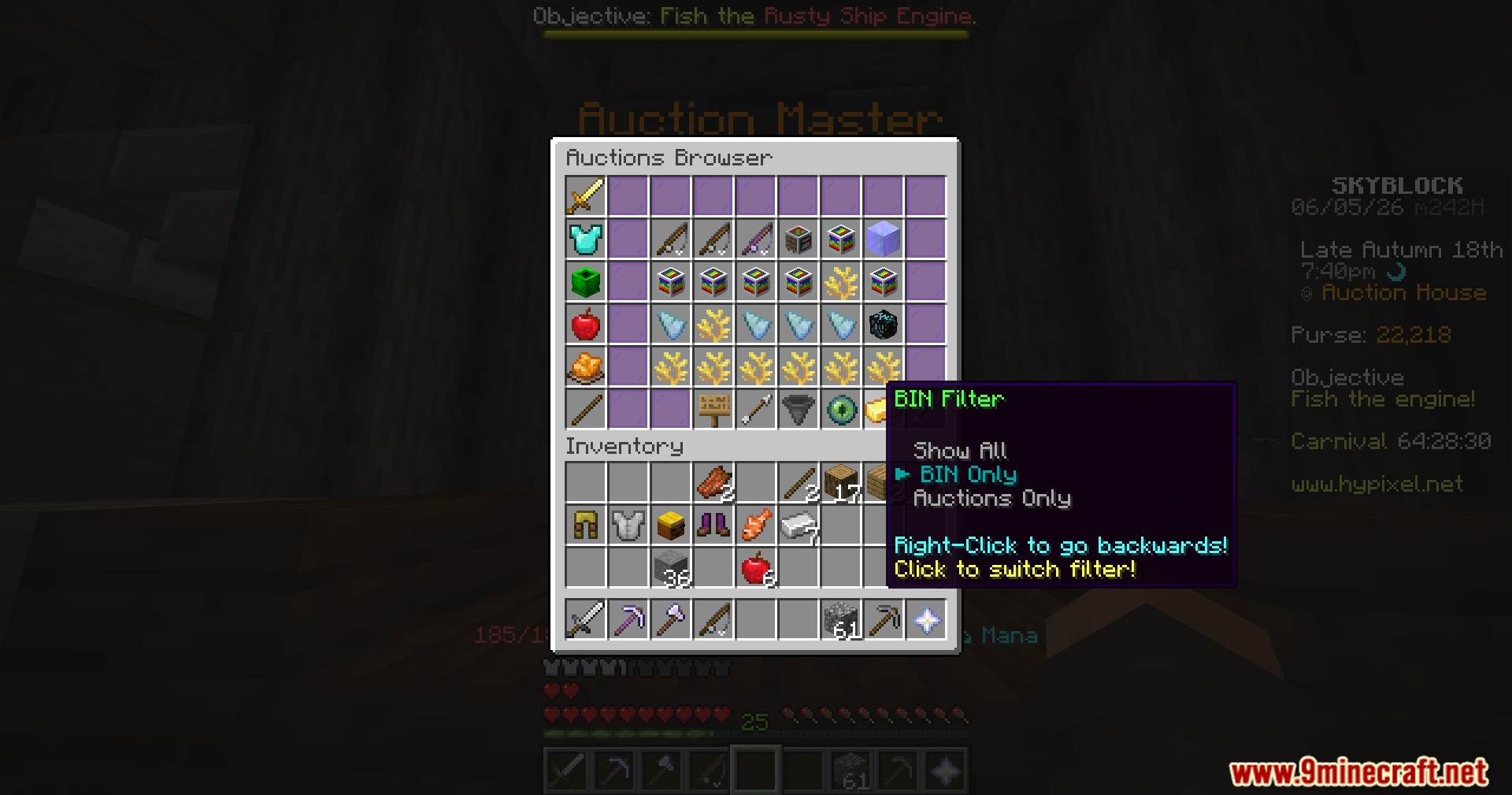
MarketGuard for Hypixel Skyblock Mod Download Links
Quick facts
- Edition: Minecraft Java
- File type: .jar
- Minecraft version listed: 1.21.11
- How to install: Install the matching mod loader (Forge, Fabric or NeoForge) for your Minecraft version. → Download the .jar. → Put it in the .minecraft/mods folder and launch that loader profile.
- Where to get it: In MC Java Mods, or directly above on this page.
Install steps are the general flow for this file type — How to install Minecraft Java mods & modpacks walks through it step by step.
File checked by MCModsHub
- Downloads as 2563.mcaddon
- Download size: 13.8 MB
- Download link checked 25 Sept 2026 — working
- Mirrored on our own servers — the download does not depend on the original host
These come from our own check of the pack file, not from the source page.