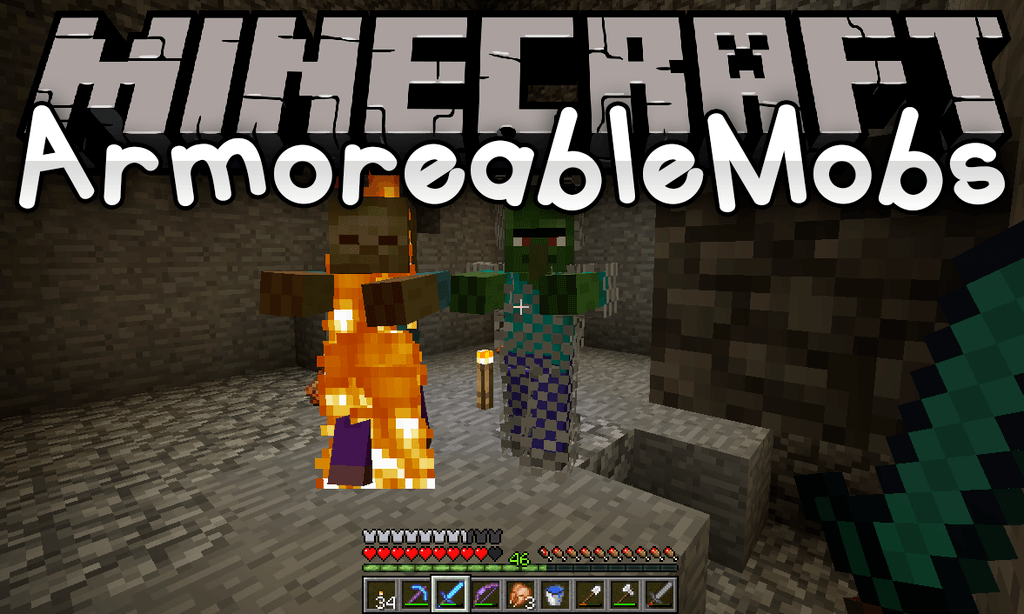
ArmoreableMobs Mod (1.21.1, 1.20.1) – Give Armor and Items to Mobs
Java mod listed for Minecraft 1.20–1.21. File opened and checked on 19 Oct 2026; downloads from the MC Java Mods app on Android.
⬇ Download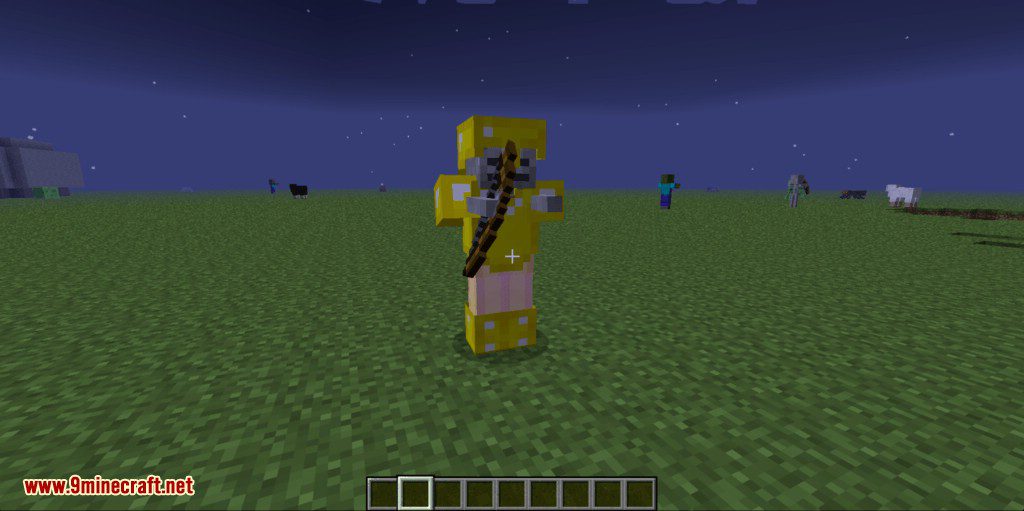
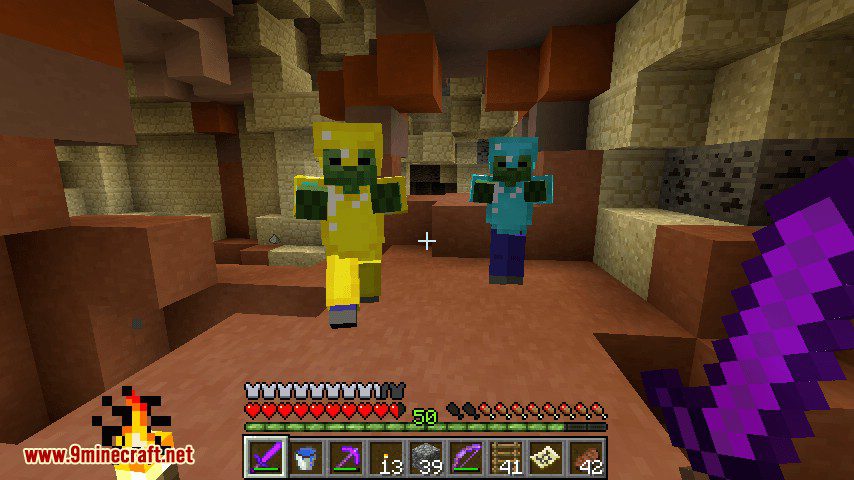
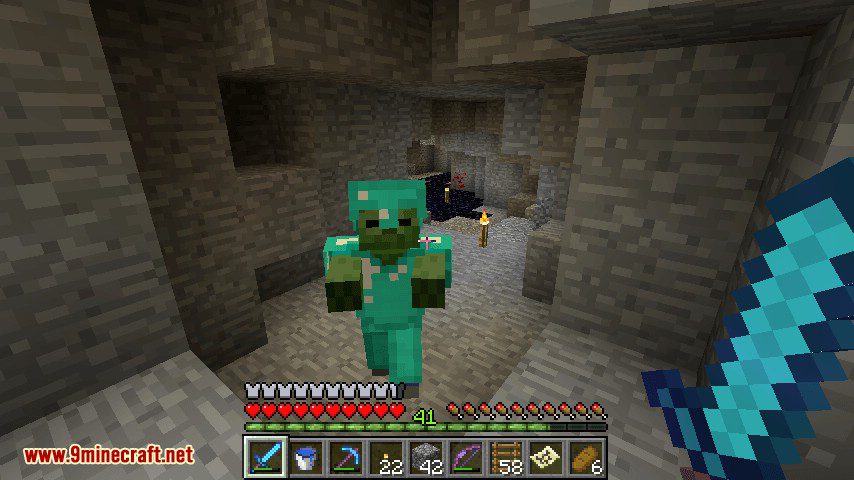
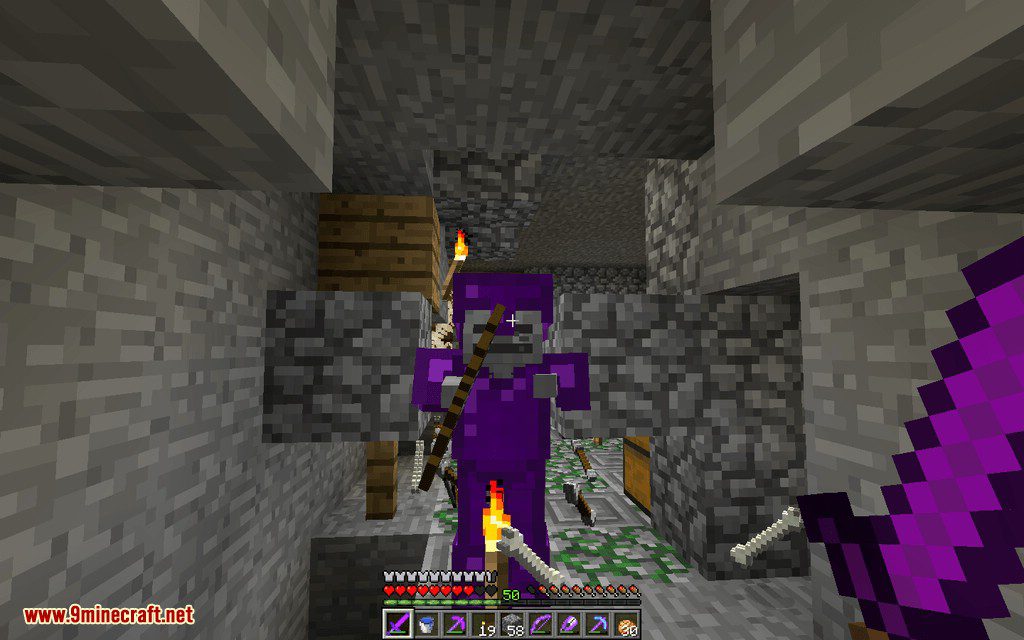
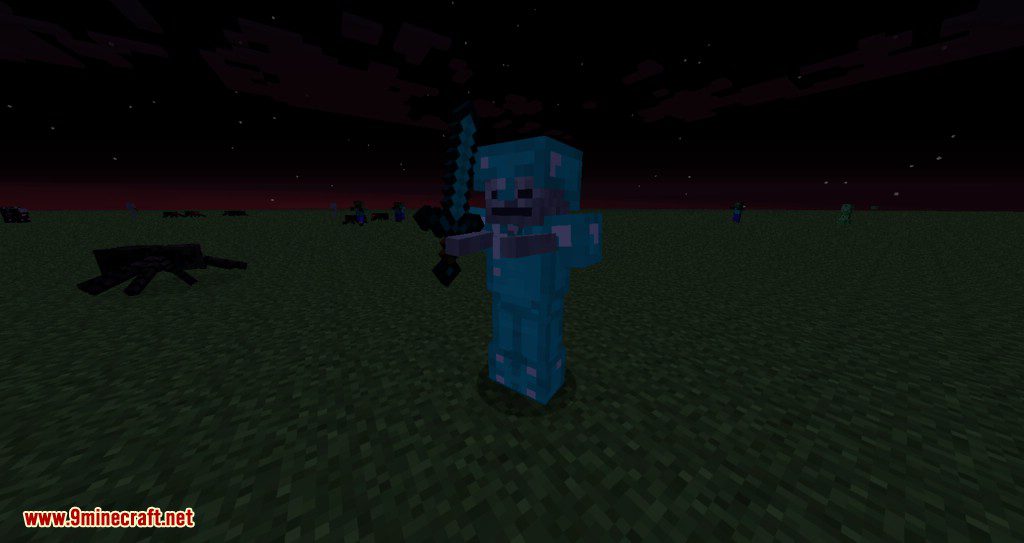
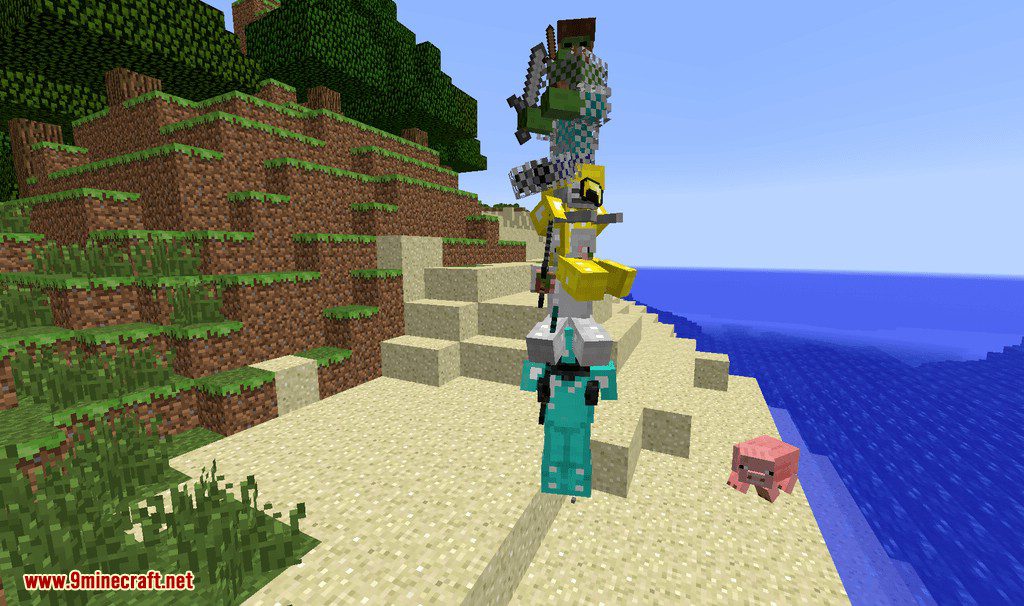
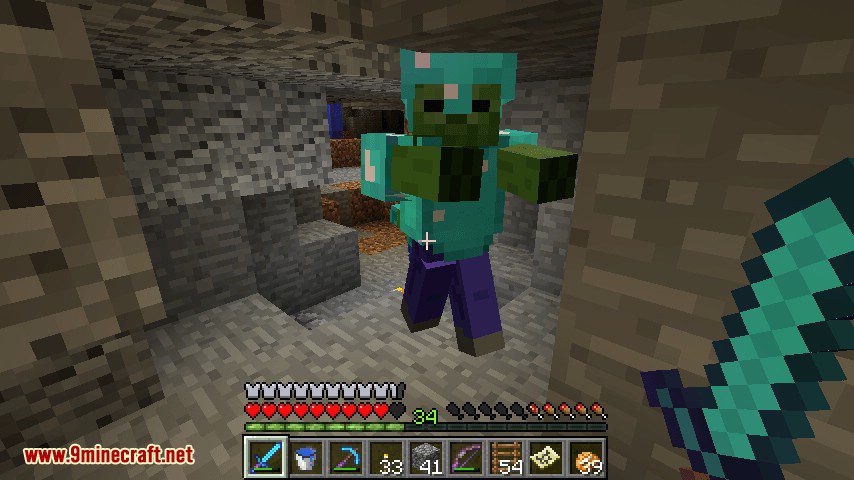
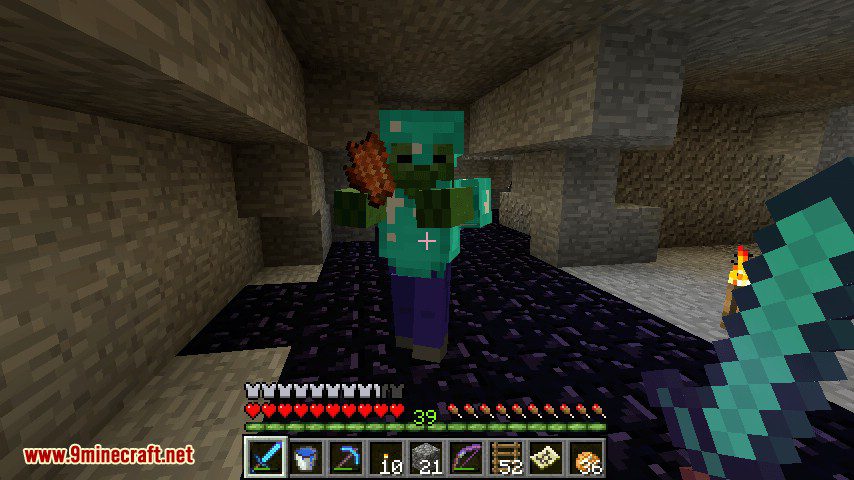
ArmoreableMobs Mod allows you to give armor and items to an entity when it spawns using Craftweaker with game stages support!
How to use:
You need CraftTweaker to use the mod and use it with a script. First of all import:
import mods.armoreablemobs.ArmorHandler;
import mods.armoreablemobs.ArmorEntity;
import mods.armoreablemobs.ArmorSlot;
import mods.armoreablemobs.ArmorGroup;
ArmorGroup
After that create an ArmorGroup with:var group = ArmorHandler.createArmorGroup("draconic", 0.5);. The group arguments are: (String name, double chanceToGetUsed) To an ArmorGroup you can add any amount of ArmorEntity you want with group.addEntity(entity); To an ArmorGroup you can add any amount of ArmorSlot you want with group.addArmor(armorSlot);
ArmorSlot
An ArmorSlot defines an item in a slot and can be created with ArmorHandler.createArmorSlot("head", <draconicevolution:draconic_helm>.withTag({Energy: 16000000}), 1, 0.5). The arguments are: (String slotName, IItemStack stack, int itemWeight, double chanceToDropOnDeath) The possible slots are: ["head", "chest", "legs", "feet", "feet", "mainhand", "offhand"]. You can add multiple ArmorSlots to each slot and it will randomly be choosen depending on the itemWeight, the bigger the number the bigger the chance. chanceToDropOnDeath is a number between 0 and 1 that defines the chance that the item has to drop on death.
ArmorEntity
An ArmorEntity defines information that an Entity needs to have to be given in the items defined with ArmorSlots. It can be created with var entity = ArmorHandler.createArmorEntity("minecraft:zombie"); where the argument is the Entity ID. You can add NBT checks to filter the entity with entity.withNBTCheck("Health", 10.0, "GREATER"); with arguments (String nbtId, Object value, String checkingMode), The checking modes can be ["LESS", "EQUAL", "GREATER", "CONTAINS", "TAG_EXISTS", "TAG_MISSING"].
GameStages Support
This mod provides GameStages to groups with group.addGameStage("testStage");. Nearby players need to have all the stages added to the group to be able to get used.
PackMode Support
Adding a pack mode to an ArmorGroup it will allow you to filter groups without the need of restarting the game. group.setPackMode("packMode");
Full Example
import mods.armoreablemobs.ArmorHandler;
import mods.armoreablemobs.ArmorEntity;
import mods.armoreablemobs.ArmorSlot;
import mods.armoreablemobs.ArmorGroup;

var group = ArmorHandler.createArmorGroup("draconic", 0.5);
var entity = ArmorHandler.createArmorEntity("minecraft:zombie").withNBTCheck("Health", 10.0, "GREATER");
group.addEntity(entity);
group.addArmor(ArmorHandler.createArmorSlot("head", <draconicevolution:draconic_helm>.withTag({Energy: 16000000}), 1, 0.5));
group.addArmor(ArmorHandler.createArmorSlot("chest", <draconicevolution:draconic_chest>.withTag({Energy: 16000000}), 1, 0.5));
group.addArmor(ArmorHandler.createArmorSlot("legs", <draconicevolution:draconic_legs>.withTag({Energy: 16000000}), 1, 0.5));
group.addArmor(ArmorHandler.createArmorSlot("feet", <draconicevolution:draconic_boots>.withTag({Energy: 16000000}), 1, 0.5));
group.addArmor(ArmorHandler.createArmorSlot("mainhand", <draconicevolution:draconic_sword>.withTag({Energy: 16000000}), 1, 0.5));
group.addGameStage("testStage");
Screenshots:
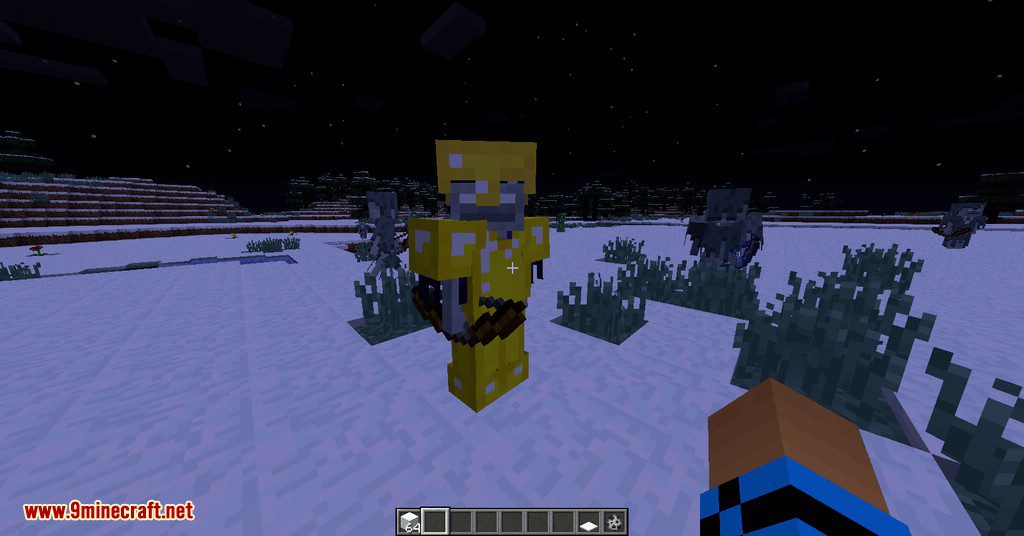
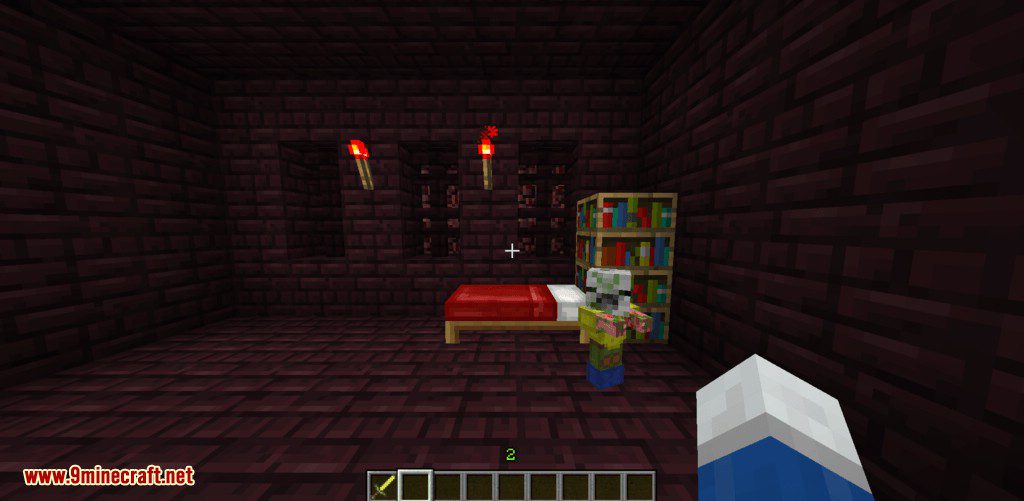
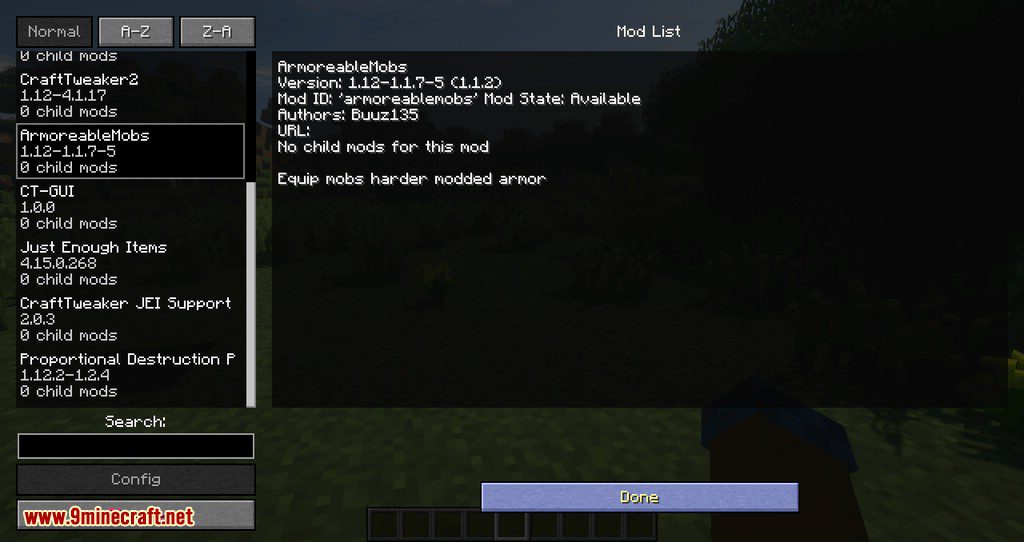
ArmoreableMobs Mod Download Links
- Edition: Minecraft Java
- File type: .jar
- Minecraft versions listed: 1.21.1, 1.20.1
- How to install: Install the matching mod loader (Forge, Fabric or NeoForge) for your Minecraft version. → Download the .jar. → Put it in the .minecraft/mods folder and launch that loader profile.
- Where to get it: In MC Java Mods, or directly above on this page.
Install steps are the general flow for this file type — How to install Minecraft Java mods & modpacks walks through it step by step.
- Downloads as 25631.mcaddon
- Download size: 17 KB
- Download link checked 22 Sept 2026 — working
- Mirrored on our own servers — the download does not depend on the original host
These come from our own check of the pack file, not from the source page.