
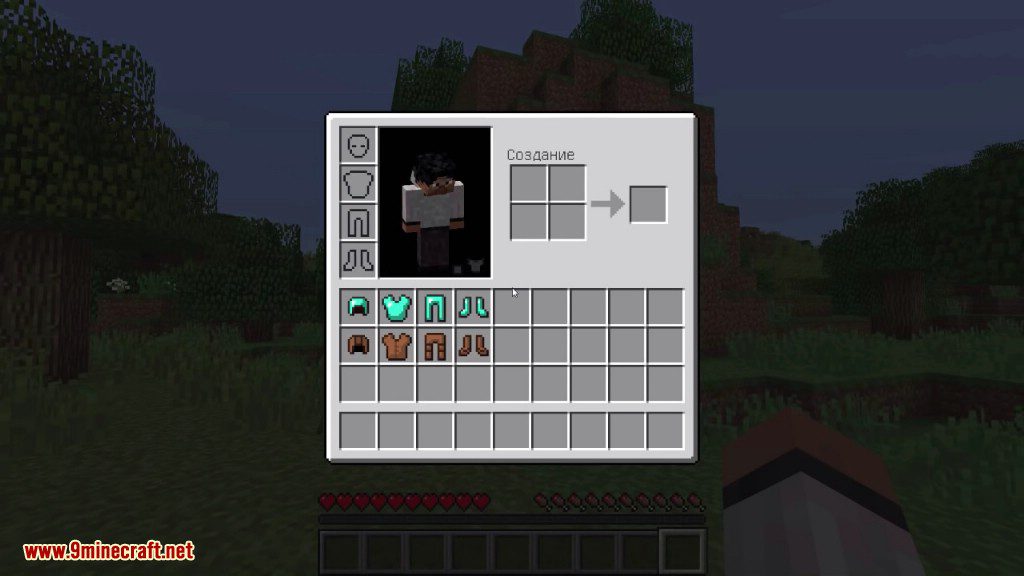
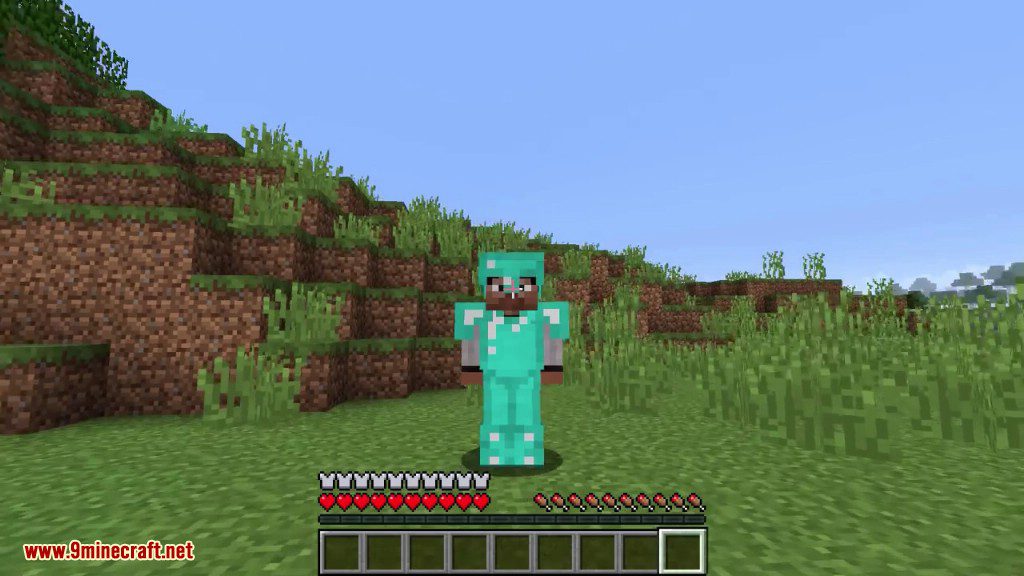

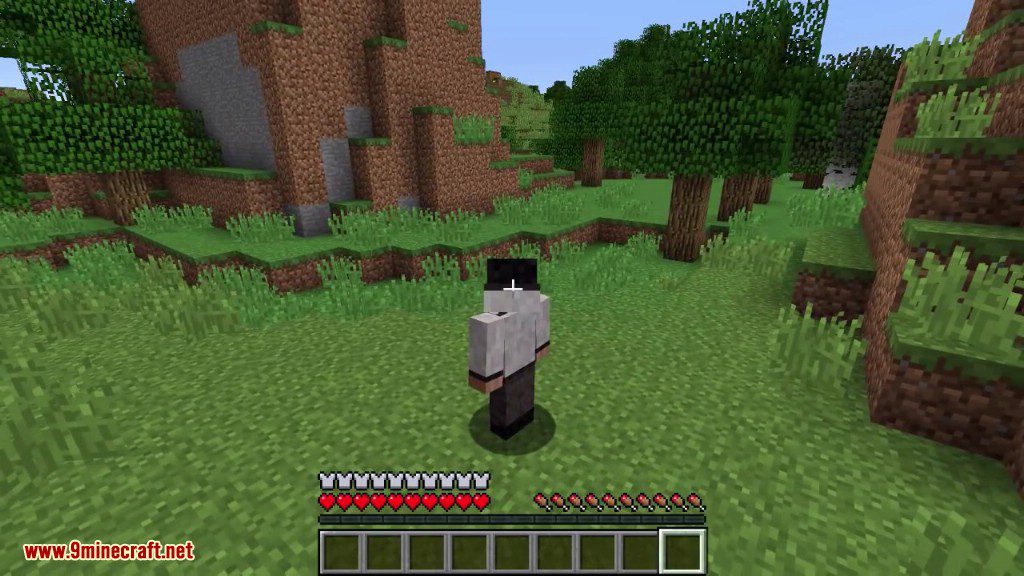
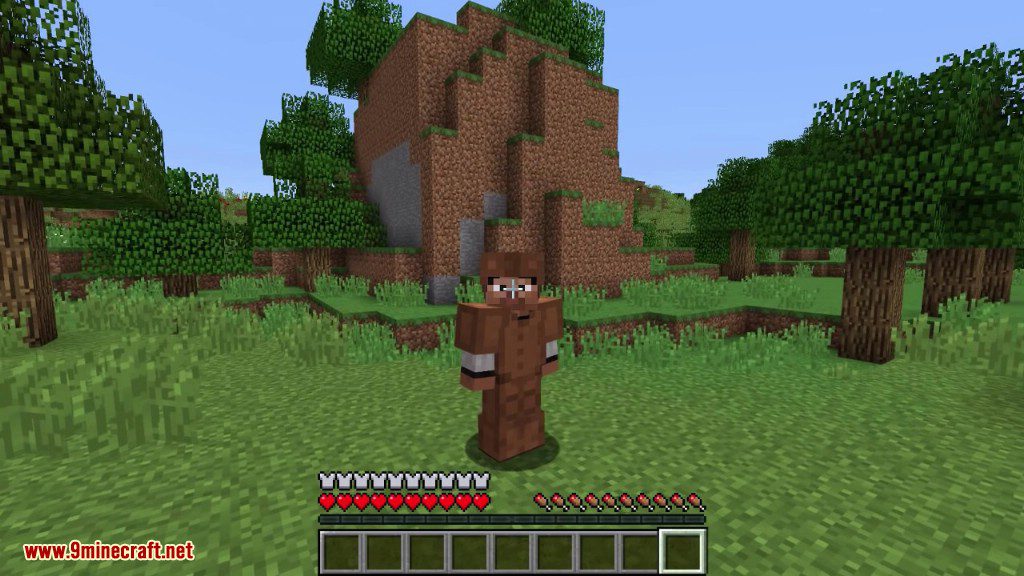
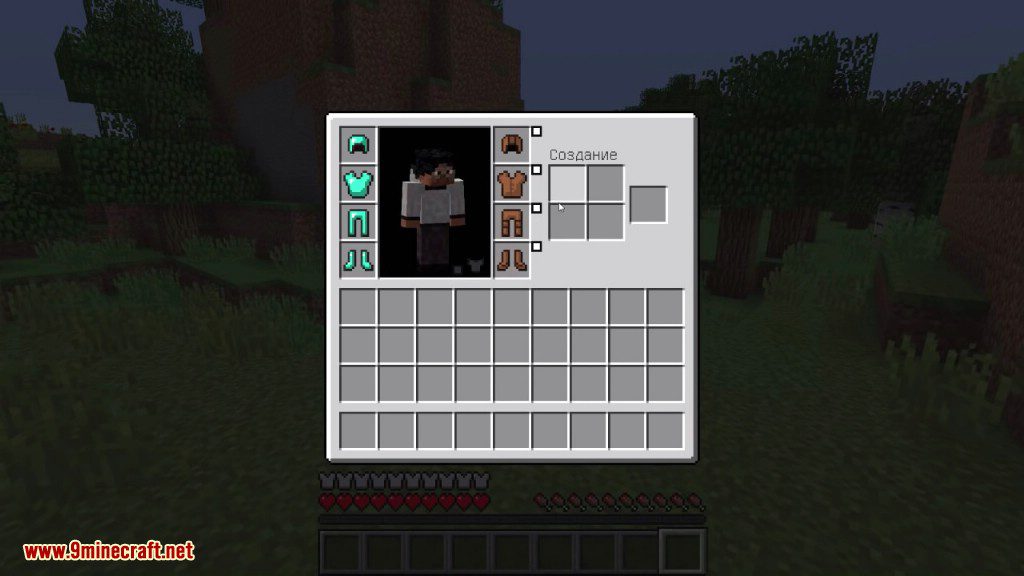
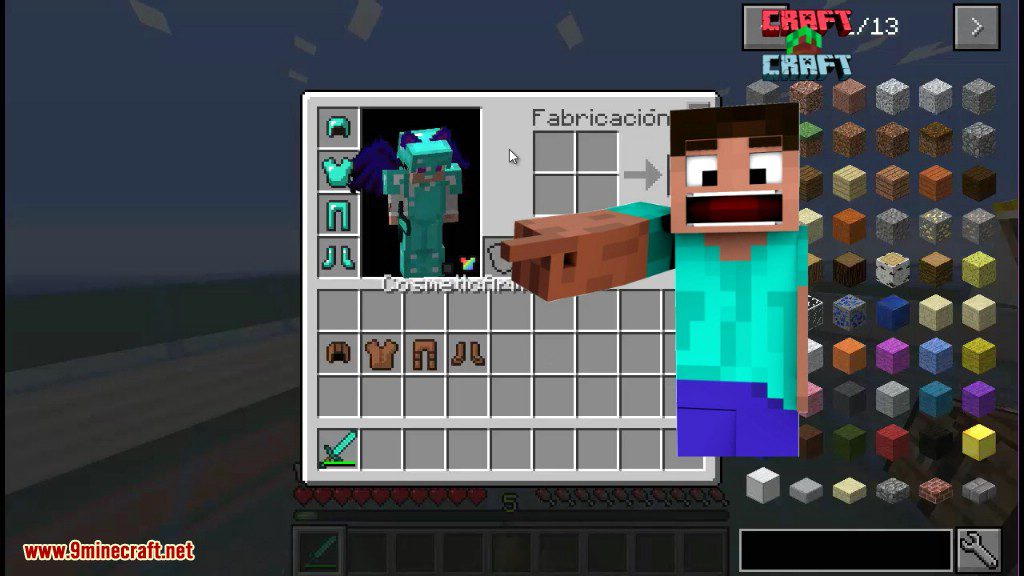
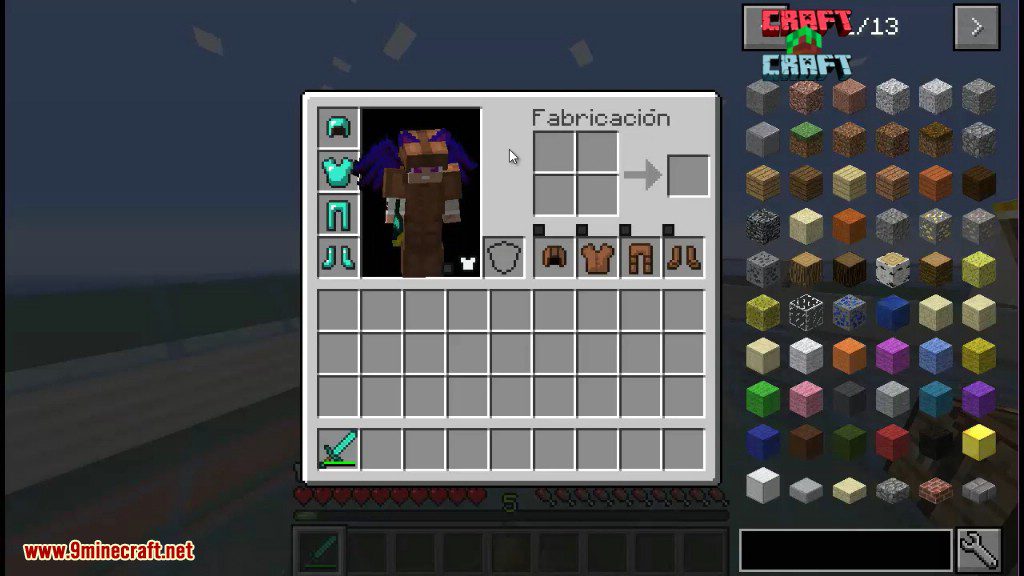
Cosmetic Armor Reworked Mod lets you wear two different sets of armor at the same time. One set gives you protection and stats, while the other set is just for looks. This means you can get the benefits of strong armor while customizing your character’s appearance with another style. You can also hide individual armor pieces to show off your skin, or turn off the mod’s visual effects for PvP.
Features:
- Wear two sets of armor: one for function and one for appearance.
- Armor placed in the cosmetic slots provides no stats or effects; it is purely for looks.
- Hide any piece of armor by clicking a small toggle button next to its slot.
- A main toggle button allows you to disable all cosmetic effects on your client, which is useful for PvP.
- Cosmetic armor items will drop on death by default, but this can be changed in the config options.
- The skin-hiding buttons are also added to armor slots from other supported mods.
Commands:
/clearcosarmor [player]– Clears all cosmetic armor slots for a specific player./coshat– Swaps the item in your main hand with the item in your cosmetic helmet slot.
How to Use:
- Open the Cosmetic Armor Inventory by pressing its assigned key. You must set this key yourself in the Controls menu under the “Inventory” category.
- You can also open it by clicking the new button located in the bottom right of your regular inventory screen.
- Place your functional armor in the slots on the left for stats.
- Place the armor you want to display for looks in the slots on the right.
Screenshots:
Cosmetic Armor Reworked Mod Download Links
Quick facts
- Edition: Minecraft Java
- File type: .jar
- Minecraft versions listed: 1.21.11, 1.20.1
- How to install: Install the matching mod loader (Forge, Fabric or NeoForge) for your Minecraft version. → Download the .jar. → Put it in the .minecraft/mods folder and launch that loader profile.
- Where to get it: In MC Java Mods, or directly above on this page.
Install steps are the general flow for this file type — How to install Minecraft Java mods & modpacks walks through it step by step.
Verified by MCModsHub
- Downloads as 25648.mcaddon
- Download size: 91 KB
- Download link checked 25 Sept 2026 — working
- Mirrored on our own servers — the download does not depend on the original host
These come from our own check of the pack file, not from the source page.