ModsJava
Voidscape Mod (1.21.1, 1.20.1) – New Dimension, Tools & Armor
Java mod listed for Minecraft 1.20–1.21. Downloads from the MC Java Mods app on Android.
⬇ Download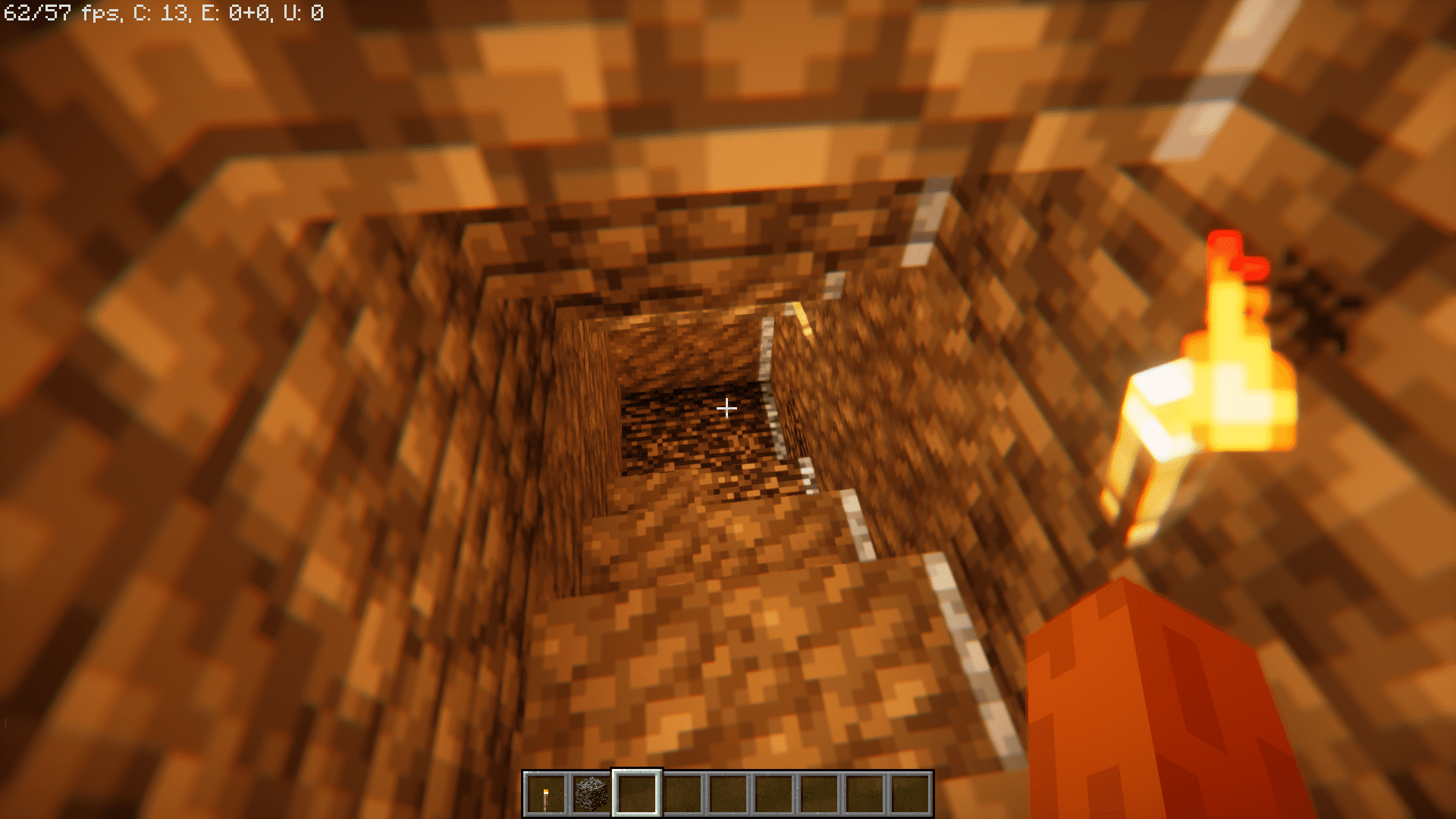
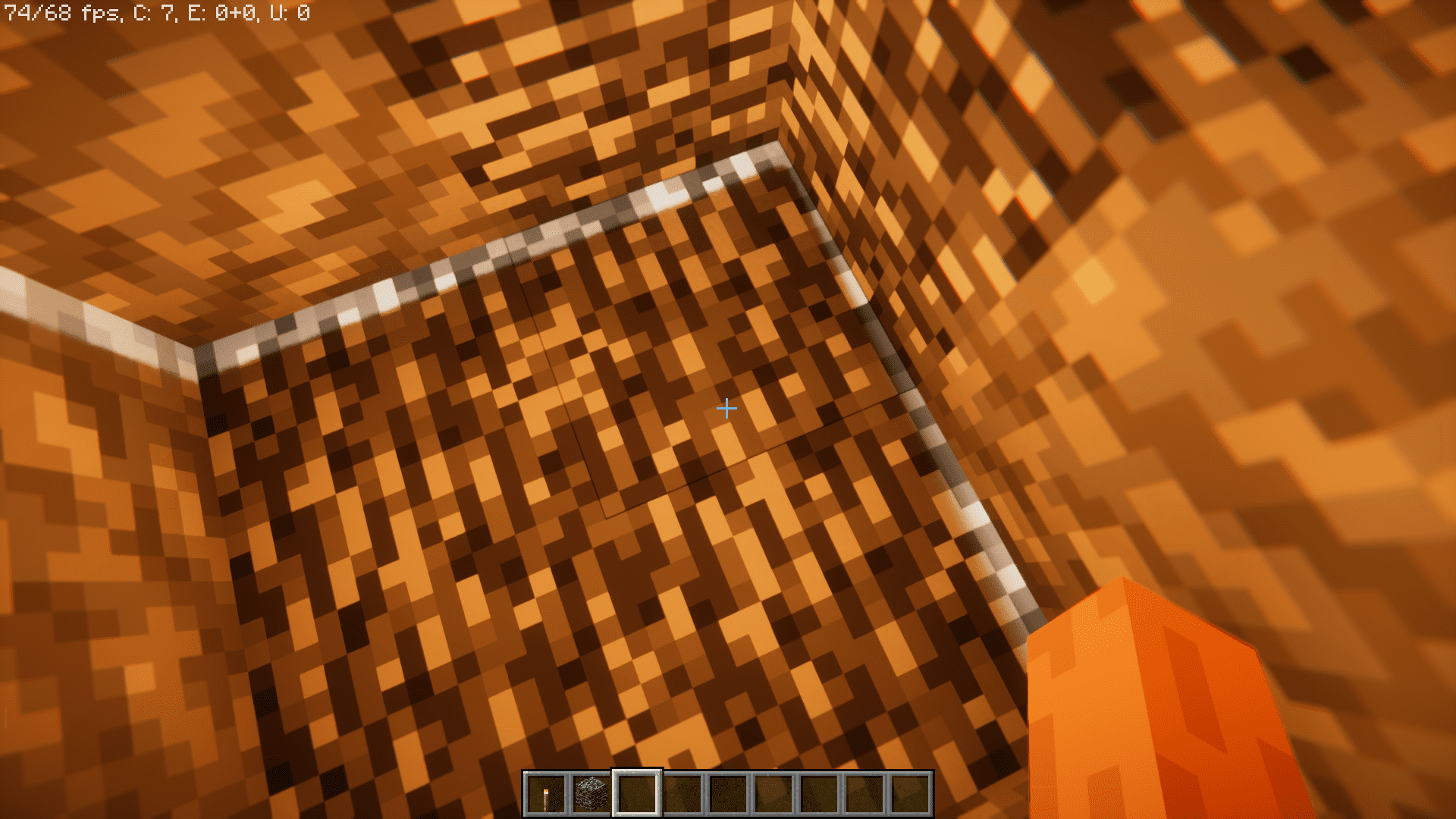
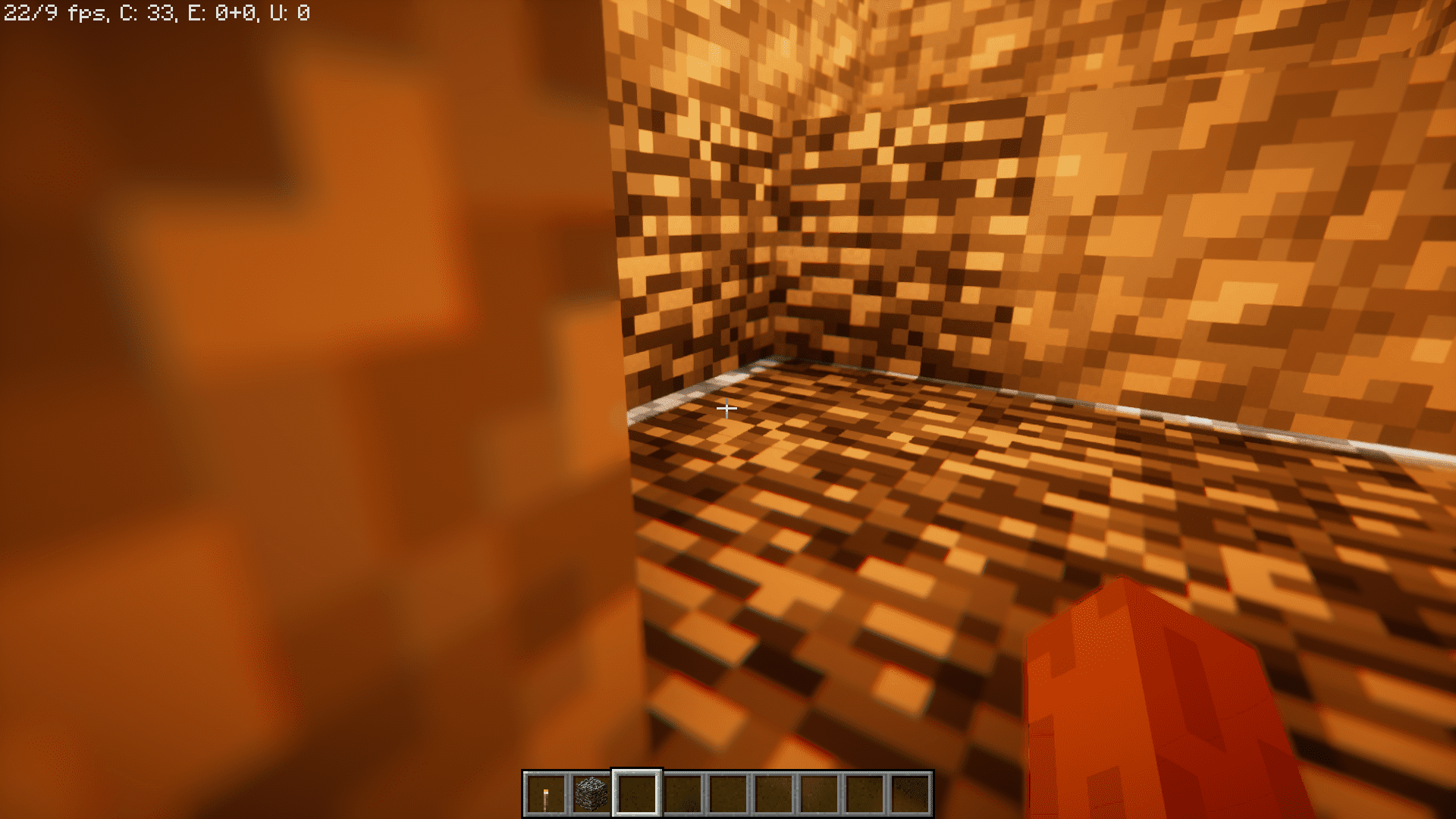
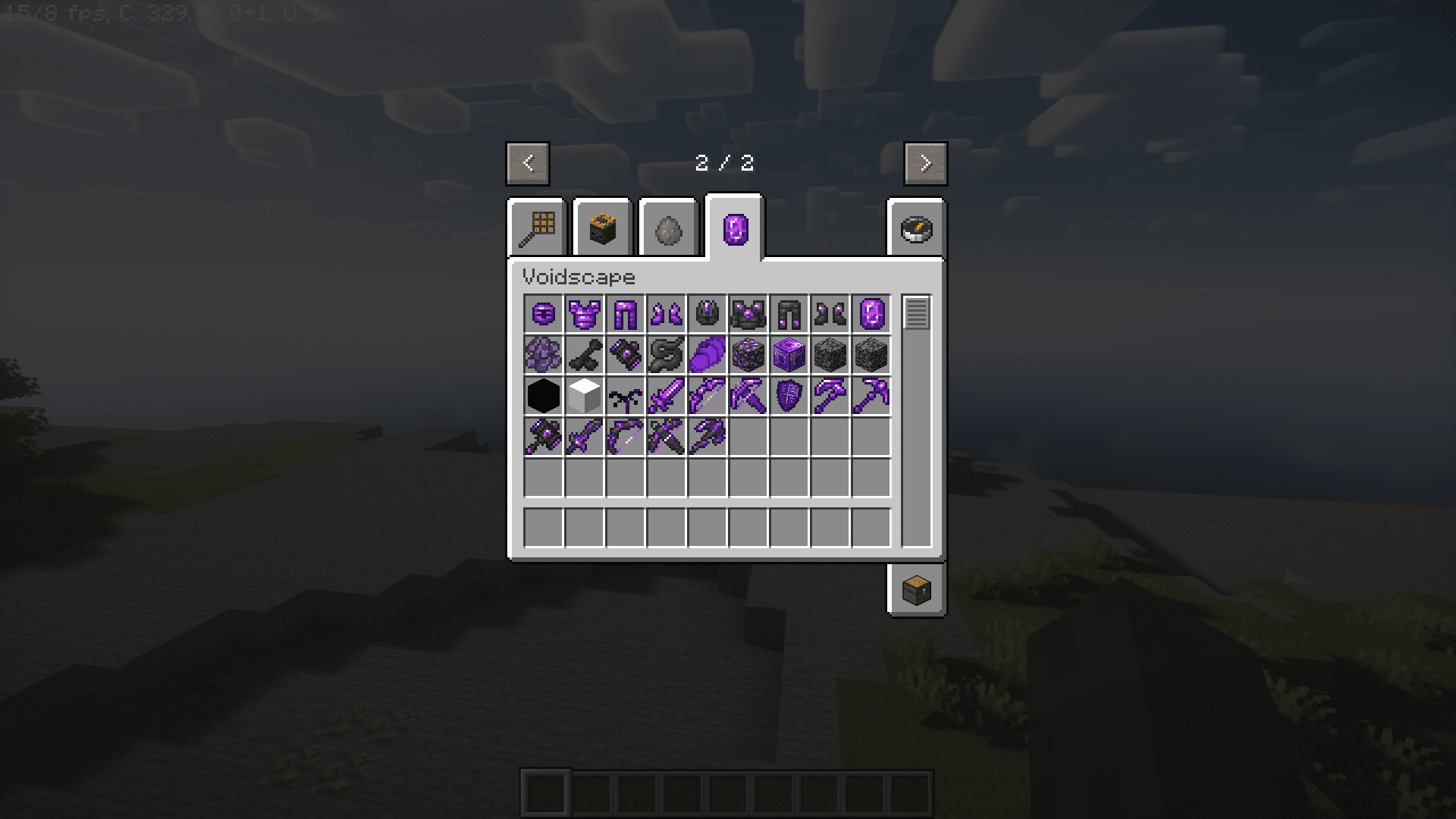
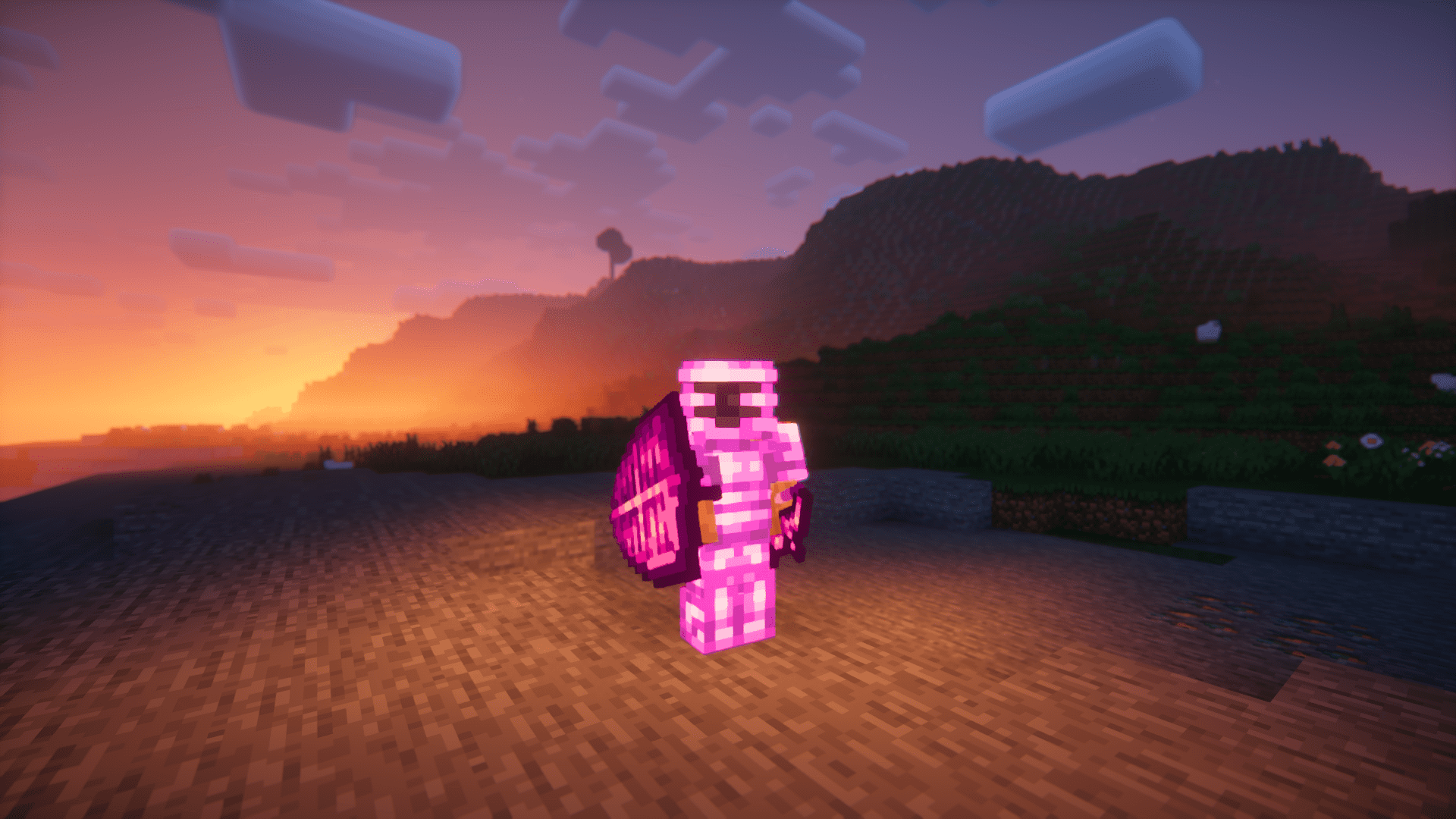
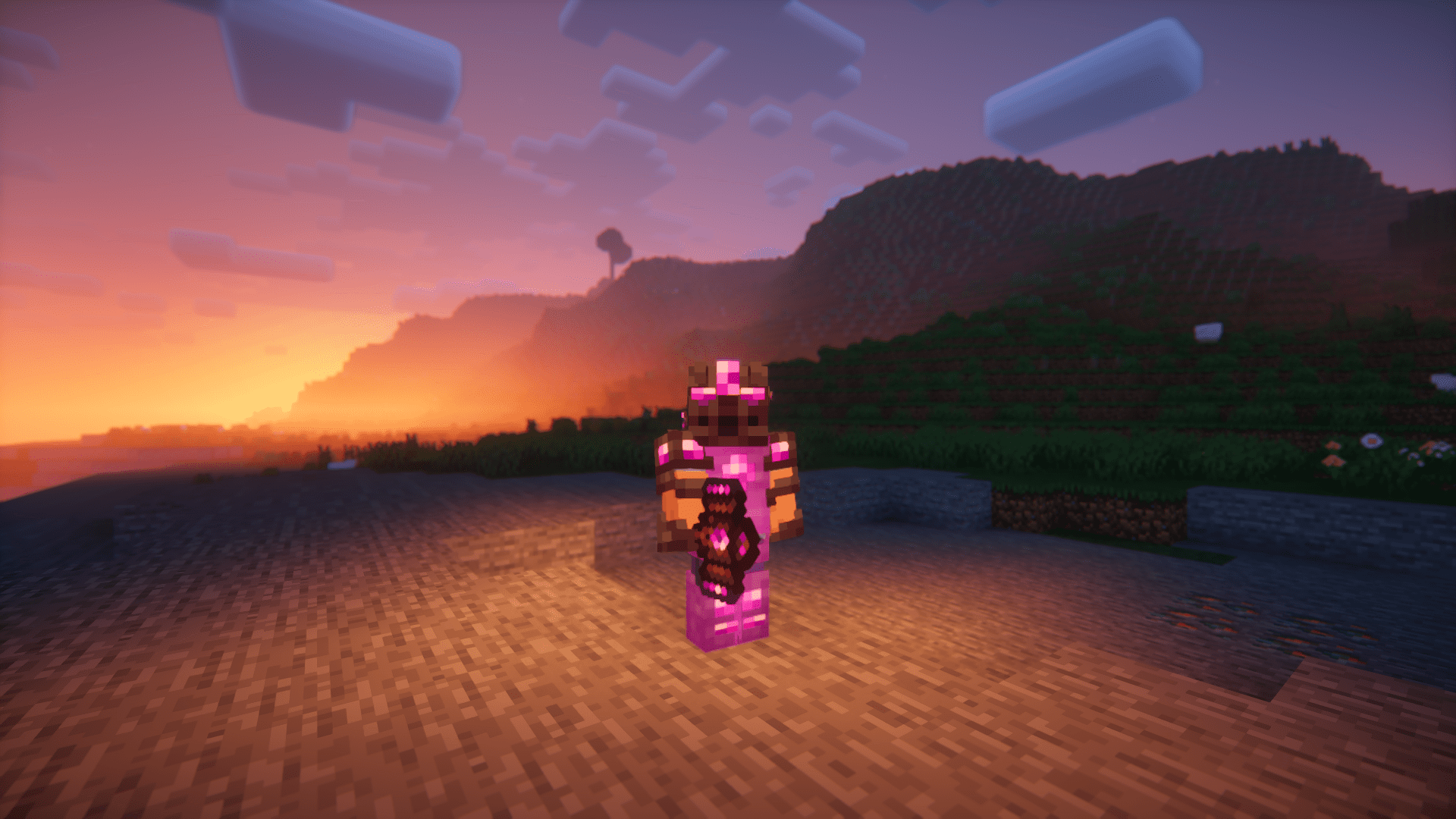
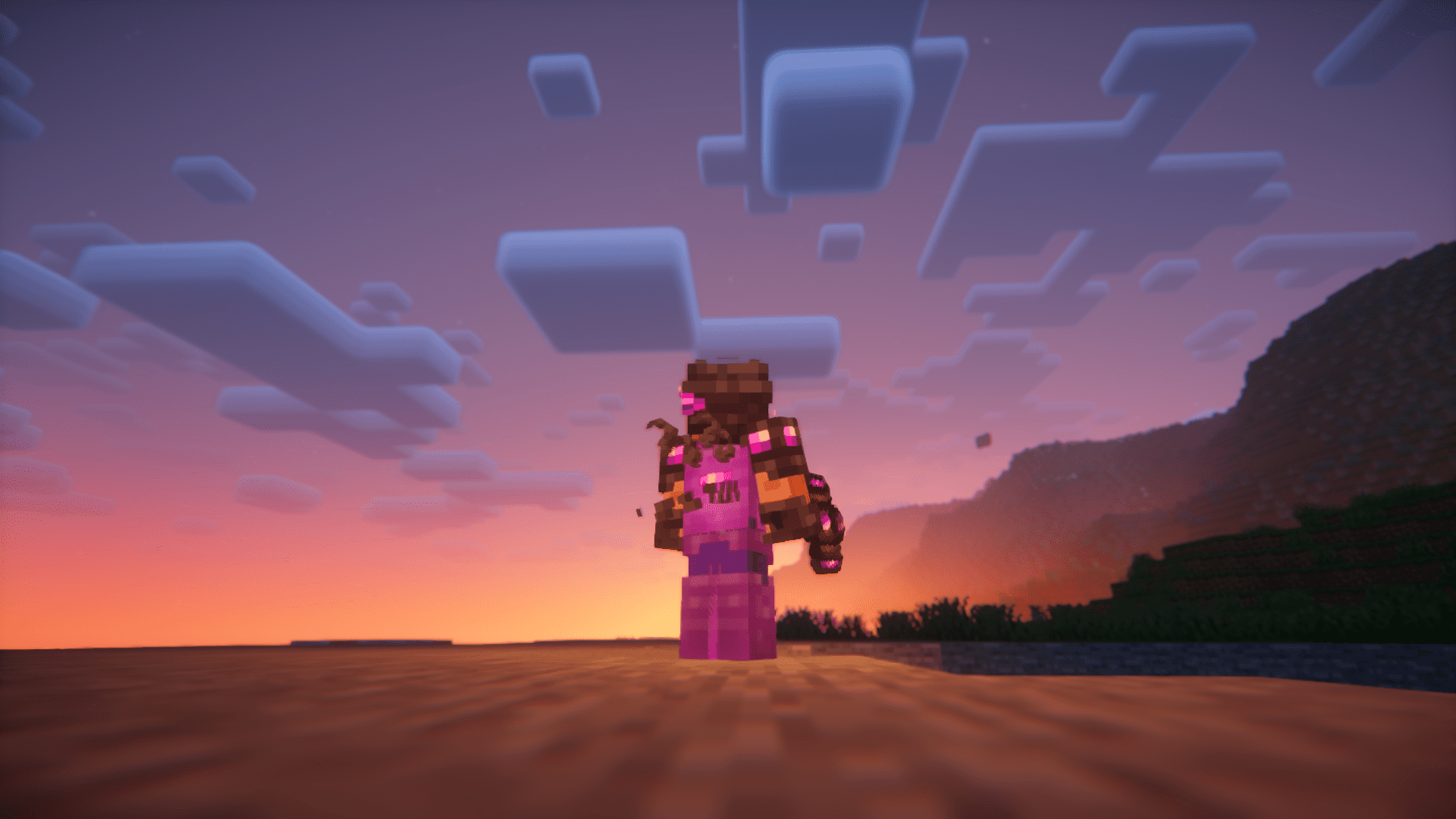
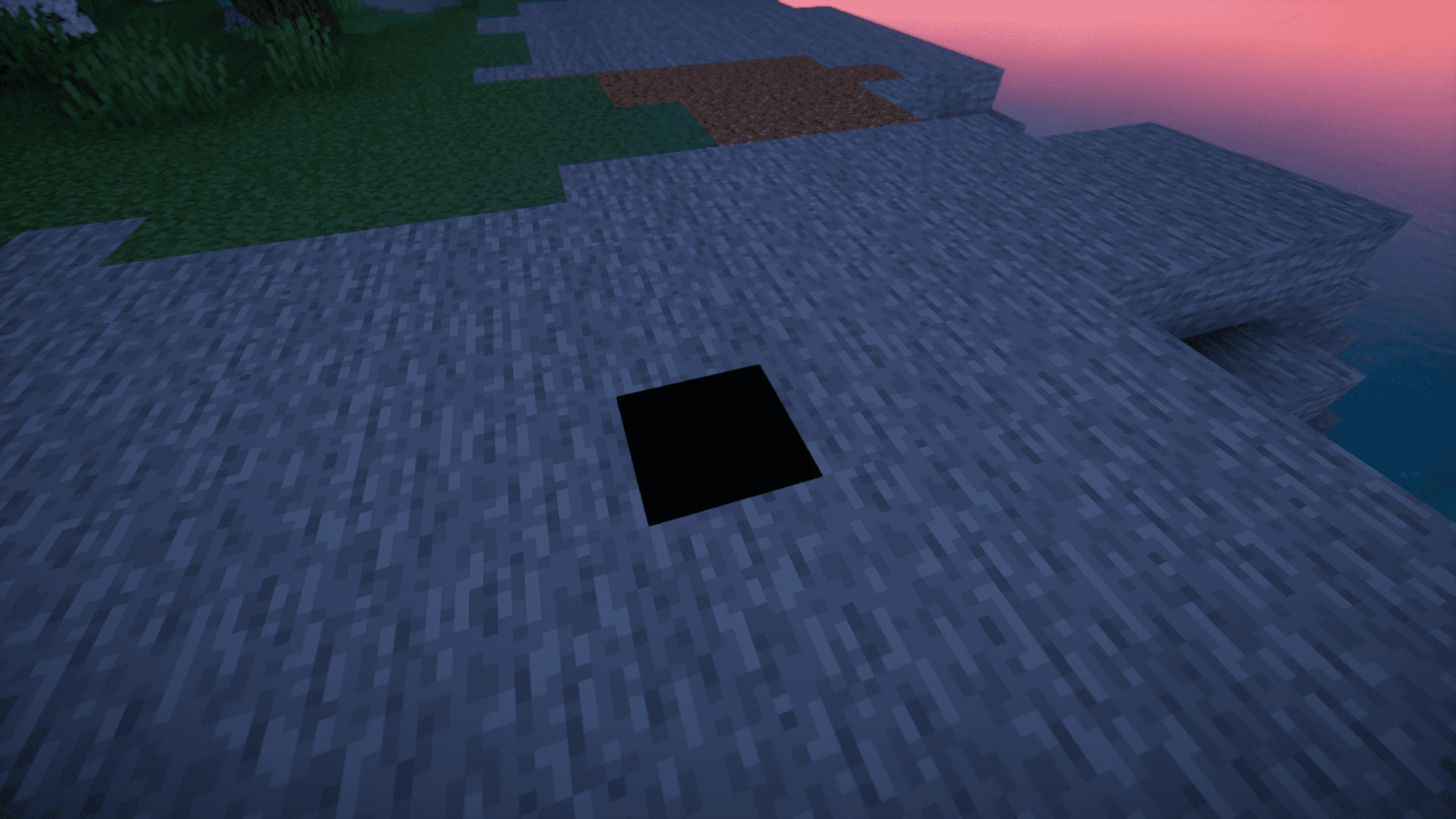
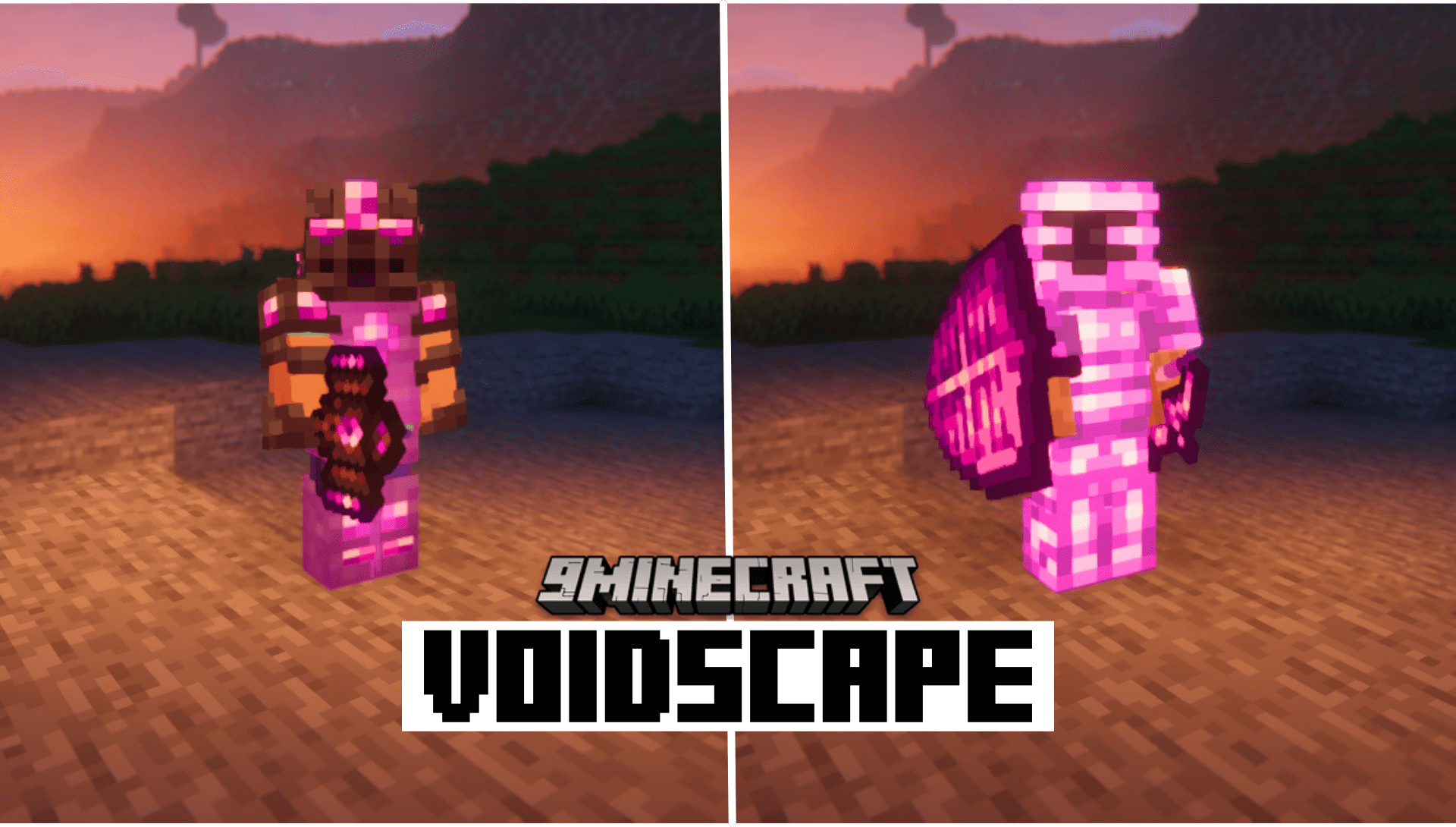
Voidscape Mod adds a new dimension into Minecraft. Unlike the vanilla dimensions, you don’t need a portal to access the Voidscape. Instead, you just need to linger around bedrock for a while, until the darkness pulls you into the new dimension. Dig deep into the ground, until you touch bedrock. And then wait for a few minutes. You will notice the darkness slowly starting to spread across your screen.
Features:
- The Voidscape: This is the new dimension added by the game. Linger around on bedrock for a few minutes and wait for the darkness to pull you in. This new dimension is darker than the end. It will be hard to make out stuff even at full brightness.
- New Content: The mod adds new tools, weapons and armors along with the new dimension.
- New Blocks: The void blocks introduced by this mod come in two variants – white and black. The white one will be the whitest block in the game and the black one acts as the darkest. They make it look like your screen failed to load a part of the game.
Screenshots:
Voidscape Mod Download Links
Quick facts
- Edition: Minecraft Java
- File type: .jar
- Minecraft versions listed: 1.21.1, 1.20.1
- How to install: Install the matching mod loader (Forge, Fabric or NeoForge) for your Minecraft version. → Download the .jar. → Put it in the .minecraft/mods folder and launch that loader profile.
- Where to get it: In MC Java Mods, or directly above on this page.
Install steps are the general flow for this file type — How to install Minecraft Java mods & modpacks walks through it step by step.
File checked by MCModsHub
- Downloads as 25652.mcaddon
- Download size: 2.1 MB
- Download link checked 25 Sept 2026 — working
- Mirrored on our own servers — the download does not depend on the original host
These come from our own check of the pack file, not from the source page.