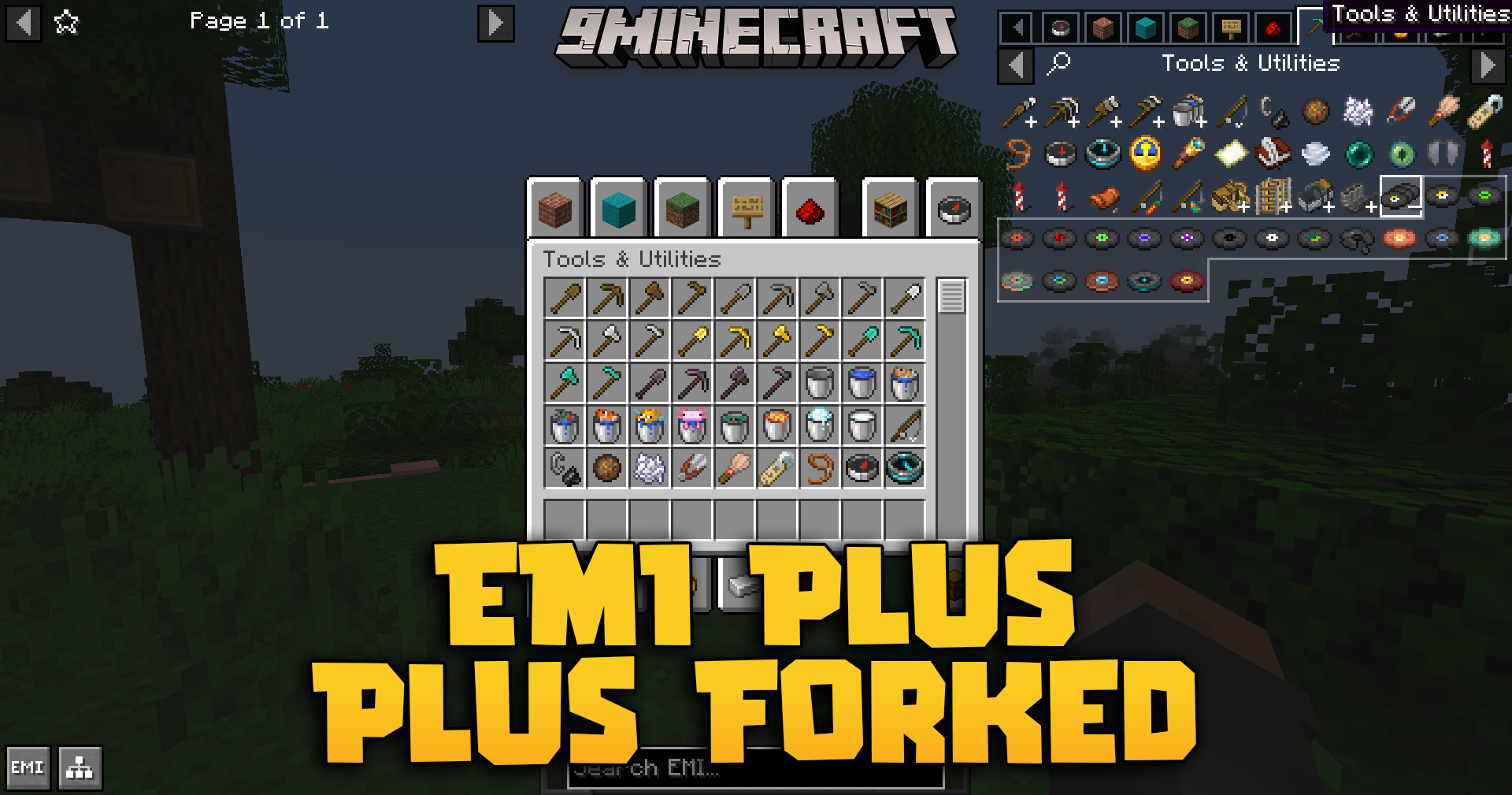
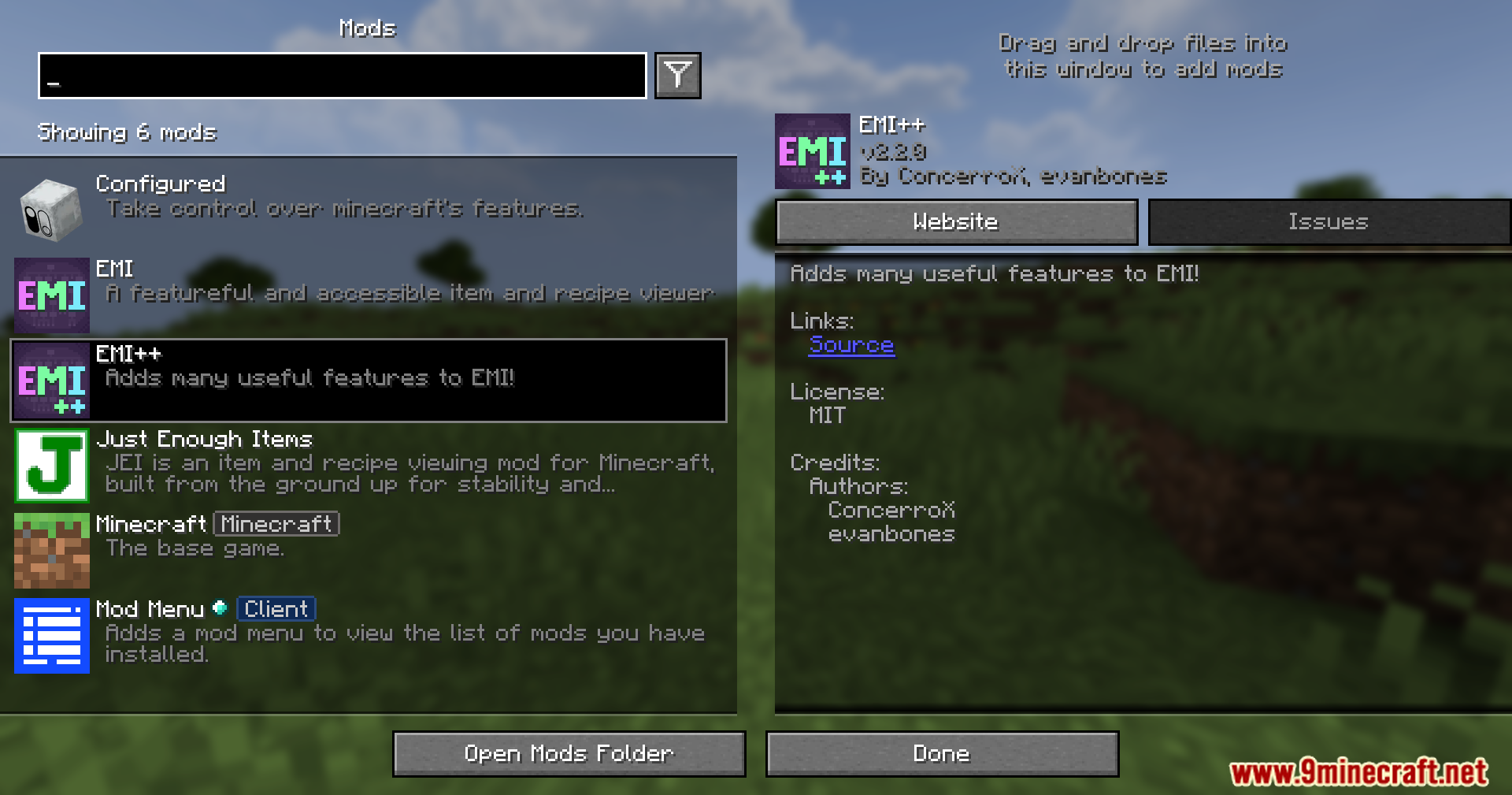
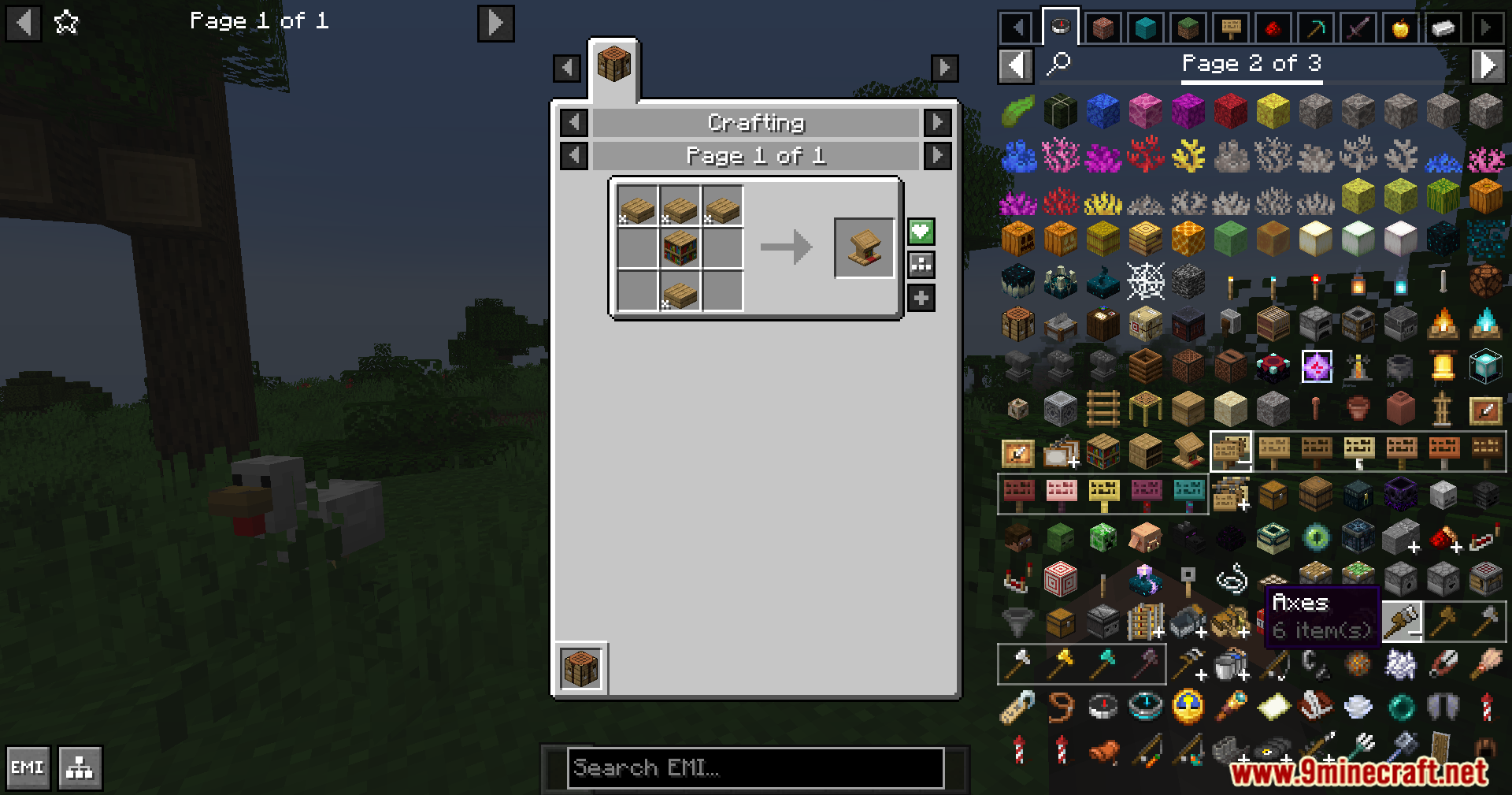
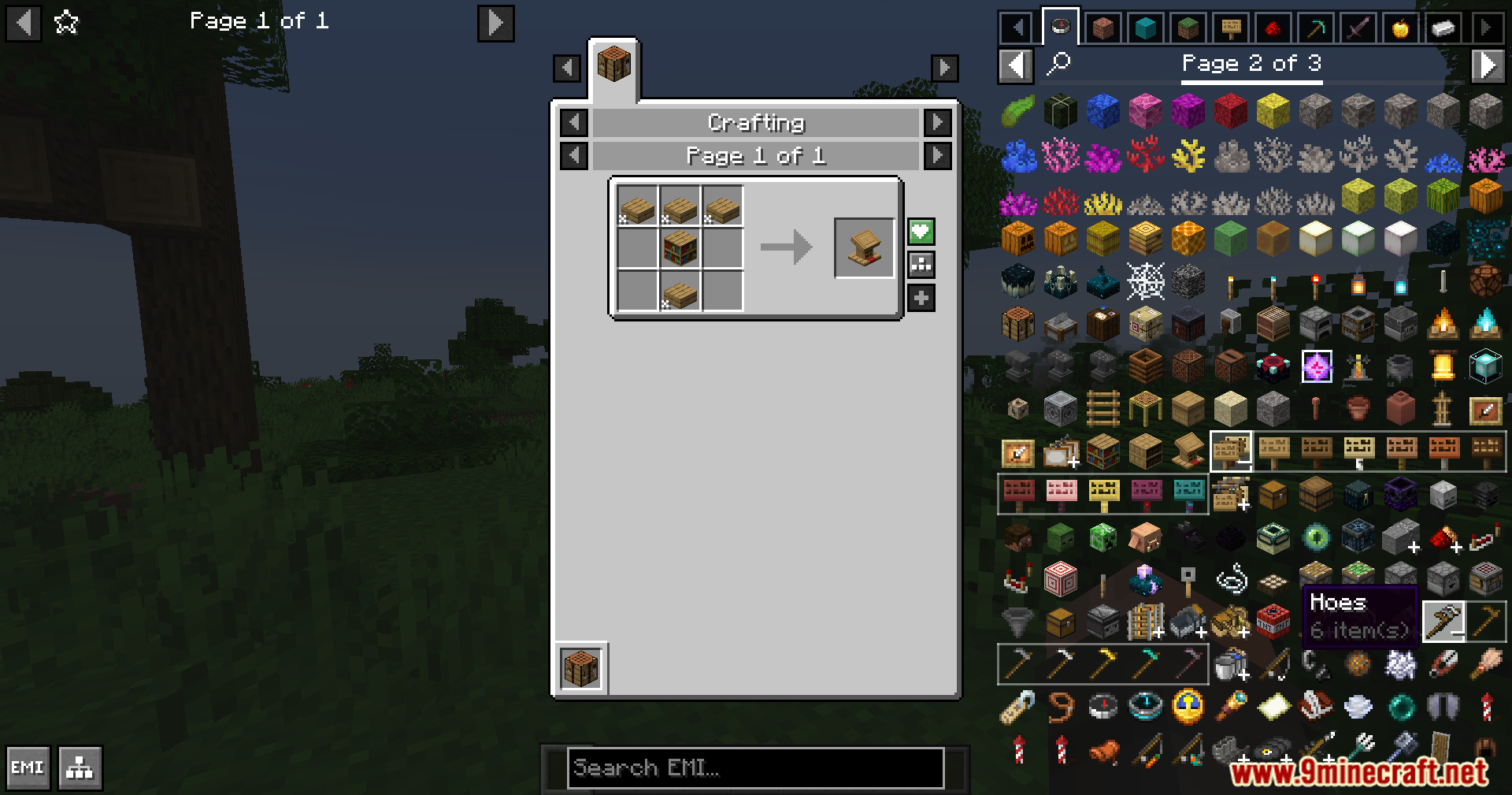
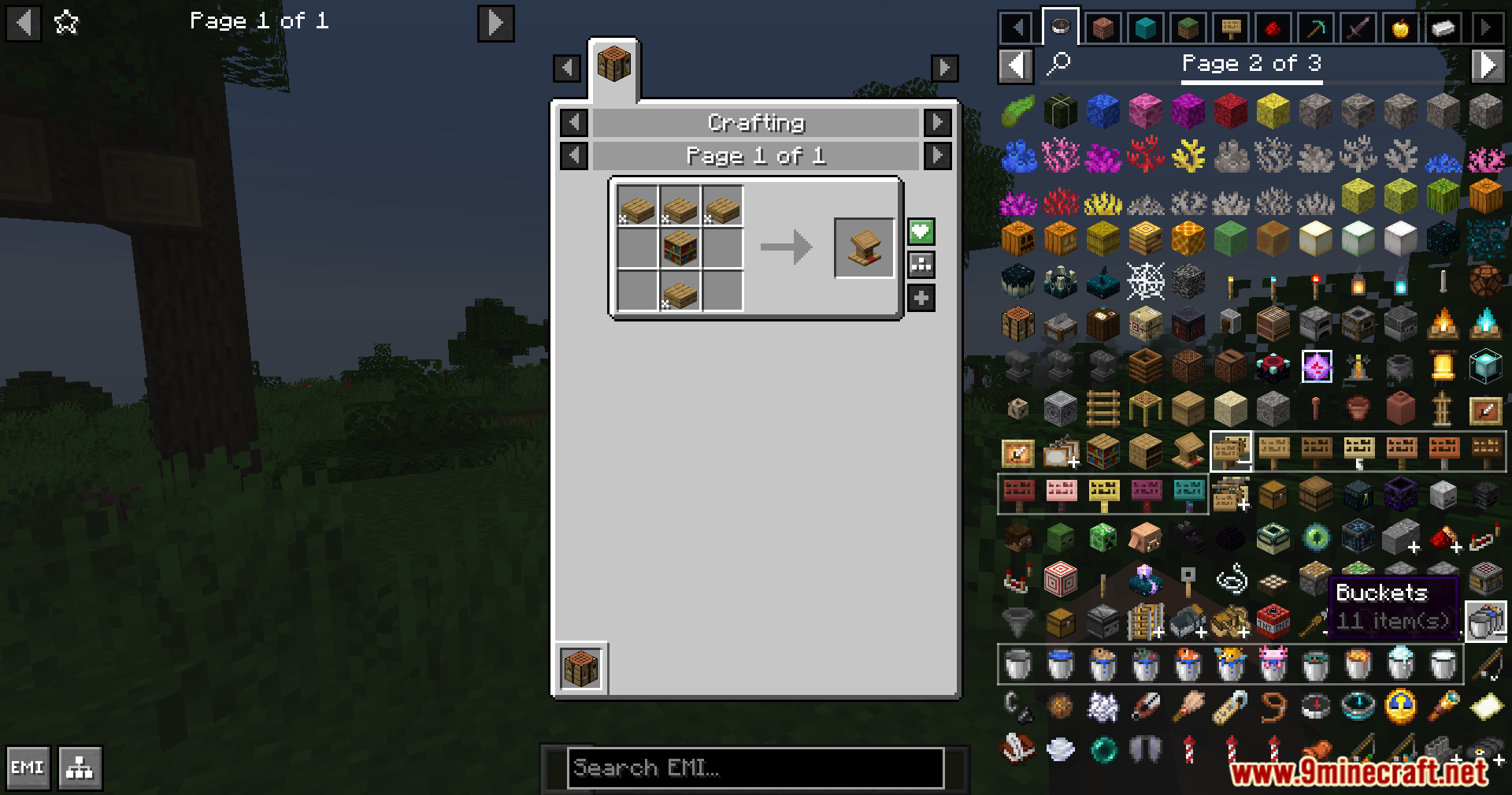
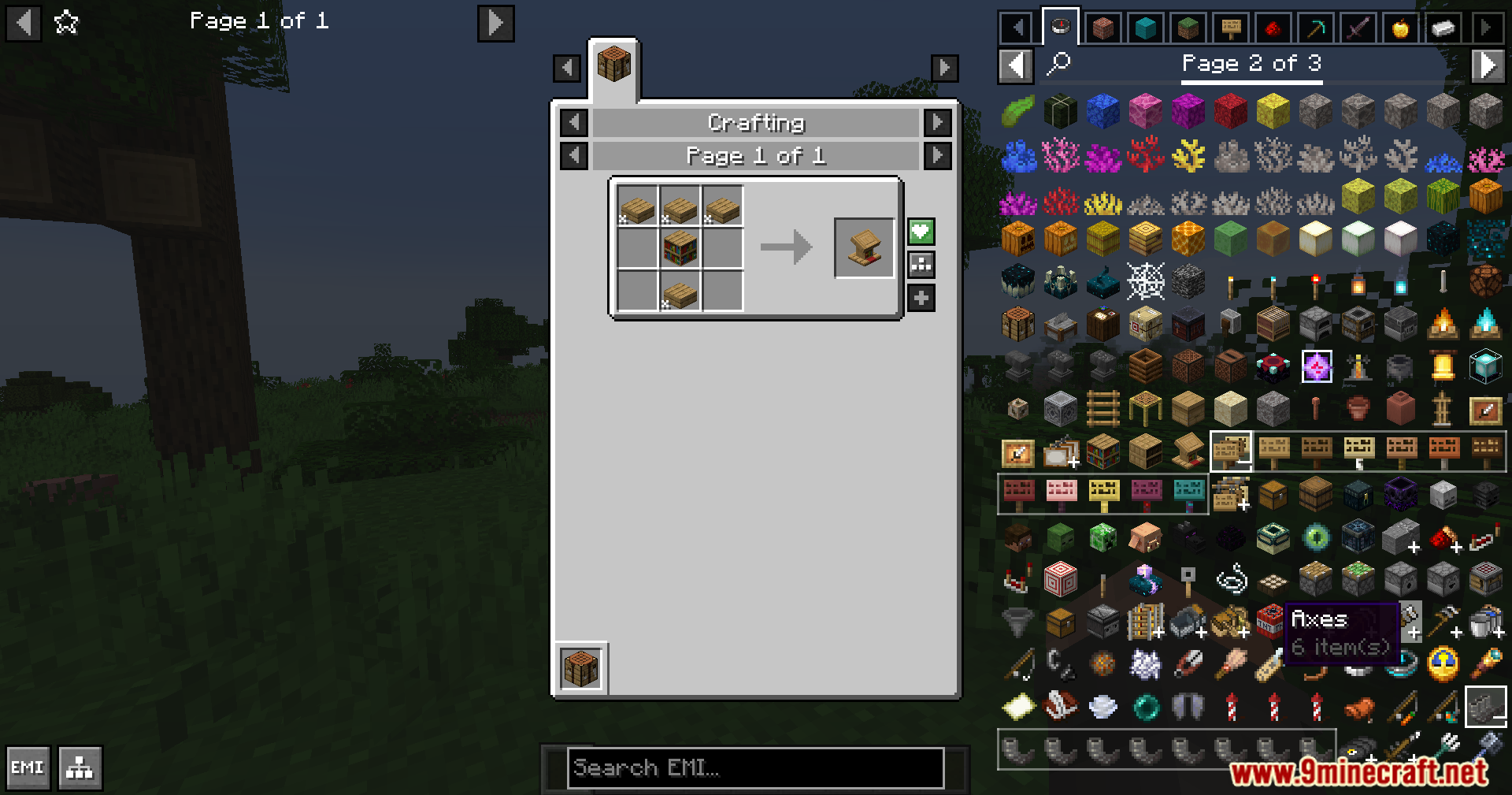
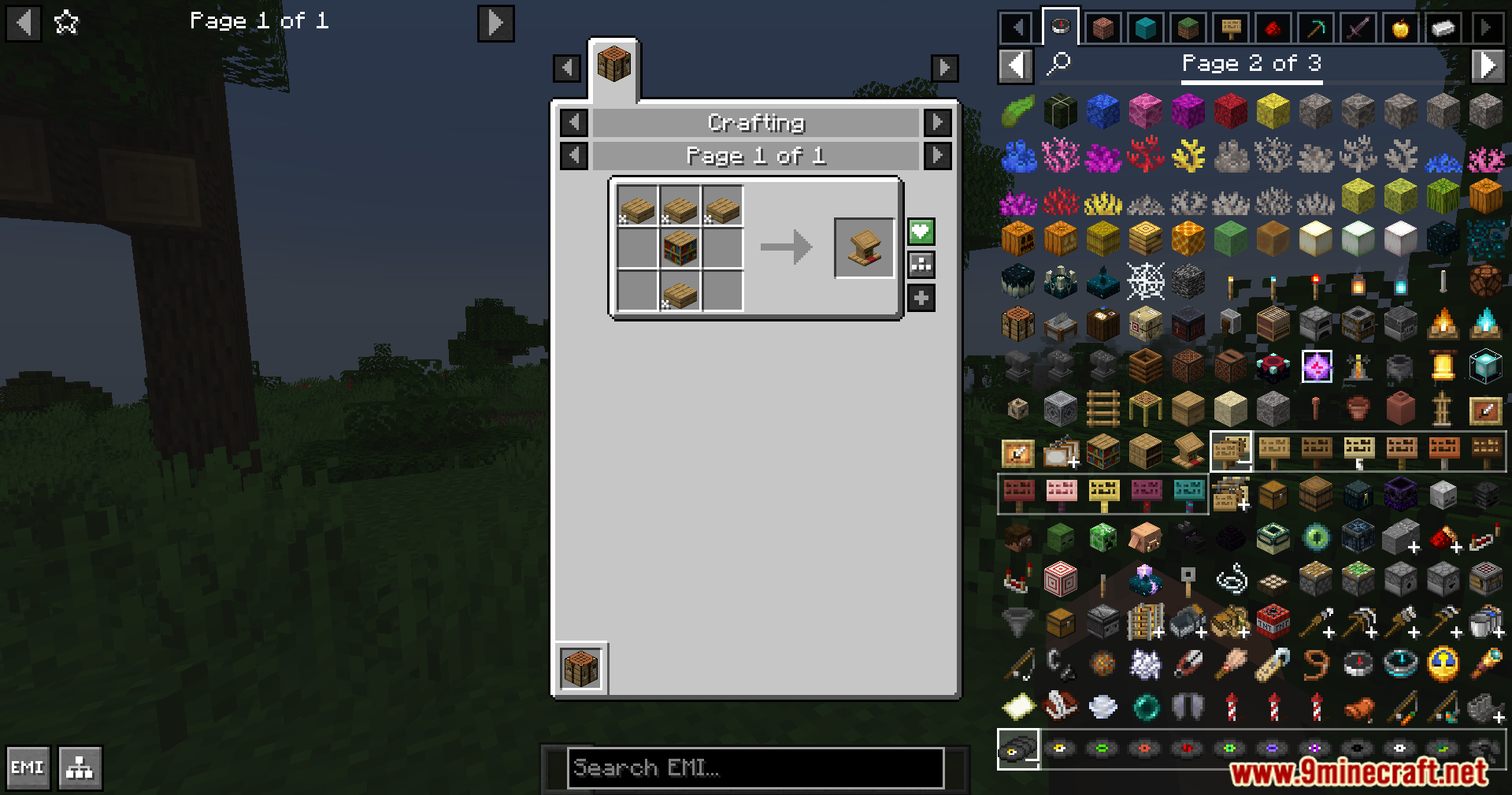
EMI Plus Plus Forked Mod extends EMI with better ways to organize your item list. It groups similar items together and adds helpful tabs so you can find blocks and tools much faster when you play.
Features:
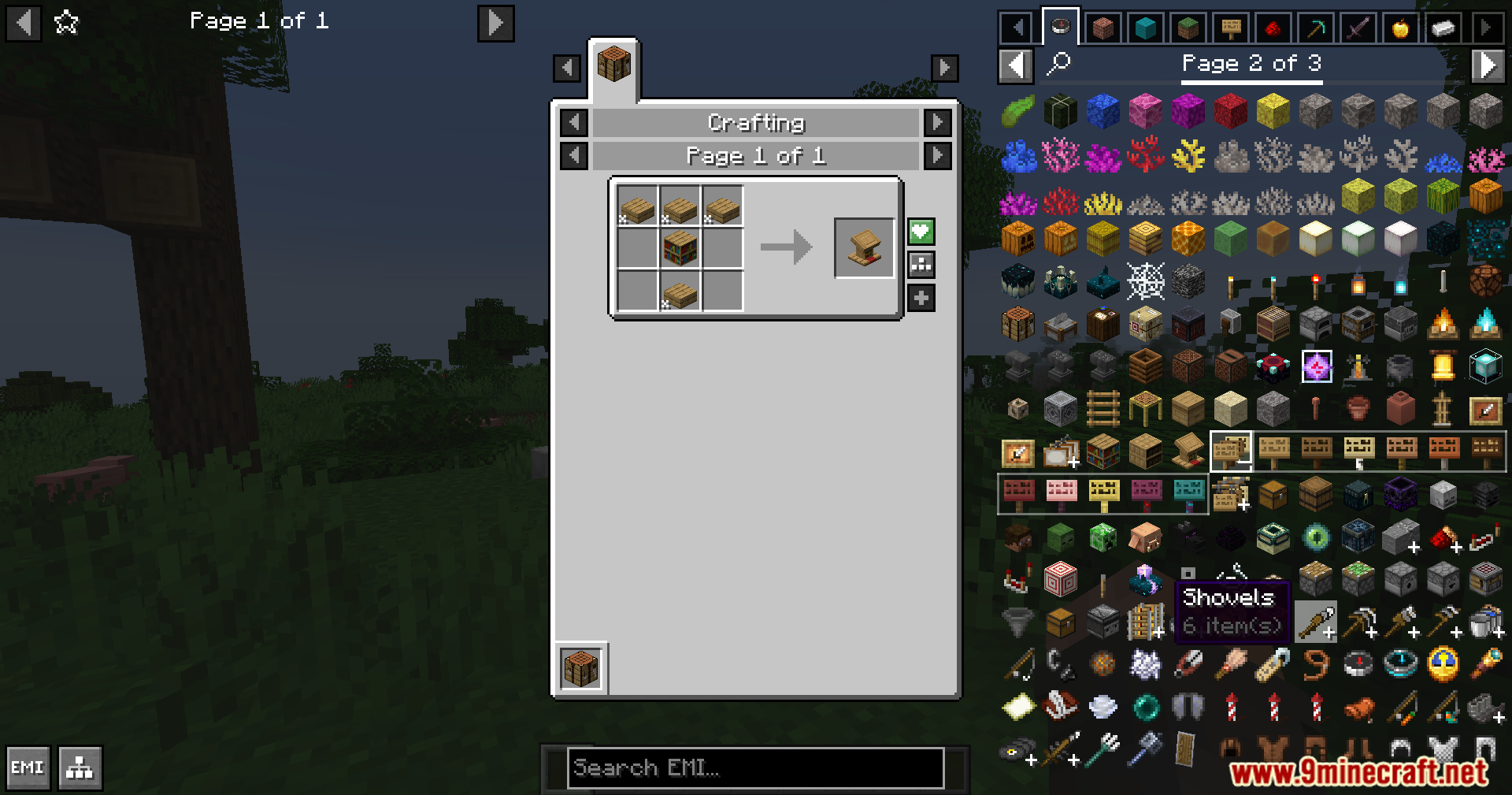
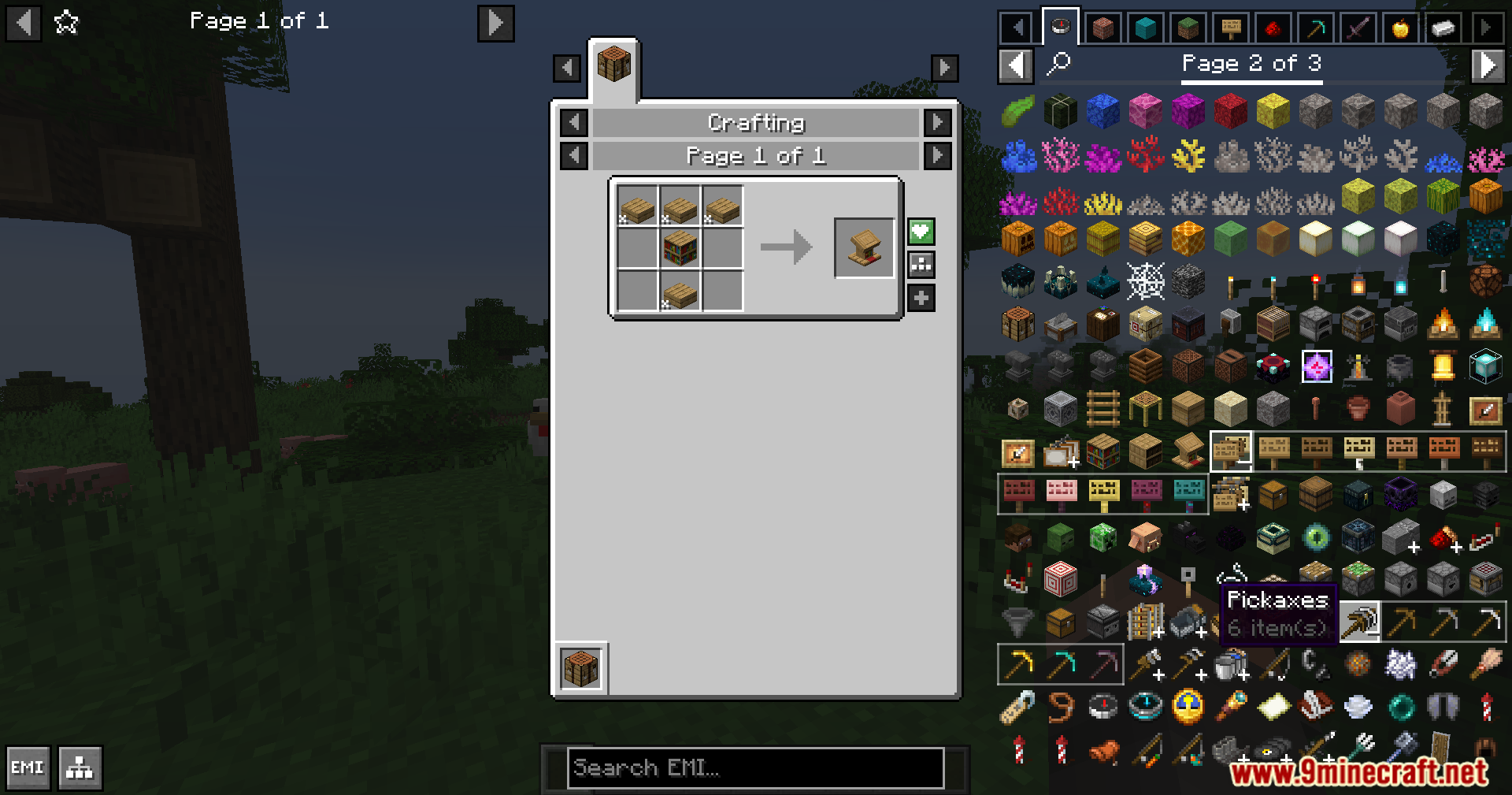
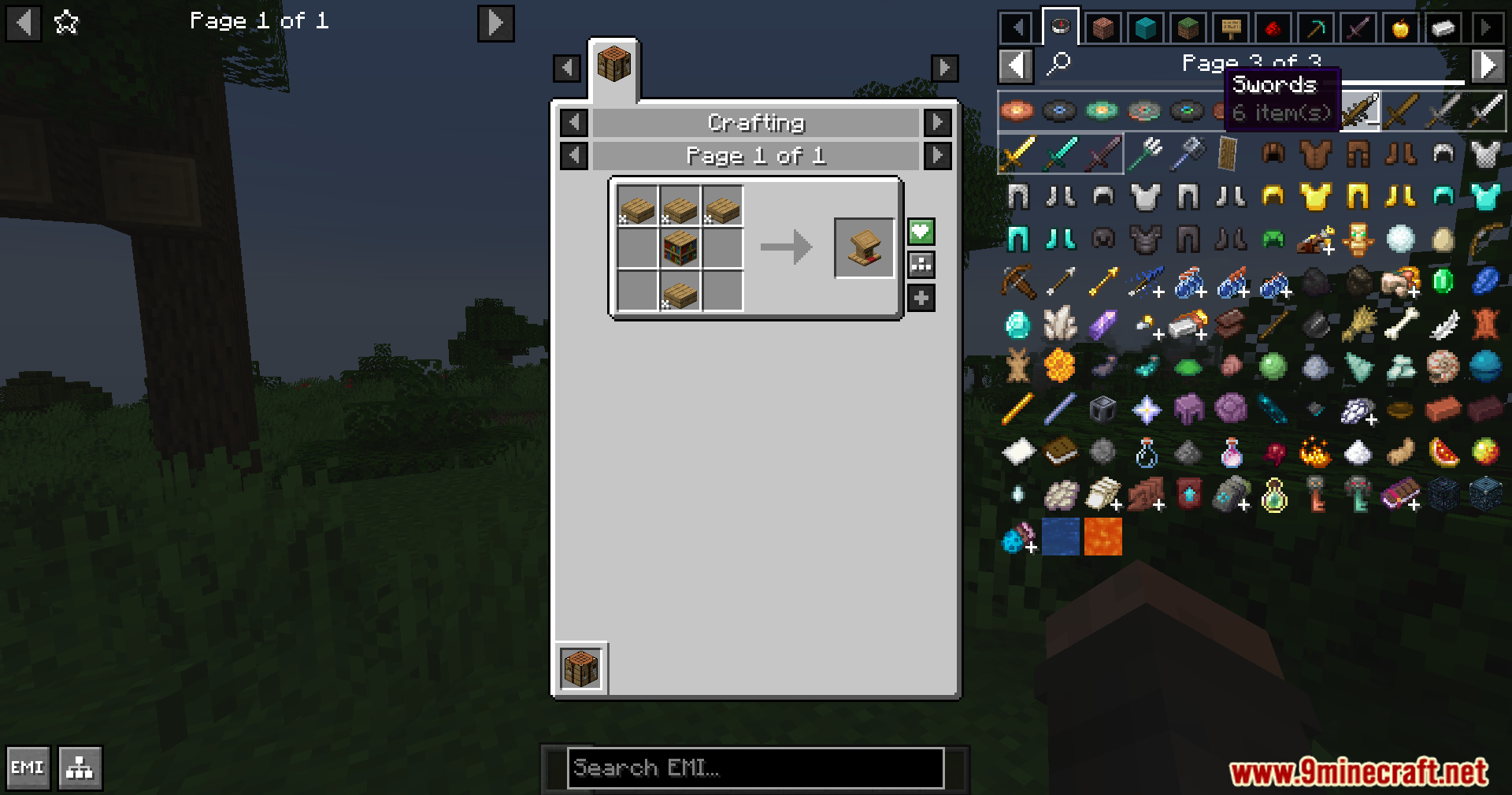
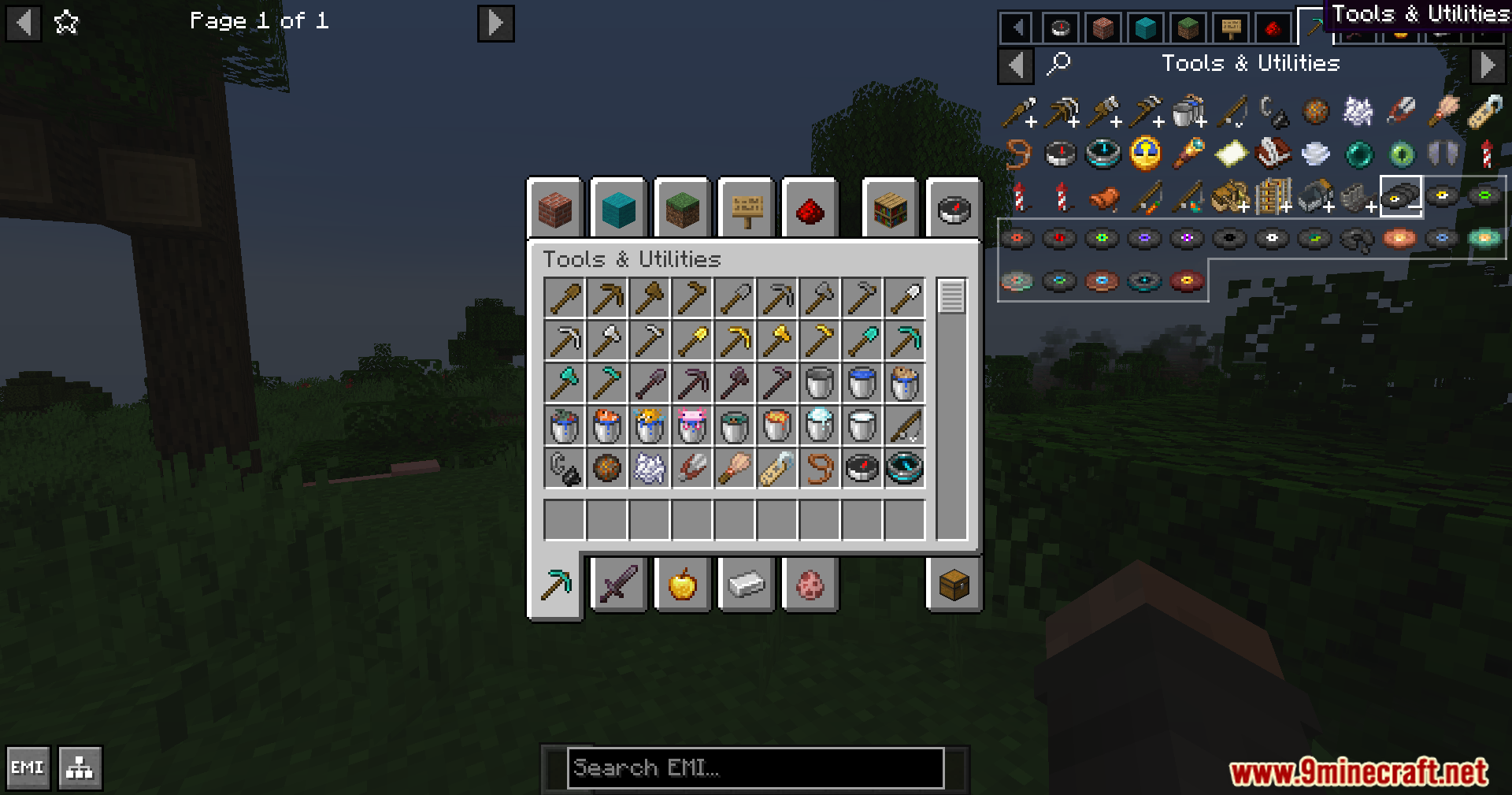
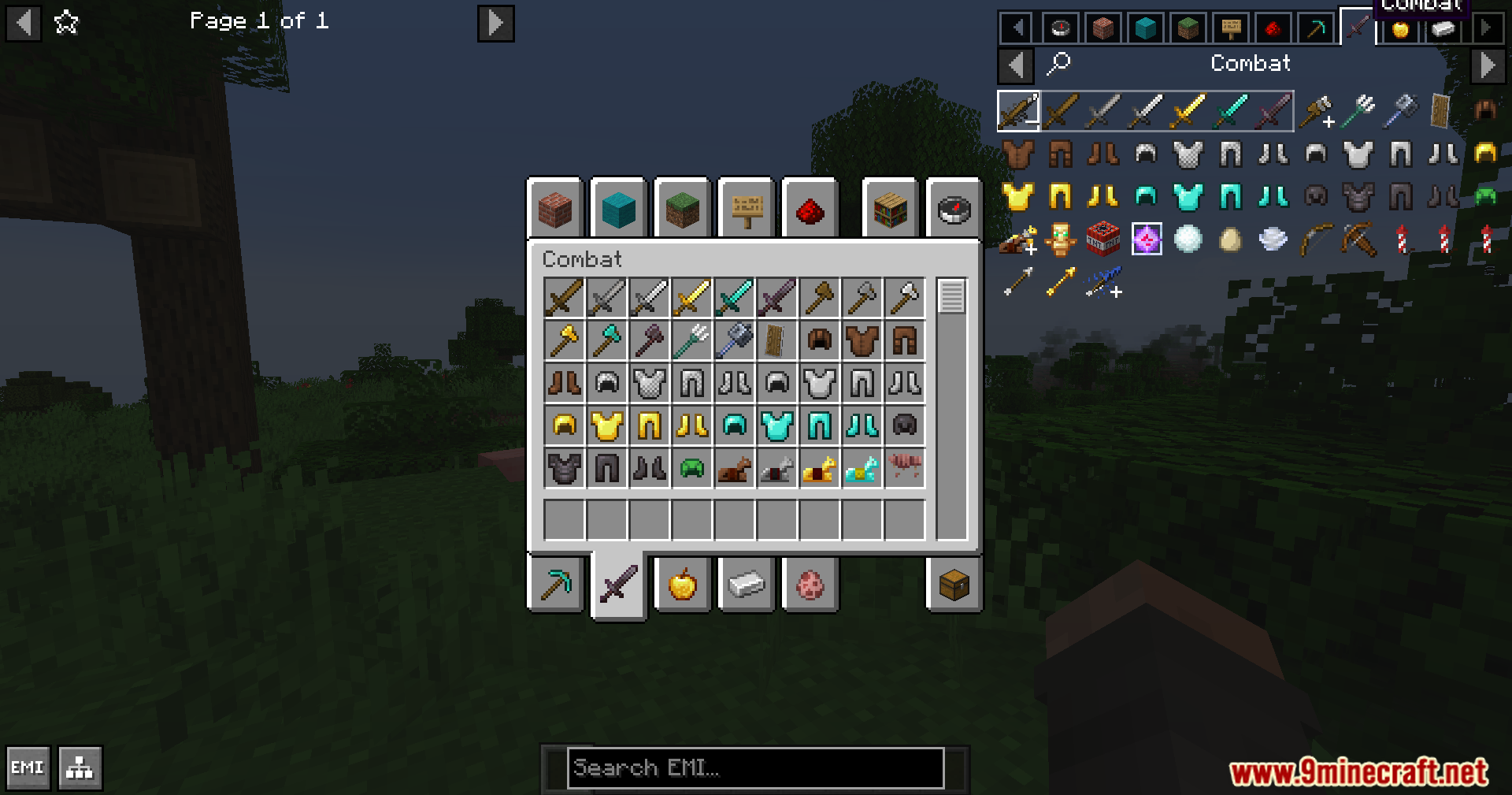
- Stack Grouping: Cleans up your screen by putting related items, like all colored wools or spawn eggs, into one single entry that you can click to expand.
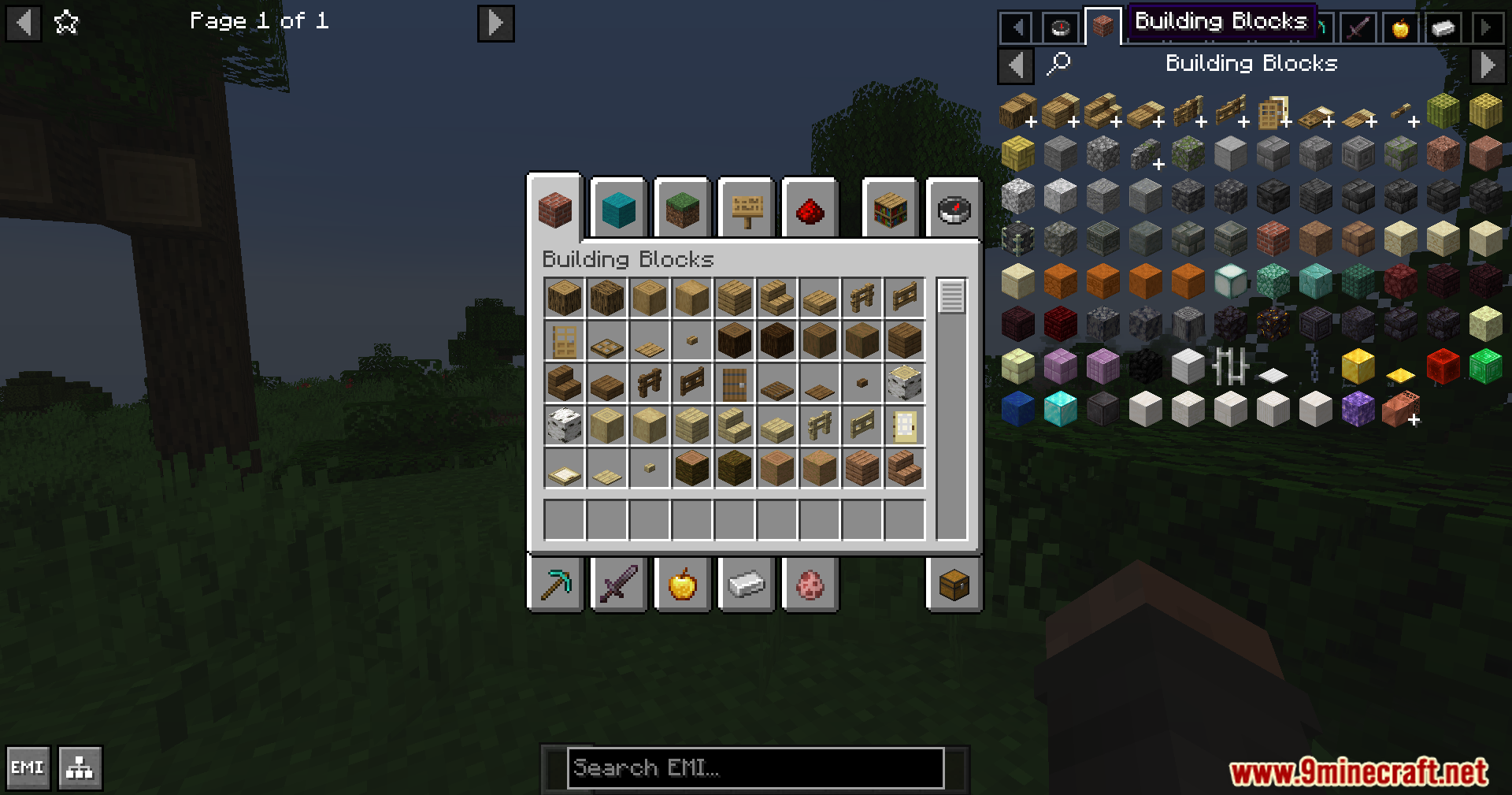
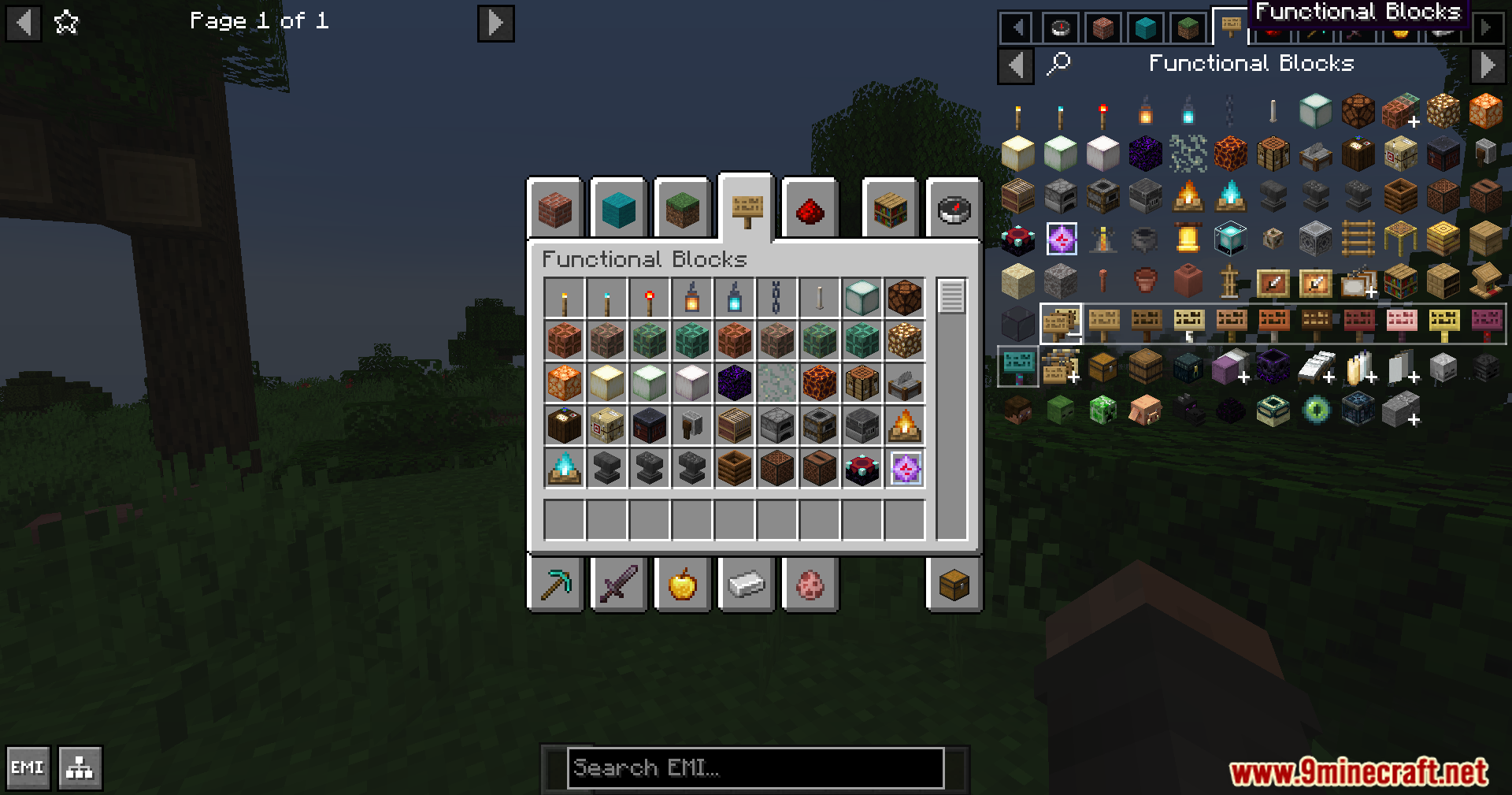
- Shows normal and modded Creative Mode tabs right inside the menu so you can browse items easily.
- Changes how you look through items by adding helpful tabs at the top or side of your screen.
- Changes the look of the sidebar to match either a classic vanilla style or a modern visual theme.
- Automatically groups things like animal armor, banner patterns, copper blocks, and minecarts without any extra setup.
Configuration:
- Turn the creative mode tab sidebar on or off completely.
- Make the menu sync with your actual Creative Inventory screen when you click a tab.
- Hide specific tabs from showing up on your screen.
- Turn off the stack grouping feature if you want to see every single item normally.
Custom Stack Groups:
- Lets you build your own custom item groups using simple JSON files in a resource pack.
- Allows you to group special things together, like different types of fluids or custom effects.
- Gives you the option to turn off default groups, like spawn eggs, if you do not want them.
How to Use:
- Open your main item menu overlay.
- Click on the Config gear icon on the screen.
- Scroll down until you find the settings section for this mod.
- Turn features on or off, or click the Manage button to change your tabs.
Screenshots:
EMI Plus Plus Forked Mod Download Links
Quick facts
- Edition: Minecraft Java
- File type: .jar
- Minecraft versions listed: 1.21.1, 1.20.1
- How to install: Install the matching mod loader (Forge, Fabric or NeoForge) for your Minecraft version. → Download the .jar. → Put it in the .minecraft/mods folder and launch that loader profile.
- Where to get it: In MC Java Mods, or directly above on this page.
Install steps are the general flow for this file type — How to install Minecraft Java mods & modpacks walks through it step by step.
Verified by MCModsHub
- Downloads as 2569.mcaddon
- Download size: 211 KB
- Download link checked 24 Sept 2026 — working
- Mirrored on our own servers — the download does not depend on the original host
These come from our own check of the pack file, not from the source page.