ModsJava
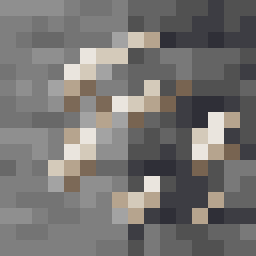
Overworld Quartz ore
Java mod listed for Minecraft 1.19. Downloads from the MC Java Mods app on Android.
⬇ Download on Modrinth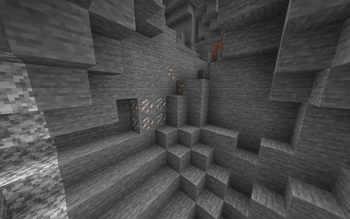
Details
- Spawn rates are the same as in the nether (uniform distribution covering the entire world except top and bottom 10 blocks). If you want to change it, override the placed feature to change where and how often it spawns, and override the configured feature to change the blob size.
- Drops same amount of xp and quartz as nether quartz ore
- Renames the "Nether Quartz" item to "Quartz" (
en_usonly) - (Only on fabric) If you want to make it not spawn in a biome, add it to the
#overworld_quartz_ore:quartz_ore_blocklistbiome tag. I couldn't find a good way to implement this on forge, sorry (you might be able to add your own biome modifier that removes the biomes you want? i haven't tried it). If you want to use a tag to include biomes on forge, you can override this file and make it use your tag instead
Quick facts
- Edition: Minecraft Java
- File type: .jar
- Minecraft version listed: 1.19.2
- How to install: Install the matching mod loader (Forge, Fabric or NeoForge) for your Minecraft version. → Download the .jar. → Put it in the .minecraft/mods folder and launch that loader profile.
- Where to get it: Opens on Modrinth — not every file is mirrored on our own servers.
Install steps are the general flow for this file type — How to install Minecraft Java mods & modpacks walks through it step by step.
File checked by MCModsHub
- Ships as OverworldQuartzOre-fabric-1.19.2-1.jar — drop this file into the mods folder
- Download size: 25 KB
- Download link checked 31 Oct 2026 — working
These come from our own check of the pack file, not from the source page.