ModsJava
Tweakerge Mod (26.1.2, 1.20.1) – Tweakeroo Forge Version
Java mod listed for Minecraft 1.20. Downloads from the MC Java Mods app on Android.
⬇ Download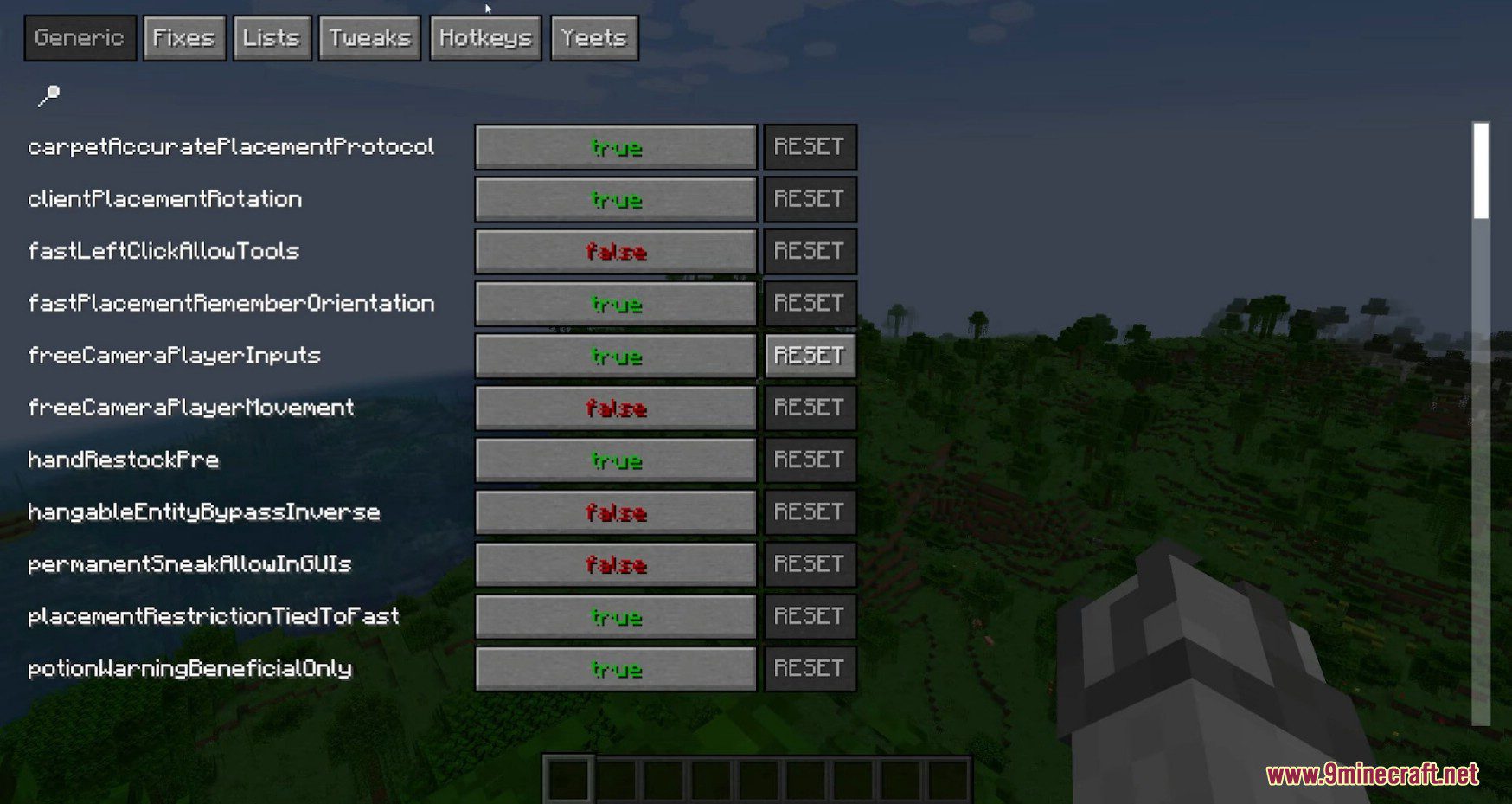
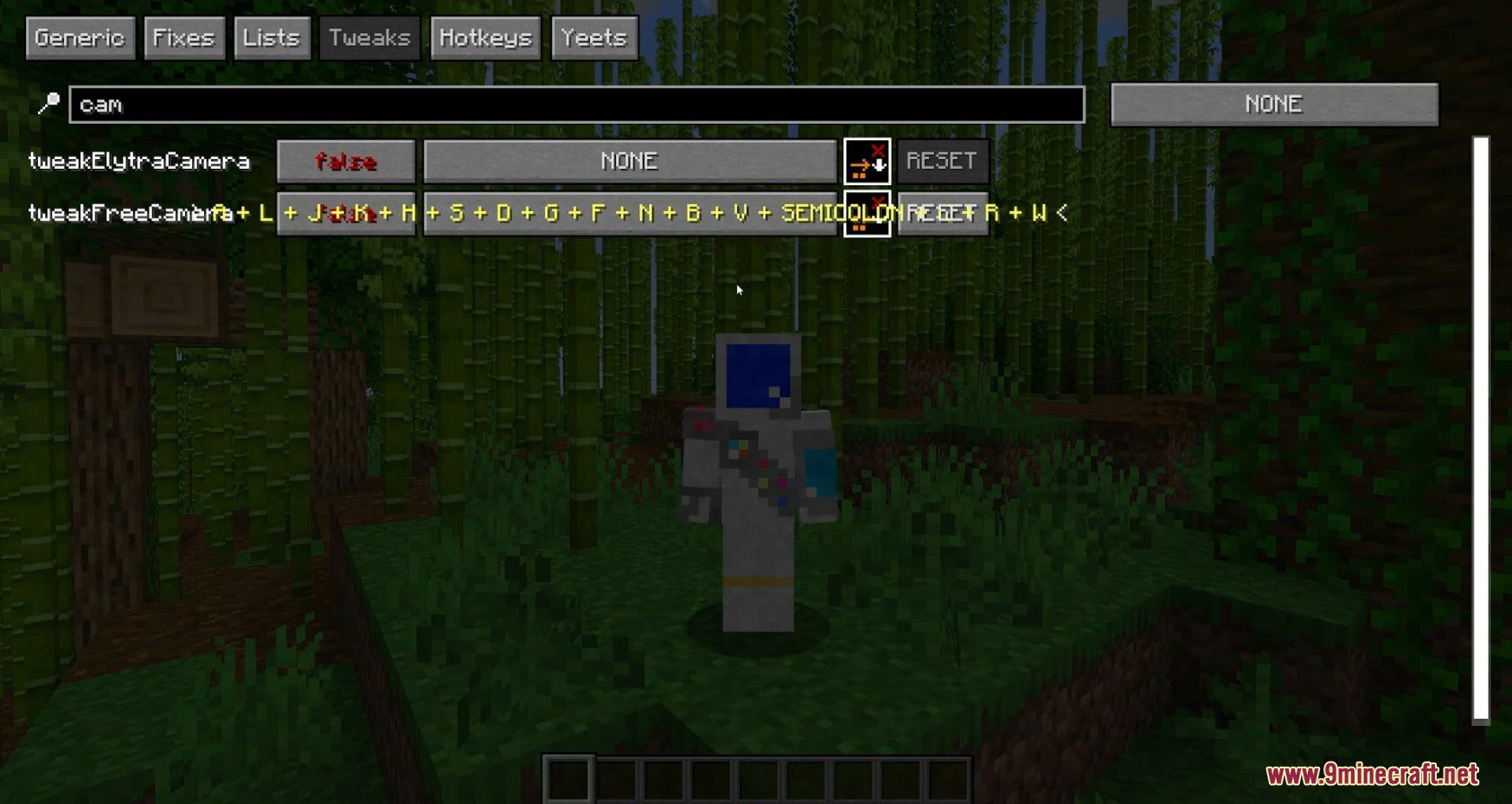
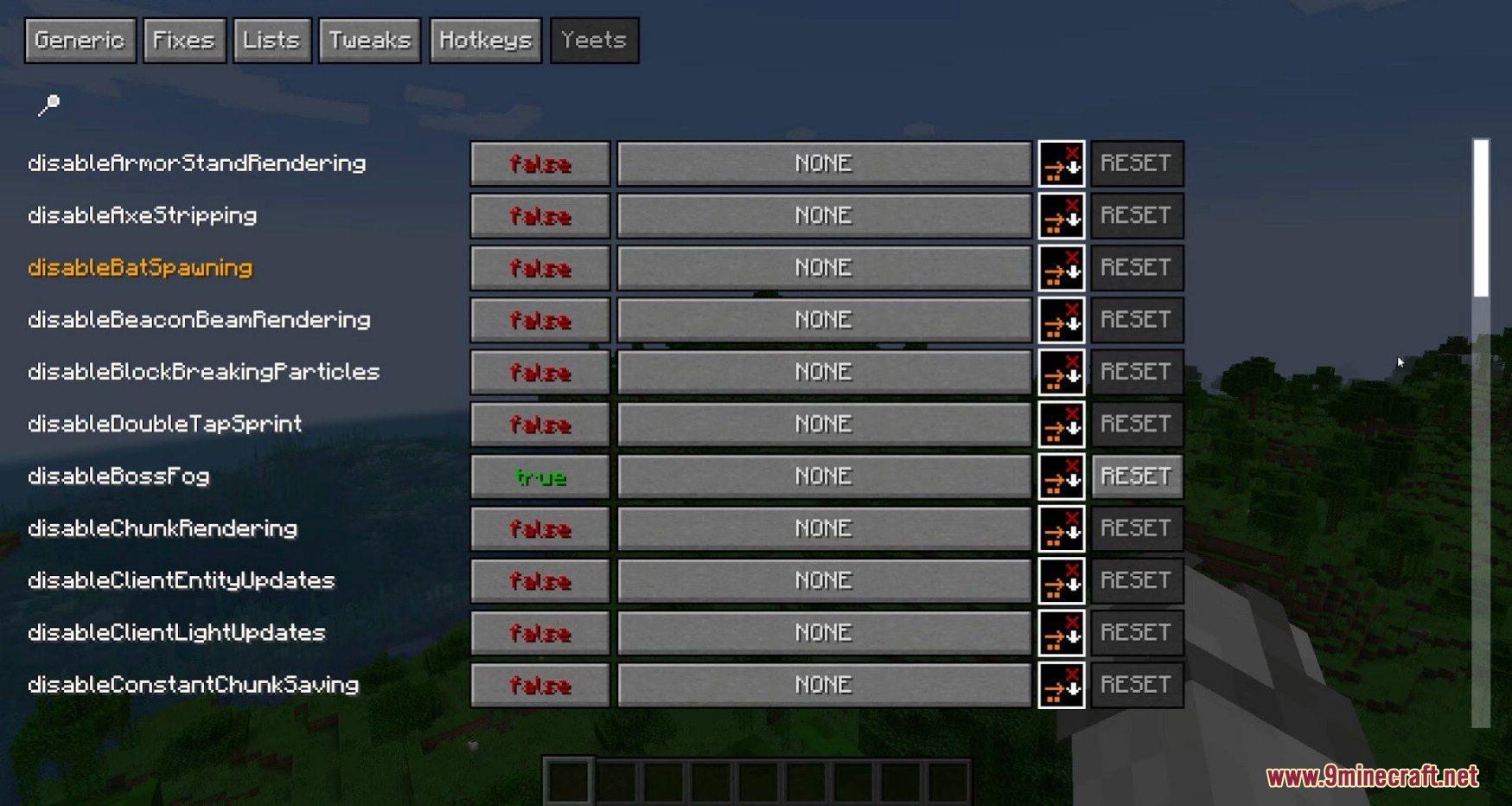
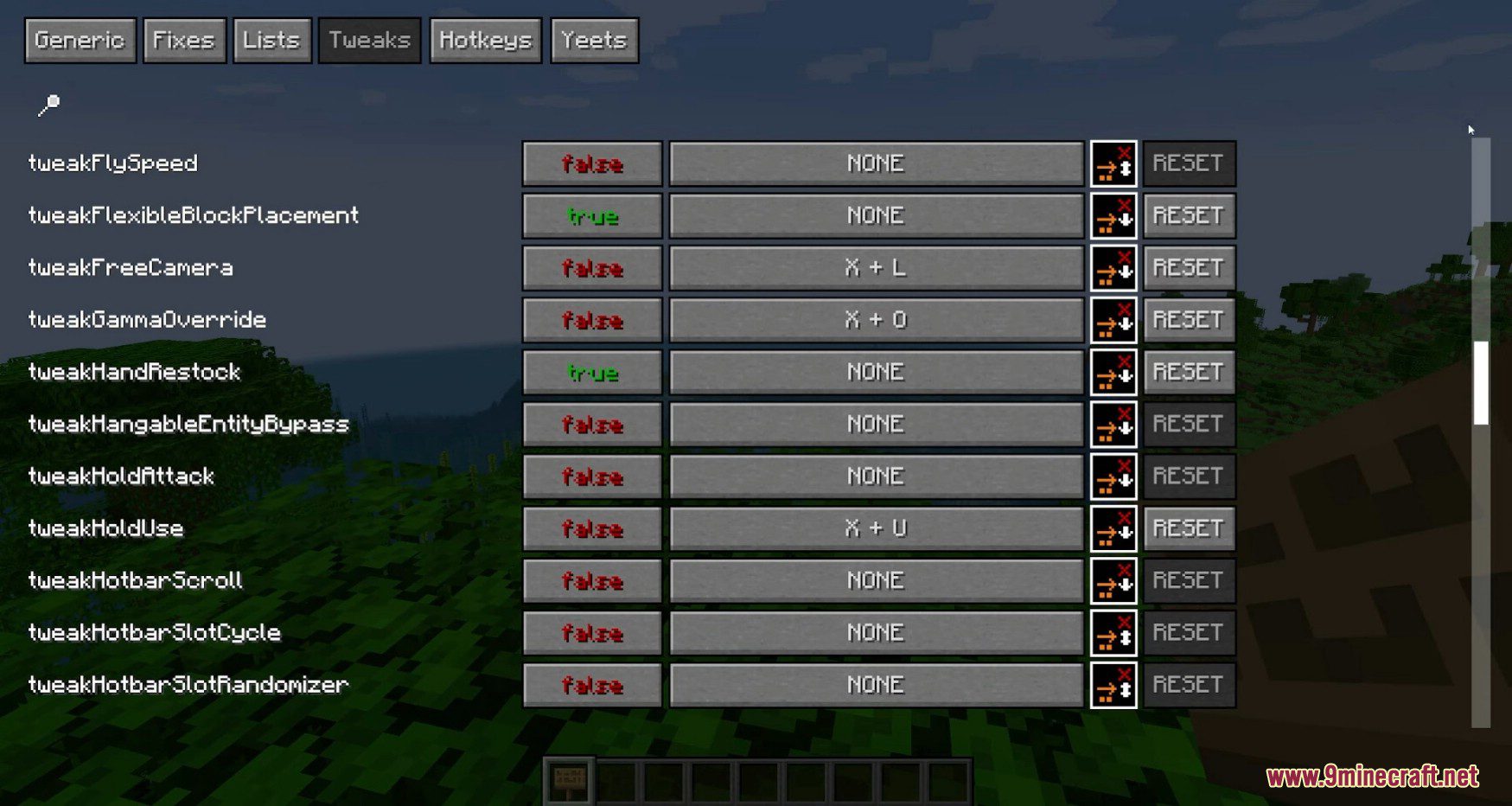
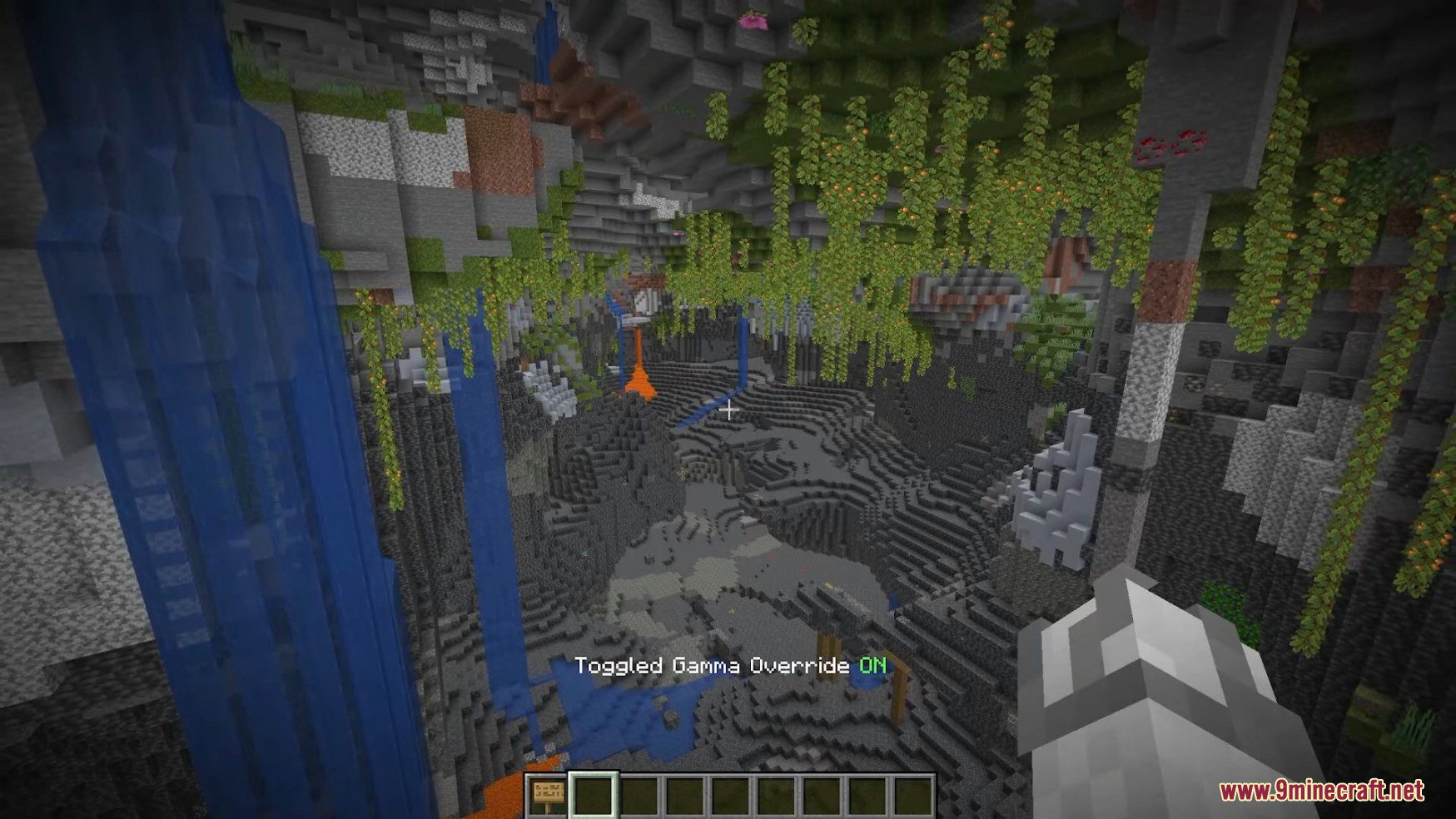
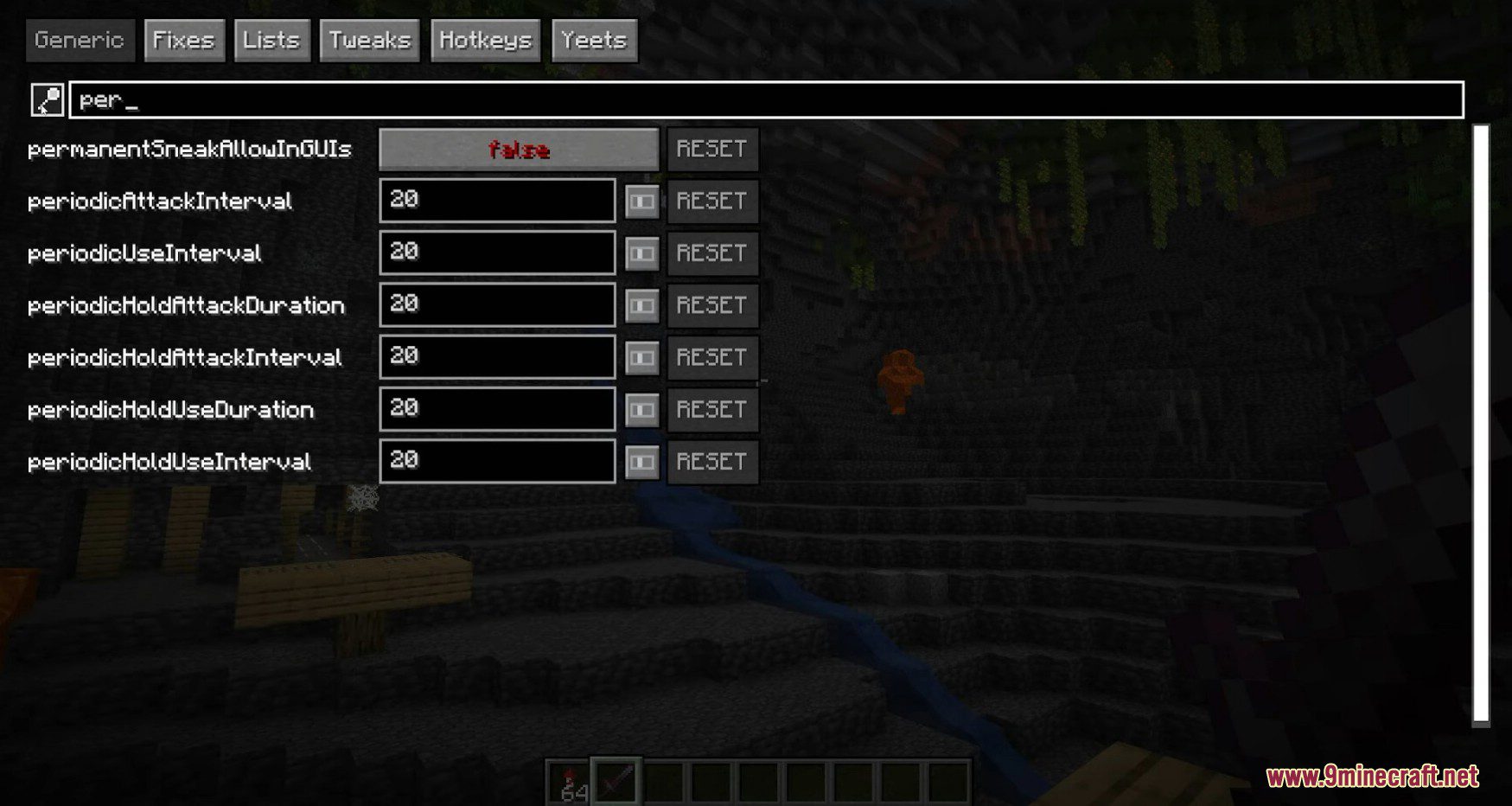
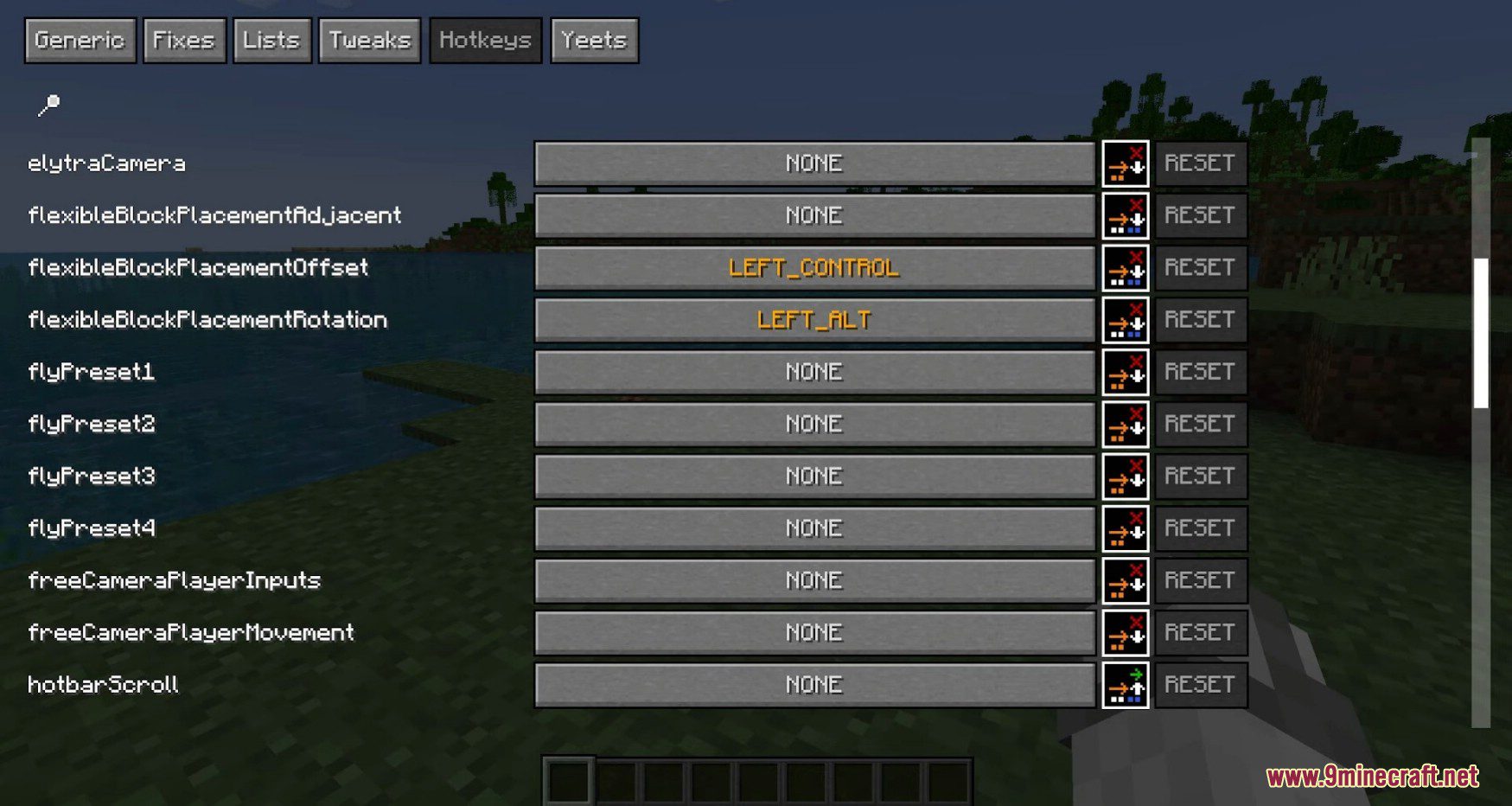
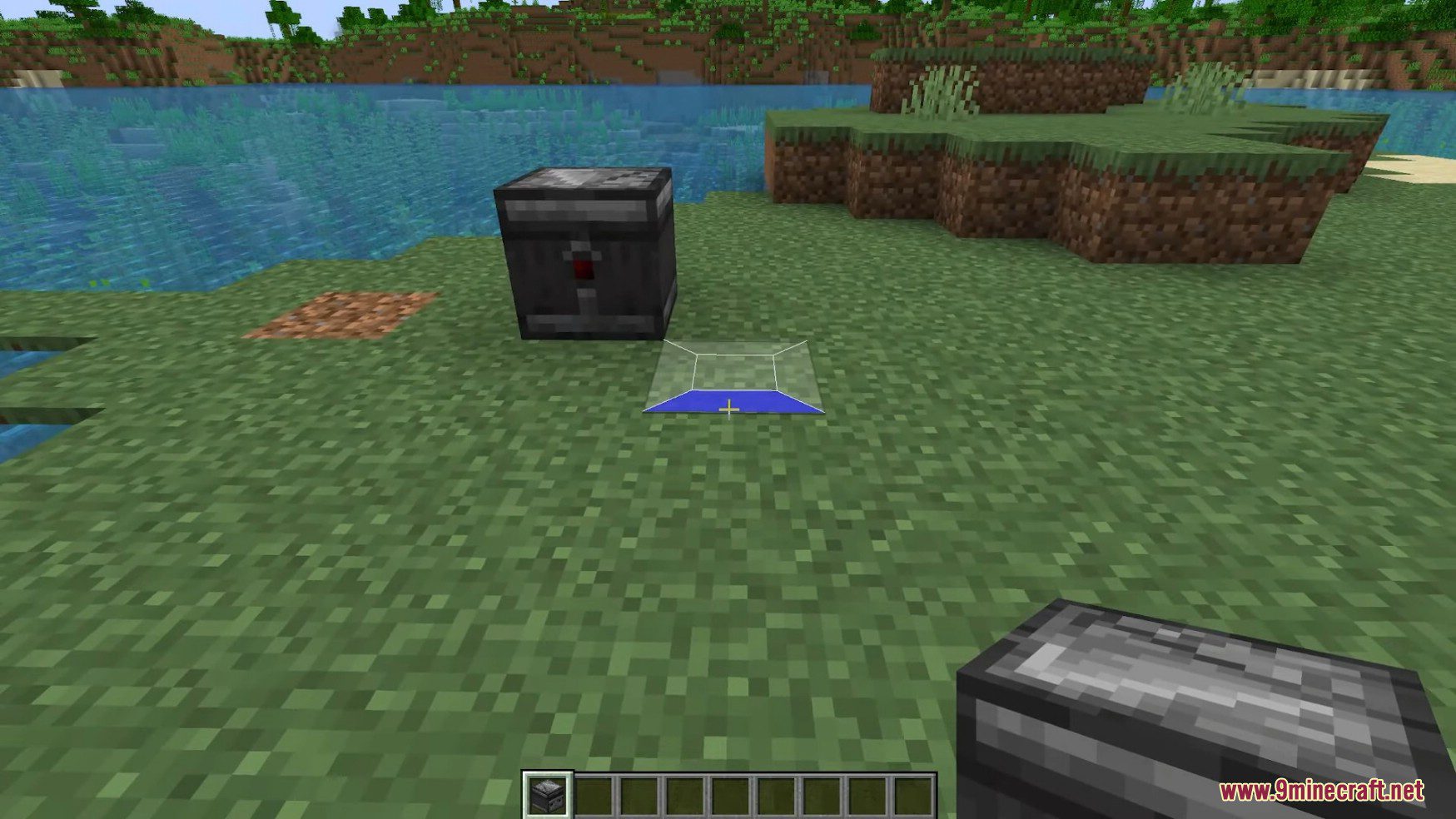
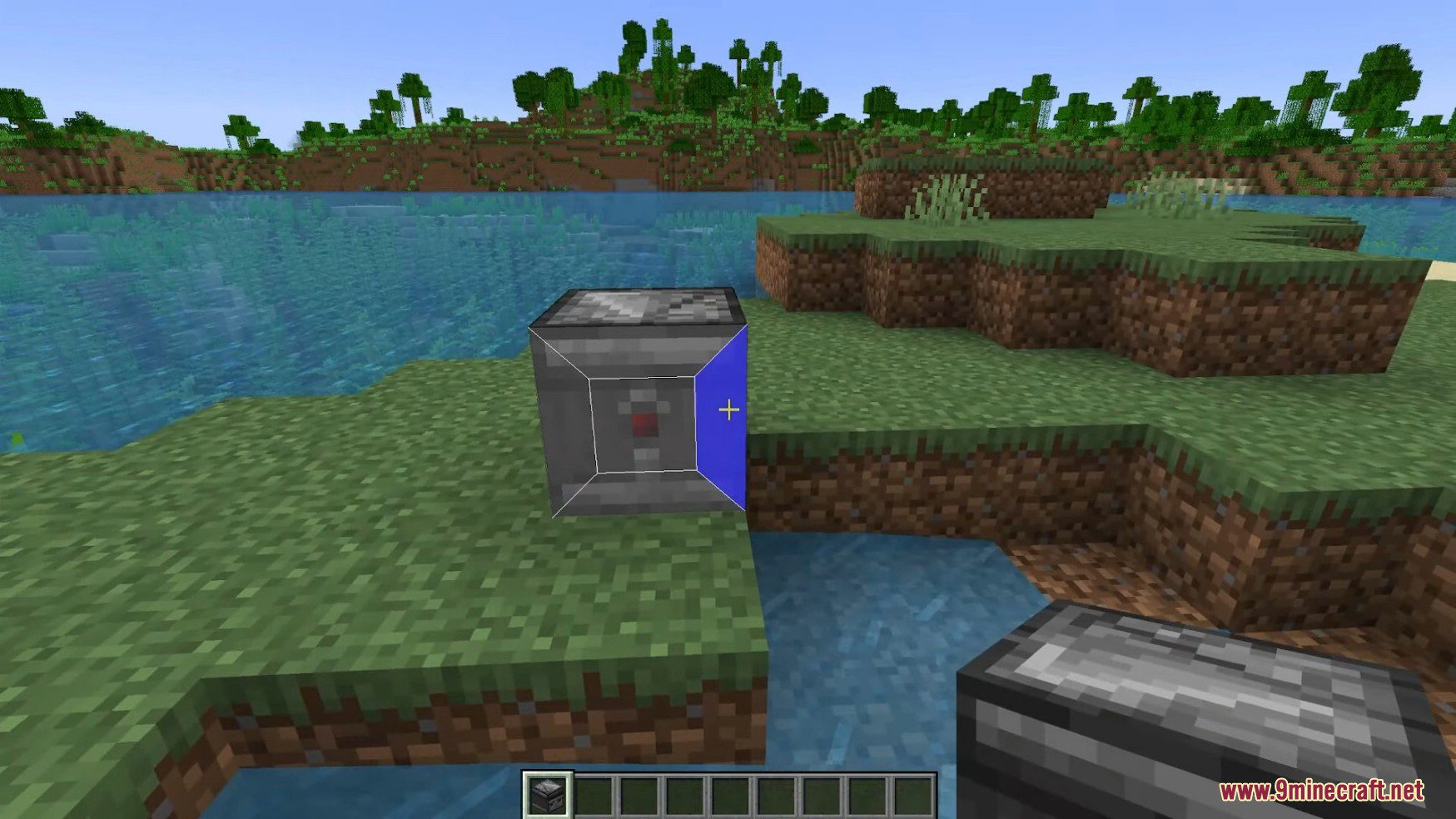
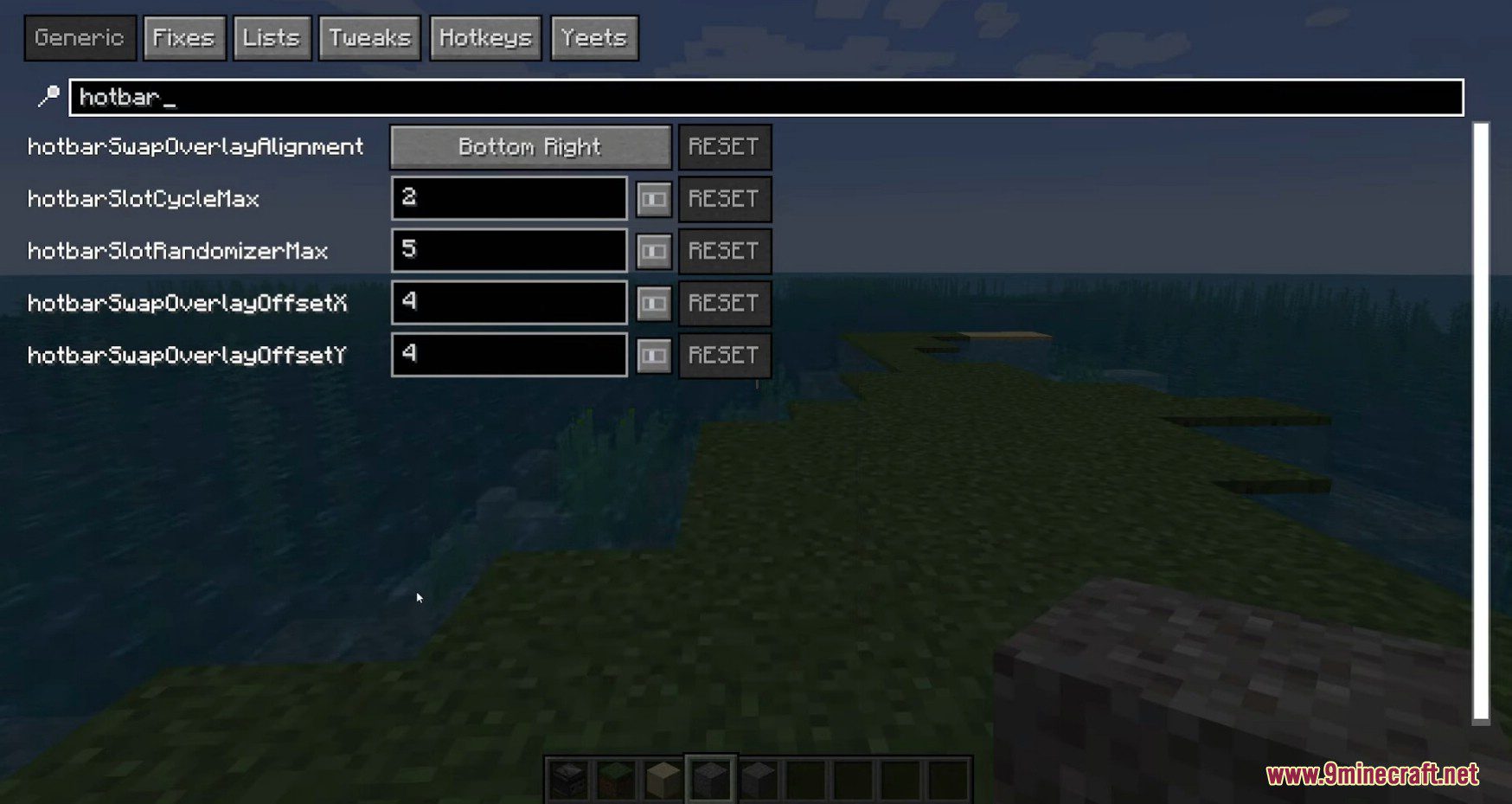
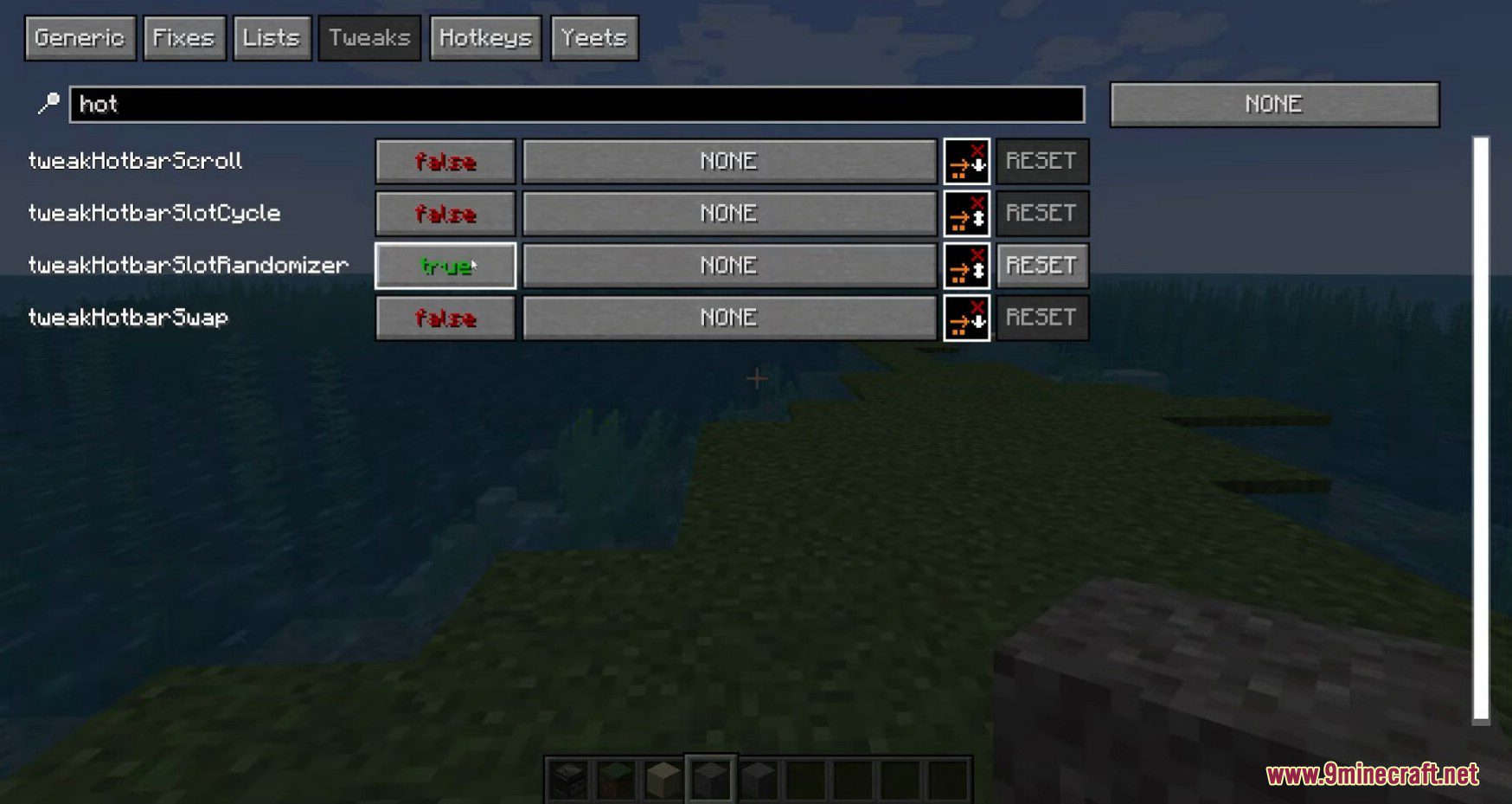
Tweakerge Mod (or Tweakeroo-Forge) adds a selection of miscellaneous, configurable, client-side tweaks to the game. Some examples of these are the “flexible block placement” tweak and the “fast block placement” tweak.
Features:
- Free Camera – Spectator mode like flying with your survival account
- Auto tool switch, mining made easy
- Fast Right Click
- Fast Block Placement place blocks accurately and quickly
- Fast Switch Elytra and Chest Plate
- Print Death Coordinates Automatically
- Random Block Placement
- Automatic Hand Restock
- Shulker Box Display Inventory
- Elytra Camera
- Breaking Restrictions
- Fake Sneak
- Breaking Grid
- Periodic Attack
- Remove Own Potion Effects
- Player List Always Visible
- Fake Sneak Placement
- Swap Almost Broken Tools
- Flexible Block Placement Rotation
- Flexible Block Placement Offset
- Disable Offhand Rendering – Make any item in your offhand invisible
- Zoom
- No Fog – Disable render distance and nether fog in Minecraft
- Unstacking Item Protection – Stop throwing buckets in lava
- Periodic Hold Use – Eating whilst AFK with hand restock Minecraft Mod
- Disable Portal GUI Closing – Open your inventory whilst stood in a portal Minecraft Mod
- Placement Grid – quickly place torches equal distance apart minecraft
- Disable Axe Stripping – Stop accidently stripping logs in minecraft
- Disable Particles – Disable particles and give your FPS a boost
- Fly Speed – Minecraft faster creative flying (and freecam)
- Map Preview – Minecraft view map whilst in your inventory
- Chat Persistent Text – Minecraft don’t lose long typed message
- Disable Wall Unsprint – Keep running in minecraft even after hitting the wall
Screenshots:
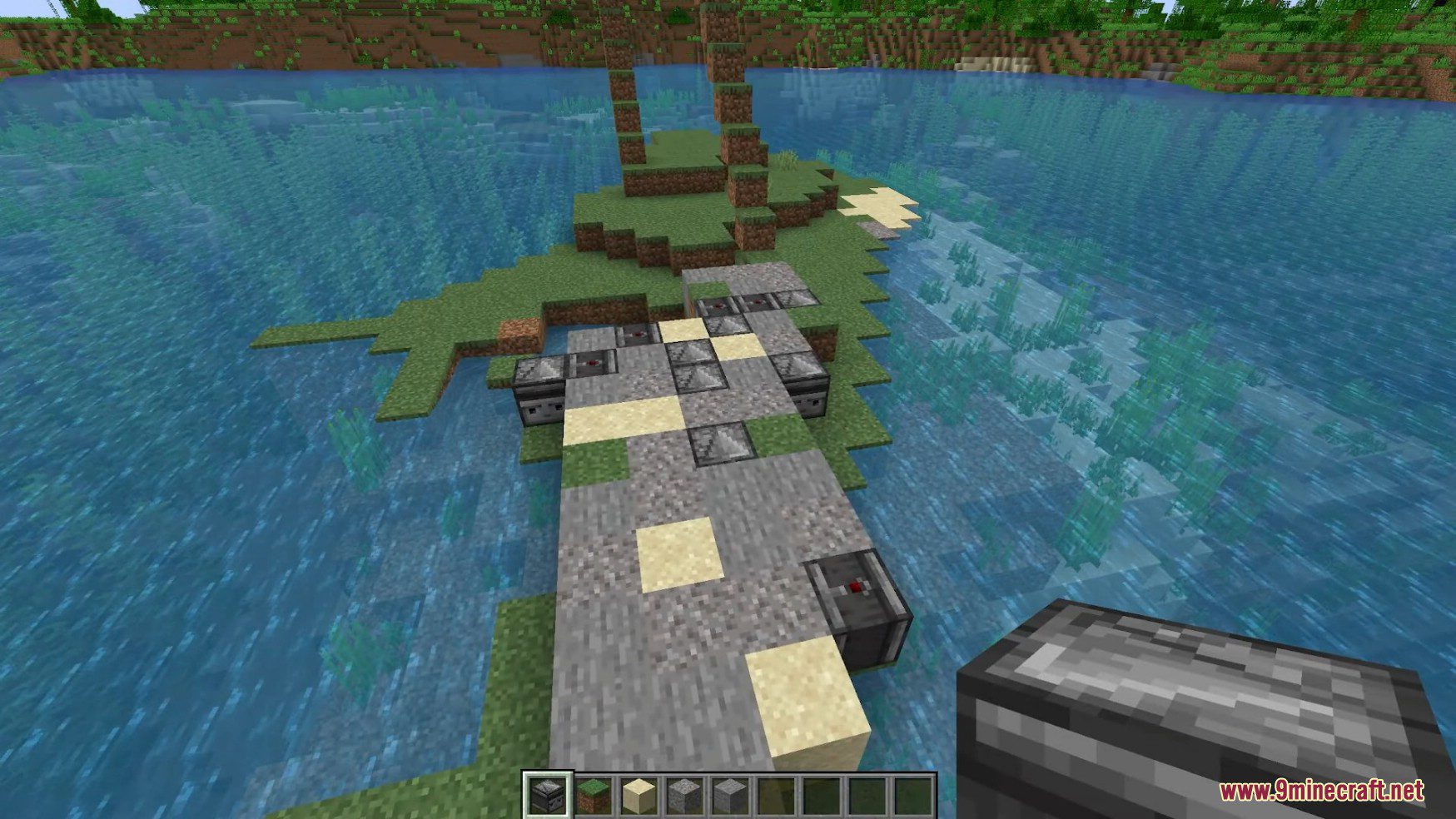
Tweakerge Mod Download Links
Quick facts
- Edition: Minecraft Java
- File type: .jar
- Minecraft version listed: 1.20.1
- How to install: Install the matching mod loader (Forge, Fabric or NeoForge) for your Minecraft version. → Download the .jar. → Put it in the .minecraft/mods folder and launch that loader profile.
- Where to get it: In MC Java Mods, or directly above on this page.
Install steps are the general flow for this file type — How to install Minecraft Java mods & modpacks walks through it step by step.
File checked by MCModsHub
- Downloads as 25695.mcaddon
- Download size: 685 KB
- Download link checked 25 Sept 2026 — working
- Mirrored on our own servers — the download does not depend on the original host
These come from our own check of the pack file, not from the source page.