ModsJava
Verticality
I don't know my version or loader
Open the Minecraft launcher and look at the profile you play on — it names both, like fabric-loader-1.21.4. The version also shows in the bottom-right corner of the game's main menu.
No loader in the profile name? Then it's plain Minecraft, and these mods won't run — you need Fabric or NeoForge installed first.
Verticality
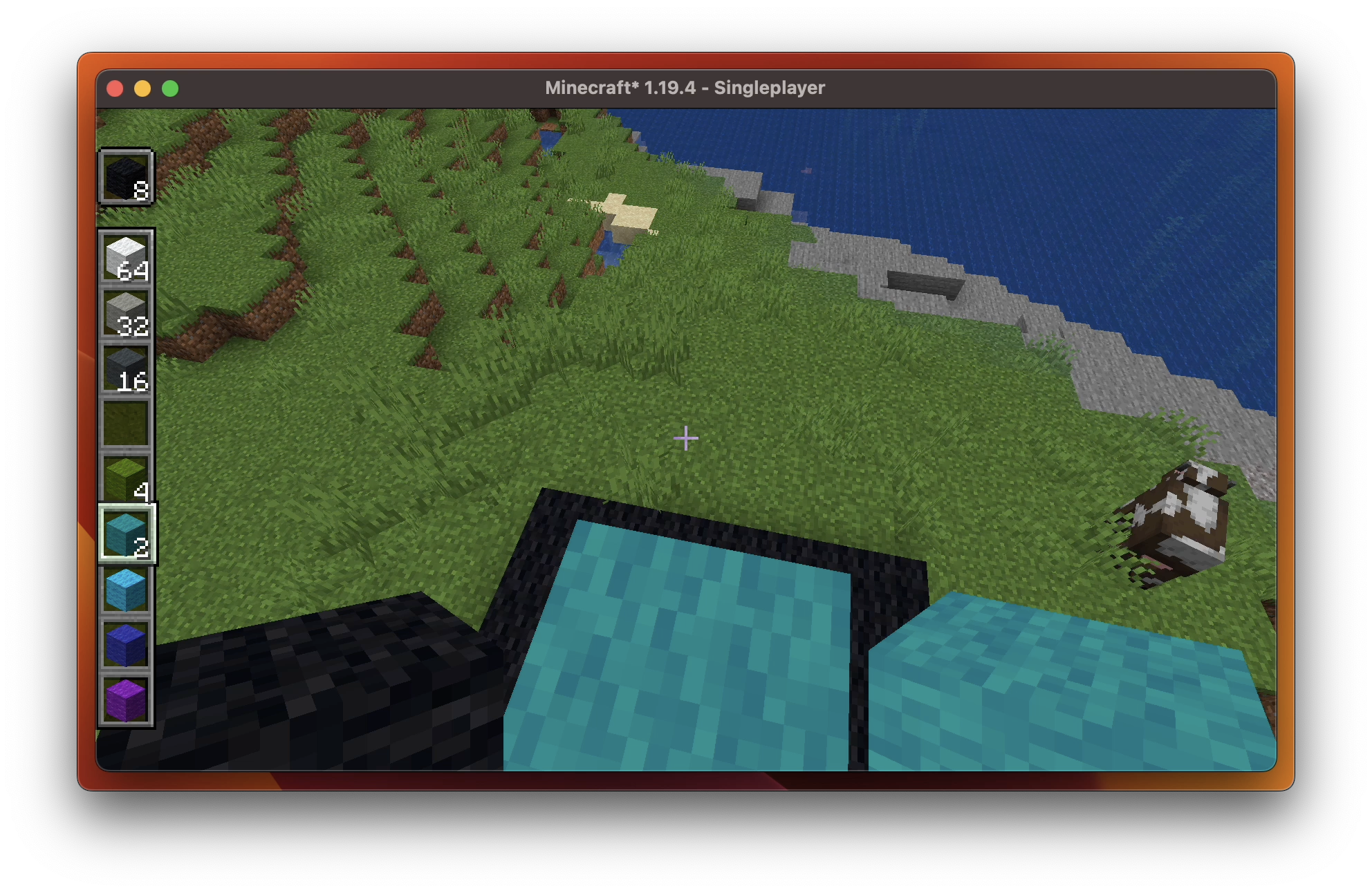
Verticality verticals your hotbar. Simple enough? Fascinating enough!
To toggle the feature, just press Escape to access the game menu, then you'shall see arrows on the hotbar area. Click them to see what happens!
Hotbar Styles
Verticality provides the following hotbar styles:

Horizontal (Vanilla) |

Vertical |
|---|---|

Horizontal Alternative Layout |

Vertical Alternative Layout |

Also works in Spectator Mode. |
Compatibility
Verticality has good compatibility with:
Feel free to open a new issue if you find an incompatibility.
User Interface
This video demonstrates how you can play around with Verticality.
Quick facts
- Edition: Minecraft Java
- File type: .jar
- Minecraft versions listed: 1.20, 1.20.1
- How to install: Install the matching mod loader (Forge, Fabric or NeoForge) for your Minecraft version. → Download the .jar. → Put it in the .minecraft/mods folder and launch that loader profile.
- Where to get it: Opens on Modrinth — not every file is mirrored on our own servers.
Install steps are the general flow for this file type — How to install Minecraft Java mods & modpacks walks through it step by step.
Verified by MCModsHub
- Ships as verticality-4.1.3-fabric1.20.jar — drop this file into the mods folder
- Download size: 211 KB
- Download link checked 30 Aug 2026 — working
These come from our own check of the pack file, not from the source page.