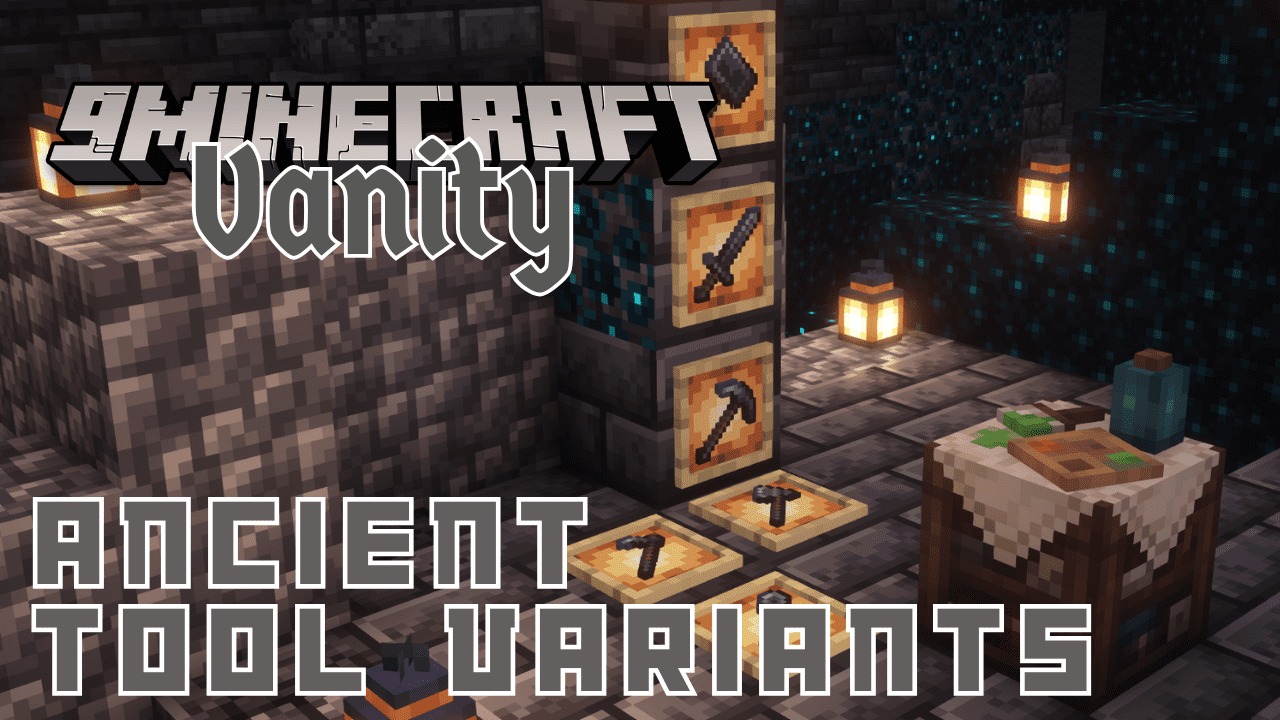
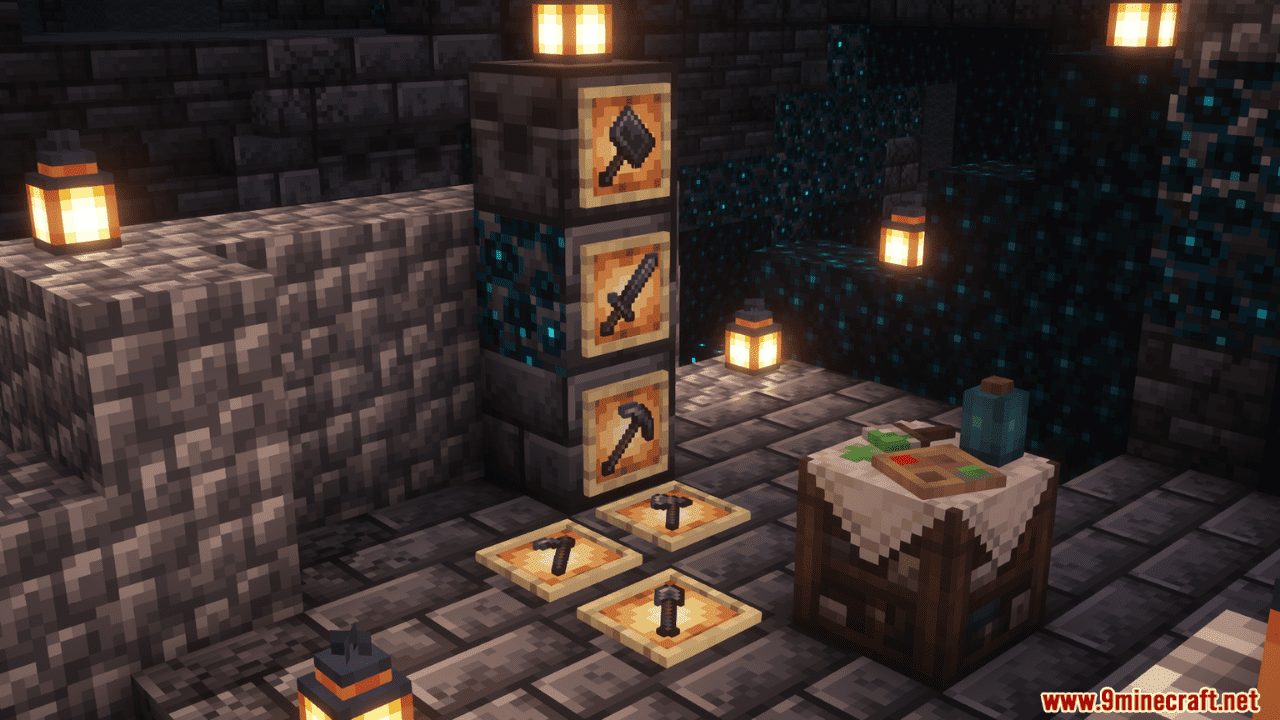
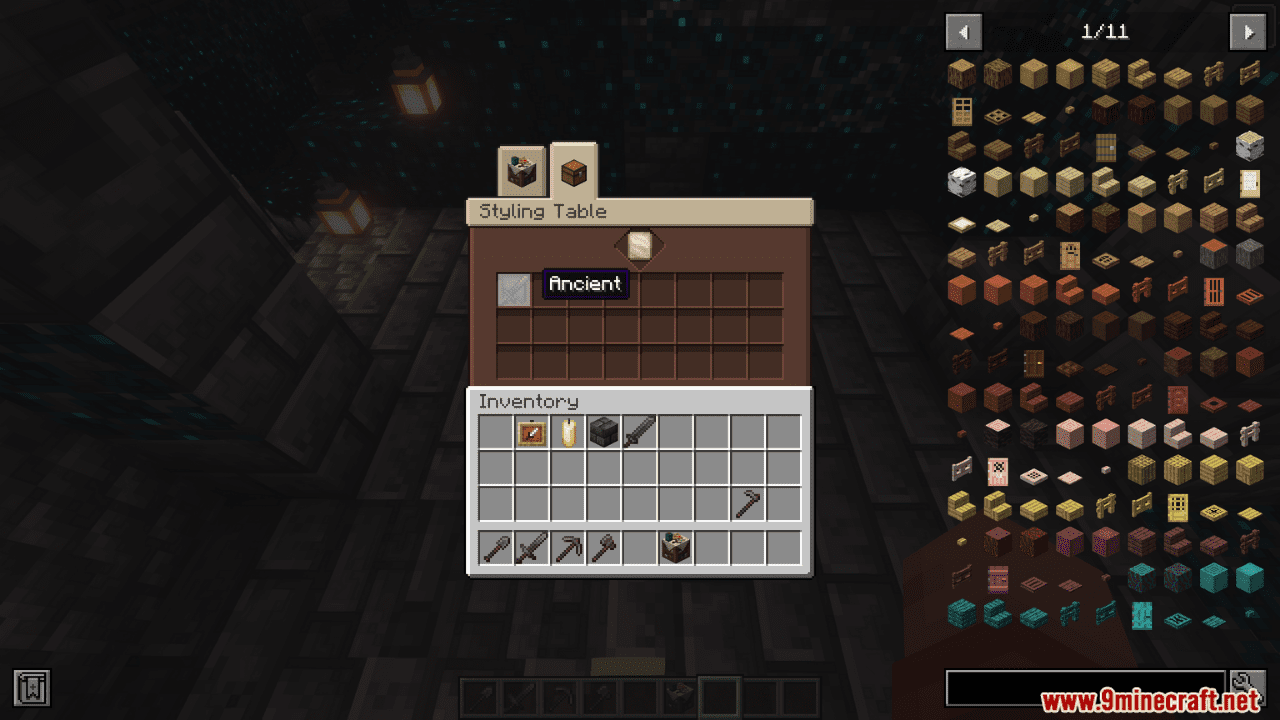
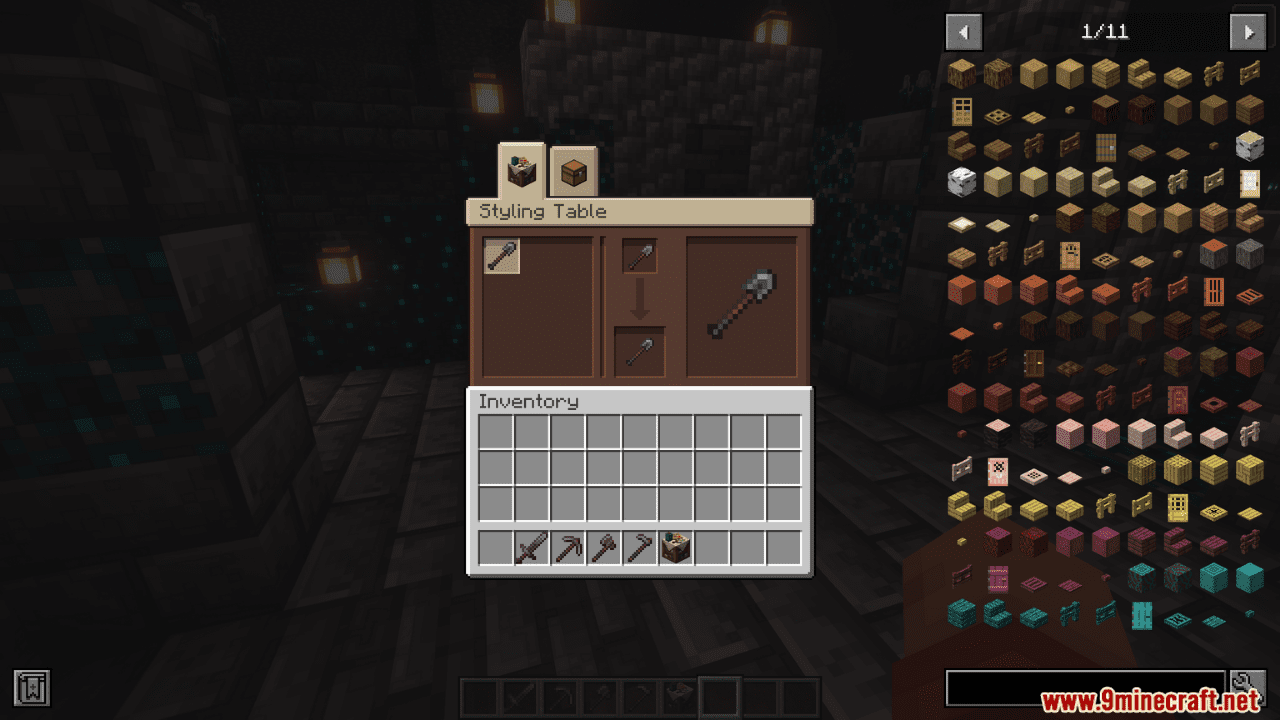
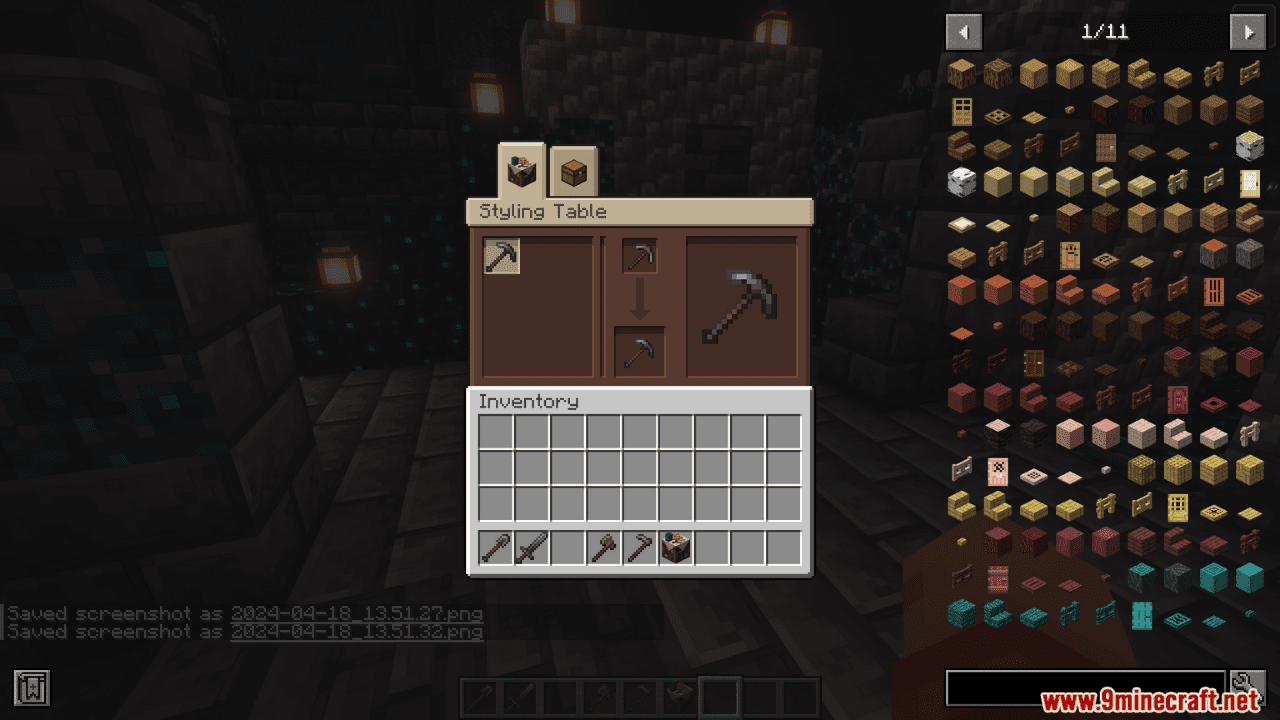
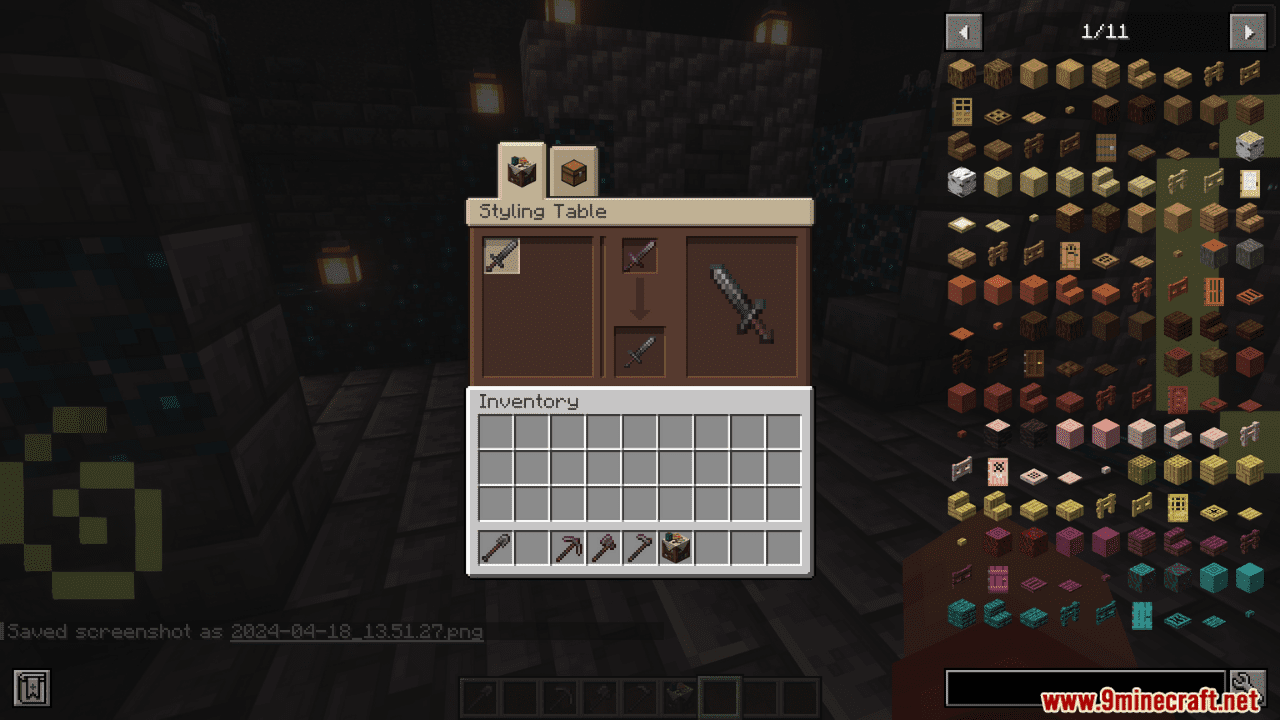
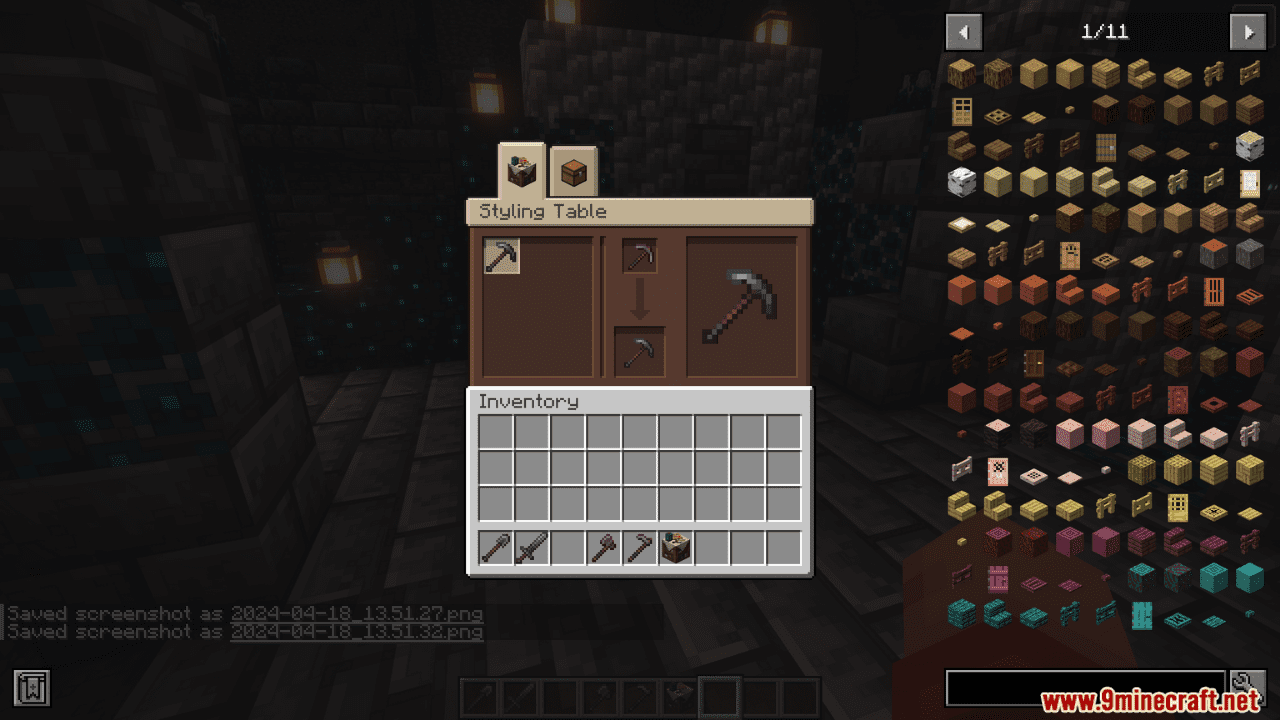
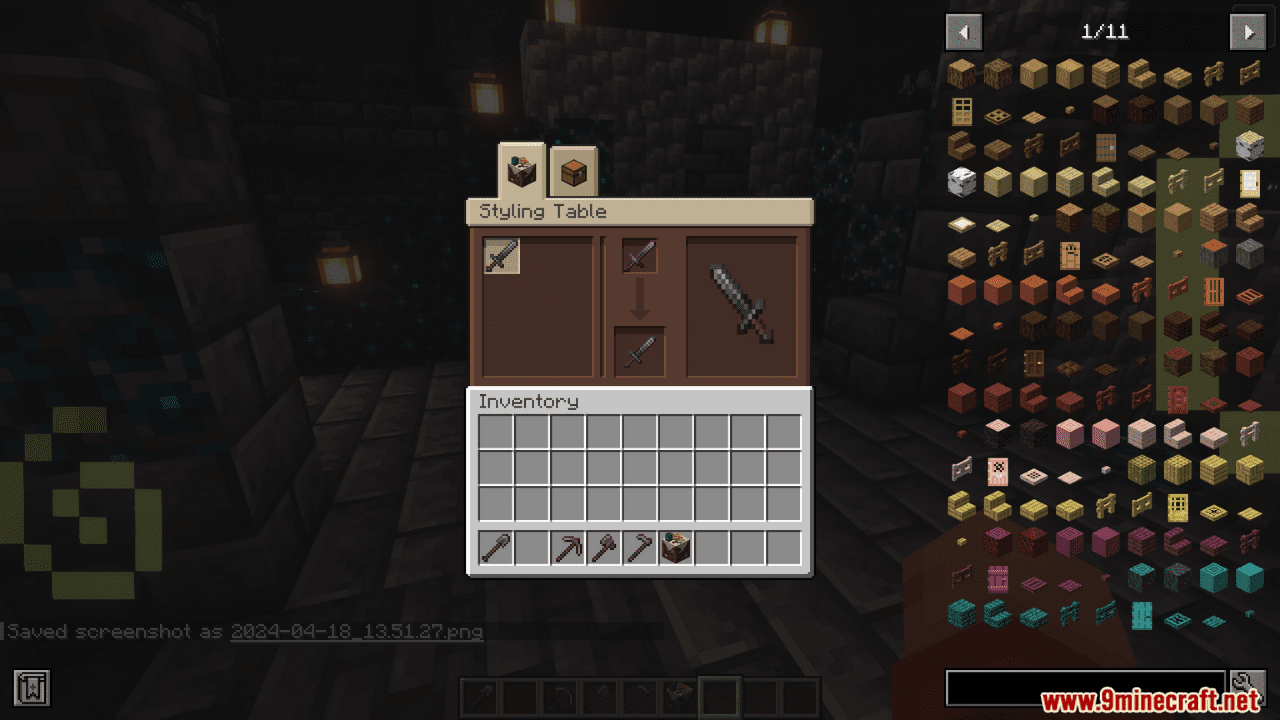
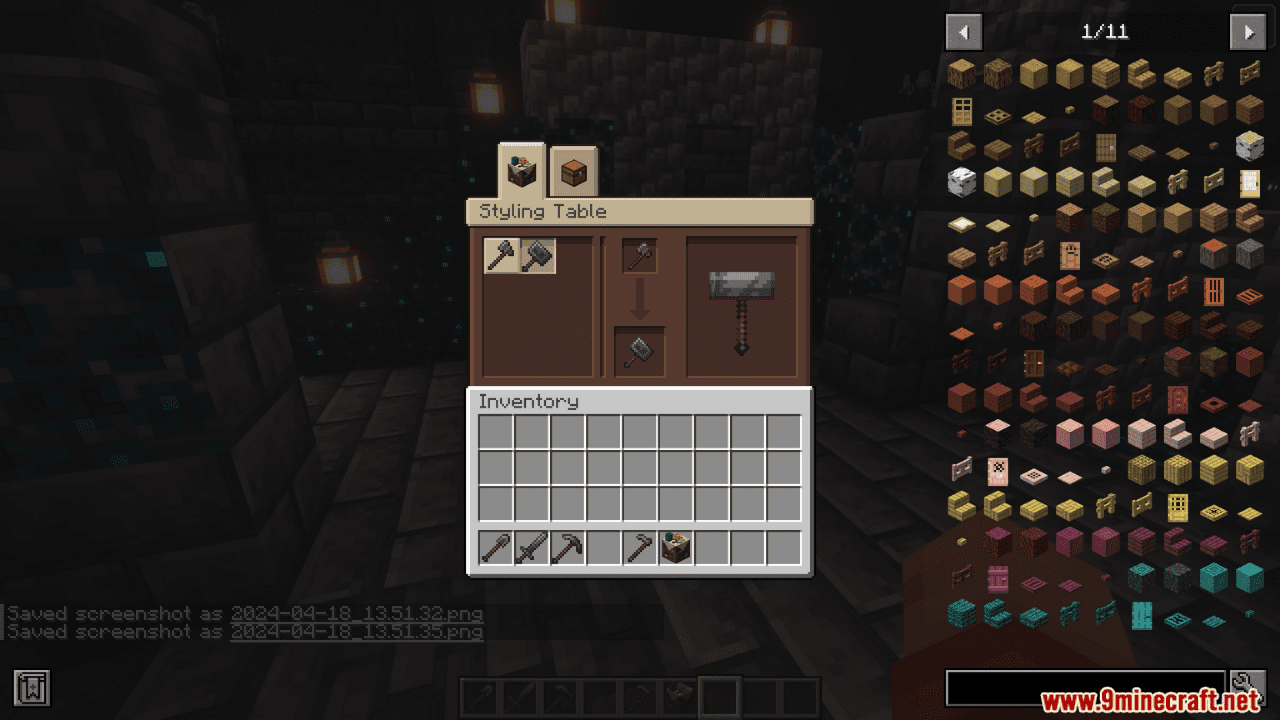
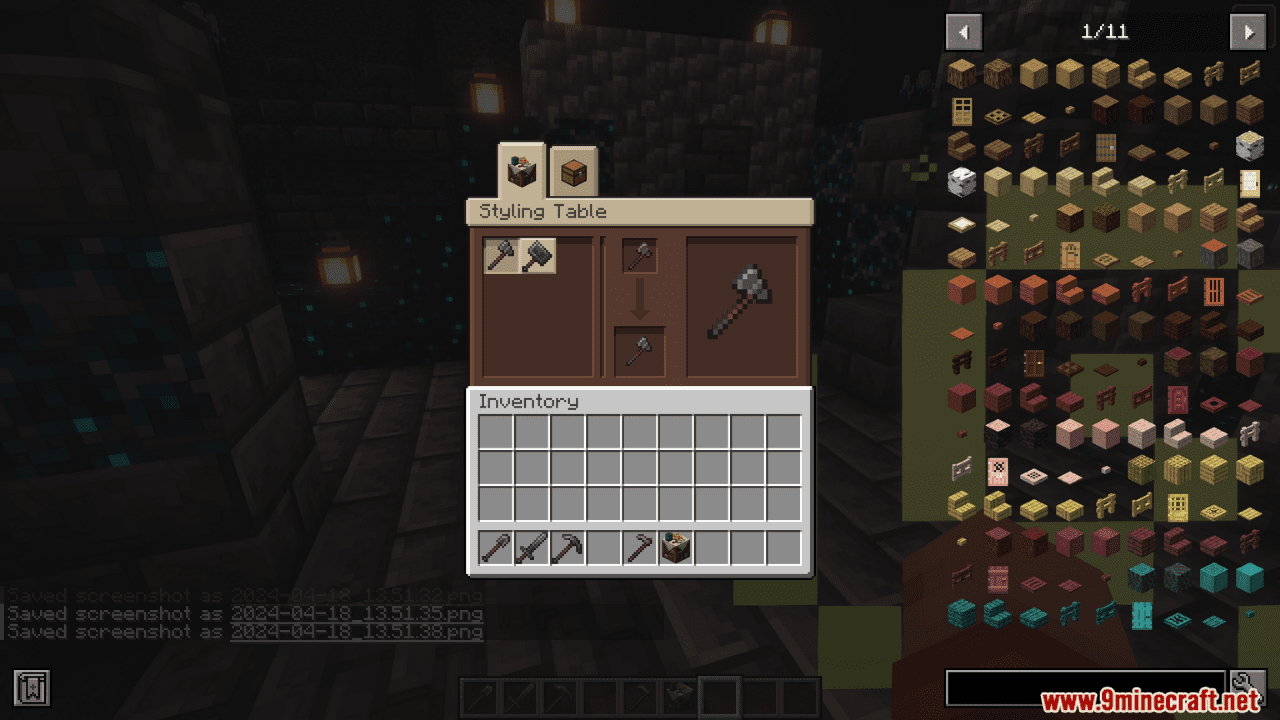
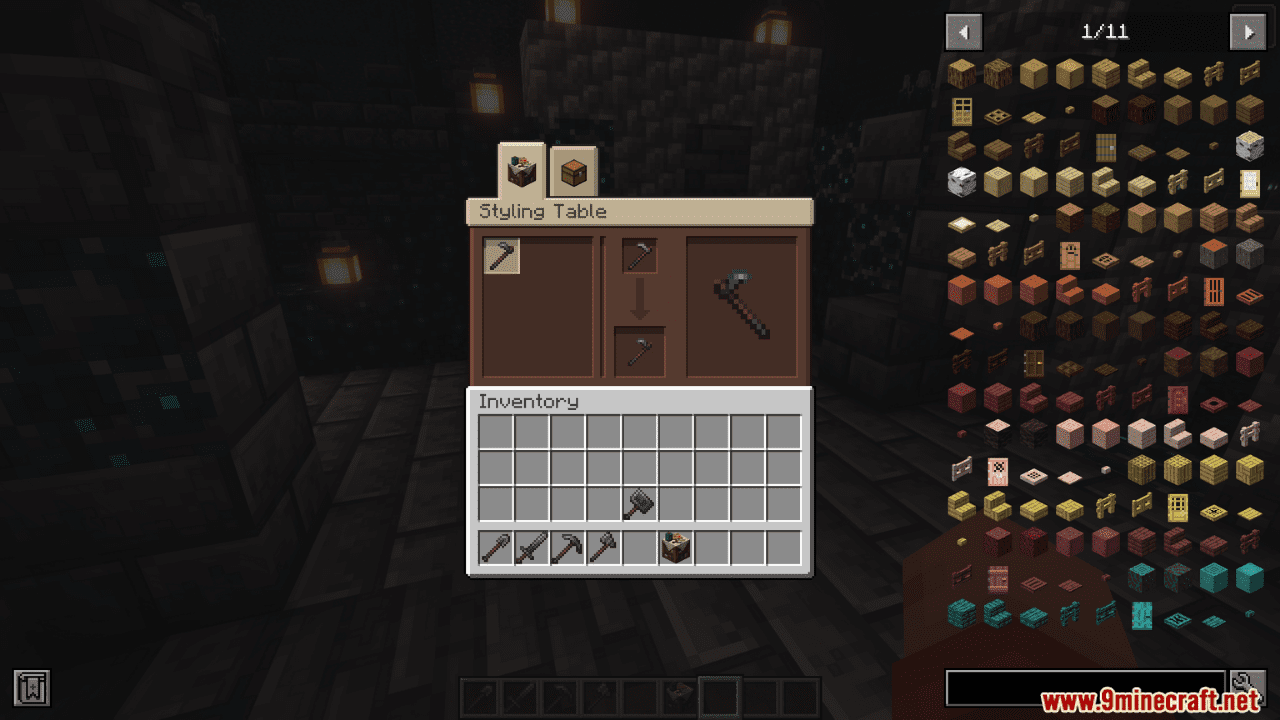
Vanity: Ancient Tool Variants Mod introduces a set of tools that are designed with inspiration from an ancient civilization known for its mysterious and shadowy depths. Once this package is added to your Vanity: Core mod, you’ll find that Ancient Concept Art becomes accessible. You can discover these new artistic designs in your creative inventory, which is like a magical chest that holds an array of items for you to use in your game. Additionally, you can obtain these designs through trading with the villager characters in the game who are known for their stylish offerings. The Ancient Designs are not just for show; they have a practical use too. You can take these designs to a special place called the Styling Table. Here, you can transform the look of your high-level Minecraft tools, giving them an appearance that echoes the grandeur and mystery of ancient times. This also applies to mattocks, a type of tool from the NewWorld mod, which can also be given this ancient aesthetic. It’s a wonderful way to add a touch of antiquity to your tools, making your gaming experience feel more immersive and personalized.
Features:
- Compatibility: Works with versions 1.20.4 and 1.20.1 of Minecraft.
- Ancient Civilization Theme: Offers tools with designs inspired by a mysterious ancient civilization.
- Creative Inventory Access: Ancient Concept Art becomes available in the creative inventory after adding the pack.
- Villager Trading: Designs can be acquired through trading with stylist villagers.
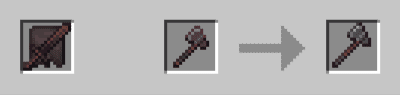
- Styling Table: Allows players to apply Ancient Designs to high-level tools and mattocks for a personalized look.
- Aesthetic Upgrade: Transforms tool appearance to reflect the grandeur of ancient times, enhancing the gaming experience.
Screenshots:


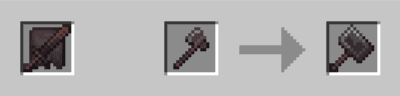
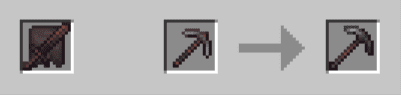
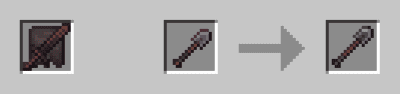
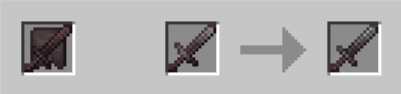
Crafting Recipes:
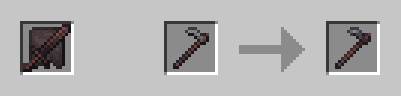
Vanity: Ancient Tool Variants Mod Download Links
- Edition: Minecraft Java
- File type: .jar
- Minecraft versions listed: 1.21.1, 1.20.1
- How to install: Install the matching mod loader (Forge, Fabric or NeoForge) for your Minecraft version. → Download the .jar. → Put it in the .minecraft/mods folder and launch that loader profile.
- Where to get it: In MC Java Mods, or directly above on this page.
Install steps are the general flow for this file type — How to install Minecraft Java mods & modpacks walks through it step by step.
- Downloads as 25697.mcaddon
- Download size: 26 KB
- Download link checked 24 Sept 2026 — working
- Mirrored on our own servers — the download does not depend on the original host
These come from our own check of the pack file, not from the source page.