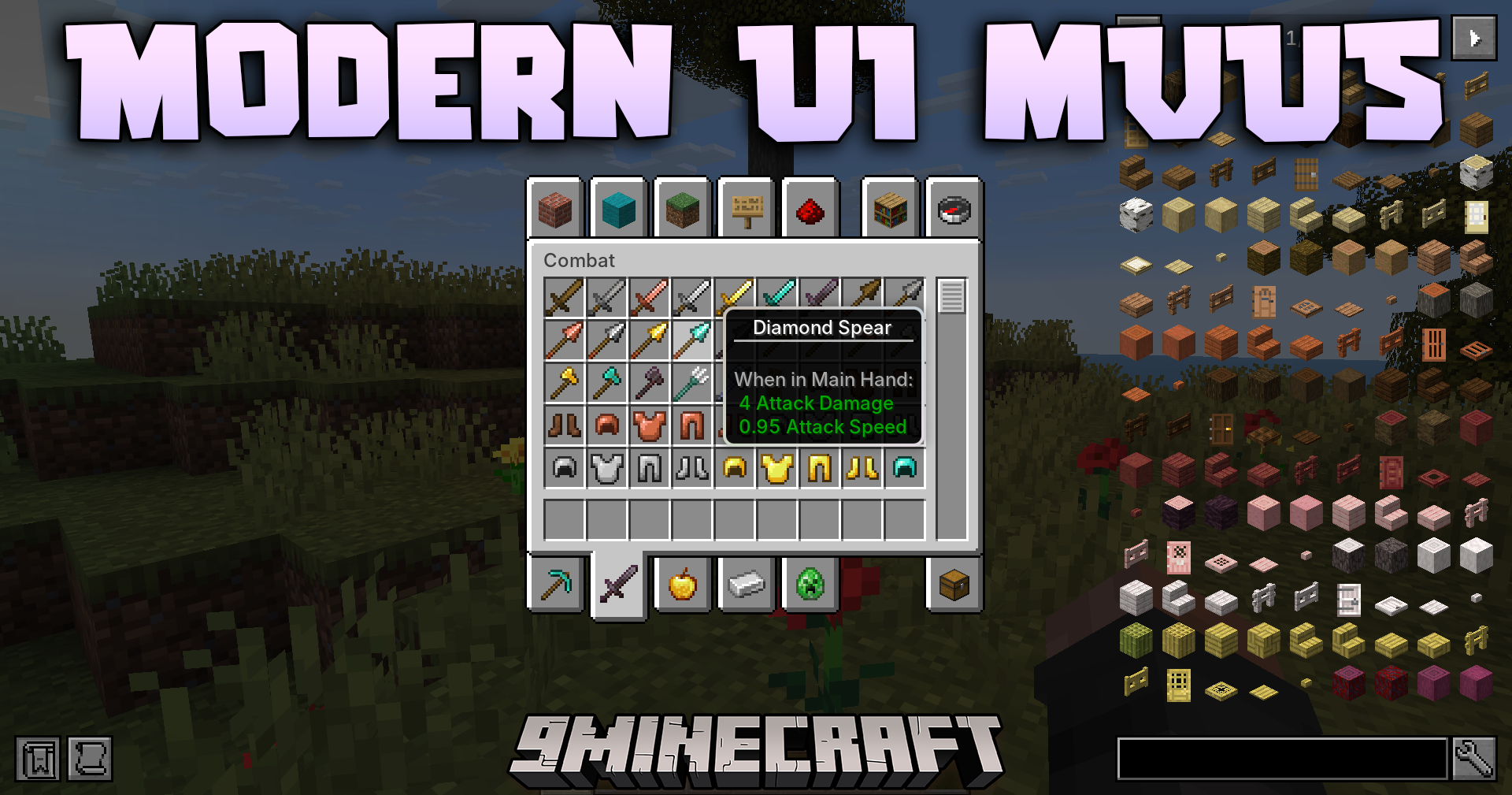
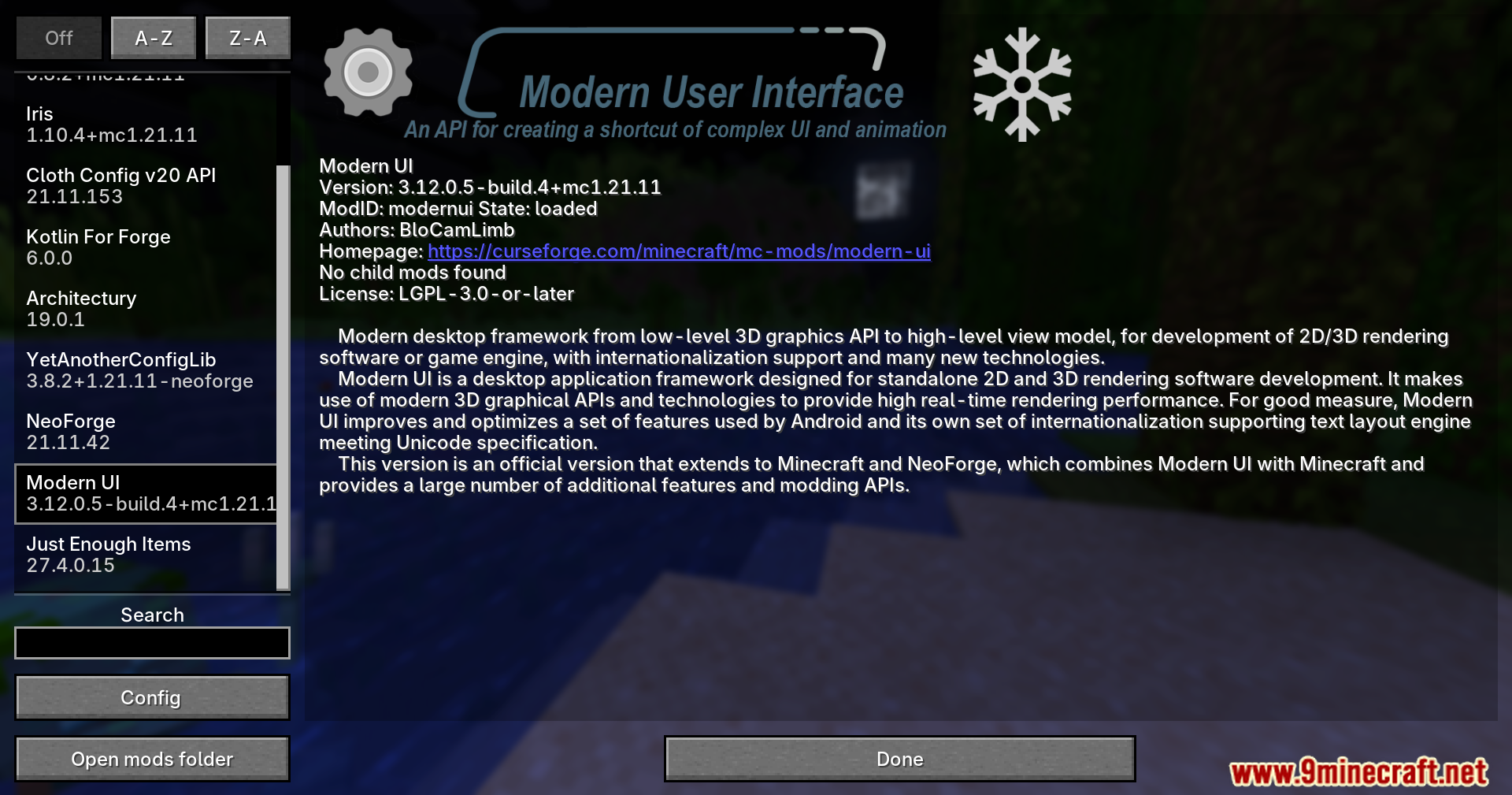
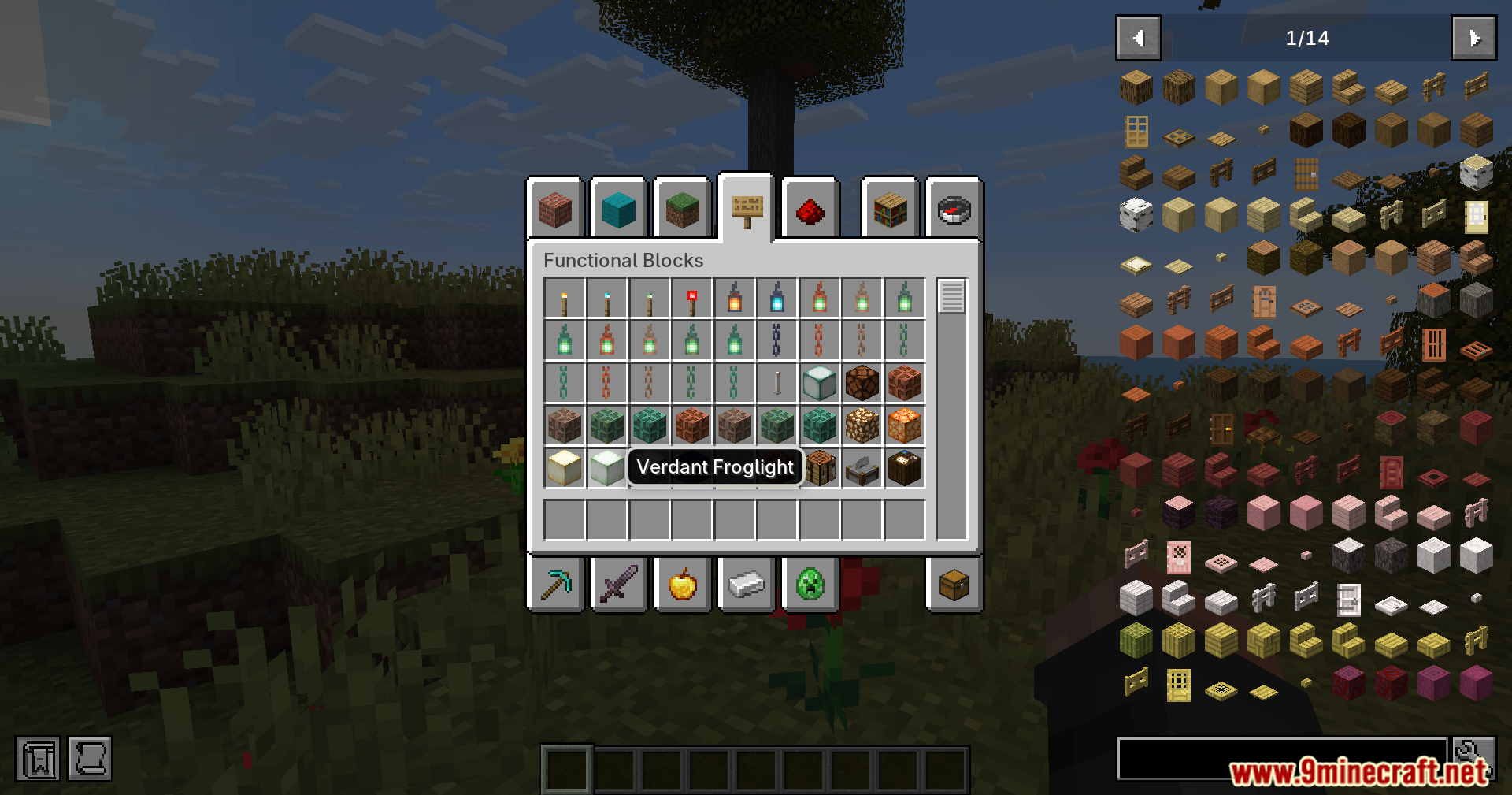
Modern UI Mvus Mod updates the original ModernUI-MC mod to work on newer game versions. It brings a powerful text system to your game that makes reading words much easier. The mod changes how letters look, making them smooth and clear on your screen. It also lets you see real emojis while you play. If you use other mods that have lots of text, this system helps load those words faster without slowing down your computer.
Features:
- Updates the main text engine so you can play on the newest minor Minecraft versions.
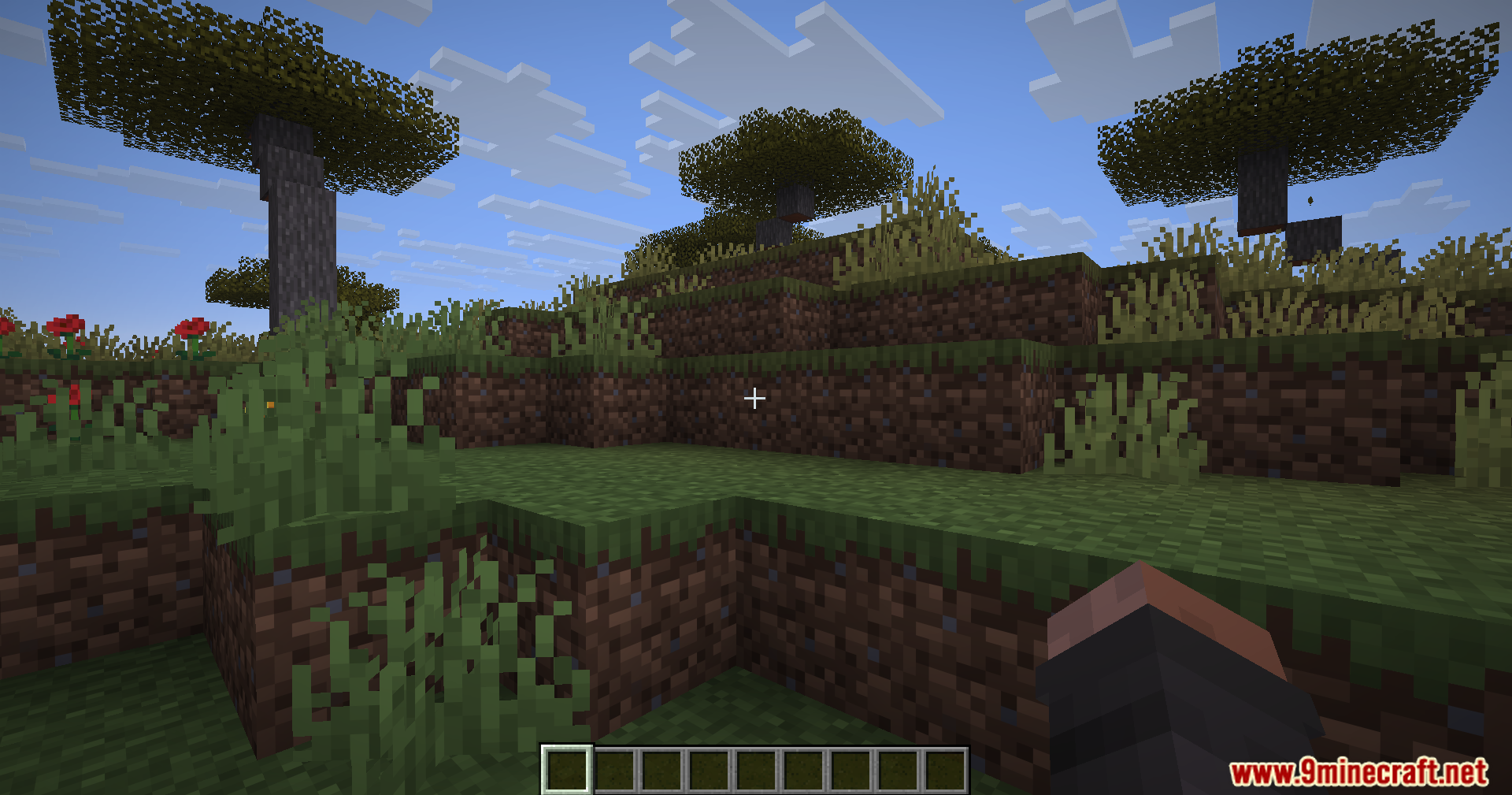
- Makes all letters and numbers look smooth instead of blocky and pixelated.
- Adds full support for colorful emojis so you can see them in chat and on signs.
- Lets you load custom fonts into your world without closing the game.
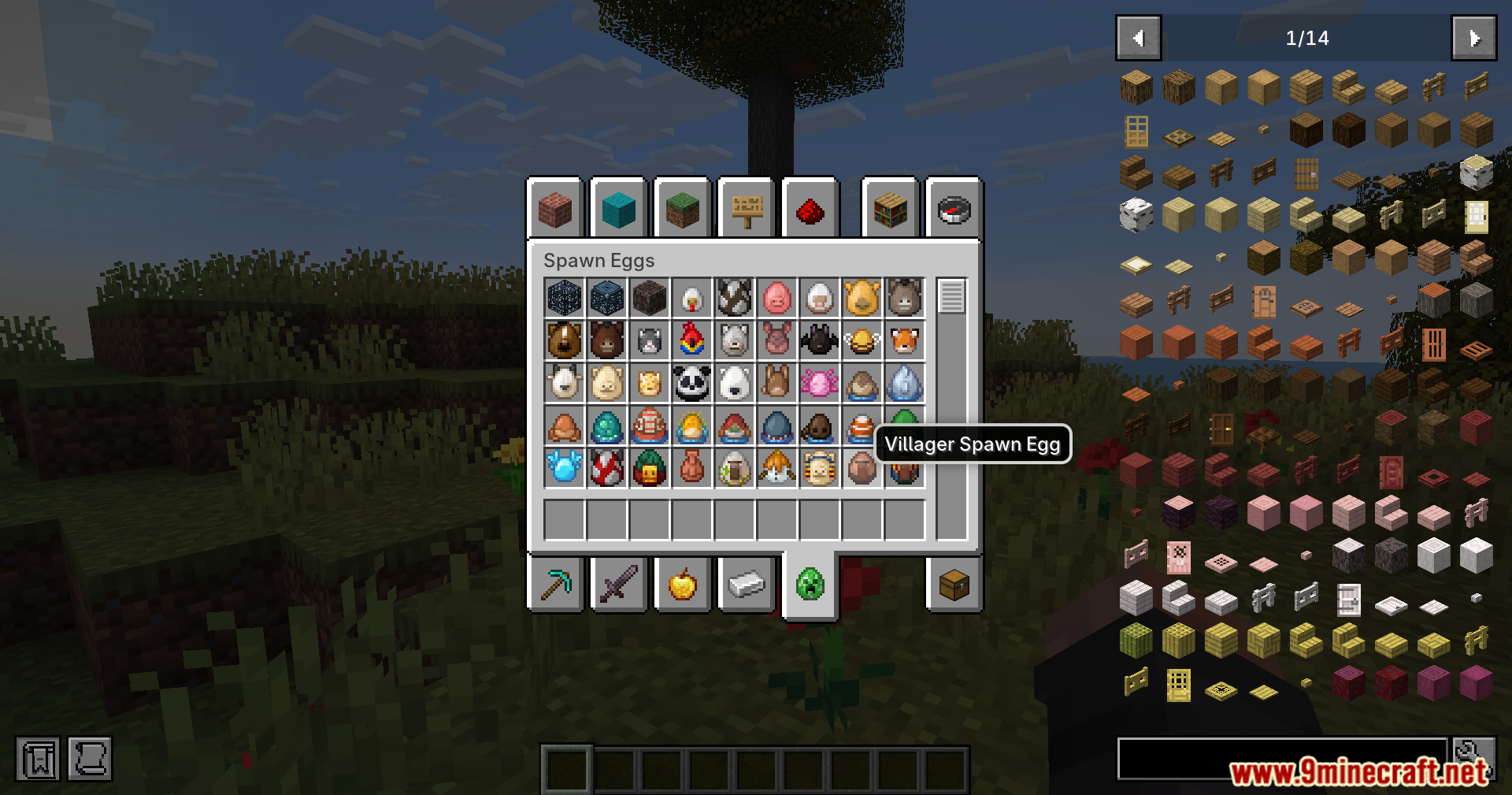
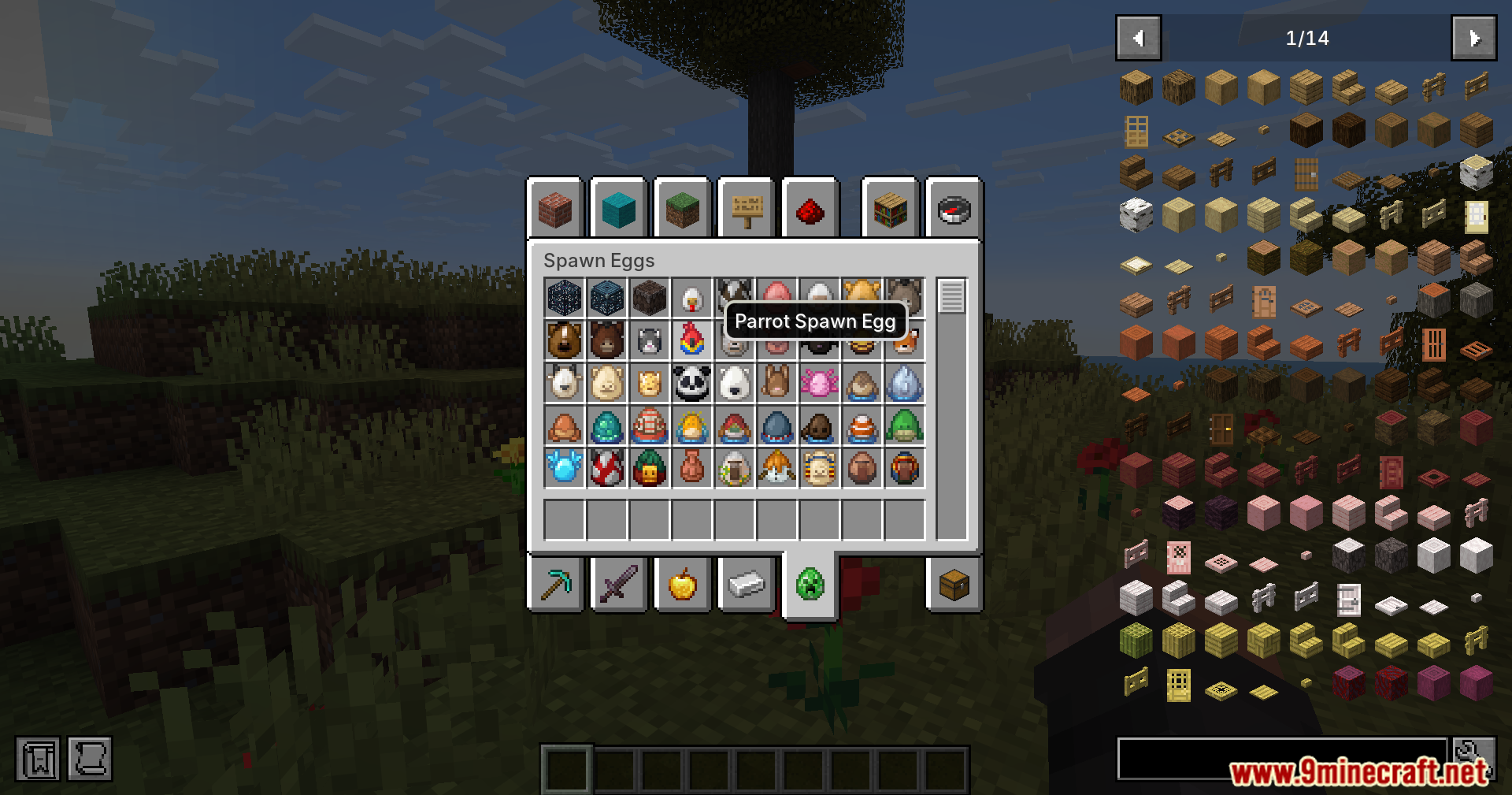
- Gives you options to change text shadows and adjust how big the words are.
- Fixes how long sentences drop to the next line so words do not get cut off.
- Loads text much faster in the background to give you higher frames per second.
- Uses less memory when showing lots of words on your screen.
- Works perfectly alongside popular performance boosters like Sodium and OptiFine.
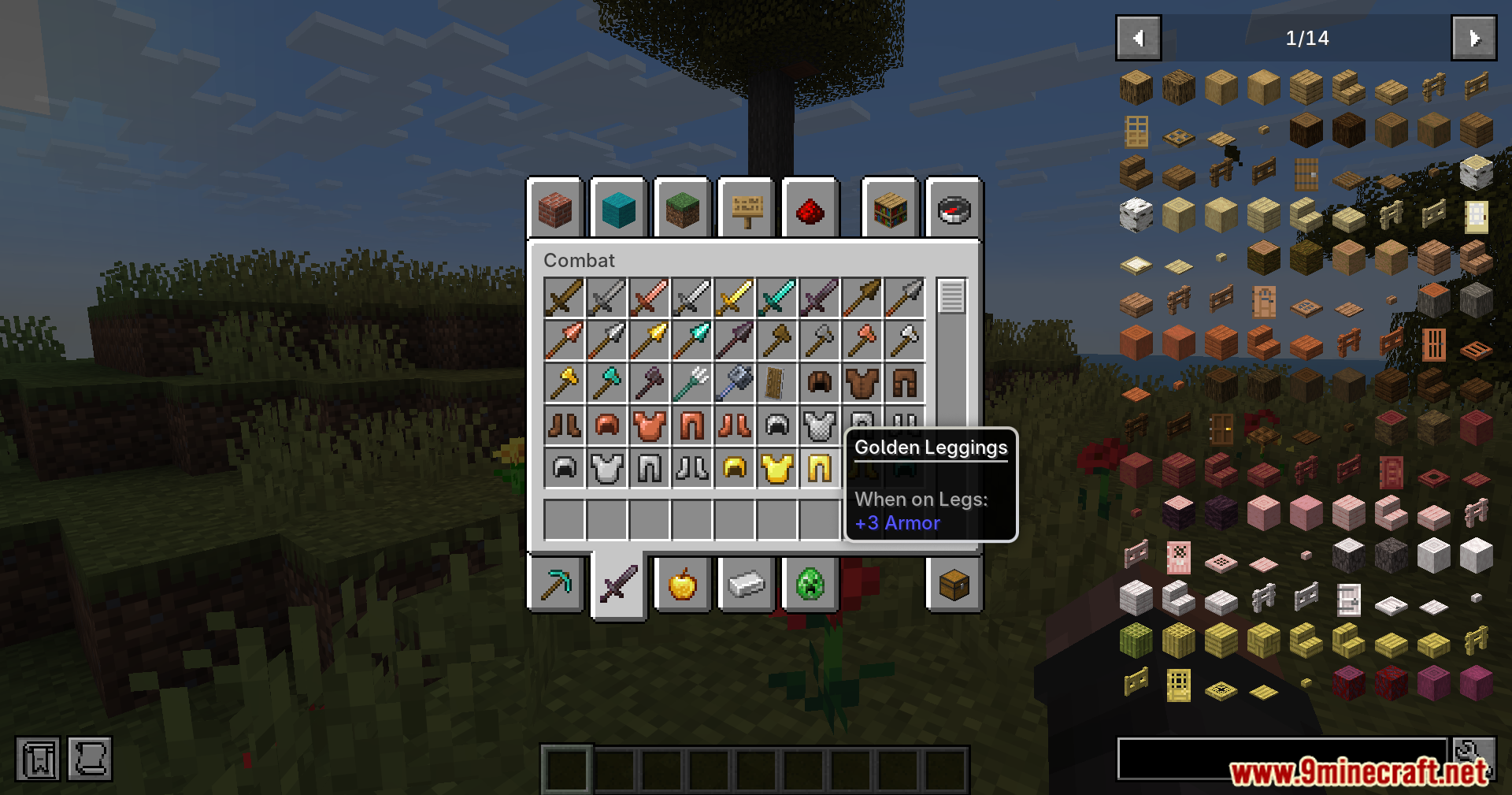
Screenshots:
Modern UI Mvus Mod Download Links
Quick facts
- Edition: Minecraft Java
- File type: .jar
- Minecraft version listed: 1.21.11
- How to install: Install the matching mod loader (Forge, Fabric or NeoForge) for your Minecraft version. → Download the .jar. → Put it in the .minecraft/mods folder and launch that loader profile.
- Where to get it: In MC Java Mods, or directly above on this page.
Install steps are the general flow for this file type — How to install Minecraft Java mods & modpacks walks through it step by step.
Verified by MCModsHub
- Downloads as 2570.mcaddon
- Download size: 23.2 MB
- Download link checked 25 Sept 2026 — working
- Mirrored on our own servers — the download does not depend on the original host
These come from our own check of the pack file, not from the source page.