Default Dark Mode: Patcher
A Client-Side Minecraft Mod that Patches and Modifies the “Default Dark Mode” resource pack for Newer Minecraft Versions.
I don't know my version or loader
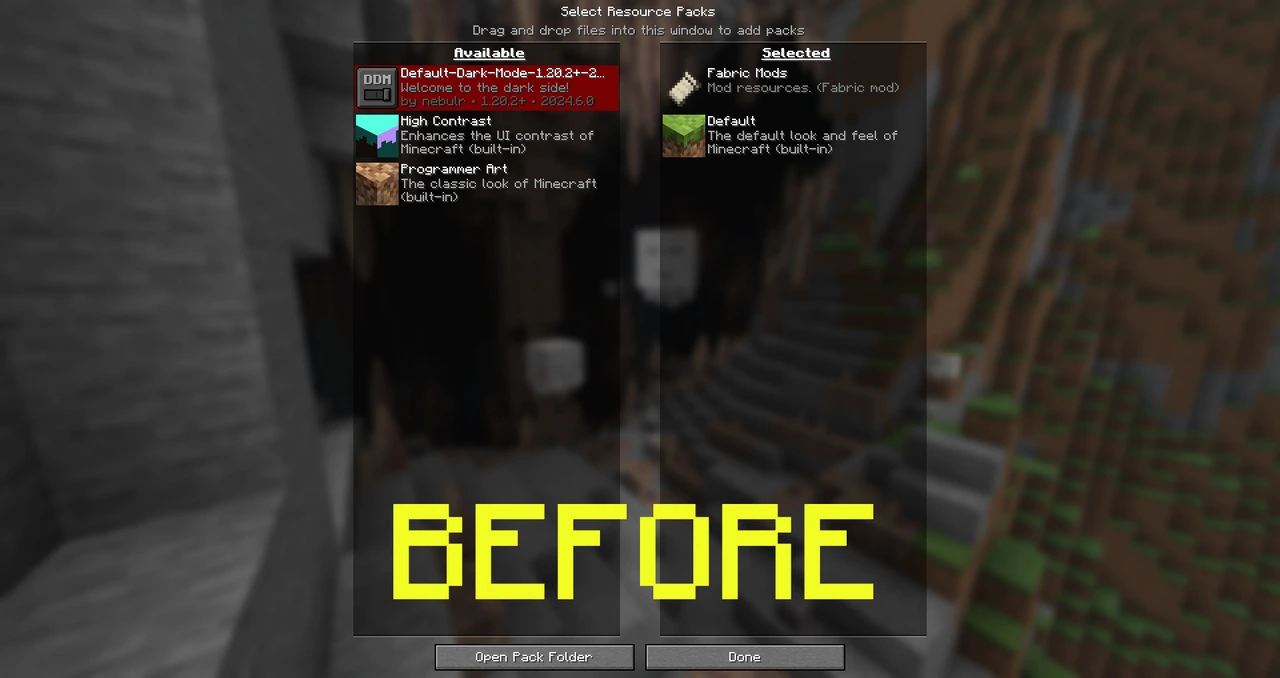
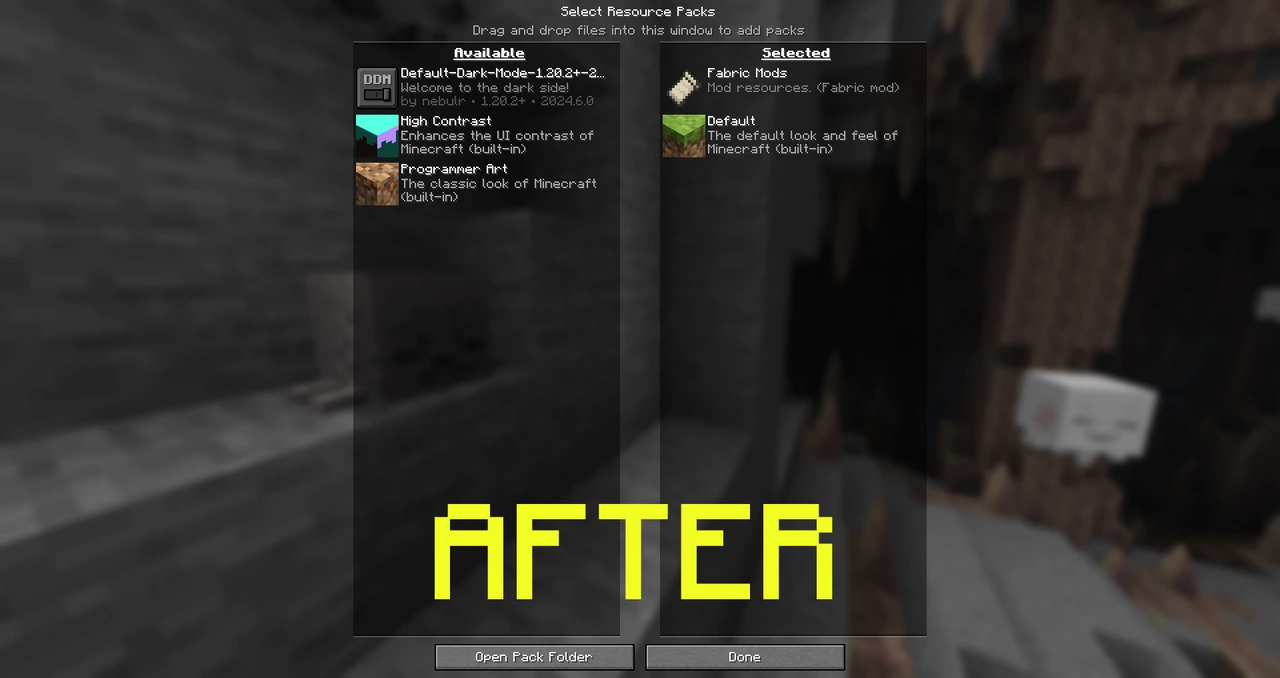
ARCHIVED (APRIL 4, 2026)
This Modrinth project on Modrinth has been temporarily archived because the original resource pack, https://modrinth.com/resourcepack/default-dark-mode, is now up-to-date as of this writing, making the Default Dark Mode: Patcher unnecessary. However, if the resource pack becomes inactive or doesn't receive updates, I will eventually return to this mod if needed!
About
This Client-Side Minecraft Mod is designed to patch and modify the Default Dark Mode resource pack, aiming to be up to par with Newer Minecraft versions & Default Dark Mode: Expansion Add-On.
Credits
Aric3435 - The creator of the Default Dark Mode: Patcher mod.
NebuIr - The creator of the Default Dark Mode resource pack.
Vi_Tul - Updated the Shader Files (rendertype_text.fsh & rendertype_text_intensity.fsh) for 25w19a+ (1.21.6-1.21.8) - Removed in "Default Dark Mode: Patcher v1.2.0+".
Update: DDM 2026.2.0
NebuIr published an update to the resource pack for 1.21.6-1.21.11 https://modrinth.com/resourcepack/default-dark-mode/version/2026.2.0-1.21.11 but that doesn't make the patcher useless yet, the patcher allows it to support Minecraft 26.1 Snapshots! But when I do start the update v1.3.3 of the mod, it will target the latest release of the resource pack & remove the duplicate textures it adds!
How to use
- Install Default Dark Mode: Patcher
- Start the game—the patcher will automatically uncompress the zip file, apply the files I mentioned above, and recompress it.
- Once patched, uninstall Default Dark Mode: Patcher—it’s mostly just a one-time-use tool designed to modify the Resource Pack.

- Edition: Minecraft Java
- File type: .jar
- Minecraft versions listed: 1.21.9, 1.21.10, 1.21.11
- How to install: Install the matching mod loader (Forge, Fabric or NeoForge) for your Minecraft version. → Download the .jar. → Put it in the .minecraft/mods folder and launch that loader profile.
- Where to get it: Opens on Modrinth — not every file is mirrored on our own servers.
Install steps are the general flow for this file type — How to install Minecraft Java mods & modpacks walks through it step by step.
- Ships as defaultdarkmodepatcher-1.3.2-neoforge-mc1.21.9-1.21.11.jar — drop this file into the mods folder
- Download size: 13 KB
- Download link checked 20 Sept 2026 — working
These come from our own check of the pack file, not from the source page.