


Account Switcher Mod
A Minecraft mod that allows you to switch accounts without needing to restart or close minecraft.
Features
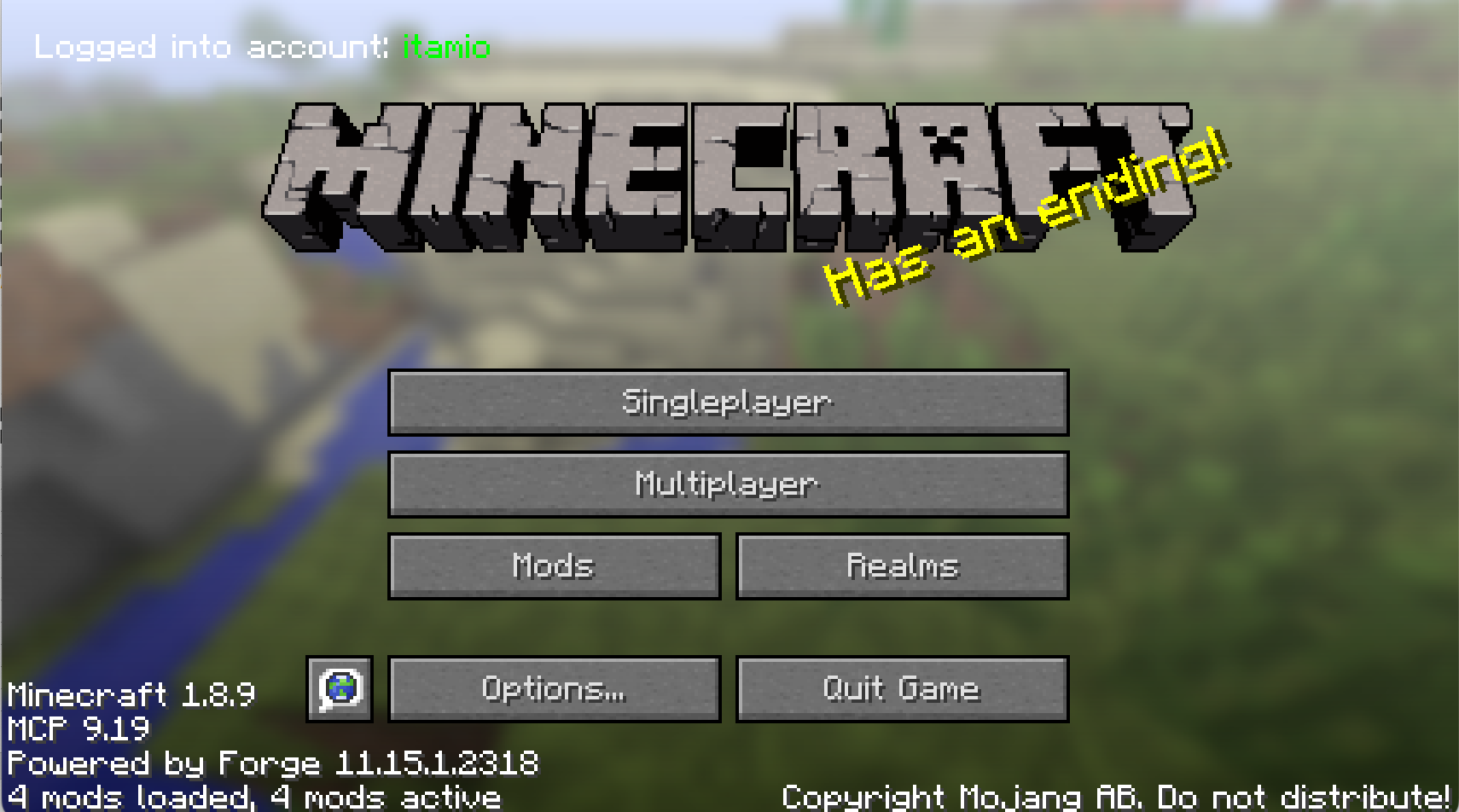
- Auto Account Change Detection: checks
config/account.txtfor changes, if account changed will auto set account to changed account, so you don't need to restart minecraft to change account. - Real-time Display: Shows current account on main menu
- Offline Account Only: Currently only supporting for offline account switching
How to Change Account
- Locate the config file:
minecraft/config/account.txt - Edit the file: Change the
account=valueaccount=YourNewAccountName - Save the file: The mod automatically detects changes and switches accounts
- Verify: Check the main menu - account name displays in top left corner
Quick facts
- Edition: Minecraft Java
- File type: .jar
- Minecraft version listed: 1.21
- How to install: Install the matching mod loader (Forge, Fabric or NeoForge) for your Minecraft version. → Download the .jar. → Put it in the .minecraft/mods folder and launch that loader profile.
- Where to get it: Opens on Modrinth — not every file is mirrored on our own servers.
Install steps are the general flow for this file type — How to install Minecraft Java mods & modpacks walks through it step by step.
Verified by MCModsHub
- Ships as accountswitcher-2.0.0.jar — drop this file into the mods folder
- Download size: 12 KB
- Download link checked 30 Aug 2026 — working
These come from our own check of the pack file, not from the source page.