
Colorful Books
Java mod listed for Minecraft 26.x. Downloads from the MC Java Mods app on Android.
Decorate, organize & display your books with colour! Works with Lecterns, Chiseled Bookshelves & Enchanting Tables!
⬇ Download on Modrinth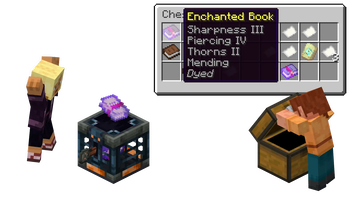
📚 Colorful Books

🎨 Dyeing & Undyeing
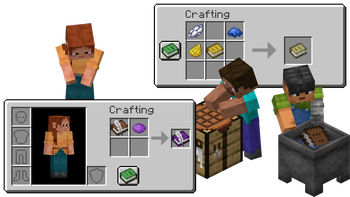
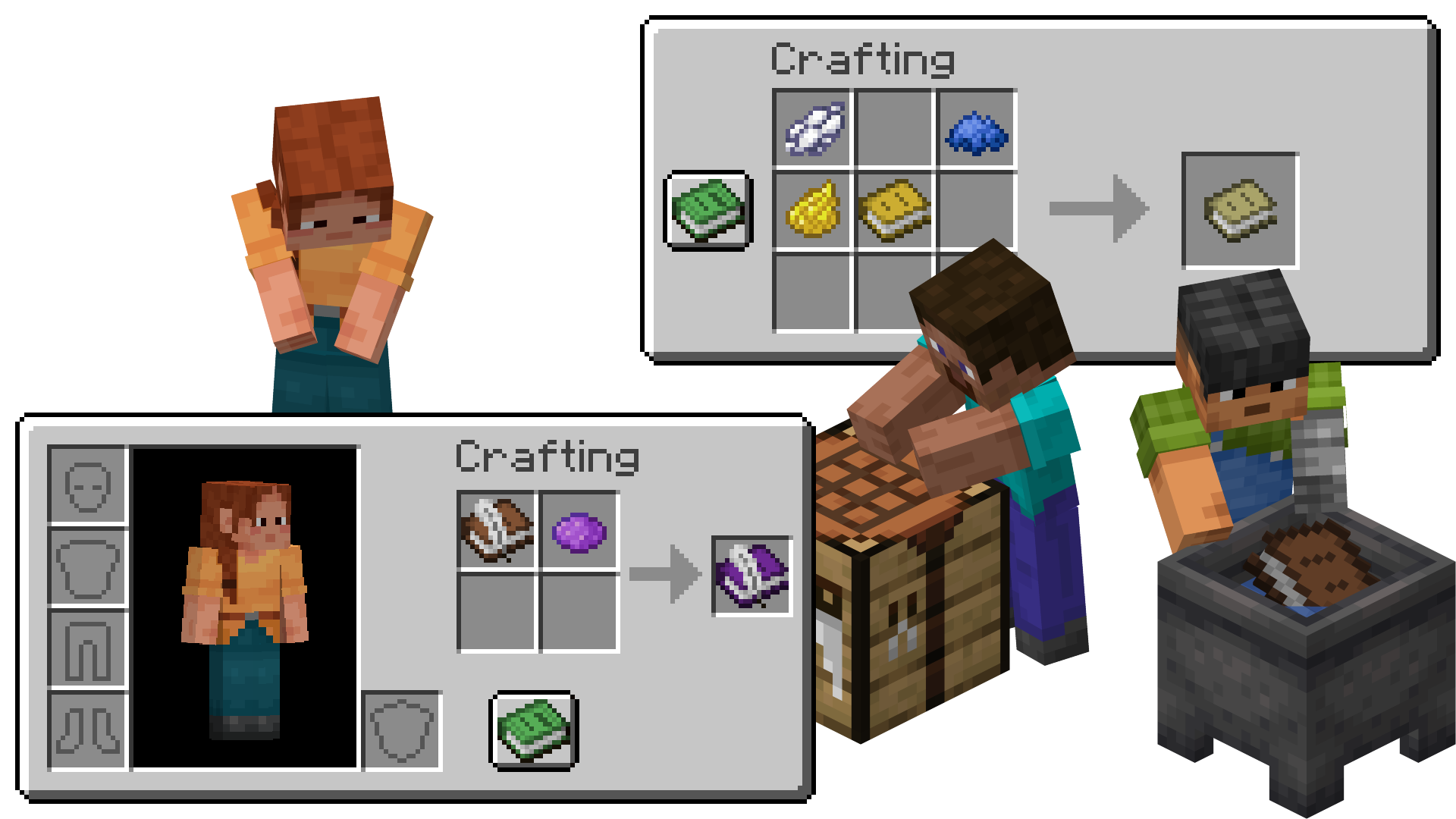
Dye as vanilla does it! Combine dyes with a Book, Book and Quill, Written Book or Enchanted Book in crafting grid to give it a splash of color. Wash off your dye by using a dyed book on a Cauldron with water in it. Don't worry, the ink of your written pages won't come off!
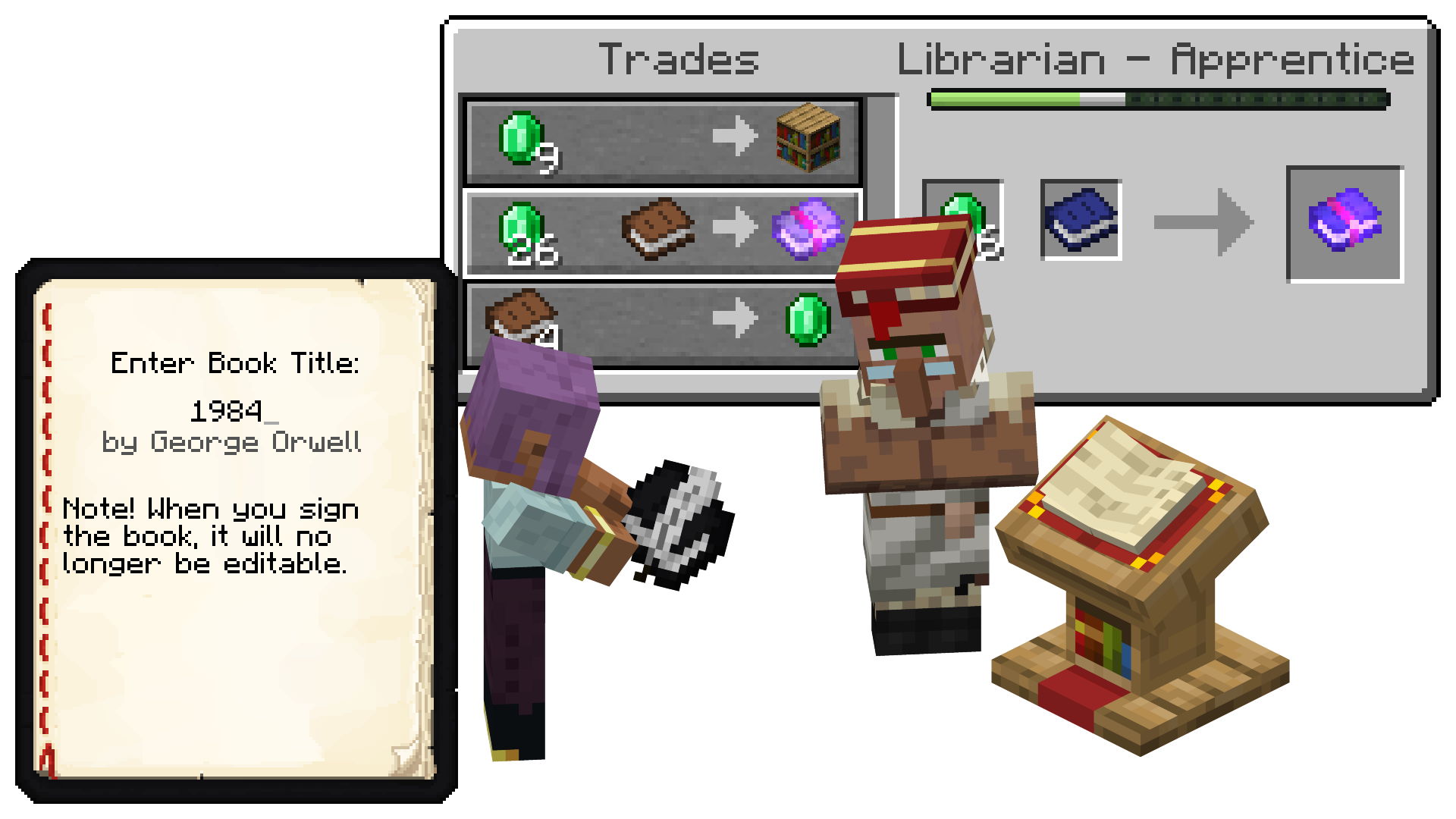
✒️ Lectern, Writing & Librarian
Write with color! Book and Quills & Written Books which are dyed will display their dye on a Lectern or in their respective GUIs for everyone to see. Librarians will still accept dyed books for their Trades, and even keep the dye!
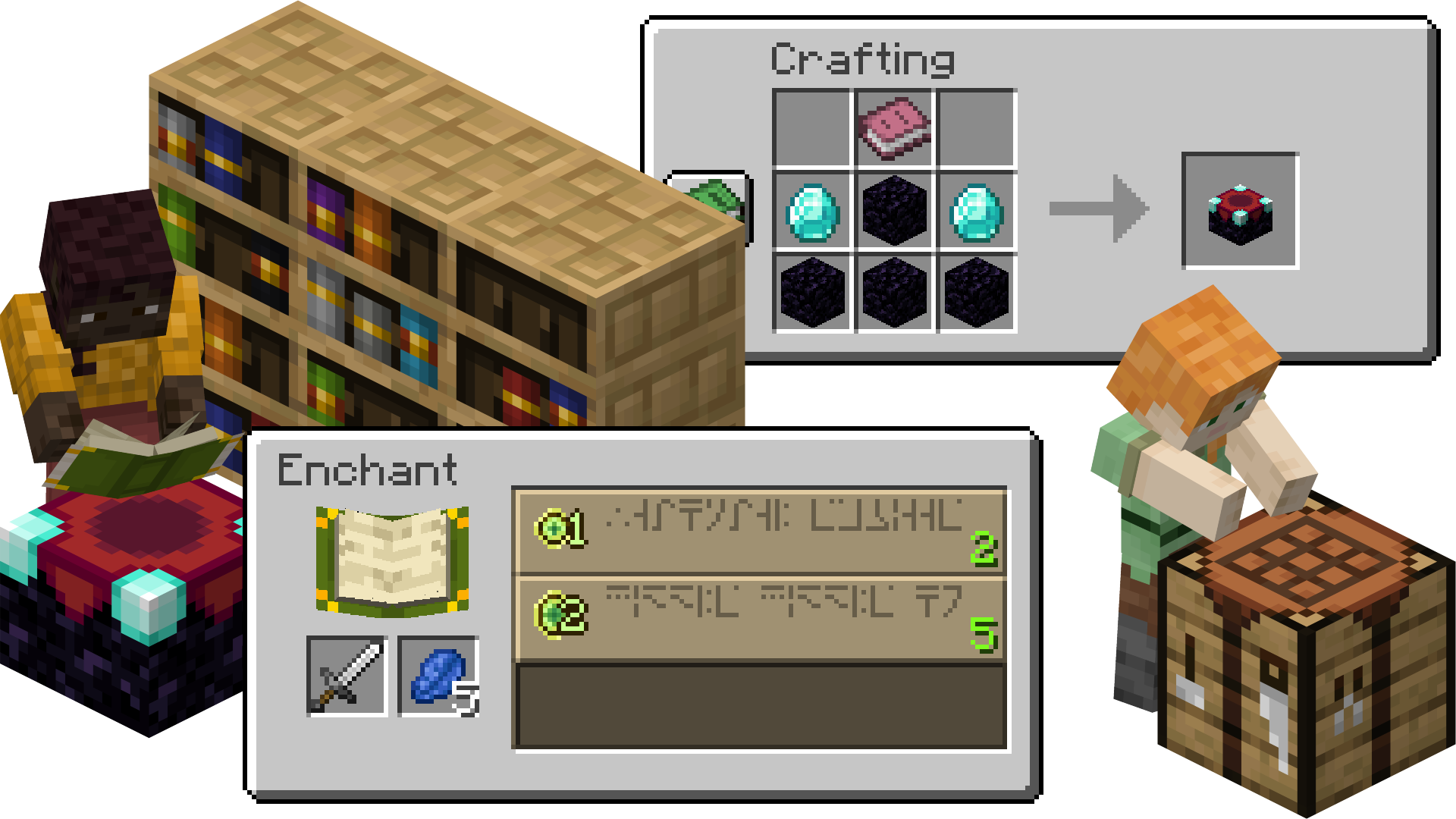
✨ Enchanting Table & Chiseled Bookshelves
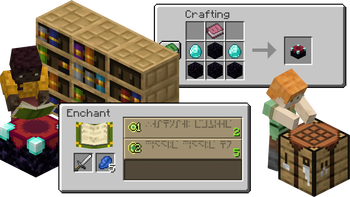
Display with pride! When crafting an Enchanting Table with a dyed book, the Enchanting Table will display a dyed book in the world and in the GUI. Chiseled Bookshelves will also display the color of their books, allowing you to organize and decorate!
🏦 Enchanted Books & Loot
Enchant with mysteriouly colorful books! Enchanted Books found as Loot will be dyed based on their Enchantments. If a book has multiple enchantments, it will blend them!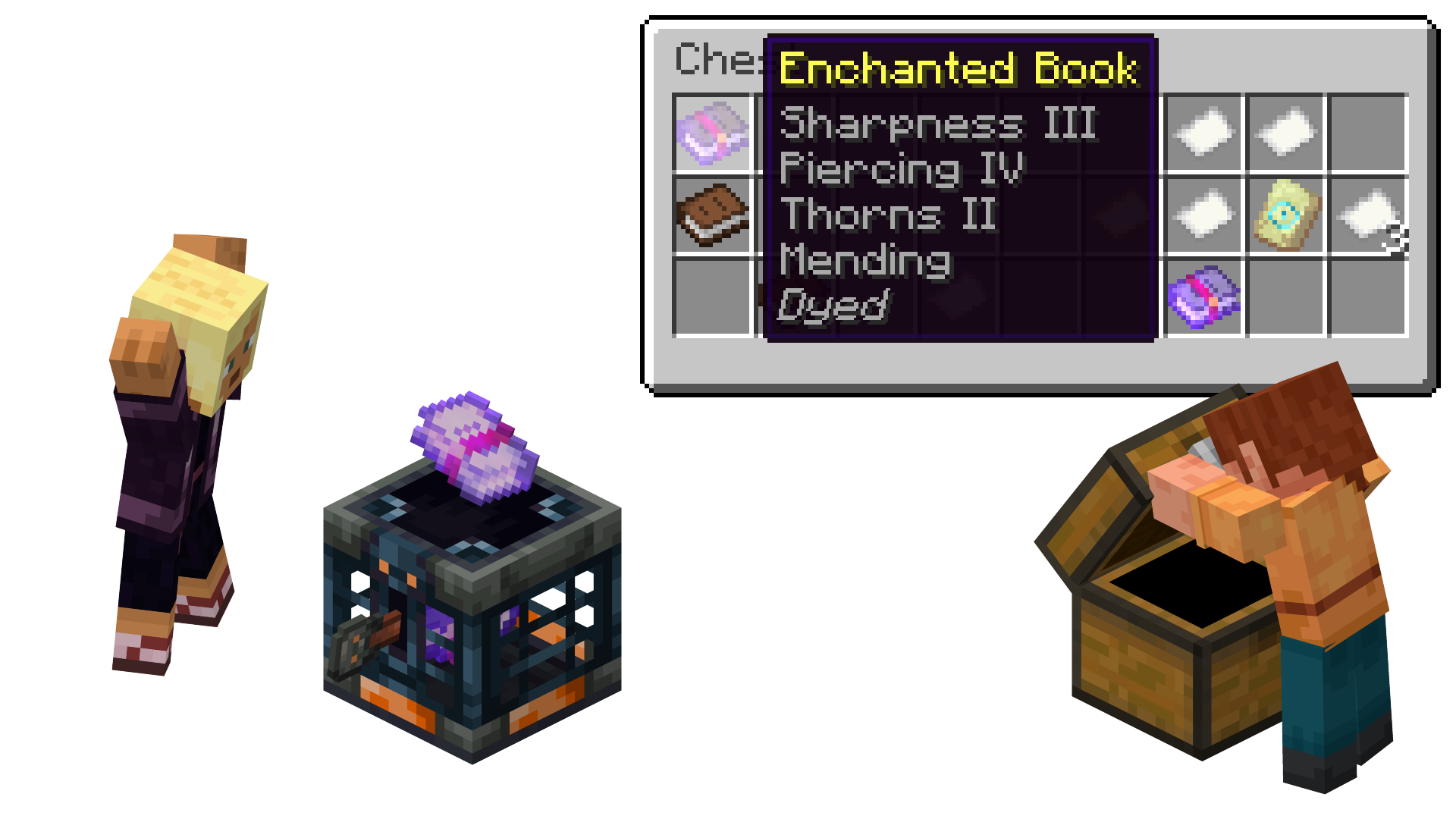
- Edition: Minecraft Java
- File type: .jar
- Minecraft version listed: 26.1.2
- How to install: Install the matching mod loader (Forge, Fabric or NeoForge) for your Minecraft version. → Download the .jar. → Put it in the .minecraft/mods folder and launch that loader profile.
- Where to get it: Opens on Modrinth — not every file is mirrored on our own servers.
Install steps are the general flow for this file type — How to install Minecraft Java mods & modpacks walks through it step by step.
- Ships as colorful-books-1.5+26.1.2.jar — drop this file into the mods folder
- Download size: 157 KB
- Download link checked 10 Oct 2026 — working
These come from our own check of the pack file, not from the source page.