ModsJava
Easel Does It Mod (1.21.1, 1.20.1) – Become a Master Decorator
Java mod listed for Minecraft 1.20–1.21. Downloads from the MC Java Mods app on Android.
⬇ Download
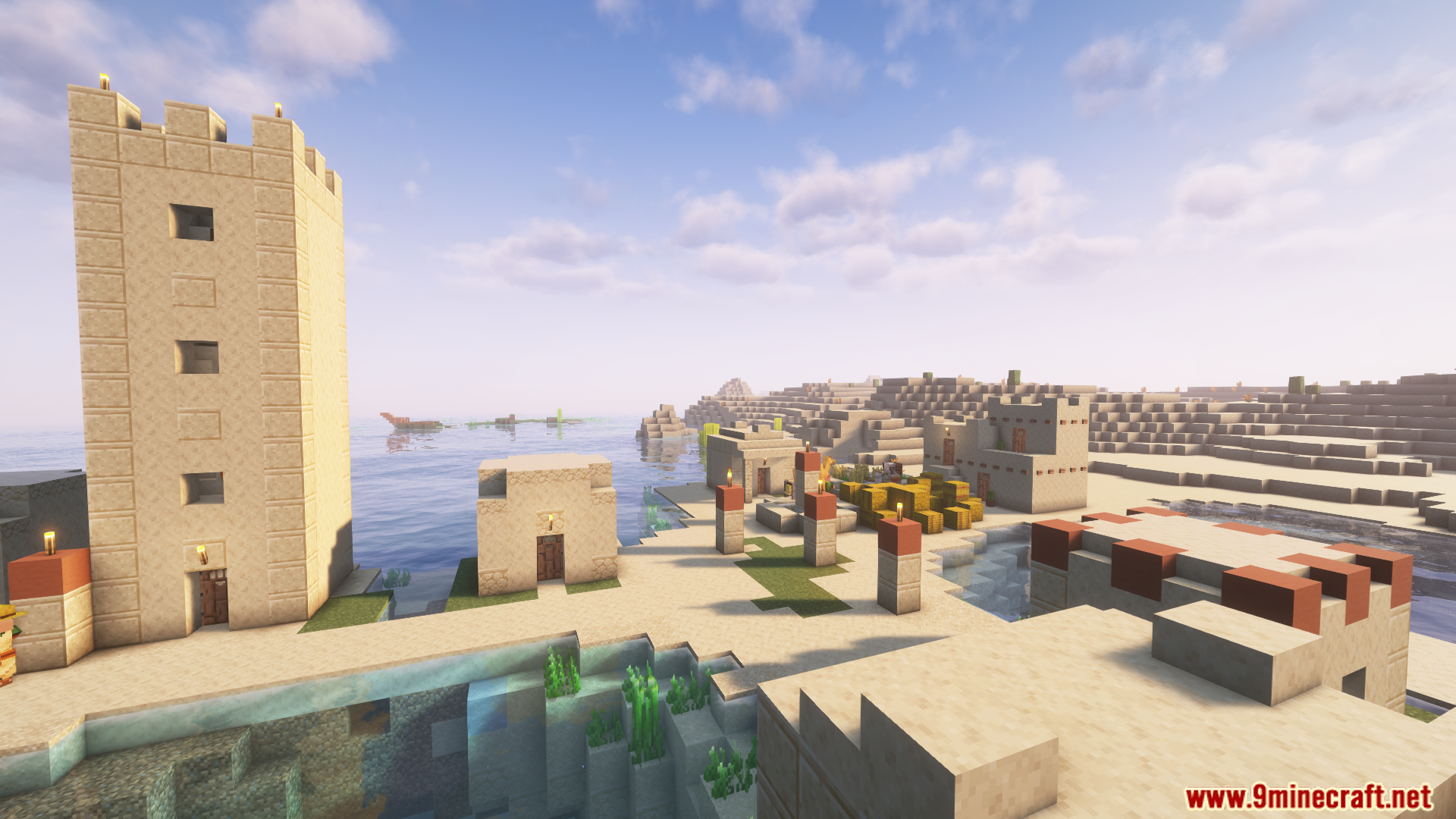
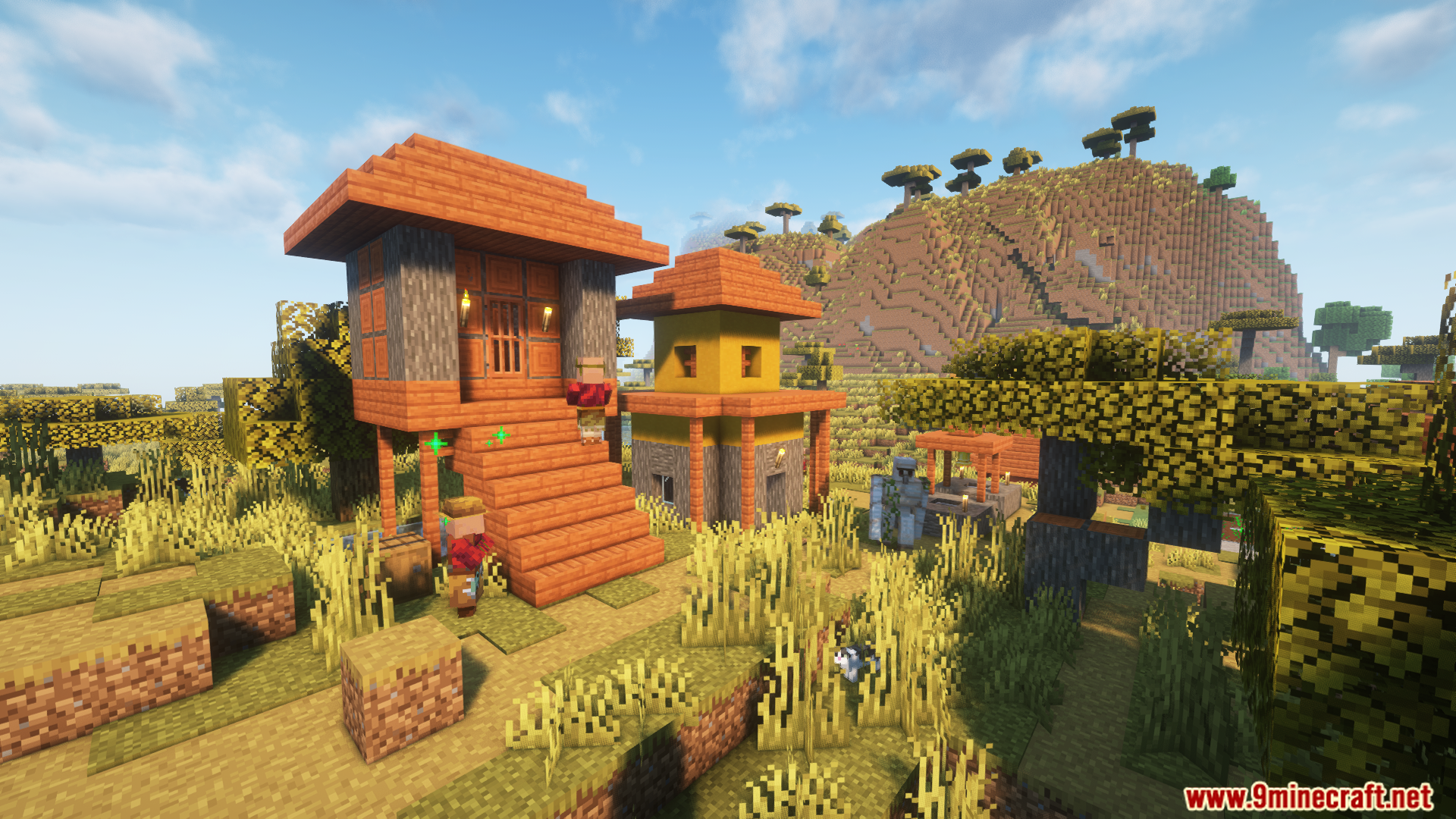
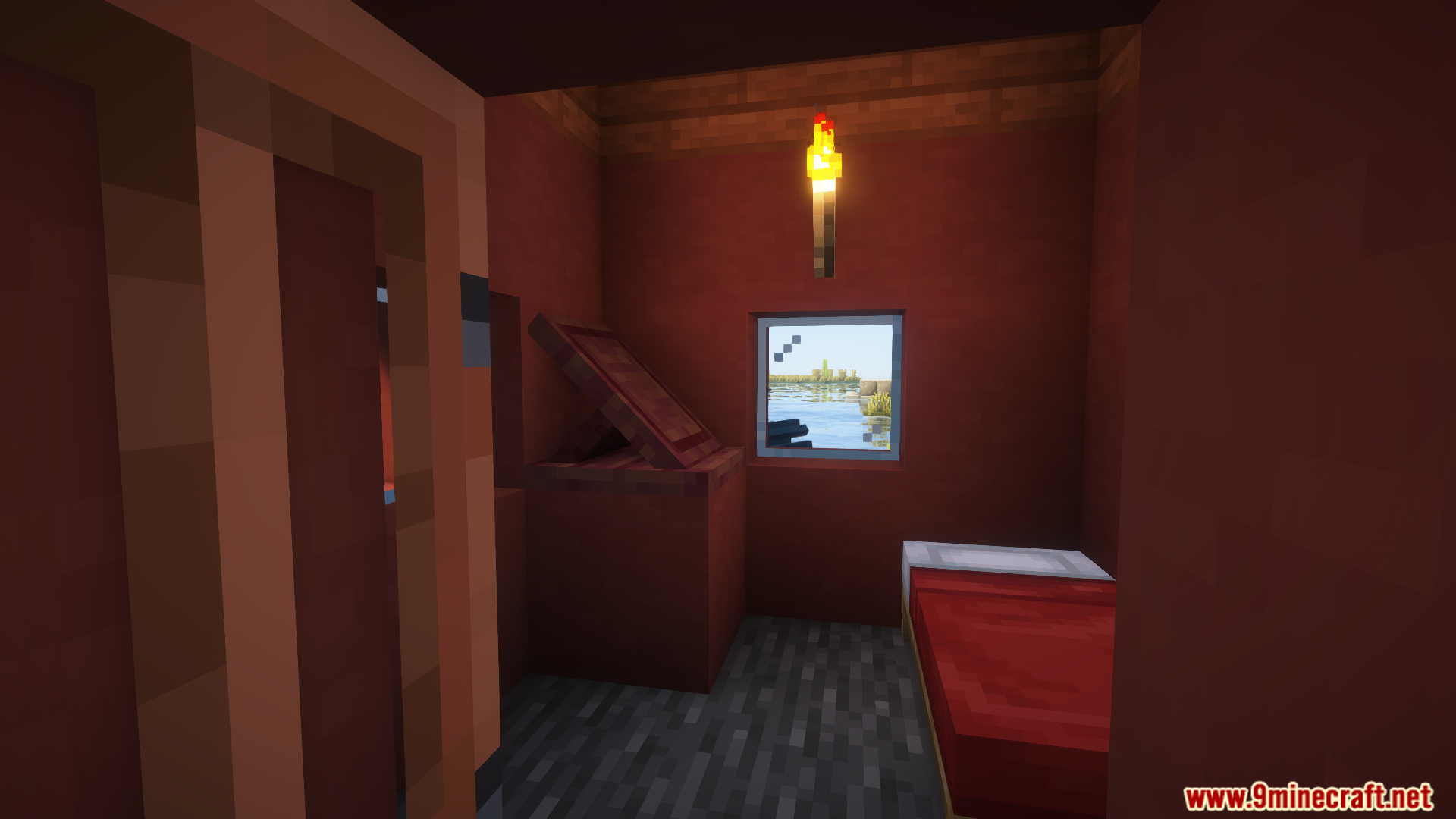
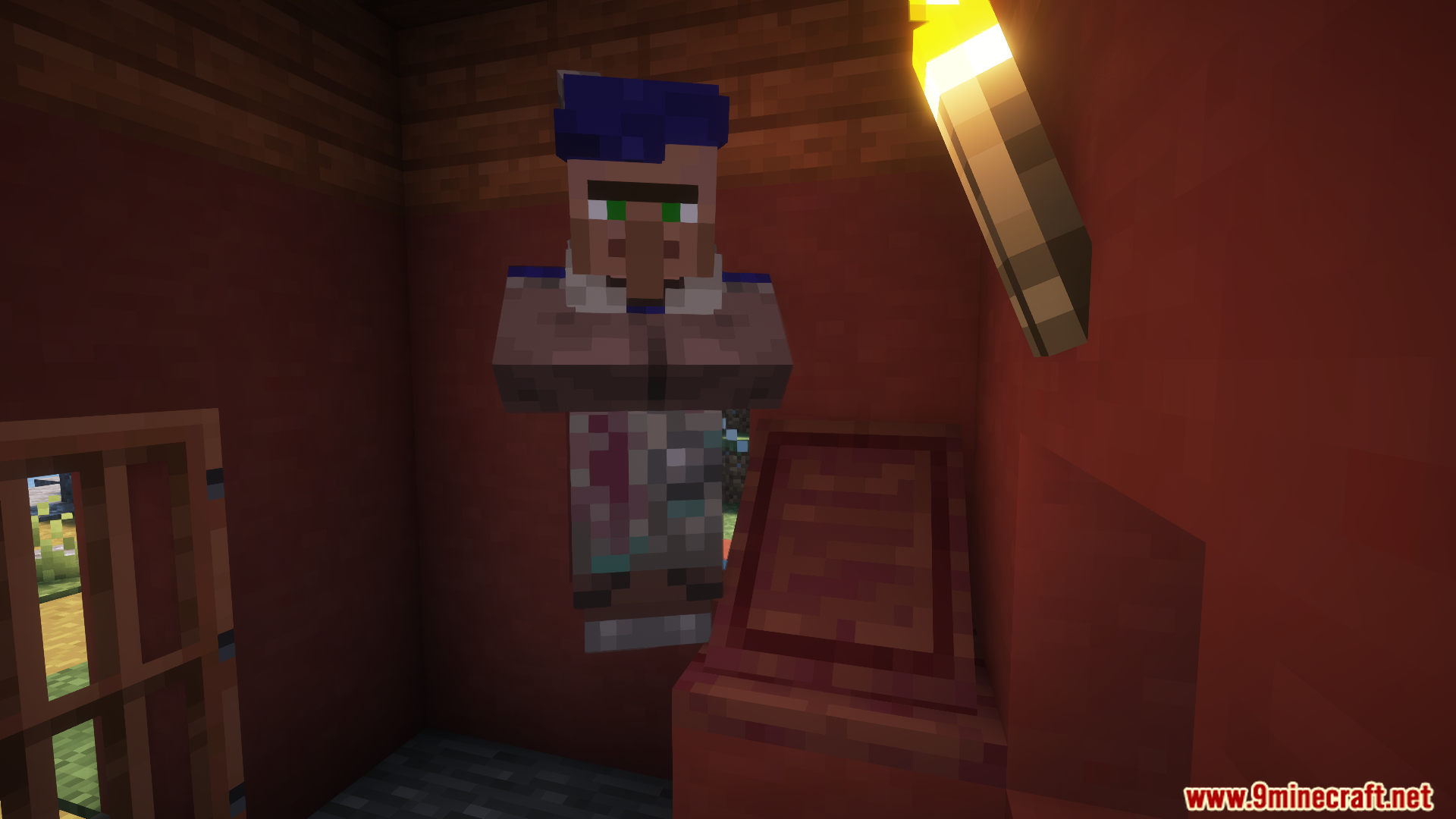
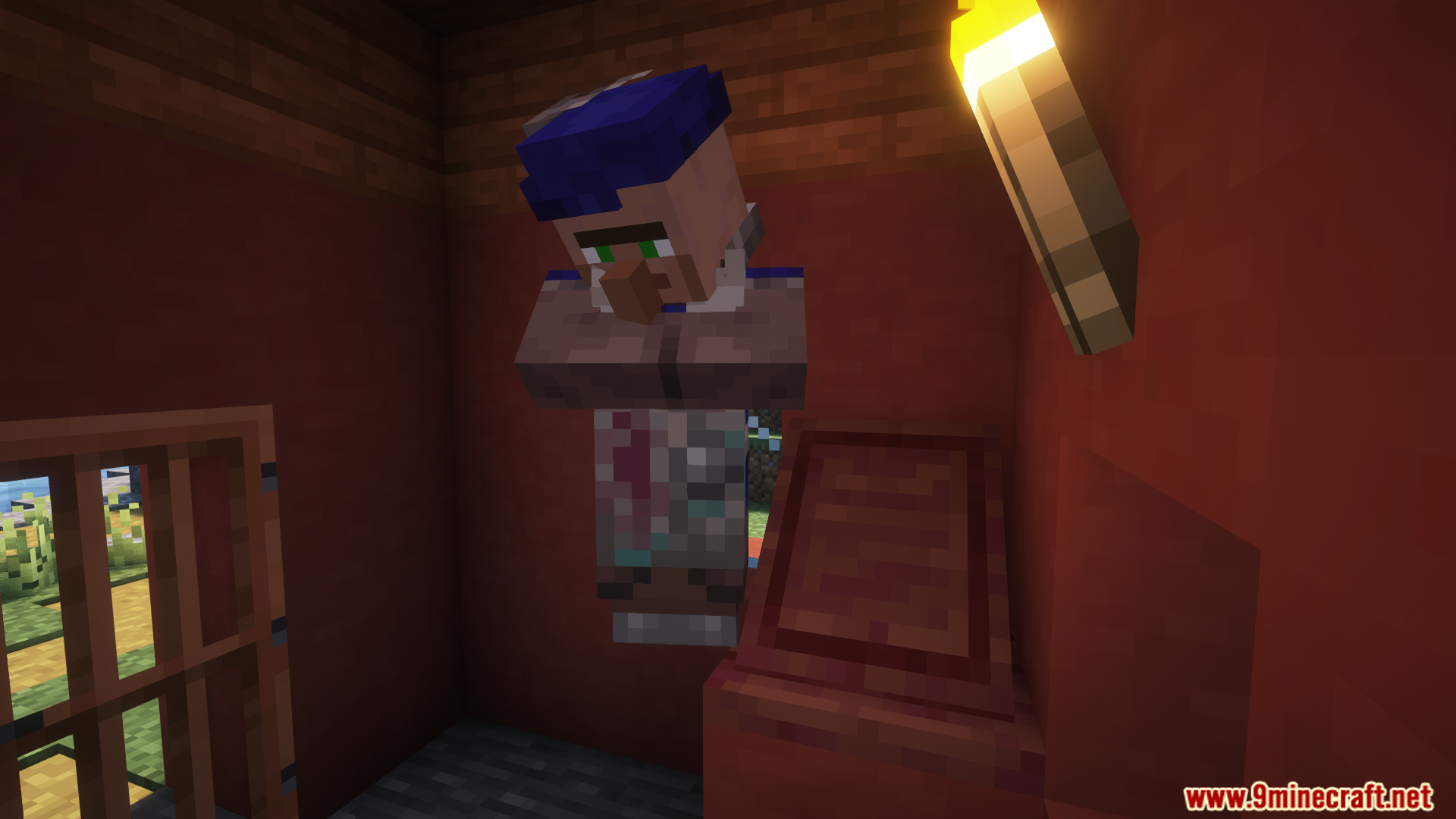
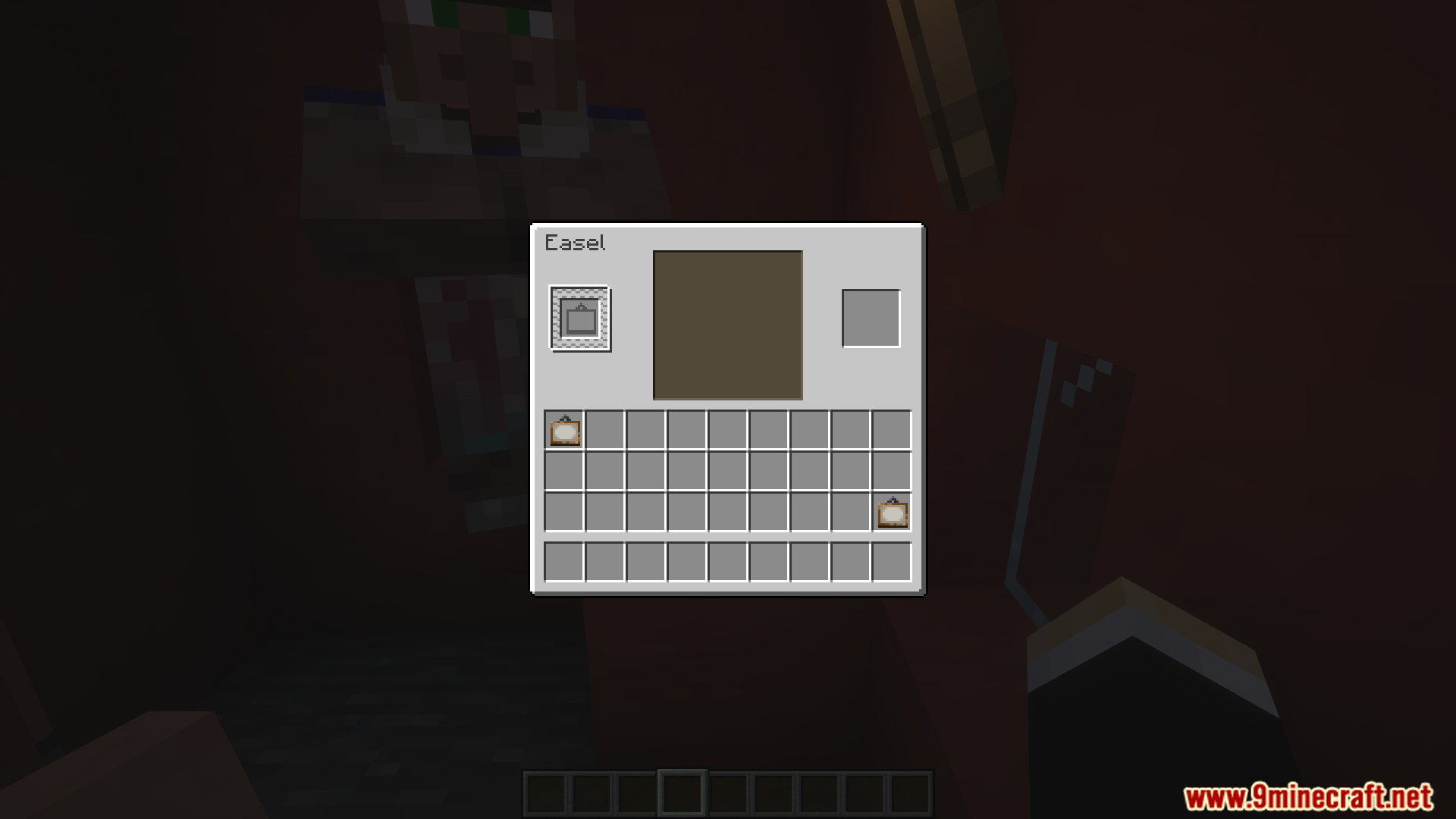
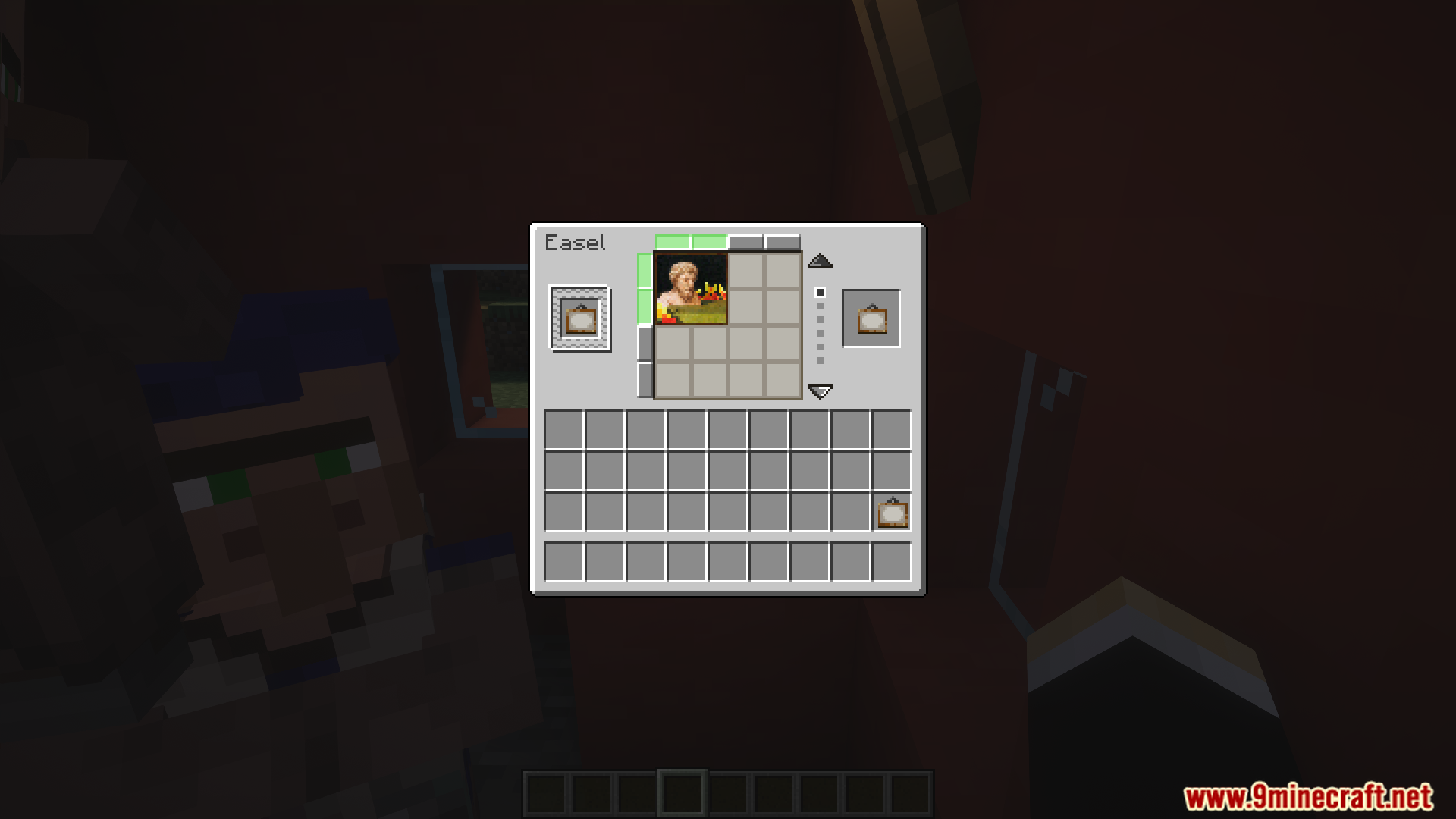
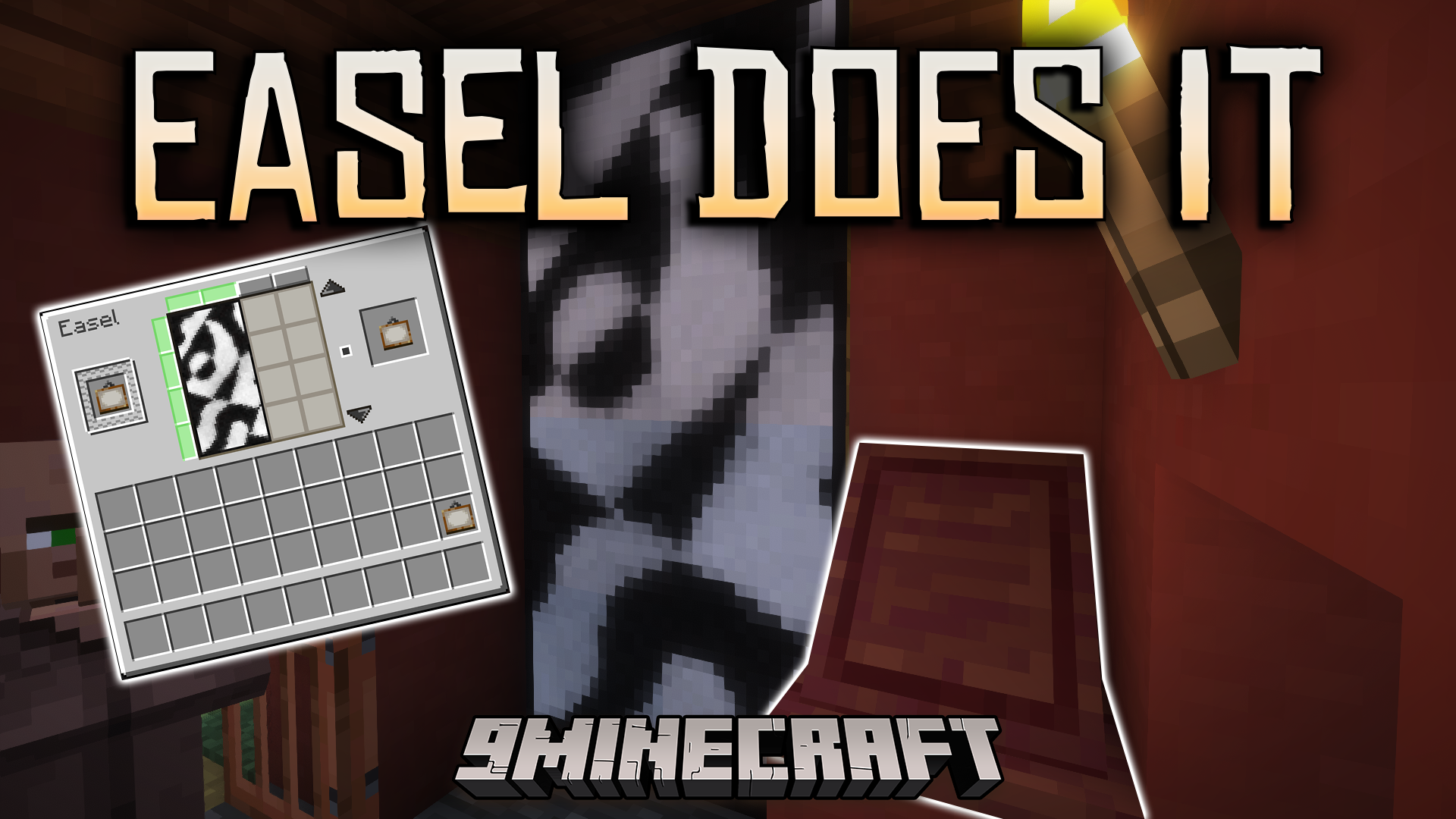
Easel Does It Mod makes decorating with paintings much easier. It adds a new block, the Easel, where you can pick the exact painting you want from a simple menu. This mod also introduces a new Artist villager who lives in special Artist Houses found in villages. There are even five new paintings to use for your builds.
Features:
- Adds a new block called the Easel, which lets you pick the exact painting you want to place from a menu.
- Introduces the Artist, a new villager profession that uses the Easel as its job site block.
- Trade with the Artist villager for dyed blocks, other items, and a special painting you can’t get anywhere else.
- Find new Artist Houses, with Easels and Artists inside, that now generate in all village types.
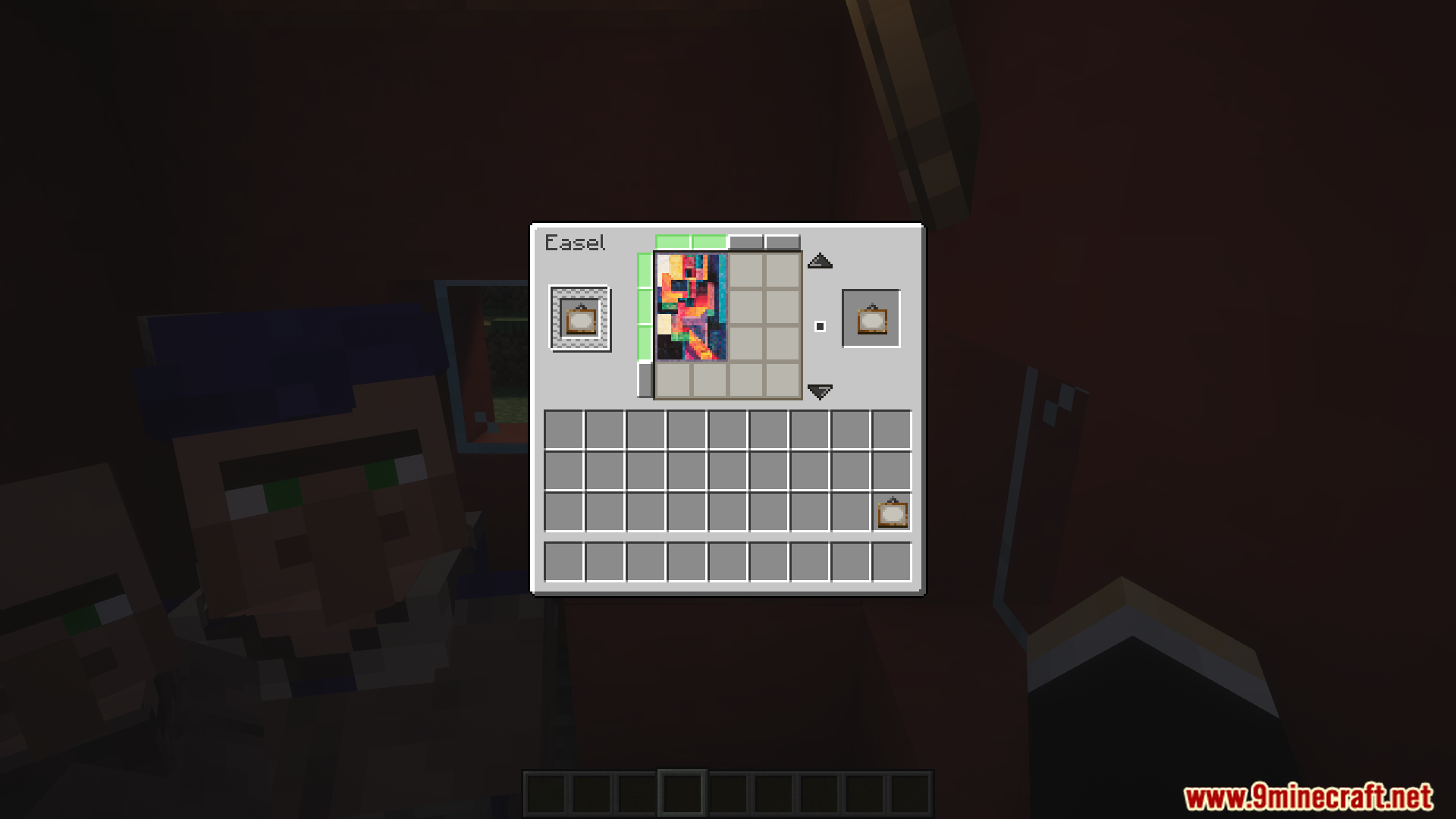
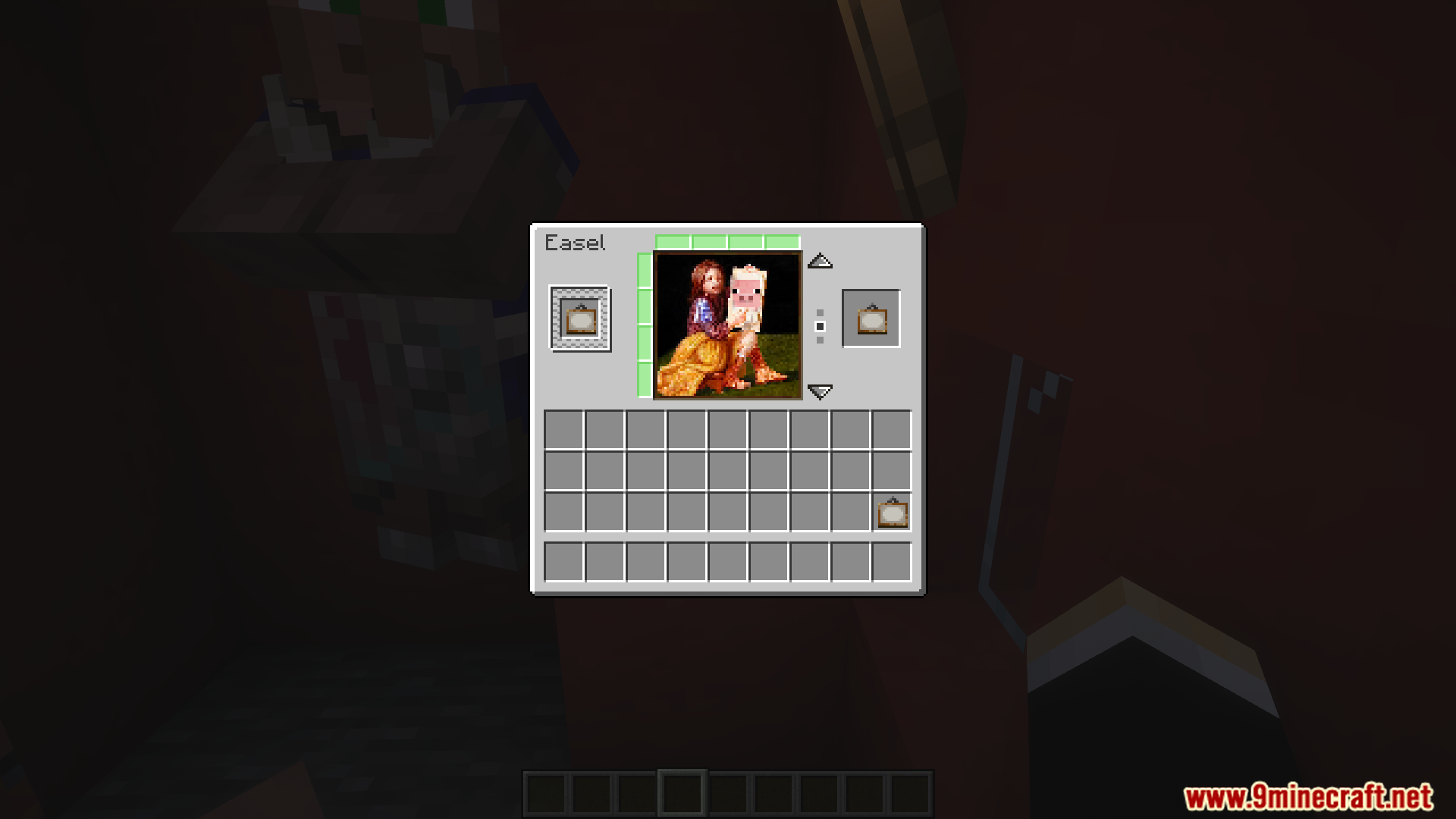
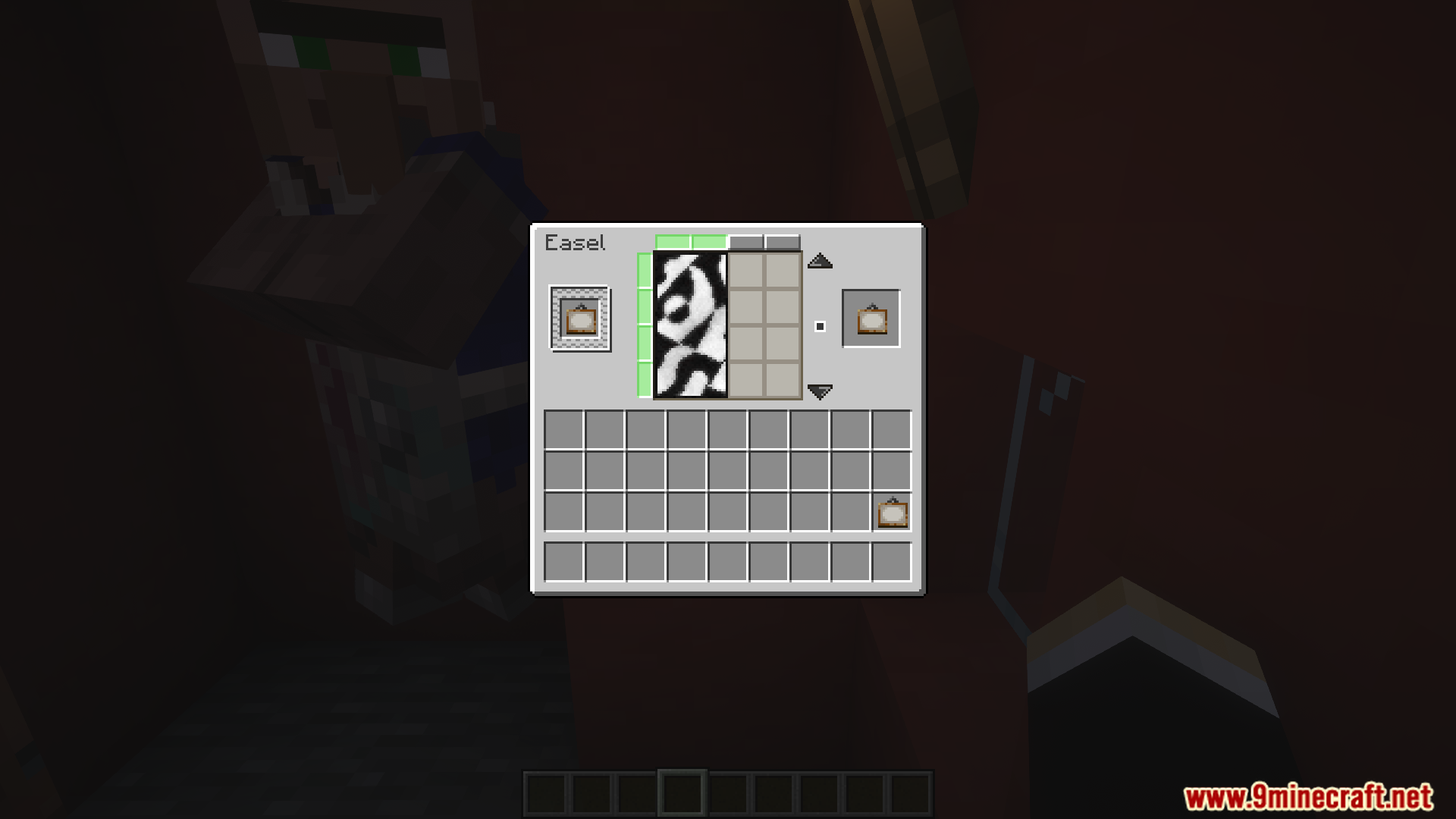
- Decorate your world with 5 new paintings added by the mod.
- Fixes a game issue that caused a desync between players when placing paintings in spaces that were too small.
How to Use:
- To place a painting on the Easel, simply right-click the block while holding a painting.
- A menu will appear, allowing you to select the painting design you want.
- To take the painting back, sneak and right-click the Easel with an empty hand.
Screenshots:
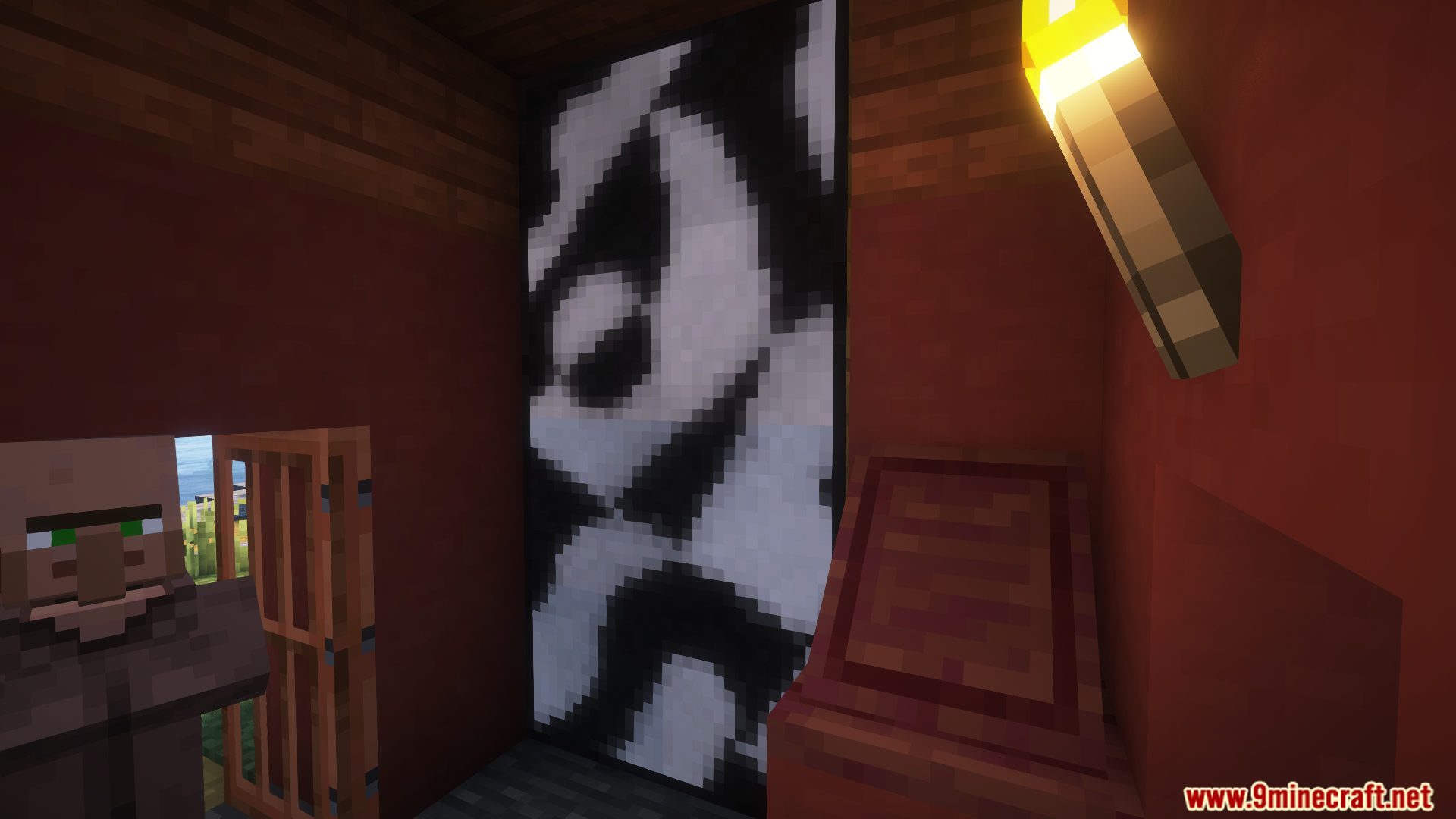
Easel Does It Mod Download Links
Quick facts
- Edition: Minecraft Java
- File type: .jar
- Minecraft versions listed: 1.21.1, 1.20.1
- How to install: Install the matching mod loader (Forge, Fabric or NeoForge) for your Minecraft version. → Download the .jar. → Put it in the .minecraft/mods folder and launch that loader profile.
- Where to get it: In MC Java Mods, or directly above on this page.
Install steps are the general flow for this file type — How to install Minecraft Java mods & modpacks walks through it step by step.
File checked by MCModsHub
- Downloads as 25733.mcaddon
- Download size: 205 KB
- Download link checked 25 Sept 2026 — working
- Mirrored on our own servers — the download does not depend on the original host
These come from our own check of the pack file, not from the source page.