Set Home Mod (26.2, 1.21.11) – Easy Home Teleportation
Java mod listed for Minecraft 1.21. Downloads from the MC Java Mods app on Android.
⬇ Download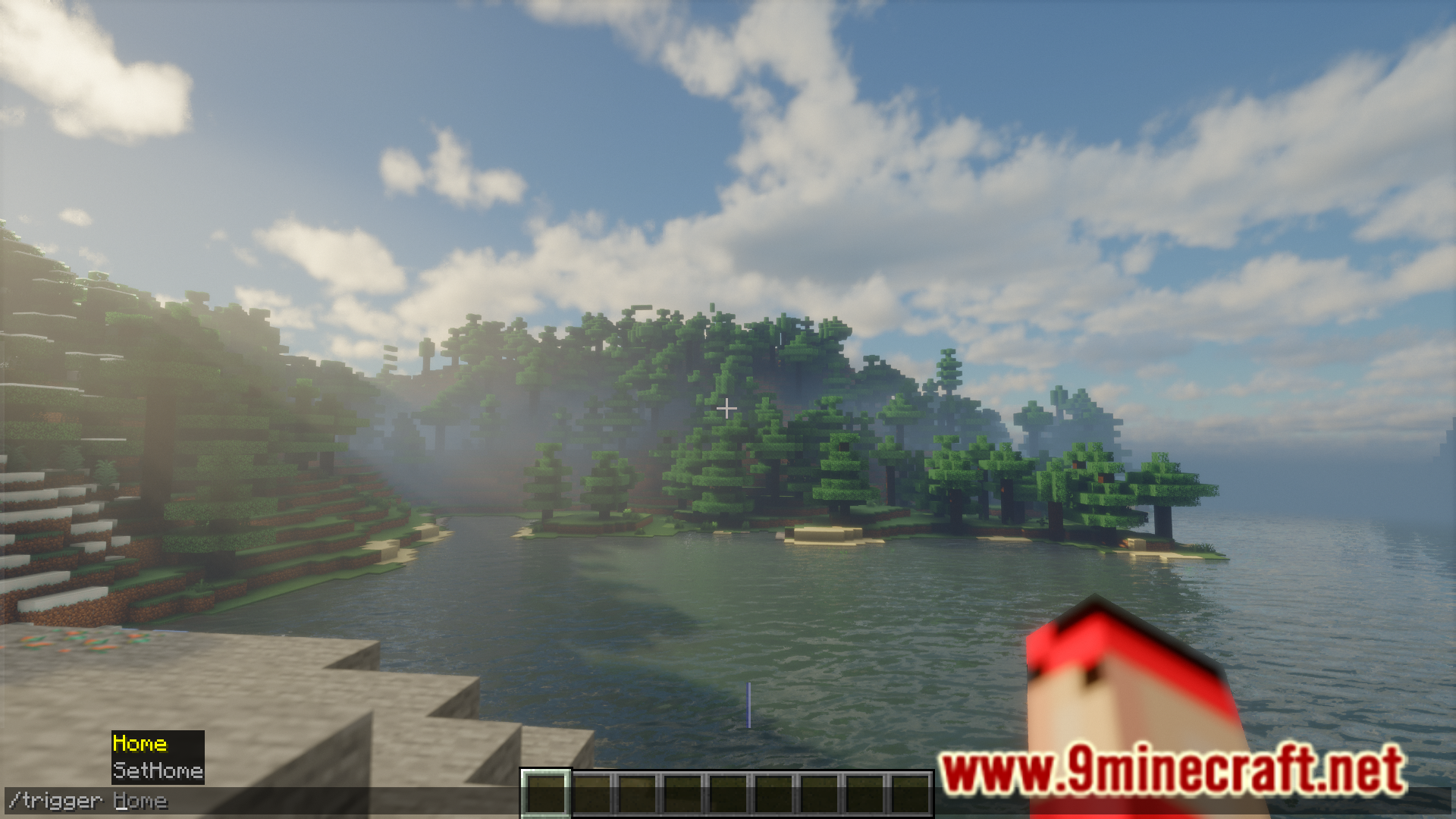
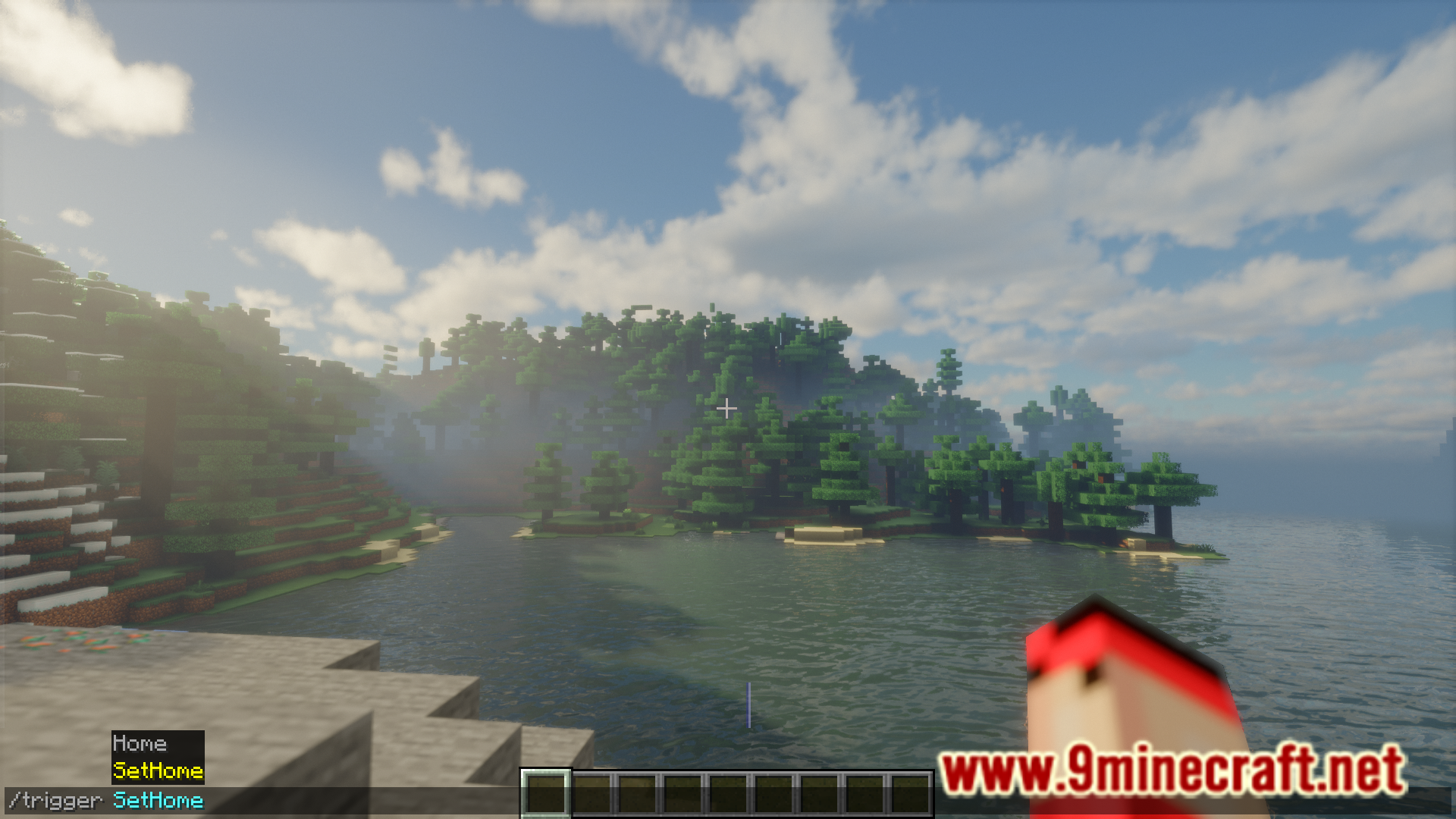
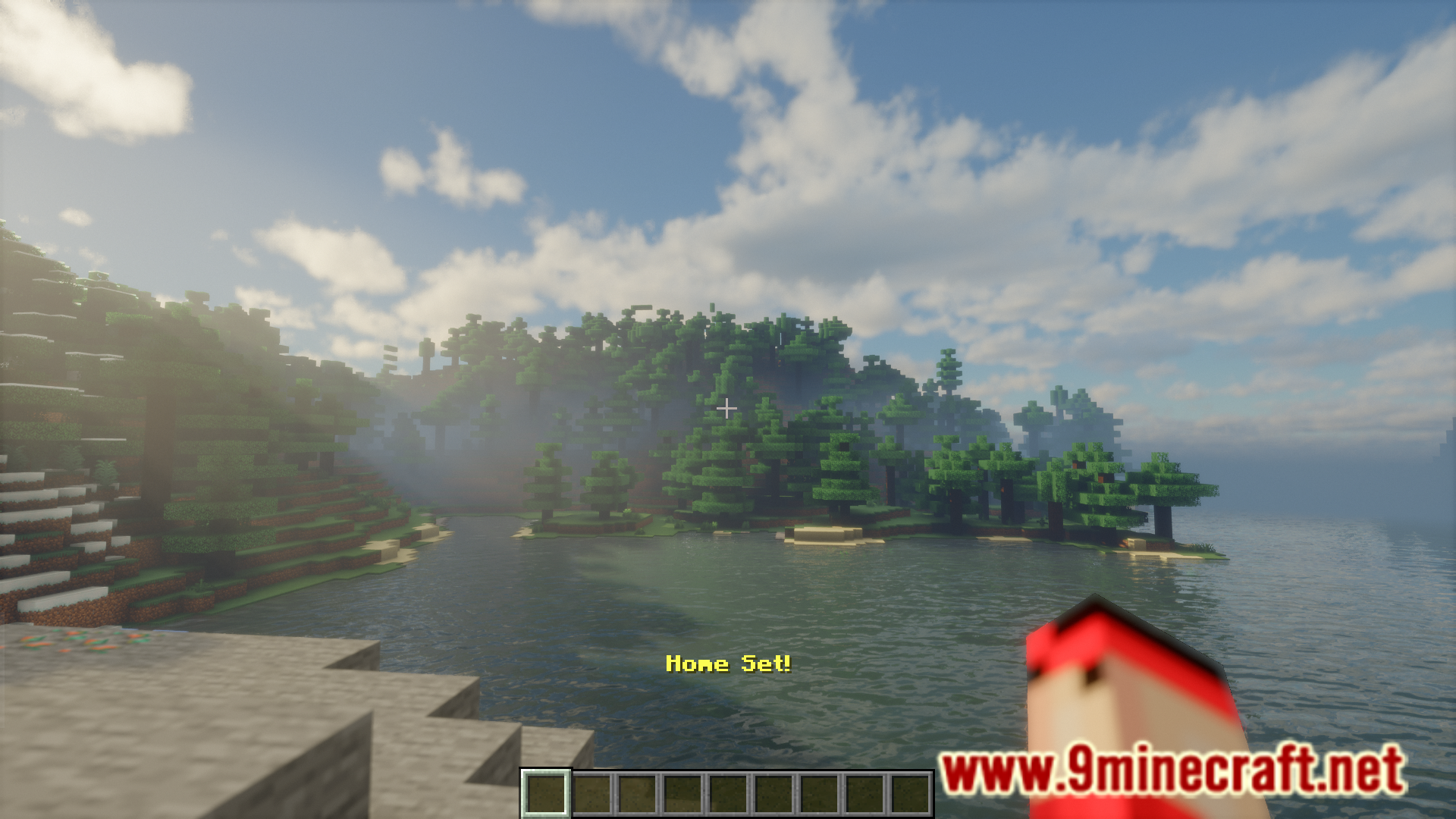
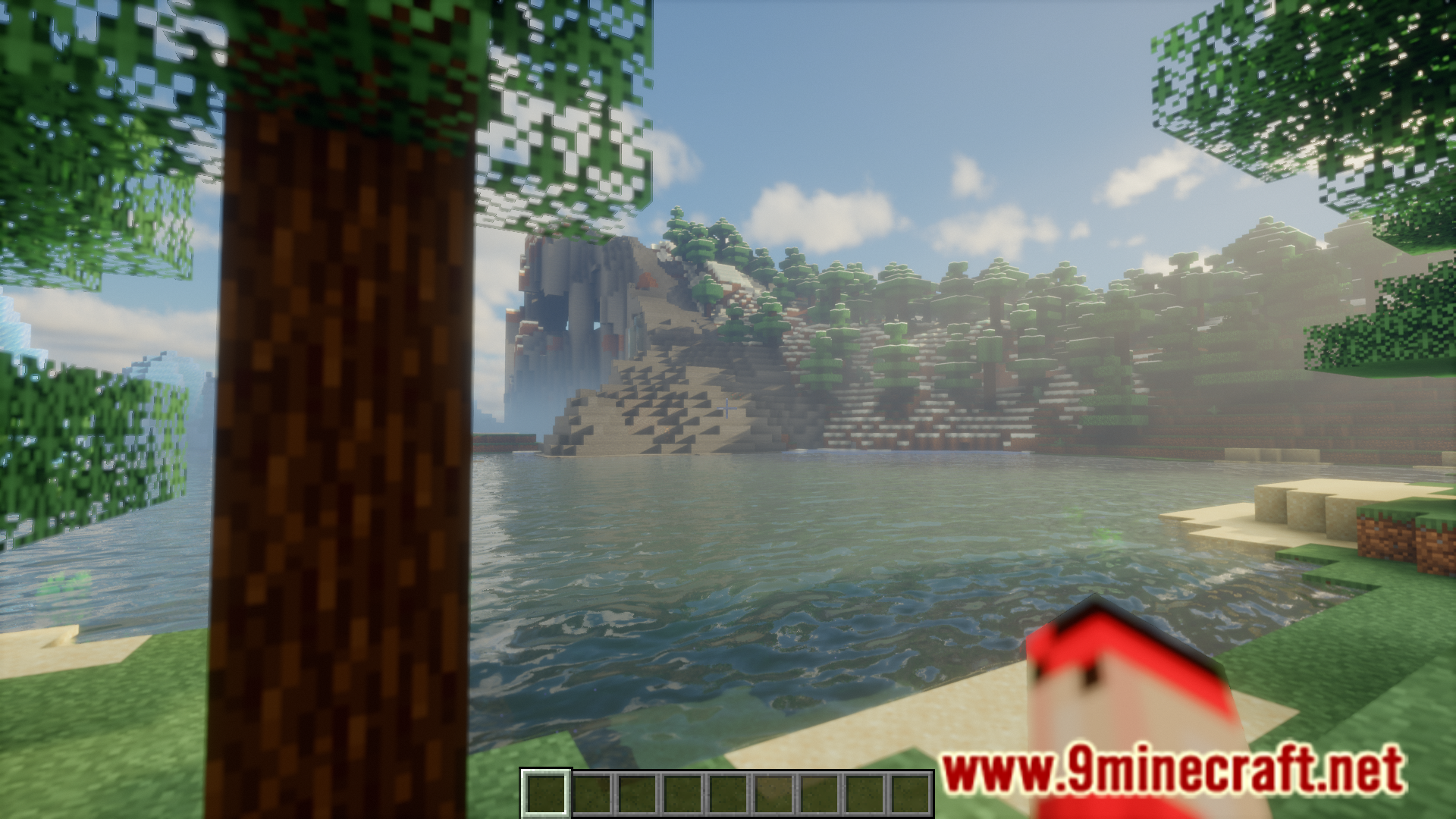
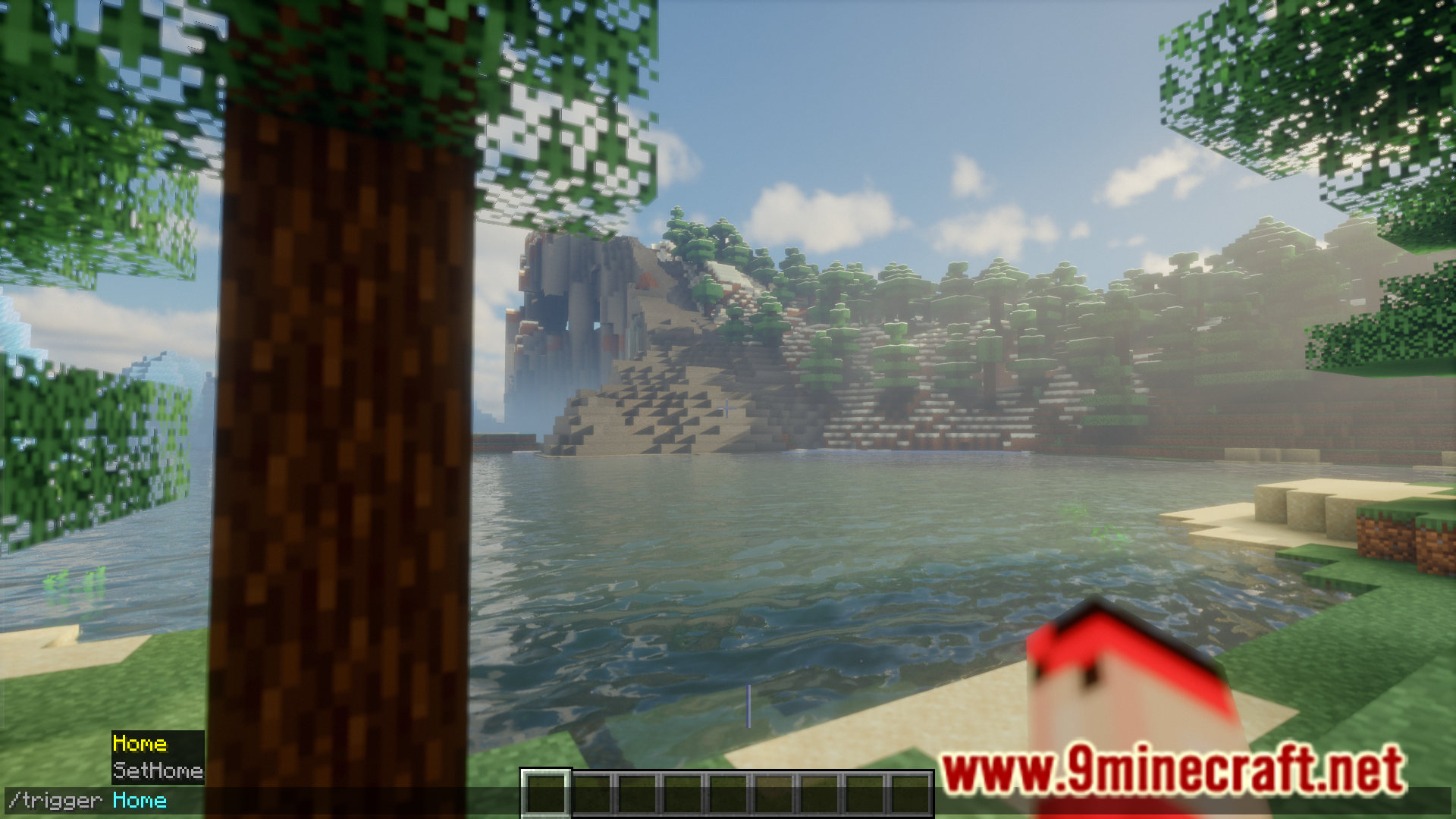
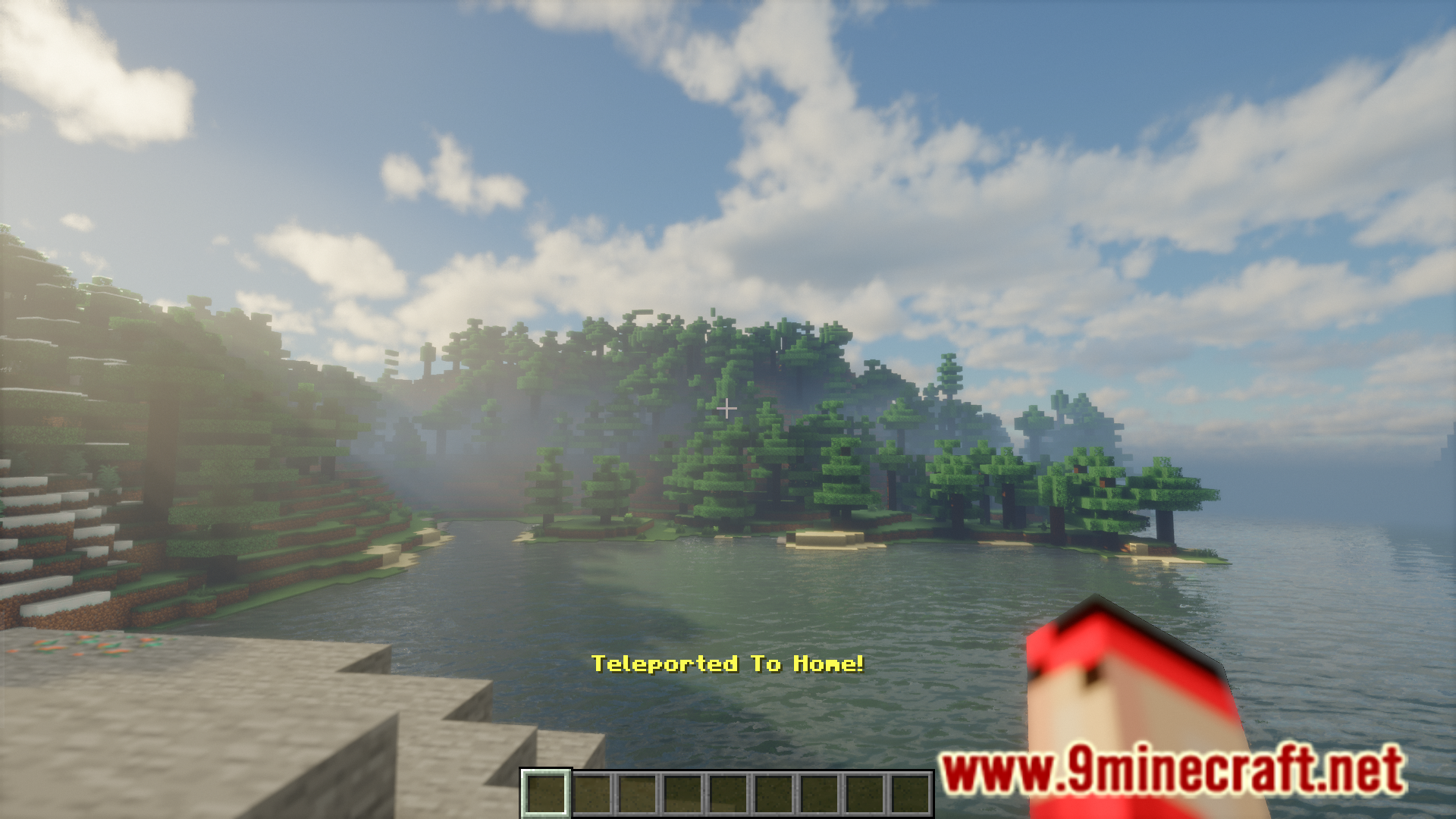
Minecraft is a game about exploration. Very often players travel thousands of blocks far into the overworld. The difficult task is to get back to your home base. Unless you are using the in-game coordinate system to track your location, getting back home can be a difficult task. Set Home Mod is here with the solution. This mod adds the /trigger SetHome command, that allows you to set your current player position as your home. Once this is set, you can travel far into the world and when you need to return home, simply execute the /trigger Home command.
Features:
- Allows you to teleport back home using commands.
- /trigger SetHome : Set the current player position as “home”.
- /trigger Home : Teleport back to the “home” location.
Screenshots:
Set Home Mod Download Links
- Edition: Minecraft Java
- File type: .jar
- Minecraft version listed: 1.21.11
- How to install: Install the matching mod loader (Forge, Fabric or NeoForge) for your Minecraft version. → Download the .jar. → Put it in the .minecraft/mods folder and launch that loader profile.
- Where to get it: In MC Java Mods, or directly above on this page.
Install steps are the general flow for this file type — How to install Minecraft Java mods & modpacks walks through it step by step.
- Downloads as 25740.mcaddon
- Download size: 27 KB
- Download link checked 24 Sept 2026 — working
- Mirrored on our own servers — the download does not depend on the original host
These come from our own check of the pack file, not from the source page.